Picsart AI is an AI image generator that helps create fast social and design visuals, but users may still face inconsistent outputs, prompt limits, and extra editing work after generation. Pollo AI bridges these gaps with multi-model AI image generation, specialized image generators, and prompt-based AI editing for more consistent, commercial-ready results. Try Pollo AI Image Generator For Free Now!
Text to Image
Image to Image
POLLO AI INFLUENCER
Create your own influencer. Then jump into any trend with Recast.
Kling 4.0
Up to 10 keyframes. Unlimited for 10 days with Ultra.
Pollo Recast
Recreate viral videos. Remix new versions.
Pollo Recast Challenge
One upload in. Your viral video out. Unlimited rewards await.
Pollo Agent x DeepSeek V4.1 FLASH
Faster completion at a much lower cost.
Pollo Agent x Gemini 4 Argon
Smarter reasoning. All through Pollo Agent.
WIN iPHONE DUO
Capture a city in one minute. Join the challenge now.
Pollo MCP
End-to-end content creation. Up to 4 Videos/ 20 Images for FREE.
Key Features of PicsArt AI
Multiple AI Image Models: Access several top AI image models like Seedream, Flux, Imagen, etc.
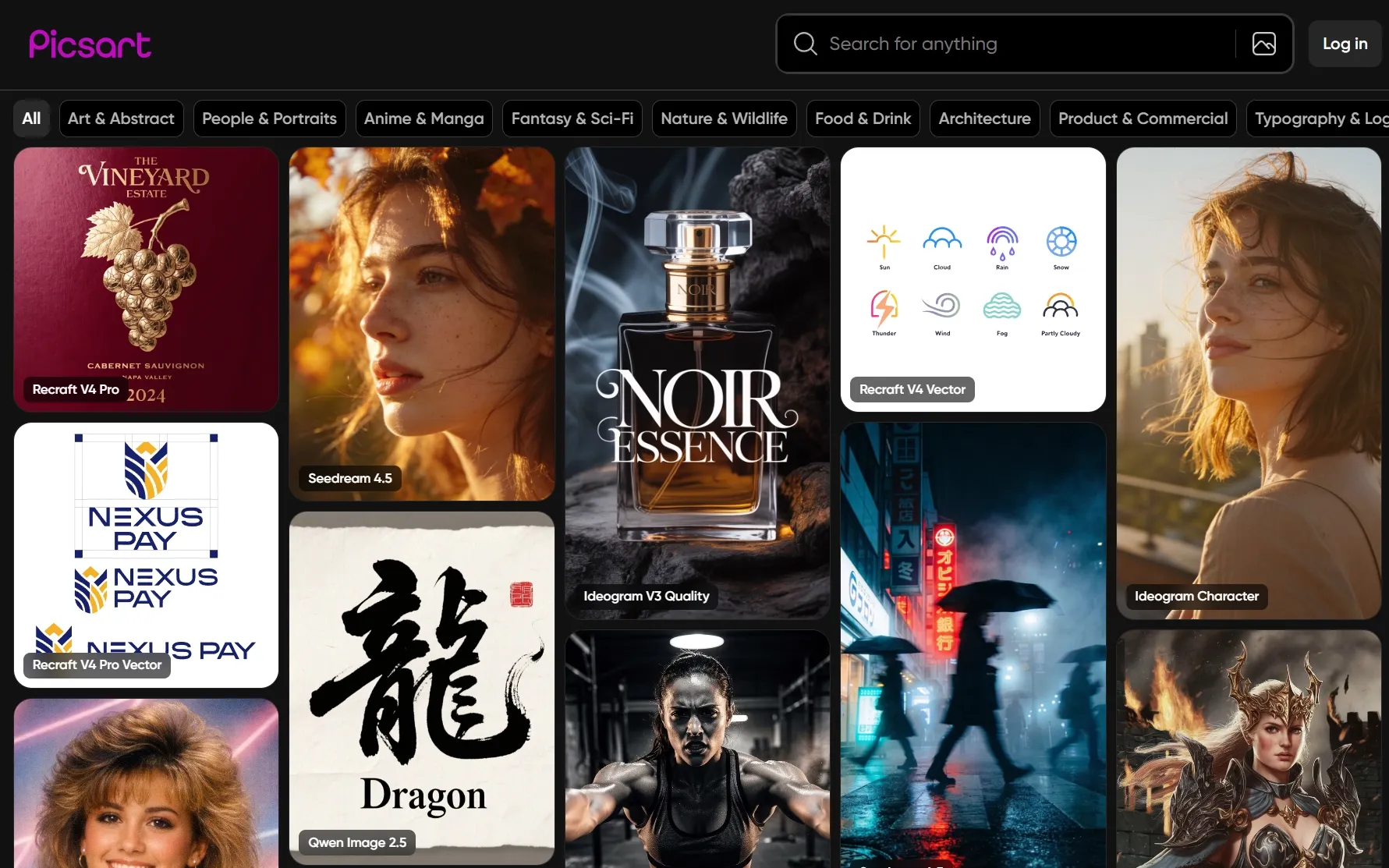
Dozens of AI Art Styles: Explore and create stunning images across 50+ diverse art styles
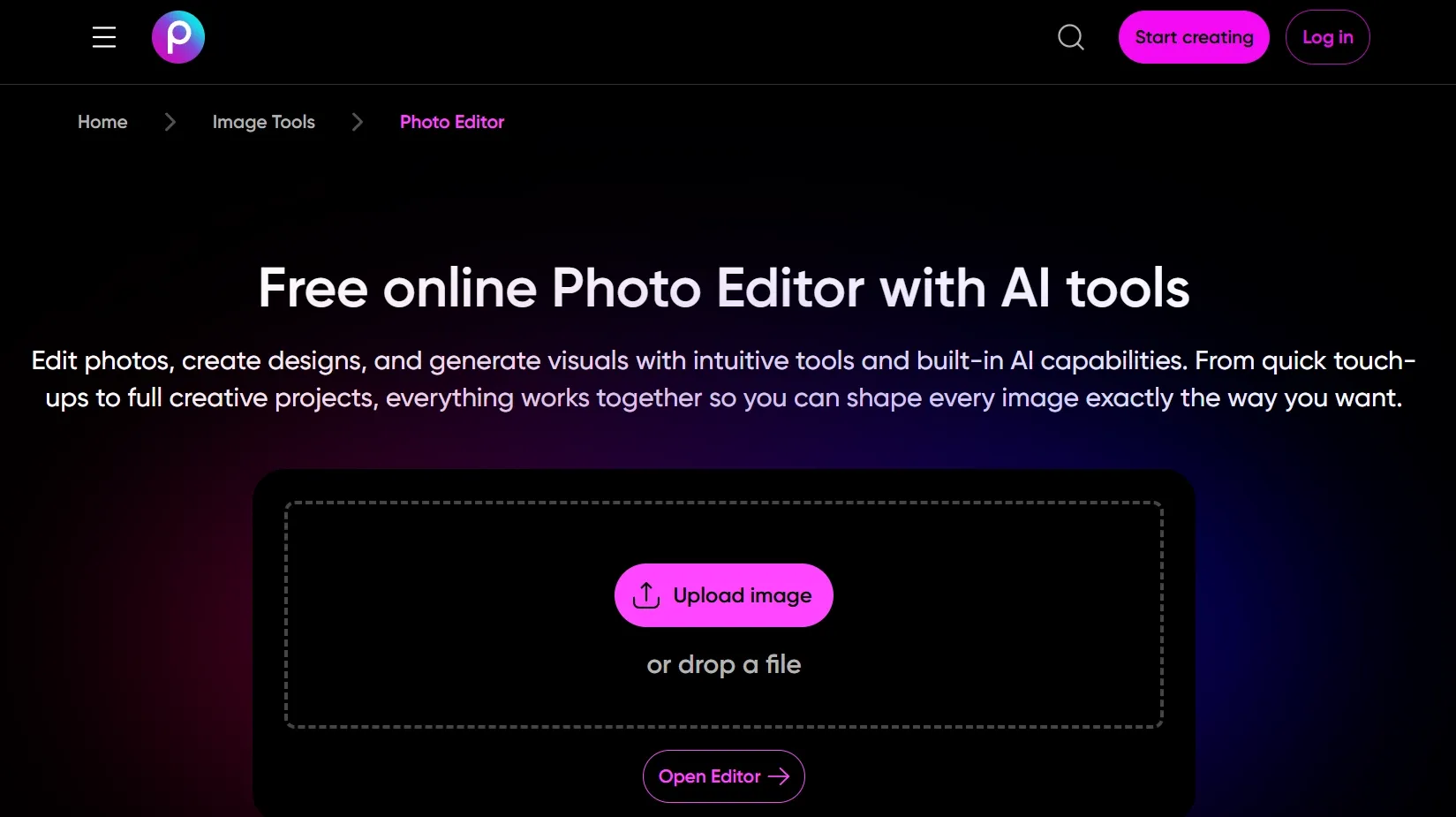
Instant AI Photo Editing: Modify and refine images with professional-grade results in one click
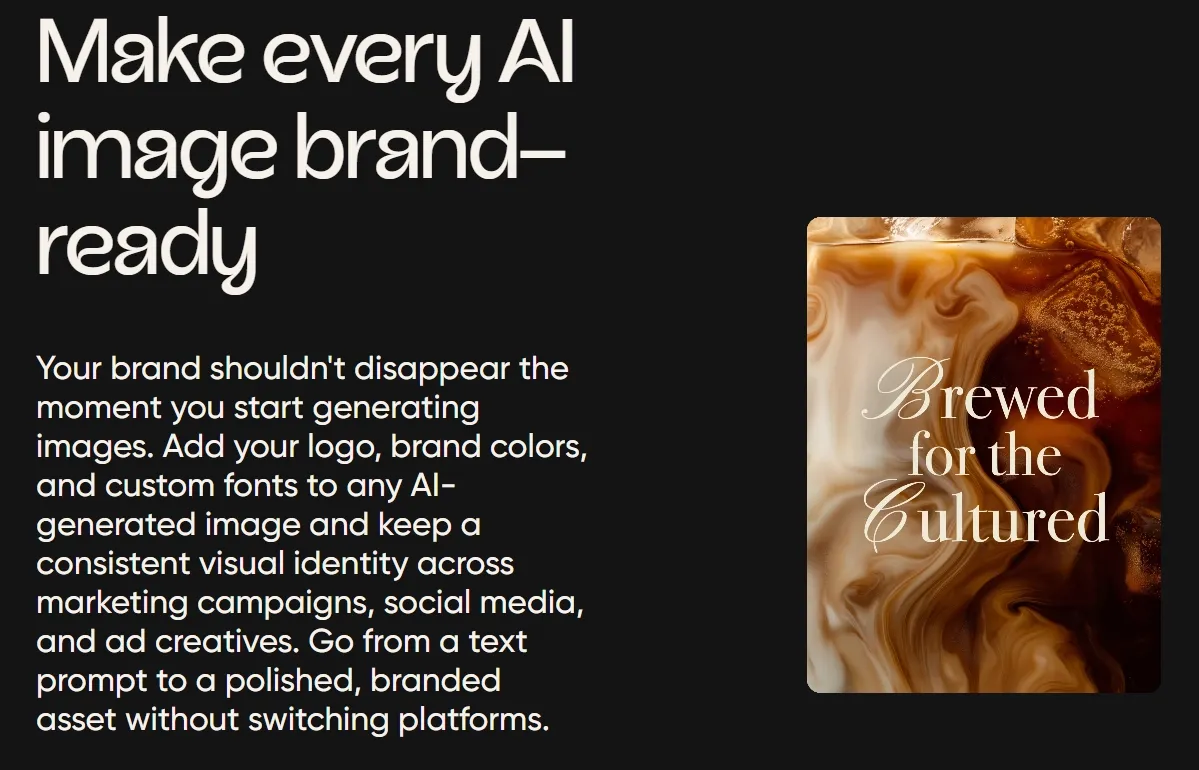
Personalized Brand Imagery: Customize existing product visuals with brand text, colors, styles, etc.
Multiple AI Image Models
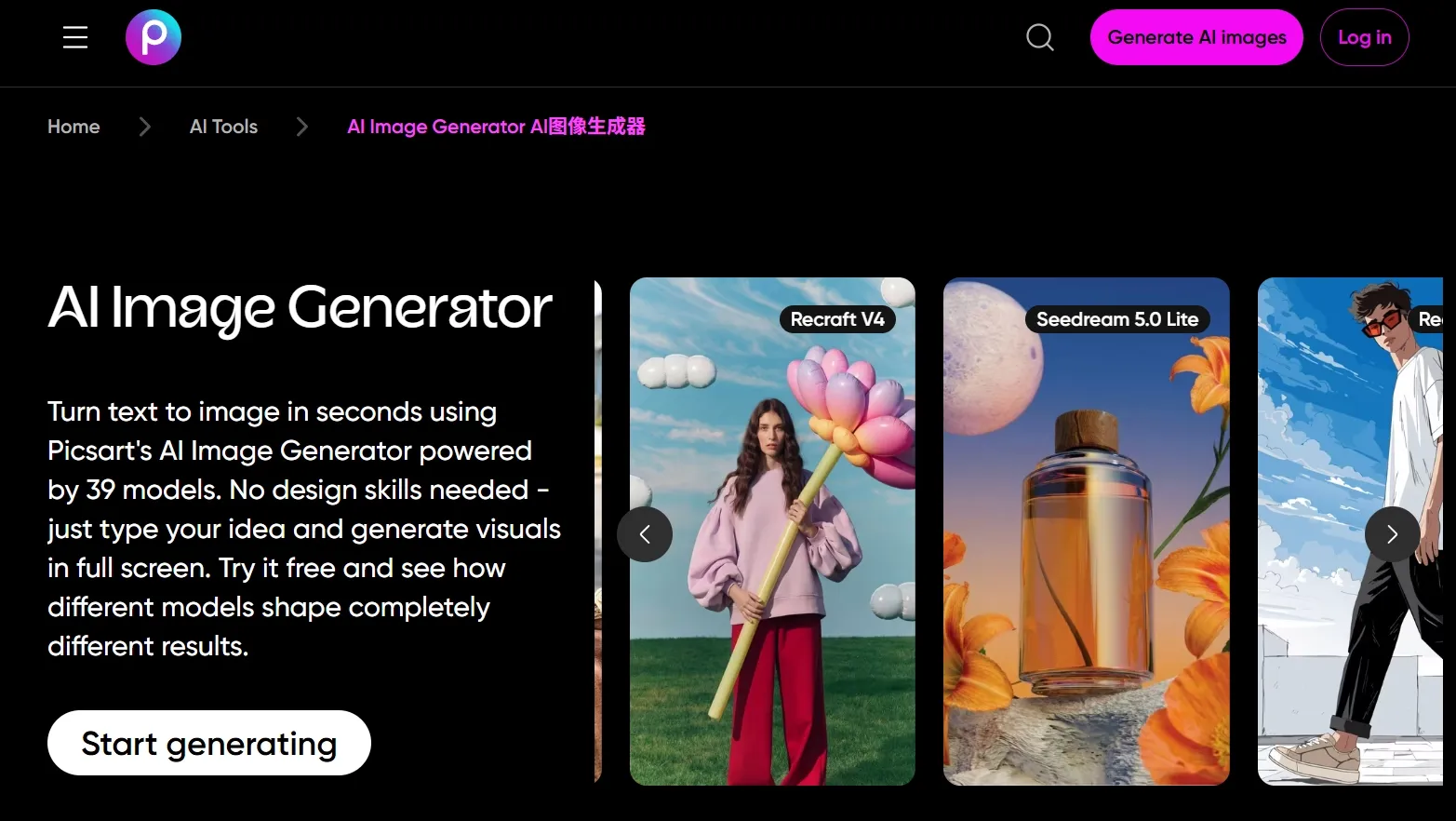
Picsart AI comes integrated with several industry-leading AI image generation models, making it a seamless process to switch for varied outputs. Users can choose between AI models such as Seedream, Nano Banana, and Dall-E, each of which excels in certain areas like speed, visual detail, creativity, etc.
Dozens of AI Art Styles
With over 50+ art styles to choose from, Picsart AI users can produce incredibly unique compositions that even take inspiration from famous artists. In this respect, some of the available presets include Picasso, Andy Warhol, Jackson Pollock, Monet, Baroque, surrealism, steampunk, cyberpunk, pop art, and more.
Instant AI Photo Editing
Even with no technical skills, users can effortlessly modify and refine their images on Picsart AI in just a few clicks with no manual editing required. Whether it’s to enhance detail, color correct, remove backgrounds, replace objects, add effects, etc, the AI can automatically make those adjustments and produce professional-grade results.
Personalized Brand Imagery
With Picsart AI, users can tailor any imagery for brand marketing by applying custom text and setting consistent color schemes across product photos, social posts, visual ads, etc. This does well to accommodate advertisers, marketers, and businesses looking for a simple and efficient way to scale their visual output.
Social media creators: Create post images, thumbnails, stories, and profile visuals quickly.
E-commerce sellers: Generate product scenes, campaign images, store graphics, and ad visuals.
Marketers: Produce more image variations for ads, landing pages, and seasonal promotions.
Designers: Explore moodboards, poster concepts, visual directions, and branded compositions.
Small businesses: Make professional-looking graphics without a full design team.
Artists and hobby creators: Generate portraits, fantasy art, anime visuals, and digital illustrations.
What Do Real Users Say About PixAI?
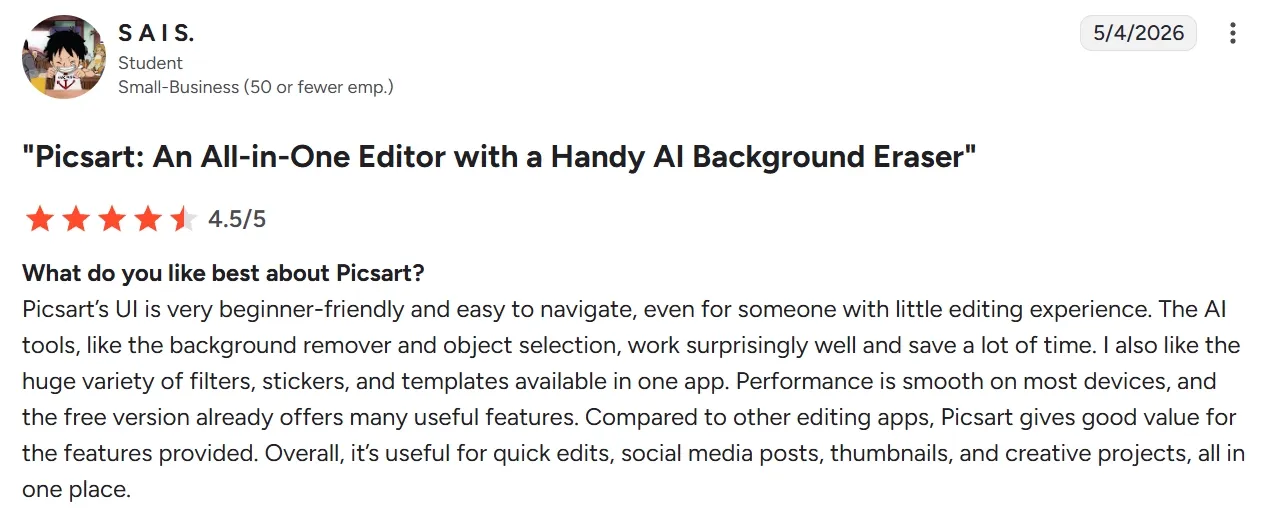
Picsart AI receives broadly positive marks for accessibility, quick editing, and beginner-friendly creative workflows. On G2, one reviewer described Picsart as "beginner-friendly and easy to navigate," while another praised its all-in-one toolkit for combining photo editing, design, and AI features in a user-friendly interface.
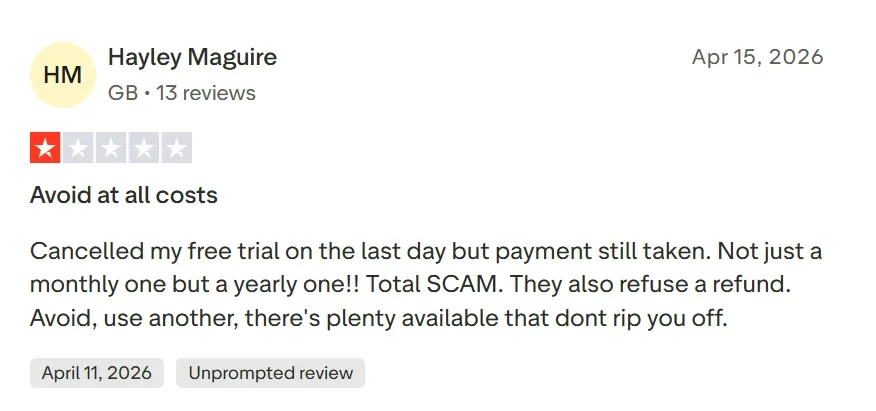
Negative reviewers most often flag subscription confusion, pricing frustration, prompt restrictions, and inconsistent support experiences.
One recent Trustpilot complaint says some prompts are rejected, while other users point to trial billing and refund frustration. These comments suggest that the main pain points are not only image quality, but also workflow control, model flexibility, and pricing transparency.
Pollo AI addresses these exact friction points by giving creators a broader workspace for visual production. Unlike a single-tool image generator or a credit-heavy editing flow, Pollo AI combinestext to image ,image to image, AI photo editing in one connected workflow.
This multi-model ecosystem also strengthens prompt adherence. Creators can switch between GPT Image 2 for precise and text-heavy compositions, Nano Banana 2 for polished realism, and Seedream 5.0 Lite for fast image generation, matching the model to the task instead of regenerating blindly.
Beyond image generation, Pollo AI includes a larger suite of image tools and creative effects. Users can refine results with editing tools, enhance output quality, remove distractions, and explore AI photo effects without relying on secondary software.
By combining precise image generation, model choice, editing tools, and creative effects, Pollo AI reduces the frustration of paywalled adjustments and inconsistent outputs. The result is a smoother end-to-end image creation experience for creators, marketers, and brands.
I’ve been using Pollo AI mainly for short videos and quick image-to-video tests. The interface is straightforward and it works well even with simple prompts, which is a big plus compared to tools that need long, complicated instructions. The results can be really impressive, and it’s honestly been fun to experiment with. I’d love a bit more consistency on faces when there’s movement, but overall it’s been a solid experience for what I needed.
Awesome website. loads of options and a great way to learn how to work with 'AI' my reasoning for 5 stars is based upon price, versatility and ease of use. Also I would like to add, Pollo AI runs a lot of promos on different AI products as well. I rate their customer service at 5 stars, when I purchased my first subscription my computer crashed the following weekend and I lost all my data and info passwords you name it I lost it, contacted pollo by email they responded quickly and found my info/username and account, and I was able to restore my account.
I have been using Pollo AI for short videos. It is easy to use and works well with simple prompts. Other generators seem to need long drawn out complicated explanations to get even close to what I want.
i tried 220 online img to vid in 2 months, and this is the best online video.I will subscribe for a year; there are many reasons. But freedom is the most important.
Picsart AI is an AI image generator that can instantly transform text prompts into distinct image creations across a wide range of styles for imaginative art design. This makes it a powerful solution for any user looking to overcome a creative block or lack of inspiration with high-quality image renders.
What makes Picsart AI special?
Picsart AI presents an incredibly rich library of art style presets that make creative image generation feel simple and accessible to all users. It is also designed to produce variety from one simple prompt, which lets you experiment with several concepts quickly and efficiently.
What type of images can I create with Picsart AI?
Picsart AI is a versatile tool that can generate a wide range of images for various purposes, like product photos, character art, cinematic stills, website graphics, comic illustrations, model shots, and much more. This opens up creative possibilities for artists, brands, marketers, writers, etc.
Does Picsart AI generate batch images?
Yes. When you generate images with Picsart AI, it automatically creates up to 4 different variations per prompt. This provides you with multiple options to use across various platforms or to choose from, each one different across aspects like character pose, background, setting, etc.
Can I resize images for different platforms with Picsart AI?
Absolutely. Before you generate an image, you can set your desired aspect ratio just under the text prompt box. You can choose between different sizes like 1:1, 3:4, 4:3, 16:9, 9:6, and 3:1, allowing you to match the desired format requirements for any social platform.
Generate Consistent, Commercial-Ready Images with Pollo AI
Stop wasting credits on generic or inconsistent image outputs and start generating polished, commercial-ready visuals with Pollo AI today!









 Liz Cassidy


