



PicsArt AI Honest Review: Is It Worth Using or Not?
PicsArt is widely renowned for its photo editing capabilities. But, when I found out it also has an AI image generator, I just had to check it out! So I decided to run a few tests to see how it works.
If you want the short version of my personal experience with it, then I’d say with PicsArt, it’s all about user simplicity.
It has no complex controls or functionalities that would make it hard for a first-time user to adapt to. Even its editing options are easy to navigate through.
This made image creation a breeze, even via mobile. It also does well at rendering imaginative image concepts, but the quality of its results is relatively decent.
It also has inconsistencies with prompt adherence. But I’ll dive into all this in further detail later. For now, let me start by breaking down what PicsArt’s AI image generator can do.
What Does PicsArt AI Have To Offer?
PicsArt is an advanced AI image generator that can create high-resolution images with impeccable detail and texture using simple prompts across various art styles.
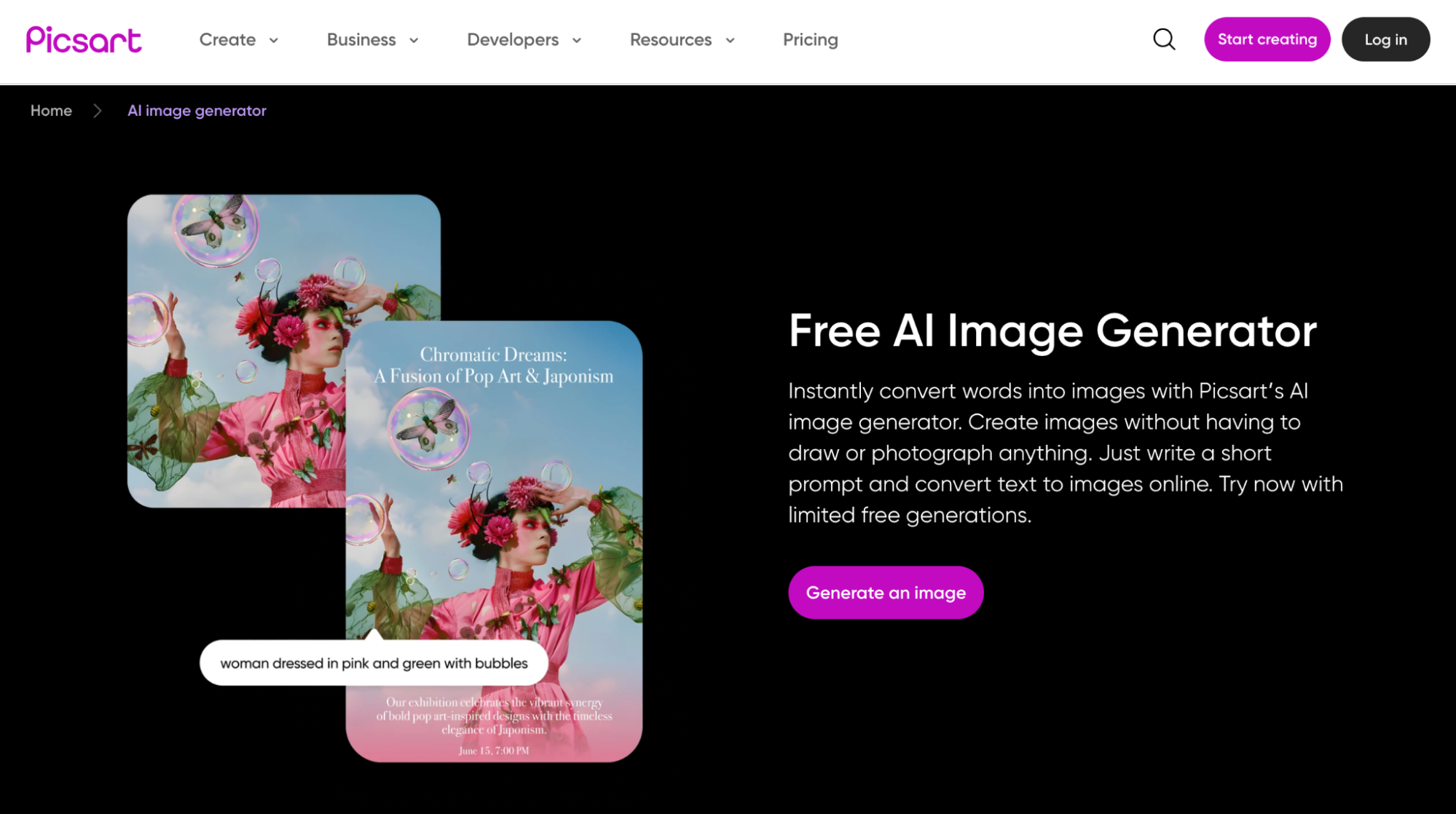
Some of my favorites that the tool supports include noir, concept art, ink illustration, pop art, futurism, fantasy, anime, manga, watercolor, etc.
The platform also comes with a user-friendly and intuitive interface that caters well to beginners, hobbyists, and even professionals.
I particularly like how it lets users add certain keywords to their prompts, depending on various aspects like quality, styles, colors, mood, art of, etc.
This makes the image ideation far easier to handle and it helps ensure users with little experience can best describe what they want generated with greater accuracy.
On top of that, I could freely choose between different AI image models such as Flux, Ideogram, Recraft, and Dall-E. This gives me more flexibility when generating images.
The AI image generator even does well to produce multiple image variations, which gives users more diverse renders to choose from.
In addition, PicsArt caters well to image customization. It lets me modify and fine-tune any generated outputs by altering aspects like opacity, effects, borders, shadow, etc.
Besides that, I was also pleased to see that PicsArt’s AI image generator can be accessed on any device, be it desktop, mobile, or tablet.
Now that you have all the key information about this tool, let me get into the nitty-gritty of its capabilities. What kind of images can I create with it? Let’s find out!
How Was My Personal Experience Using PicsArt AI?
Now, this was the fun part! I conducted my own test of PicsArt AI’s image generation capabilities to see what sort of outputs this tool could produce.
For my first test, I wanted to create a photorealistic image, so this was the prompt I used:
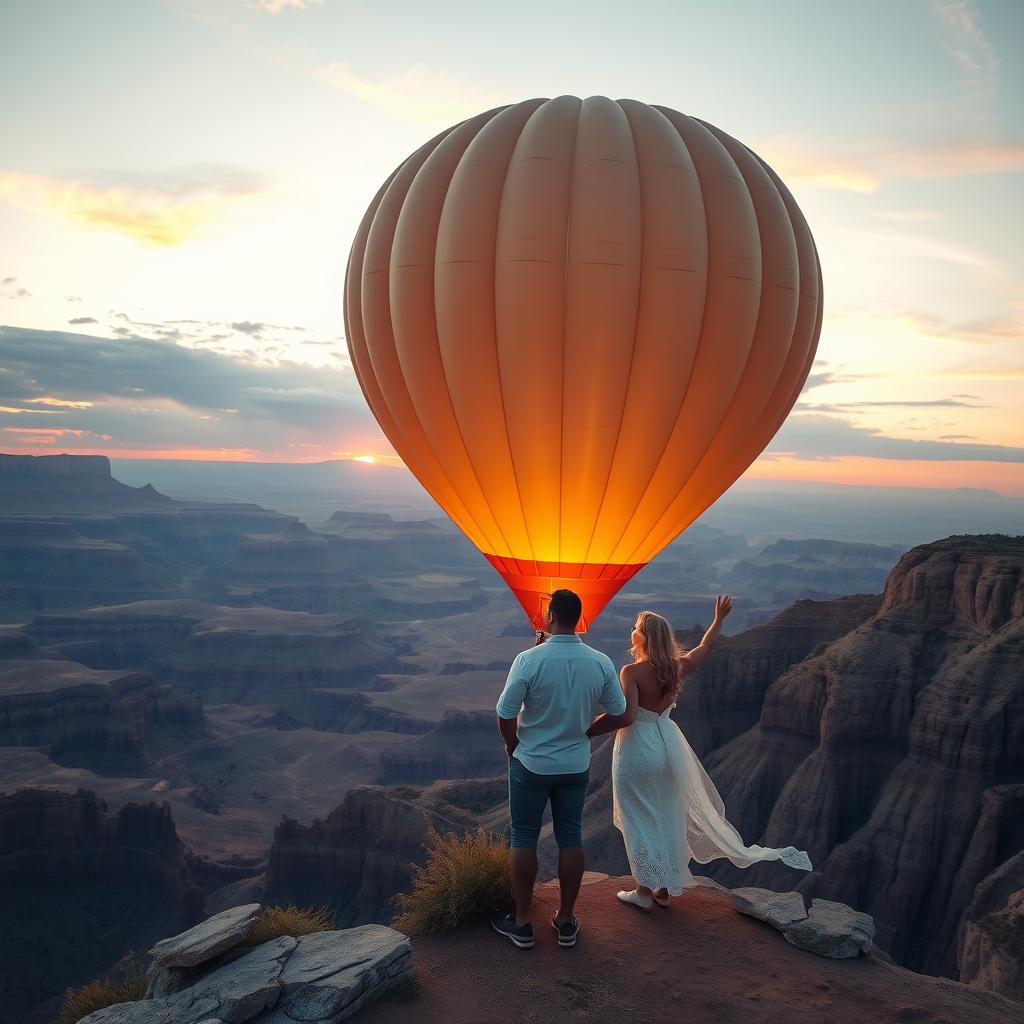
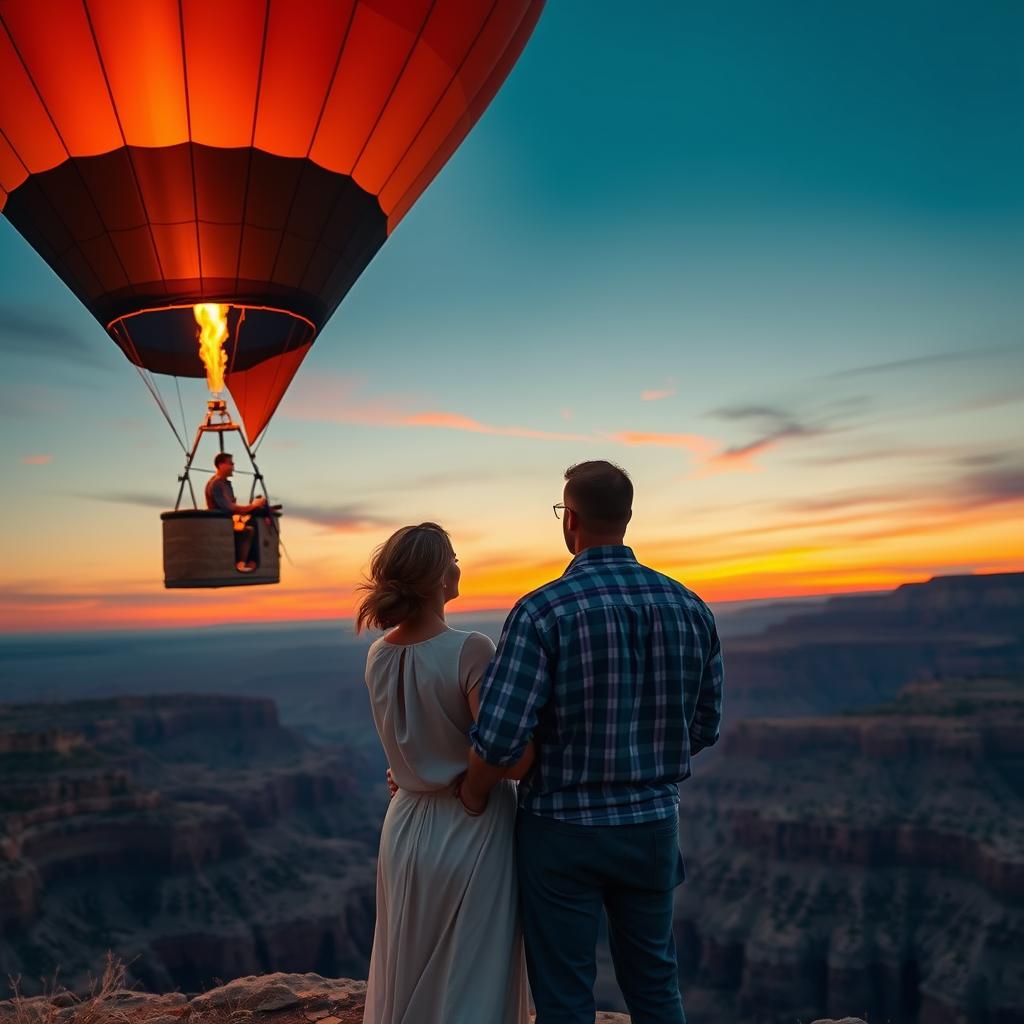
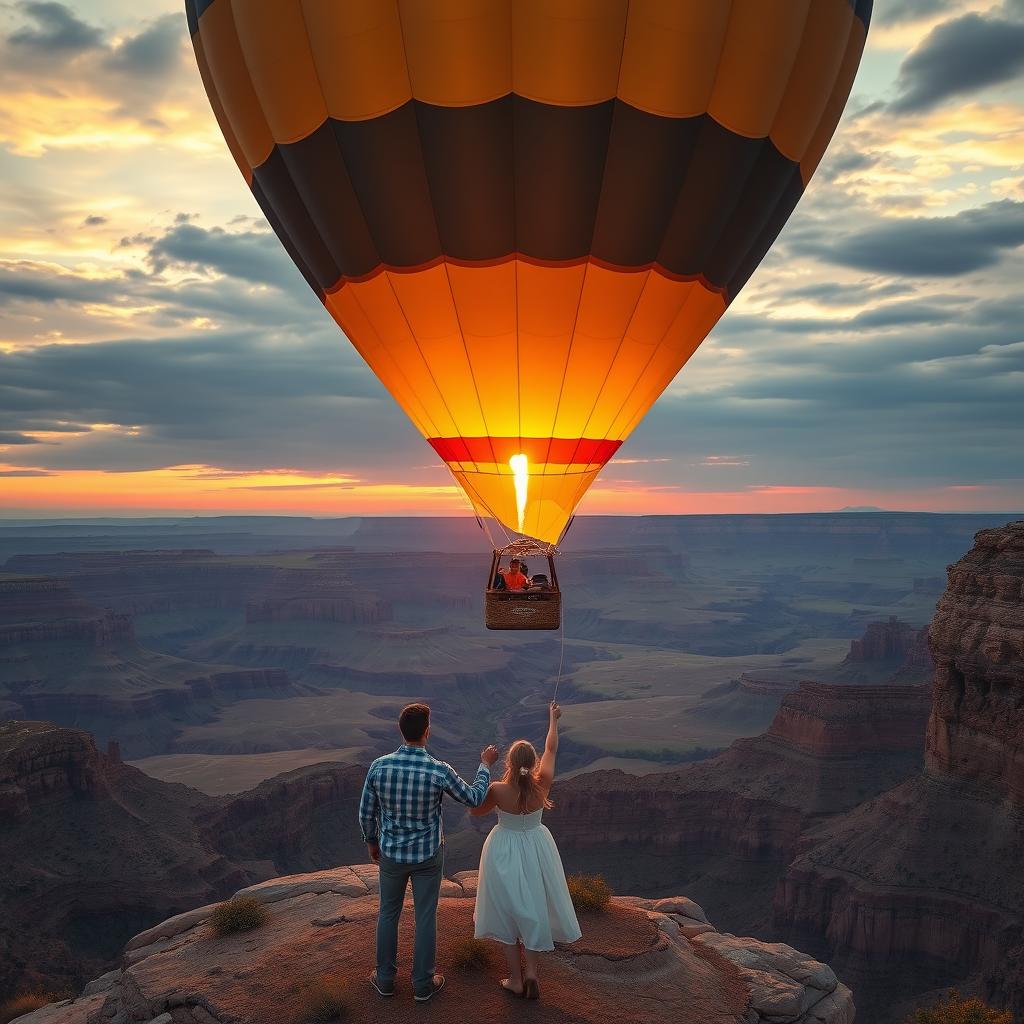
[a photorealistic image of a man and woman celebrating their honeymoon with a hot air balloon adventure overlooking a vast canyon during a beautiful sunset]
You can see the different images the tool generated below.
 |
 |
 |
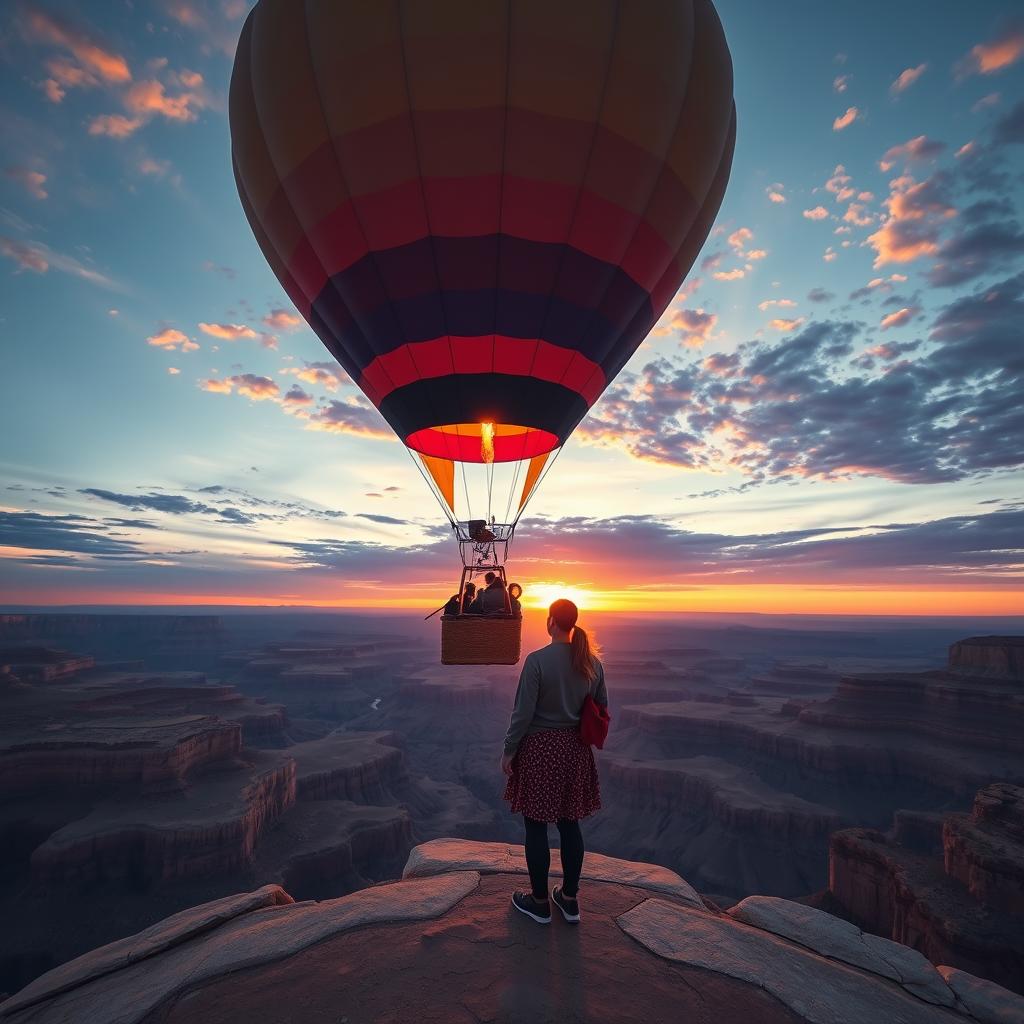 |
As you can see, PicsArt AI was a little inconsistent with its image renders. Three out of four presented an actual couple, while the fourth didn’t abide by the prompt.
In terms of the image quality, it was not bad. The level of realism in the scene is decent. From the outdoor lighting to the picturesque landscape, it almost resembles a live photo.
I also appreciate the detail and clarity of the image, as it shows that PicsArt can produce high-resolution outputs.
If I had to rate this sample test, I would give the image a 7/10.
For my second test, I wanted to try out PicsArt’s extensive art style options. So, this was the prompt I used.
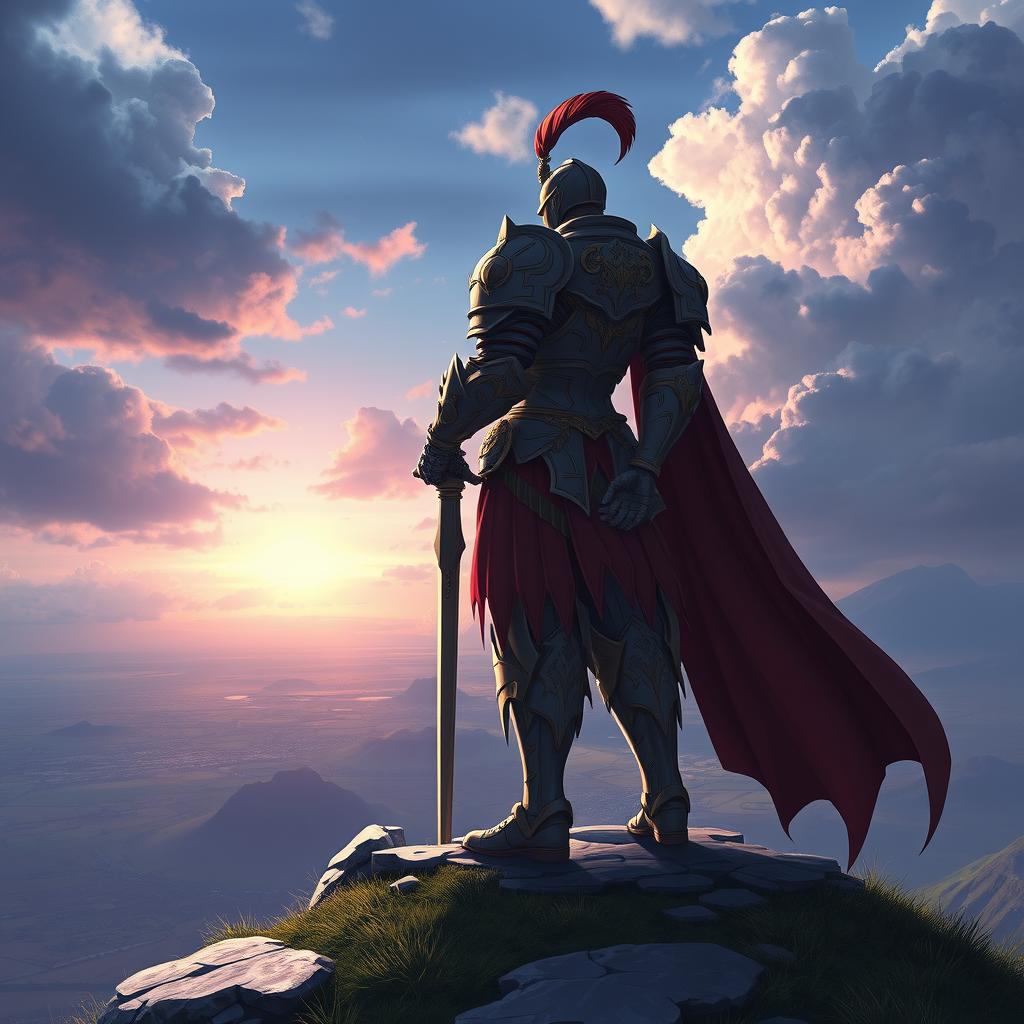
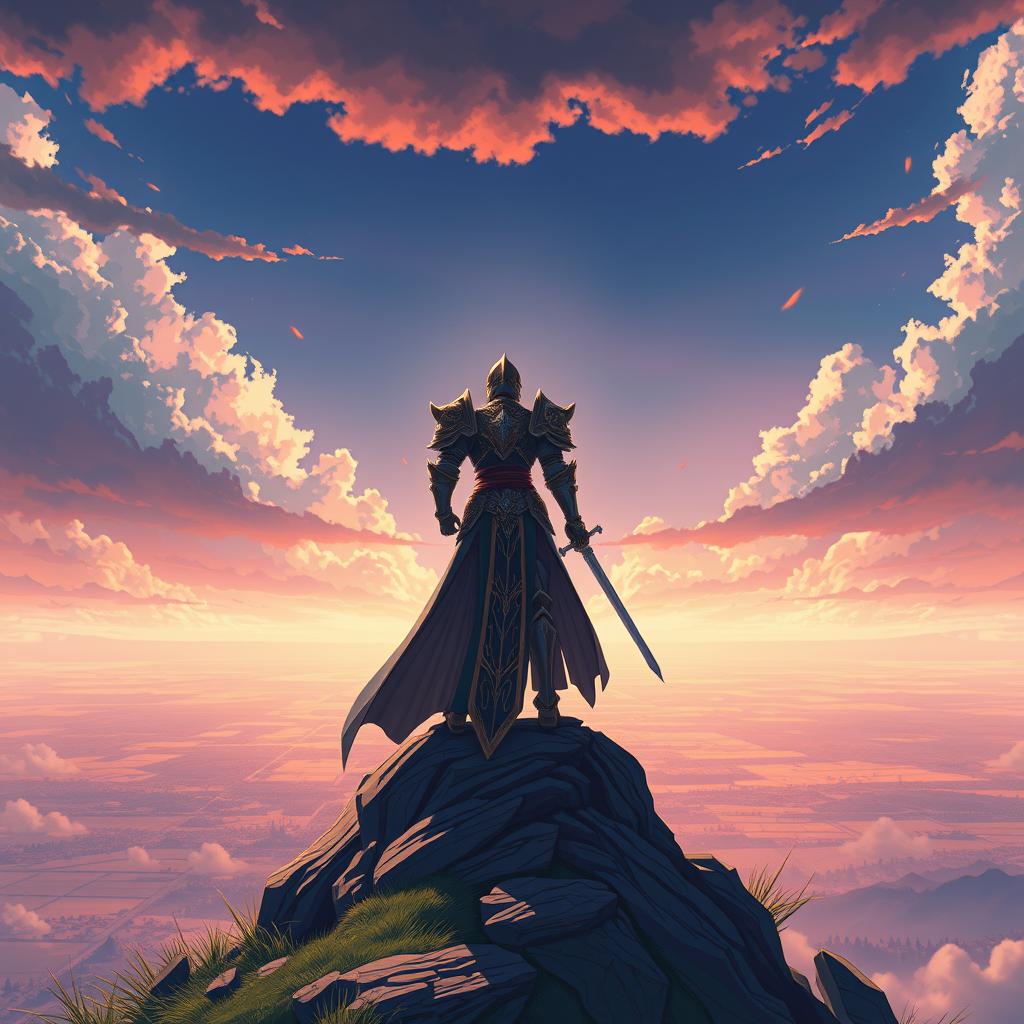
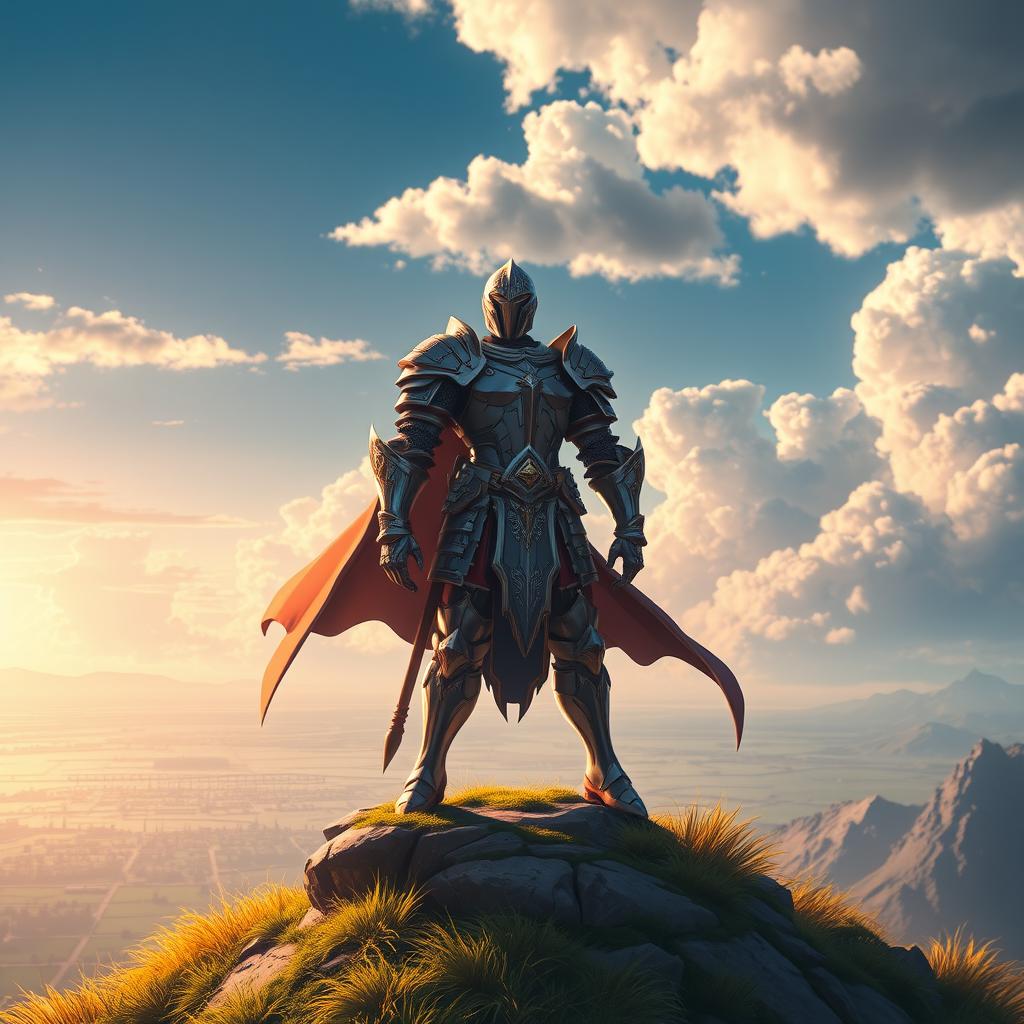
[Anime character design of a powerful knight in ornate armor, standing on top of a hill, overlooking a vast battlefield, dramatic sky, heroic pose, epic fantasy style.]
Here are the image designs it produced below.
 |
 |
 |
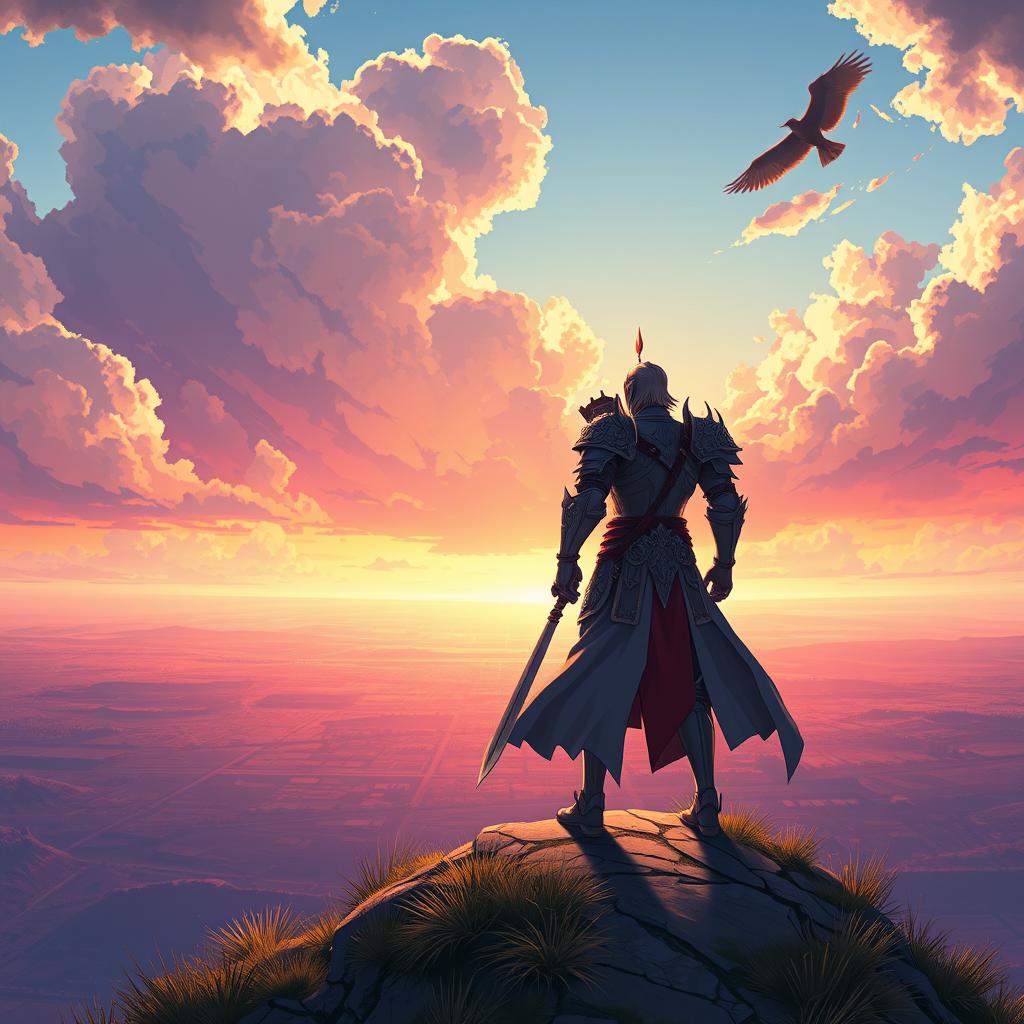 |
Once again, PicsArt AI didn’t abide by my prompt with enough accuracy. It captured the character scene well enough, but failed to render the intended battlefield scene.
Apart from that, the character design was good. I especially love the level of detail on the armor. And while the scene composition was not accurate, it stuck to the fantasy theme relatively well.
The image quality and color vibrancy of the scene are also impeccable. Overall, I would rate this output at a 7.5/10 for effort.
In my final sample test, I was curious to see if PicsArt would be able to generate intricate scenes better using detailed instructions. This was the prompt I used:
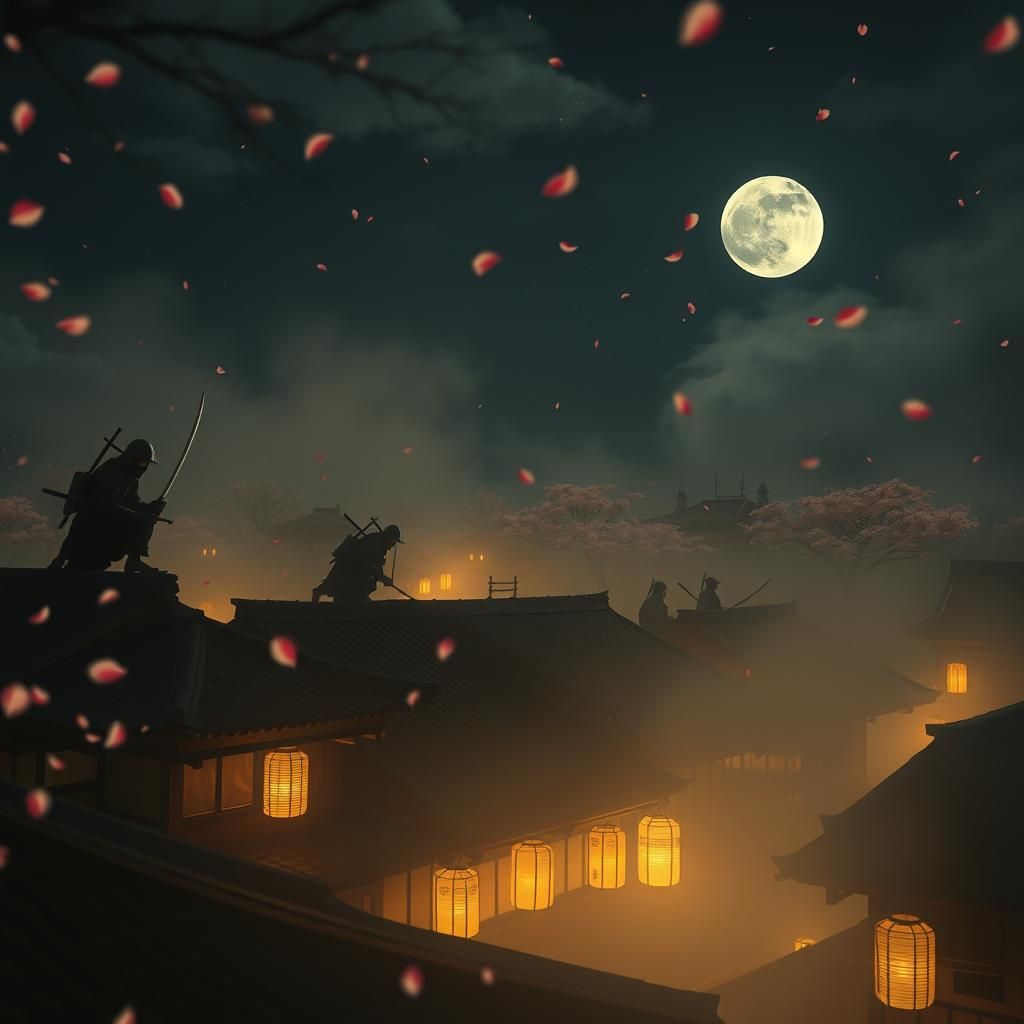
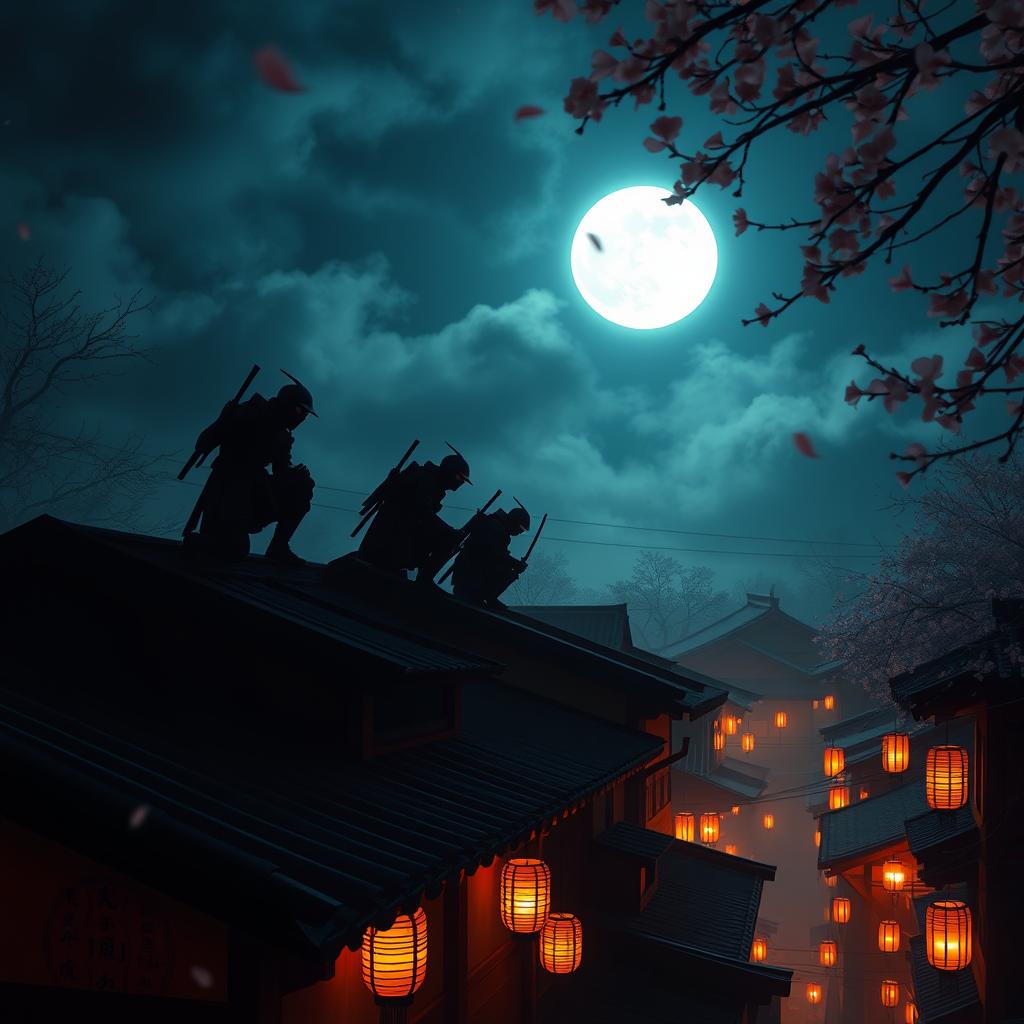
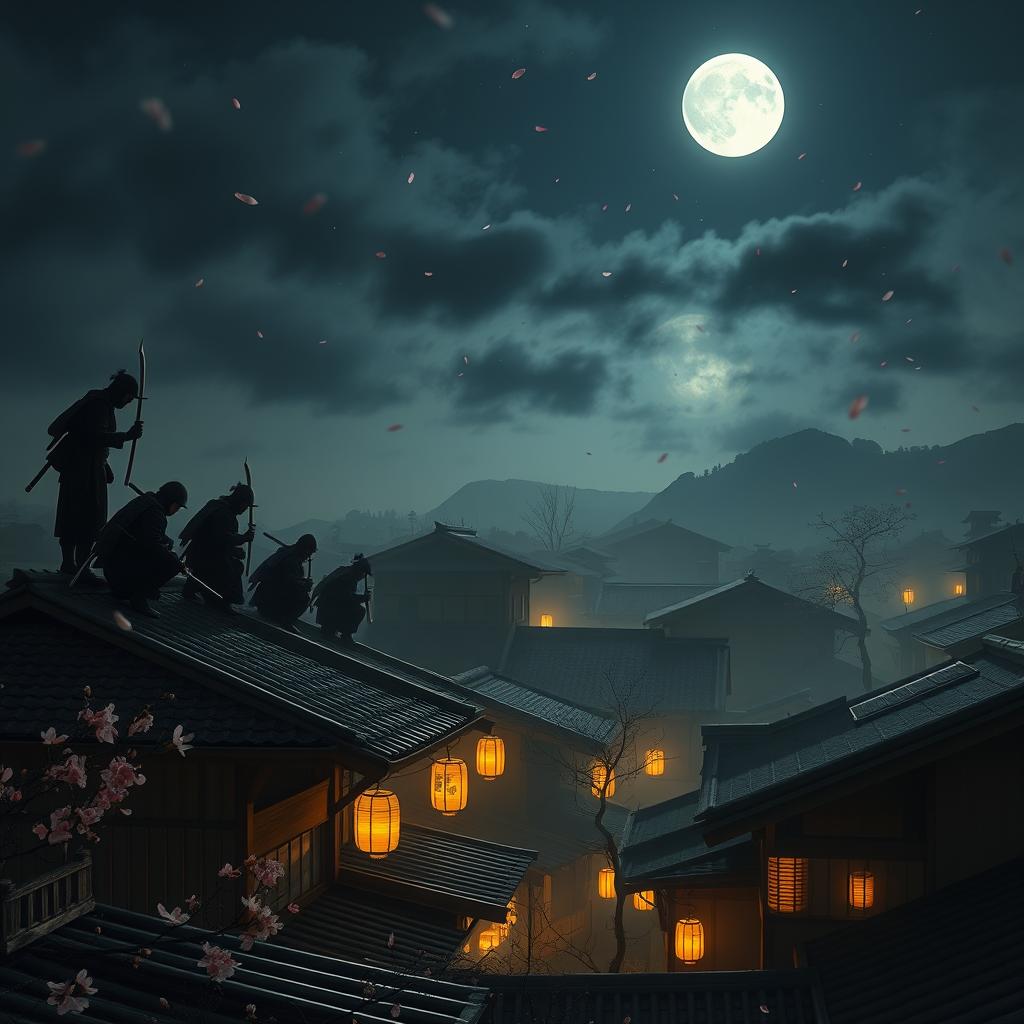
[Cinematic night scene in feudal Japan: a group of stealthy ninjas in dark armor crouch on the rooftops of a traditional village, illuminated by moonlight and soft paper lanterns below. The air is misty, with cherry blossom petals floating gently through the wind. High-angle and wide frame scene with dramatic lighting]
These are the image outputs it generated.
 |
 |
 |
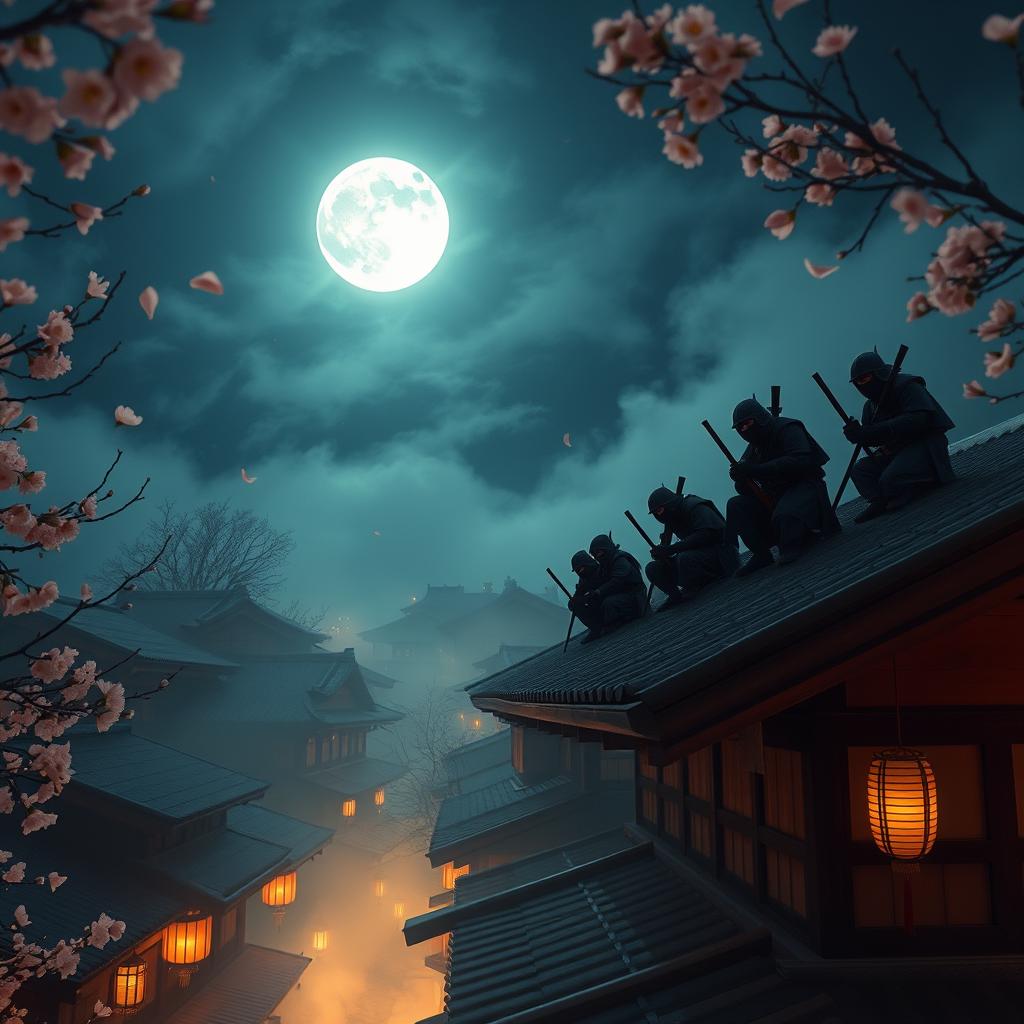 |
In this case, it was good to see that the prompt was followed with little deviation. It captured all the complex instructions well, making the scene composition relatively satisfying.
The background and lighting design is also impressive. I also like that there are no hallucinations or artefacts in the images, so that was great to see.
However, some images look less realistic and detailed than others. In particular, the character renders are blurry and unclear with some designs just looking like duplicated silhouettes.
For this test, I’d give PicsArt an 8/10 for effort. Not bad, but it could’ve been a little better.
What Is My Overall Verdict of PicsArt?
All in all, I think PicsArt is a worthwhile AI image generator. It has been shown that it is capable of rendering quality image designs, but it falls short when it comes to maintaining consistency.
It also struggles with prompt adherence at times. Because of this, it tends to neglect rendering certain elements that are important in the scene.
On top of that, PicsArt can sometimes have issues with realism. But, given that it generates multiple renders, this at least ensures you will get a few good options to review.
Most importantly, the tool comes with heavy restrictions on free usage. Most of the AI image generator’s advanced features require a paid plan, which can be frustrating.
Frankly, I believe that PicsArt can help anyone test out unique visual concepts and churn out bulk image variations. Especially given how simplistic the tool is to navigate.
So, if I needed to create images for storyboard design, product design or even social media, this tool could help. But for breathtaking, professional-grade renders, it would just under-deliver.
What Other AI Image Generator Should You Use? Try Pollo AI!
PicsArt may not be ideal for producing top-class images. But I have used one particular AI image generator that doesn’t have that problem, and it’s called Pollo AI!
This is an industry-leading, all-in-one AI image and video generation tool that can help you create stunning visual masterpieces in any style with just a few clicks.
Boasting precise prompt adherence, high-resolution outputs, advanced functionality, and unparalleled creative rendering, Pollo AI offers an AI image generator with perfect balance for quality image creation.
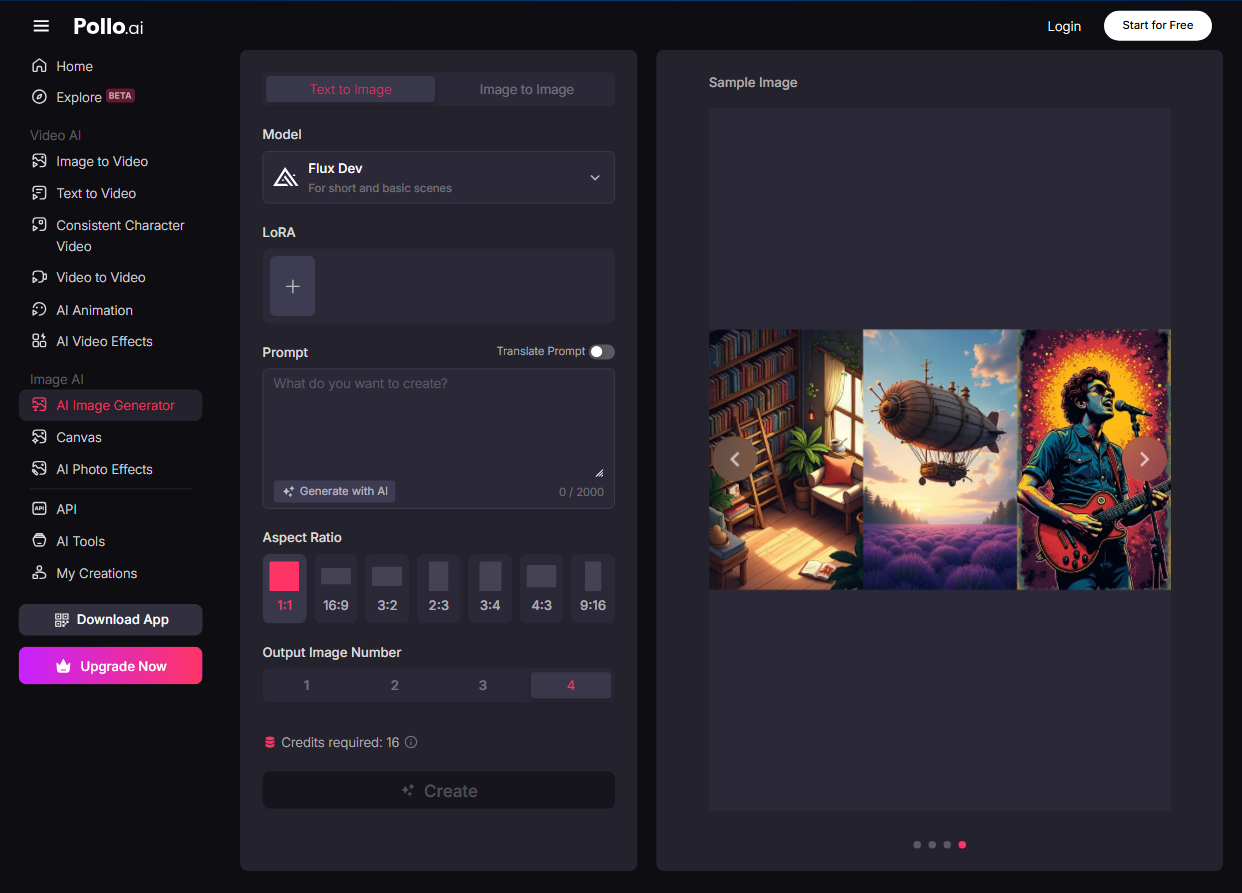
What I enjoy most about using Pollo AI is that it comes integrated with powerful AI image and video models, giving users an unmatched level of generative flexibility.
For instance, you can switch between popular AI image models like Recraft, GPT-4o, Stable Diffusion, or Flux to create and compare images for the perfect render.
If you need to generate videos, then you can freely choose between advanced AI video models such as Google Veo 3, Luma AI, PixVerse AI, Kling AI, Hailuo AI, and Runway.
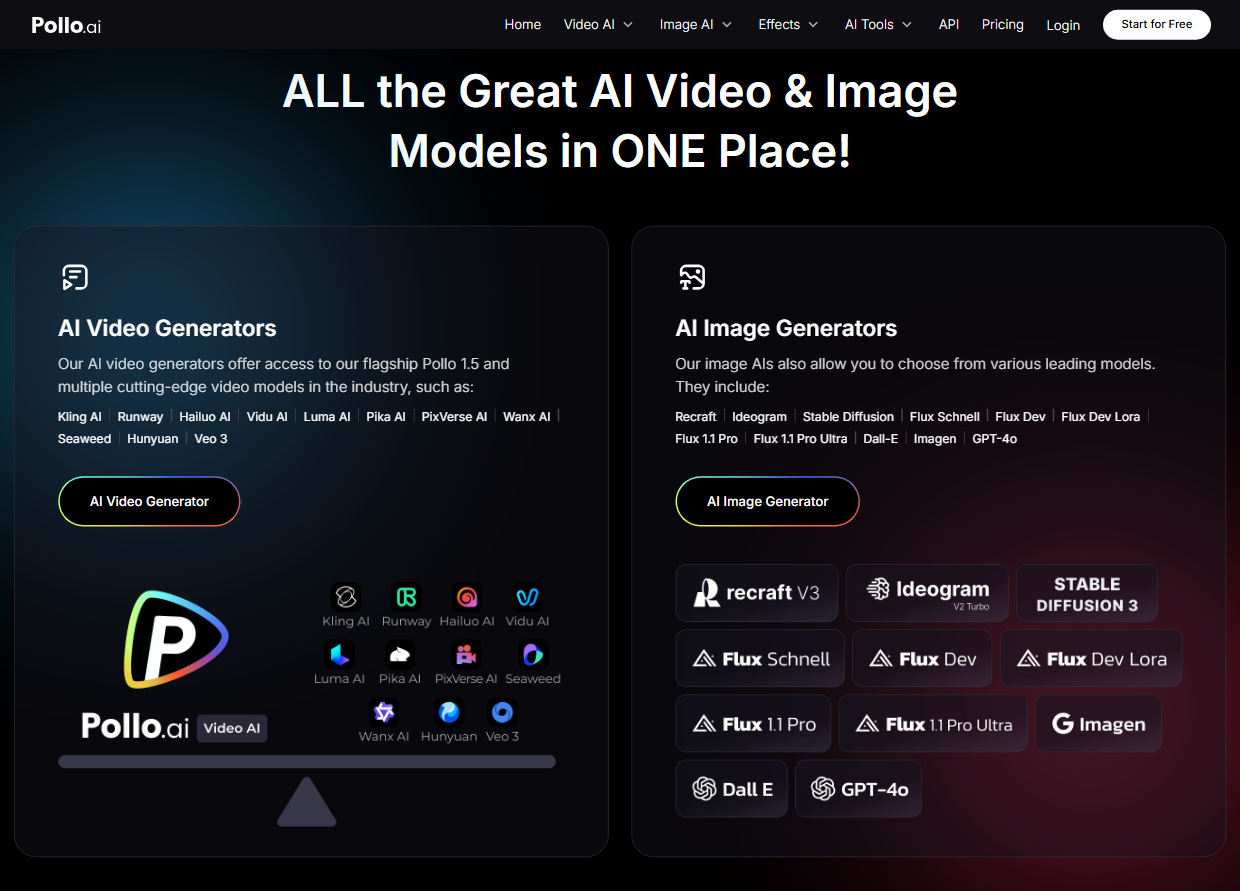
Another great thing about Pollo AI is that it also offers access to dozens of AI tools and effects that anyone can use to edit existing and create specialized images and videos.
And there is Pollo Canvas, an AI infinite canvas with all the image and video models, generators and editors integrated. It can simplify your workflow and unlock your creative potential.
You can now edit your visuals and create all sorts of novel content without even needing any advanced image or video editing skills.
Best part, you don’t need to pay anything to get started! Pollo AI can be accessed at no cost via the platform’s free trial plan. So, head over to the website, sign up, and give it a test run!
Conclusion
With PicsArt AI, I can create compelling imagery in numerous styles, but it falls short of being the perfect AI image generator. I would recommend it for basic creative projects, but when it comes to producing high-fidelity outputs, you would need something more advanced and comprehensive, like Pollo AI. I am confident that this tool can and will satisfy, if not impress!