



I tested Fliki AI for a week: simple video creation with AI voiceovers, but limited creativity
Ever wished to transform an idea into a fully-fledged video? I know I have, and honestly, I used to get pretty frustrated with AI video generators.
They’re so unpredictable, and most of the time, you don’t get exactly what you want.
Recently, I discovered Fliki AI, a unique AI video generator that allows me to convert various types of text into captivating videos with voiceovers and subtitles.
And while there’s a lot for me to say about Fliki AI, I’m sure some of you would prefer to read through a short breakdown of everything good and bad about it. Right?
Well, here’s a quick sum up of what I think about Fliki AI. Check it out below:
| Pros | Cons |
| Versatile AI video generation | Video quality isn't always very polished |
| Extensive video editing features | Not suited for generating artistic visuals |
| Numerous AI avatar voice options | Slightly lengthy video creation process |
| Fast AI video generation speed | AI voice quality can be unpredictable |
| Multilingual support available | Interface has a slightly steep learning curve |
Now that you have a rough idea of my thoughts on Fliki AI, let me get into the nitty-gritty of this generative AI platform. Ready for it? Then, let’s get into it!
What Makes Fliki AI Unique?
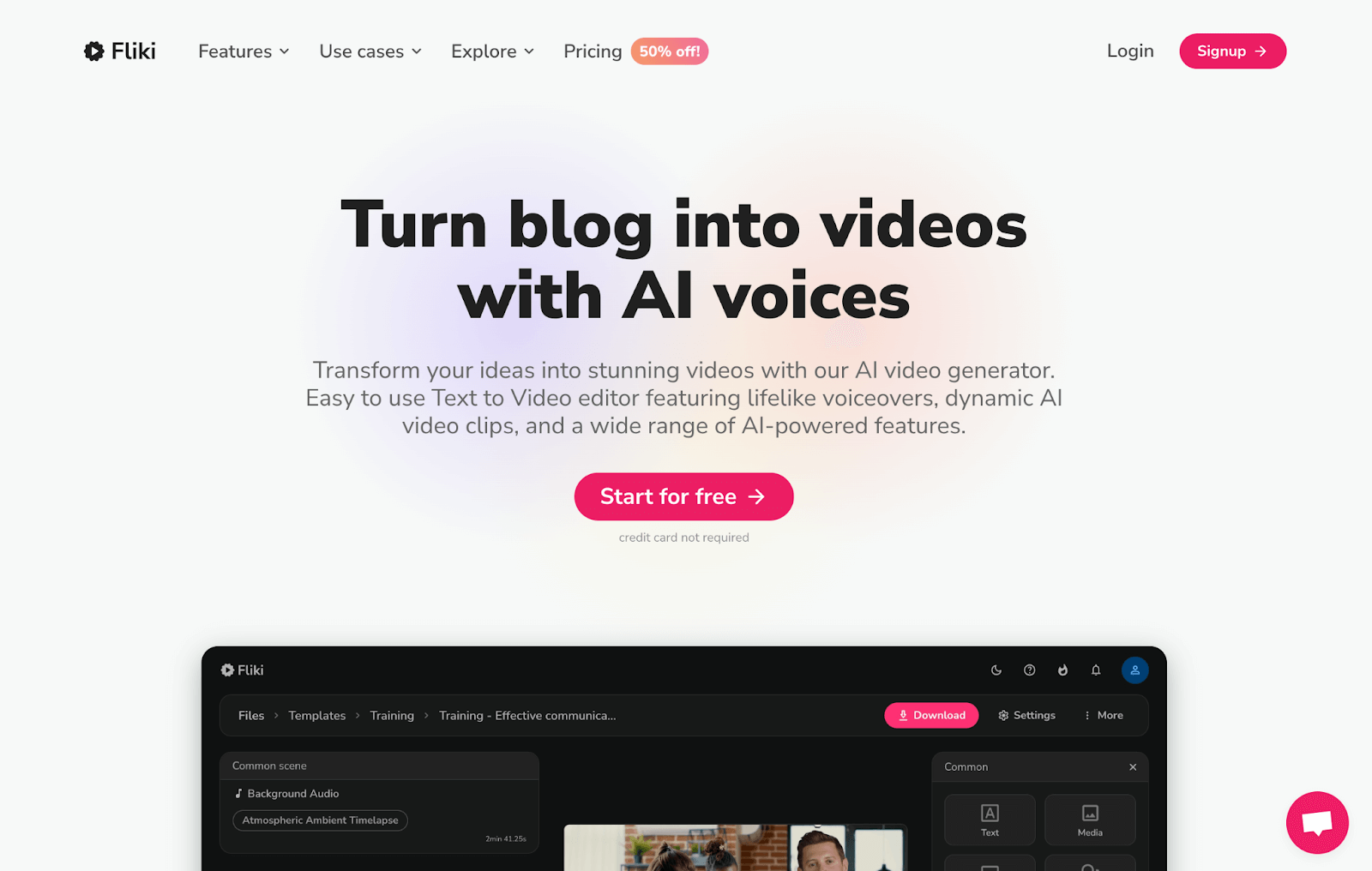
Designed to simplify media content creation, Fliki AI is an innovative generative AI suite that can turn texts into dynamic video clips with audio and subtitles.
I can choose from several different video templates that can be coupled with all sorts of diverse AI avatars.
But what really impressed me was Fliki AI’s extensive range of high-quality AI voices that I can freely choose from to use in my videos.
All of the voiceovers vary across a wide range of accents and languages, so I have the ability to explore all kinds of diverse narrations.
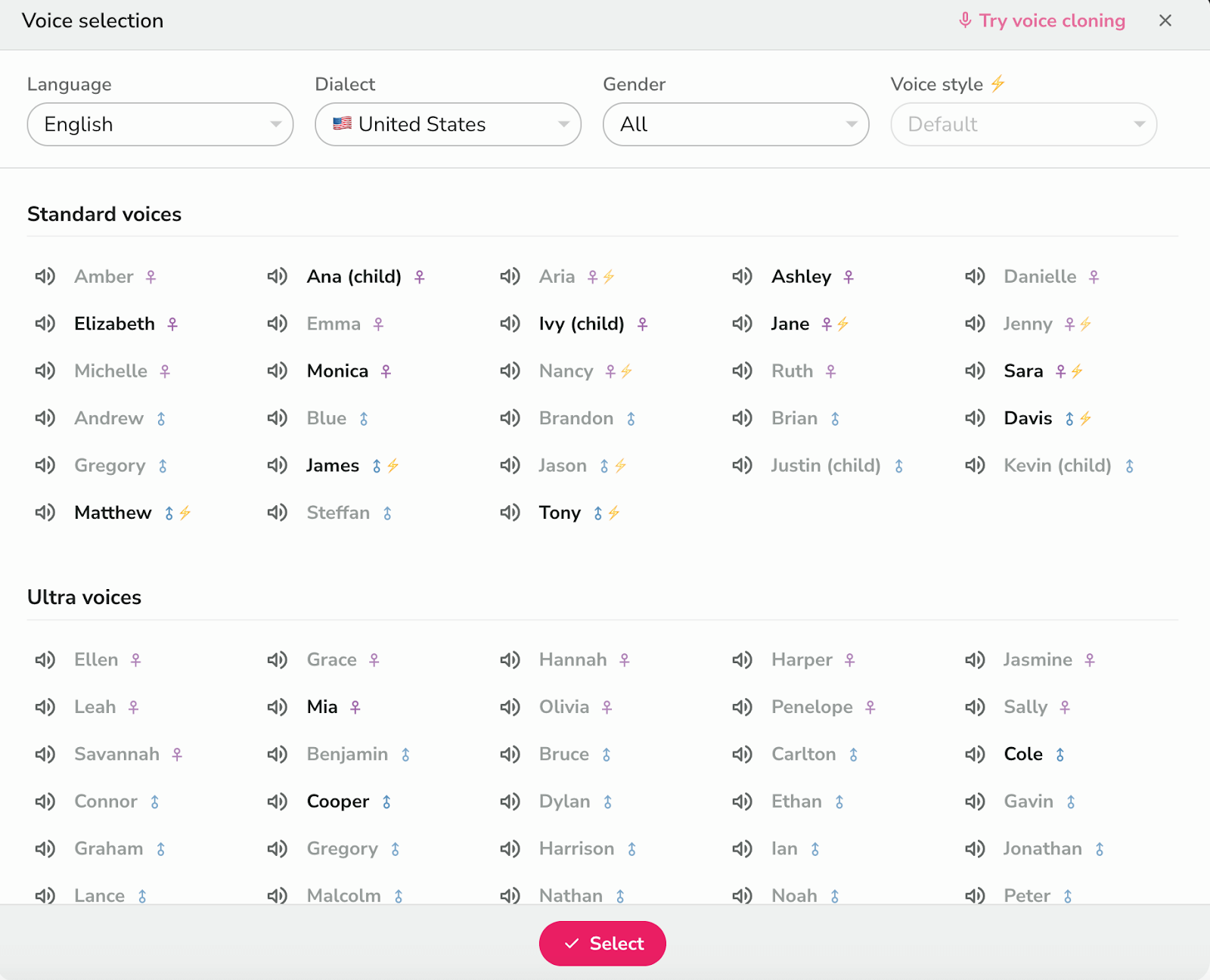
I was also pleased to see that the platform even supports voice cloning. With this, I can freely use my own voice if I’m not entirely satisfied with the AI voice options.
This can be particularly useful if I want to put together podcasts, audiobooks, etc. But that’s not all. I can access various video editing and customization features on Fliki AI.
This lets me refine various aspects like the video scripts, background music, texts, and more. I can even switch up the scenes using stock media or AI-generated images.
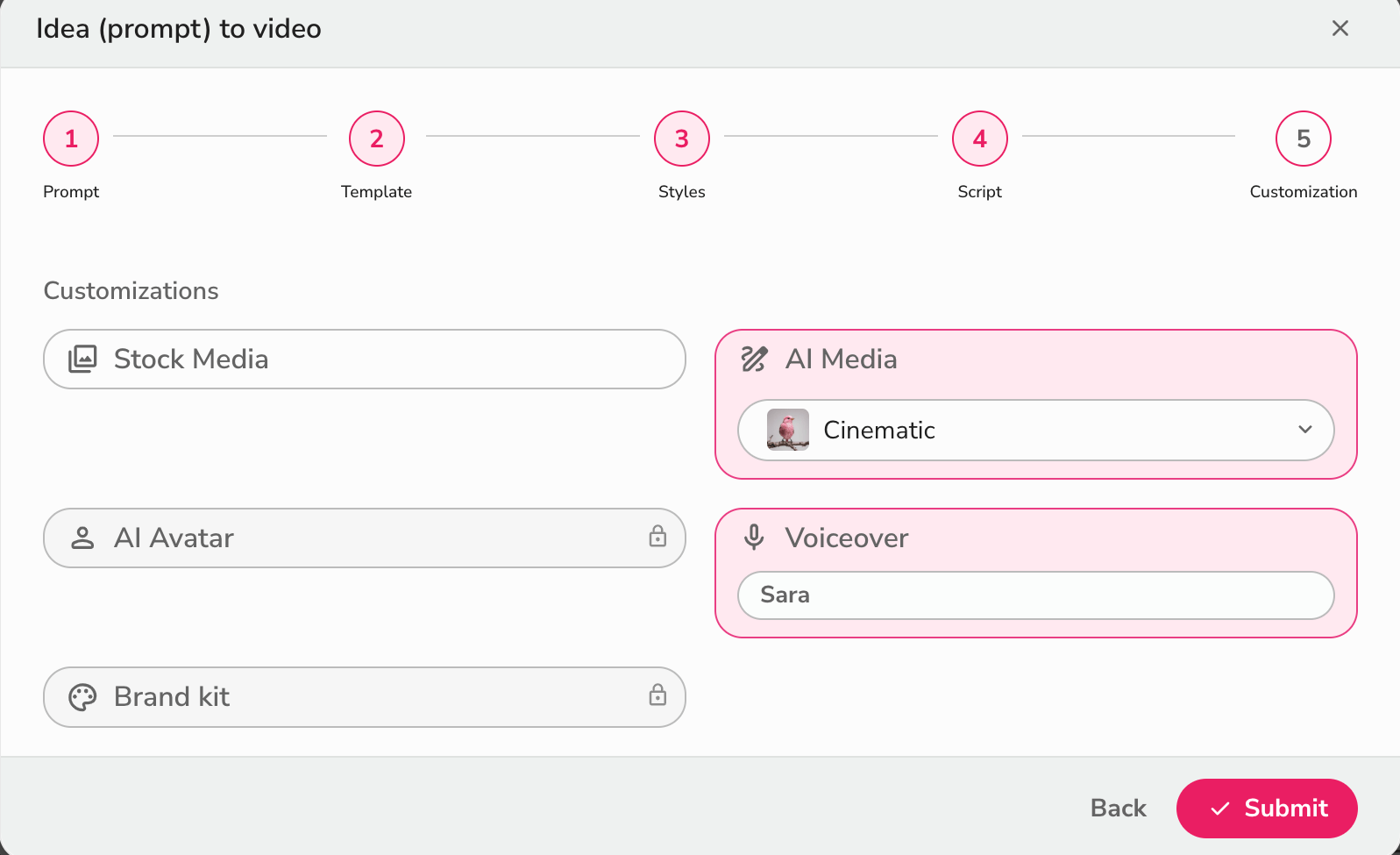
With all these available options, I’m able to tailor my videos like an expert, all without having to deal with overly complex tools or functionalities.
However, I will say that Fliki AI’s interface does come with a learning curve. As a first-timer, it took a little time to familiarize myself with its extensive features, so keep that in mind.
How Was My Personal Experience Using Fliki AI?
I wanted to see what the limits of Fliki AI’s capabilities were and how it would perform, depending on the various requests I made. So, I carried out a few sample tests.
To start with, I requested that a simple video be created on the effects of climate change. This was the output it generated:
As you can see, Fliki AI simply produced a simple explainer video with a few generic images. If anything, it looks more like a basic presentation than an actual video.
On the one hand, it created a compelling script that covered a lot of key points. However, the video was very superficial with very little original content.
The use of stock footage didn’t align with the quality I hoped to see in the video. Besides that, I also thought the AI voiceover wasn't as natural as I would’ve liked.
For this reason, it was a rather disappointing result. If I had to rate it, I would give it a 4/10.
For my second attempt, I tried to see how it works with URL content. So, I tried to generate a product ad video using pre-existing information on Nike’s smart sneaker.
This time, I specifically requested to use AI-generated media, not stock footage. You can check out the video it produced here:
Unfortunately, the output was not that much different this time. It still resembled a presentation more than a fluid visual composition, even with AI renders.
I did like how the AI voiceover was much more authentic-sounding in this test case. And once again, Fliki AI did a fantastic job of generating a quality video script.
Even the background music was fitting. But other than that, it didn’t live up to expectations at all. Overall, I’d rate this test at a 5/10.
What Is My General Verdict of Fliki AI?
At first glance, Fliki AI offers a compelling opportunity to creators in almost any niche. After all, I can effortlessly produce videos with custom AI voiceovers in any language.
Moreover, the platform makes it easy to freely experiment and tinker with AI avatars, AI voices, background music, texts, effects, etc. I can tailor the video to meet my needs up to a fair extent.
I find this level of personalization to be ideal for handling most basic visual content creation tasks. I also appreciate how quickly the video turnaround can be.
Because of this, I could create tons of bulk visual content for training, marketing, business, etc.
However, the lack of creativity in this AI video tool is its undoing.
In fact, I would say that I find it to be a very stiff generative AI platform. If I were creating simple explainers, tutorials, ads, or presentations, then it would be the perfect tool.
But if I needed to create videos that were more artistic and imaginative, then I doubt that Fliki AI would be able to deliver the type of content that would shock audiences.
For this reason, I think this platform is meant for those who just need a quick way to produce simple visual content without needing any professional expertise.
Otherwise, I would strongly recommend using another generative AI video tool that is better equipped to deliver more visually creative and captivating results.
Want To Produce More Creative Videos? Try Out Pollo AI!
As I’ve said, Fliki AI has its limitations on creative generation. For instance, if you want to produce music videos, gaming scenes, film sequences, etc, it would not be able to help.
Luckily, I know the perfect tool that can deliver, and it’s called Pollo AI! I came across this platform, and its capacity for high-fidelity content generation is fantastic.
As an all-in-one AI platform, it goes beyond basic AI video generation - offering powerful text to video AI and image to video AI capabilities that transform your ideas into stunning visual stories.
What really impressed me were its specialized creation tools: you can craft personalized digital personas with the AI avatar, develop brand representatives through AI product avatar, and create viral content instantly using the AI short videos generator.
The platform comes integrated with top-class AI models that allow you to produce stunning and diverse visuals in a wide range of styles. You can switch between AI image models like GPT-4o, Imagen, Recraft, Stable Diffusion, and Flux. You can also access AI video models like Hailuo AI, Kling AI, PixVerse AI, and Runway.
And that’s not even the best part. Pollo AI offers access to a vast library of AI effects, templates, and tools that I can use to reimagine existing images and videos.
I don’t even need any advanced skills! For example, I can access AI effects like AI bikini, AI muscle generator, AI studio ghibli effect, and several others.
I can even use various AI tools like Pollo AI’s video enhancer, video to anime, face swap video, and more. All it takes is a few simple clicks, and my videos are professionally edited.
For this reason, there are limitless creative possibilities to explore with this platform.
Conclusion
If I were to sum up Fliki AI, I would say it is one of the quickest and easiest ways to create basic videos for social media, explainers, tutorials, presentations, etc.
But its capacity for creative, professional-grade content is limited. It lacks the imaginative and inventive capacity that other AI video generators would be able to offer.
So, take my advice and check out Pollo AI now!