Step 1
Upload the image you want to inpaint.
AI Video
Transform text and images into cinematic videos with lifelike avatars and studio-quality SFX.

AI Image
Turn ideas and images into stunning visuals, or perfect any photo with a complete suite of AI tools.

Agent
Create production-ready videos with SFX, consistent characters, and polished scenes. No Editing.

Marketing Studio
Built for marketers and sellers to create winning ads, UGC videos and product visuals faster.

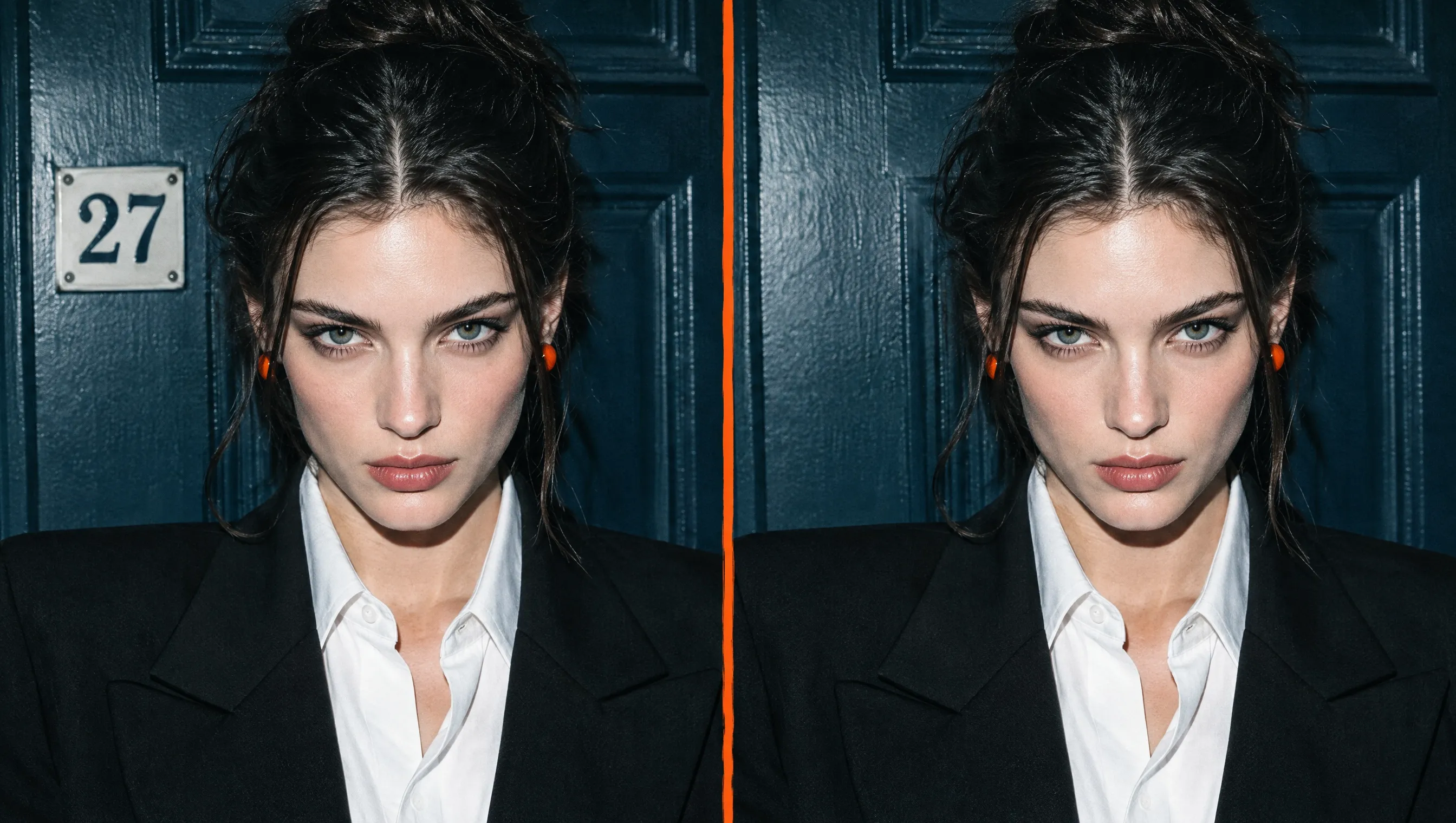
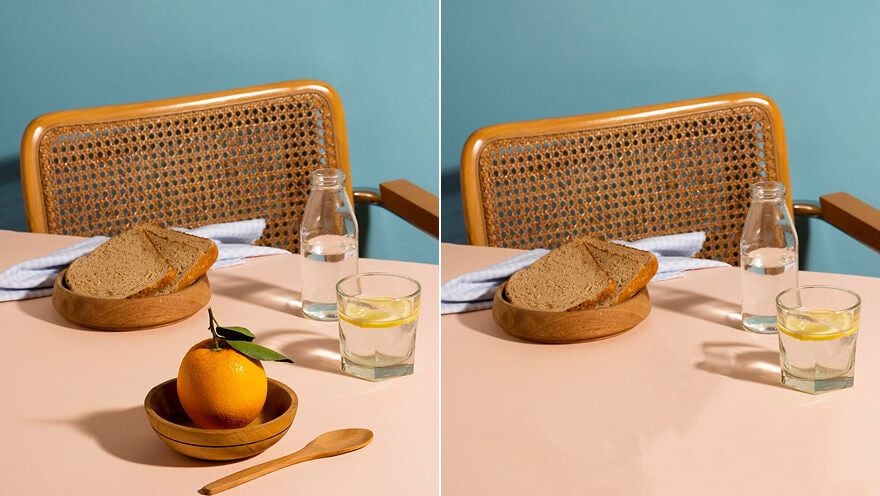
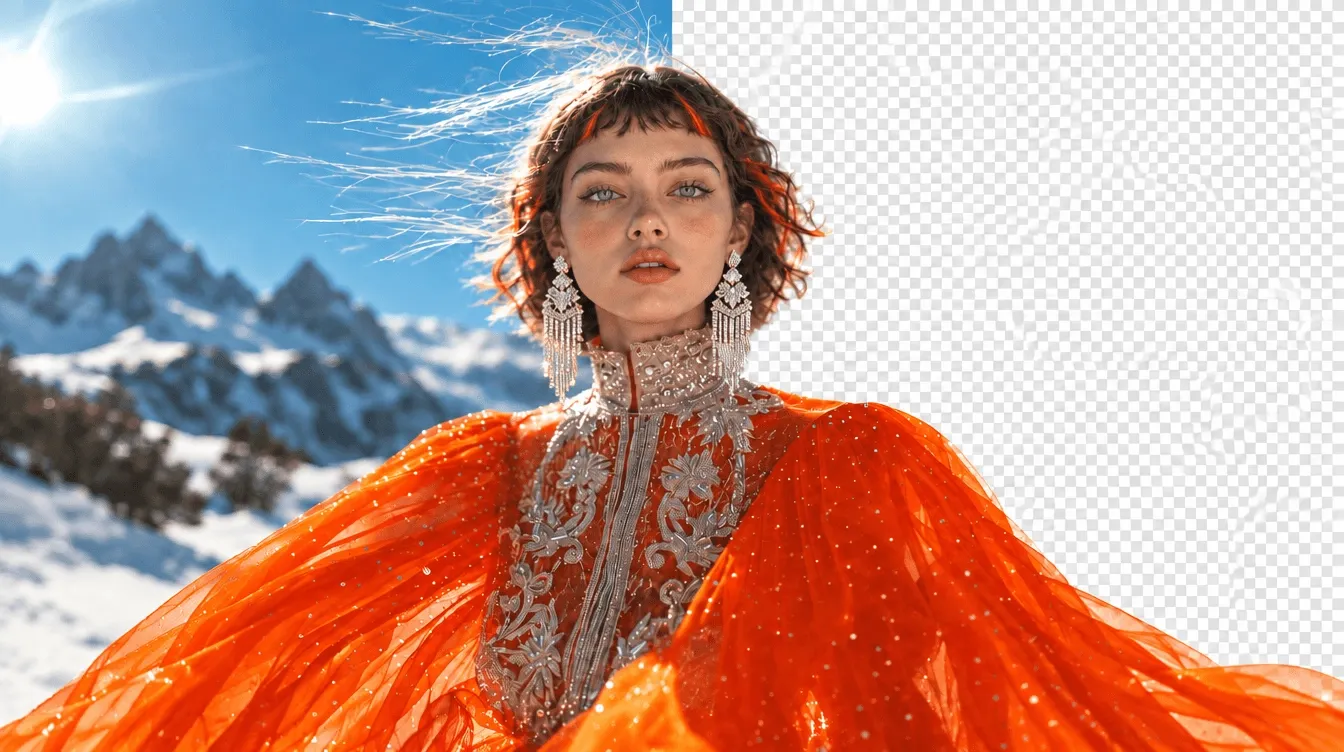
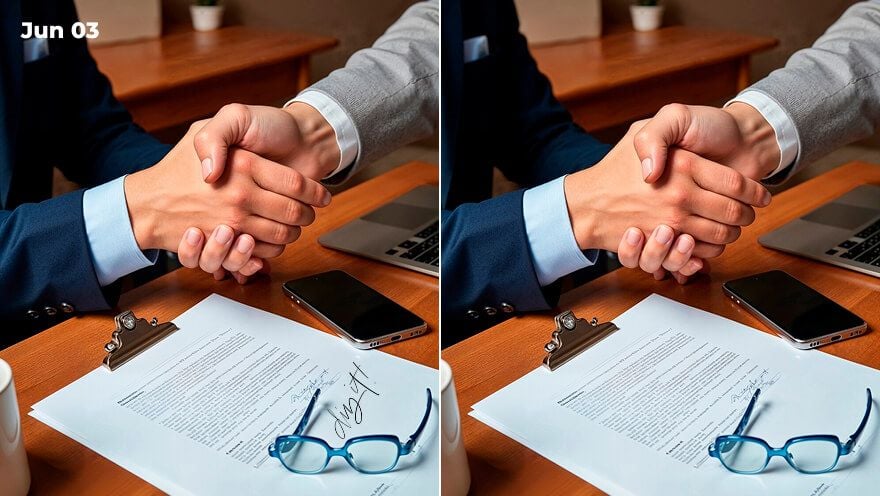
Erase that photobomber, fix a scratched-up old photo, or swap out boring elements in an image. With our AI image inpainting tool, you can do them instantly like with a magic wand! No more tiresome editing, just fast, fun, and flawless inpaints.
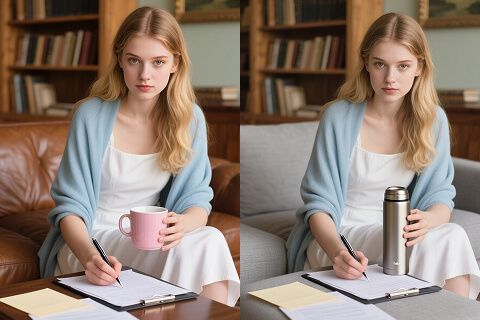
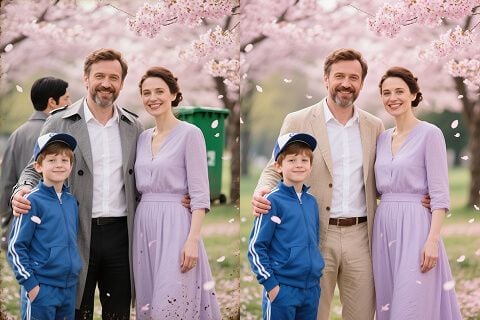
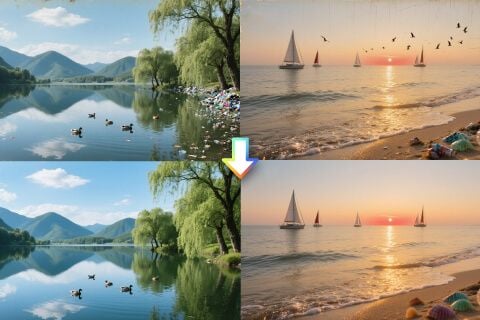
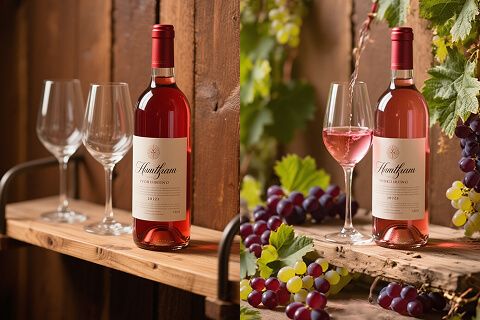
Upload the image you want to inpaint.
Highlight the parts you want to remove, replace, or fix, and tell us what to do.
Start the inpainting and in a minute, your edited image is ready to save or share!
Explore the full range of AI image tools on Pollo AI, built to streamline your entire creative workflow.
Create photorealistic images from text instantly. Achieve cinematic quality and flawless typography with zero photography required.
Create custom pixel art, outfit designs, chibi avatars, and other niche visuals for your audience.
Maintain perfect structural fidelity while recreating photos. Apply cinematic styles and 4K upscaling for production-ready assets.
Clean up images, remove backgrounds, remove objects, and enhance fine details with precise AI editing tools.
Create ready-to-use image assets for business cards, YouTube banners, menus, and other campaign needs with diverse image apps.
Turn a text brief into polished, production-ready visuals with an AI agent that handles the creative workflow for you.









Using Pollo AI to Create and Inspire
 A Villa
 LogieLogie
 Phil Giacomantonio
 Norma Ponce
 Sarah Stokes
 Sudipta Saha
 Luiz Guyz
 Swishadoptme Swishadoptme
 MrWookiee
 Gamal Amer
 marcel desille bousquet
 Wilson Sotomonte
 Sasa Dobricic
Image inpainting is a special AI image editing technology that lets you remove unwanted things, replace elements or edit image content in images. When you mark something you want to change, enter your prompt, and our AI image inpaint tool will handle the editing instantly with seamless results.
Yes, our image inpainting tool is free to try. We offer a free plan that allows you to explore its abilities for free.
Our AI has been trained on millions of images to create very realistic results. Simple changes (like removing small objects or fixing minor issues) look almost perfect. More complex edits (like replacing large areas) still look great but might need small touch-ups.
Not unless you tell them! Our inpainting AI creates natural-looking results that blend seamlessly with the original image.
Absolutely! Many businesses use our tool for product photos, social media posts, website images, and marketing materials. It's much faster and cheaper than hiring a professional photo editor.
Most edits are completed in under a minute, even if they are complex changes. We can save you hours compared to traditional photo editing.