Leonardo AI is great for stylized art and character consistency, but its outputs often break at the details — distorted fingers, mismatched eyes. Pollo AI offers a more reliable all-in-one alternative, combining advanced image generation with a powerful AI photo editor to help create cleaner, design-ready visuals faster. Try Pollo AI Image Generator for free now!
Text to Image
Image to Image
POLLO AI INFLUENCER
Create your own influencer. Then jump into any trend with Recast.
Kling 4.0
Up to 10 keyframes. Unlimited for 10 days with Ultra.
Pollo Recast
Recreate viral videos. Remix new versions.
Pollo Recast Challenge
One upload in. Your viral video out. Unlimited rewards await.
Pollo Agent x DeepSeek V4.1 FLASH
Faster completion at a much lower cost.
Pollo Agent x Gemini 4 Argon
Smarter reasoning. All through Pollo Agent.
WIN iPHONE DUO
Capture a city in one minute. Join the challenge now.
Pollo MCP
End-to-end content creation. Up to 4 Videos/ 20 Images for FREE.
Key Features of Leonardo AI
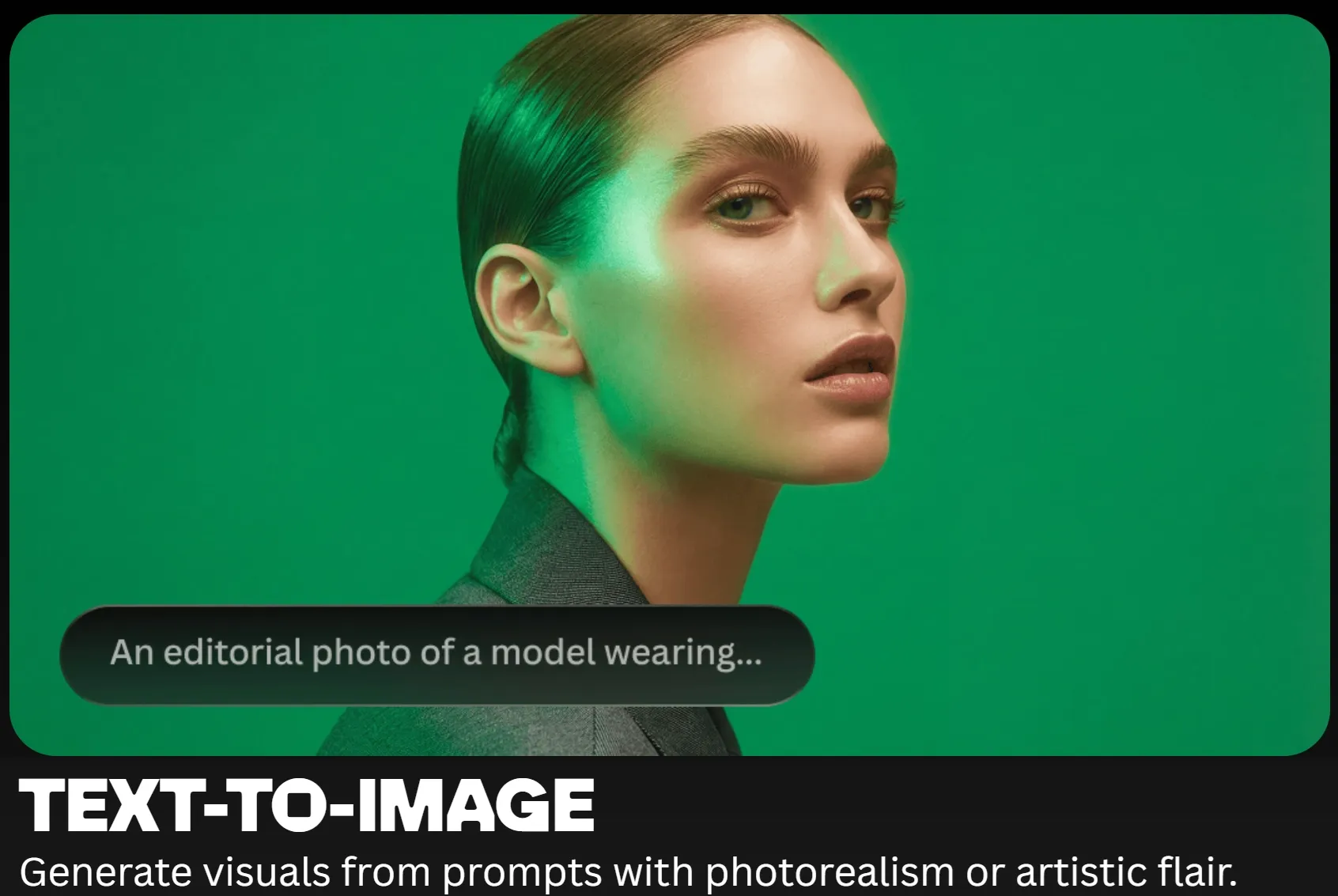
Text & Image Generation: Create images from prompts or transform existing visuals with image to image tools.
Omni Editing & Image Refinement: Adjust image details and edit visuals with built-in prompt-based tools.
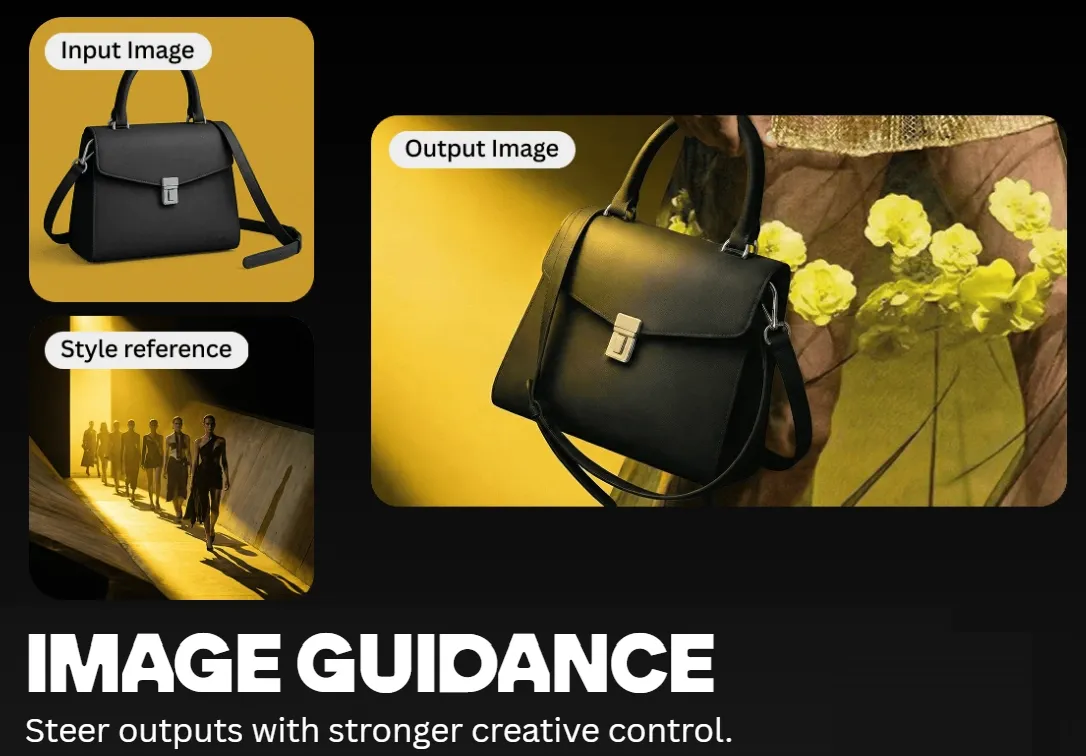
Image Guidance & Controlled Generation: Use reference visuals to guide composition, style, and character.
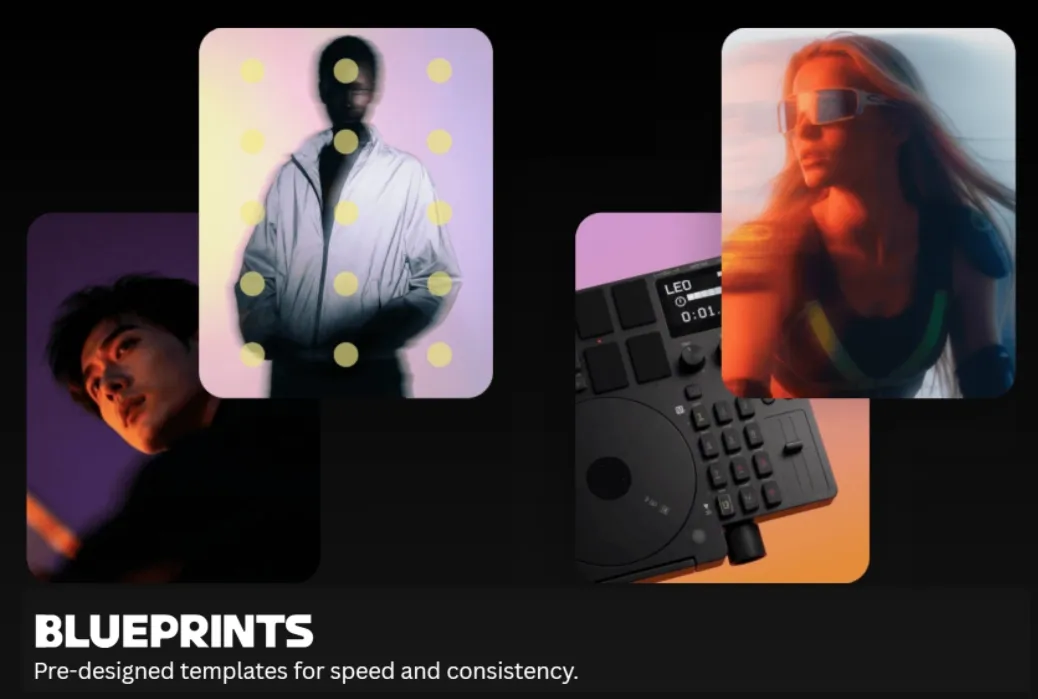
Blueprint Templates for Faster Creation: Start feaster from structured templates.
Text and Image-Based Generation
Leonardo AI supports both text to image generation and image to image transformation, letting users create new visuals from prompts or uploaded references.
Pollo AI supports the same capability and extends it further with tools like reference to video, allowing characters to remain visually consistent even when turning images into animated scenes with natural motion and expressions.
Omni Editing and Image Refinement
The platform includes editing tools that allow users to adjust image details with text prompts, refine existing outputs, and make changes without restarting the whole generation process.
Image Guidance and Consistency Controls
Leonardo.ai offers guidance features for steering outputs, along with tools for maintaining consistent characters, visual styles, and brand elements across multiple images.
Blueprint Templates for Faster Creation
Users can use pre-designed Blueprints as structured starting points to skip the prompt trial-and-error while keeping outputs consistent and production-ready.
How Leonardo AI Is Used in Creative Work
Leonardo AI is often used to quickly create visuals for creative projects.
For game developers: Generate items like weapons or characters to preview game assets.
For social media creators: Design eye-catching illustrations for posts.
For marketers: Visualize ad scenes such as cinematic product shots.
For artists and designers: Explore concept art ideas like futuristic environments or vehicles before full production.
Leonardo User Experience & Reviews
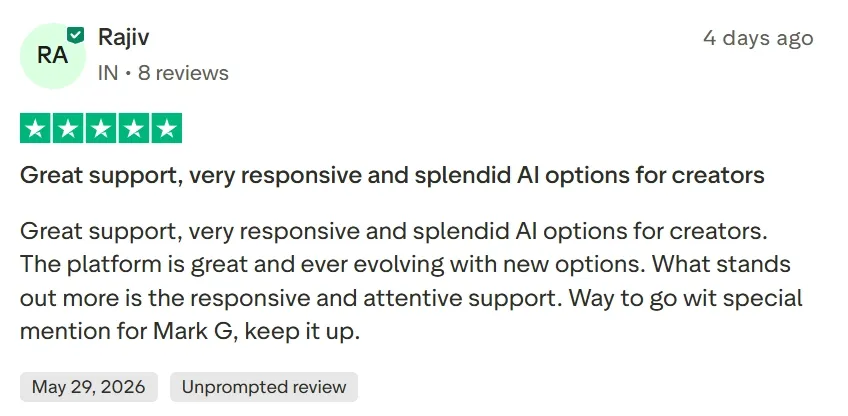
Verified reviews on G2 and Trustpilot highlight Leonardo AI as a fast and intuitive platform for generating stylized digital art without needing Discord. Users frequently praise its great support.
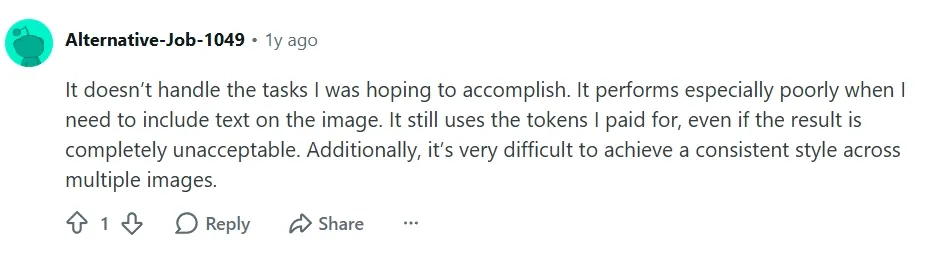
However, active communities on Reddit point out significant pain points, including wonky anatomy like distorted fingers or eyes. Many creators complain about style drift across different angles and rapid credit drainage on failed, unusable generations.
Pollo AI directly addresses these visual inconsistencies. Pollo AI leverages advanced multi-model integration—including GPT Image 2 and Seedream 5.0—to ensure exceptional subject consistency and high-fidelity details.
Pollo AI is not only a multimodel AI image generator, but also offers a suite of advanced image effects and editing tools. The built-in AI photo editor allows creators to effortlessly swap complex backgrounds or remove unwanted objects using simple natural language prompts.
Additionally, featuring a superior AI upscaler, Pollo AI can instantly upscale low-resolution images up to 4K/8K without losing texture quality. It also includes an advanced photo restoration effect that fixes scratches, reduces blur, and balances lighting on older or compressed graphics.
With Pollo AI's one-click effects, users can convert standard images into intricate anime illustrations or cyberpunk neon vector art, ensuring maximum versatility for social media and commercial design. Creators can instantly re-imagine their artwork or photos into dozens of trendy aesthetics.
I’ve been using Pollo AI mainly for short videos and quick image-to-video tests. The interface is straightforward and it works well even with simple prompts, which is a big plus compared to tools that need long, complicated instructions. The results can be really impressive, and it’s honestly been fun to experiment with. I’d love a bit more consistency on faces when there’s movement, but overall it’s been a solid experience for what I needed.
Awesome website. loads of options and a great way to learn how to work with 'AI' my reasoning for 5 stars is based upon price, versatility and ease of use. Also I would like to add, Pollo AI runs a lot of promos on different AI products as well. I rate their customer service at 5 stars, when I purchased my first subscription my computer crashed the following weekend and I lost all my data and info passwords you name it I lost it, contacted pollo by email they responded quickly and found my info/username and account, and I was able to restore my account.
I have been using Pollo AI for short videos. It is easy to use and works well with simple prompts. Other generators seem to need long drawn out complicated explanations to get even close to what I want.
i tried 220 online img to vid in 2 months, and this is the best online video.I will subscribe for a year; there are many reasons. But freedom is the most important.
Discover Other Powerful AI Image Generators on Pollo AI
Leonardo AI image generator is an AI creative platform designed for producing high-quality visuals with strong style control and consistent characters. It includes features like Blueprints templates, Flow State exploration, and built-in editing tools that help creators turn ideas into polished images more efficiently.
Do I need design experience to use Leonardo AI?
No. Leonardo AI is designed to be easy to use. Users can simply enter a short prompt, and the AI generates images automatically.
What types of images can Leonardo AI create?
Leonardo AI can generate many types of visuals, including illustrations, concept art, product visuals, marketing graphics, and social media images.
What is Leonardo AI Flow State?
Flow State is a creative generation mode that helps users explore ideas visually. It starts with rough concepts and then generates more detailed variations based on the image you choose.
Who is Leonardo AI best for?
Leonardo AI is ideal for designers, marketers, game creators, and content teams who need consistent visuals and scalable image production. Its tools for style control, templates, and iterative generation make it useful for both creative exploration and professional design workflows.
What is the best alternative to the Leonardo AI image generator?
Pollo AI is the best alternative to Leonardo AI, offering a comprehensive, all-in-one suite that aggregates top-tier models like GPT Image 2 and Seedream 5.0 to deliver superior subject consistency and built-in natural language editing.
Generate Consistent, Commercial-Ready Visuals with Pollo AI
Stop wasting credits on distorted images and start generating flawless commercial visuals with Pollo AI today!









 Liz Cassidy


