Artguru focuses on AI image generation, photo enhancement, background removal, and anime image upscaling for cleaner visual assets. For more advanced image and video creation, Pollo AI helps turn ideas into ready-to-post content. Try it for free now!
Text to Image
Image to Image
Pollo Recast
Recreate viral videos. Remix new versions.
Pollo Recast Challenge
One upload in. Your viral video out. Unlimited rewards await.
Pollo Agent x DeepSeek V4.1 FLASH
Faster completion at a much lower cost.
Pollo Agent x Gemini 4 Argon
Smarter reasoning. All through Pollo Agent.
WIN iPHONE DUO
Capture a city in one minute. Join the challenge now.
Pollo MCP
End-to-end content creation. Up to 4 Videos/ 20 Images for FREE.
Get Unlimited GPT Image 2.5
Faster. Sharper. Smarter. Go Unlimited with Ultra.
Key Features
AI Image Creation: Creates AI images immediately from simple text prompts.
AI Photo Enhancer: Improves image clarity, sharpness, color, and detail in one click.
Object Remover: Erases unwanted objects, people, text, or distractions from photos.
Anime Image Upscaling: Sharpens and enlarges anime images, manga panels, cartoons, and CG art.
AI Tattoo Generator: Creates custom tattoo design ideas from text in different styles, colors, and placements.
AI Face Generator: Creates realistic AI-generated human faces from text prompts or uploaded photos.
AI Image Creation
Artguru’s AI image generator is built for users who want a fast visual starting point without learning design software.
Users can describe a scene, style, character, or idea, then generate a static image for social posts, profile visuals, thumbnails, concept drafts, or casual creative projects.
For example, a blogger could create a header image for a travel post, while a small shop owner could test simple visual ideas before asking a designer for final brand assets.
AI Photo Enhancer
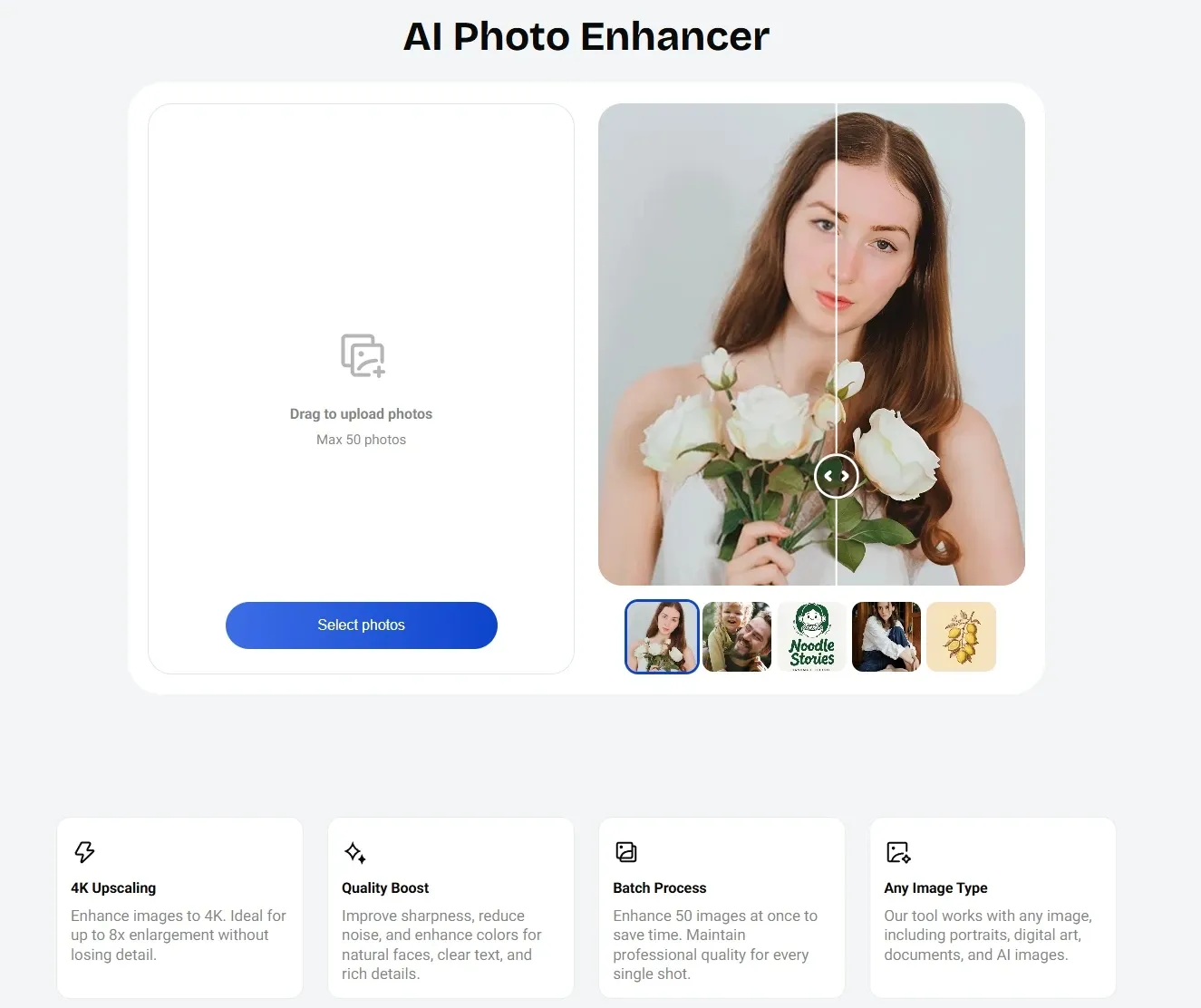
Photo enhancement is one of Artguru’s strongest areas. Its photo enhancer is designed to sharpen blurry images, reduce noise, restore facial details, clarify text, and make low-quality visuals look cleaner.
A small e-commerce seller could use it to clean up product photos before listing them online. At the same time, a professional could improve a low-resolution headshot for LinkedIn or a company bio page.
Artguru is useful for quick photo repair, but Pollo AI is stronger when the enhanced image needs to enter real design or marketing work.
Pollo AI improves resolution, removes blur and grain, strengthens color, brightness, contrast, and saturation, while keeping the original aspect ratio.
That makes its AI image enhancer easier to turn a weak product shot, old photo, or campaign image into a polished asset ready for the next creative step.
Background Remover
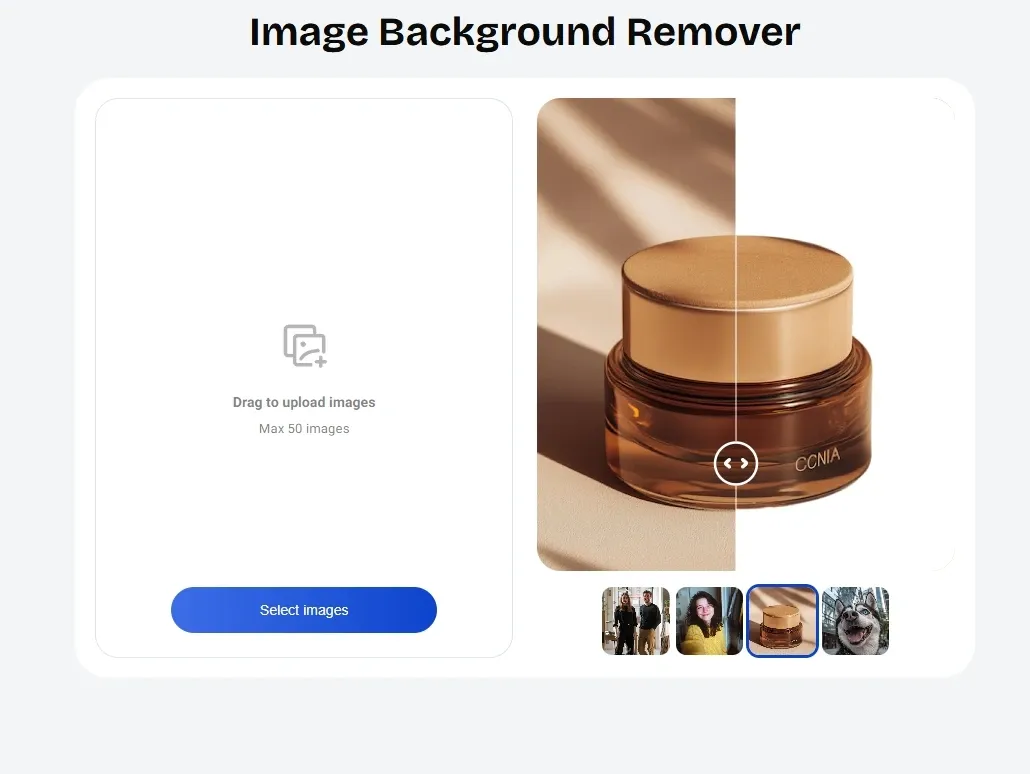
Artguru’s background remover focuses on fast, clean cutouts for products, portraits, pets, logos, and graphics. The tool identifies the subject, removes the background, and exports a transparent PNG.
For example, a fashion seller could remove the background from a clothing photo and place the product on a white or branded backdrop for marketplace listings
Artguru’s background remover is about separation: it cuts out products, portraits, pets, logos, and graphics into clean transparent PNGs. Pollo AI is stronger when the background itself needs to become part of the creative result.
With Pollo AI, users can upload an image on the AI background changer page, describe the new setting, and generate it in seconds, whether for polished headshots, cleaner product photos, travel images, or more engaging social posts.
Object Remover
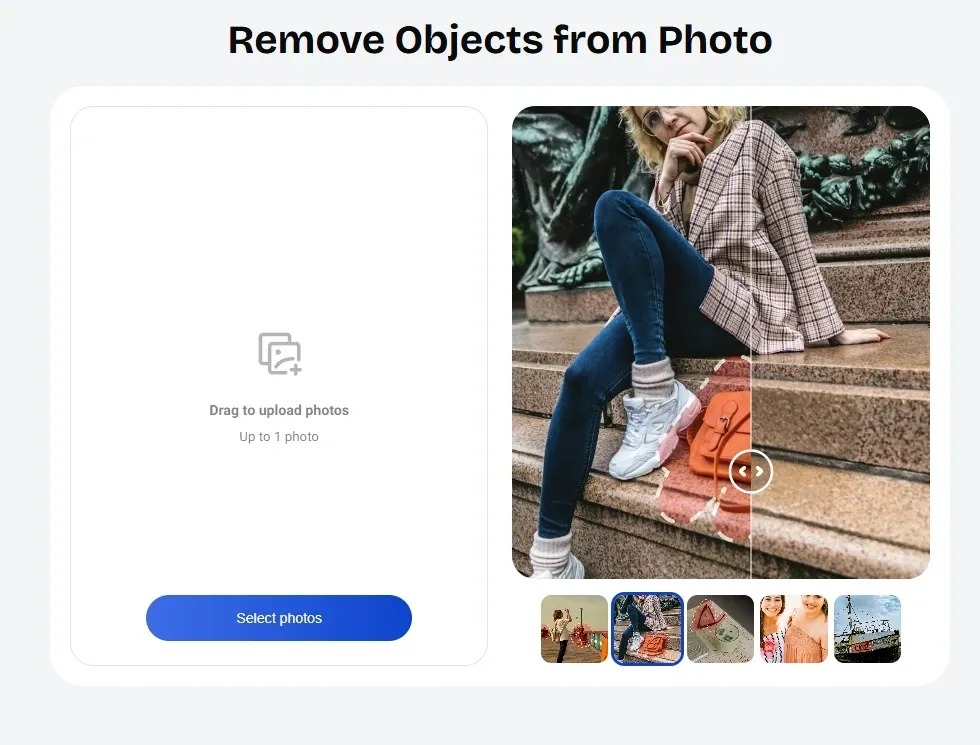
Artguru’s object remover uses a brush-based workflow. Users mark the unwanted item, and Artguru rebuilds the surrounding background to create a cleaner finish. It is useful for removing photobombers, clutter, text, small defects, or distracting objects from product and lifestyle images.
A vintage clothing seller could remove background mess from a product shot, while a travel creator could clean up a landmark photo by removing passersby or unwanted signs.
Anime Image Upscaling
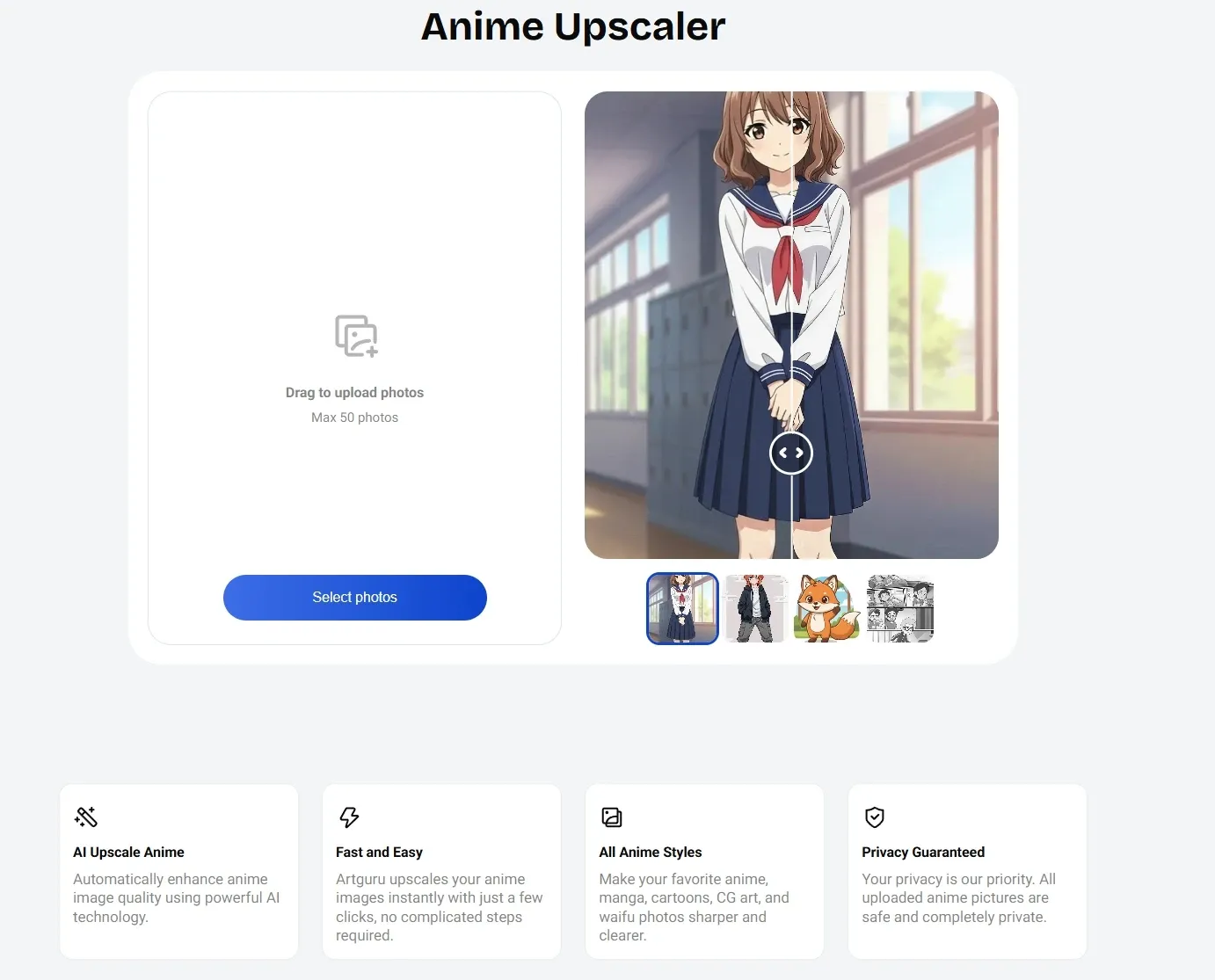
Artguru’s anime upscaler is built for anime-style visuals rather than general photos. Users can upload PNG, JPG, or WebP files, then upscale anime images by up to 4X while reducing noise, blur, and pixelation.
A fan could turn a blurry anime frame into a 4K wallpaper, while a small merch seller could prepare cleaner artwork for posters, mugs, or T-shirts.
AI Tattoo Generator
Artguru’s AI tattoo generator helps users turn a rough tattoo idea into visual concepts within seconds. Users describe the design they want, including symbols, themes, text, body placement, or ink style, and Artguru generates tattoo designs based on that input.
It supports a wide range of looks, from subtle black ink to colorful designs, and users can revise the prompt to explore new versions.
This is practical for someone preparing ideas before visiting a tattoo artist, or for tattoo studios that need quick visual references when discussing concepts with clients.
Pollo AI’s sharper difference is prompt control. Its tattoo generator is built to understand more detailed tattoo descriptions, generate styles such as minimalist, surrealist, geometric, and tribal, and create concepts for tiny tattoos, sleeves, or full-back pieces.
That makes Pollo AI better when users need a more specific tattoo direction, not just loose inspiration.
AI Face Generator
Artguru’s AI face generator is built for quick character and avatar creation. Users can describe facial details such as age, head pose, skin tone, emotion, and sex, or upload an existing photo as a reference.
This is useful for artists building character concepts, creators making profile images, or designers testing diverse human faces for storyboards, mockups, and campaign visuals.
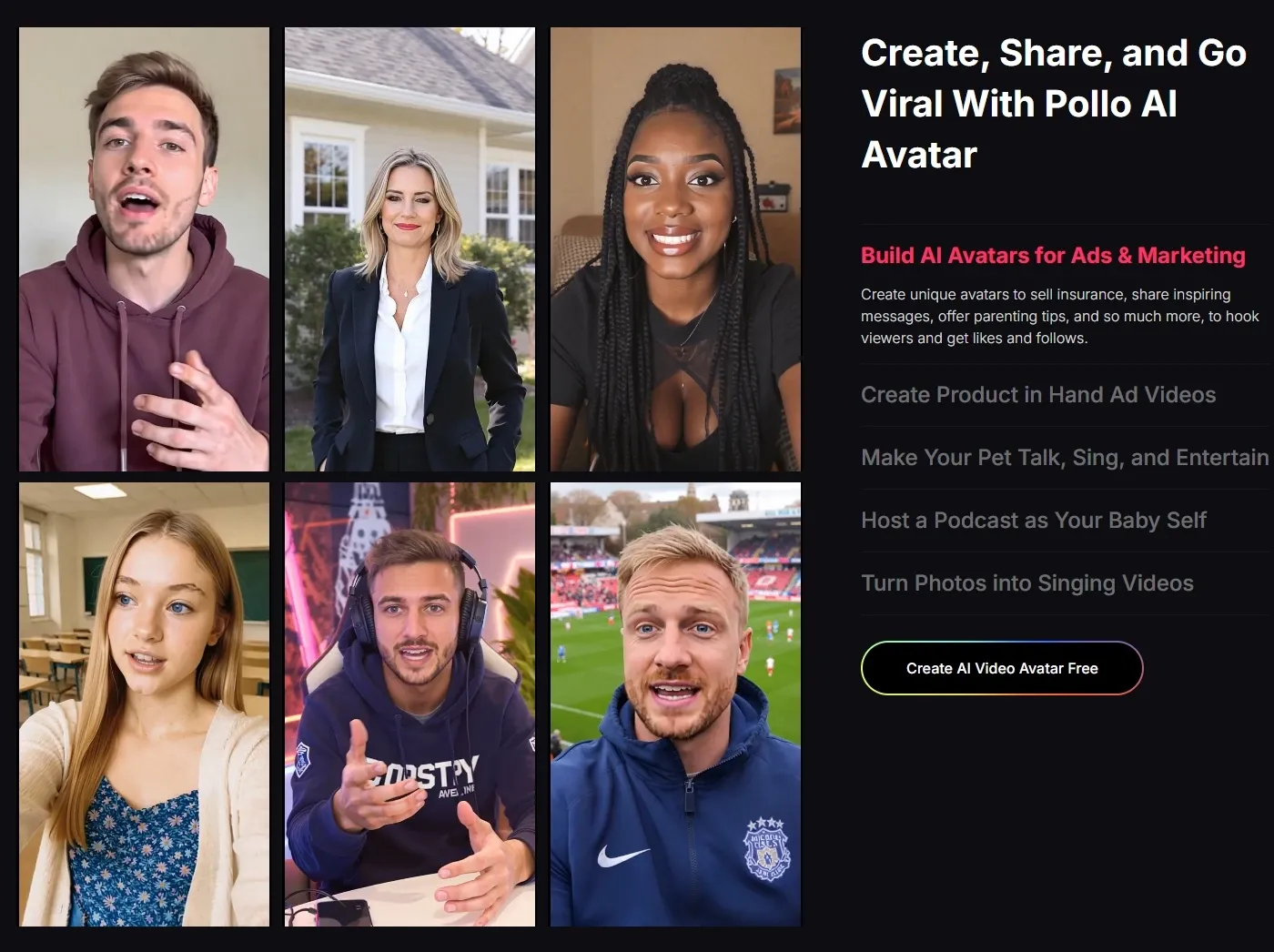
Pollo AI serves a different need entirely: it turns a single photo into a lifelike talking avatar video with natural lip sync, expressive gestures, emotional facial movement, and videos up to 2 minutes long, no pre-recorded footage required.
So Artguru helps design a face, while Pollo AI helps that face perform.
Who Actually Uses Artguru
E-commerce Sellers
Artguru helps clean product photos fast by enhancing image quality, removing backgrounds, and erasing distractions before uploading to Amazon, Shopify, or marketplace listings.
Portrait & Event Photographers
Photographers use Artguru to improve blurry portraits, sharpen facial details, reduce noise, and rescue useful shots from weddings, events, or client galleries.
Print & Merchandise Shops
Artguru is useful to upscale small images for posters, mugs, T-shirts, banners, and canvas prints, especially when customers provide low-resolution files.
Anime Fans & Creators
Anime creators use Artguru to sharpen anime screenshots, manga panels, CG art, and waifu images for wallpapers, fan edits, social posts, or printable artwork.
Supports AI video models and image to video workflows
Text/ image/ reference to video, video tools & effects
Creative Community
Limited community positioning
Strong daily challenges, sharing, & feedback
More workflow/productivity-focused than community-led
Agent
No
No
Pollo Agent creates ready-to-post videos with zero editing
Artguru is best understood as a practical enhancement and editing toolkit. It helps users clean up photos, remove backgrounds, erase unwanted objects, and improve existing media, making it useful for quick visual fixes.
Compared with NightCafe, it is less community-driven and more utility-focused. But when creators need full video generation workflows, richer video tools, and agent-led, ready-to-post content, Pollo AI offers a broader path from idea to finished output.
Do Users Like Artguru
Artguru seems to leave different impressions depending on what users need after the image is made. One reviewer praised the tool for delivering a satisfying result in just a few seconds, suggesting that Artguru can feel fast and rewarding for first-time users.
Another reviewer, however, found the workflow frustrating after generation, especially when resizing and copying an image into a document.
This points to a gap between quick output and smooth follow-through, where Artguru may work well for simple results but feel less polished for users who need precise handling after creation.
Where Does Artguru Fit
Artguru sits in the practical end of the AI image market. It is less about cinematic storytelling or complex campaign production, and more about making existing visuals cleaner, sharper, and easier to use.
Its strength lies in quick fixes: enhancing photos, removing backgrounds, erasing distractions, upscaling anime images, and generating simple visual concepts.
That makes Artguru useful for everyday creators and small teams, but also narrower than platforms built for full image and video creation.
Ready to Go Beyond Image Fixes? Try Pollo AI!
Pollo AI is an all-in-one AI image and video creation platform built for complete content production, not just quick visual fixes.
While Artguru helps clean, enhance, or generate static images, Pollo AI takes the next step with many leading image and video models in one place, including Nano Banana and Veo, so creators can choose the right model for each task.
It also brings together a wide range of image tools, from AI logo art generator to AI face replace, making it easier to create, edit, and refine assets without jumping between platforms.
I’ve been using Pollo AI mainly for short videos and quick image-to-video tests. The interface is straightforward and it works well even with simple prompts, which is a big plus compared to tools that need long, complicated instructions. The results can be really impressive, and it’s honestly been fun to experiment with. I’d love a bit more consistency on faces when there’s movement, but overall it’s been a solid experience for what I needed.
Awesome website. loads of options and a great way to learn how to work with 'AI' my reasoning for 5 stars is based upon price, versatility and ease of use. Also I would like to add, Pollo AI runs a lot of promos on different AI products as well. I rate their customer service at 5 stars, when I purchased my first subscription my computer crashed the following weekend and I lost all my data and info passwords you name it I lost it, contacted pollo by email they responded quickly and found my info/username and account, and I was able to restore my account.
I have been using Pollo AI for short videos. It is easy to use and works well with simple prompts. Other generators seem to need long drawn out complicated explanations to get even close to what I want.
i tried 220 online img to vid in 2 months, and this is the best online video.I will subscribe for a year; there are many reasons. But freedom is the most important.
Artguru is an AI image and media tool suite for creating and improving visual assets. It supports AI image creation, photo enhancement, background removal, object removal, anime image upscaling, AI tattoo design, and AI face generation. It is especially useful for users who want cleaner, sharper, or more creative images without learning professional editing software.
What can Artguru create?
Artguru can create AI images, stylized artwork, tattoo design ideas, and realistic AI-generated faces. Users can start with a written prompt or, in some tools, upload an image as a reference. This makes it practical for avatars, concept visuals, fan art, social posts, tattoo inspiration, and early-stage design ideas.
Can Artguru improve blurry photos?
Yes. Artguru’s AI Photo Enhancer can improve clarity, sharpness, color, and detail in low-quality images. It can help with old family photos, soft portraits, product images, screenshots, and visuals that look noisy or unclear. For small businesses, this can be useful before publishing images on websites, stores, or social channels.
Is Artguru good for anime images?
Yes. Artguru’s Anime Image Upscaling is made for anime images, manga panels, cartoons, CG art, and waifu pictures. It can sharpen and enlarge low-resolution visuals, making them more suitable for wallpapers, fan edits, reference boards, posters, or small merchandise projects.
Is Artguru enough for full image and video creation?
Artguru works well for generating, enhancing, and cleaning static visuals. For creators who want to go further, Pollo AI offers a more complete path from image to finished content, with AI image and video generation, avatars, image tools, and Pollo Agent for creating ready-to-post videos without manual editing.
Create Beyond Images With Pollo AI
Cleaner images. Smarter edits. Full videos beyond Artguru.








 Liz Cassidy


