Canva empowers millions of creators with an intuitive design workspace and template-driven AI tools. However, complex visual storytelling often requires unconstrained generative capabilities. Pollo AI bridges this gap with not only specialized image generators but also a powerful AI photo editor. Simply use your natural language to describe, then let AI do the rest. Try Pollo AI Image Generator For Free Now!
Text to Image
Image to Image
POLLO AI INFLUENCER
Create your own influencer. Then jump into any trend with Recast.
Kling 4.0
Up to 10 keyframes. Unlimited for 10 days with Ultra.
Pollo Recast
Recreate viral videos. Remix new versions.
Pollo Recast Challenge
One upload in. Your viral video out. Unlimited rewards await.
Pollo Agent x DeepSeek V4.1 FLASH
Faster completion at a much lower cost.
Pollo Agent x Gemini 4 Argon
Smarter reasoning. All through Pollo Agent.
Pollo MCP
End-to-end content creation. Up to 4 Videos/ 20 Images for FREE.
Key Features of Canva
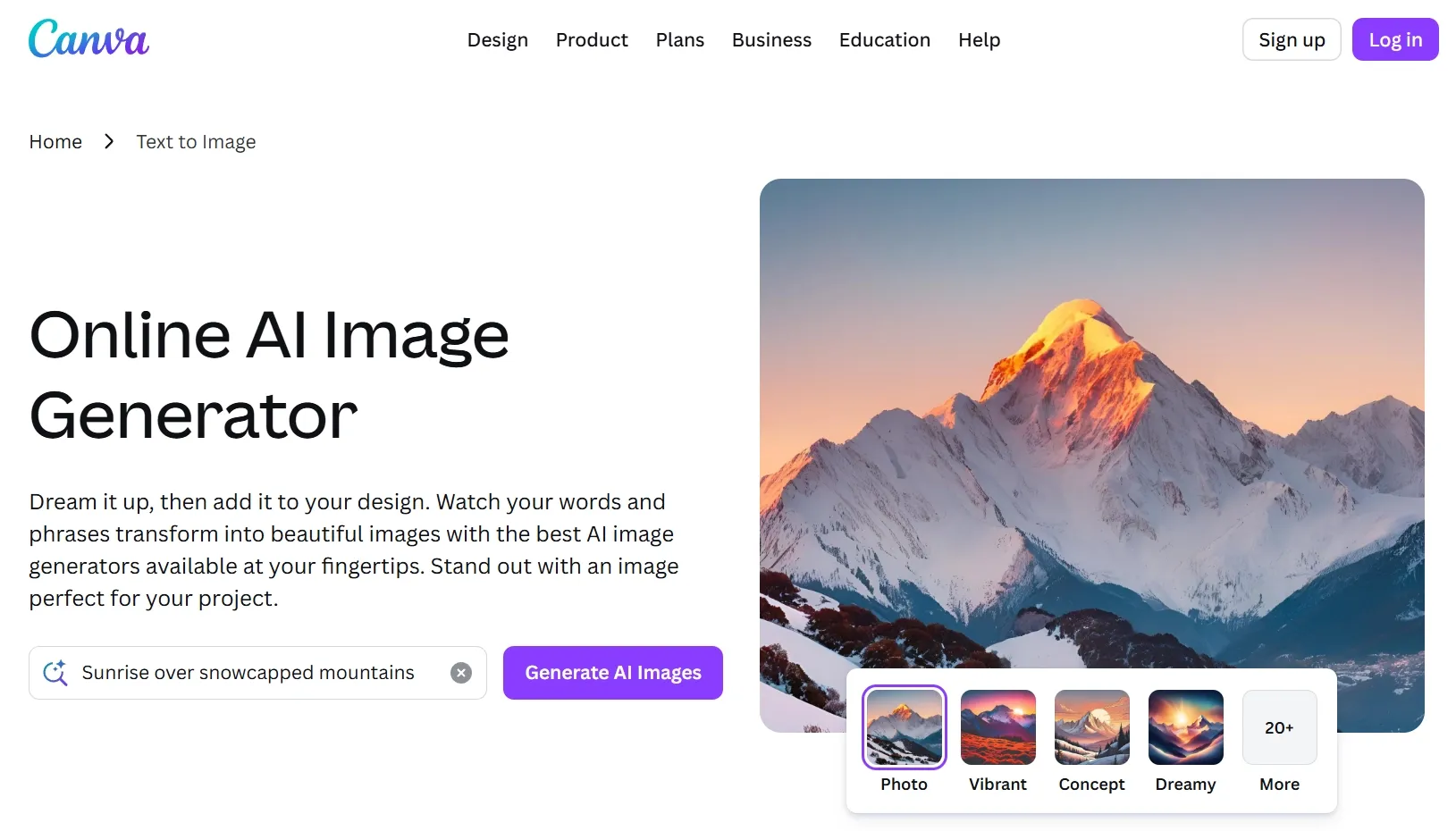
Text-to-Image Generation: Turns written prompts into AI-generated images for designs and social posts.
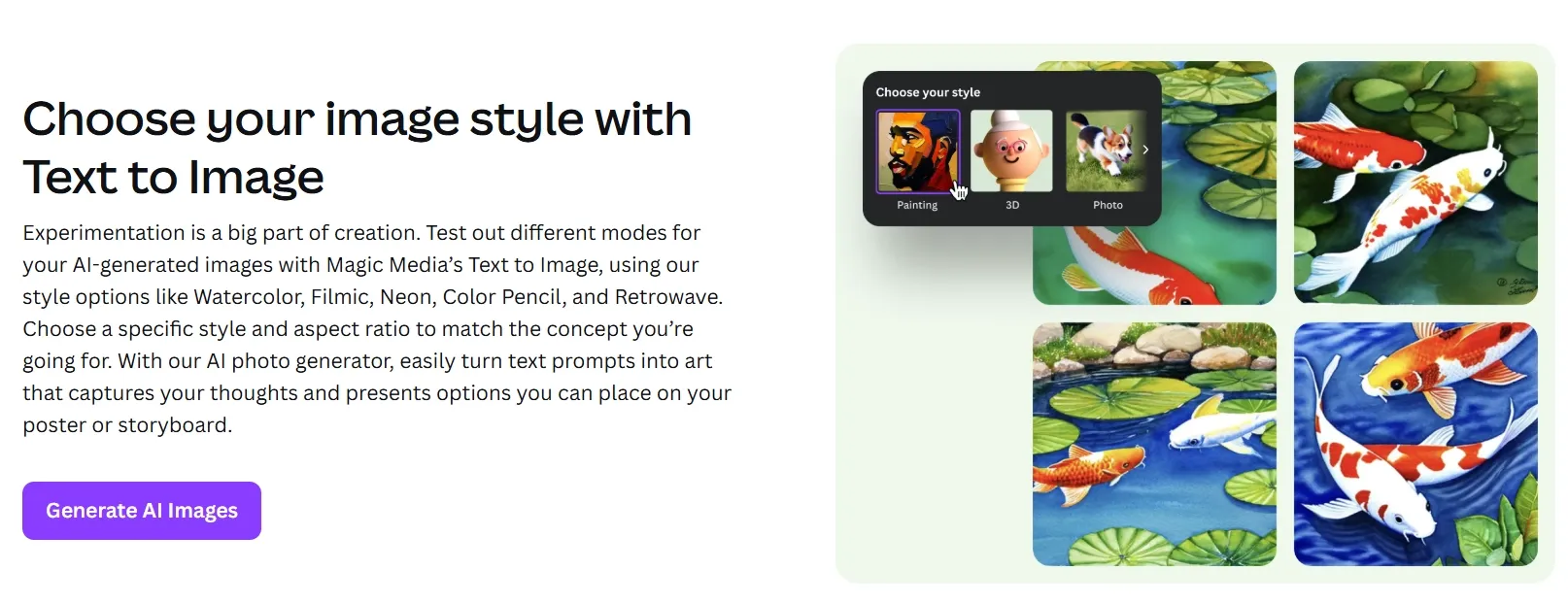
Style and Aspect Ratio Control: Offers selectable visual styles and ratios to match the intended format.
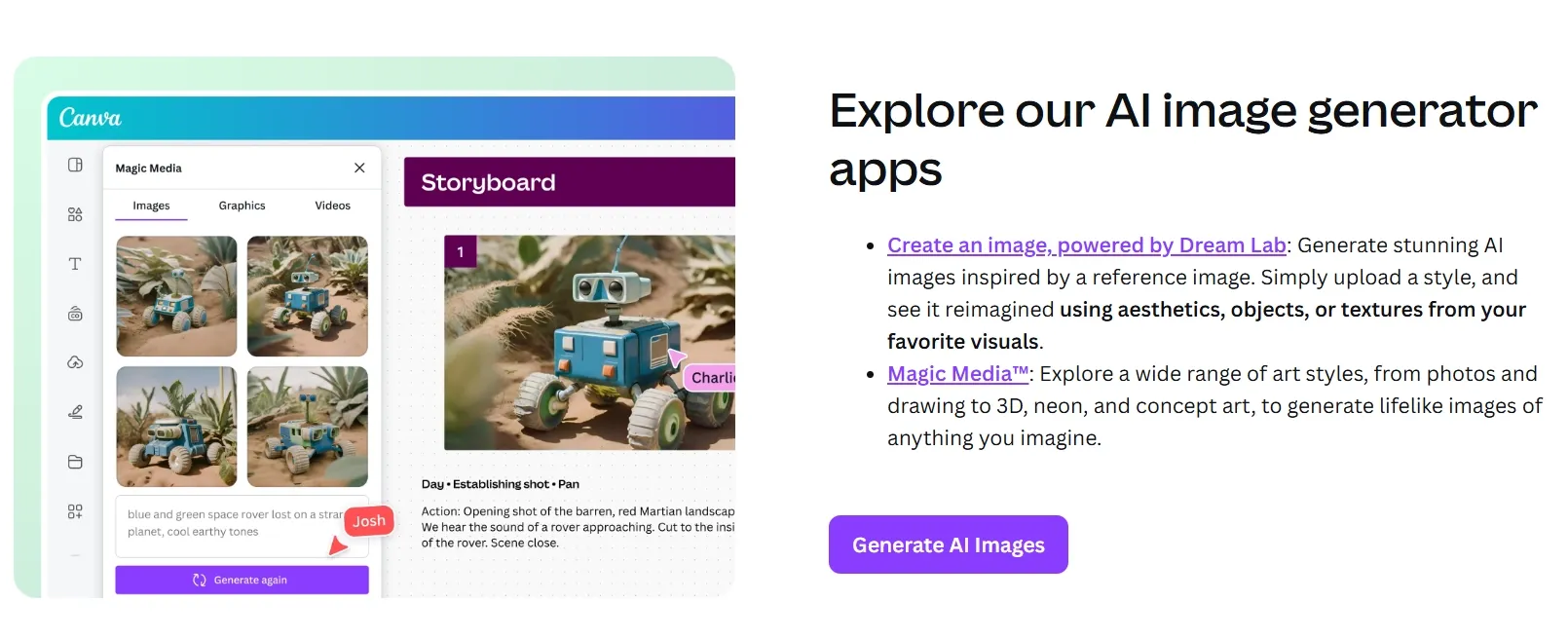
Reference-Based Image Creation: Uses uploaded reference images in Dream Lab to guide the new visuals.
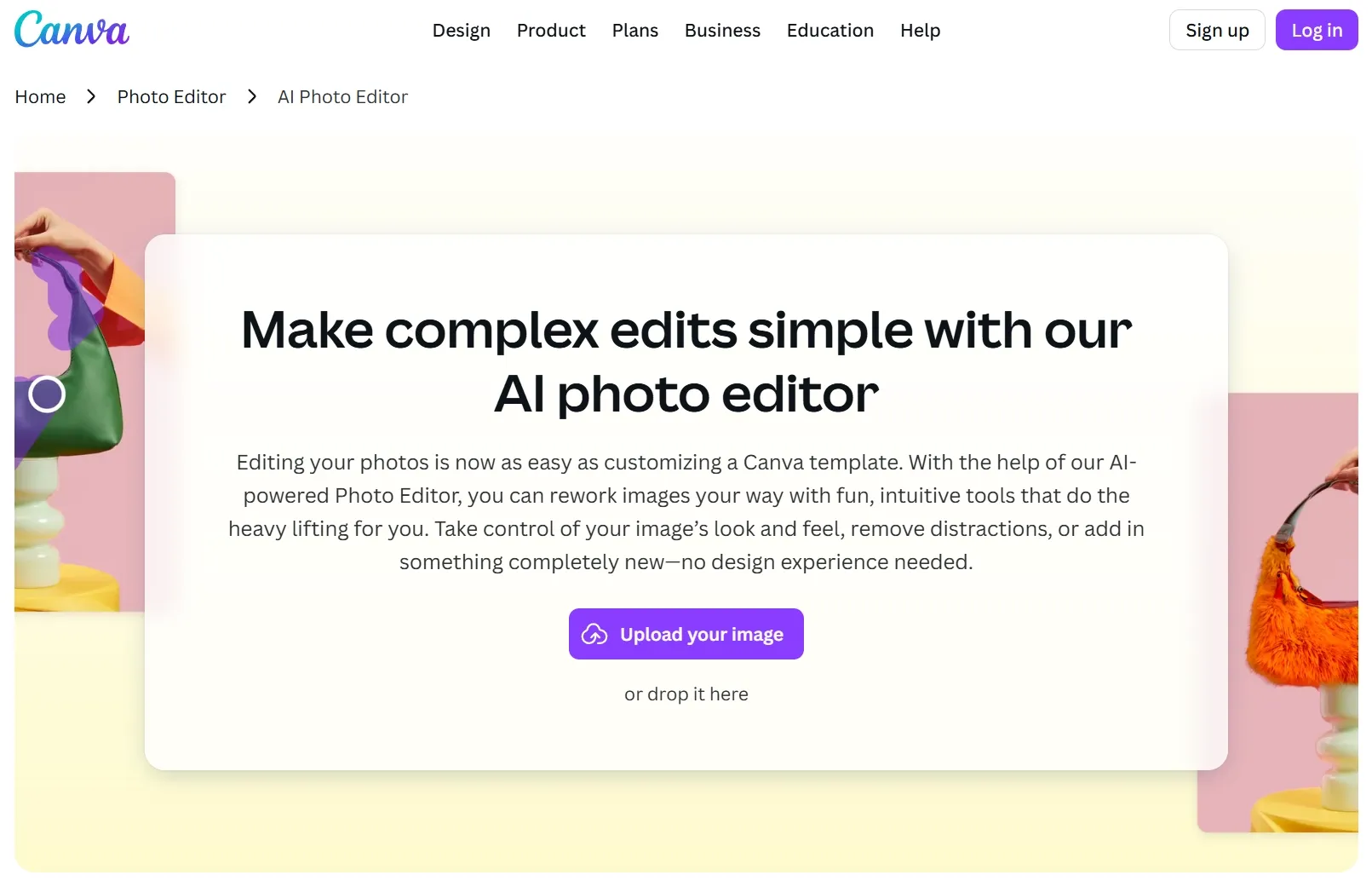
Built-In Image Editing: Refines images with Canva tools such as filters, effects, Magic Edit, and Magic Eraser.
Text-to-Image Creation
Canva AI lets users enter a written prompt and generate images for design projects, presentations, social media posts, and other visual formats. It helps turn early ideas into usable visuals without needing to search for existing stock images.
Style and Ratio Options
Magic Media’s Text to Image supports different visual styles, such as Watercolor, Filmic, Neon, Color Pencil, and Retrowave, along with aspect ratio selection. Users can adjust the output direction to better fit posters, storyboards, campaigns, or social layouts.
Reference-Based Image Generation
Create an image, powered by Dream Lab, can use a reference image to guide aesthetics, textures, objects, or composition in the generated result. This is useful when users want new visuals that follow an existing look or creative reference.
Built-In Editing Workflow
Generated images can be adjusted inside Canva with tools such as effects, filters, Magic Edit, Magic Eraser, background remover, and export or sharing options. Users can continue refining the image in the same workspace after generation.
Teams can generate on-brand visuals in seconds by selecting a style and entering a text prompt, eliminating the back-and-forth with designers for routine social posts, story graphics, and ad creatives.
Small Business Owners & Entrepreneurs
Business owners can produce polished promotional materials — from product banners to event flyers — without hiring a graphic designer, using Canva's vast template library as a professional starting point.
Educators & Trainers
Instructors can transform dry lesson content into visually compelling presentations and infographics, using AI-generated imagery to illustrate concepts and maintain student engagement across slides and handouts.
Freelancers & Independent Creators
Designers can rapidly prototype visual concepts for client pitches, generating multiple style variations from a single prompt to present creative directions without committing hours to manual mockups.
What Real Users Say About Canva AI
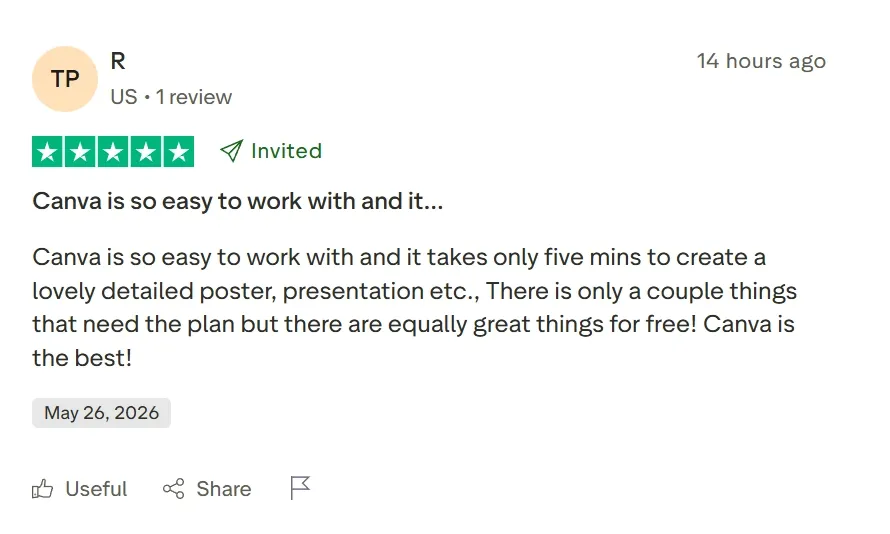
Canva consistently earns praise for its accessibility and speed. On Trustpilot, one verified user writes: "Canva is so easy to work with and it takes only five minutes to create a lovely, detailed poster, presentation, etc. — Canva is the best!" This sentiment is echoed across G2, with users highlighting how the platform removes the technical barrier from visual design entirely.
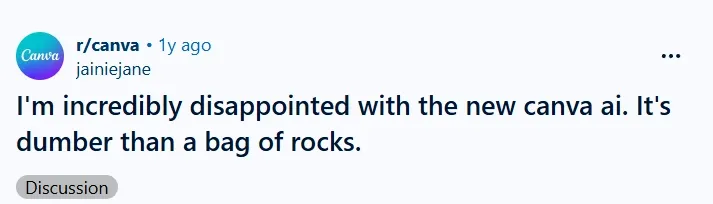
However, the AI image generator itself draws sharper criticism. On Reddit, one long-time subscriber shared: "I asked it to create a couple standing shoulder to shoulder, facing forward. I got anything but — back to back, sideways, action poses. It's acting like a newborn."
Pollo AI directly addresses the prompt incoherence and limited editing depth that frustrate Canva users. By integrating top-tier generative models — including GPT Image 2.0, Seedream 5.0 Lite, and Nano Banana 2 — Pollo AI delivers precise, repeatable outputs.
Where Canva's tools remain experimental and manual, the Pollo AI generates commercial-ready images, taking creators from a raw idea straight to a final piece. The output images are consistently high-resolution, rich in detail, and visually striking—matching the quality of professional studio work.
Its advanced features of text to image and image to image allow creators to generate stunning, ready-to-use images from scratch or seamlessly modify existing ones. Backed by a smart AI photo editor, it delivers flawless style transfers and precise object removal instantly.
I’ve been using Pollo AI mainly for short videos and quick image-to-video tests. The interface is straightforward and it works well even with simple prompts, which is a big plus compared to tools that need long, complicated instructions. The results can be really impressive, and it’s honestly been fun to experiment with. I’d love a bit more consistency on faces when there’s movement, but overall it’s been a solid experience for what I needed.
Awesome website. loads of options and a great way to learn how to work with 'AI' my reasoning for 5 stars is based upon price, versatility and ease of use. Also I would like to add, Pollo AI runs a lot of promos on different AI products as well. I rate their customer service at 5 stars, when I purchased my first subscription my computer crashed the following weekend and I lost all my data and info passwords you name it I lost it, contacted pollo by email they responded quickly and found my info/username and account, and I was able to restore my account.
I have been using Pollo AI for short videos. It is easy to use and works well with simple prompts. Other generators seem to need long drawn out complicated explanations to get even close to what I want.
i tried 220 online img to vid in 2 months, and this is the best online video.I will subscribe for a year; there are many reasons. But freedom is the most important.
Discover Other Powerful AI Image Generators on Pollo AI
The Canva AI image generator is a user-friendly tool found within Magic Studio that uses AI to turn text descriptions into custom photos and graphics. It’s designed to help anyone—regardless of skill level—create unique visuals for social media, ads, and business presentations without needing traditional design software.
How do I get the best results from Canva AI?
The secret is in the details! Instead of just typing ‘a dog,’ try ‘a golden retriever running through a field of sunflowers in golden hour lighting.’ Adding style keywords like ‘hyper-realistic’ or ‘vintage film’ also helps the AI understand exactly what kind of aesthetic you are looking for.
What are the AI image generator tools available on Canva? And what's the difference between them?
Canva AI features two main tools. Magic Media is perfect for turning text prompts into art across various styles instantly. For more control, Dream Lab lets you use a reference image to guide the AI on style while keeping your original layout. You can even upscale your final AI images for a crisp, high-res finish.
Can I use Canva’s AI Image Generators to create an image of my favorite celebrity or superhero?
Canva wouldn’t recommend it. Celebrities and superheroes are protected by copyright and publicity rights. Generating recognizable faces or brands with the Canva AI generator without permission can lead to legal issues. Since Canva AI can’t grant you these rights, it’s best to stick to creating your own unique, original art.
Elevate Your Visual Storytelling with Pollo AI Today!
Stop fighting rigid templates and generate flawless, publish-ready AI art with Pollo AI now!