Key Features of Kaze AI
- Kaze Flash Image Generation: Produce original visuals and image variations from plain-language prompts.
- Chat Edit: Refine an existing image through conversational instructions.
- Prompt-Based AI Editing: Input simple text prompts to apply advanced image edits
- AI Image Inspiration Copy: Upload reference images for instant one-click style transfers
- Watermark & Logo Removal: Flawlessly erase watermarks, logos, text, etc, with no traces
- Background & Object Removal: Cleanly remove or swap unwanted image backgrounds and elements
- Image Restoration & Enhancement: Restore old or damaged images and improve resolution quality
- Instant AI Headshot Creation: Turn ordinary subject photos into professional-quality headshots
Kaze Flash Image Generation
Kaze AI uses Kaze Flash as a fast starting point for creating images from text or transforming uploaded photos. It supports portraits, illustrations, product concepts, campaign frames, and stylized social content. Its practical advantage is iteration. Users can compare several visual directions before refining the strongest one instead of planning every detail in a traditional editor.
Explore More Creative Directions With AI
Create polished portraits, product visuals, campaign images, and stylized content with leading AI models in one workflow.
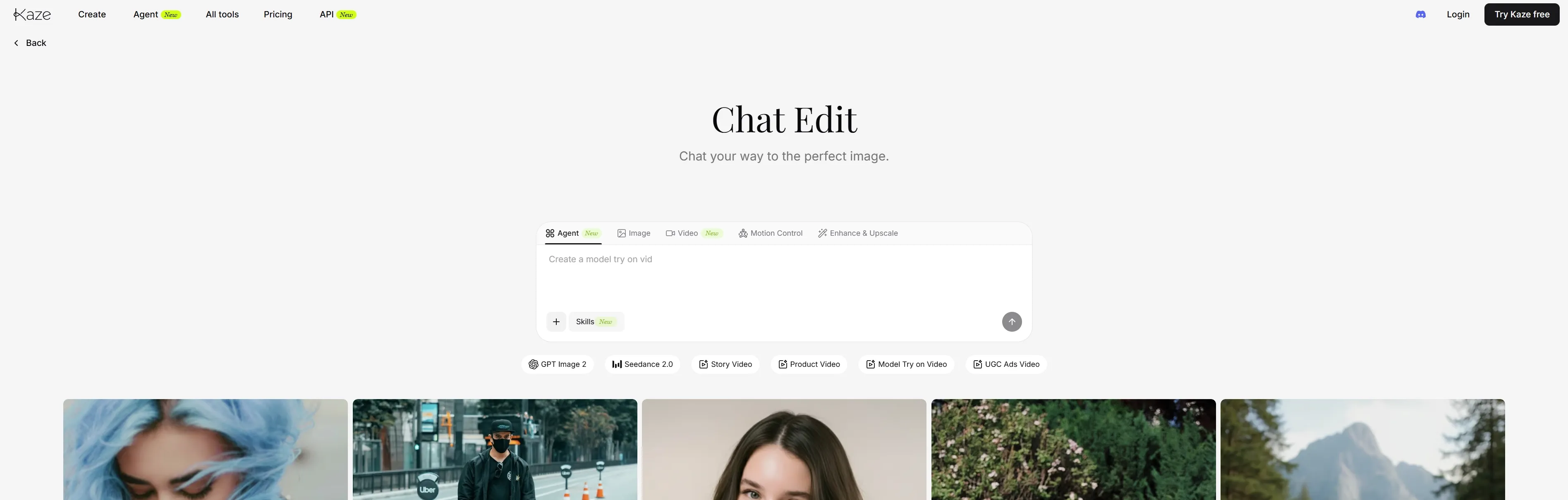
Chat Edit
Kaze AI's Chat Edit replaces manual selections and adjustment layers with conversational instructions. Users can request changes such as replacing an outfit, cleaning the background, adjusting the lighting, or adding an object while asking the platform to preserve everything else. This workflow is accessible to beginners, but precise instructions still matter.
Prompt-Based AI Editing
Kaze AI simplifies complex image editing by letting users intuitively apply changes via simple text prompts, making it effortless even for amateurs. Using advanced visual logic, the AI model interprets plain language requests like “change the dress color to blue” and refines the image instantly with flawless results, eliminating any need for technical expertise.
AI Image Inspiration Copy
With Kaze AI, users can initiate style transfers with one click by simply uploading a reference image to imitate its aesthetic onto an existing photo. Whether you want to mimic certain character poses, place subjects in specific locations, or even have them hold products, the AI model will produce a natural-looking image render instantly.
Watermark & Logo Removal
Kaze AI enables users to erase unwanted or distracting watermarks, logos, and other text elements from images in one click, without leaving traces like color shifts, artifacts, or patches. All it takes is one click to improve the aesthetic of an existing image, all while ensuring the natural background of the original photo remains fully preserved.
Background & Object Removal
Kaze AI allows users to remove existing backgrounds from images for transparent or customized replacements, with subjects able to be isolated or swapped without detailed masking required. You can also erase objects with precision in seconds, making it ideal for editing product photos, promotional images, etc.
Image Restoration & Enhancement
Using Kaze AI, it becomes possible to instantly revitalize old or damaged photos by recovering lost color, removing noise, and sharpening details, all with zero manual cleanup. Users can also upload and enhance low-quality images with one click to create high-resolution outputs that can be used in large prints or displays.
Instant AI Headshot Creation
Users can upload images of themselves or others, which Kaze AI will analyze to instantly generate professional, studio-like headshots that present the subject perfectly. This reduces the need for planning expensive photoshoots, allowing anyone to create quality face portraits for use in social profiles, resumes, presentations, etc.
Streamlined Workflow Makes Generation Faster
Kaze AI offers a streamlined workflow through its seamless API integration, which is designed for maximum productivity.
Businesses can effortlessly integrate Kaze AI's robust APIs into their existing systems, enhancing efficiency.
This enables fast image tasks such as watermark removal and image expansion, with response times under 5 seconds. The speed helps scale visual content operations more effectively.
Who Is Kaze AI Best for
- Social Media Creators: Create styled portraits and posts, or change the background for imaginative visuals, making users’ feeds look fresher, cleaner, and easier to share.
- E-Commerce Sellers: Generate polished product photos, so your listings look more professional and drive stronger buyer confidence.
- Job Seekers: Create clean AI headshots to make your resumes and LinkedIn profiles appear more credible.
- Photo Restorers: Restore old images and restore color details, helping family memories feel clearer, warmer, and more vivid.
- Design Teams: Generate AI logos and concepts, helping product or event campaigns move faster from idea to visual direction.
- Influencers: Create varied looks and themed images, so your personal-brand content stays fresh and visually consistent.
Kaze AI Review: What Users Actually Say
On Reddit and Trustpilot, Kaze AI's limited public feedback reflects both the appeal of its simple editing workflow and uncertainty about output consistency. Negative feedback is more focused on generation reliability. A Trustpilot reviewer reported that some paid outputs became incoherent and required repeated attempts. Another Reddit discussion includes dissatisfaction with its headshot results.These comments are better treated as reminders to test Kaze AI with representative images before using it for a large portrait, product, or campaign workflow.
How Pollo AI Addresses Kaze's Image Workflow Gaps
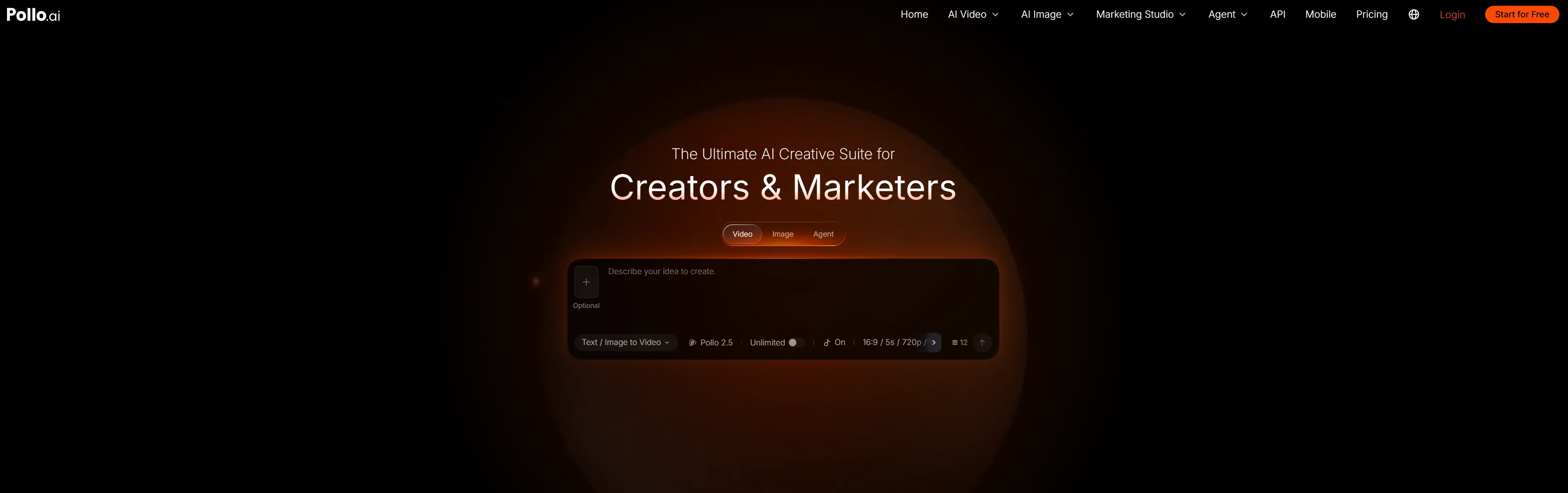
Where Kaze AI struggles with output stability and portrait quality, Pollo AI is built to deliver reliable, commercial-ready results without the guesswork. If you are tired of wasting time and credits on incoherent generations, here is how Pollo AI offers a better experience:
- First-Try Reliability: Users shouldn't have to repeatedly regenerate prompts to get a usable image. Pollo AI integrates industry-leading models that strictly follow your instructions, significantly reducing visual artifacts and delivering high-quality outputs on the first attempt.
- Flawless Portraits and Headshots: To address distorted headshots sometimes found in Kaze AI, Pollo AI combines advanced face enhancement with strong character consistency. It preserves natural skin textures, accurate lighting, and facial features, making it a dependable choice for professional headshots and avatars.
- True Commercial Control: While Kaze is fine for simple conversational edits, Pollo AI provides a full production suite. You can generate a flawless image, precisely edit specific regions (inpaint), and up-scale it to 4K—all in one place, ensuring your assets are actually ready for campaigns and product workflows.
- Zero-Edit Production with Pollo Agent: While other tools trap you in endless tweaking, Pollo Agent creates production-ready video from a single prompt—delivering a final cut in one click without manual editing required.
Create Images Ready for Real Projects
Generate consistent portraits, product visuals, and campaign assets with precise control and commercial-ready quality.
Pros and Cons of Kaze AI
Pros
- Simple Visual Workflow: Supports image generation, chat editing, enhancement, and upscaling in one browser-based tool.
- Useful Everyday Photo Tools: Offers headshots, image enhancement, watermark removal, restoration, and text removal.
- Good for Quick Edits: Works well for fast portraits, simple restorations, and basic visual improvements.
Cons
- Unclear Model Transparency: Kaze AI does not clearly disclose the underlying image models behind its tools.
- Limited Commercial Workflow Depth: It lacks deeper workflows for more image tools for marketing, like product photography, posters, and try-ons.
- Less Flexible for Advanced Projects: Kaze AI does not offer complex brand campaigns or multi-style visual production.
| Category | Kaze AI | Pollo AI | Fotor AI |
| Core Positioning | Fast AI image editing and visual iteration. | All-in-one AI creative suite for creators and marketers. | Mature photo editor with design and AIGC tools. |
| Image Generation | Offers image generation, styling, and chat editing. | Offers text to image generator and image to image generator. Users can also edit their photos or add image effects. | Offers text-to-image and image-to-image generation. |
| Image Editing | Strong focus on restoration, remover, headshots, and filters. | Covers editing, enhancement, stylization, background removal, and object removal. | Covers background removal, object editing, upscaling, and retouching. |
| Commercial Images | Useful for simple product and portrait tasks. | Image tools support product shots, posters, and virtual try-on. | Offers product image tools and e-commerce photo editing. |









 Liz Cassidy


