Step 1
Upload or drag and drop your low-res image to our tool for enhancement.
AI Video
Transform text and images into cinematic videos with lifelike avatars and studio-quality SFX.

AI Image
Turn ideas and images into stunning visuals, or perfect any photo with a complete suite of AI tools.

Agent
Create production-ready videos with SFX, consistent characters, and polished scenes. No Editing.

Marketing Studio
Built for marketers and sellers to create winning ads, UGC videos and product visuals faster.

Kling 4.0
Up to 10 keyframes. Impressive performance.
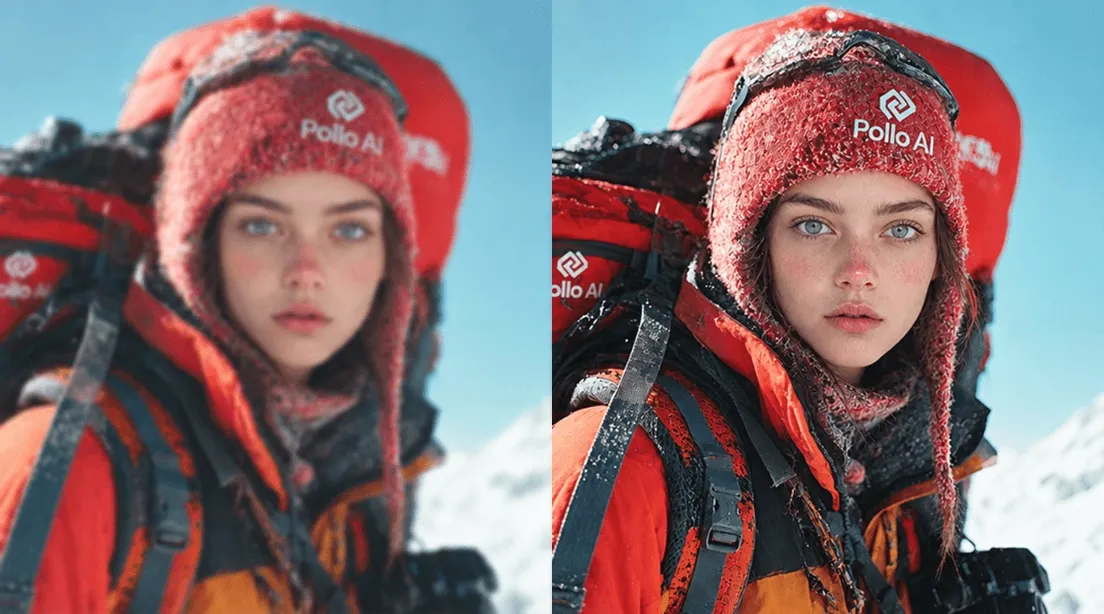
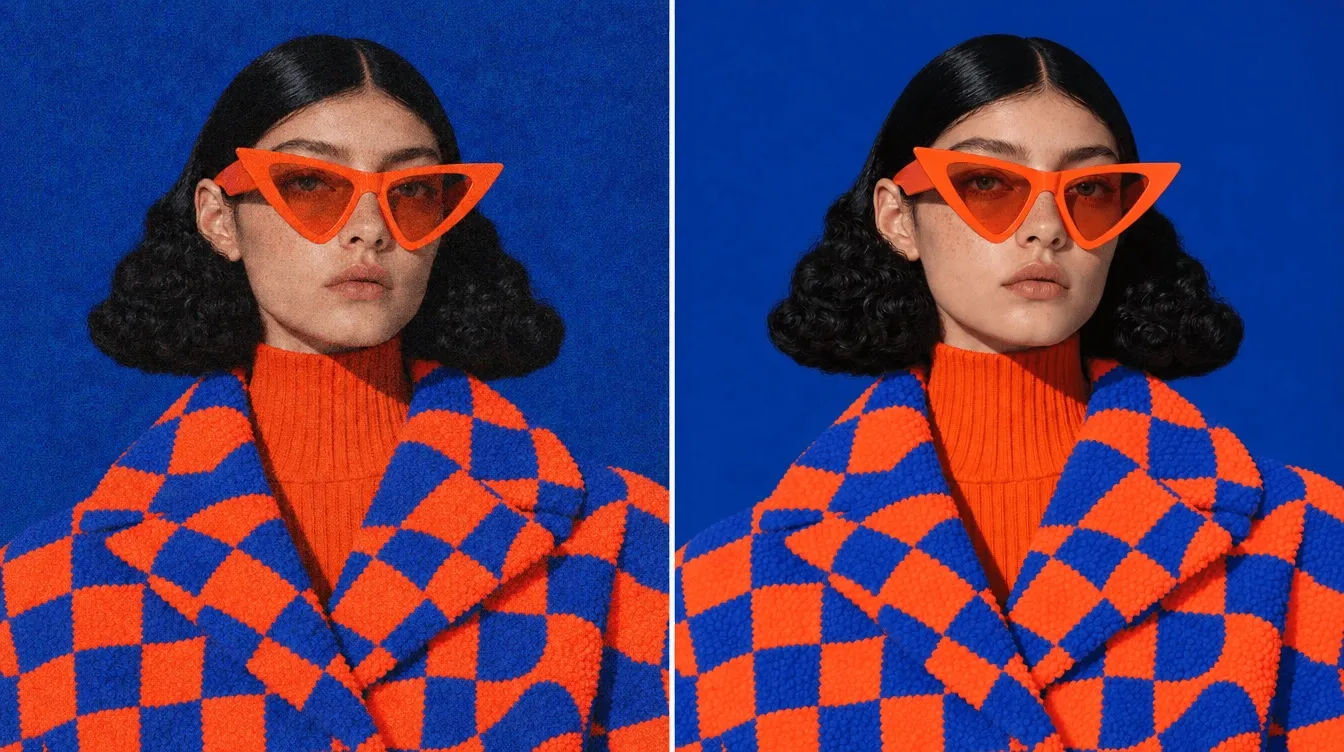
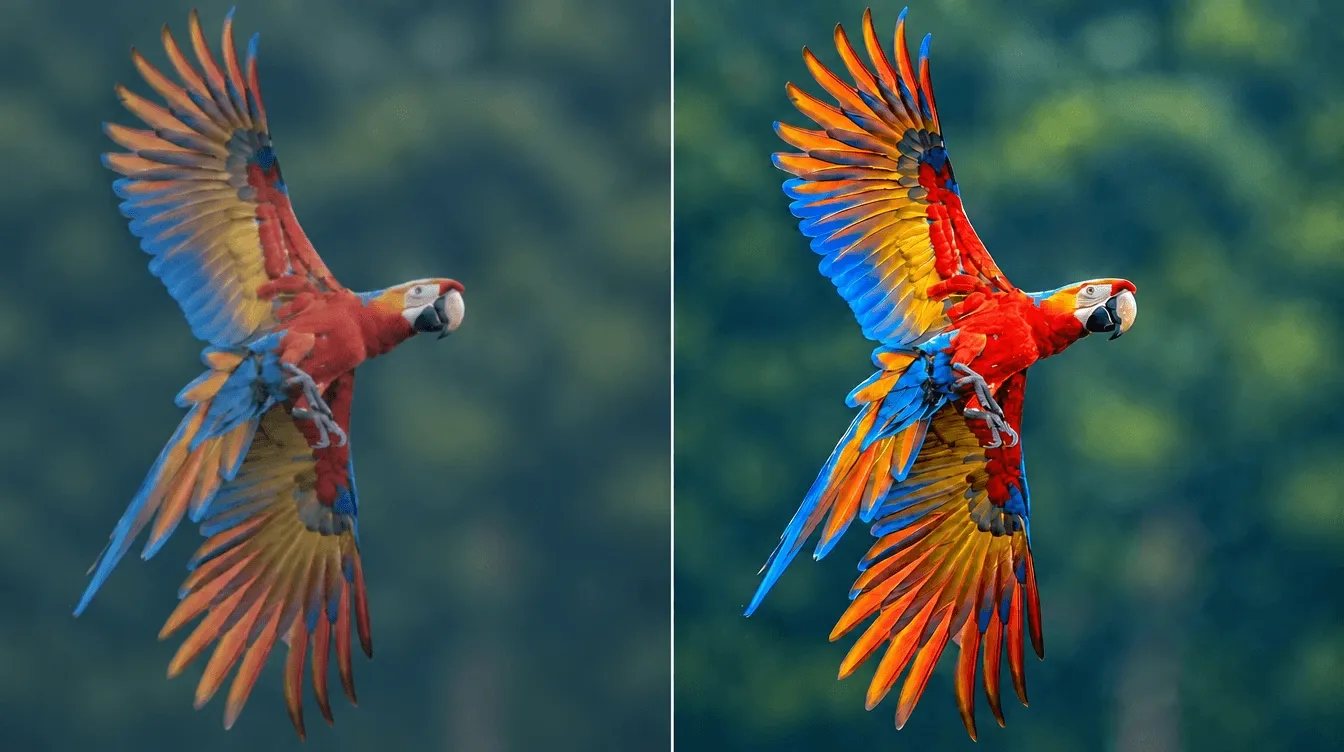
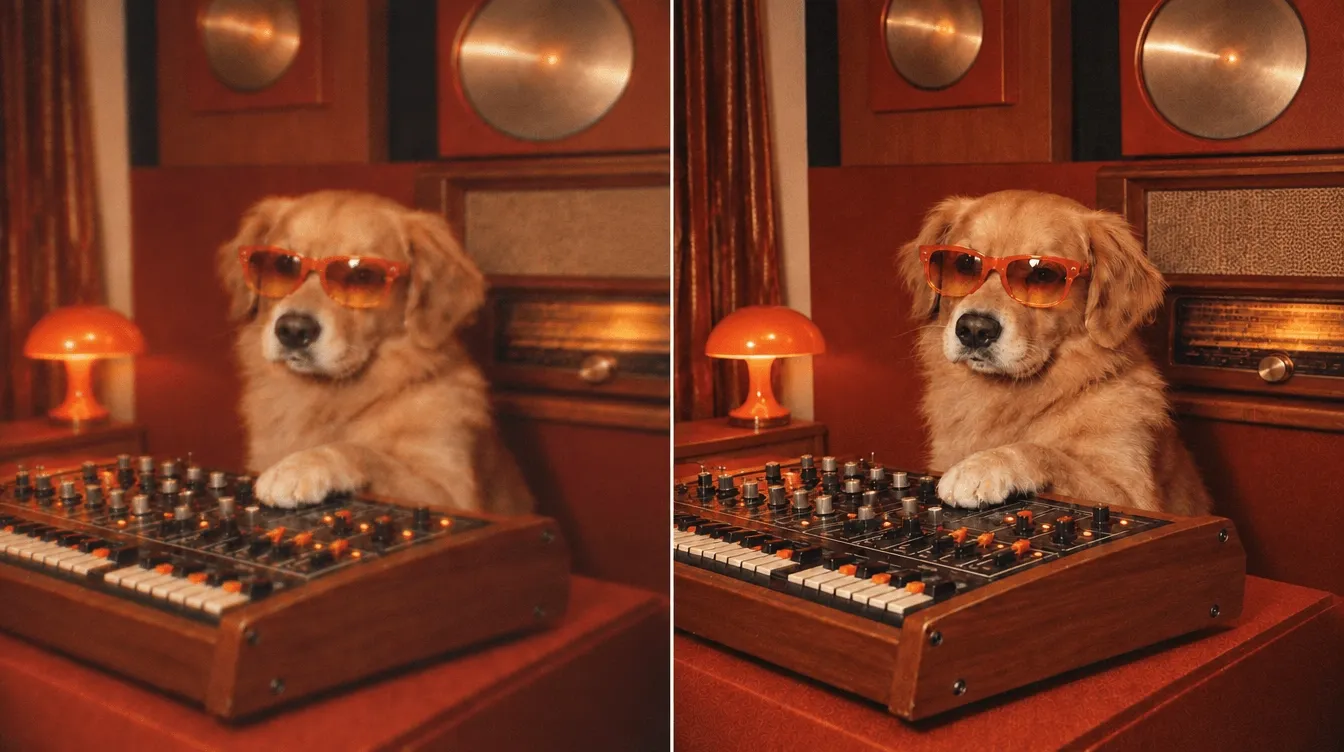
Bring old photos back to life using our free AI photo restoration tool. You can transform any low-res image into a higher-definition picture with stunning results in just a few clicks.
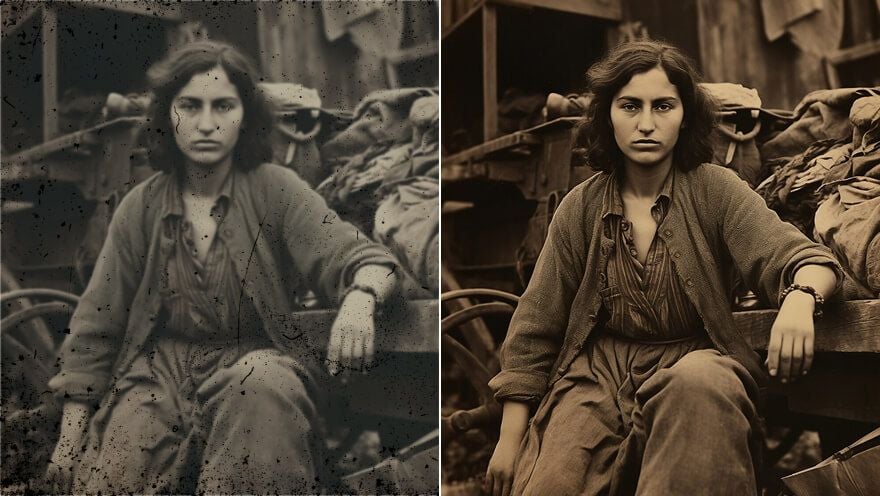
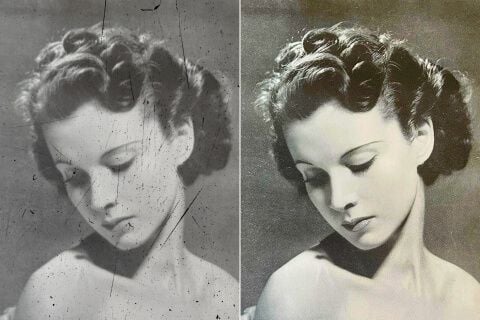
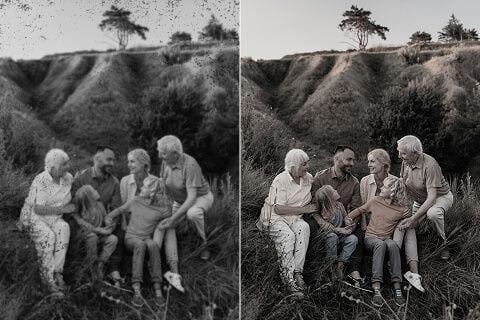
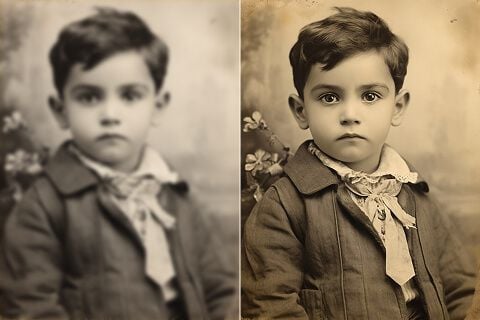
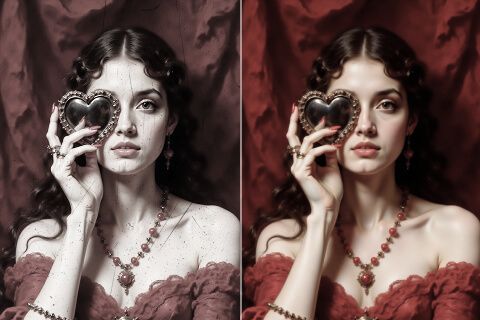
Upload or drag and drop your low-res image to our tool for enhancement.
Wait for the image to be processed and restored to a higher quality.
Download and save the restored image on your device or share it online.
Explore the full range of AI image tools on Pollo AI, built to streamline your entire creative workflow.
Create photorealistic images from text instantly. Achieve cinematic quality and flawless typography with zero photography required.
Create custom pixel art, outfit designs, chibi avatars, and other niche visuals for your audience.
Maintain perfect structural fidelity while recreating photos. Apply cinematic styles and 4K upscaling for production-ready assets.
Clean up images, remove backgrounds, remove objects, and enhance fine details with precise AI editing tools.
Create ready-to-use image assets for business cards, YouTube banners, menus, and other campaign needs with diverse image apps.
Turn a text brief into polished, production-ready visuals with an AI agent that handles the creative workflow for you.









Using Pollo AI to Create and Inspire
A photo restoration tool uses AI technology to automatically revive old and damaged images. With this tool, you don’t need any image editing skills to make a low-res photo look clearer, sharper, and more detailed. All it takes is a few clicks to get the restored version.
Our AI photo restoration tool can revive any blurry, faded, old or damaged image with one single click. Using advanced algorithms, it analyzes the uploaded image before altering aspects like color, saturation, contrast, and even applying filters to help remove degradations.
Yes. You can access our old photo restoration tool at no charge via the free trial. You won’t need to pay any fees or even submit any credit details to get started. This allows you to freely test out the tool’s capabilities and get a good idea of its effectiveness.
Our old photo restoration tool can typically help restore all sorts of pixelated, blurred, old or damaged photos with exceptional results. However, the effectiveness of the picture restoration tool can also vary depending on the level of damage. The more damaged the image, the harder it can be to restore it.
Absolutely. Pollo AI is a mobile-optimized platform, so you can freely access the old photo restoration tool on any device. Whether you want to restore photos via mobile, tablet or desktop, you can seamlessly upload the files and download the new versions with no hassle whatsoever.
Our AI photo restoration tool supports all kinds of popular image formats such as JPG, PNG, and even WebP. This makes it easy for users to upload all sorts of images without having to make any tedious file conversions beforehand.
Yes. When restoring an old and damaged image, the newer version will often be generated in a higher resolution. This means the file size of the final output may sometimes be slightly higher than the original. Keep this in mind especially when restoring multiple images.
Using a photo restoration tool is the simplest and most effective way to get a higher quality image. You can try making manual edits, but this is a lengthy process that doesn’t always return great results. With our picture restoration tool, the final output will often be a significant improvement.
Yes. Any images that you upload on our photo restoration tool will still belong to you. There will be no legal copyright issues or royalties to worry about, so you can feel free to use the restored versions in both personal and commercial projects.

Access Pollo AI to instantly restore any photo and achieve greater clarity now!