Step 1
Click to upload or drag and drop your black and white photos into the tool.
AI Video
Transform text and images into cinematic videos with lifelike avatars and studio-quality SFX.

AI Image
Turn ideas and images into stunning visuals, or perfect any photo with a complete suite of AI tools.

Agent
Create production-ready videos with SFX, consistent characters, and polished scenes. No Editing.

Marketing Studio
Built for marketers and sellers to create winning ads, UGC videos and product visuals faster.

Kling 4.0
Up to 10 keyframes. Impressive performance.
Use our AI photo colorizer tool to breathe new life into black-and-white photos. Turn old, pale, or grayscale images into vibrant, full-color pictures with realistic shading and tones. Perfect for enhancing family pictures, travel memories, or cherished historical moments.
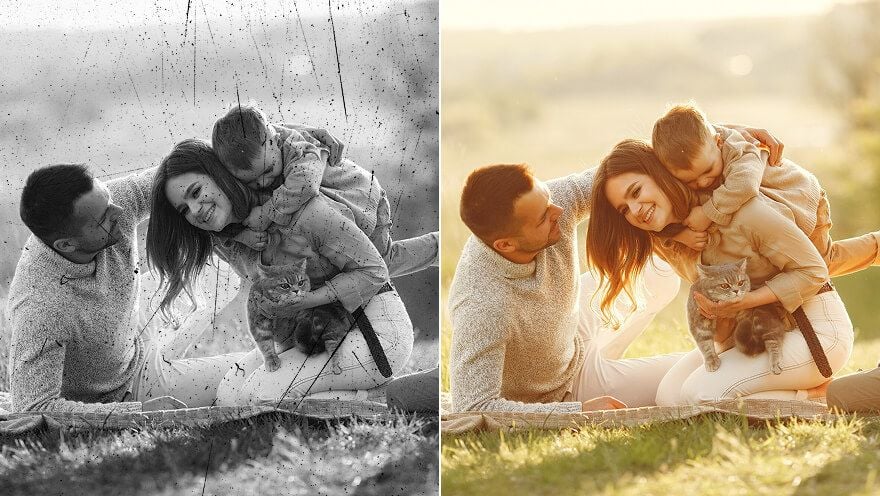
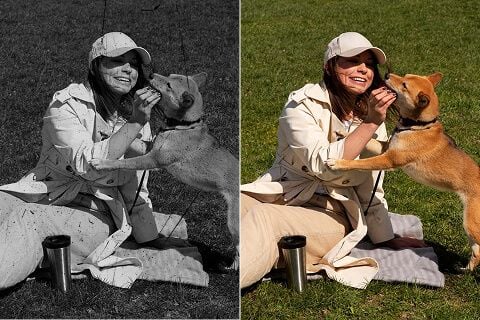
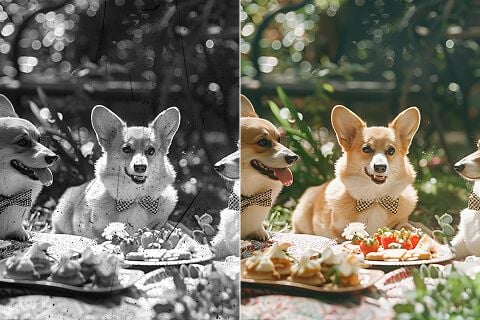
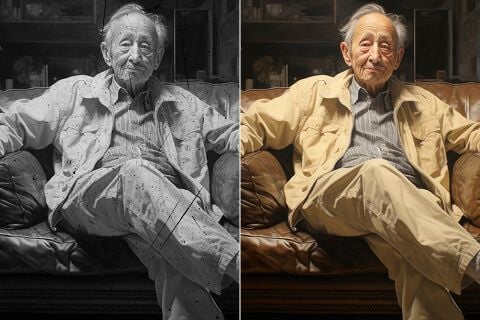
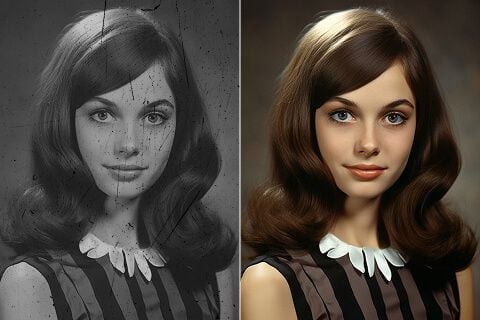
Click to upload or drag and drop your black and white photos into the tool.
Let our image colorizer identify and insert the most appropriate colors.
Once the process is complete, download and share your colorized photos.
Explore the full range of AI image tools on Pollo AI, built to streamline your entire creative workflow.
Create photorealistic images from text instantly. Achieve cinematic quality and flawless typography with zero photography required.
Create custom pixel art, outfit designs, chibi avatars, and other niche visuals for your audience.
Maintain perfect structural fidelity while recreating photos. Apply cinematic styles and 4K upscaling for production-ready assets.
Clean up images, remove backgrounds, remove objects, and enhance fine details with precise AI editing tools.
Create ready-to-use image assets for business cards, YouTube banners, menus, and other campaign needs with diverse image apps.
Turn a text brief into polished, production-ready visuals with an AI agent that handles the creative workflow for you.









Using Pollo AI to Create and Inspire
AI photo colorizers use artificial intelligence algorithms to colorize black and white photos to colorful images. The AI image colorizers scan the photo to figure out the right colors, and then adds them to the image.
Our image colorizer is great for adding color to old or black and white photos, such as portraits, family pictures of old relatives, or photos of different scenes from days gone by. It can bring these photos into the 21st century with realistic colors and shading.
Pollo AI is the leading name in black and white to color transformations. It has leading AI technology, which allows it to accurately scan photos, identify the most appropriate colors to use in each pixel, and then bring those pictures to life with complete coloration.
You can use Pollo AI’s photo colorizer to bring color back to old or black and white photos. It’s super simple to work with – just upload the photo you want to colorize, then let the AI figure out the correct colors to add and the right places to add them. Once it’s done, you’re free to download, save, and share your new and improved pictures.
Yes, all of our AI image and video tools are 100% free to try. You can test any of them out, including the AI photo colorizer to add color to black and white images, right now, without spending any money at all.
Absolutely. Our image colorizer cleverly uses advanced AI algorithms to scan each picture, understand the most natural and logical coloring for each section of the picture, and then it inserts the relevant colors, as needed. The results are highly precise, just like real color photos.
The AI uses advanced technology to cross-reference data from each picture with countless other pictures from other sources across the web. This helps it understand the most accurate and correct colors to add to each section, giving you the most attractive end results.
You can use our AI photo colorizer on almost any platform of your choice. That includes PCs, laptops, as well as mobile devices, such as phones and tablets.
The colorized photos are yours to save, download, share, and use however you like. It’s up to you. You might just want to save them for your own personal viewing, share them around, or even use them in your commercial projects.
It’s best to use photos that are of reasonable quality, where possible, with the correct format for the tool and without much graininess, creasing, or other visual problems.

Choose Pollo AI to transform black and white photos to color photos instantly!