Key Features
- Multi-Model Text Image Creation: Generate prompt-based images through multiple AI model options.
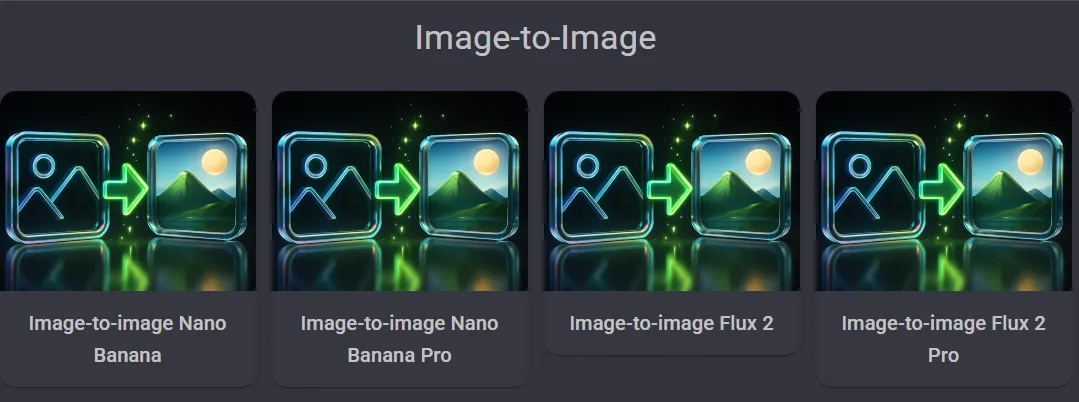
- Image to Image Visual Remixing: Create new image versions from an uploaded visual.
- Developer-Ready Image API: Connect image generation and editing through Dezgo’s API.
- Automatic Background Removal: Remove image backgrounds and isolate subjects with transparency.
- Real-ESRGAN Image Upscaling: Enlarge images by 2x for clearer visual use.
- Text-Based Image Repair: Replace selected image elements using written descriptions.
Multi-Model Text Image Creation
Dezgo organizes its text to image workflow around several model choices, including Grok Imagine, Nano Banana, Nano Banana Pro, Flux, and SD1. This gives users a flexible way to compare visual styles of AI-generated images from the same prompt.
A designer could use it to test product poster ideas, social ad concepts, thumbnail directions, or character visuals before moving one version into editing.
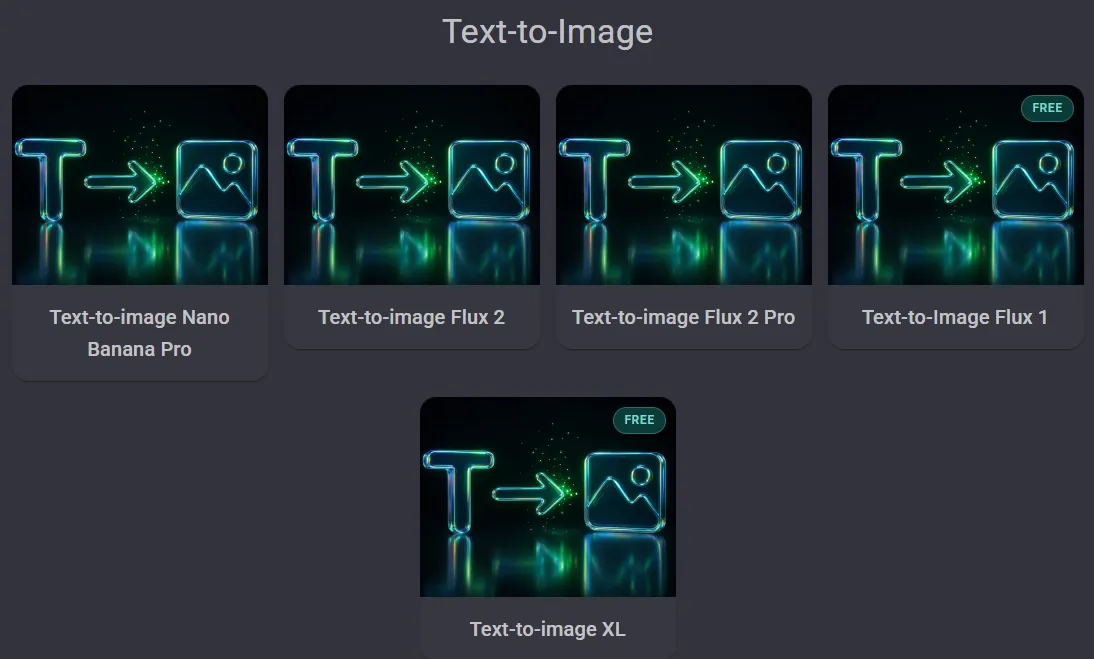
Image to Image Visual Remixing
For users starting with an existing picture, Dezgo offers image to image generation across models such as Grok Imagine, Nano Banana, and SD1. The workflow uses the uploaded image as a visual base, then reshapes it through AI generation.
This is useful when a creator wants to restyle a character, test a different product mood, or turn one concept image into several visual directions without rebuilding the idea from scratch.
When one image needs to become many usable directions, Pollo AI gives teams more room to move.
Its image to image AI supports richer model choices such as Qwen Image, Imagen, for transforming photos into different styles, profile pictures, fantasy characters, and ecommerce product scenes.
This gives marketers more flexibility to adapt a single visual asset for different audiences, campaign themes, and creative directions.
Developer-Ready Image API
For product teams and developers, Dezgo offers an API for AI image generation, image editing, background removal, and upscaling.
Its API feature highlights fast priority processing, datacenter-grade GPUs, 100+ ready-to-use models, LoRA import, and pay-as-you-go pricing without recurring monthly fees.
This is practical for apps that need automated image creation, marketplace image cleanup, or batch visual workflows inside an existing product.
Automatic Background Removal
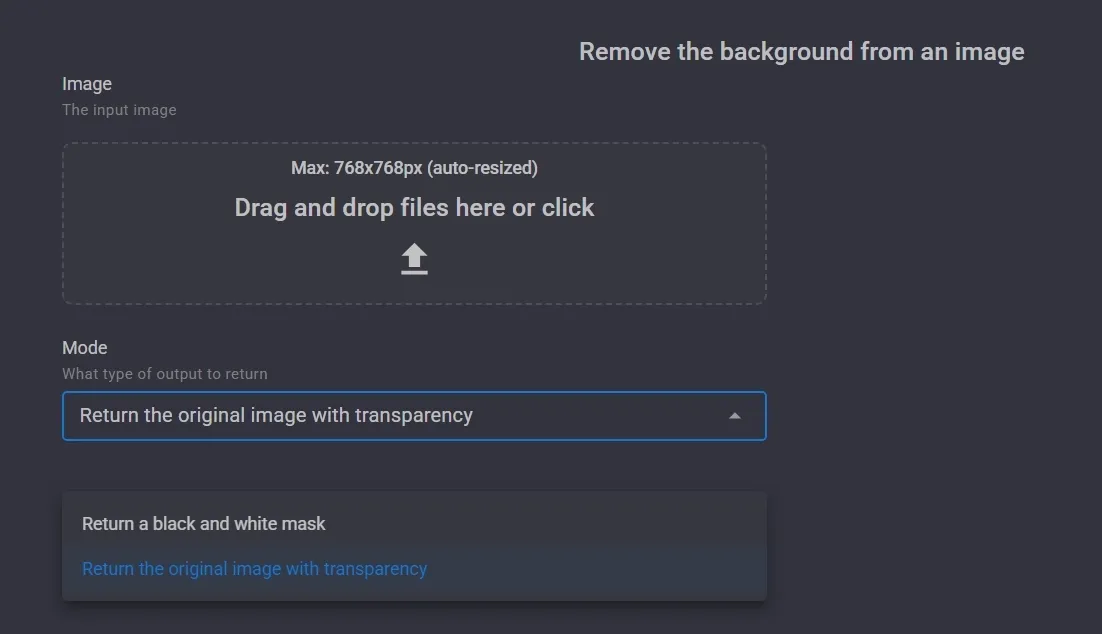
Dezgo includes a remove background tool for quick cleanup tasks that separates the main subject from the original background and can return the image with transparency.
The workflow is useful for e-commerce sellers, creators, and small design teams that need cleaner product images, profile visuals, or cutout assets.
A seller, for example, could remove a cluttered tabletop background from a product photo before placing the item into a catalog layout.
When a product image needs more than a clean cutout, Pollo AI gives the background a real creative role.
Its AI background changer lets users upload a photo, describe the new setting, and generate replacements in seconds for product stagings, travel photos, or social visuals. Instead of only isolating the subject, it helps turn a plain image into a styled, context-ready asset.
Real-ESRGAN Image Upscaling
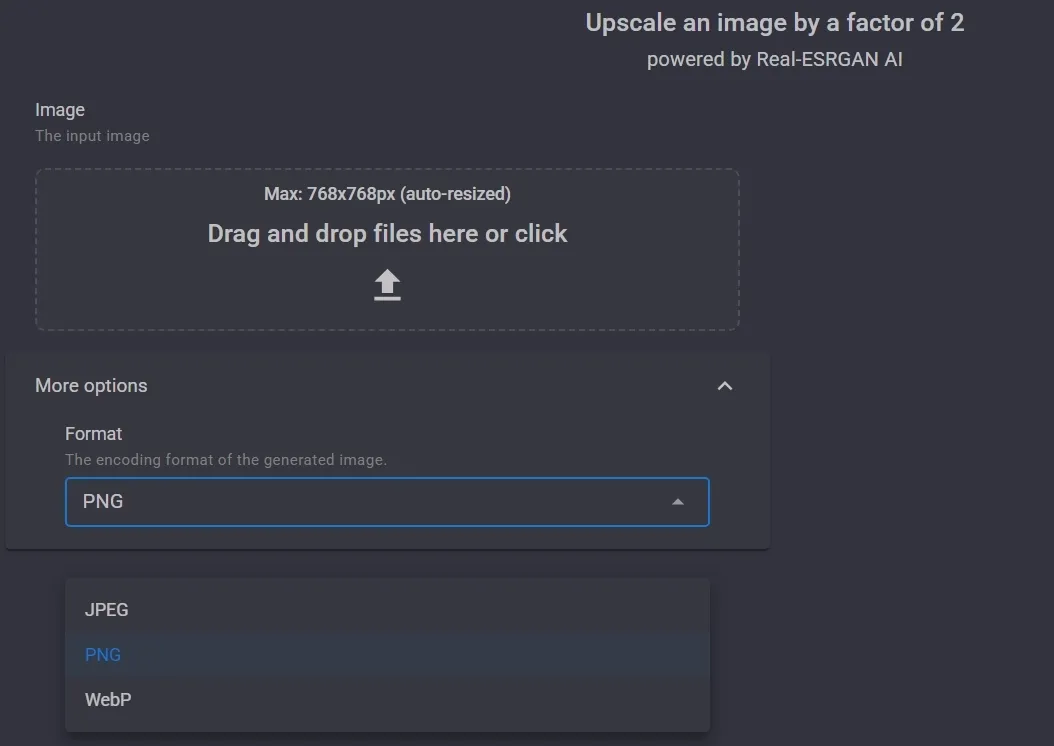
Dezgo offers a dedicated upscale tool powered by Real-ESRGAN, designed to enlarge an uploaded image by a factor of two. It is a straightforward enhancement feature rather than a full editing suite.
This helps when a generated image is too small for a presentation, product mockup, blog graphic, or social post. A content team could use it to make draft visuals more usable before sending them into another design or publishing workflow.
Text-Based Image Repair
Through its inpainting from text workflow, Dezgo lets users describe the object to change and the final result they want or don’t want to see. The tool is built for localized edits, so the full image does not need to be regenerated from scratch.
This can help with practical fixes, such as replacing an unwanted object in a product lifestyle image, changing a prop in a concept visual, or adjusting part of a character scene while keeping the rest of the composition intact.
When small fixes turn into a whole production queue, Pollo AI feels more practical.
Its AI photo editor lets users edit single images or entire batches with text prompts, then keep backgrounds, lighting, colors, and style consistent across product photos, social posts, ads, and branded visuals.
For e-commerce sellers or marketers, that means fewer one-off repairs and more catalog-ready images shaped in the same visual language.
Where Does Dezgo Fit Best
E-commerce Sellers
Dezgo AI can help sellers create prompt-based product visuals, remove messy backgrounds, and upscale small images for cleaner marketplace listings, catalog drafts, or simple Shopify product pages.
Social Media Creators
Creators can use Dezgo to remix an uploaded image into new visual styles, test thumbnail ideas, or repair small image details before posting content across Instagram, TikTok, YouTube, or X.
Designers And Visual Marketers
Dezgo AI works for early-stage campaign exploration, where teams need fast poster concepts, ad mockups, character visuals, or background-free assets before moving into polished design work.
Developers And Product Teams
Through Dezgo’s API, developers can connect image generation, editing, background removal, and upscaling into apps, e-commerce tools, or automated visual workflows.
| Feature | Dezgo | Remaker AI | Pollo AI |
| Image remixing | Image to image models for creating visual variations | Transforms uploaded images into new styles and visual variations | Image to image AI for restyling photos, changing visual directions, and creating new variations |
| Image editing tools | Background removal, upscaling, inpainting, text edits | Photo editor, enhancer, magic eraser, background remover | 40+ image editing tools plus an AI photo editor with batch editing and all prompt-controlled editing |
| Specialized image generators | No specialized image generators | Dedicated tools for portraits, headshots, tattoos | 50+ focused AI image generators for portraits, product visuals, posters, and other personalized designs |
| Upscaling | Real-ESRGAN upscaling for higher resolution | AI upscaler with up to 16K output claim | AI image upscaler for improving resolution, sharpness, and fine details |
| Commerce image creation | General-purpose image tools with no clear ecommerce focus | Supports product image enhancement and common e-commerce edits | Built for creating product shots, e-commerce scenes, and marketing creatives from one image. |
| Developer API | API for generation, editing, background removal, and upscaling | No clear API, focus on the homepage | API platform for creative generation workflows |
Is Dezgo Worth Using
Pros
- Flexible model choices: Dezgo gives users access to multiple image models, making it useful for testing different visual styles from the same prompt.
- Practical image editing tools: Its background removal, upscaling, image to image, and text-based repair tools cover common image cleanup and variation needs.
- Useful API support: Dezgo’s API makes it more suitable for developers who want to connect image generation or editing into their own apps and workflows.
Cons
- Less guided for beginners: Many tools include technical settings such as guidance, sampler, seed, LoRA, and model controls, which may feel heavy for casual users.
- Less complete for broader image workflows: Dezgo supports core image generation and editing, but offers fewer guided workflows for creating polished marketing and commerce visuals.
Where Does Dezgo Stand
Dezgo AI sits in the market as a practical, model-driven image toolkit rather than a complete visual creation platform.
Its appeal comes from access to multiple image models, useful editing tools, and developer-ready APIs. This makes it a good fit for users who value technical control, experimentation, and modular image workflows.
Still, Dezgo remains focused on individual generation and specific editing tasks, while platforms like Pollo AI support a broader image workflow—from creating and refining visuals to producing polished product images, marketing assets, and campaign-ready content.
Why Does Pollo AI Go Further
Pollo AI is the ultimate creative suite for creators, marketers, and sellers, built to take image ideas from first draft to polished output in one place.
Its extensive editing toolkit covers practical tasks such as removing backgrounds and objects, enhancing quality, and retouching photos without switching between separate tools.
For new creation, 50+ AI image generators support a wide range of styles, from artwork and characters to portraits, and campaign assets like banners.
Pollo AI also brings commerce-focused image creation into the same workflow. It helps sellers turn product photos into complete listing image sets, polished flat lays, and realistic staged scenes for stores, marketplaces, ads, and launches.








 Liz Cassidy


