




Fooocus AI Image Generator
Fooocus focuses on controllable AI image creation, with SDXL model support, advanced inpainting, image prompts, and practical editing tools for refining still visuals. For broader creative production, Pollo AI brings AI photo editing, leading models, and Pollo Agent for turning ideas into ready-to-use videos. Try Pollo AI for free now!
Key Features
Advanced Inpainting For Image Repair : Edits or completes selected image areas with AI-generated detail.Image Prompt Matching : Uses image prompts to keep outputs closer to user intent.SDXL Model Compatibility : Supports different SDXL models for varied image styles.Flexible Output Styling : Adjusts aspect ratio, contrast, sharpness, and color.Prompt Reweighting For Emphasis : Strengthens selected prompt elements for more targeted results.Batch Image Upscaling : Processes multiple images at once for cleaner, larger outputs.Two-Image Face Swapping : Replaces a face while keeping the target image context.Automatic Background Removal : Separates the main subject from the original background.
Advanced Inpainting For Image Repair
Fooocus uses advanced inpainting to repair, complete, or alter selected parts of an image without regenerating the entire visual.
This gives users more control when a strong image has one flawed detail, such as a broken background area, an unwanted mark, or an unfinished object edge.
For practical work, it can help designers clean product visuals, restore missing photo details, or adjust small sections of concept art while keeping the rest of the image stable.
Image Prompt Matching
The image prompt system in Fooocus helps guide generation with a visual reference, making the result closer to the user’s intended pose, composition, style, or mood.
This is especially useful when written prompts cannot fully describe what the user wants. A brand designer, for example, can reference a campaign direction, product angle, or character look, then generate new visuals that stay closer to the original visual idea.
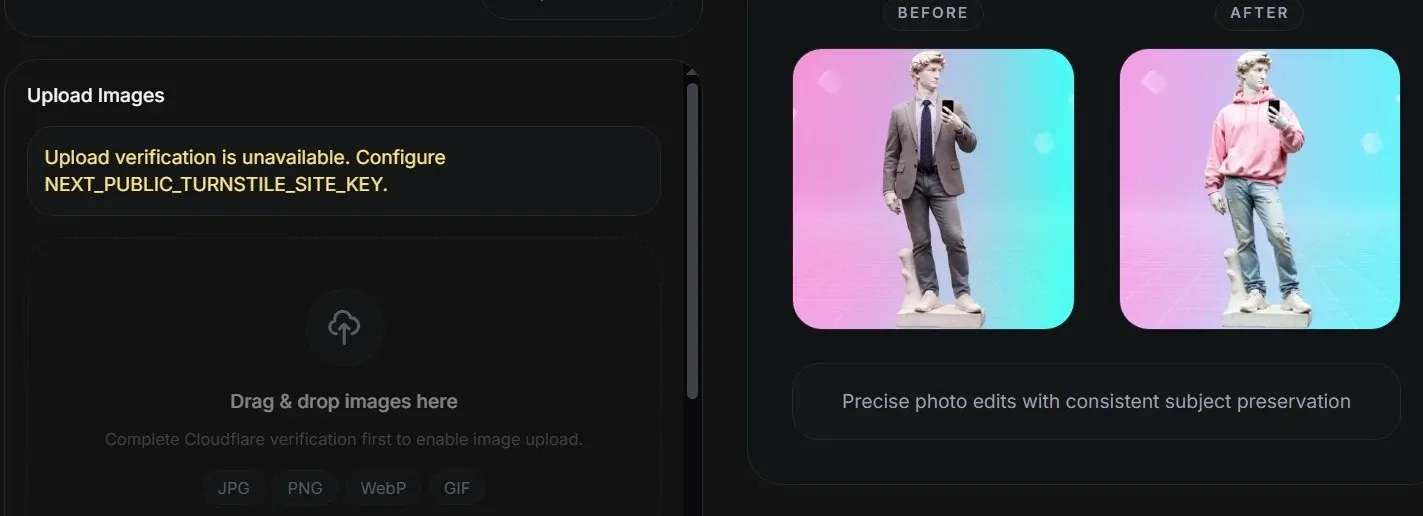
SDXL Model Compatibility
With support for SDXL models, Fooocus gives users more room to explore different image styles instead of relying on one fixed generation look. This flexibility matters when a project needs both realistic and stylized outputs.
A freelancer could use it to test a polished product mockup, a cinematic poster concept, and a character illustration, then compare which visual direction best fits a client's brief.
When one project needs more than one visual style, a single SDXL path can feel narrow.
AI Image generator of Pollo AI gives users access to a wider model range, including Dall-E, Imagen, and more, so teams can choose the right model for realism, text-heavy designs, product scenes, or stylized campaign concepts.
The result is broader creative control without locking every image brief into the same model logic.
Flexible Output Styling
Fooocus includes controls for aspect ratio, contrast, sharpness, and color, helping users shape both the format and the look of their generated images. This makes the tool more practical for content that must fit different placements.
A marketer could create a wide landing page banner, a square social post, or a cleaner presentation image from the same creative idea, with basic visual adjustments handled inside the workflow.
Prompt Reweighting For Emphasis
Prompt reweighting in Fooocus lets users strengthen certain words or details so the image pays more attention to what matters most.
Instead of rewriting the whole prompt, users can adjust the influence of key elements such as lighting, fabric texture, pose, facial expression, or background style.
This is useful for fashion concepts, product images, character art, and campaign drafts where one visual detail can change the whole result.
Batch Image Upscaling
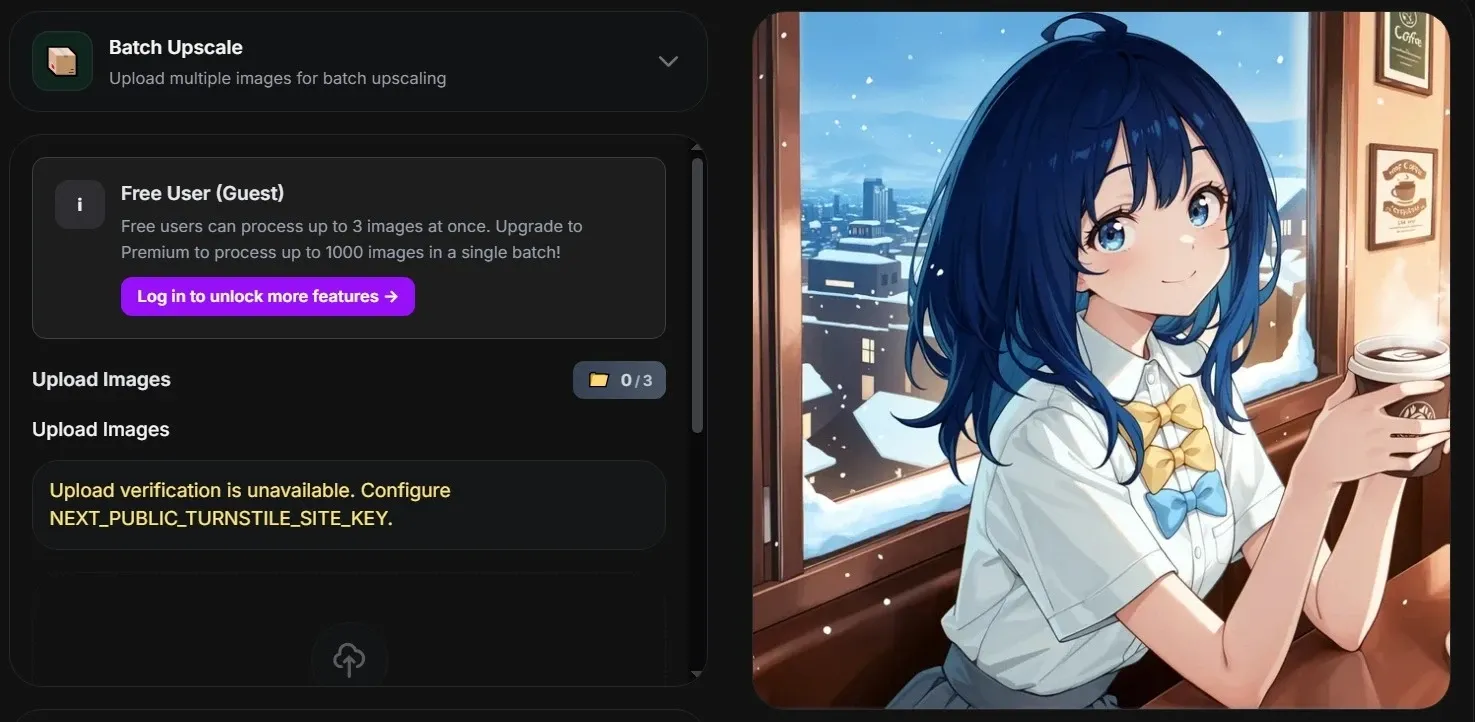
For users working with many assets, Fooocus AI offers batch image upscaling to enlarge and improve multiple images in one process. This reduces the manual work of enhancing files one by one and helps keep production moving.
An e-commerce team can upscale product catalog images, a photographer can prepare a group of previews, or a marketing team can clean a set of campaign visuals before publishing.
When a whole catalog needs polish, simple upscaling only solves part of the problem.
Pollo AI has an AI photo editor that supports batch image editing with text prompts, so teams can apply the same edits, styles, or enhancements across dozens of product shots, portraits, or campaign assets.
It also covers background removal, object erasing, relighting, sharpening, and style changes, helping brands keep images consistent instead of merely making them larger.
Two-Image Face Swapping
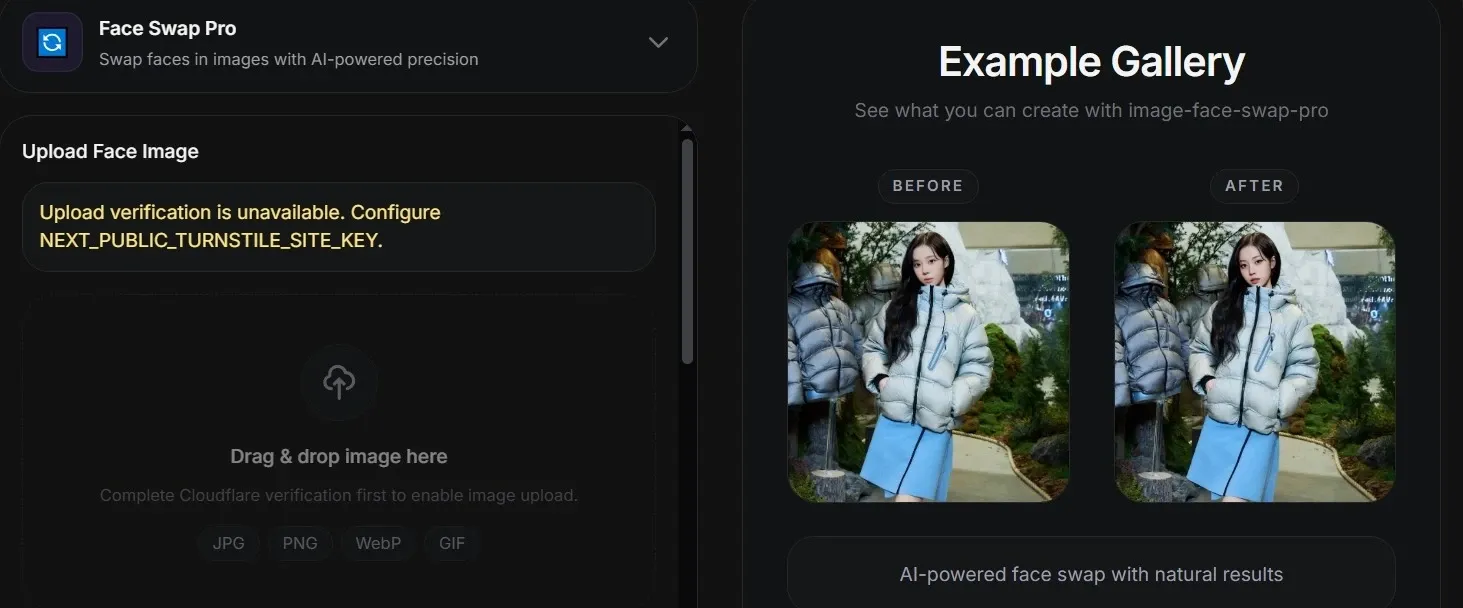
The face swap workflow in Fooocus uses one source face image and one target image to replace the face while preserving the target image’s pose, outfit, and scene. This makes it useful for testing portrait variations without rebuilding the whole visual.
A creator could use it for profile concepts, character mockups, poster drafts, or internal ad previews where the same scene needs different facial identities.
Automatic Background Removal
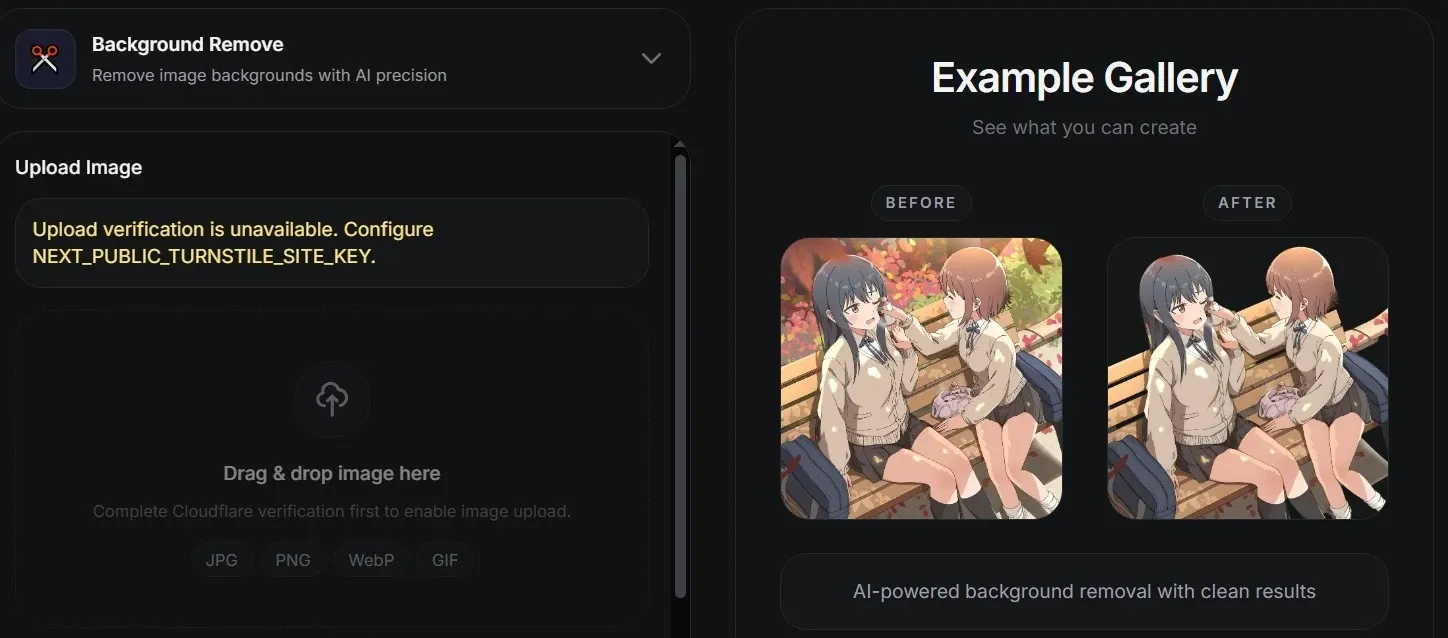
Fooocus AI provides automatic background removal for separating the main subject from its original surroundings. This is a practical editing step for users who need cleaner assets without manual masking.
Product sellers can isolate items from busy table shots, creators can prepare portrait cutouts, and designers can place subjects into banners, product cards, mockups, or presentation layouts with less cleanup work.
When a clean cutout is not enough and the real need is a new setting that fits the asset’s purpose, Pollo AI becomes the right one. Its AI background changer lets users upload an image, describe the desired background, and create a replacement in seconds.
That makes it stronger for product photos, headshots, travel images, and social posts where the subject should not just be isolated, but placed into a polished, context-ready scene.
Who Uses Fooocus
E-commerce Sellers
Fooocus can remove backgrounds, upscale product photos, and adjust image formats for cleaner marketplace listings, product cards, and ad previews.
Social Media Creators
Fooocus AI helps create portraits, thumbnails, profile visuals, and style variations for posts, channel branding, or reel covers.
Freelance Designers
Fooocus can repair image flaws, test style directions, and refine campaign drafts before presenting visual options to clients.
Game and Character Artists
Fooocus AI supports character concepts, portrait references, costume details, and early NPC ideas through image prompts and SDXL model styles.
Fooocus vs OpenArt vs Pollo AI
| Feature | Fooocus | OpenArt | Pollo AI |
| Core focus | AI image generation and editing | AI image, video and audio creation | AI image and video creation |
| Image generation | Prompt and image-based generation | Text prompts, reference photos and models | Text/image to image and video |
| Editing tools | Inpainting, image prompt, style controls | Inpainting, object removal, upscaling, img2img | AI photo editor, AI video editor, image/video tools like AI clothes changer |
| Model options | SDXL model support | Public, community, and fine-tuned models | Multiple image and video models, such as Nano Banana & Happy Horse |
| Video creation | Not the main focus | Supports video tools in the Creator Suite | Strong video workflow and scenario-based use cases |
| Agent workflow | No agent provided | No agent workflow | Pollo Agent for complete videos without editing steps |
Fooocus AI works best as a focused AI image generator and editor, with strengths in prompt-based creation, inpainting, image prompts, style controls, and SDXL model support. Compared with OpenArt, it feels more image-centered and less like a broad creator suite.
The gap appears once users need video production, richer model access, or an agent workflow. Pollo AI extends the creative path from image generation to complete, ready-to-use videos without editing steps.
Is Fooocus Enough For Serious Creators
Pros
- Focused image workflow: Fooocus keeps its core experience centered on AI image generation and editing, making it clearer for users who mainly need visual creation rather than a broad content suite.
- Useful image editing controls: Features like inpainting, image prompts, style controls, background removal, and batch upscaling help users refine images without starting over.
- Flexible SDXL model support: Fooocus supports SDXL models, giving users more room to test different visual styles, from realistic product concepts to character and art-driven images.
Cons
- Limited video creation: Fooocus is not built around full AI video production, so users who need animated content, ads, explainers, or social videos may need another tool.
- No dedicated agent workflow: Fooocus does not offer an agent-style workflow for turning an idea into a complete, structured output, which can limit users who want a more automated production process.
Where Does Fooocus AI Stand
Fooocus AI sits in the market as a focused AI image tool for users who want stronger control over generation and repair, without moving into a full creative production platform.
Its appeal comes from practical image work: inpainting, prompt weighting, upscaling, and background removal. That makes it useful for creators who care about still-image quality and adjustment depth.
But its position is also clearly bounded. Fooocus is more about refining images than building multi-format campaigns, animated content, or agent-led production flows.
Why Choose Pollo AI Beyond Fooocus
Pollo AI is an all-in-one AI image and video creation platform built for complete content production, not just single-image generation.
For users who care about image quality, Pollo AI adds a broader creative path: supporting high-quality AI image generation, consistent subjects, text-friendly visuals, and design-ready scenes for ads, product concepts, and social campaigns, with leading models such as GPT Image 2 and Flux.
When still images need to become campaign assets, Pollo Agent can turn an idea, image, text, or URL into a ready-to-post video with structure, pacing, visuals, and voice handled in one flow.
Pollo AI’s scenario-based use cases, supported by Pollo Agent, including UGC AI video and story video maker, help marketers turn product ideas, brand messages, or creative hooks into usable social content without rebuilding each video manually.
Where Does Pollo AI Pull Ahead
AI Photo Editor
Edit batches, remove objects, enhance images, and keep product visuals consistent.
AI Avatar Videos
Create lifelike talking avatar up to 2 minutes for demos, UGC, and training.










 5000+ reviewsTrustscore 4.4
Used by 10M+ Creators and Marketers
Thousands of satisfied users have shared their Pollo AI experiences on Trustpilot, rating us as "Excellent." See what they love about our platform.
Liz Cassidy Dec 15, 2025Richard QuickOct 15, 2025armourdudeNov 19, 2025
 DuduJan 14, 2026
 Ray WarnesDec 30, 2025
 lawless clanNov 22, 2025
Discover More AI Video Generators on Pollo AI
FAQs
What is Fooocus??
Fooocus is an AI image generator and editor built around prompt-based image creation, SDXL model support, image prompts, advanced inpainting, and lower-friction setup. Its main appeal is control: users can generate images, repair selected areas, guide results with visual references, adjust prompt emphasis, upscale images, swap faces, and remove backgrounds for practical creative work.
Can Fooocus fix parts of an existing image?
Yes. Fooocus supports inpainting, which lets users edit or regenerate selected parts of an image instead of starting over. This is useful for cleaning small visual defects, changing a background section, repairing awkward object edges, or improving one weak area in an otherwise usable image.
What is Fooocus best used for?
Fooocus is best suited for users who need still-image creation and image refinement. Common uses include product mockups, character concepts, social thumbnails, portrait experiments, campaign drafts, image cleanup, background removal, and higher-resolution image preparation. Its strength is not broad content production, but focused visual generation and editing.
Can Fooocus upscale several images at once?
Yes. Fooocus offers batch image upscaling, which lets users upload multiple images, apply shared enhancement settings, monitor processing progress, and download the results. This can help e-commerce teams, designers, or photographers improve groups of images without handling each file separately.
Is Fooocus mainly for images or videos?
Although Fooocus has video generation capability, it is still mainly an image tool. It is useful for still-image generation, image repair, background removal, face swapping, and upscaling, but it is not positioned as a full video production platform. For users who want to move from static visuals into structured videos, Pollo AI is a more natural next step because it combines image and video creation with agent-led workflows for ready-to-use content.

Start Creating Content with Pollo AI
Generate images, edit visuals, and turn ideas into finished videos in one creative flow.