Hotpot AI offers fast image generation, character creation, headshots, and simple photo editing for everyday visuals. For richer and more polished image creation, Pollo AI helps turn simple ideas and image drafts into post-ready visuals with 50+ AI image generators and various editing tools. Try Pollo AI image generator for free!
Text to Image
Image to Image
Pollo Recast
Recreate viral videos. Remix new versions.
Pollo Recast Challenge
One upload in. Your viral video out. Unlimited rewards await.
Pollo Agent x DeepSeek V4.1 FLASH
Faster completion at a much lower cost.
Pollo Agent x Gemini 4 Argon
Smarter reasoning. All through Pollo Agent.
WIN iPHONE DUO
Capture a city in one minute. Join the challenge now.
Pollo MCP
End-to-end content creation. Up to 4 Videos/ 20 Images for FREE.
Key Features
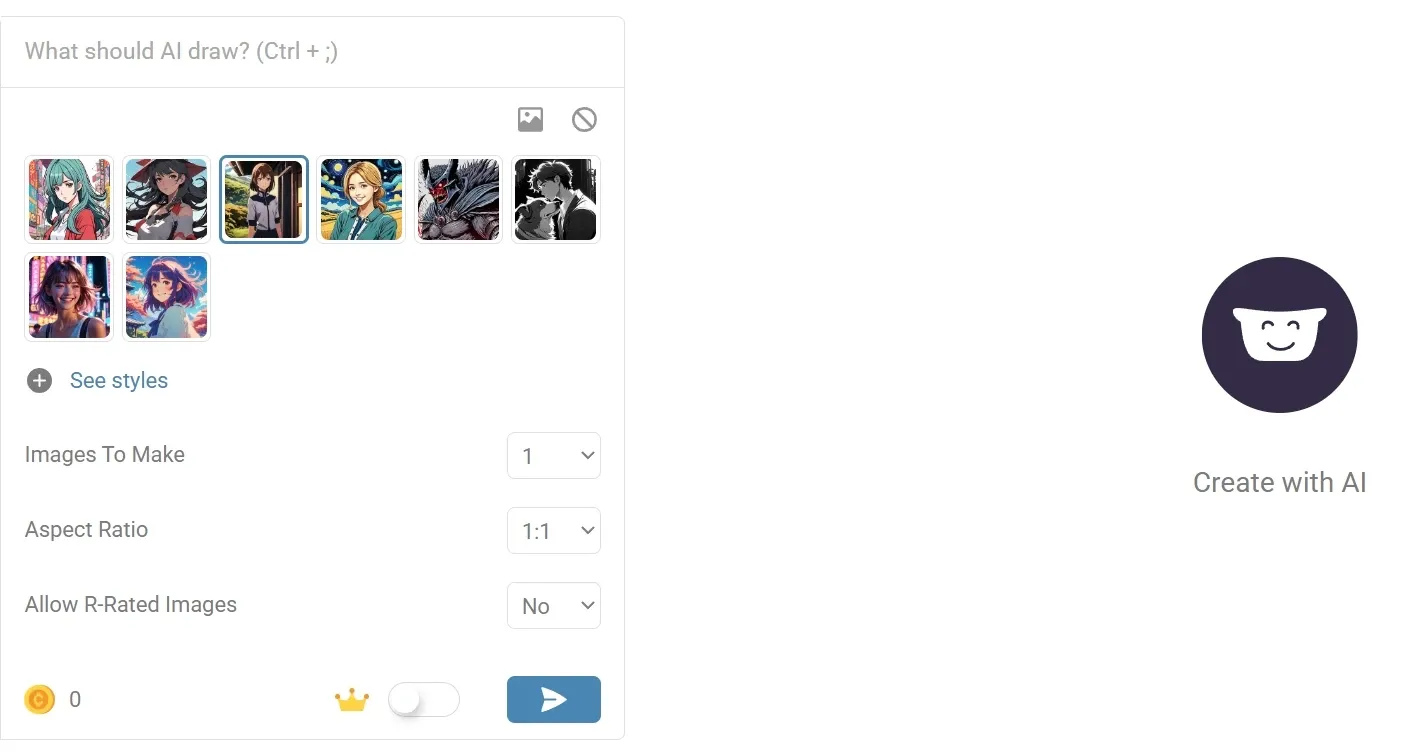
Text to Image Generation: Create AI images from simple prompts across different visual styles.
Professional AI Headshot Generator: Turn personal photos into polished profile images and business portraits.
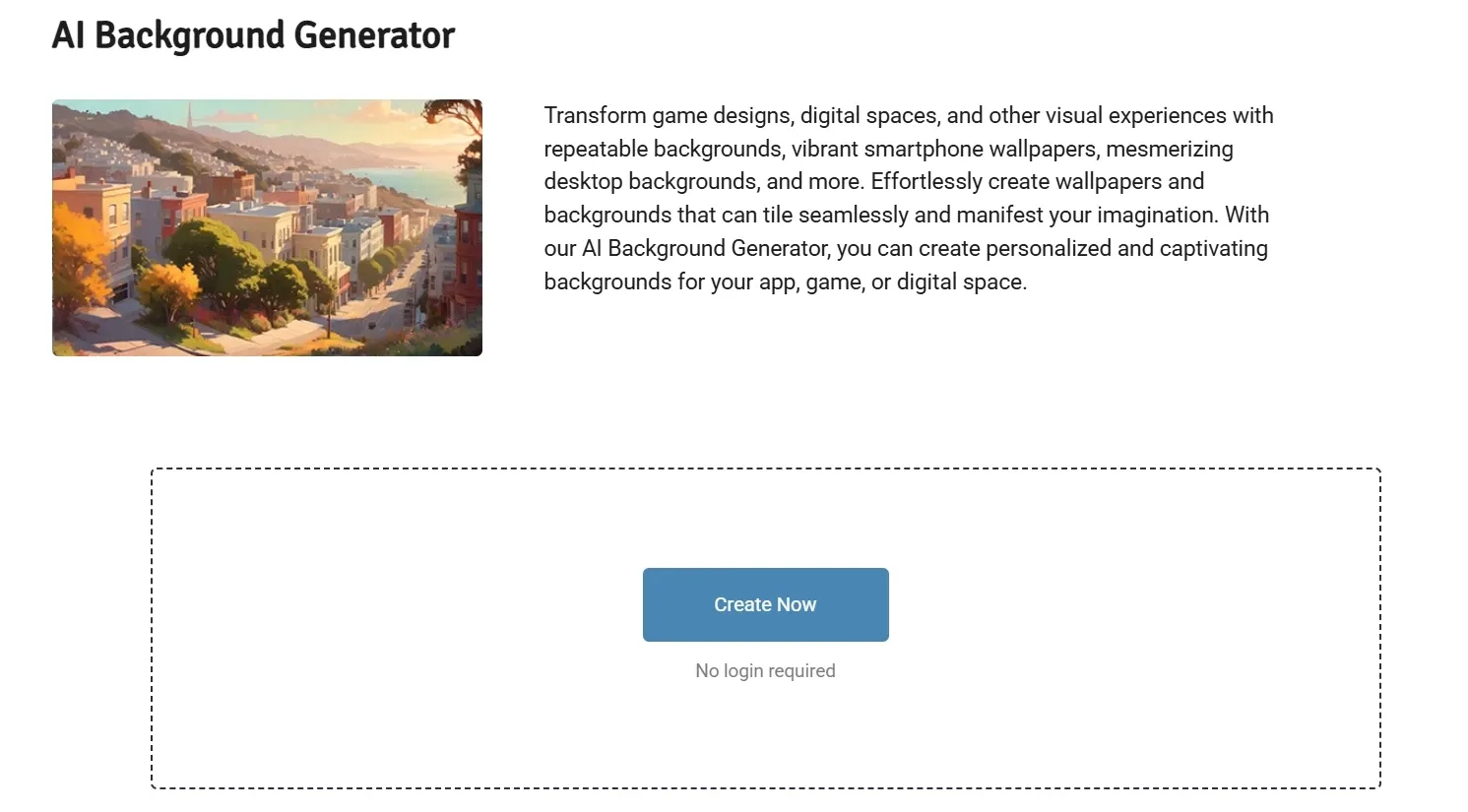
AI Background Image Generation: Create or replace backgrounds for portraits, products, and design assets.
AI Object Removal Editing: Remove unwanted objects or visual distractions from images.
AI Photo Upscaling Enhancement: Improve image resolution and clarity for sharper final visuals.
AI Game Asset Creation: Generate quick visual ideas for characters, items, icons, and game concepts.
Anime Image Style Generation: Create anime-style portraits, characters, and creative visuals from prompts.
Text to Image Generation
Hotpot AI lets users turn written ideas into images for art, marketing, social posts, and concept exploration.
It is useful when a creator needs quick drafts before choosing a final direction, such as testing blog visuals, ad concepts, landing page graphics, or campaign moodboards.
When a quick draft must become a usable campaign visual, model choice matters. Pollo AI brings Seedream, Flux AI, and more into one AI image generator, so users can test different looks without jumping between tools.
It also supports image to image AI, text-prompt edits, multiple aspect ratios, and up to four outputs, making ideation feel closer to production.
Professional AI Headshot Generator
Hotpot AI offers headshot tools for corporate photos, avatars, real estate profiles, medical headshots, cosplay looks, and profile pictures. A freelancer, job seeker, or remote team can create cleaner profile images without booking a studio shoot.
AI Background Image Generation
Hotpot AI helps users generate backgrounds for different visual needs, from clean product scenes to social media graphics. An e-commerce seller can place one product image into seasonal, lifestyle, or studio-style settings for ads, listings, and promotional banners.
AI Object Removal Editing
Hotpot AI’s object remover helps clean photos without manual retouching. It works well for removing background clutter, extra props, or small distractions. A marketer can polish a lifestyle product shot before using it in an ad, landing page, or social campaign.
When one photo has a photobomber, messy prop, or unwanted text, a single cleanup tool can feel too narrow.
Pollo AI gives users separate tools for each job: object remover erases clutter while preserving the natural background, people remover AI can clear crowds or multiple people, and text remover AI removes captions or logos from product photos, posts, and digital visuals in seconds.
AI Photo Upscaling Enhancement
Hotpot AI’s photo upscaler helps enlarge low-resolution images while improving detail. This is practical for old brand assets, small product photos, website graphics, and social visuals that need to look cleaner on larger screens.
AI Game Asset Creation
Hotpot AI includes AI game tools for RPGs, mobile games, and indie projects. A game developer can explore character portraits, fantasy items, ability icons, or early environment ideas before handing the strongest directions to an artist or using them in a prototype.
Anime Image Style Generation
Hotpot AI’s anime tools help users generate stylized portraits and anime-inspired visuals. This is useful for fan content, game characters, social avatars, YouTube thumbnails, or early concept art for animation-style projects.
Who Actually Uses Hotpot AI
E-commerce Sellers:
E-commerce sellers can use background generation, object removal, and image upscaling to clean product photos, create lifestyle scenes, and prepare sharper visuals for Shopify, Amazon, ads, or social posts.
Game Developers:
Game developers generate quick visual ideas for characters, items, icons, and game concepts, helping indie teams explore RPG assets, mobile game props, or prototype visuals before final production.
Content Creators:
Content creators use text to image generation and anime image style generation to create thumbnails, profile photos, fan-style images, and social graphics for YouTube, TikTok, blogs, or community posts.
Professionals & Teams:
Professionals and teams can turn personal photos into polished headshots for LinkedIn, company pages, real estate profiles, medical bios, or internal team directories.
AI photo editor with all-prompt-controlled adjustment
Headshots and profiles
Strong headshot tools for LinkedIn, Teams, avatars, profiles
More focused on creative portraits and artwork
AI portrait generator plus AI cartoon avatar maker covers professional and casual needs for headshot creation
Design-ready image assets
Templates for social, marketing, app, and work graphics
Style-led AI artwork and custom images
50+ AI image generators for creators and marketers, including AI product shots, banner creation, and movie posters
Great Results or Frustrating Waits
Hotpot AI users seem split between appreciating the image quality and struggling with reliability.
Some users praise specific models for producing surprisingly strong results despite the platform’s simple interface, while others report long processing times, delayed outputs, or missing generations.
The overall experience appears to depend heavily on the model used and the consistency of the generation queue.
Where Does Hotpot AI Fit
Hotpot AI sits in the market as a lightweight creative toolbox rather than a full production platform. Its strength is convenience: quick image generation, headshots, background edits, object removal, upscaling, and game-style visuals in one simple browser flow.
Hotpot AI serves users who need usable images fast, not a complex creative system. That makes it approachable for individuals and small teams, though less suited for end-to-end video campaigns or structured content production.
Why Choose Pollo AI Over Hotpot AI
Pollo AI is an all-in-one AI image and video creation platform built for polished visual production, from first idea to finished assets.
For image creation, unlike Hotpot AI’s lighter image toolbox, Pollo AI gives creators more room to produce design-ready visuals, with access to leading image models such as Nano Banana and Stable Diffusion.
Its image capabilities support high-quality text to image and image to image generation, more consistent subjects, and more polished outputs for ads, product pages, and social posts.
You can also use its image tools like AI clothes changing and AI relighting for final refining tasks before posting, without switching between platforms.
Why Is Pollo AI Stronger
Step 1
Multi-Model Access
Use leading image models like Seedream and Flux AI, switching models for each creative task.
I’ve been using Pollo AI mainly for short videos and quick image-to-video tests. The interface is straightforward and it works well even with simple prompts, which is a big plus compared to tools that need long, complicated instructions. The results can be really impressive, and it’s honestly been fun to experiment with. I’d love a bit more consistency on faces when there’s movement, but overall it’s been a solid experience for what I needed.
Awesome website. loads of options and a great way to learn how to work with 'AI' my reasoning for 5 stars is based upon price, versatility and ease of use. Also I would like to add, Pollo AI runs a lot of promos on different AI products as well. I rate their customer service at 5 stars, when I purchased my first subscription my computer crashed the following weekend and I lost all my data and info passwords you name it I lost it, contacted pollo by email they responded quickly and found my info/username and account, and I was able to restore my account.
I have been using Pollo AI for short videos. It is easy to use and works well with simple prompts. Other generators seem to need long drawn out complicated explanations to get even close to what I want.
i tried 220 online img to vid in 2 months, and this is the best online video.I will subscribe for a year; there are many reasons. But freedom is the most important.
Hotpot AI is a creative platform for generating images, headshots, characters, backgrounds, game assets, and quick photo edits. Its main appeal is speed: users can create visuals from prompts, remove objects, upscale photos, restore old images, or make professional-style headshots without complex design software.
Is Hotpot AI free to use?
Yes, many Hotpot AI tools offer free access for exploration, and some tools can be used without logging in. Commercial usage, advanced settings, better image quality, faster results, privacy, and no ads usually require credits or premium access.
Can I use Hotpot AI images commercially?
Yes, but commercial use generally requires buying credits or a license. Hotpot notes that this gives users commercial permission, but it does not guarantee copyright or uniqueness, since similar content may be created elsewhere.
What is Hotpot AI best for?
Hotpot AI is best for quick static image work: text-to-image creation, headshots, background generation, object removal, upscaling, anime images, and early game asset concepts. It suits users who need fast visuals rather than a full production workflow.
What are Hotpot AI's main limitations?
Hotpot AI is strong as a lightweight image and editing toolbox, so it may feel limited when users need post-ready visual creation. For those next steps, Pollo AI fits naturally because it combines first-step image generation with batch photo editing and stylized AI image generators for publish-ready images.









 Liz Cassidy


