StarryAI is a mobile-first generator turning text, image, and sketch prompts into 1000+ stylized visuals for quick artwork and avatars. For multi-model creation, use-case generators, and advanced photo editing, Pollo AI is the ideal alternative. Try Pollo AI for free now!
Text to Image
Image to Image
Pollo Recast
Recreate viral videos. Remix new versions.
Pollo Agent x Gemini 4 Argon
Smarter reasoning. All through Pollo Agent.
Pollo Recast Challenge
One upload in. Your viral video out. Unlimited rewards await.
WIN iPHONE DUO
Capture a city in one minute. Join the challenge now.
Pollo MCP
End-to-end content creation. Up to 4 Videos/ 20 Images for FREE.
Get Unlimited GPT Image 2.5
Faster. Sharper. Smarter. Go Unlimited with Ultra.
Unlock Unlimited MiniMax H3
Omni-Reference. Unlimited with Ultra.
Get Unlimited Wan 3.0
Native 30-second videos. Richer reference inputs.
Key Features of StarryAI
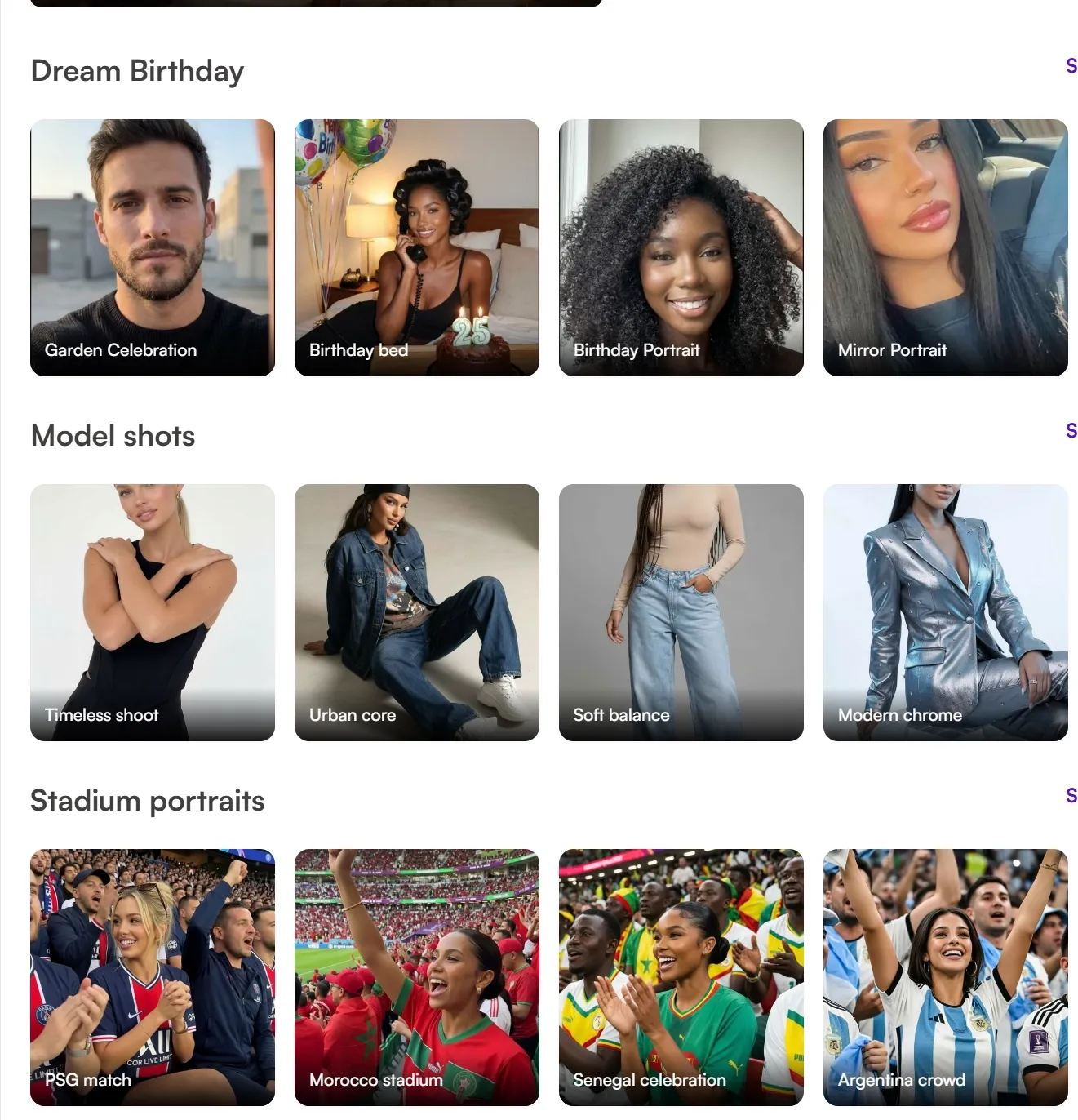
Ready-Made Image Templates: StarryAI has themed templates and preset creation paths for users who want quick AI art outputs.
Photo Transformation Tools: StarryAI includes simple tools for restyling, enhancing, or adjusting existing images.
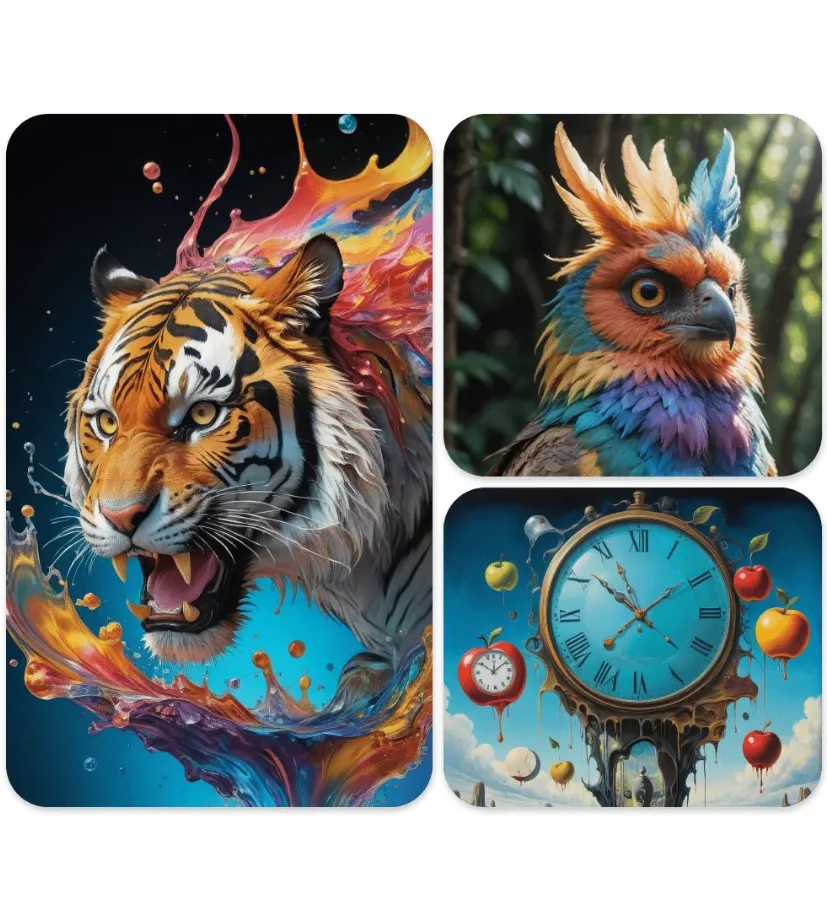
Style Presets: StarryAI offers preset styles such as cartoon, anime, fantasy, vintage, and portrait looks for fast visual exploration.
Avatar and Character Images: StarryAI supports avatar, profile image, and character-style visuals for casual creator use cases.
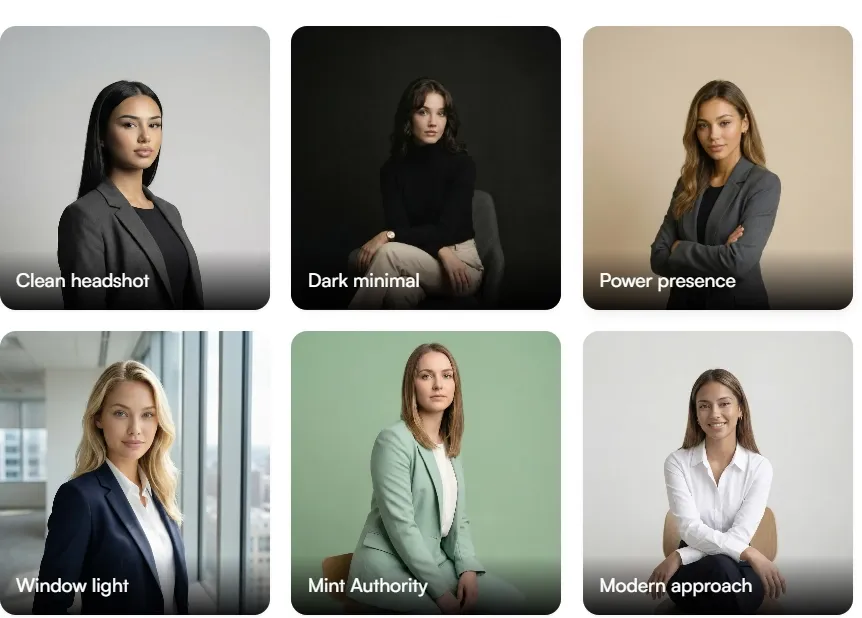
Professional Portrait Styles: StarryAI includes portrait-oriented styles for profile images and professional-looking headshot concepts.
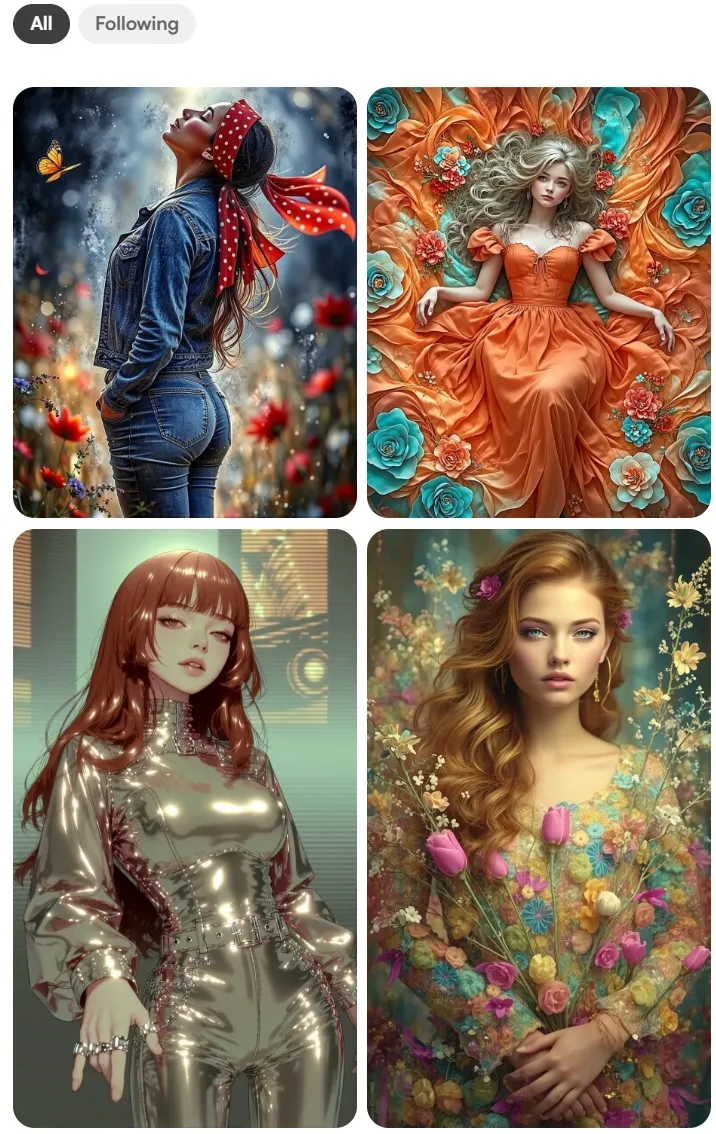
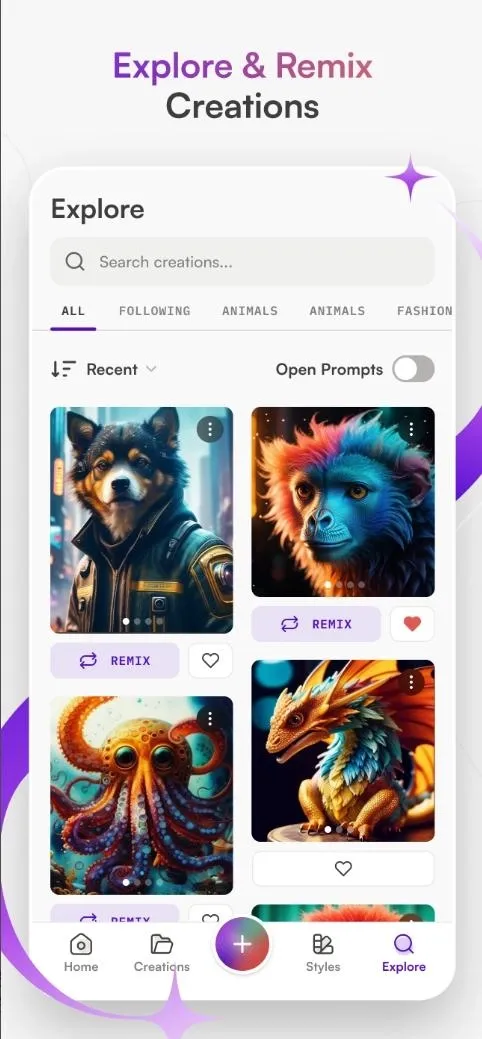
Community Creation Gallery: StarryAI has a community gallery where users can view shared artwork and prompts.
Mobile Image Creation: StarryAI is available as a mobile-first AI art app for users who prefer creating images from a phone or tablet.
Ready-Made Image Templates
StarryAI has themed templates and preset creation paths for users who want quick AI art outputs. These templates are most relevant for casual visuals, social posts, and personal creative projects.
Photo Transformation Tools
StarryAI includes simple photo transformation tools for restyling, image enhancing, or adjusting existing images. These features are useful for creators who want quick visual changes without moving into a complex design suite.
Style Presets
StarryAI offers preset styles such as cartoon, anime, fantasy, vintage, and portrait looks. This supports fast visual exploration for users who prefer style-led image creation.
Avatar and Character Images
StarryAI supports avatar, profile image, and character-style visuals for casual creator use cases. These outputs are commonly used for social profiles, personal projects, and stylized identities.
Professional Portrait Styles
StarryAI includes portrait-oriented styles that can be used for profile images and professional-looking headshot concepts. This use case is best framed as stylized image generation rather than a substitute for a formal photoshoot.
Its portrait styles can support clean profile visuals, but users should still review image realism, identity accuracy, and platform requirements before using outputs professionally.
Community Creation Gallery
StarryAI has a community gallery where users can view shared artwork and prompts. Recreate and edit options make it possible to build new images from existing visual examples.
This workflow supports style discovery and image experimentation without presenting the platform as a professional design suite.
Mobile Image Creation
StarryAI is available as a mobile-first AI art app for users who prefer creating images from a phone or tablet.
The mobile workflow supports prompt entry, style selection, image generation, and exporting in a simpler app-based environment.
This makes StarryAI relevant for casual image creation, quick AI art, and personal visual projects on mobile devices.
Who should use StarryAI?
For character creators: Create casual profile images, fantasy portraits, anime-style characters, or personal artwork from prompt and reference inputs.
For marketers & small businesses: Create branded visuals like logos, ads, and social media content, while testing different campaign directions quickly.
For designers & creative professionals: Explore multiple styles from one image, develop variations, and build creative assets more efficiently.
For professionals & job seekers: Generate clean, studio-style portraits for platforms like LinkedIn without a photoshoot.
StarryAI’s Market Position: Mobile-First AI Art Creation
StarryAI is positioned as a mobile-first AI art generator for users who want to turn simple ideas into stylized images without learning a professional design system. Its main entry points are text prompts, image prompts, and sketch prompts, which makes it approachable for beginners, hobby creators, and users who prefer creating from a phone or tablet.
Its product appeal is built around speed, style variety, and low-friction access. StarryAI highlights 1000+ styles, free daily image generation, no-watermark outputs, commercial rights, and app availability on iOS and Android. This makes it a strong fit for casual AI art, avatars, social media visuals, wallpapers, character concepts, and personal creative projects.
StarryAI’s market position is not that of a deep model community or a full professional design suite. It is closer to an AI art app: easy to start, style-driven, mobile-friendly, and useful when users want attractive visuals quickly. Its strength is helping people move from a prompt or sketch to a finished-looking artwork with minimal setup.
StarryAI Pros & Cons
Pros
Cons
Beginner-friendly AI art workflow with text, image, and sketch prompts.
Less focused on advanced image production workflows than broader creative platforms.
1000+ styles make it easy to explore different visual directions quickly.
Users who need model comparison may want a more multi-model workspace.
Mobile app access makes it convenient for quick creative experiments.
Built more for stylized artwork than structured product, marketing, or commercial visual creation.
Free daily generations and no-watermark positioning lower the entry barrier.
Editing after generation may feel limited for users who need cleanup, background changes, or detailed image refinement.
Preset-driven style exploration for anime, fantasy, portraits, and art looks.
Stronger control when references or consistent visual direction matter.
Model choice plus editing tools to shape both the first result and final image.
Community / Templates
Mobile app, prompt inspiration, community recreation, and ready styles.
Creative-suite templates and reference workflows for structured projects.
Use-case-based generators for product visuals, posters, profile images, and social graphics.
Workflow Speed
Fastest for casual AI art from a simple idea.
Better for controlled results, with more setup.
Fast when users need both generation and polishing in one workspace.
StarryAI’s advantage is simplicity. It does not ask users to think like designers or model testers. The workflow is built for fast visual play: enter an idea, pick a style, and get an artwork that feels polished enough for avatars, wallpapers, social posts, or personal creative projects.
ImagineArt is stronger when the user wants more control over the image direction. It is less about casual mobile art and more about building a specific visual result, especially for creators working with references, characters, consistent looks, or more deliberate compositions.
Pollo AI becomes more compelling when the image is not just for experimentation, but for use. Its advantage is the full image workflow: users can generate from prompts or references, test different image models, create visuals for specific scenarios, and then clean up or enhance the result with image-to-image workflows and AI photo editing tools. That makes it a stronger fit for creators, marketers, and sellers who need finished visuals rather than only AI art drafts.
Why Is Pollo AI a Strong StarryAI Alternative?
01
Multi-Model Image Creation
Compare outputs from GPT Image 2, Nano Banana, and Seedream in one workspace, instead of relying mainly on preset styles.
02
Use-Case-Based Image Generators
Create product visuals, posters, social graphics, profile images, marketing images, and other practical outputs beyond casual AI art.
03
Image Editing
Remove objects, change backgrounds, enhance details, extend the canvas, and restyle images after generation.
I’ve been using Pollo AI mainly for short videos and quick image-to-video tests. The interface is straightforward and it works well even with simple prompts, which is a big plus compared to tools that need long, complicated instructions. The results can be really impressive, and it’s honestly been fun to experiment with. I’d love a bit more consistency on faces when there’s movement, but overall it’s been a solid experience for what I needed.
Awesome website. loads of options and a great way to learn how to work with 'AI' my reasoning for 5 stars is based upon price, versatility and ease of use. Also I would like to add, Pollo AI runs a lot of promos on different AI products as well. I rate their customer service at 5 stars, when I purchased my first subscription my computer crashed the following weekend and I lost all my data and info passwords you name it I lost it, contacted pollo by email they responded quickly and found my info/username and account, and I was able to restore my account.
I have been using Pollo AI for short videos. It is easy to use and works well with simple prompts. Other generators seem to need long drawn out complicated explanations to get even close to what I want.
i tried 220 online img to vid in 2 months, and this is the best online video.I will subscribe for a year; there are many reasons. But freedom is the most important.
Explore Other AI Image Generators Besides StarryAI
StarryAI is an AI art generator designed to create stylized images and illustrations from simple ideas. It offers a variety of artistic styles, avatar generators, and themed templates that allow users to quickly produce creative visuals without advanced design skills.
Can I use StarryAI for free?
Yes. StarryAI offers free daily image generation, and its official site mentions up to 25 AI images per day without watermarks. For higher usage or premium features, users may need a paid plan or credits.
Can I edit images created with StarryAI?
Yes. StarryAI allows users to refine generated images by modifying prompts, applying style changes, or adjusting visual elements. Some versions also support photo editing tools such as background changes or style transformations.
Who is StarryAI best suited for?
StarryAI is popular among creators who want a simple way to generate artistic images. It is commonly used by social media creators, designers, hobby artists, and anyone experimenting with AI-generated visuals.
What makes StarryAI different from other AI image generators?
StarryAI emphasizes speed and simplicity with ready-made styles, avatar tools, and themed templates. This allows users to quickly generate polished, professional-looking visuals. Its community gallery also lets you view prompts and recreate images to accelerate content creation.
Go Beyond Simple AI Art with Pollo AI
Create practical visuals with more image models, use-case-based generators, and built-in editing tools for product images, social graphics, posters, avatars, and marketing assets.







 Liz Cassidy


