ImagineArt is a comprehensive platform offering multi-model generation, reference guidance, and canvas editing for deep, controlled visual iteration. For a faster, clearer path from model choice to polished marketing visuals, Pollo AI is the ideal alternative. Try Pollo AI for free now!
Text to Image
Image to Image
Kling 4.0
Up to 10 keyframes. Unlimited for 10 days with Ultra.
Pollo Recast
Recreate viral videos. Remix new versions.
Pollo Recast Challenge
One upload in. Your viral video out. Unlimited rewards await.
Pollo Agent x DeepSeek V4.1 FLASH
Faster completion at a much lower cost.
Pollo Agent x Gemini 4 Argon
Smarter reasoning. All through Pollo Agent.
WIN iPHONE DUO
Capture a city in one minute. Join the challenge now.
Pollo MCP
End-to-end content creation. Up to 4 Videos/ 20 Images for FREE.
Key Features of ImagineArt
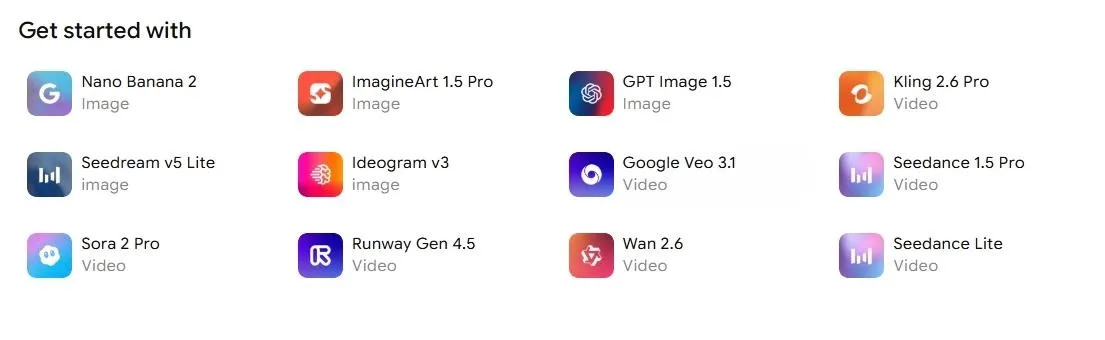
Multi-Model Image Generation: ImagineArt supports image generation across different model and style options for comparing visual directions.
Image Reference Workflow: ImagineArt lets users guide image creation with references, styles, camera settings, and composition controls.
Built-In Image Editing: ImagineArt includes tools for background changes, object replacement, color adjustment, and visual refinement.
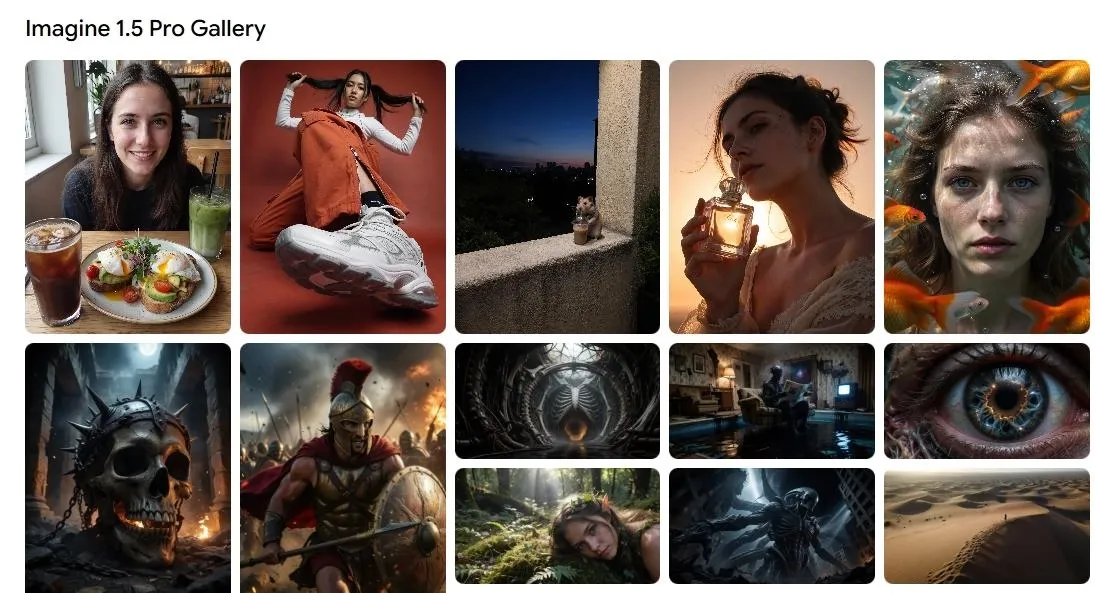
Community Gallery: ImagineArt has a gallery where users can browse trending creations, creator examples, and reusable visual ideas.
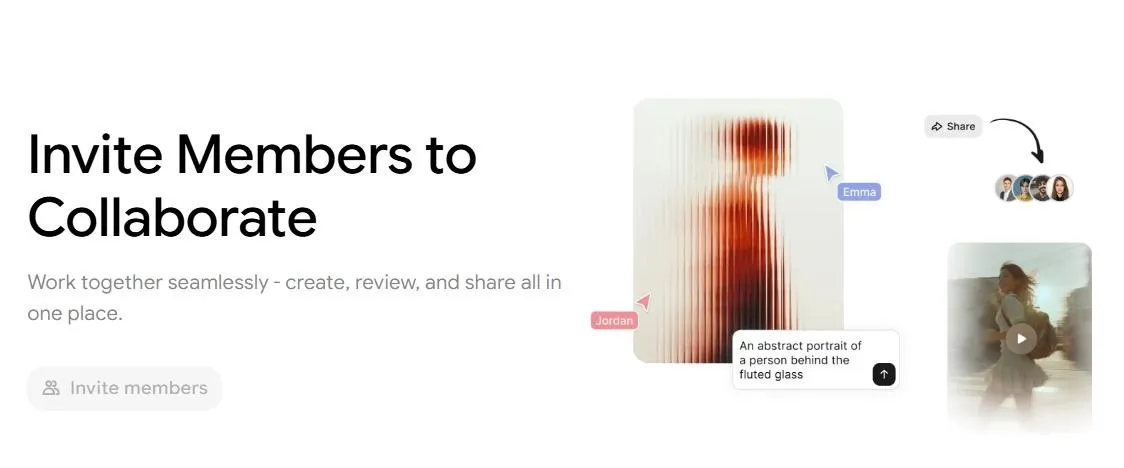
Team Collaboration: ImagineArt supports team collaboration for reviewing, sharing, and organizing image projects in one workspace.
Image Variations: ImagineArt supports image variations for turning one idea into multiple visual directions.
Multi-Model Image Generation
ImagineArt supports AI image generation with options for aspect ratio, style, model choice, and prompt refinement. It can be used for concept art, social visuals, campaign graphics, and other image-first creative tasks.
Image Reference Workflow
ImagineArt includes reference-based controls such as image references, style guidance, camera settings, and lighting choices. These controls help users steer image direction before generation.
Built-In Image Editing
ImagineArt includes image editing tools for background changes, object replacement, color adjustment, and visual refinement. These tools help users adapt generated images without restarting from a blank prompt.
Community Gallery
ImagineArt's community gallery shows visual examples, trending styles, and creator outputs. It can help users identify image directions before starting a new prompt or reference workflow.
Team Collaboration
ImagineArt supports team collaboration for users who need to review, share, and organize image projects in one workspace. This is most relevant for design and marketing teams working on visual assets.
The collaboration workflow helps teams compare image options, collect feedback, and keep visual projects organized during the creation process.
Image Variations
ImagineArt helps users turn one idea into multiple visual directions by adjusting style, mood, composition, and reference inputs. This makes it easier to compare different looks before choosing a final image.
These variations can support campaign visuals, thumbnails, posters, product concepts, or story-driven artwork without restarting from a blank prompt each time.
Use Cases of ImagineArt
For content creators & social media teams: Create engaging visuals and trend-driven content using ready-made apps and styles without complex editing.
For marketers & brands: Produce campaign visuals, test different creative directions, and quickly generate assets for ads or promotions across channels.
For designers & creative professionals: Explore multiple styles with different models, refine visuals with built-in editing tools, and iterate on concepts efficiently.
For character creators & visual storytellers: Create portrait concepts, character visuals, story scenes, and style-consistent image variations using face portraits, references, and creative editing tools.
ImagineArt's Market Position
ImagineArt stands out as an AI image platform built around the full creative loop, not just prompt-to-image generation. Users can shape an idea before generation with prompts, models, styles, lighting, camera angles, and reference images, then keep refining the result through canvas editing, reimagine, face portraits, style references, and creative upscaling.
This gives ImagineArt a stronger position for creators who need controlled iteration instead of isolated image outputs. A marketer can test campaign directions, a designer can explore moodboards, and a character creator can work toward a more consistent visual identity without treating every prompt as a separate experiment.
Its key appeal is the combination of image generation and image refinement in one workflow. Rather than only helping users create an image, ImagineArt gives them multiple ways to steer, reshape, polish, and reuse a visual direction across creative projects.
ImagineArt Pros & Cons
Pros
Cons
Suite-style image workflow with generation, reference guidance, canvas editing, portrait tools, reimagine, and upscale features.
The number of image modules may feel heavier than a simple prompt-to-image workflow for users who only want fast outputs.
Strong for controlled visual experimentation when users want to shape style, lighting, identity, or composition across multiple attempts.
Credit usage can vary by model, quality setting, output count, and edit type, so users need to watch generation costs when iterating heavily.
Useful for campaign moodboards, character concepts, social visuals, posters, and product idea exploration.
Users who mainly want to compare different leading image models in one place may prefer a more direct multi-model image generator.
Style reference, face portraits, visual consistency
Brand-style assets and template consistency
Model comparison, style testing, practical refinements
Workflow Speed
Best for shaping one visual direction deeply
Best inside existing design-resource workflows
Best for quick prompt/reference-to-polished image
Practical Output
Campaign concepts, character images, posters, moodboards
Ads, presentations, social graphics, brand assets
Social visuals, product images, avatars, and marketing graphics
ImagineArt is strongest when users want deeper control over a single creative direction. Freepik is strongest when image generation needs to connect with stock assets, templates, and design resources.
Pollo AI fits a different need: fast image creation across models, followed by practical edits that help turn a prompt or reference into a polished visual for social, product, avatar, or marketing use.
I’ve been using Pollo AI mainly for short videos and quick image-to-video tests. The interface is straightforward and it works well even with simple prompts, which is a big plus compared to tools that need long, complicated instructions. The results can be really impressive, and it’s honestly been fun to experiment with. I’d love a bit more consistency on faces when there’s movement, but overall it’s been a solid experience for what I needed.
Awesome website. loads of options and a great way to learn how to work with 'AI' my reasoning for 5 stars is based upon price, versatility and ease of use. Also I would like to add, Pollo AI runs a lot of promos on different AI products as well. I rate their customer service at 5 stars, when I purchased my first subscription my computer crashed the following weekend and I lost all my data and info passwords you name it I lost it, contacted pollo by email they responded quickly and found my info/username and account, and I was able to restore my account.
I have been using Pollo AI for short videos. It is easy to use and works well with simple prompts. Other generators seem to need long drawn out complicated explanations to get even close to what I want.
i tried 220 online img to vid in 2 months, and this is the best online video.I will subscribe for a year; there are many reasons. But freedom is the most important.
Explore Other AI Image Generators Besides ImagineArt
ImagineArt is a multi-model AI creative platform that lets users generate images, edit visuals, and experiment with different styles using AI apps and workflows.
Can I use the ImagineArt image generator for free?
ImagineArt offers a free entry point with daily credits, while paid plans provide more credits, premium model access, faster generation, private visibility, and higher export options.
What makes ImagineArt different from other AI image generators?
ImagineArt offers multiple AI models, creative apps, and workflow-based tools that help users experiment with different visual styles and creative ideas.
Can I edit images generated with ImagineArt?
Yes. ImagineArt includes tools that allow users to adjust backgrounds, replace objects, and modify visual elements after generation.
Is ImagineArt suitable for professional projects?
Yes. Many creators use ImagineArt to produce visuals for marketing, design concepts, and creative content.
Who is ImagineArt best suited for?
ImagineArt is designed for a wide range of creators, from beginners exploring AI art to professionals producing visual content. Because the platform combines multiple AI models, creative tools, and workflow features, it supports both experimentation and production-level projects.
Create Polished Images Faster with Pollo AI
Generate images across multiple leading models, turn reference images into new visual directions, and refine outputs with editing tools for social, product, and marketing projects.









 Liz Cassidy


