



AIEASE AI Review: My Honest Experience with AIEASE AI Image Generator: How Well It Works
Recently, I tried out AIEASE AI Image Generator. It is a popular image generation tool, based on the model of Stable Diffusion. It can help you generate 2D images from text in various styles.
I ran several rounds of tests. I think it excels in creating different styles of images from text. You can either create a concrete style or an abstract one, but the quality of the generated images depends on the prompt you input.
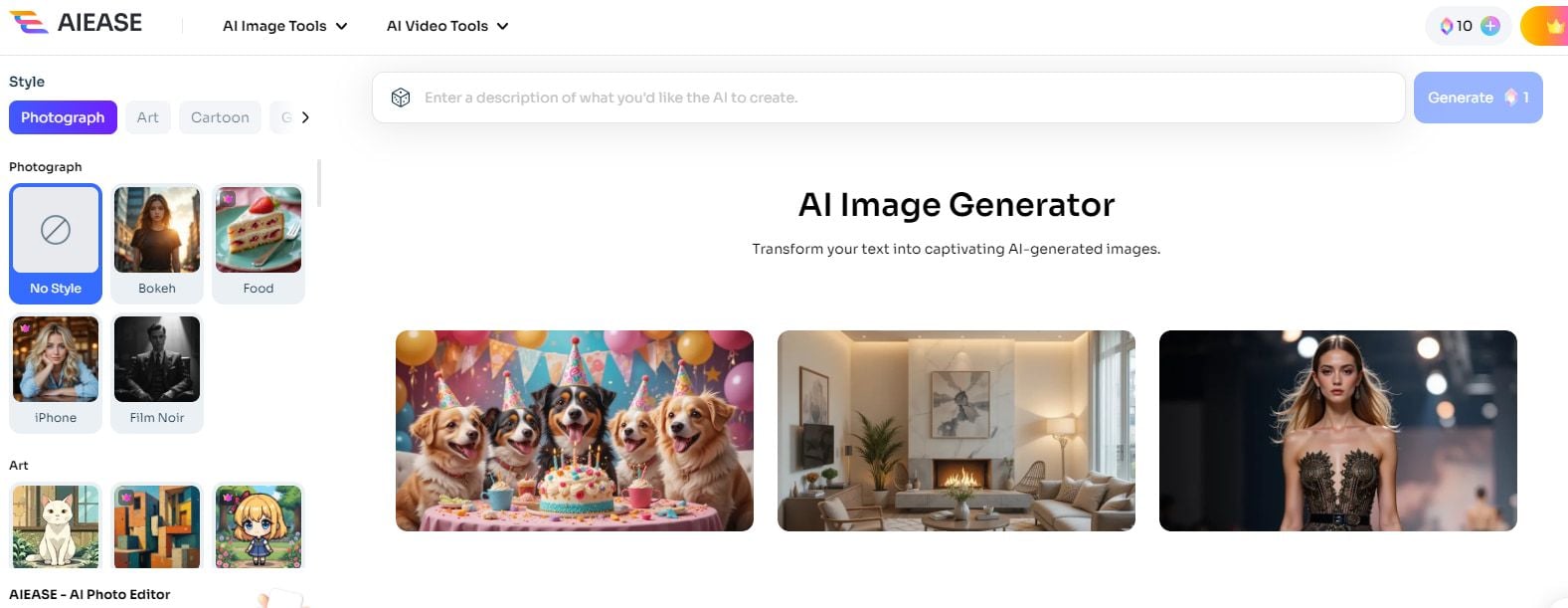
In the following sections, I’ll further share with you the generated images and my feelings about AIEASE AI Image Generator.
How Well AIEASE Generates Stylish Images?
The most essential feature of the AIEASE image generator is its text-to-image generation capability. To test how AIEASE could understand my prompt and generate images, I input various prompts from simple ones to more complex and abstract ones.
I started from a simple sentence: a fox strolling through the forest, and I selected the Disney story style. It generated a corresponding Disney-style image in seconds.
The fox is standing in the center of the picture. The path it is walking on leads my eyes through the image, which creates a sense of depth and exploration.
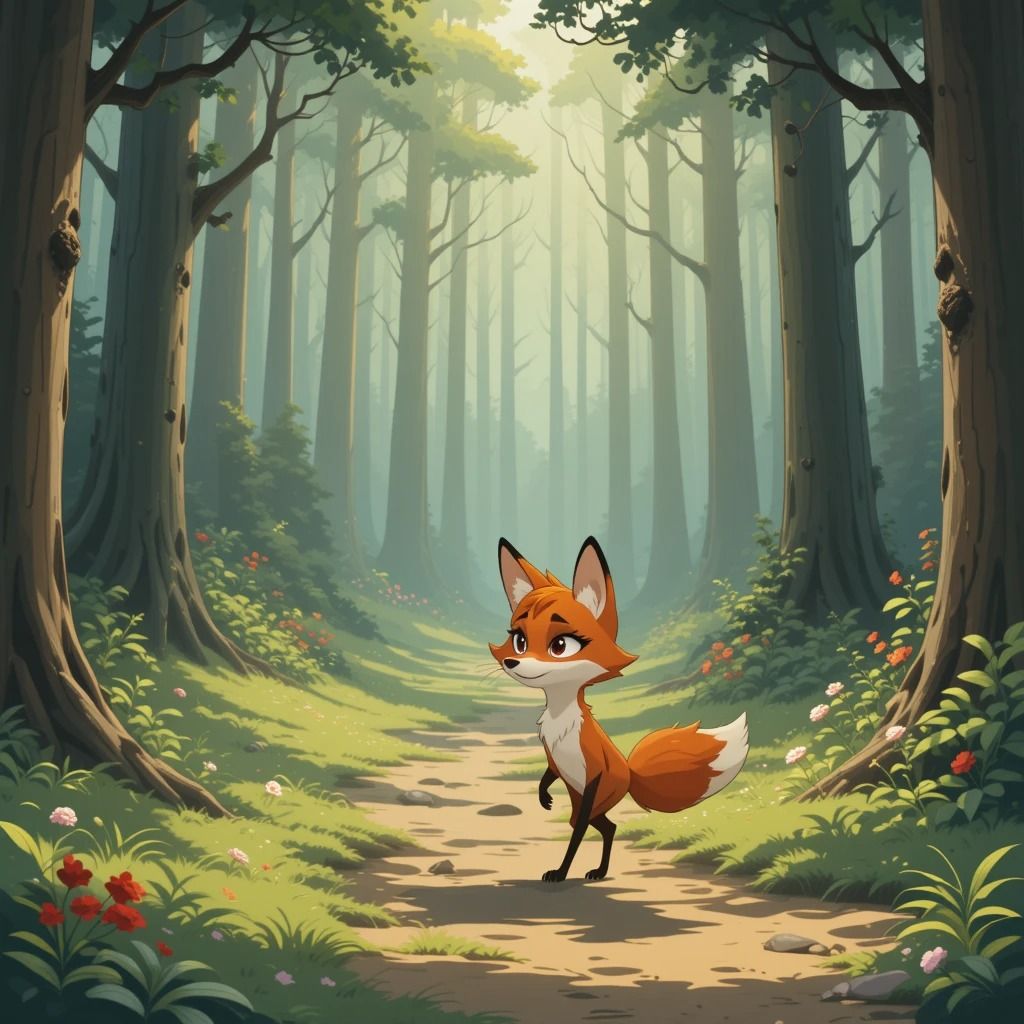
The color palette matched the Disney style. It used vibrant greens and browns for the forest and warm orange for the fox. The lighting in the image was soft and diffused.
Besides, the details were also impressive. Despite the key elements I mentioned in the prompt, it further added colorful tiny flowers and warm sunlight. The fox was also rendered with clear and sharp features that gave it a lively appearance.
I was satisfied with the result. To maximize its creativity, I decided to add more parameters and details to the description.
I switched to the Kawaii style and entered the prompt:
Cinematic lighting, best quality, extremely detailed eyes and face, ink, illustration, depth of field, extremely detailed, watercolor, anime face, dramatic angle, medium breast, 4k wallpaper, bright eyes, looking at viewers, an detailed organdie dress, very close to viewers, sleepy, masterpiece, surrounded by heavy floating sand, flow and floating sharp stones, messy long hair, veil, focus on face, upper body, bare shoulder, one girl, golden bracelet, long yarn, sunset, lens flare, light leaks, detailed beautiful desert with cactus, medium wind, detailed beautiful sky
Based on a more concrete description, AIEASE generated an anime angel. The image generally met the high standards set by my prompt.
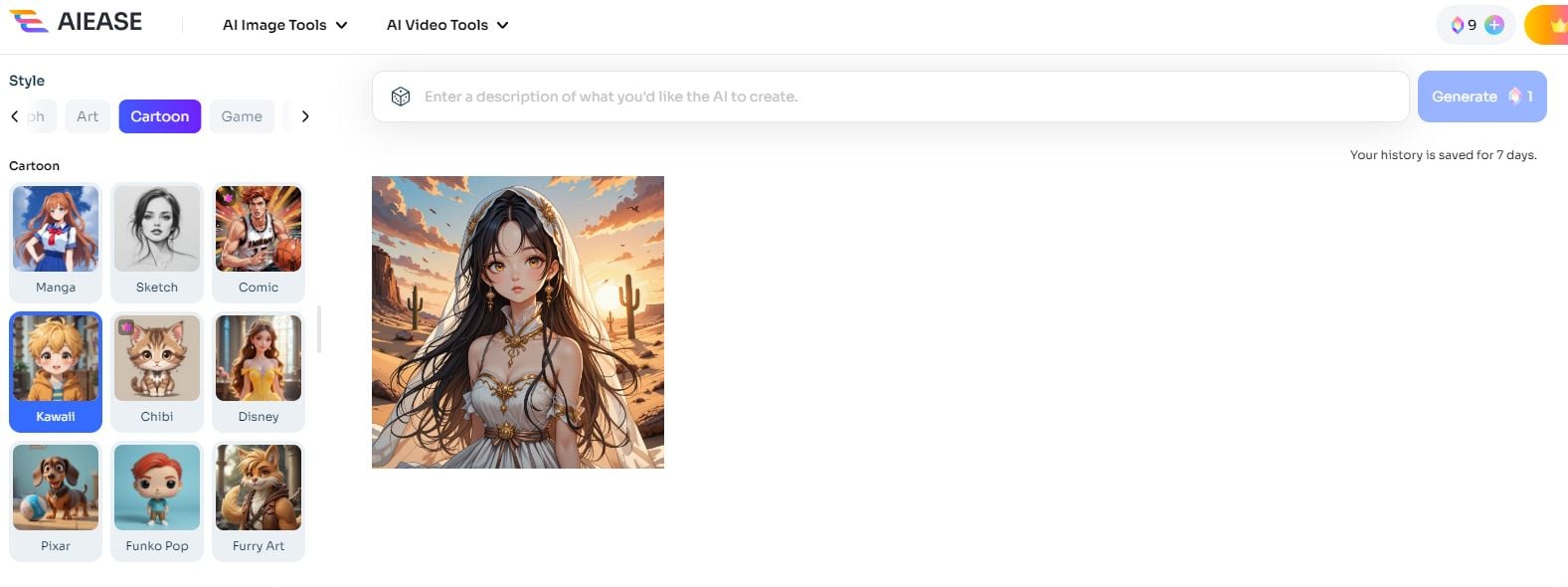
The anime character’s eyes and face were detailed, and the character was wearing an organdie dress, a veil, and a golden bracelet. All of these elements were mentioned in the prompt.
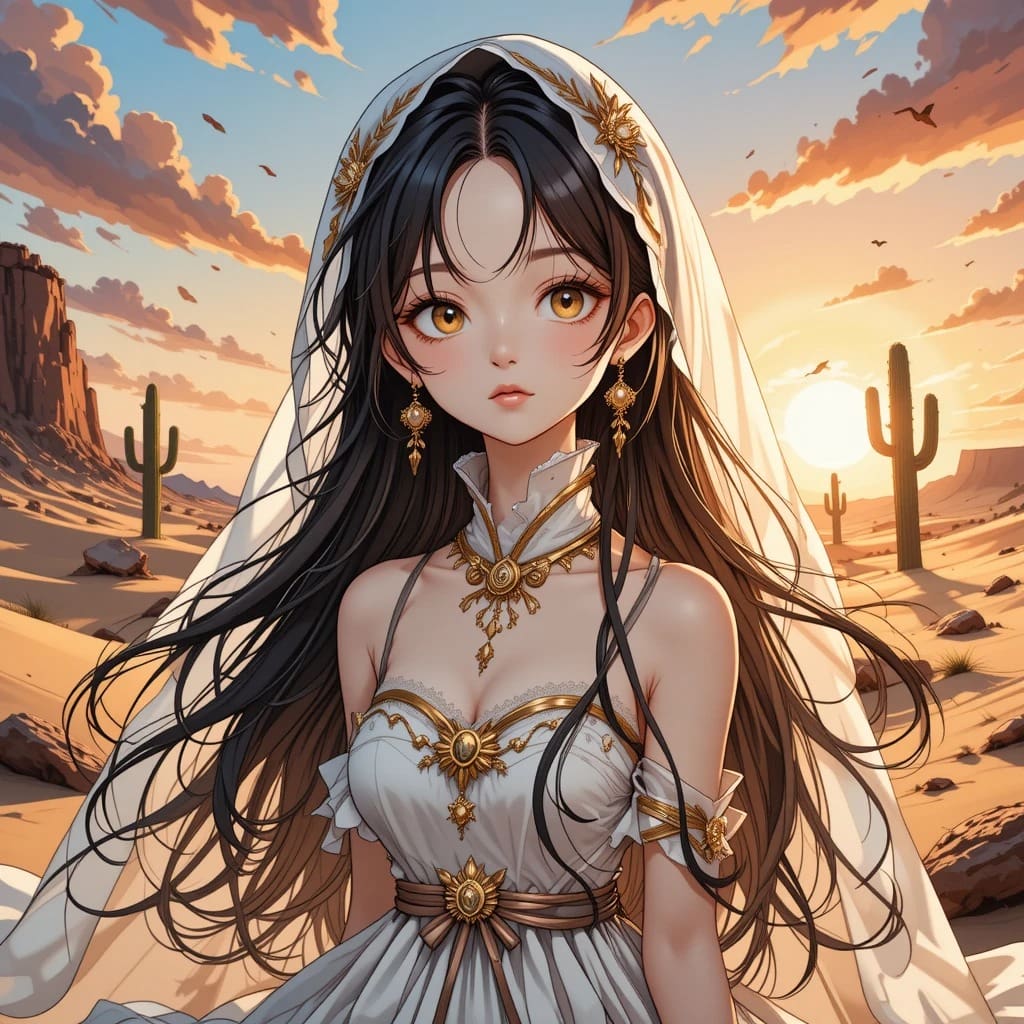
The background was slightly blurred, which drew our attention to the angel. The desert setting with cacti and the sunset sky was also very beautiful. It provided a stark contrast to the character’s attire, enhancing the overall composition.
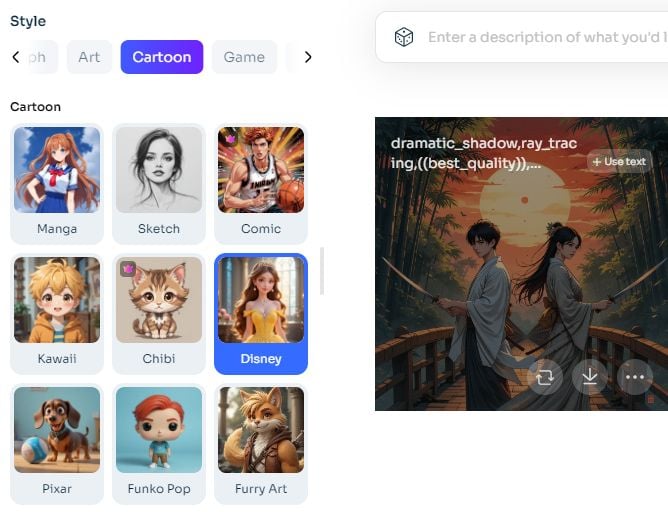
Then I wanted to incorporate more characters into the image. I changed the description from one girl to two boys and one girl:
Dramatic shadow, ray tracing, best quality, beautiful detailed sunset sky, red setting sun, holding swords in a hand, surrounded by flying leaves, dramatic angle, standing on ancient bridge, bare arms, very close to viewer, determined, thoughtful, far from viewer, extremely beautiful detailed anime faces and eyes, two boys and one girl, traditional kimonos, samurai and maiko, ink, illustration, depth of field, beautiful detailed bamboo forest, watercolor, full body, medium muscles, bright eyes, masterpiece, neat black short hair and long hair
The generated images had two obvious issues: on one hand, the image was more like a Japanese ancient style instead of a Disney cartoon style; on the other hand, there was only one female character and one male character instead of two male and one female.
Despite these two issues, the image covered most of the details in the prompt, such as the red sun, the swords in both characters’ hands, the bamboo forest, the ancient bridge, the traditional kimonos, flying leaves, and more. However, the characters’ arms were not bare.
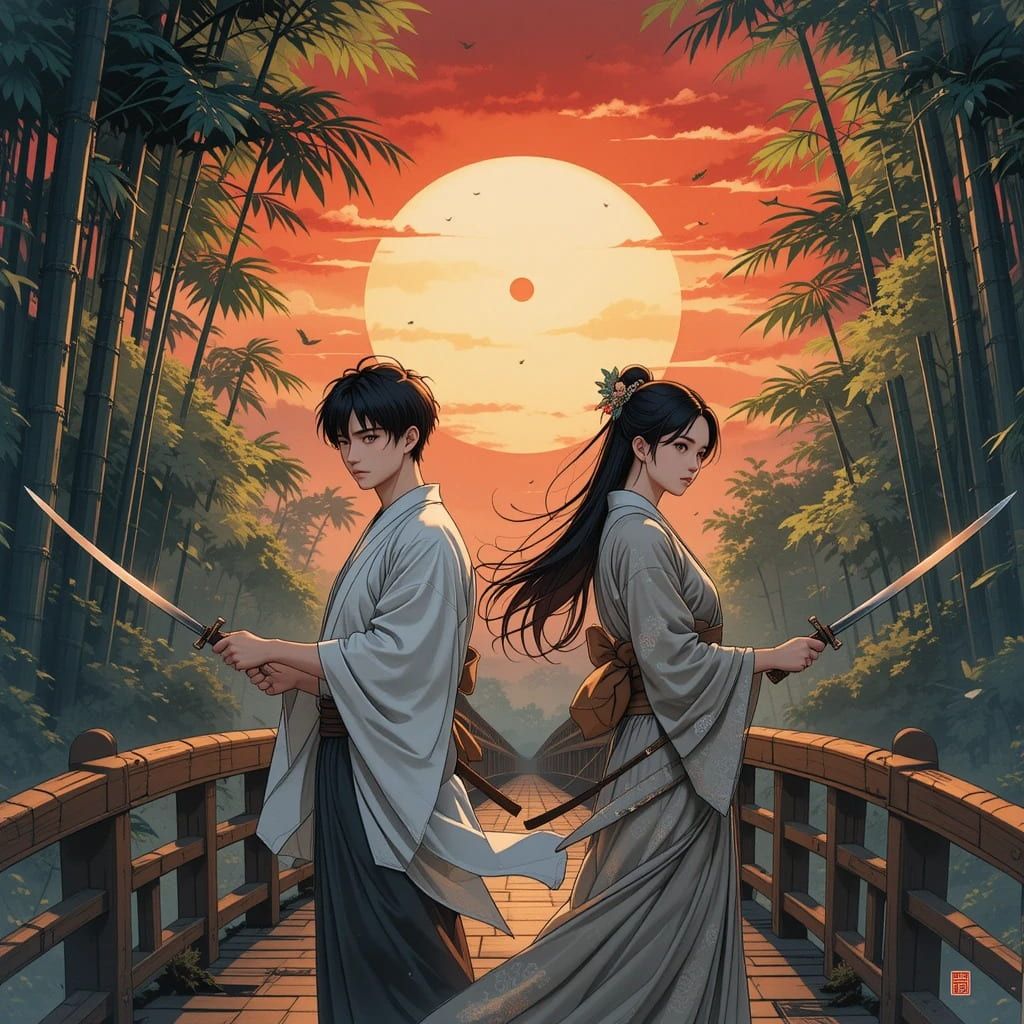
In terms of the output, I had to acknowledge that AIEASE captured the essence of the described background setting and characters in the prompt. But when the style I chose differed from the overall settings I described, it failed to make the style I chose.
Next, I described a more abstract setting. Notably, I didn’t include any characters in the prompt:
Imagine a cosmic ballet where celestial bodies like stars, planets, and nebulae dance in a choreographed pattern. The backdrop is a canvas of the universe with a vibrant display of cosmic colors.
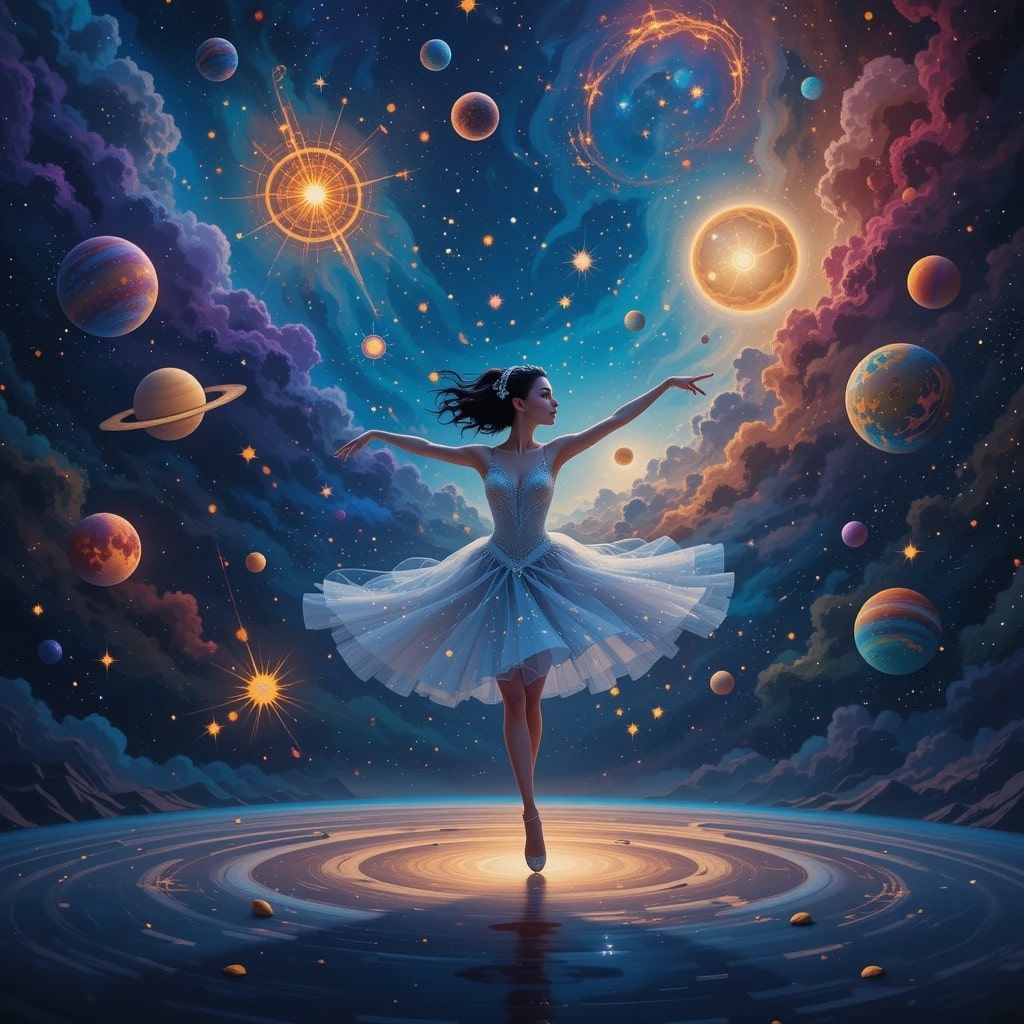
The image presented a ballerina gracefully dancing amidst the universe, with her arms extending in a classic ballet pose. Surrounding her are various celestial bodies, including stars, planets, and nebulae, each rendered with vibrant colors in deep blues, purples, and oranges, evoking the vastness and mystery of the universe.
However, the “cosmic ballet” indicated in my prompt was like a metaphor. It didn’t represent a real ballet or a real ballerina. Instead, it was used to describe the scene of the universe, where various celestial bodies combined in a “cosmic ballet”.
It seemed like AIEASE transferred an abstract description into a concrete character. I was not that satisfied with this piece of artwork, so I input another prompt: Visualize an abstract symphony where musical notes and instruments morph into geometric shapes and vibrant colors. The composition is a harmonious blend of sound and color, creating a visual representation of a musical masterpiece.
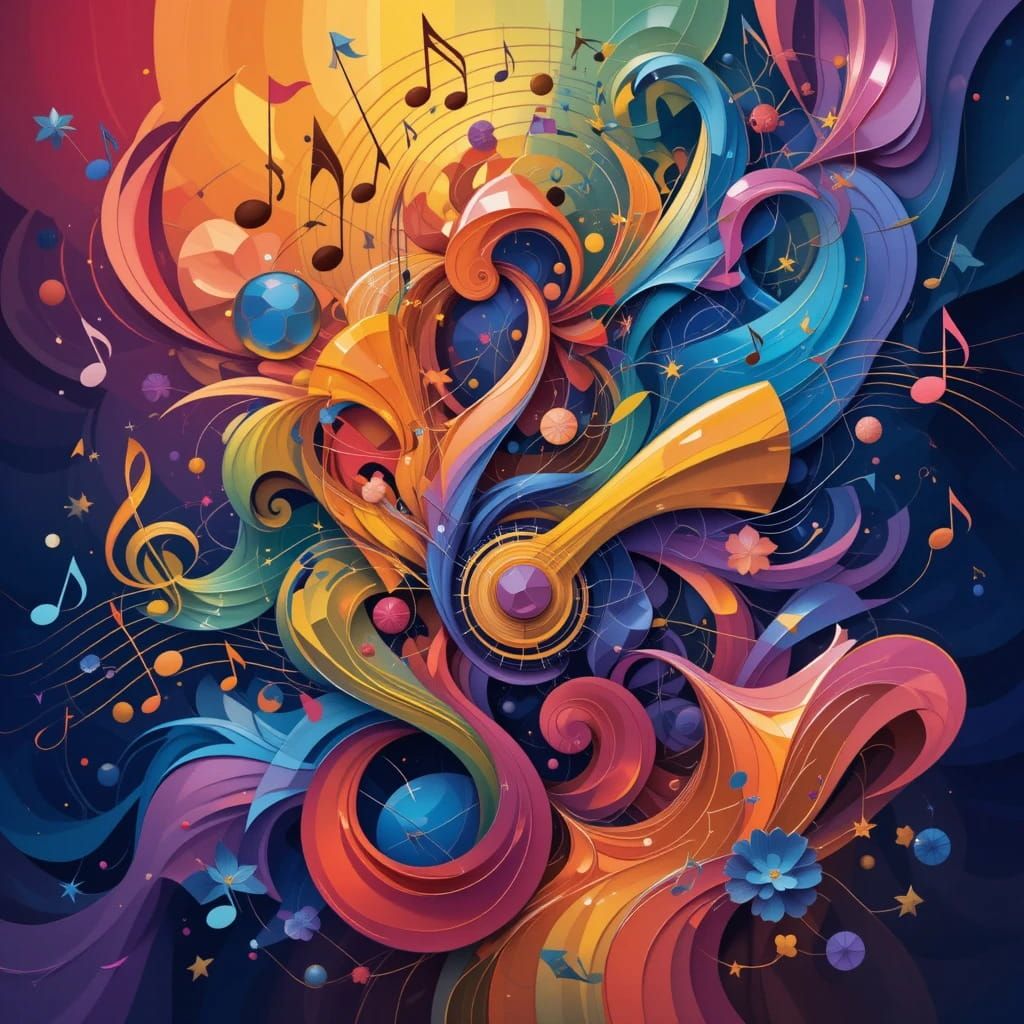
The image is an abstract symphony. The swirling patterns and shapes suggest the fluidity and dynamism of music. Musical notes and instruments are abstracted into geometric forms, and lines and curves evoke the sense of rhythm and melody. This image matches my prompt. It turns the abstract concept of music into an artwork.
In summary, AIEASE Image Generator is an easy-to-use AI image generator. It excels in understanding almost all the detailed requests in your prompt and demonstrating them in the result.
However, it doesn’t cover basic image editing features, such as cropping, adjusting brightness and contrast, and so on. If I want to modify or enhance the image, I should download it to the computer and edit it with other tools.
Besides, don’t include more than 3 characters in the description, as this may lead to a mistake. Also, make sure the style you described is in line with the style you choose. Or you may see unexpected results
Pollo AI: A Better Choice Than AIEASE Image Generator
Finally, I turned to an all-in-one AI image and video generator - Pollo AI. Despite generating various styles of images from text or images, you could also use Pollo AI to try on different industry-leading text-to-image AI models, such as Imagen, Stable Diffusion, Seedream, and more.
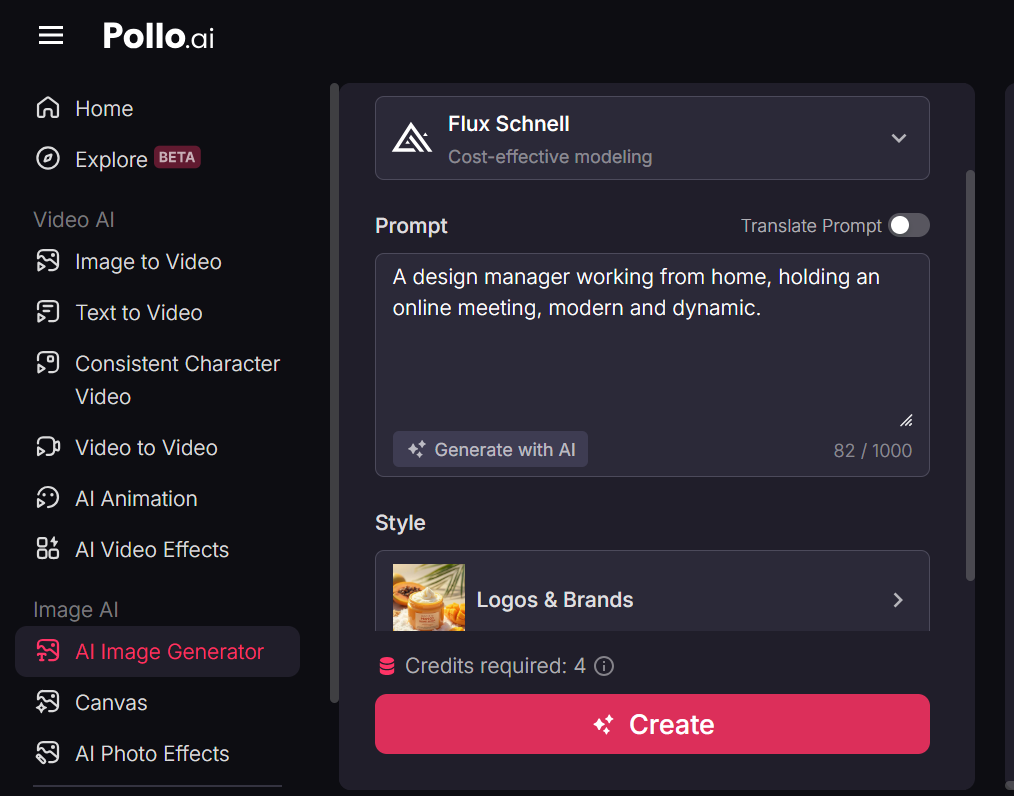
Besides, Pollo AI also offers a range of useful apps that let you quickly create marketing-ready videos for different platforms, such as the AI TikTok video generator and AI YouTube shorts generator.
Conclusion
Based on the Stable Diffusion model, AIEASE AI Image Generator can generate various styles of images with details. To get a high-quality output, make a detailed request in the prompt, choose a style that is in line with your description, and involve no more than 3 characters. Alternatively, if you expect to try out more AI image models, you can give Pollo AI image generator a shot!