



10 Best Text to Image AI Free Tools I Actually Tested and Ranked
I tested 20 text to image tools because many platforms look polished in demos, but not every tool fits real image creation needs.
Some tools are better for quick marketing layouts. Some are stronger for creator visuals, product concepts, fantasy art, or lightweight promotional graphics. I looked at how each platform fits practical workflows and narrowed the list down to the 10 best free text to image AI tools worth trying.
TL;DR
The best text to image tool I tested is Pollo AI. It offers the strongest overall mix of prompt control, image consistency, model flexibility, editing support, and practical output quality. You can also start generating images for free in Pollo AI to test the image quality.
Canva is useful for fast marketing layouts; Picsart works well for creator-style visuals; Fotor and Pixlr are good for simple drafts; NightCafe fits AI art exploration; and StarryAI fits art-first creation. But for a daily text to image workflow, Pollo AI is the most dependable starting point.
Best Text to Image Tools at a Glance
| Rank | Tool | Best For | My Quick Take |
| 1 | Pollo AI | Best text to image overall | Most consistent across real prompts |
| 2 | Canva | Fast marketing layouts | Easy for social and ad-style drafts |
| 3 | Picsart | Creator-style visuals | Good for social content ideas |
| 4 | Fotor | Simple product concepts | Beginner-friendly visual drafts |
| 5 | Pixlr | Quick creative edits | Useful for fast design experiments |
| 6 | NightCafe | Lightweight prompt testing | Simple for casual image ideas |
| 7 | StarryAI | AI art exploration | Better for fantasy, surreal, and painterly images |
| 8 | PicLumen | Polished concept images | Good visual quality for quick prompts |
| 9 | ImagineArt | Broad creative drafts | Flexible for posters and scenes |
| 10 | Hotpot AI | Simple promotional graphics | Convenient for lightweight marketing ideas |
#1 Pollo AI — Best Text to Image Tool Overall
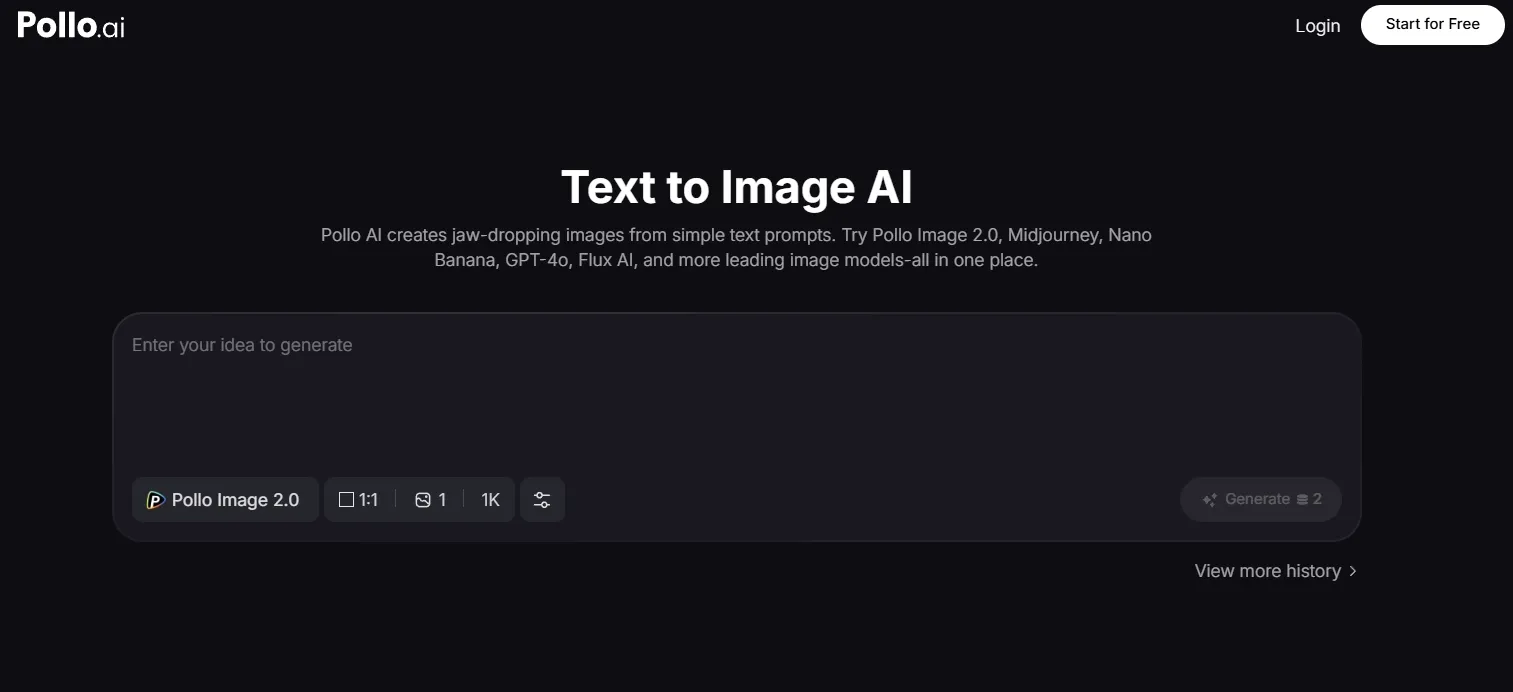
Pollo AI is the best text to image tool overall because it performed well across the widest range of text prompts. Its biggest advantage is consistency: it followed the subject, setting, lighting, style, and composition without making every result feel like the same generic AI image.
I also liked that Pollo AI works as a flexible AI image generator with access to strong image models such as GPT Image 2 and Seedream 5.0 Lite. That model range matters when you move from realistic product scenes to stylized art, portraits, character concepts, and marketing layouts.
You can also start generating images for free on Pollo AI, which makes it easy to test a few creative directions before choosing the final one.
Free Image Creation Starts Here
Create High-Quality, Consistent Images with Pollo AI Now — 2 free images daily, with industry-leading models.
Turn Text to Image with Pollo AI Free
For practical image creation, Pollo AI works especially well when a brief needs product clarity, realistic lighting, readable brand space, and a clean commercial composition.
Its workflow is useful because it can keep multiple visual requirements aligned at once. The subject, setting, mood, and ad-style framing can all stay clear enough for product concepts, social campaign drafts, and commercial visual planning.
That is where Pollo AI felt strongest to me: it combined prompt accuracy, visual consistency, detail quality, model flexibility, and practical output quality in one workflow.
I could see Pollo AI working as a Commerce Studio, which is the starting point for commercial visuals like polished AI product shots. If I wanted to push the final image further, I could also refine the lighting, clean up small details, or polish the layout with the AI photo editor in its Creative Studio.
Pros:
- Strong prompt-following across different creative briefs
- Consistent subjects, lighting, and composition
- Supports models like GPT Image 2 and Seedream 5.0 Lite
- Good for product scenes, characters, art concepts, banners, and social-style visuals
Cons:
- Clearer prompts usually produce better results
- Final publishing choices may still need a few variations
Pollo AI ranks first because it gave me the best mix of consistency, model variety, prompt accuracy, and practical output quality.
#2 Canva — Best Text to Image Tool for Fast Marketing Layouts
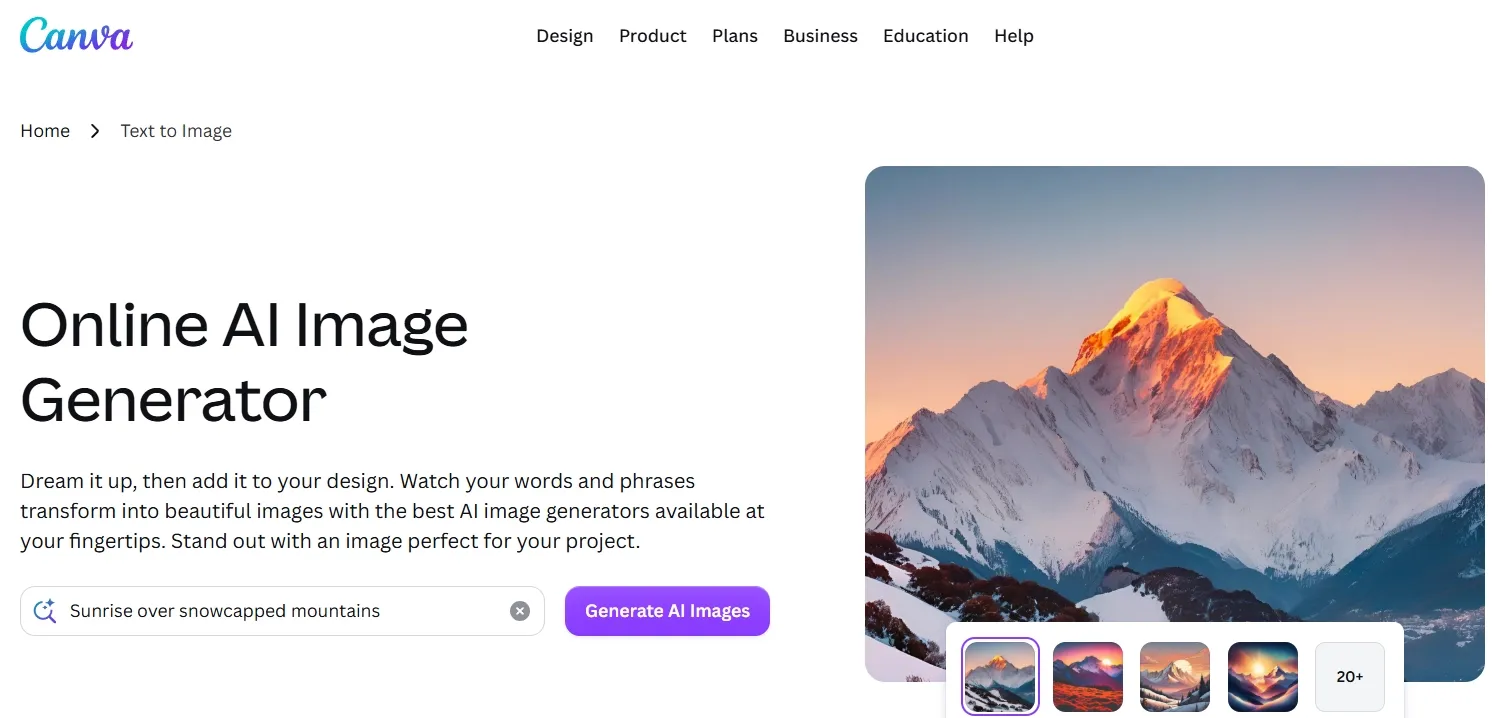
Canva is a good fit if you already create social posts, presentations, ads, or simple logo graphics there. Its strength is not deep image experimentation, but how quickly you can place a generated visual into a design layout. That makes it most useful for campaign drafts where the image needs to support copy, spacing, and a finished design format.
Canva works best when the generated visual is treated as a layout starter rather than a finished product image. It can help you explore a social campaign direction quickly, especially when you need clean space for a headline or supporting design elements.
The main limitation is that product details and any final text still need manual design work. For more polished e-commerce product visuals, Canva may need extra refinement before the image feels ready for publishing.
Pros:
- Very easy for social and marketing drafts
- Good if you already design inside Canva
- Useful for layout-first visual ideas
Cons:
- Generated details can feel generic
- Text inside images still needs manual checking
Canva is convenient for quick marketing layouts, but it is stronger as a design workspace than as the most reliable text to image tool.
Click here to learn more information about how Canva helps test quick marketing layouts.
#3 Picsart — Best Text to Image Tool for Creator-Style Visuals
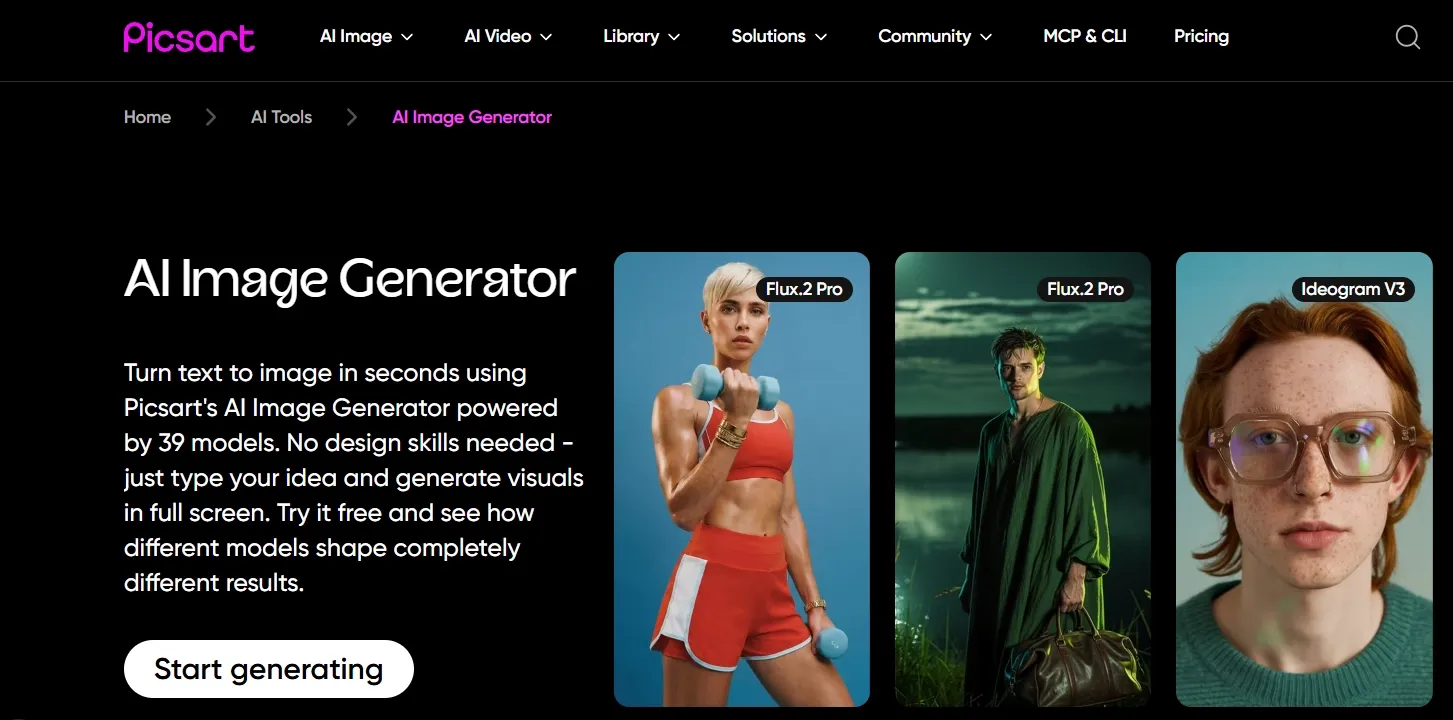
Picsart is useful for creators who want quick social visuals, profile graphics, thumbnails, or playful image ideas. It feels approachable and has a strong editing ecosystem around the generated output, which makes it a better fit for lively creator visuals than strict commercial product shots.
Picsart works well when the goal is social energy, bold color, and an easy-to-understand visual direction. It is helpful for creator portraits, profile content, casual brand imagery, and thumbnails that may need more style than precision.
The output still needs a finishing pass. Before publishing, I would sharpen the final visual and clean up any distracting details if the background or small elements become too busy.
Pros:
- Good for creator and social-style visuals
- Easy to use for fast image ideas
- Helpful editing options around the output
Cons:
- Details can look soft
- Not ideal for precise commercial prompts
Picsart is useful for social visuals and creator content, but it needs review before the image feels polished enough for professional use.
Interested in the quality of social visuals Picsart creates? Please check out this review.
#4 Fotor — Best Text to Image Tool for Simple Product Concepts
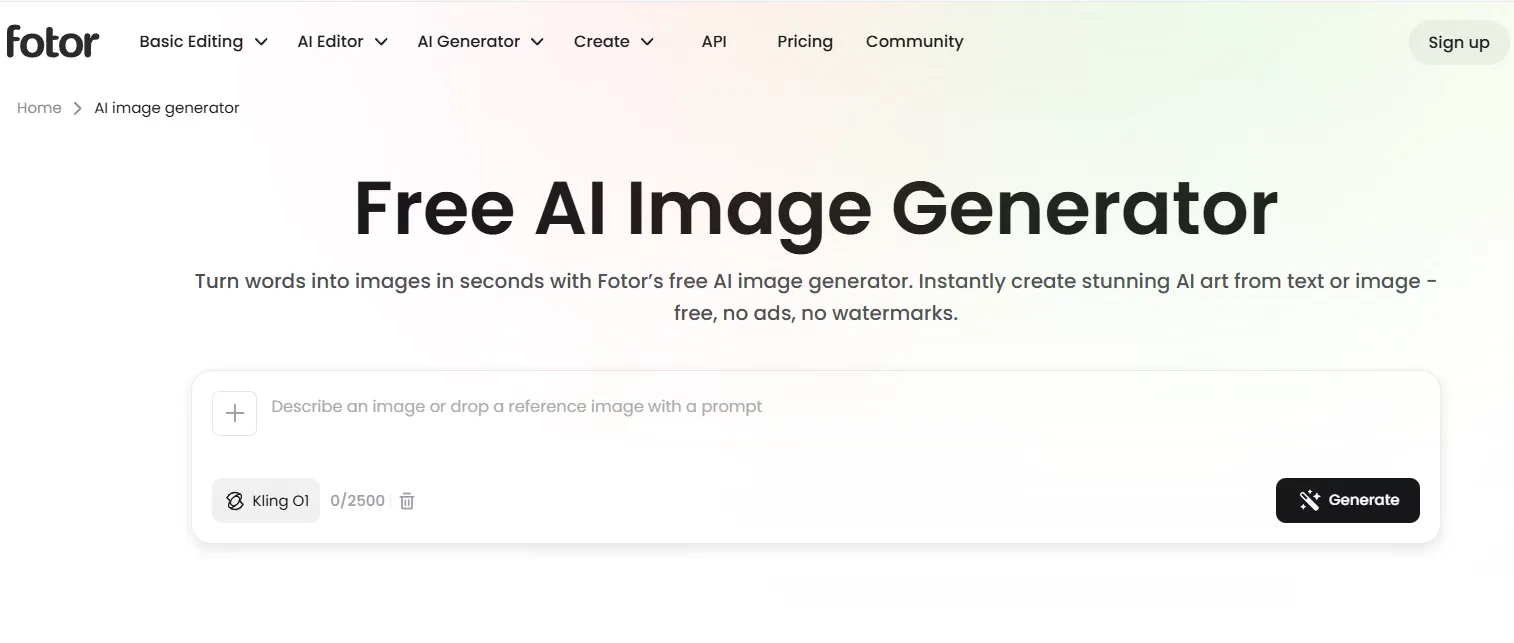
Fotor is a beginner-friendly option for simple image prompts and product-style concepts. It does not feel as flexible as the top tools, but it can produce clean visual drafts without much setup. This makes it useful for early product ideas, lifestyle references, and simple visual direction.
Fotor is strongest when you need a pleasant product or lifestyle draft without building a complex workflow. It can help establish a basic mood, subject, and setting for product concepts.
The limitation is that the image can still feel more like an early draft than a polished commercial asset. A stronger background setting would often make the concept more useful for campaign or e-commerce work.
Pros:
- Beginner-friendly workflow
- Good for simple product and lifestyle ideas
- Pleasant visual style for quick drafts
Cons:
- Less precise for complex prompts
- Final polish can feel limited
Fotor is a solid, simple option, but it is better for early concepts than demanding text to image work.
Looking for personal experience of testing Fotor? Read this Fotor review article.
#5 Pixlr — Best Text to Image Tool for Quick Creative Edits
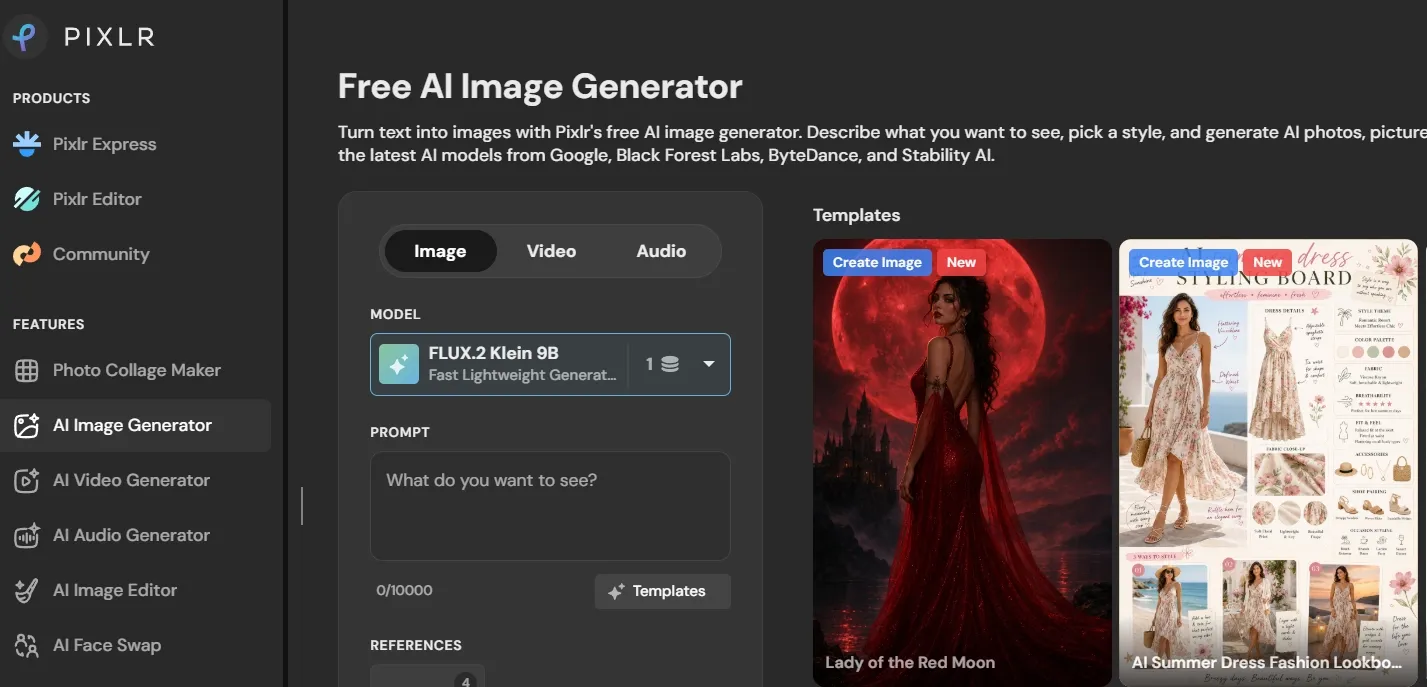
Pixlr is useful if you want a lightweight mix of generation and image editing. It works best when your goal is a fast creative draft that can be adjusted afterward, especially for posters, social assets, and simple design concepts.
Pixlr fits editing-adjacent image creation. You can use it to explore a visual direction, then keep adjusting the frame, cleanup, contrast, or layout inside the same lightweight workspace.
Its main limitation is layout control. For event visuals, posters, or social graphics, removing distractions and creating more usable space around the design can help the image feel cleaner before final copy is added.
Pros:
- Good for quick creative drafts
- Useful when you want editing tools nearby
- Works for posters and simple design ideas
Cons:
- Layout control is inconsistent
- Not ideal for complex commercial scenes
Pixlr is practical for fast design experiments, but the output often needs cleanup before it feels final.
Want to learn more about Pixlr’s AI image generation workflow? Check out this Pixlr review.
#6 NightCafe — Best Text to Image Tool for AI Art Exploration
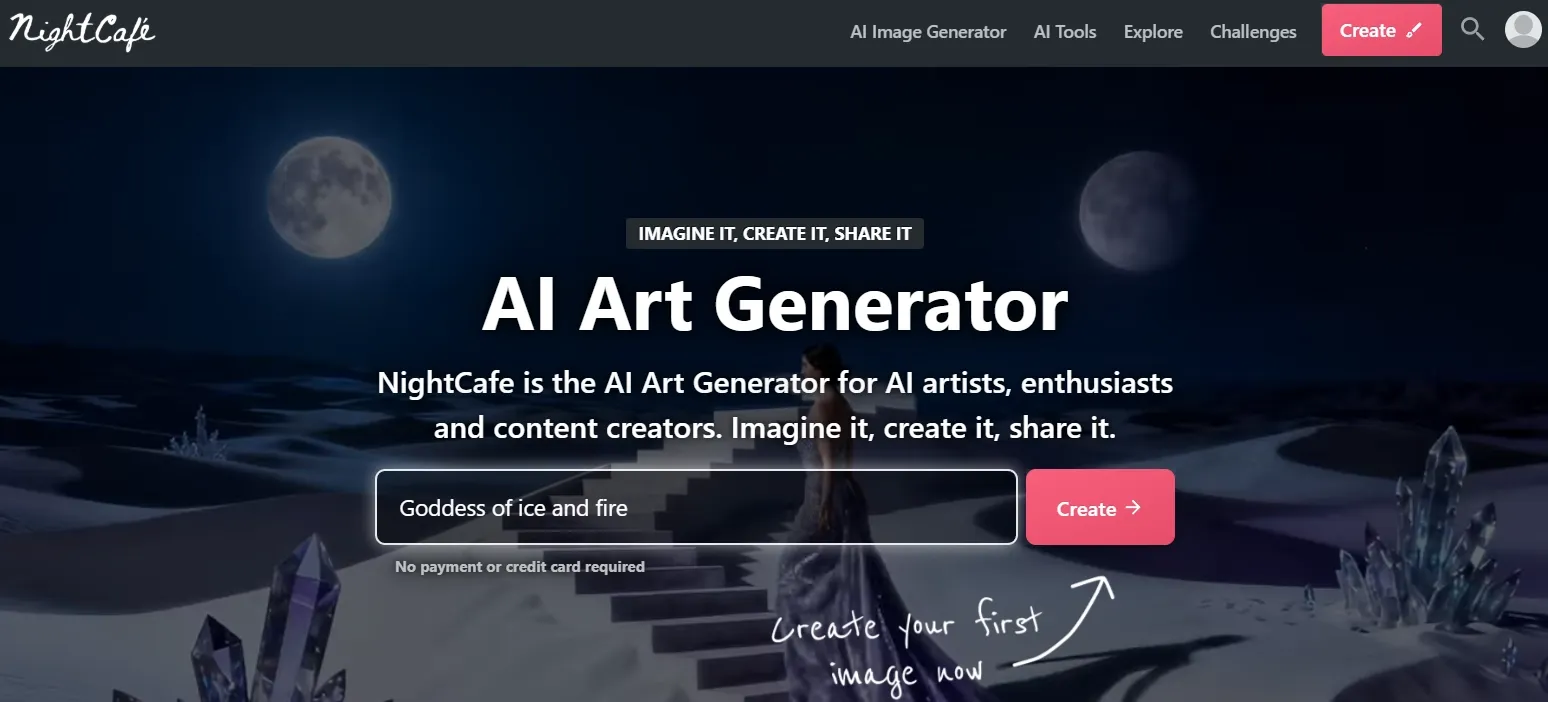
NightCafe is best for fantasy, surreal, and painterly prompts. It is good when the goal is atmosphere, mood, and an art-forward result instead of a structured commercial asset. This makes it a better fit for visual exploration than controlled campaign production.
NightCafe works well for fantasy mood pieces, surreal scenes, and art-book-style directions. It can help creators explore mood and style quickly when the image does not need to follow a strict commercial layout.
To turn a NightCafe image into a poster, cover, or campaign concept, I would usually add more usable space around the main subject instead of relying on the first crop.
Pros:
- Strong fantasy and painterly results
- Good mood and atmosphere
- Fun for creative exploration
Cons:
- Less reliable for commercial prompts
- Restrained briefs can become too artistic
NightCafe is enjoyable for art-first image creation, but I would not use it as my main text to image tool for practical visual work.
#7 StarryAI — Best Text to Image Tool for Art-First Creation
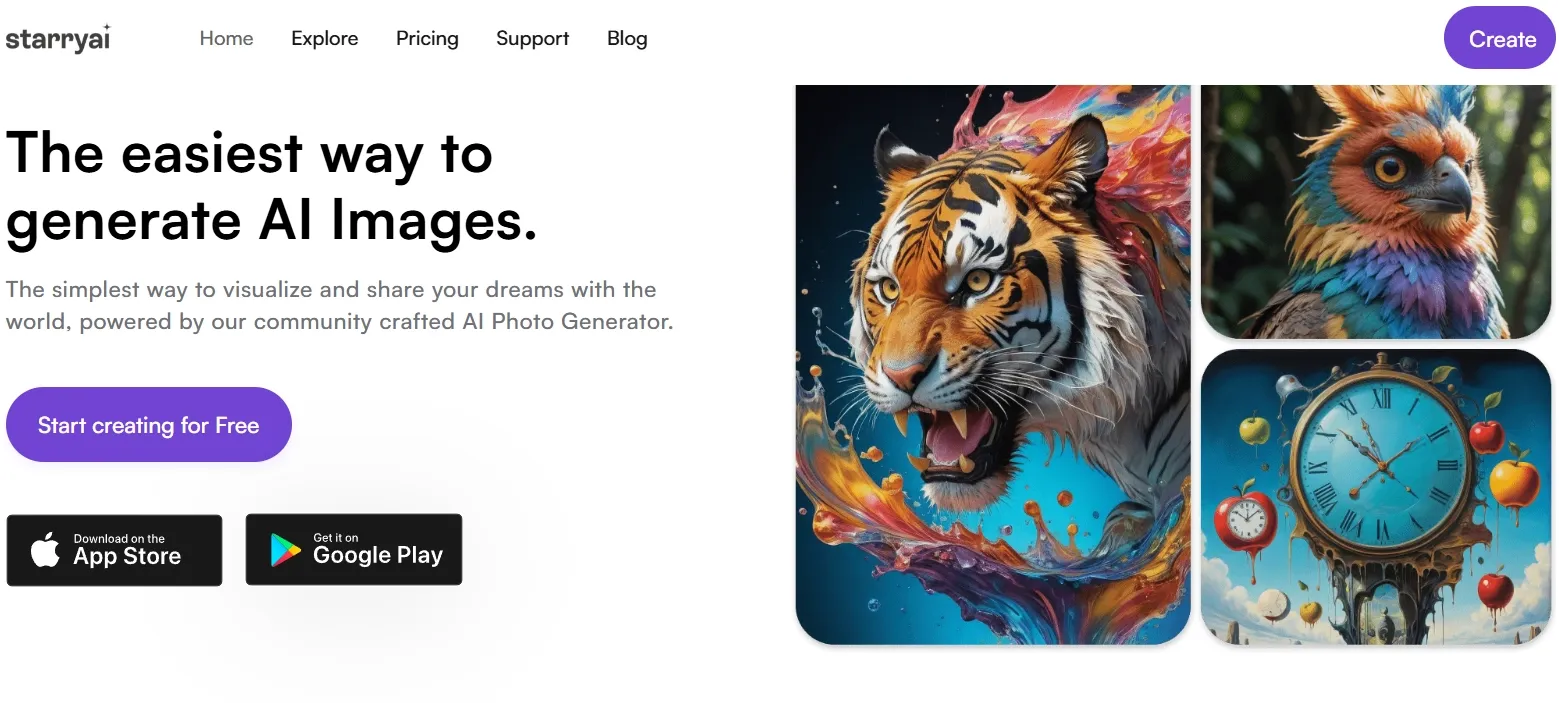
StarryAI is stronger when the prompt leans toward fantasy, surreal art, or stylized illustration. It can create visually interesting images, especially when realism is not the main goal. This makes it useful for imaginative art concepts, but less reliable for structured product or business visuals.
StarryAI is a good match for storybook-style art, fantasy settings, mood visuals, and personal creative projects. Its art-first direction helps when atmosphere matters more than exact commercial control.
The looser details would keep me from publishing it as-is in more formal contexts, so I would enhance the strongest version before using it in a campaign, cover, or presentation.
Pros:
- Strong for fantasy and stylized art
- Good for imaginative prompts
- Easy for creative exploration
Cons:
- Less reliable for product or business visuals
- Details can become loose
StarryAI is useful for art-first prompts, but too narrow to rank higher as an everyday text to image tool.
If you are attracted to StarryAI’s art generation workflow, you can click here to learn more.
#8 PicLumen — Best Text to Image Tool for Polished Concept Images
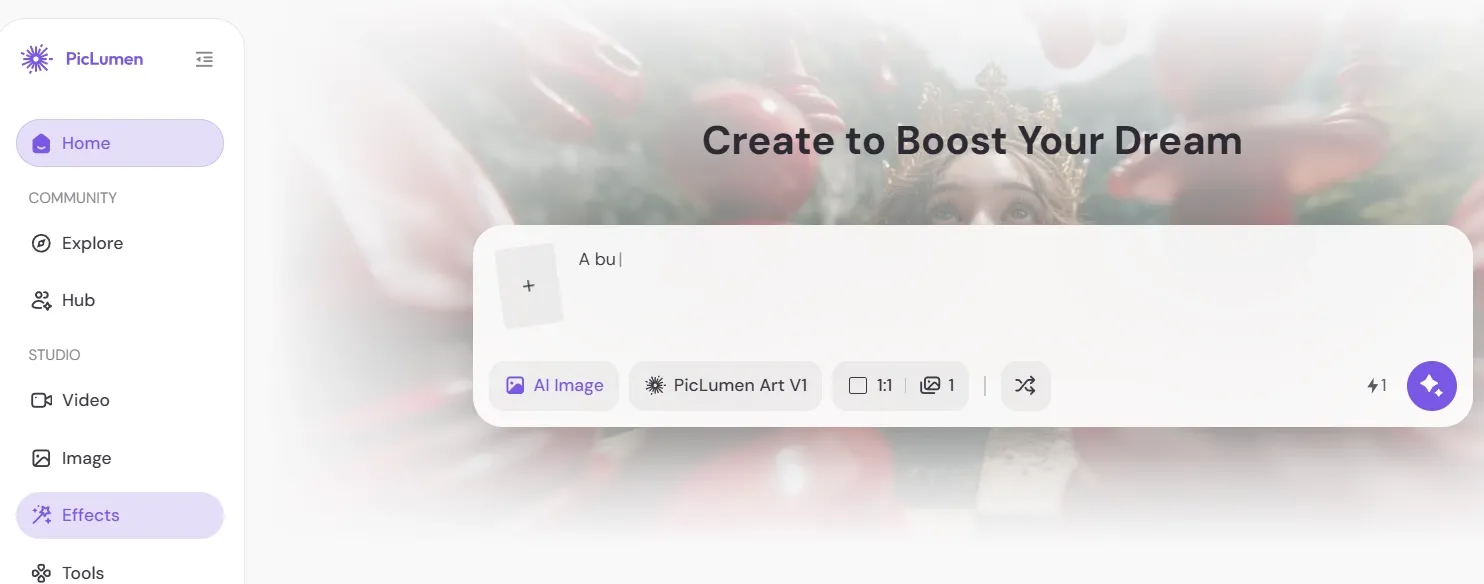
PicLumen is a good pick if you want quick concept images that look relatively polished without too much setup. It can work well for portraits, scenes, and stylized concepts, especially when you need a visual direction rather than a fully controlled production workflow.
PicLumen is useful for moodboards, cinematic interiors, thumbnails, and concept scenes where lighting and atmosphere matter. It can help you get to a polished-looking draft quickly.
Some details can still need extra control, especially in backgrounds or structured environments. For thumbnails or social crops, I would also make the frame more flexible before treating the image as final.
Pros:
- Good visual polish for quick prompts
- Useful for scenes and concept images
- Easy to test creative directions
Cons:
- Details can still be inconsistent
- Less distinctive than the stronger tools
PicLumen is a useful concept-image tool, especially for fast visual direction, but it is not as complete as Pollo AI.
#9 ImagineArt — Best Text to Image Tool for Broad Creative Drafts
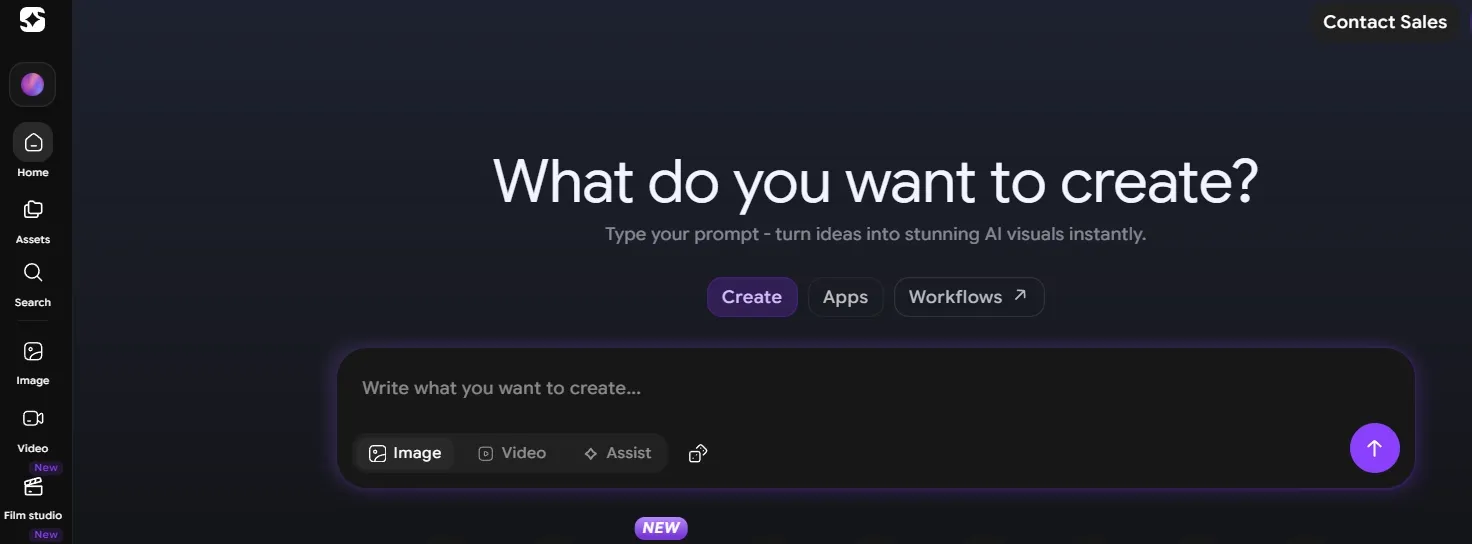
ImagineArt is useful for broad creative prompts, especially posters, scenes, and stylized visual ideas. It feels flexible enough for experimentation, though the results still need careful selection. This makes it more useful for early creative direction than final production.
ImagineArt can work well for poster-style visuals, scenic concepts, and graphic image drafts. It is helpful when you want to explore composition, subject, and mood before committing to a more polished design.
The main limitation is that some versions can feel too decorative or cramped. For cleaner campaign use, the next step would often be to create more room around the subject and simplify the visual focus.
Pros:
- Flexible for creative drafts
- Good for poster and scene ideas
- Useful for fast visual direction
Cons:
- Some outputs feel overdecorated
- Needs selection for cleaner results
ImagineArt is good for broad creative drafting, but it works better as a direction tool than a final-output solution.
#10 Hotpot AI — Best Text to Image Tool for Simple Promotional Graphics
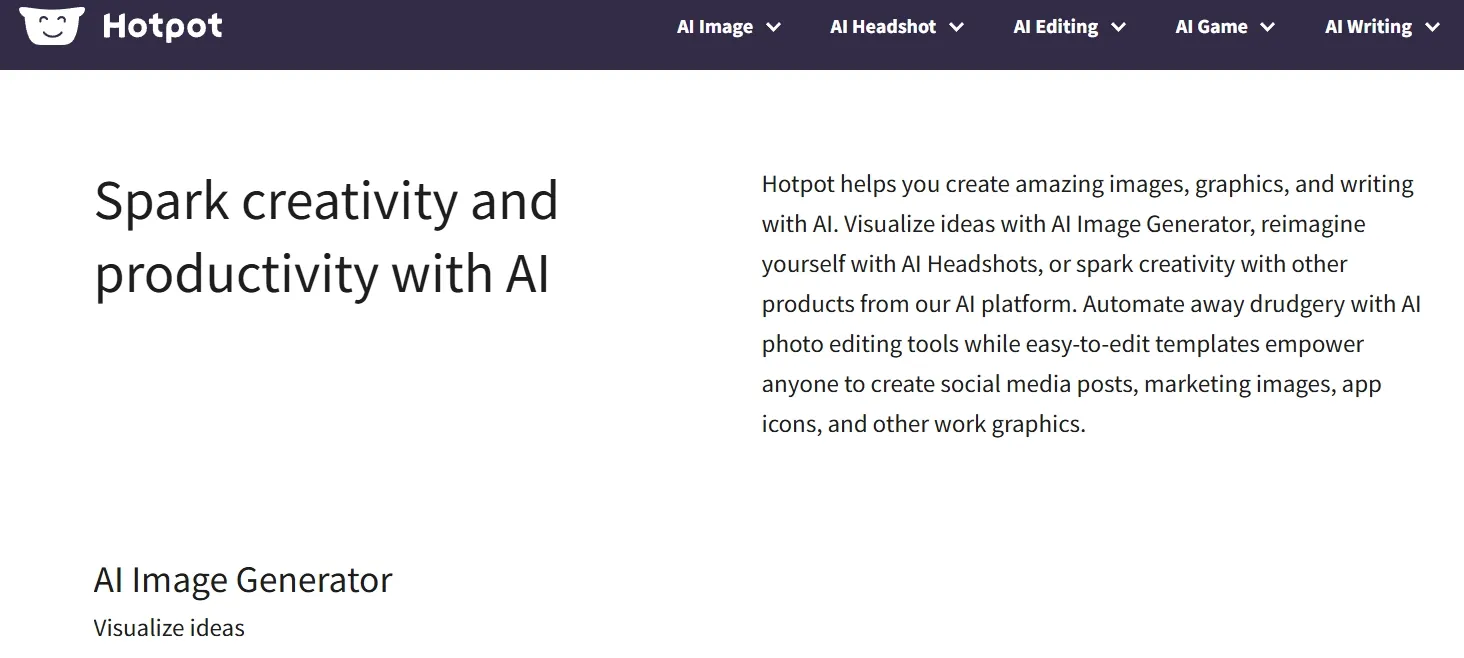
Hotpot AI is best for simple marketing graphics and lightweight design ideas. It is convenient when you need a quick visual direction, not a complex production workflow. This makes it useful for basic promotional concepts, but less ideal for detailed commercial visuals.
Hotpot AI works best as a rough direction tool for promotional assets. It can help small teams or casual creators draft a simple product, sale, or campaign-style image quickly.
The visual focus may still need more control before real campaign use. For complex scenes, realistic product work, or polished branded assets, it does not offer the same depth as stronger tools like Pollo AI.
Pros:
- Convenient for simple marketing ideas
- Easy for quick visual drafts
- Good for lightweight promotional concepts
Cons:
- Less precise for detailed prompts
- Not the strongest for realism or complex scenes
Hotpot AI is useful for quick promotional graphics, but it is better for simple drafts than serious text to image production.
How I Tested These Text to Image Tools
I tested 20 text to image tools and narrowed the list down to the 10 that felt most useful across practical image tasks.
Instead of focusing on one displayed prompt result, I looked at each tool’s real workflow fit: prompt control, visual consistency, ease of use, style flexibility, editing support, and how useful the output could be for common image needs.
I also considered whether each tool could support real use cases such as product concepts, social visuals, characters, posters, portraits, fantasy art, and promotional graphics. The strongest tools were the ones that made it easier to refine, reuse, or adapt the generated image after the first draft.
How I Would Choose the Right Text to Image Tool
Choose Pollo AI if:
- You want access to leading image models in one place, including options like Nano Banana 2 and Seedream 5.0 Lite.
- You need stronger image consistency across product concepts, portraits, characters, banners, posters, and social-style visuals.
- You want better control over subject clarity, lighting, composition, and commercial-style framing.
- You need a workflow that goes beyond first-draft generation, with tools for relighting, cleanup, editing, and image refinement.
- You want a text to image tool that can support realistic, stylized, branded, and ecommerce-ready visuals without switching platforms.
Choose Canva if:
Choose Canva if your main goal is quick social or marketing layouts, especially when the generated image needs to sit inside a template, presentation, ad, or simple brand graphic.
Choose Picsart if:
Choose Picsart if you want creator-style visuals, social content ideas, thumbnails, profile graphics, or playful images that can be edited quickly after generation.
Choose Fotor or Pixlr if:
Choose Fotor or Pixlr if you need simple drafts, lightweight editing support, or early visual concepts without building a more advanced image generation workflow.
Choose NightCafe or StarryAI if:
Choose NightCafe or StarryAI if your priority is fantasy, surreal, painterly, or art-first image creation rather than structured product or marketing visuals.
Choose PicLumen, ImagineArt, or Hotpot AI if:
Choose PicLumen, ImagineArt, or Hotpot AI if you want quick concept images, poster drafts, moodboard visuals, or lightweight promotional graphics.
My Personal Take
The best text to image tool is not just the one that creates the flashiest first result. It is the one that can keep the subject clear, follow the style, preserve the layout, and give you an output worth refining.
That is why Pollo AI stood out. It handled mixed creative briefs with fewer awkward results, and it gave me more room to explore realistic, stylized, and commercial directions in one place.
You can also try Pollo AI to generate images for free, which makes it easier to compare a few image directions before committing to a final choice.
Best Text to Image Tools FAQs
What is the best text to image tool?
The best text to image tool I tested is Pollo AI because it handled the widest range of practical image creation needs with the most consistent quality. It works well for lifestyle product scenes, characters, social-style visuals, and commercial layouts.
What should I check before choosing a text to image tool?
Check whether the tool can handle the type of image you actually need: product or lifestyle scenes, character or portrait visuals, art-driven images, banners, posters, or social graphics. These use cases show whether the platform can manage composition, detail, and practical image use.
What is the best text to image tool for product concepts?
Pollo AI is the strongest overall choice for product-style image creation because it can create clean, believable concepts and connect naturally with product-focused creative workflows.
What is the best text to image tool for quick marketing layouts?
Canva is useful for fast social and marketing layouts because it connects image creation with design tools. Pollo AI is better if you want stronger image generation consistency before moving into layout work.
Why do text to image tools struggle with text inside images?
Text is difficult because the tool has to manage both the image layout and the exact letter shapes. Short labels usually work better than long copy, but final images should still be checked before publishing.
How do I choose the right text to image platform?
Choose based on your main use case. Use Pollo AI for the best all-around text to image workflow, Canva for quick layouts, Picsart for creator visuals, Fotor or Pixlr for simple drafts, and NightCafe or StarryAI for art-first exploration.