Pollo 2.5 creates studio-grade videos with light editing load, consistent characters, multi-shot storytelling, and tight control over style, camera, and objects. Try Pollo 2.5 on Pollo AI for free!
Create your own influencer. Then jump into any trend with Recast.
Kling 4.0
Up to 10 keyframes. Unlimited for 10 days with Ultra.
Pollo Recast
Recreate viral videos. Remix new versions.
Pollo Recast Challenge
One upload in. Your viral video out. Unlimited rewards await.
Pollo Agent x DeepSeek V4.1 FLASH
Faster completion at a much lower cost.
Pollo Agent x Gemini 4 Argon
Smarter reasoning. All through Pollo Agent.
WIN iPHONE DUO
Capture a city in one minute. Join the challenge now.
Pollo MCP
End-to-end content creation. Up to 4 Videos/ 20 Images for FREE.
Key Features of Pollo 2.5 Video Model
Native Audio Generation: Automatically create and integrate matching audio directly into your videos
Multi-Shot Storytelling: Craft cohesive narratives with consistent world states across multiple scenes
Consistent Character Generation: Maintain character identity and appearance throughout your videos using references
Advanced Prompt Understanding: Interpret complex, detailed prompts with exceptional accuracy
Precise Style Control: Match any artistic style using reference images
Flexible Motion & Camera Controls: Customize object movements and camera angles for cinematic results
Native Audio Generation
Pollo 2.5 AI video model can natively generate synchronized audio alongside your video content. No more searching for stock music or manually syncing sound effects—the model automatically creates matching audio that enhances your visual narrative.
This breakthrough feature delivers production-ready videos straight from generation, saving hours of post-production work while ensuring perfect audio-visual harmony.
Prompt
Output Video
Heavy rain falling densely. The water on the asphalt street ripples with splashes from the rain. The neon reflections on the wet ground shimmering. Generate immersive ambient sound of heavy rain pouring down and distant city muffled noise. 4K, realistic cinematography.
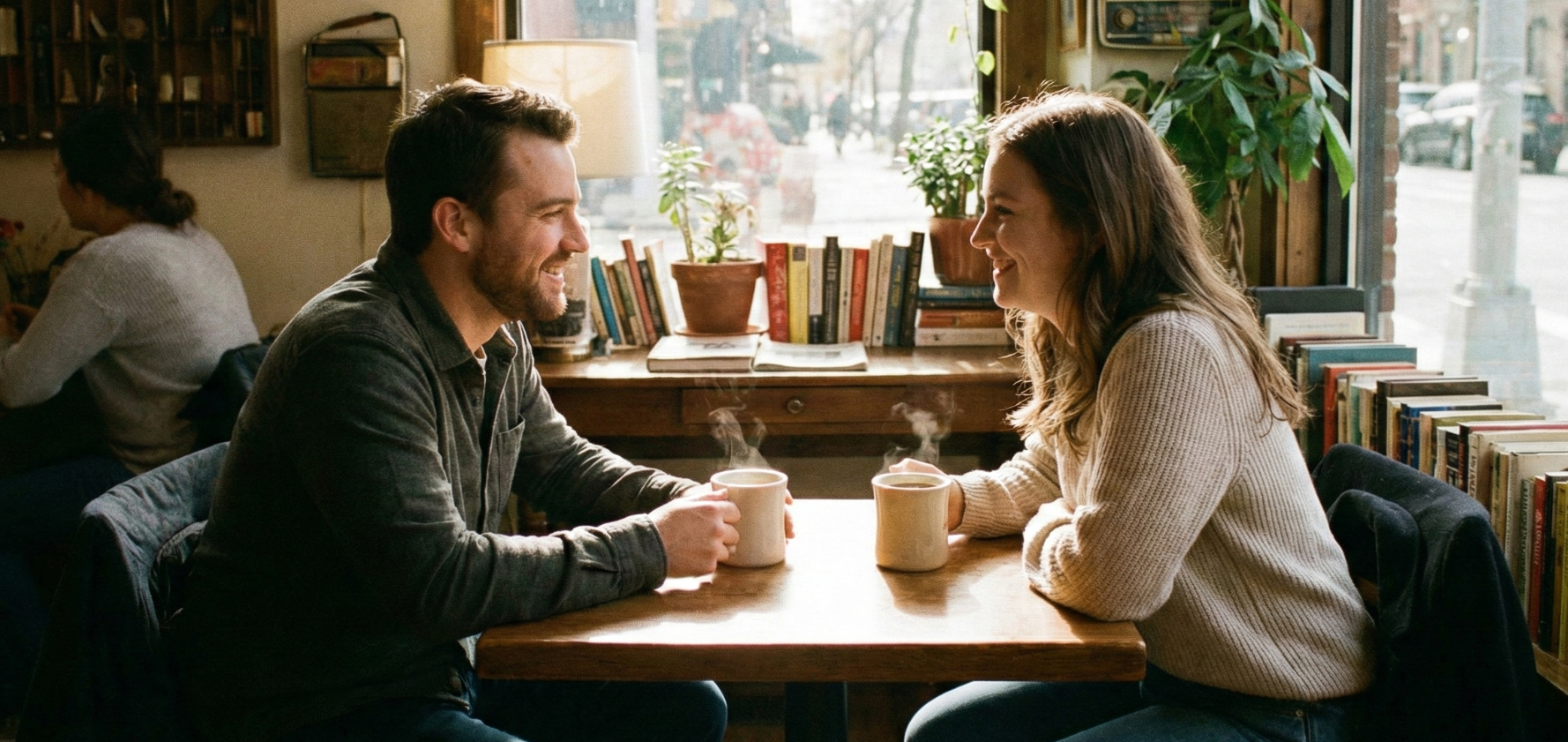
Two people interacting naturally. The man on the left leans forward and tells a joke, gesturing slightly with his hand. The woman on the right laughs genuinely, tilting her head back slightly. Generate natural conversation audio: Man says something indistinct but jovial, followed by the sound of woman's laughter. Focus on the chemistry between them.
Multi-Shot Storytelling
Unlike traditional AI video models limited to single scenes, Pollo 2.5 excels at generating cohesive multi-shot sequences with persistent world states. Characters, environments, and narrative elements remain consistent across scenes, enabling true storytelling without manual editing.
Prompt
Output Video
Shot 1: A detective enters a dimly lit office, examining scattered papers on the desk. Shot 2: Close-up of his face as he discovers a hidden photograph. Shot 3: He rushes out the door into the rain-soaked street, photo clutched in hand. Maintain noir lighting throughout.
Consistent Character Generation
Create character-driven content with unprecedented consistency using reference images. Pollo 2.5 preserves facial features, clothing, and distinctive traits across all generated footage, making it ideal for serialized content, brand mascots, or narrative projects.
Prompt
Output Video
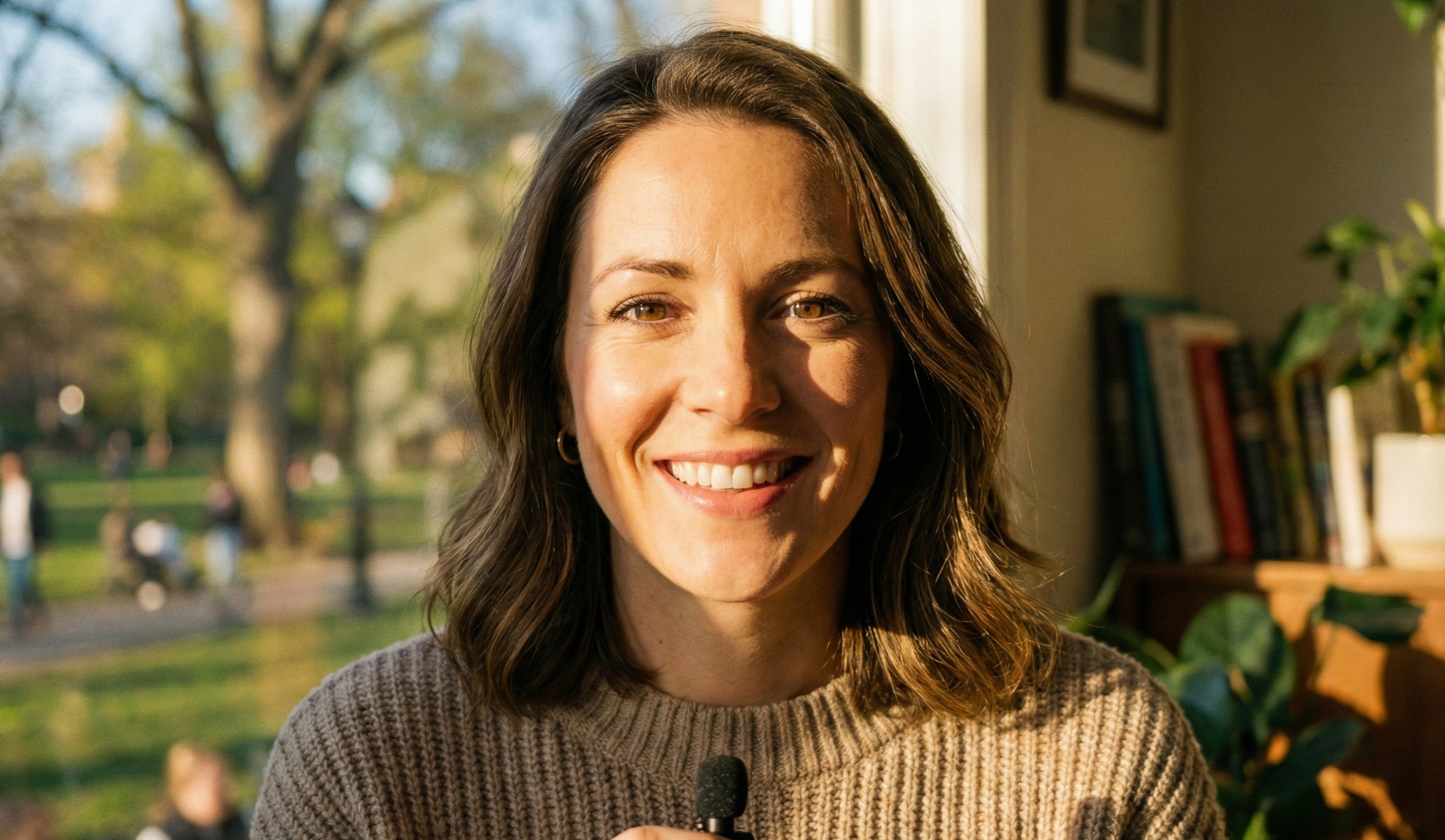
Camera close-up on the woman's face. She smiles warmly and looks directly at the camera with a confident and happy expression. She speaks the following line naturally: "Hello everyone, today I want to share some really exciting news with you." Ensure accurate lip synchronization with the speech. Her facial muscles move naturally as she smiles and talks. High quality, realistic skin texture.
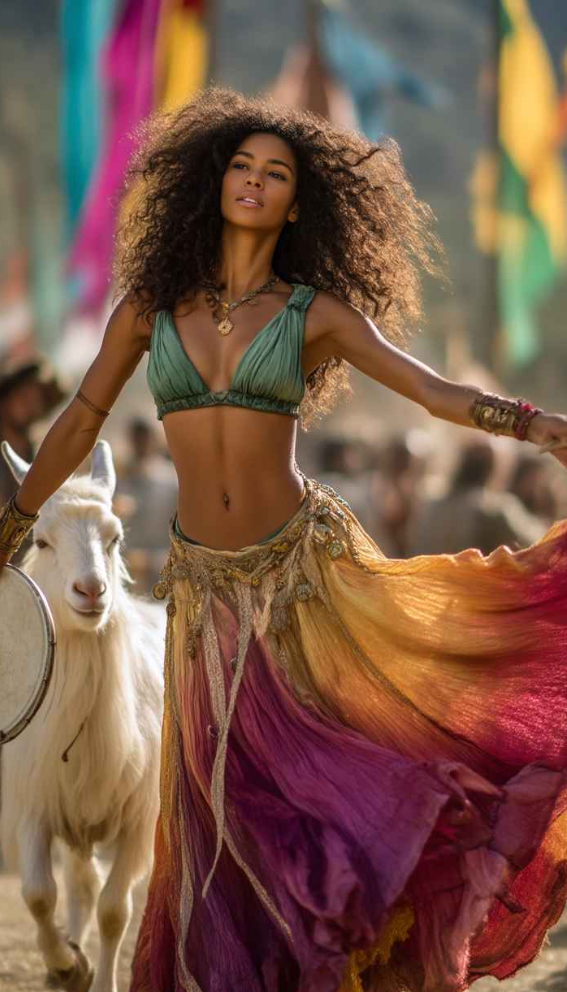
She is slowly dancing
Advanced Prompt Understanding
Pollo 2.5 features significantly enhanced prompt comprehension, accurately interpreting complex creative directions that other models struggle with. Describe intricate scenes with multiple elements, specific timing, and nuanced details—the model captures your intent with remarkable precision.
Prompt
Output Video
3D animation style. Two foxes sitting by a campfire. The fox on the left (wearing glasses) is speaking enthusiastically, explaining something. The fox on the right listens attentively, nodding occasionally.
Audio/Dialogue: The fox on the left says in a cartoonish, smart voice: "I'm telling you, the treasure is buried right under the big oak tree!"
Lip sync: Ensure the left fox's mouth movements match the dialogue perfectly, while the right fox keeps its mouth closed.
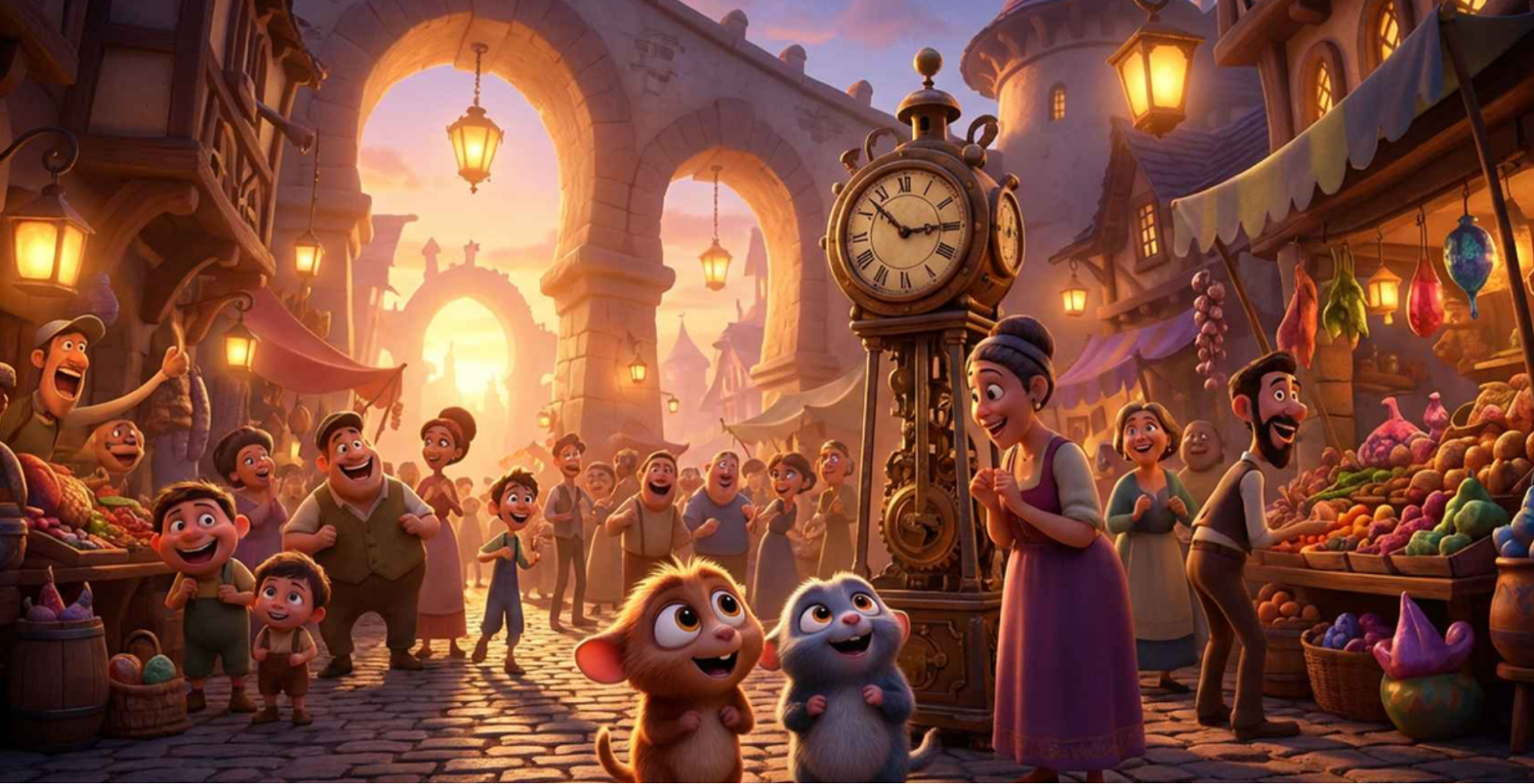
In a lively medieval-style marketplace at sunset, cheerful villagers bustle between colorful stalls filled with fruits, spices, and fabrics. Two adorable cartoon animals stand in awe near a grand old clock, wagging their tails excitedly. Children laugh and run past them, while merchants wave and shout joyfully to sell their goods. The scene is bursting with energy—lanterns swing gently overhead, and musicians play upbeat tunes in the background. The camera moves playfully through the crowd, catching vibrant smiles, clapping hands, and bouncing steps, as the whole market seems to dance with joy.
Precise Style Control
Transform your videos into any artistic style using reference images. Whether you want anime aesthetics, oil painting textures, or cyberpunk vibes, Pollo 2.5 accurately replicates and applies visual styles to your generated content.
This feature ensures brand consistency across projects and opens creative possibilities for stylized content that stands out.
Prompt
Reference Image
Output Video
Anime style consistent with the input image. A gentle breeze blows through the scene. The girl's hair and dress billow softly in the wind. The golden wheat field waves rhythmically like an ocean. Clouds move slowly across the sky. The art style must remain hand-drawn and painterly throughout the animation. Gentle wind sound.
Flexible Motion & Camera Controls
Take full creative control with customizable object movements and specific camera directions. Whether you need a dramatic dolly zoom, a smooth tracking shot, or precise character choreography, Pollo 2.5 executes your vision with cinematic precision.
Prompt
Output Video
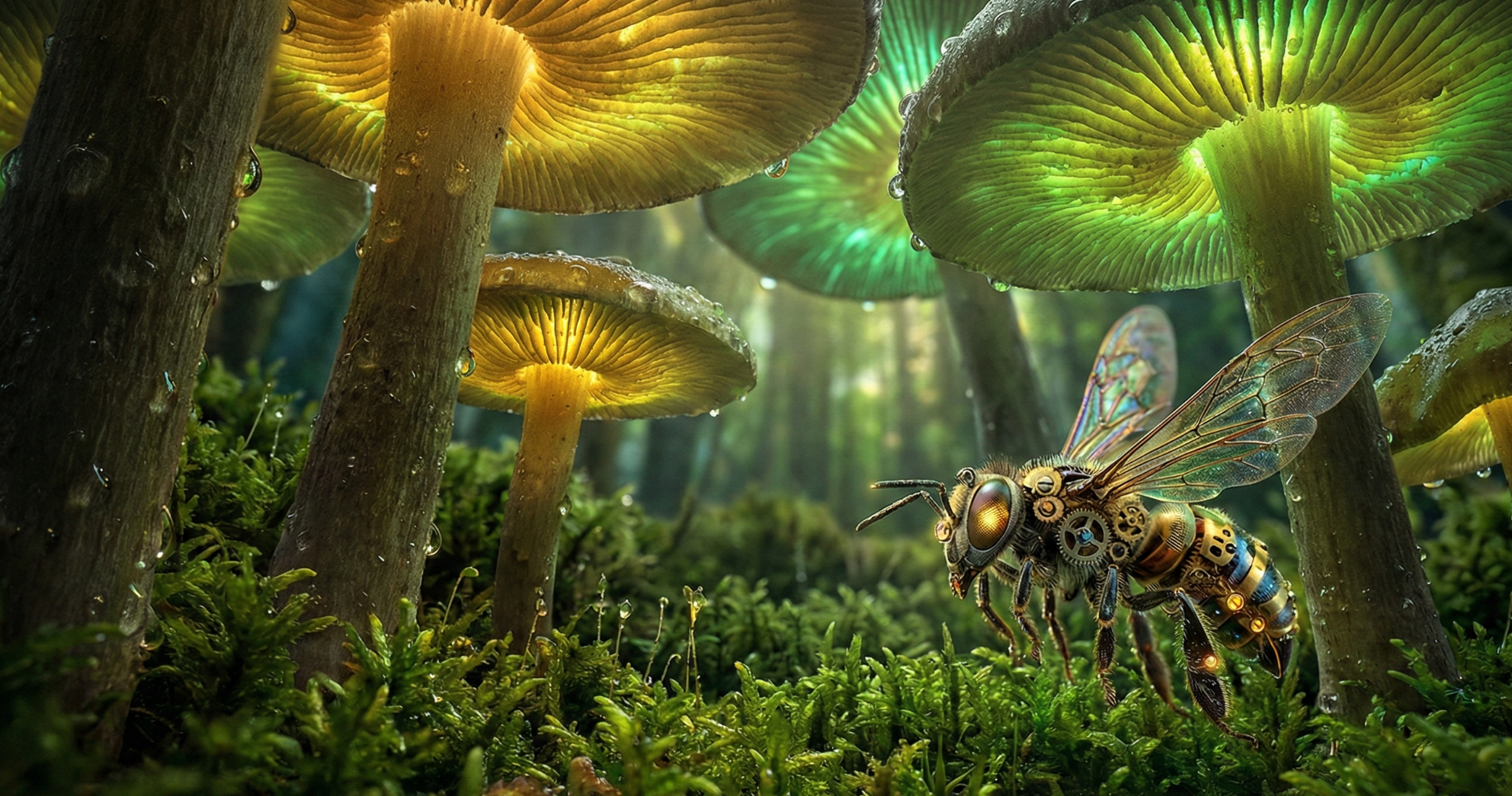
Fast-paced FPV drone shot flying through a miniature magical mushroom forest. The camera weaves rapidly between giant glowing mushrooms and mossy rocks. Cinematic motion blur. The camera performs a barrel roll while flying through a narrow gap between two mushroom stems. Dynamic lighting changes as the camera moves from shadow to light. Sound of wind rushing and magical chimes.
Start & End Frames Control
Combined with first-and-last frame generation, you can create seamless transitions between uploaded images, ensuring your videos flow exactly as intended.
Start & End Frame
Prompt
Output Video
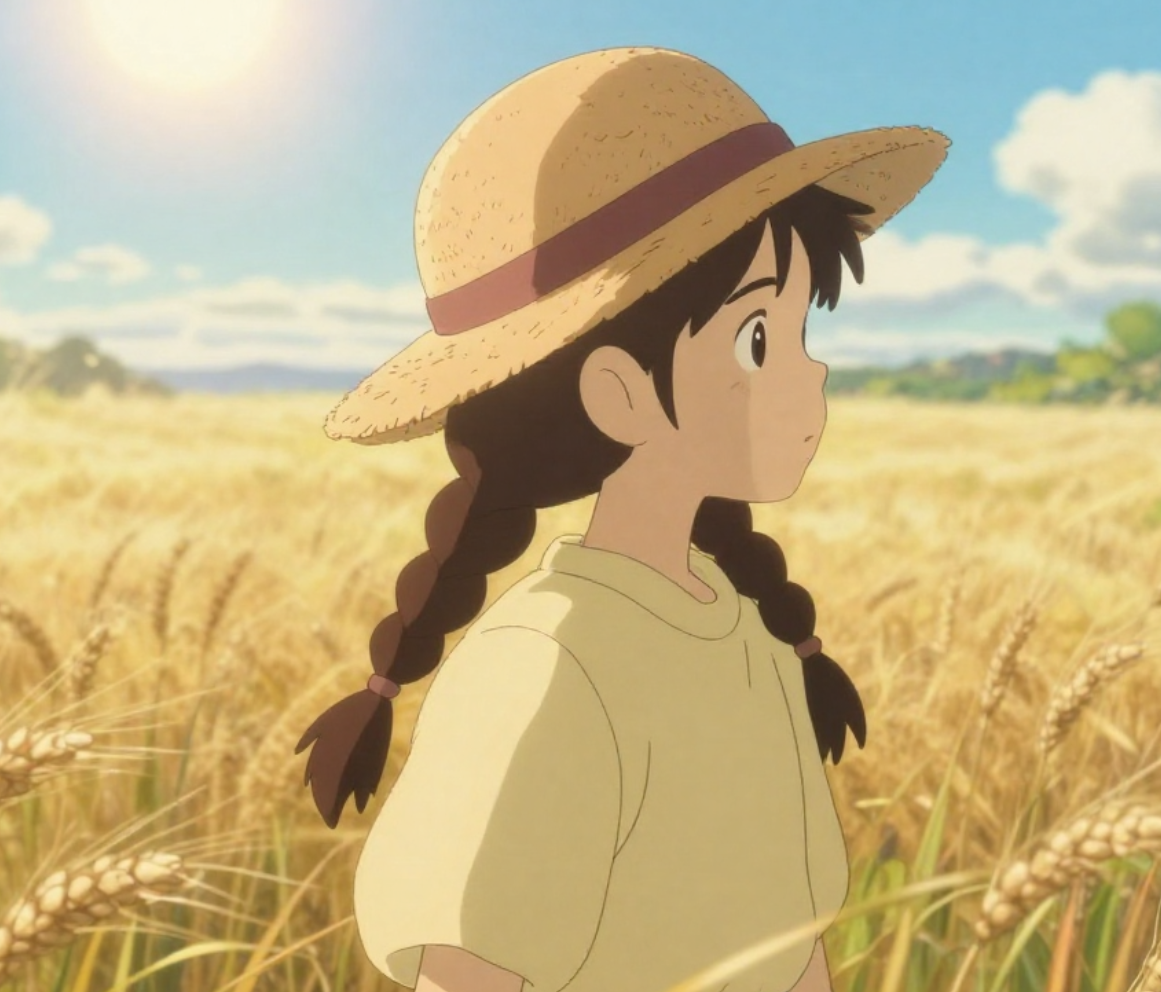
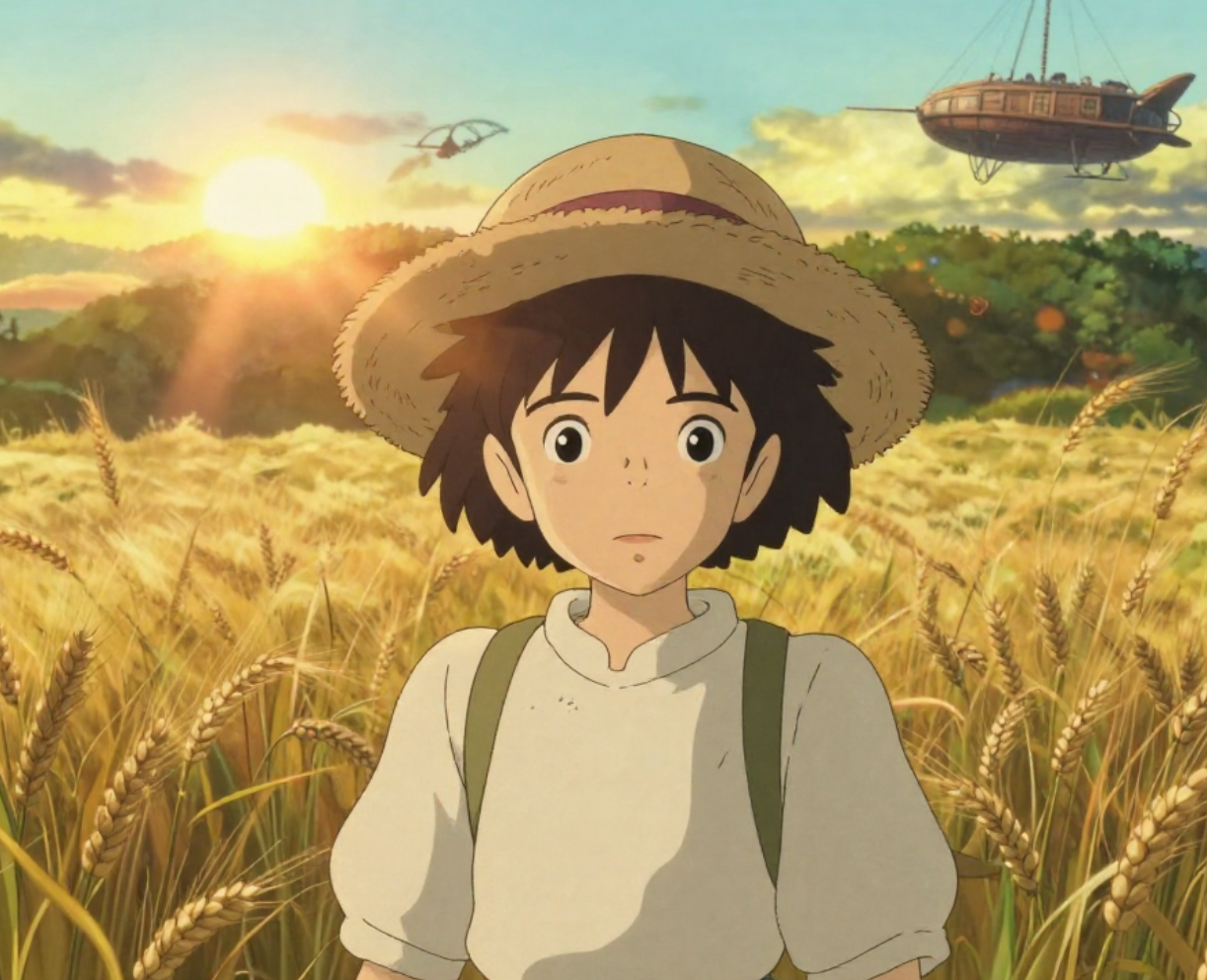
Slow zoom out while the character turns to face the camera. As she turns, the girl in the start frame transforms seamlessly into the little boy from the end frame — the change happens during the rotation so the face, hair, and body morph smoothly into the boy’s appearance. Add a subtle lens flare as sunlight enters from the top-right. Maintain smooth, cinematic motion and consistent lighting throughout the 5-second transition.
I’ve been using Pollo AI mainly for short videos and quick image-to-video tests. The interface is straightforward and it works well even with simple prompts, which is a big plus compared to tools that need long, complicated instructions. The results can be really impressive, and it’s honestly been fun to experiment with. I’d love a bit more consistency on faces when there’s movement, but overall it’s been a solid experience for what I needed.
Awesome website. loads of options and a great way to learn how to work with 'AI' my reasoning for 5 stars is based upon price, versatility and ease of use. Also I would like to add, Pollo AI runs a lot of promos on different AI products as well. I rate their customer service at 5 stars, when I purchased my first subscription my computer crashed the following weekend and I lost all my data and info passwords you name it I lost it, contacted pollo by email they responded quickly and found my info/username and account, and I was able to restore my account.
I have been using Pollo AI for short videos. It is easy to use and works well with simple prompts. Other generators seem to need long drawn out complicated explanations to get even close to what I want.
i tried 220 online img to vid in 2 months, and this is the best online video.I will subscribe for a year; there are many reasons. But freedom is the most important.
FAQs
What is the Pollo 2.5 video model?
Pollo 2.5 is Pollo AI's flagship video generation model, featuring native audio generation, multi-shot storytelling capabilities, and advanced prompt understanding. It's designed to create viral, production-ready videos with synchronized sound, consistent characters, and cinematic quality.
What makes Pollo 2.5 different from other AI video models?
Pollo 2.5 stands out with its native audio generation—automatically creating matching sound for your videos. Combined with its multi-shot storytelling that maintains world consistency across scenes, it delivers truly production-ready content that other models can't match.
Can I access Pollo 2.5 for free?
Yes. Pollo AI offers a free trial with limited credits for new users to experience Pollo 2.5. Sign up for an account to get started. For continued access and higher usage limits, subscription plans are available.
What types of videos can I create with Pollo 2.5?
Pollo 2.5 supports diverse creative projects including narrative films, viral social content, product showcases, animated stories, cinematic trailers, and stylized art videos. Its advanced prompt understanding handles everything from comedic clips to dramatic sequences.
Do I need audio editing skills to use the native audio feature?
Not at all. Pollo 2.5 automatically generates and synchronizes appropriate audio with your video content. The model understands your scene context and creates a matching sound design without any manual intervention required.
Can Pollo 2.5 maintain character consistency across multiple videos?
Yes. By uploading character reference images, Pollo 2.5 preserves character identity, facial features, and distinctive traits across all generated content. This makes it ideal for serialized content, recurring characters, or brand mascot videos.
Start Creating with Pollo 2.5 AI Video Model for Free Today!









 Liz Cassidy


