



10 Best AI Image Generators Free: My Hands-On Ranking
I reviewed 20 AI image generators because most tools look impressive in demos but behave differently in real image workflows.
Some are strong for style, others for commercial layouts or creative experiments. I looked at how each platform fits product visuals, posters, characters, fantasy art, banners, and social content, then picked the 10 best AI image generators worth using for real projects.
TL;DR
The best AI image generator I reviewed is Pollo AI because it offers the strongest all-around balance across image quality, model access, consistency, editing support, and real workflow usefulness, and you can start creating images for free.
I tested 20 platforms across product visuals, posters, fantasy art, character images, banners, and social content. Pollo AI was the strongest daily option, while Freepik, Krea, and OpenArt stood out for narrower creative needs.
Best AI Image Generators at a Glance
| Rank | Tool | Best For | My Quick Take |
| 1 | Pollo AI | Best AI image generator overall | Most consistent across prompt types |
| 2 | Freepik AI (Now Magnific) | Commercial design assets | Strong for marketing-style images |
| 3 | Krea | Fast visual exploration | Great for moodboards and creative direction |
| 4 | NightCafe | AI art exploration | Fun for art prompts, weaker for practical layouts |
| 5 | OpenArt | Multi-model experiments | Flexible for style and character testing |
| 6 | Getimg.ai | Stable Diffusion-style control | Good for hands-on users |
| 7 | Tensor.Art | Community models and LoRAs | Strong for niche styles |
| 8 | SeaArt AI | Anime and character generation | Good for stylized characters |
| 9 | Mage.space | Lightweight generation | Simple and fast |
| 10 | Civitai | Community model testing | Useful for advanced model users |
#1 Pollo AI — Best AI Image Generator Overall
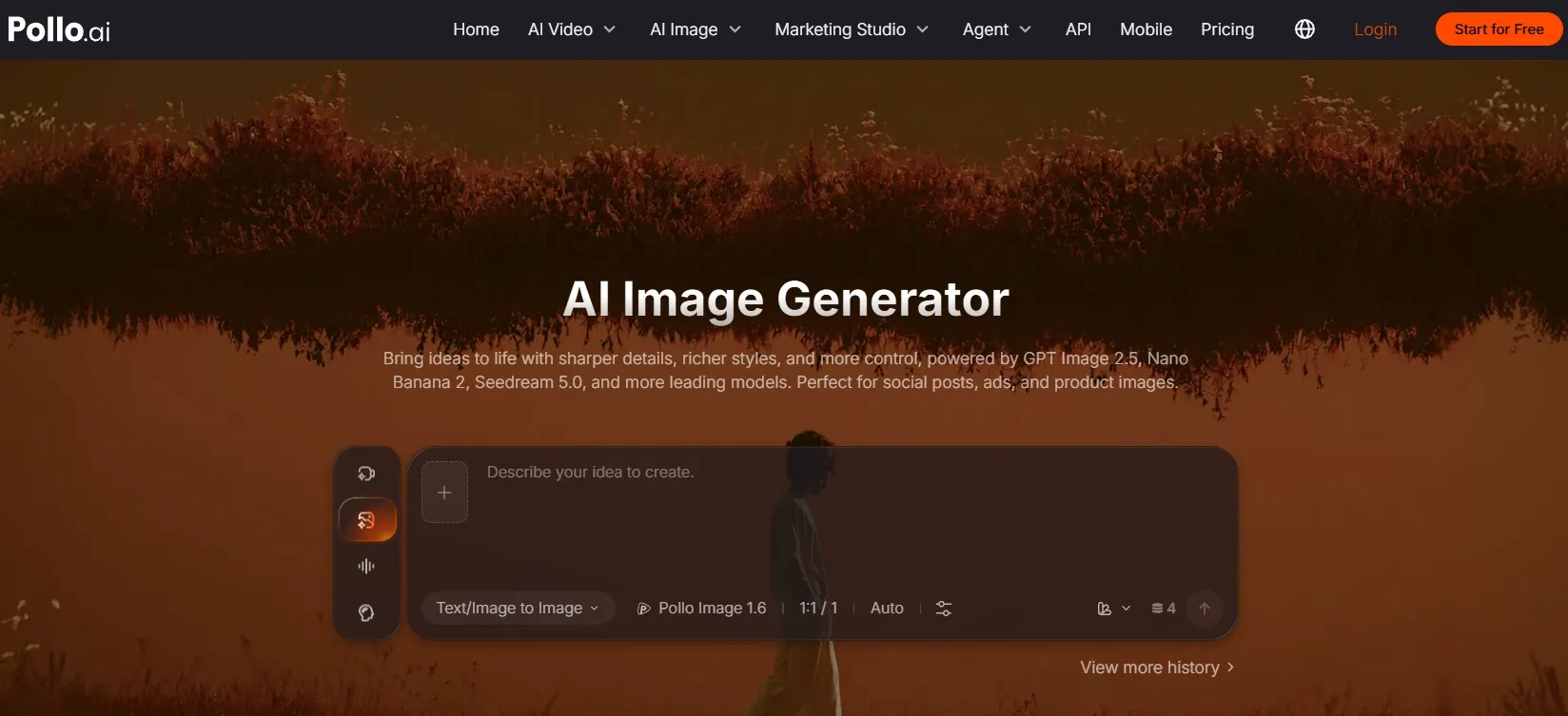
Pollo AI is the best AI image generator overall because it combines flexible model access, strong prompt understanding, and stable image composition in one workspace. You can also start generating images for free, which makes it easier to test a few real prompts before deciding whether it fits your workflow.
In my testing, it handled product visuals, movie posters, portraits, character concepts, and stylized art without feeling locked into one narrow visual style.
That flexibility matters because image prompts do not all fail in the same way. Product images need clean lighting and realistic surfaces, posters need structure, portraits need facial stability, and character concepts need coherent clothing and identity.
Pollo AI was the tool that stayed the most useful across those different image tasks.
Pollo AI works well as an all-in-one image creation workspace because it brings text to image creation, leading image models like GPT Image 2, and specialized visual directions into one place. Instead of treating every image task the same way, it gives users room to choose the model and style that fit the job.
That matters for mixed image work. A creator might need product visuals one day, movie posters the next, then portraits, character concepts, or stylized art after that. Pollo AI keeps those different directions under one workflow.
Polished Image Creation Starts Here
Join 10M+ creators using Pollo AI to generate commercial-ready images — ready in seconds, with top-tier model support.
Try Pollo AI Image Generator Free
For product-style work, Pollo AI’s broader image ecosystem gives the section a clear commercial use case. If you are creating e-commerce visuals, you need something close to a clean AI product photo, not just a decorative object in a random scene.
For poster and banner work, the advantage is more about format fit. Pollo AI has dedicated generators for different visual needs, so users can move from a rough campaign idea to an image direction that already understands the use case.
For character, fantasy, and social visuals, the model range and LoRA-style options give creators more ways to shape the final look. That practical range is why I’d rank Pollo AI first for daily AI image generation work.
Pros:
- Strong prompt adherence across different image types
- Good balance of realism, style, and composition
- Handles product-style images better than most general generators
- Industry-leading models available, such as Seedream and GPT Image 2
- Useful for posters, characters, social visuals, and commercial concepts
Cons:
- Works best when the prompt is structured clearly
- You may want to generate a few variations for final selection
- The wider tool library may take first-time users a moment to explore
My verdict:
Pollo AI ranks first because it gave me the best balance of output quality and real-world usefulness across my tests.
#2 Freepik (Now Magnific) — Best AI Image Generator for Commercial Design Assets
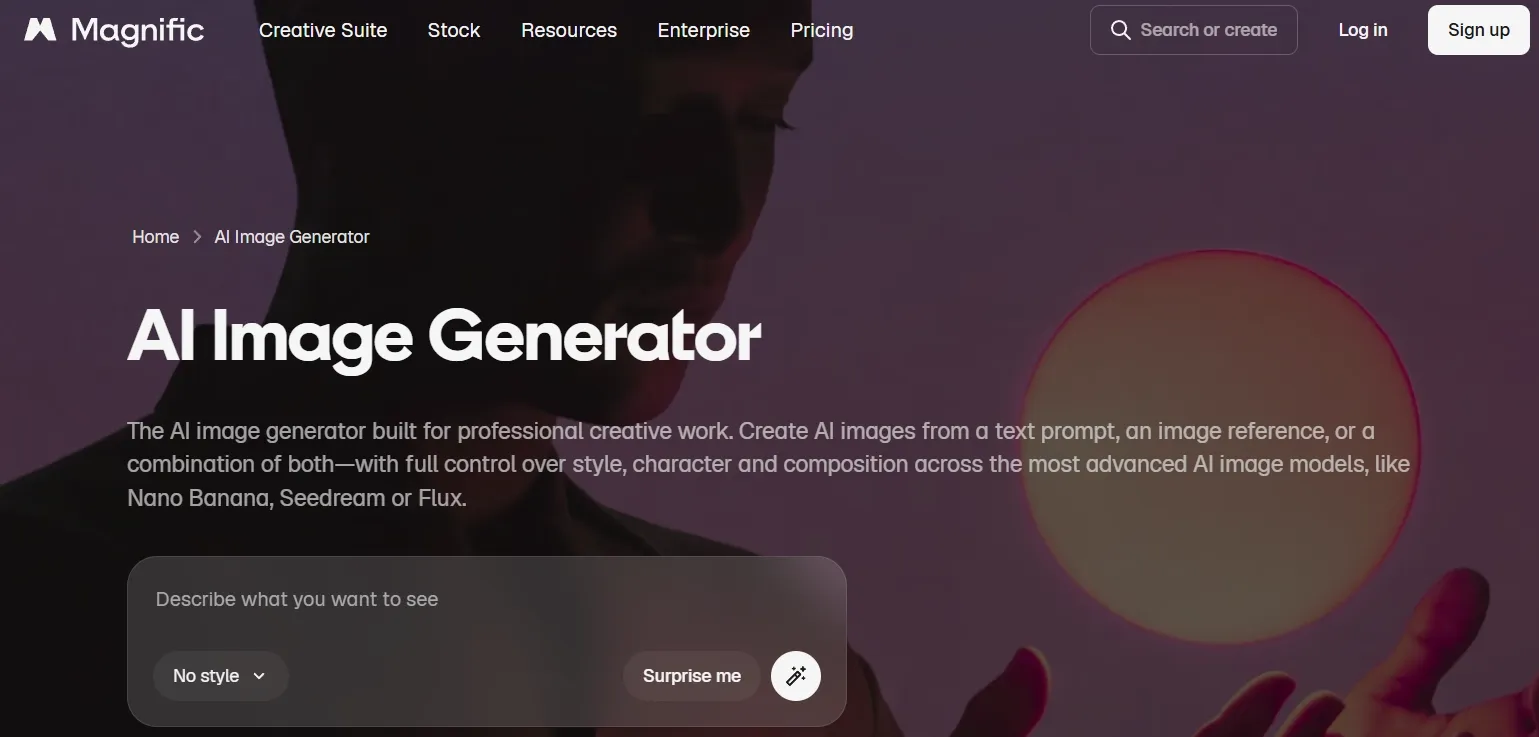
Freepik AI is best for commercial-looking visuals, especially when the image needs to feel close to stock, advertising, or design asset territory. It did not feel as experimental as some tools, but that can be a strength if your goal is usable marketing content.
Freepik, now Magnific, fits its commercial design asset angle because it focuses on text to image creation, editing, background removal, image variations, and ready-made visual workflows. For marketing teams, that can make it easier to turn product or campaign ideas into polished-looking first drafts.
Its strongest use case is familiar commercial production rather than unusual creative exploration. E-commerce sellers and designers may find it helpful for product concepts, catalog visuals, and social assets, though it can feel less flexible when the goal is deep model experimentation.
For banner-style work, the useful part is how it supports layout-ready visual directions instead of only decorative images. A good AI banner generator still needs clean message space and product placement, so final typography and layout details should be reviewed before publishing.
Pros:
- Strong commercial and stock-style visuals
- Good for e-commerce, ads, and marketing concepts
- Easy to use if you already work with design assets
Cons:
- Less flexible for deep model experimentation
- Typography still needs review
- Some outputs feel template-like
My verdict:
Freepik AI is a choice for marketers and designers who want fast commercial visuals more than deep creative control.
Curious what Freepik’s AI images really look like? This Freepik review shows you the results.
#3 Krea — Best AI Image Generator for Fast Visual Exploration
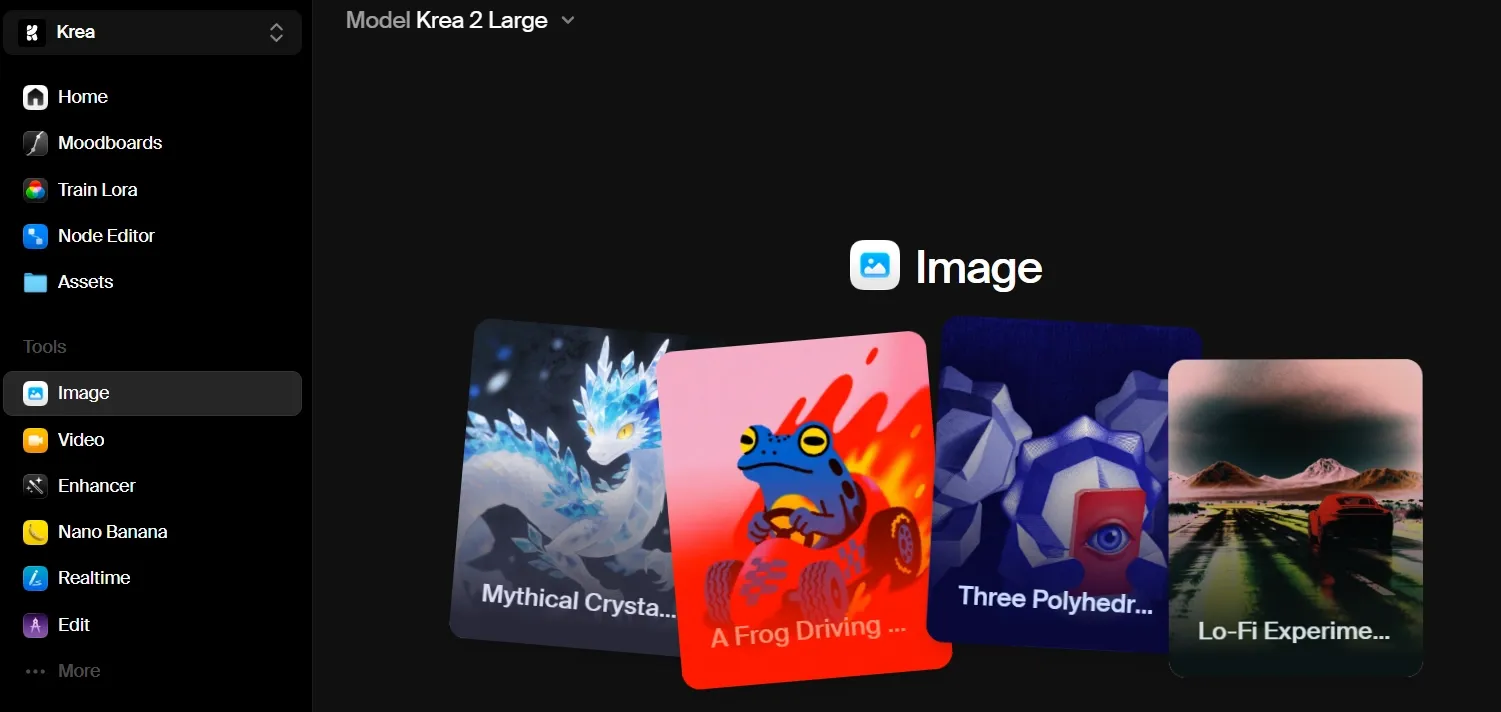
Krea is best when you are still trying to discover the visual direction. It feels fast, fluid, and good for ideation.
Krea fits fast visual exploration because it emphasizes real-time creative generation, quick feedback, and upscaling. It is useful when the main job is to compare possible looks before deciding which direction deserves more production time.
That makes it a natural fit for moodboards, interiors, concept scenes, and early campaign ideas. You can move through lighting, atmosphere, and style quickly enough to see what feels promising.
The tradeoff is that speed does not always bring final precision. If the project needs exact product placement, tight brand control, or clean commercial detail, Krea may still need a more careful refinement pass.
Pros:
- Excellent for visual exploration
- Fast and smooth creative iteration
- Strong for mood, lighting, and atmosphere
Cons:
- Less reliable for precise commercial prompts
- Details can become unstable
- Better for direction than final output
My verdict:
Krea is great when you need to find the look first and worry about production details later.
Want to learn more about Krea’s features? Read this Krea review.
#4 NightCafe — Best AI Image Generator for AI Art Exploration
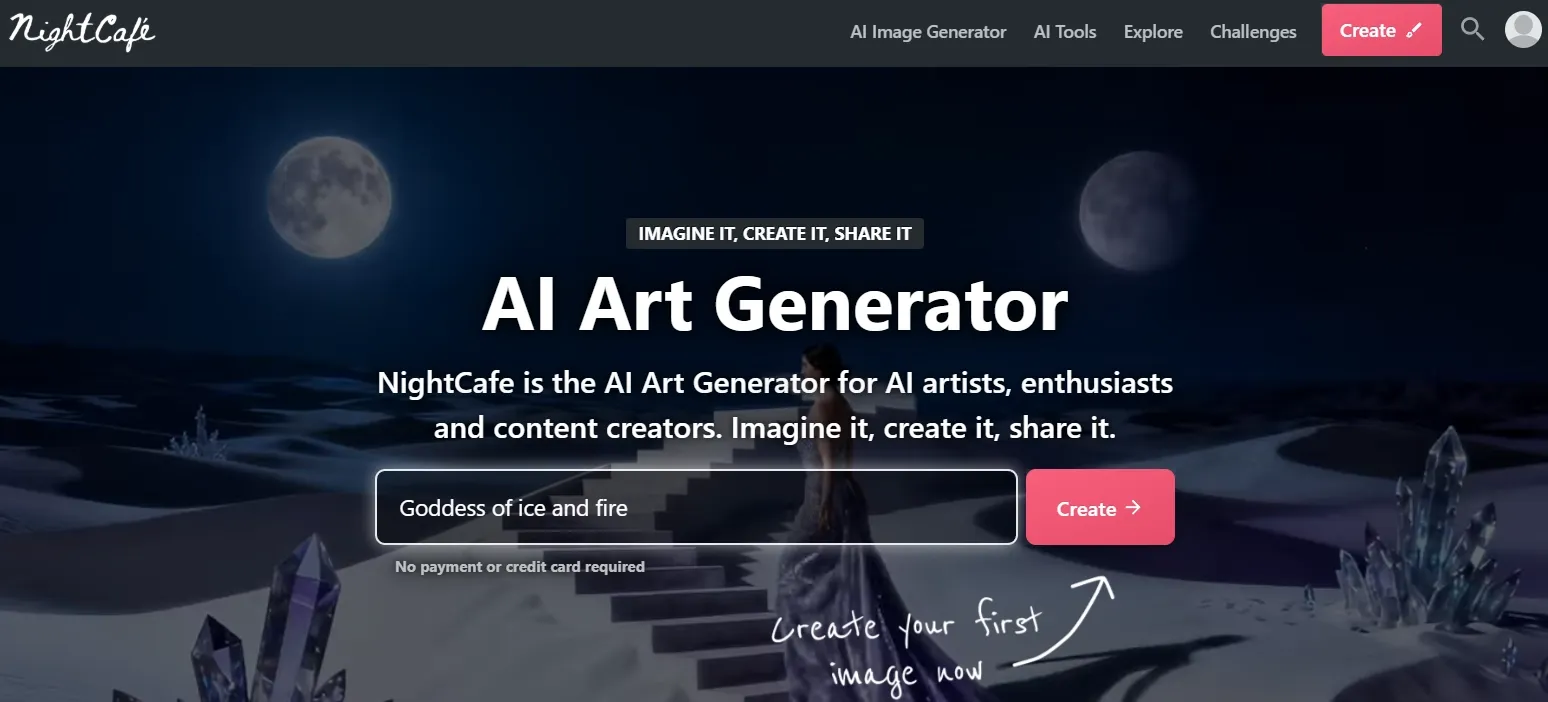
NightCafe is best for art-first users who want to explore fantasy, surreal, painterly, and stylized images. It has a creative community feel and works well when the prompt is more artistic than commercial.
NightCafe fits AI art exploration because it combines multi-model creation, preset styles, community galleries, daily challenges, and creative modes for images, characters, edits, faces, and portraits. It gives art-first users more ways to keep experimenting without starting from a blank page every time.
It is strongest when inspiration matters: fantasy scenes, painterly styles, surreal ideas, and character-driven art. The community side can help creators learn from prompts and trends, but it can also pull the workflow away from stricter brand layouts.
Its character, pose, and portrait features make sense for storyboards, social content series, and game or animation concepts. Still, users looking for clean product shots or structured campaign assets may need more trial and error.
That is not necessarily bad; it just means it behaves more like an AI art generator than a general-purpose production tool.
Pros:
- Strong for fantasy and art prompts
- Good atmosphere and style range
- Fun for creative exploration
Cons:
- Less reliable for product or brand visuals
- Not ideal for structured layouts
- Requires trial and error
My verdict:
NightCafe is great for AI art, but I would not use it as my main tool for practical AI image generation work.
#5 OpenArt — Best AI Image Generator for Multi-Model Experiments
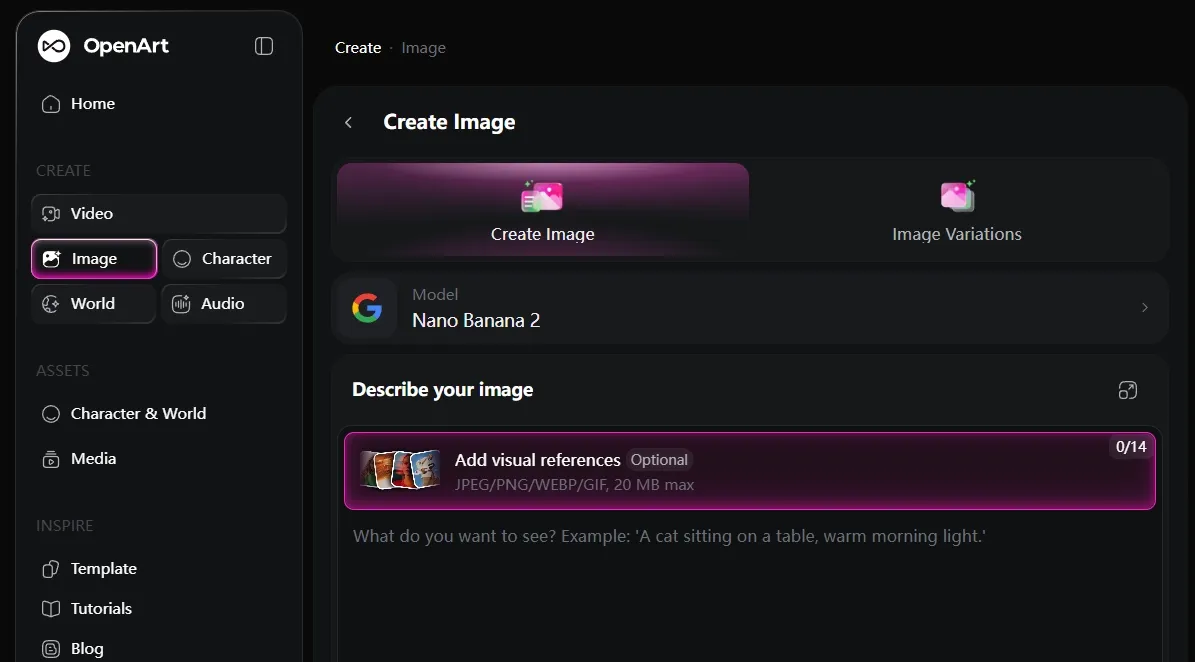
OpenArt is best for creators who want to test multiple styles and model behaviors. It feels flexible, especially for character concepts, stylized art, and prompt experimentation.
OpenArt fits multi-model experiments because its image workflow lets creators generate, edit, and transform visuals across different models and controls in one canvas. That makes it useful when you want to compare how several model paths handle the same creative direction.
The appeal is flexibility. You can start with an image, then erase, expand, swap backgrounds, restyle, or upscale it, which is helpful for character concepts and stylized art where one version rarely solves everything.
The downside is that more model and editing choices can make the workflow feel less direct. OpenArt works best for creators who enjoy testing combinations, while business users who need one fast campaign asset may find it less streamlined.
For character work, the reusable-character angle is the most relevant feature. A serious AI character generator needs faces, outfits, poses, and identity to stay coherent, and OpenArt is most useful when you are willing to test the model path that gets you there.
Pros:
- Good style variety
- Useful for characters and art concepts
- Strong for prompt testing
Cons:
- Can feel overwhelming
- Quality depends heavily on model choice
- Less streamlined for business visuals
My verdict:
OpenArt is a strong experimental platform for creators who enjoy testing models and styles.
Interested in OpenArt’s AI image generator? Read OpenArt review article here.
#6 Getimg.ai — Best AI Image Generator for Stable Diffusion-Style Control
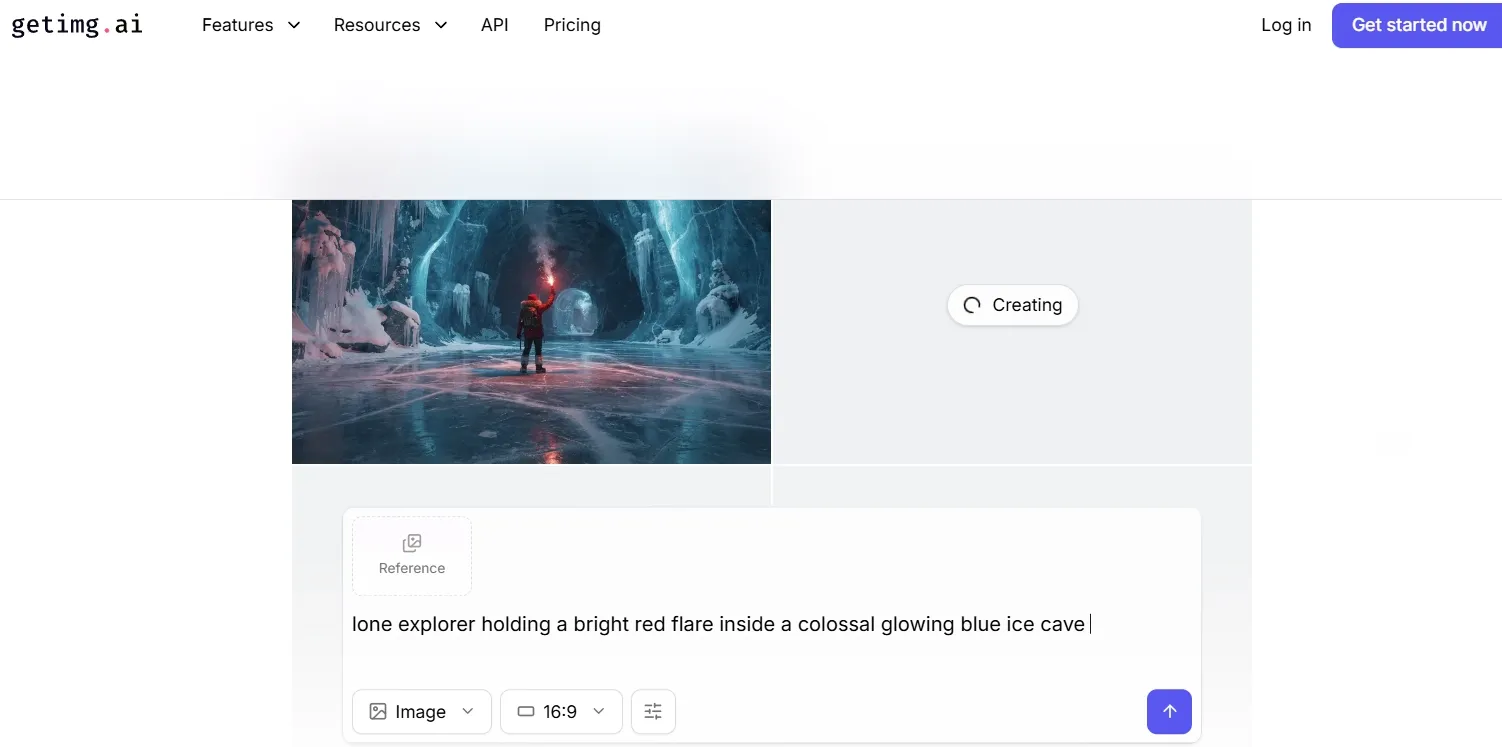
Getimg.ai is best for users who want more control and are comfortable with a slightly more technical workflow. It fits people who care about model choice, settings, and detailed iteration.
Getimg.ai fits Stable Diffusion-style control because it is built around natural-language image creation, outpainting, reference-to-image workflows, background removal, and object editing. It is useful when you want to guide an image after the first generation instead of accepting the first result.
That control helps when you already have a photo, sketch, screenshot, or moodboard and want to keep part of the original structure. You can extend a canvas, rebuild a background, or restyle a reference while keeping the process hands-on.
The cost is approachability. Getimg.ai makes sense for users who like tuning and adjusting, but it can feel technical if you mainly want a simple, beginner-friendly image generator.
The main thing I noticed is that Getimg.ai rewards users who know how to adjust and retry. If you want one-click simplicity, it may feel less friendly.
Pros:
- Good for controlled image generation
- Strong for users who understand model settings
- Useful for portraits and detailed refinements
Cons:
- More learning curve
- Less beginner-friendly
- Can feel technical for casual users
My verdict:
Getimg.ai is a good fit if you want control and do not mind spending time tuning the result.
Read this Getimg.ai review article to check out Getimg.ai’s features.
#7 Tensor.Art — Best AI Image Generator for Exploring Community Models and LoRAs
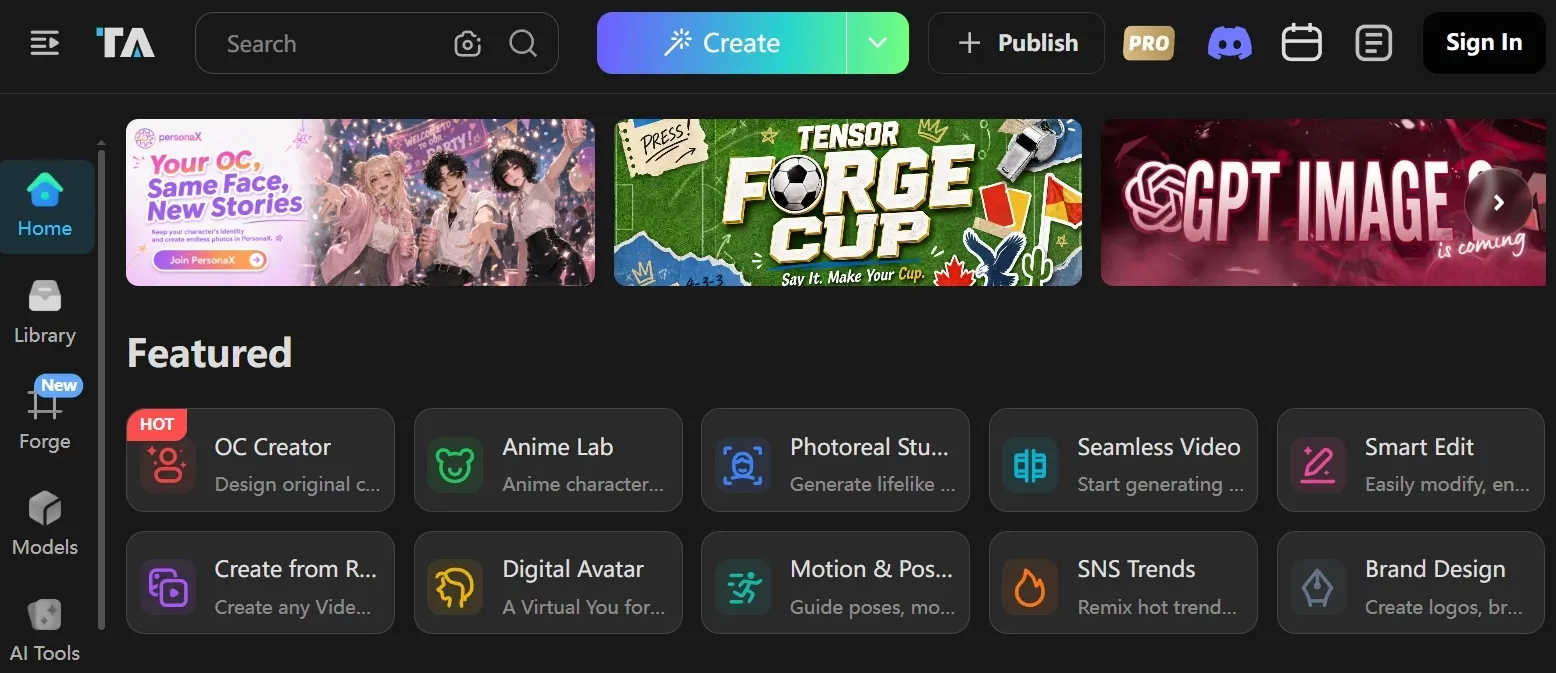
Tensor.Art is best for users who like exploring community models, LoRAs, and niche visual styles. It is powerful, but it expects more from the user.
Tensor.Art fits community models and LoRAs because its homepage is organized around model discovery, anime, realistic images, illustration, sci-fi, visual design, game design, reference creation, and pose guidance. It is useful when the exact style matters more than a general image workflow.
The benefit is niche control, especially for character, anime, and visual-design looks. The drawback is that results depend heavily on picking the right model or LoRA, so it can feel less predictable for simple business images.
Pros:
- Strong for niche styles
- Good community model access
- Useful for LoRA-based looks
Cons:
- Can feel technical
- Output quality varies heavily
- Not ideal for simple business use
My verdict:
Tensor.Art is powerful for users who enjoy model hunting, but it is not the easiest choice for everyday image creation.
#8 SeaArt — Best AI Image Generator for Anime and Character Styles
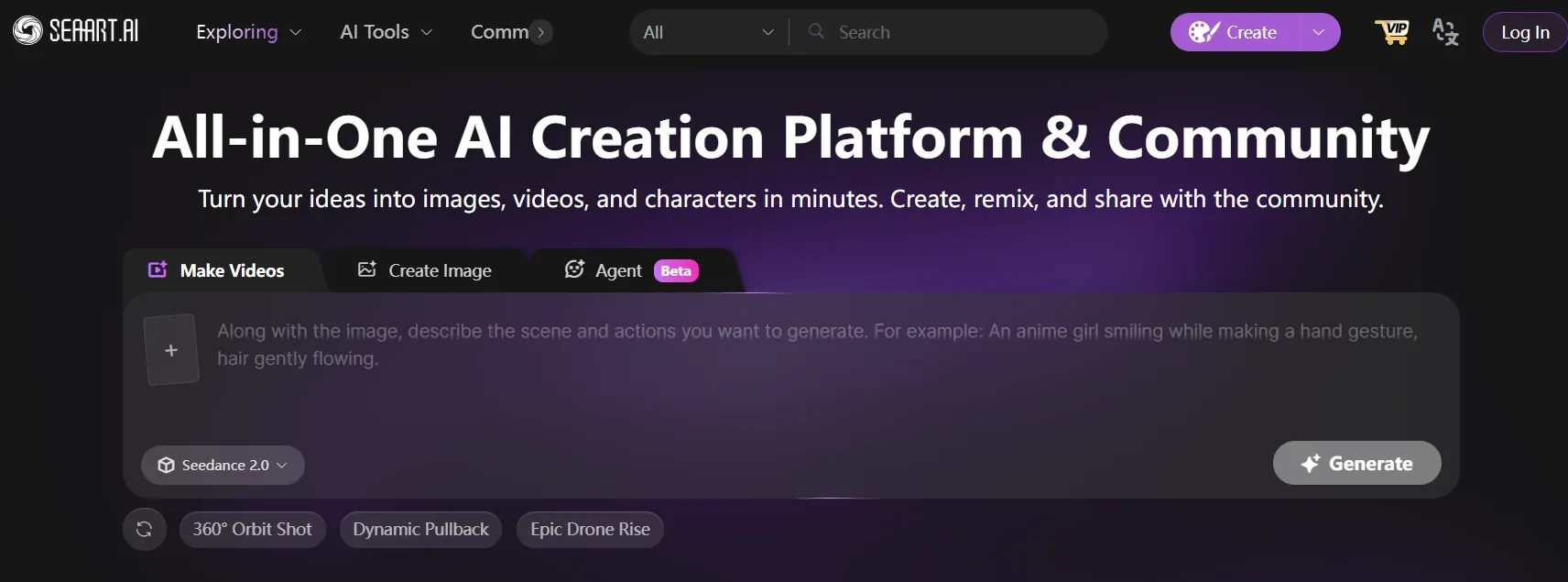
SeaArt AI is best for anime, character portraits, and stylized community-driven image generation. It can create attractive character results quickly.
SeaArt fits anime and character styles because it leans into model libraries, community galleries, creative apps, ControlNet, and LoRA training. Those tools are useful when a creator wants a repeatable character style, a specific pose, or a recognizable anime look.
ControlNet and LoRA support give SeaArt more structure than a plain text to image tool. The tradeoff is that these controls can make the interface feel busy, especially for users who just want a quick character image.
For broader commercial work, SeaArt still feels less direct because its strongest scenarios are character, anime, and community-style creation. It is clearly stronger for stylized people than for clean product visuals or structured brand layouts.
Pros:
- Strong anime and character styles
- Good visual energy
- Wide style range
Cons:
- Less useful for commercial images
- Not ideal for product visuals
- Interface can feel busy
My verdict:
SeaArt AI is good for anime-style character generation, but too narrow to rank higher overall.
#9 Mage.space — Best Lightweight Model-Based Generator
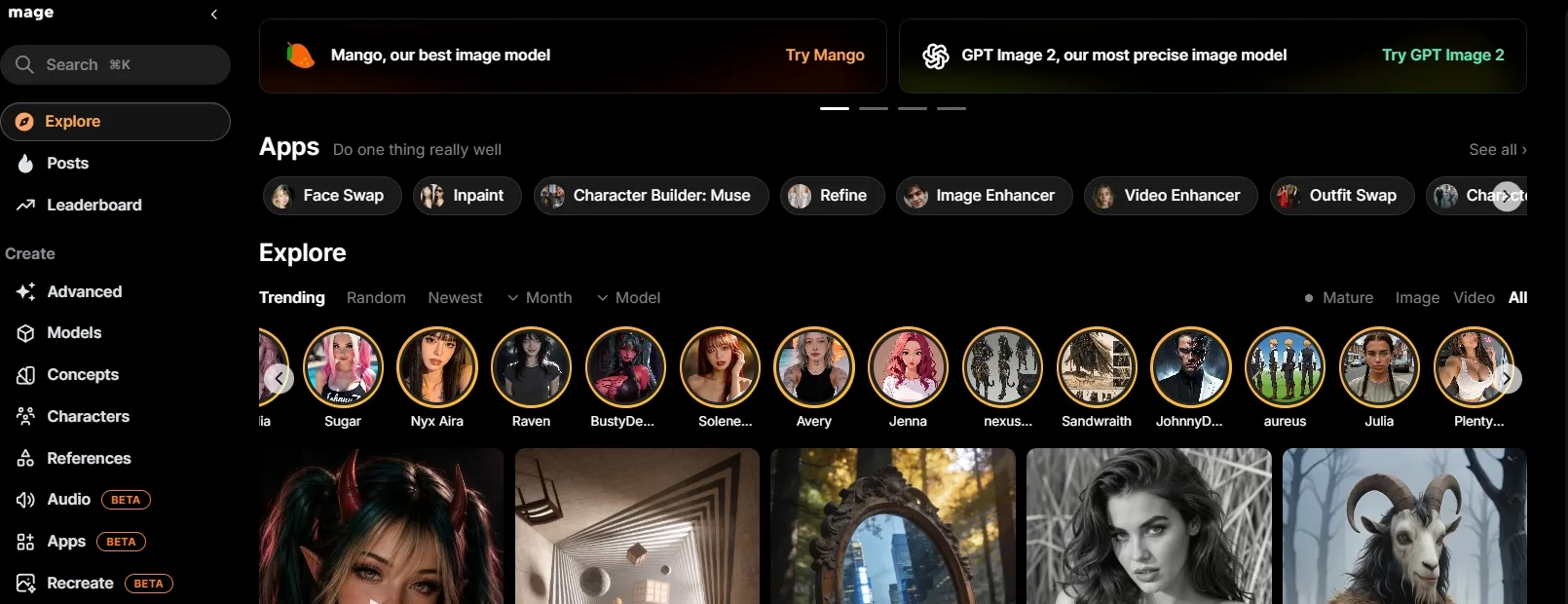
Mage.space is best for quick generation when you do not want a heavy workflow. It is simple, fast, and easy to test.
Mage.space fits lightweight model-based generation because the main appeal is quick creation without a heavy workflow. It works for simple concept checks, casual illustration ideas, and early style exploration when speed matters more than production depth.
The limitation is also part of the appeal. It is easy to start, but it does not give the same polish, control, or workflow depth you would want for complex campaigns or detailed image tasks.
Pros:
- Easy to start
- Good for quick simple prompts
- Lightweight workflow
Cons:
- Less polished for production
- Limited depth
- Not ideal for complex image tasks
My verdict:
Mage.space is fine for quick tests, but not the tool I would rely on for serious image campaigns.
#10 Civitai — Best AI Image Generator for Community Model Testing
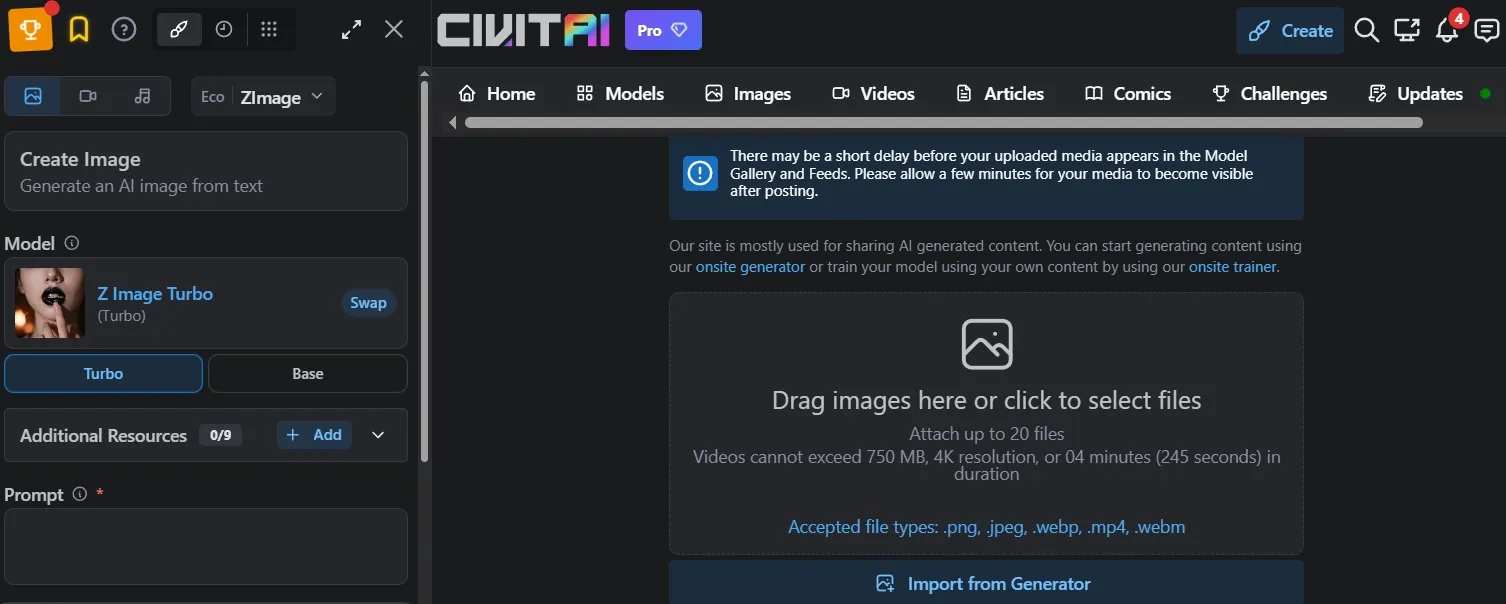
Civitai Generator is best for advanced users who want to test community models directly. It is more model-focused than beginner-focused.
Civitai fits community model testing because it centers on model discovery, inspiration galleries, one-click remixing, text to image, image to image, and remix generation. It is useful for creators who want to study how shared models, prompts, and settings shape an output.
That makes it strong for anime styles, fantasy portraits, characters, and niche aesthetics. The drawback is that the experience is less guided and less polished as a daily workflow, so it suits advanced users more than beginners.
Pros:
- Strong community model ecosystem
- Useful for advanced style testing
- Good for LoRA experimentation
Cons:
- Not beginner-friendly
- Less polished as a full workflow
- Better for testing than daily production
My verdict:
Civitai is useful for advanced users, but too niche for most AI image creators.
Read this Civitai review article to learn more about Civitai’s features.
How I Tested These AI Image Generators
I reviewed each tool around the same practical image creation needs: a product ad, a poster, a character concept, a fantasy scene, and a clean marketing banner. I looked at how well each generator fit those real use cases, including model access, style control, composition support, editing depth, and whether the workflow felt useful beyond a first look.
The goal was simple: if an AI image generator only looks good in demos but feels too narrow, too technical, or too unpredictable for everyday image work, that tells me a lot.
How I Would Choose the Right AI Image Generator
Choose Pollo AI if:
- You want the strongest all-around AI image generator for everyday creative and commercial work.
- You need a Commerce Studio for product shots, conceptual posters, and banners.
- You want access to leading image models like Nano Banana 2 without switching between separate tools.
- You care about image consistency when creating related visuals for campaigns, products, or character concepts.
- You need practical editing support, including batch photo editing for larger image workflows.
- You want 50+ specialized AI image generators for different creative and commercial scenarios.
Choose Freepik AI if:
Your image needs are mostly commercial, and you want visuals that feel close to stock, ad, or campaign assets.
Choose Krea if:
You need fast visual exploration before committing to a final direction.
Choose NightCafe if:
Your main goal is fantasy, painterly, or art-first image creation, and you do not need strict commercial layouts.
Choose OpenArt if:
You enjoy comparing different models, characters, and visual styles in a more experimental workflow.
Choose Getimg.ai if:
You want more technical control over image generation and do not mind a slightly more hands-on process.
Choose Tensor.Art, SeaArt AI, or Civitai if:
Your priority is anime, community models, LoRAs, character styles, or other niche visual directions.
My Personal Take
After reviewing these tools, I think the biggest mistake is judging an AI image generator by one beautiful output. Almost every tool can produce something impressive in the right situation.
The harder test is whether it can stay useful across real image workflows. Can it support product visuals, posters, a portrait, fantasy art, character concepts, banners, and social visuals without forcing you into one narrow style or workflow?
That is why Pollo AI came out first for me. Besides its free image creation, it brings together leading image models, image consistency, batch photo editing, and 50+ AI image generators, so it feels more complete for creators' and marketers’ everyday AI image creation than the more specialized tools on this list.
FAQs about Best AI Image Generator
What is the best AI image generator?
The best AI image generator across my tests is Pollo AI because it performed the most consistently across my product, poster, character, banner, and art prompts. It was not just good at one style; it handled different prompt types with fewer weak outputs.
Which AI image generator is best for product images?
Pollo AI and Freepik AI are both strong options for product-style visuals. Pollo AI is better for an all-around product image workflow, while Freepik AI only works well for commercial-looking campaign assets.
What should I test before choosing an AI image generator?
Test at least three prompt types: one product image, one poster or banner, and one character or portrait. These prompts reveal different weaknesses, such as poor layout, distorted text, unstable faces, or generic composition.
Why do AI image generators struggle with text in images?
Text is harder because the model has to understand both the visual layout and the exact letter shapes. Stronger tools can handle short labels or simple headline-style text better, but long text-heavy designs still need careful checking.
How do I choose the right AI image generator?
Choose based on your main prompt type. Use Pollo AI for the best all-around AI image generation workflow, Freepik for commercial design assets, OpenArt for model experiments, and SeaArt for anime and niche styles.