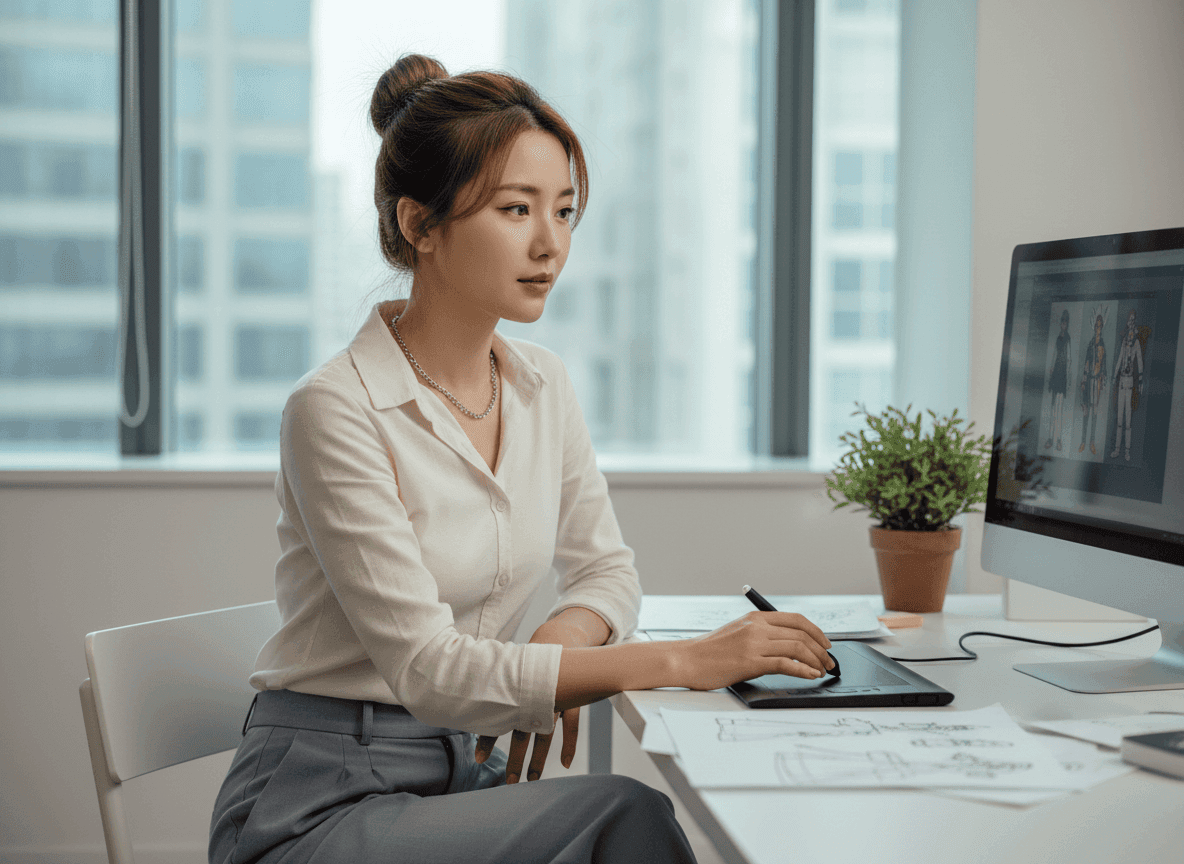
Product Page Visuals
Make Every Photo Fit
Generative fill helps complete missing product edges, remove awkward gaps, and make catalog visuals fit cleaner product pages. When you need fresh product photos, Pollo AI keeps the workflow simple.
AI Video
Transform text and images into cinematic videos with lifelike avatars and studio-quality SFX.

AI Image
Turn ideas and images into stunning visuals, or perfect any photo with a complete suite of AI tools.

Agent
Create production-ready videos with SFX, consistent characters, and polished scenes. No Editing.

Marketing Studio
Built for marketers and sellers to create winning ads, UGC videos and product visuals faster.

Kling 4.0
Up to 10 keyframes. Impressive performance.
Why let small flaws hold back your campaign? With Pollo AI generative fill, you can select an area, describe what belongs there, and create a polished result effortlessly. Use it for product shots, banners, thumbnails, and landing page visuals. It helps you remake your images faster without manual retouching.
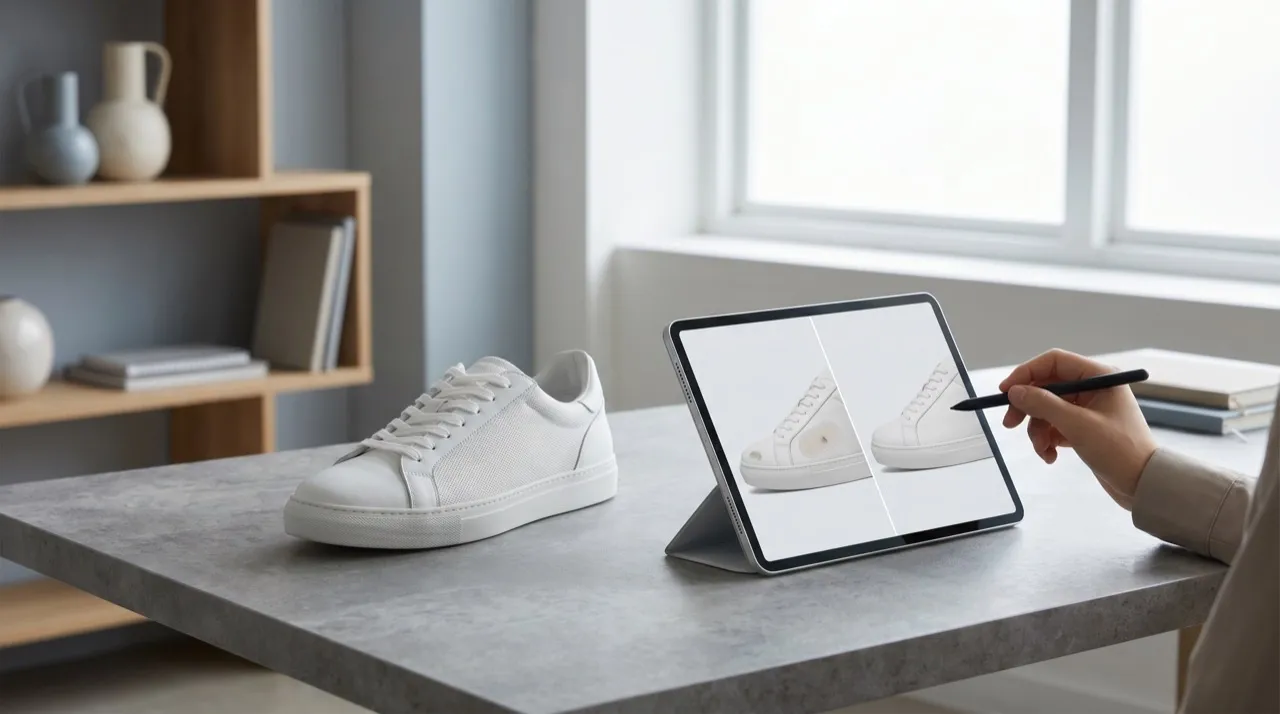
Edit selected image areas by prompt without opening manual design tools.
Restore empty, damaged, or messy spots with natural scene-matched detail.
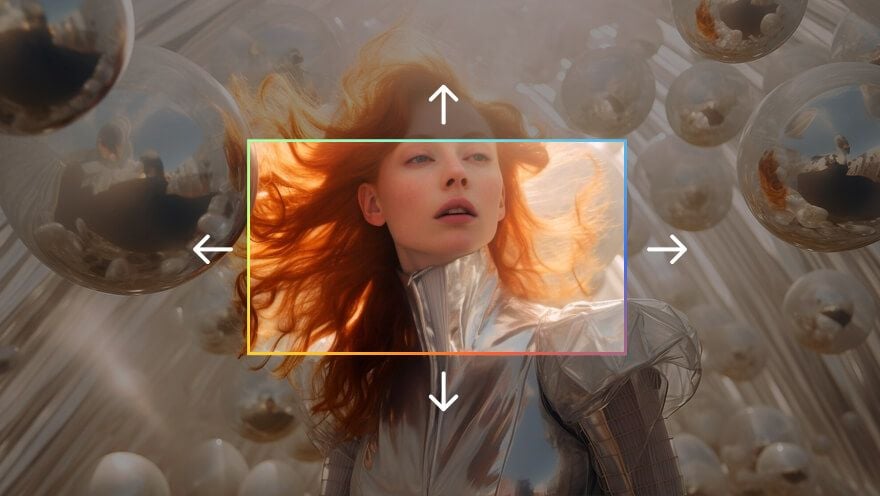
Extend cropped edges or blank space for ads, stores, and social posts.
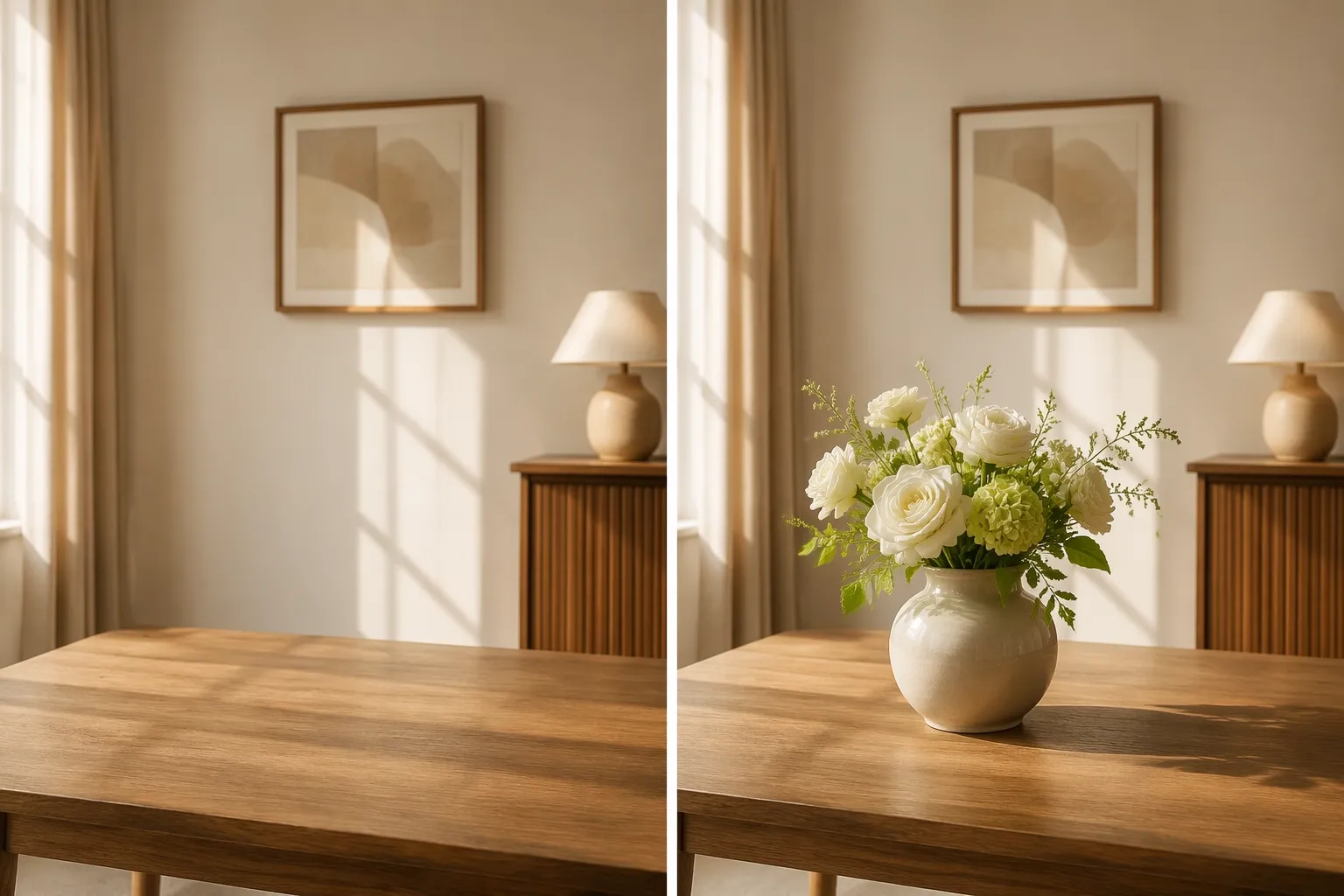
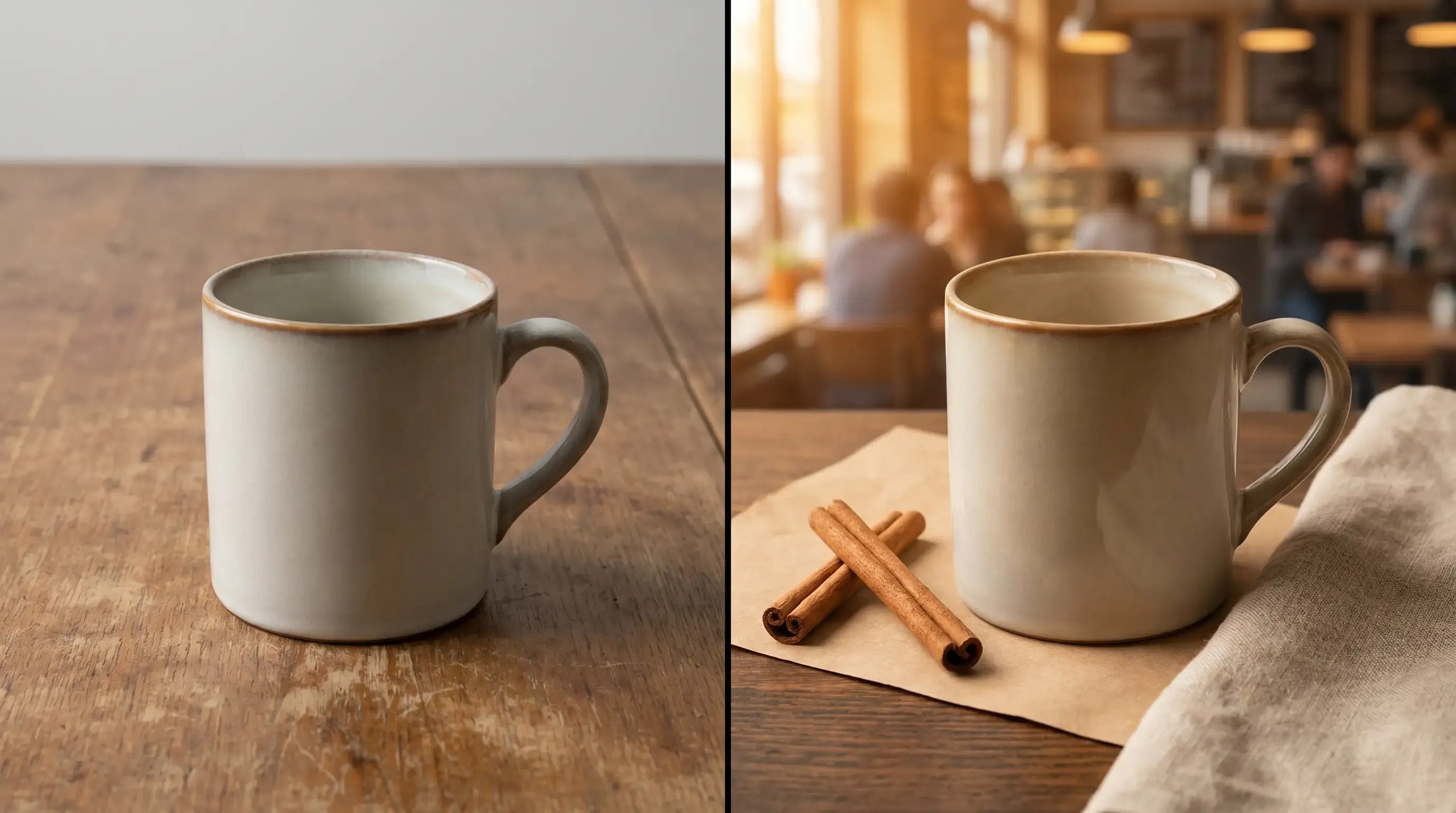

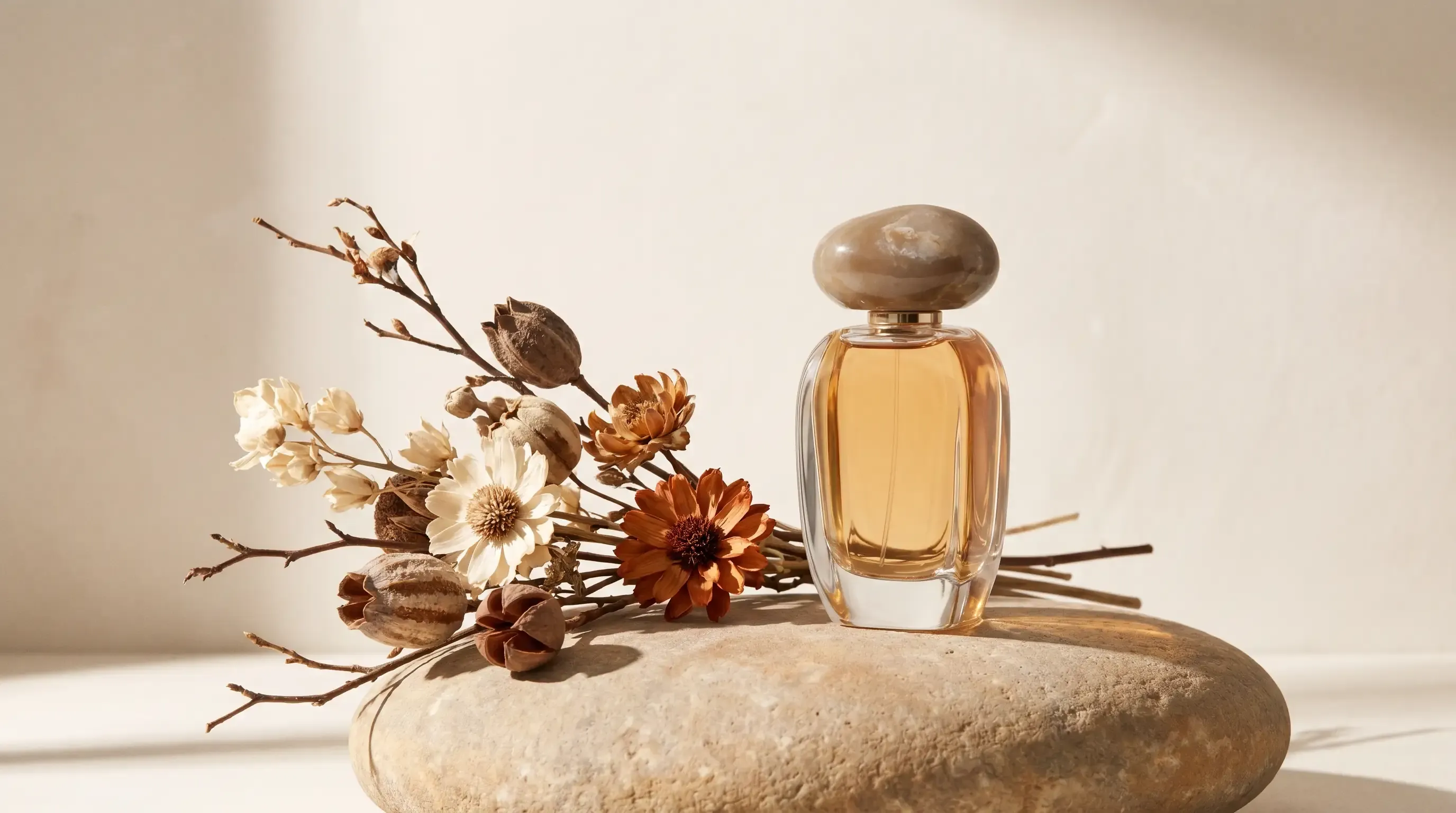
Generative fill helps complete missing product edges, remove awkward gaps, and make catalog visuals fit cleaner product pages. When you need fresh product photos, Pollo AI keeps the workflow simple.

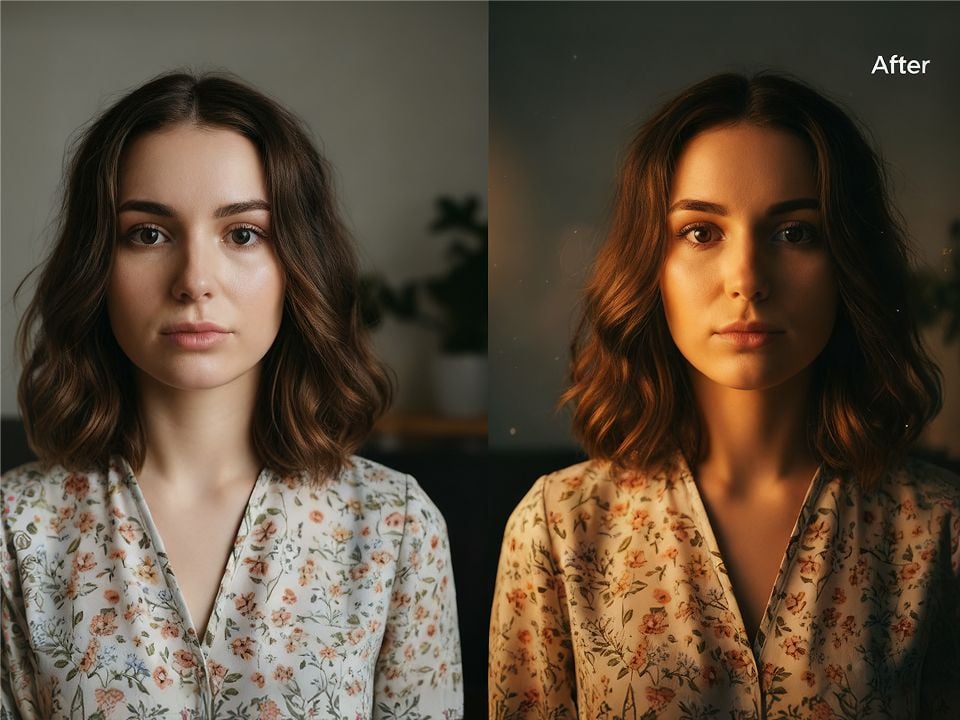
Change background details, props, or seasonal cues to turn one approved creative into fresher ad angles. Build image variations from the polished edit when your team needs more A/B testing options.
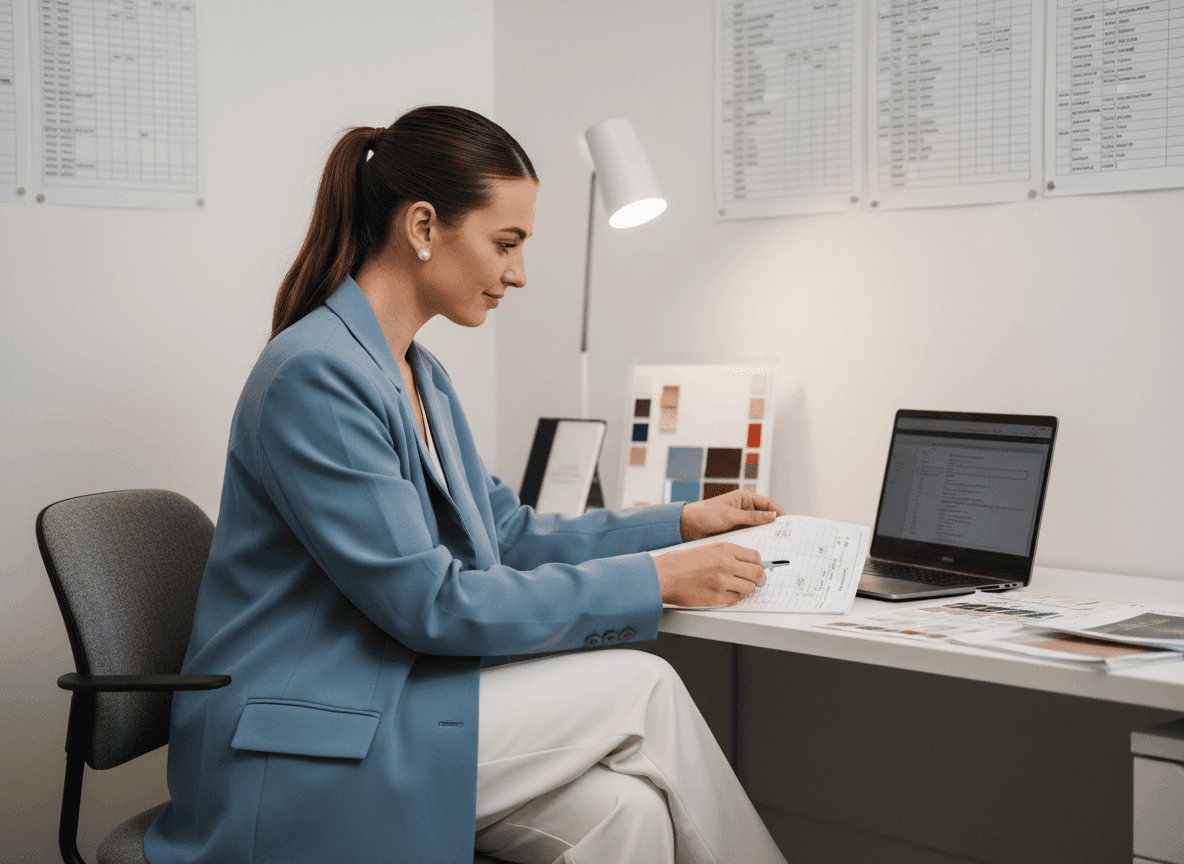
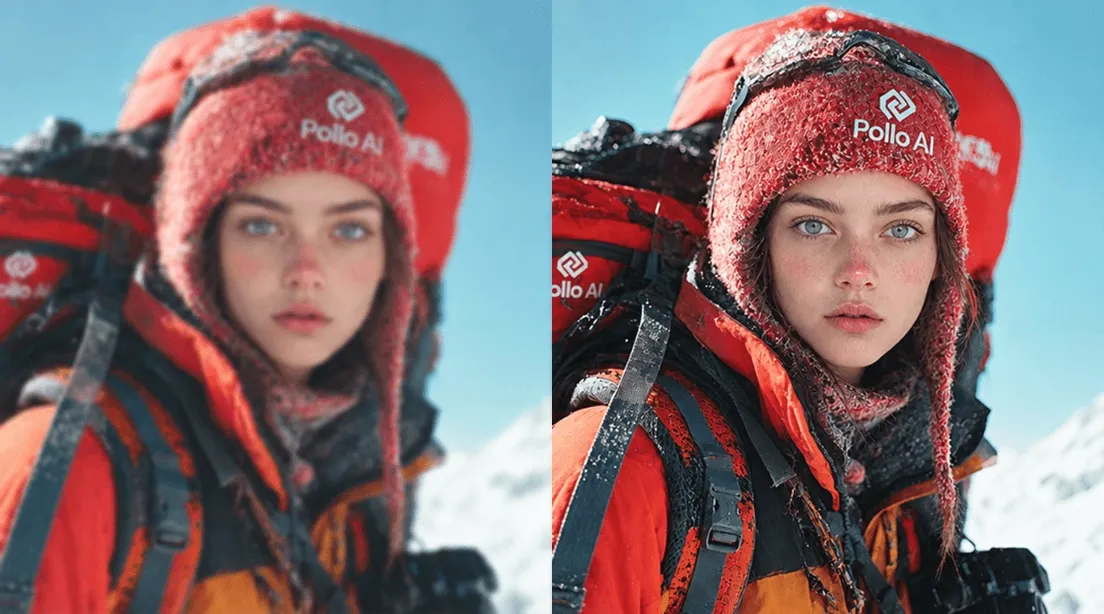
Before traffic goes live, repair crops, fill empty corners, and remove visual clutter from product photos. Remove backgrounds first when the scene feels too busy, then use generative fill to rebuild a cleaner listing-ready space.

Hero sections often need wider art than the original photo provides. Extend the scene with generative fill, then upscale images so the finished hero visual stays sharp across desktop and mobile layouts.
Upload your image, brush over the area, and describe what should appear.
Let Pollo AI analyze the surrounding pixels and generate a natural fill.
Download your polished image for ads, listings, thumbnails, or design layouts.
Go from a rough concept to a finished asset in minutes. Generate, edit, enhance, and adapt images with tools built for real creative workflows.
Generate studio-grade visuals from text prompts in seconds, from realistic scenes to clean graphics and in-image text.
Accelerate visual production with hundreds of apps. Instantly design platform-ready Instagram posts, book mockups, and 3D characters.
Recreate, restyle, and upscale photos while preserving the structure and details that matter.
Refine your AI artwork effortlessly. Remove watermarks, seamlessly expand borders, and fix minor details for flawless final compositions in seconds.
Evolve your static scenes into dynamic narratives. Add lifelike motion, camera pans, and fluid transitions to your images with flawless rendering.
Scale your visual output effortlessly. Automate complex design tasks and generate high-volume, consistent assets ready for immediate deployment.









Using Pollo AI to Create and Inspire
Generative fill is an AI image editing method that fills, replaces, or extends selected image areas based on your prompt and the surrounding scene.
Upload the image, select the part you want to change, enter a clear prompt, and let Pollo AI generate a cleaner version.
Yes. Start with our AI image generator when you need fresh source visuals, then use generative fill to adjust selected areas for ads, stores, or social posts.
Pollo AI is the best AI generative fill tool for creators, marketers, and sellers who need polished image edits without manual retouching.
Yes. You can clean product scenes, replace distractions, and use the object remover when unwanted details need to disappear first.
Yes. You can use generative fill with the AI photo editor to refine selected areas, clean rough edits, and polish image details in one workflow.

Do not let flawed images slow your launch. Use Pollo AI generative fill to make polished images for every campaign channel today!