Color Inverter
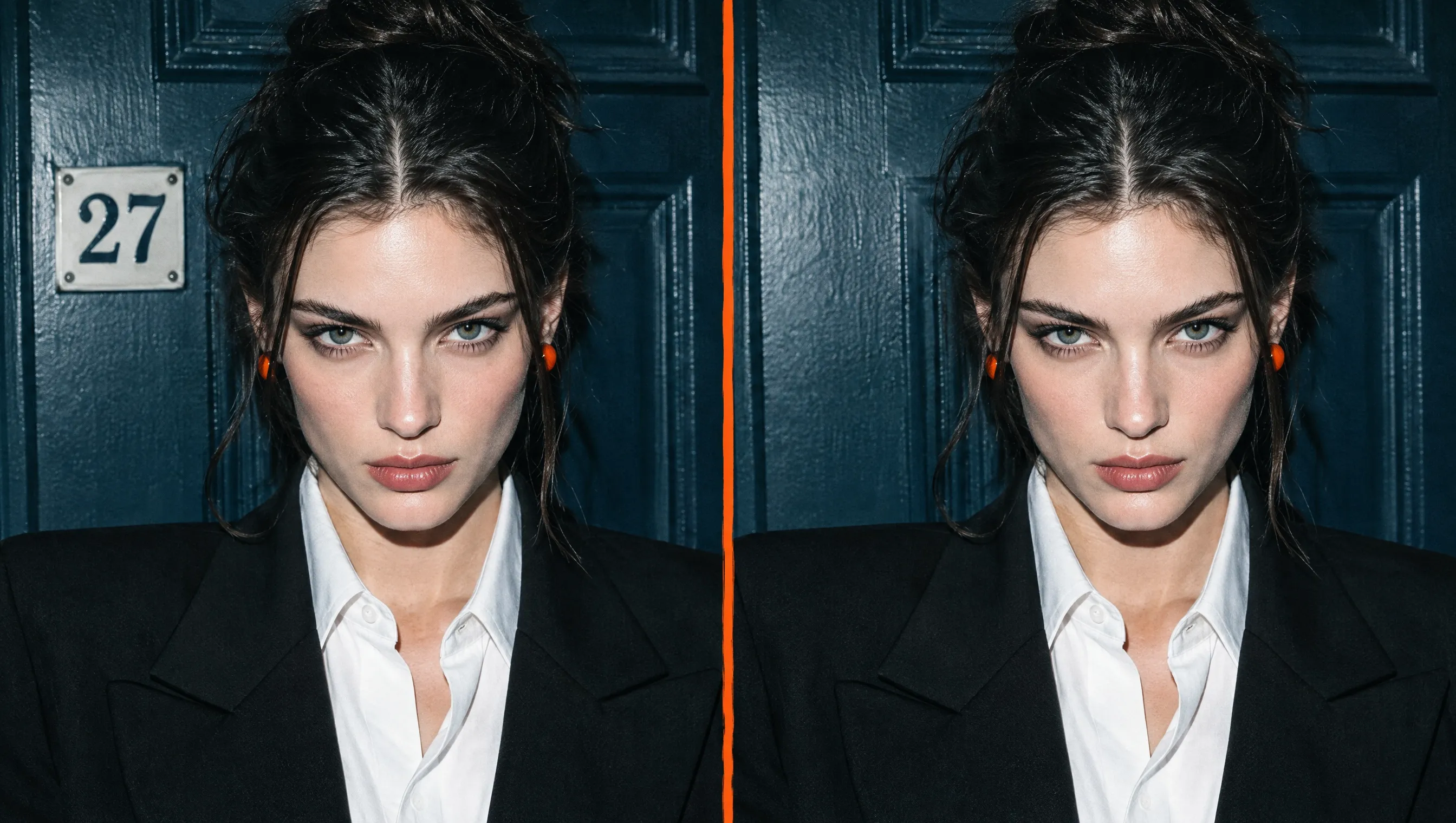
Upload any image to invert colors and create a vivid negative for art, social posts, designs, or visual experiments. No manual editing needed.
Turn Any Image Into Bold New Artwork
Need a fresh look without redesigning? Pollo AI color inverter reverses every color across any photo, picture, graphic, or artwork in seconds. Create surreal social posts, album covers, design experiments, or visual references, then download the transformed image without learning complicated software.

No Design Skills
Upload your picture, invert colors, and download the result without learning complex software.
Instant Color Inversion
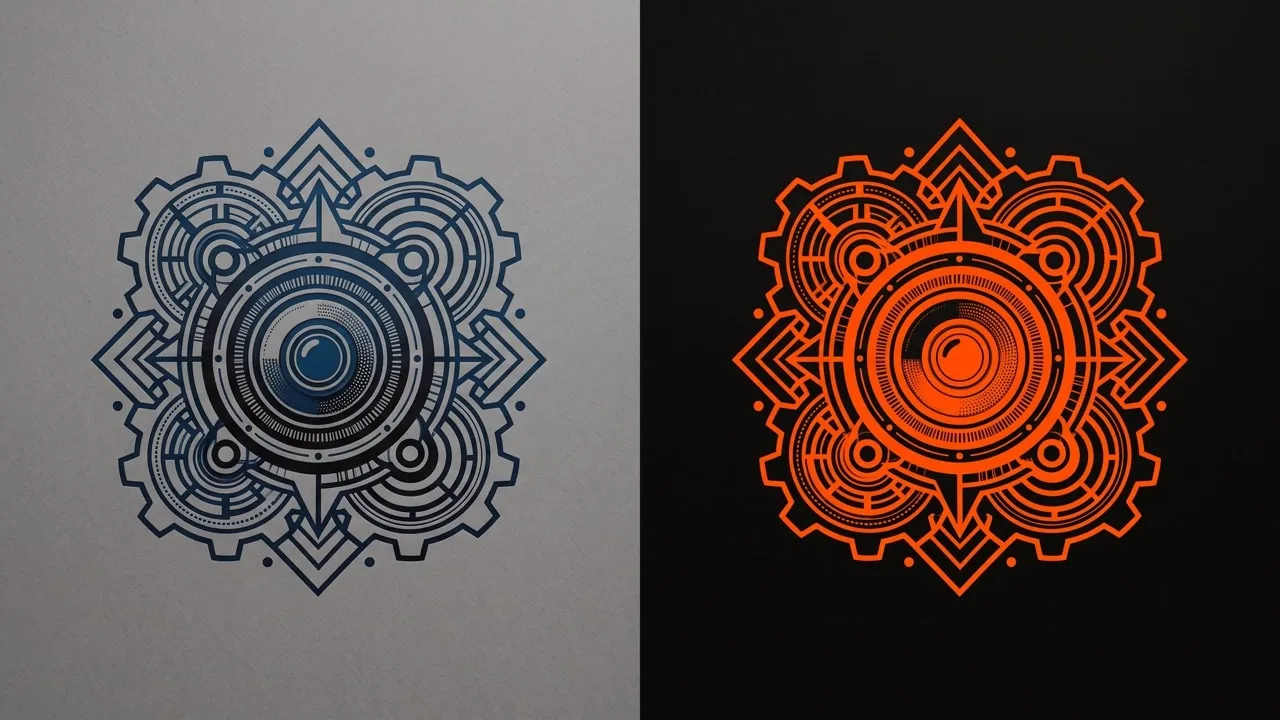
Reverse every hue across your image while keeping its composition and details intact.
Striking Negative Effects
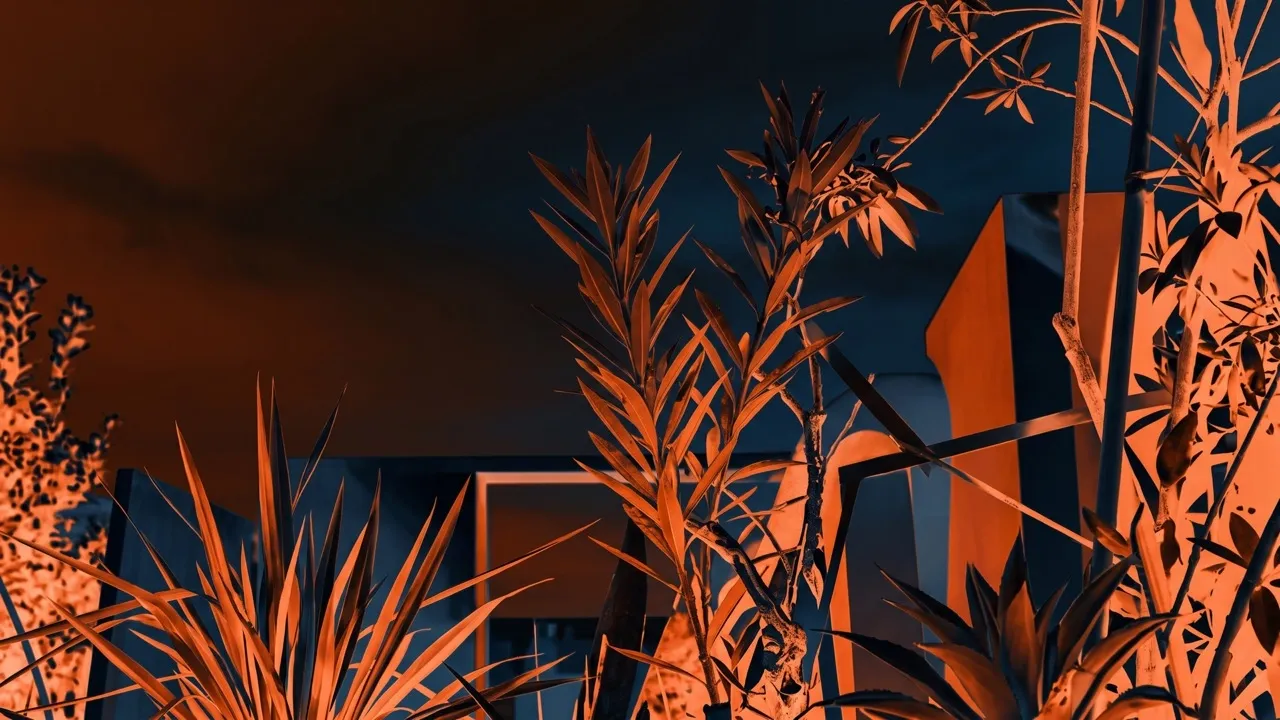
Create bold negative effects that make familiar photos and graphics feel completely new.

Invert Photos Without Design Experience
No layers, curves, or technical settings are required. Start with your own photo or create new images for the project, then upload it, invert colors, preview the result, and download it – no design experience needed.

Turn Every Color Into Its Opposite Instantly
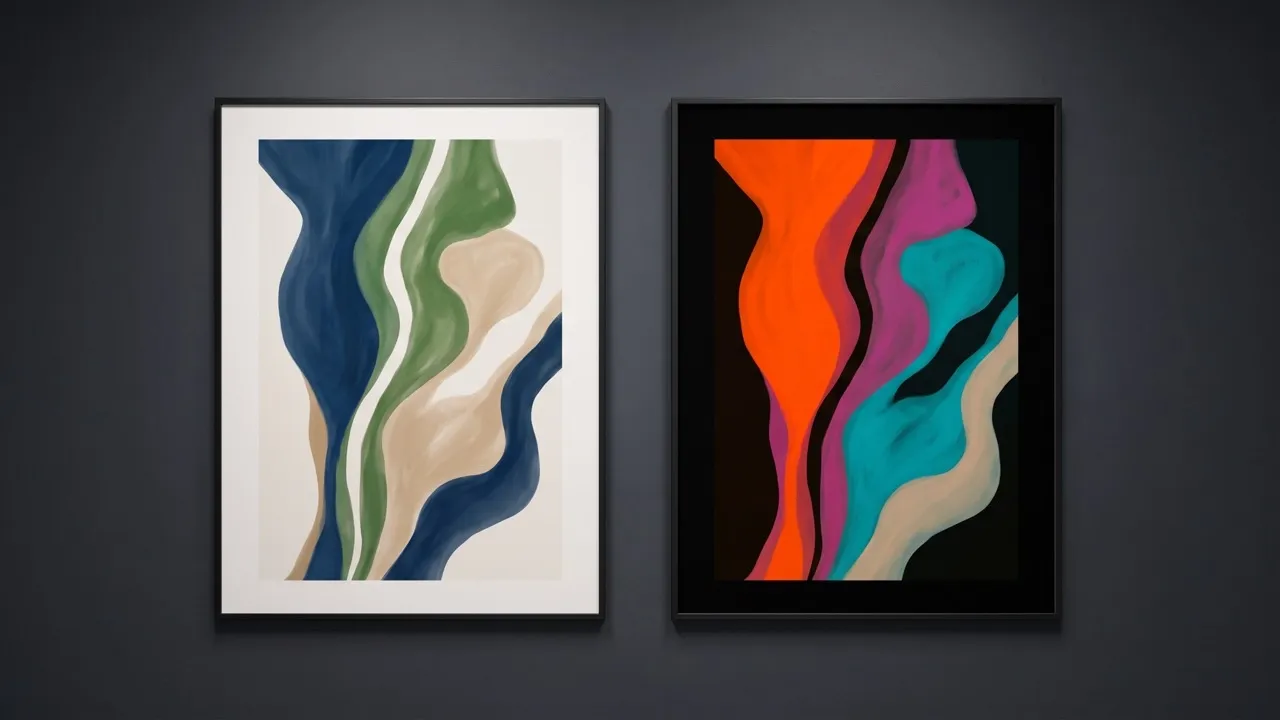
Want to invert colors without manual adjustments? The image color inverter transforms the full palette at once, replacing each shade with its opposite. The result is a dramatic, high-contrast negative that gives the complete image an instantly different appearance.

Keep Your Image Details Clear and Intact
Our image inverter changes color values without cropping, rearranging, or rebuilding your picture. Subjects, edges, textures, and layouts stay in place, so the inverted colors remain recognizable and easy to use for artwork, visual references, or creative comparisons.

Give Familiar Photos a Striking New Mood
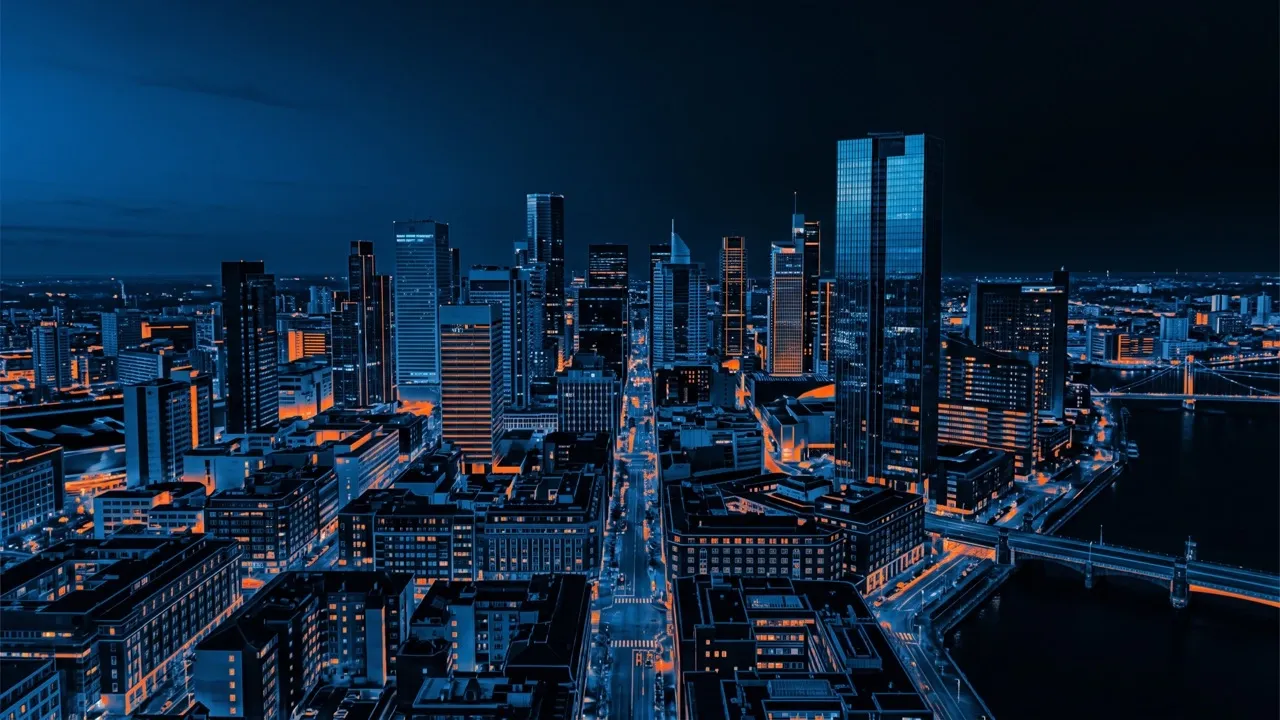
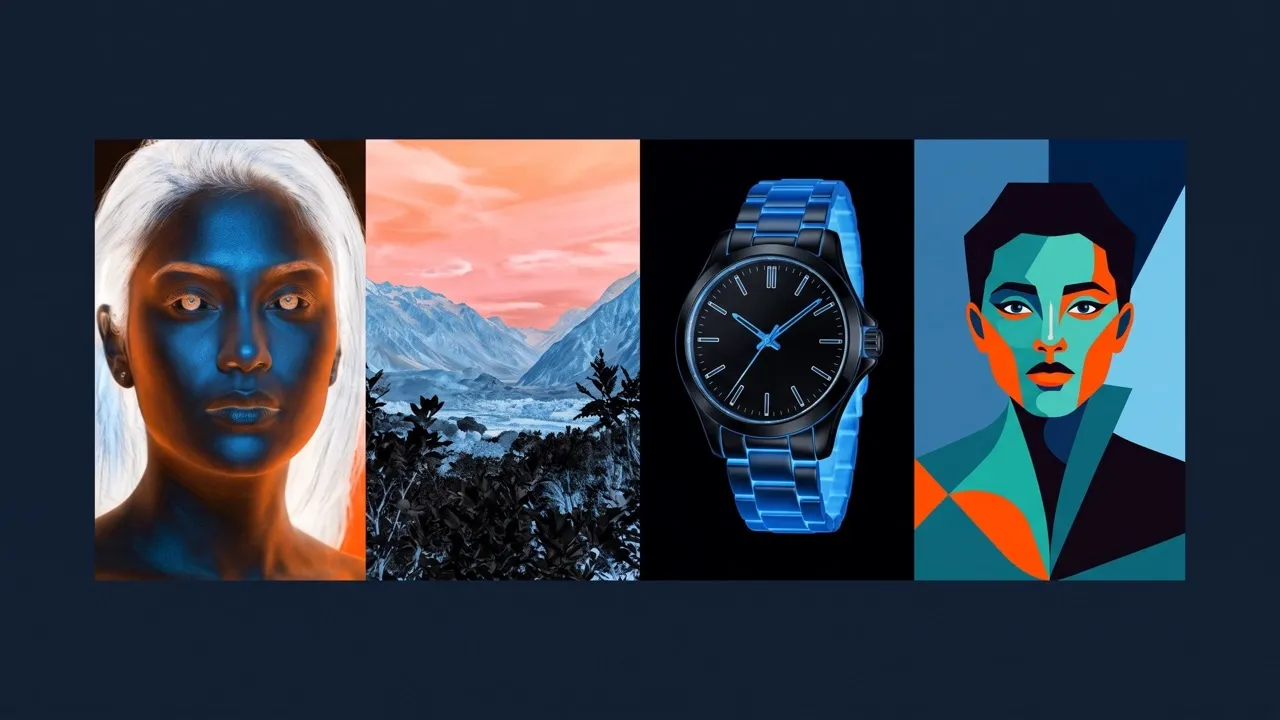
Invert colors in portraits, landscapes, product shots, and illustrations to create surreal visuals for posters, album covers, mood boards, and social graphics. If needed, edit photos afterward to adjust contrast, crop the composition, or refine small details.
Explore More Ways to Invert Colors with Pollo AI

Discover Unexpected Palette Directions
Invert picture colors to reveal complementary relationships and fresh contrast ideas for posters, branding concepts, or digital artwork. Create AI art as your starting point, then invert the palette to explore a new visual direction.
Transform Ordinary Shots Into Art
Invert photo colors to turn portraits, street scenes, and landscapes into negative-inspired artwork without reshooting. Retouch photos first when you want cleaner lighting or details before applying the inverted effect.

Refresh Every Social Feed
Make familiar images stand out in thumbnails, posts, cover art, and campaign teasers with the photo color inverter. Remove backgrounds beforehand when you want the inverted subject to sit cleanly in a new layout.

Create Bolder Campaign Graphics
Invert product or lifestyle imagery to build high-contrast visuals for launches, seasonal promotions, email graphics, or ads. Carry the inverted palette into AI banners to keep every campaign asset visually connected.
How to Invert Colors With Pollo AI
Step 1
Upload the photo, picture, artwork, or graphic you want to transform.
Step 2
Apply the Pollo AI color inverter to reverse every color across your entire image.
Step 3
Preview the result, then download your inverted picture for designing, creating, or sharing.
Discover Other AI Image Creation Tools on Pollo AI
Used by 10M+ Creators and Marketers
Thousands of satisfied users have shared their Pollo AI experiences on Trustpilot, rating us as "Excellent." See what they love about our platform.
Color Inverter FAQs
What is a color inverter?
A color inverter reverses every color in an image, creating a negative-like result with contrasting tones that makes familiar photos, graphics, and artwork appear visually bold and unexpected.
How do I invert colors in an image?
Upload your image to Pollo AI color inverter and let the tool invert colors automatically. Preview your transformed picture, then download it for immediate use.
What is the best color inverter?
Pollo AI is the best color inverter for quickly reversing image colors online. It creates striking negative effects without requiring complex editing software, manual adjustments, or design experience.
Can I improve an inverted image afterward?
Yes. After applying color inversion, use the image enhancer to improve clarity, sharpen fine details, reduce visible softness, and make your inverted image look cleaner and more polished.
What can I create with inverted colors?
Inverted colors are ideal for posters, album covers, social graphics, digital art, thumbnails, and design studies.

Create Bold New Color Inversions With Pollo AI Today
Invert colors instantly and turn any ordinary image into bold, eye-catching artwork!