



How to Use Pollo Relight To Perfect Photo Lighting: A Quick Tutorial
Many of us often complain about the lighting in our photos not looking optimal. Sadly, few of us ever have a clue about how to fix it without reshooting or using complex photo editing software.
But with Pollo Relight, all that changes in seconds! You can move the lighting to any 360° position, making all the right details in a photo pop, without professional equipment.
Whether you’re a content creator, photographer, marketer, e-commerce seller, etc, this tutorial will show you how Pollo Relight can help you nail the perfect photo lighting with ease!
What Is Pollo Relight?
Pollo Relight gives you full creative control over lighting and shadow direction in any photo using simple, drag-and-drop controls for seamless adjustment across varying degrees.
You can quickly apply certain presets like top light, front light, and backlight, or freely experiment by manually adjusting the lighting position across a full 3D spectrum.
In doing so, you can manipulate the clarity, depth, and mood of a photo to suit your precise creative needs for a wide range of personal or professional use cases.
Pollo Relight also supports multiple lighting styles, letting you adjust color and brightness to simulate aesthetics in different times of day or environments like sunset, moonlight, etc.
All this means you can restore detail in poorly-shot photos, refine social photos to add dramatic atmosphere, or even enhance promotional imagery to enhance visual appeal.
Now, let’s get into the interesting part: How does this powerful Pollo AI tool work?
How To Use Pollo Relight to Adjust Photo Lighting
Adjust the lighting in your photos like a professional with these simple steps:
Step 1: Access Pollo Relight
Once you’ve signed up or logged in to your Pollo AI account, head over to the Pollo Relight page to start editing your photos.
Step 2: Upload Your Image
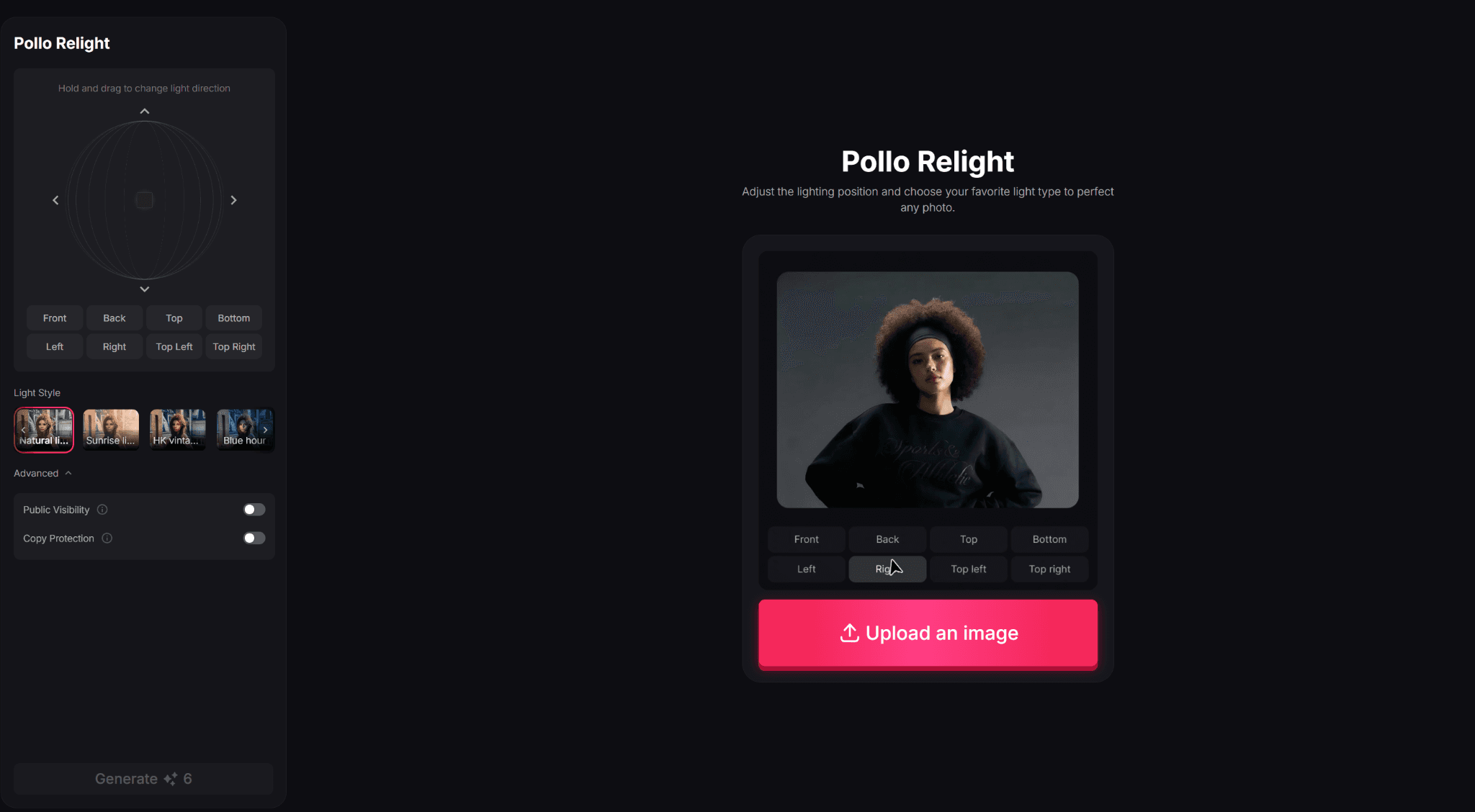
Begin by uploading the photo you want to modify, and the tool will preview the image for you to see the changes you make in real-time.
Step 3: Adjust Lighting with 3D Control
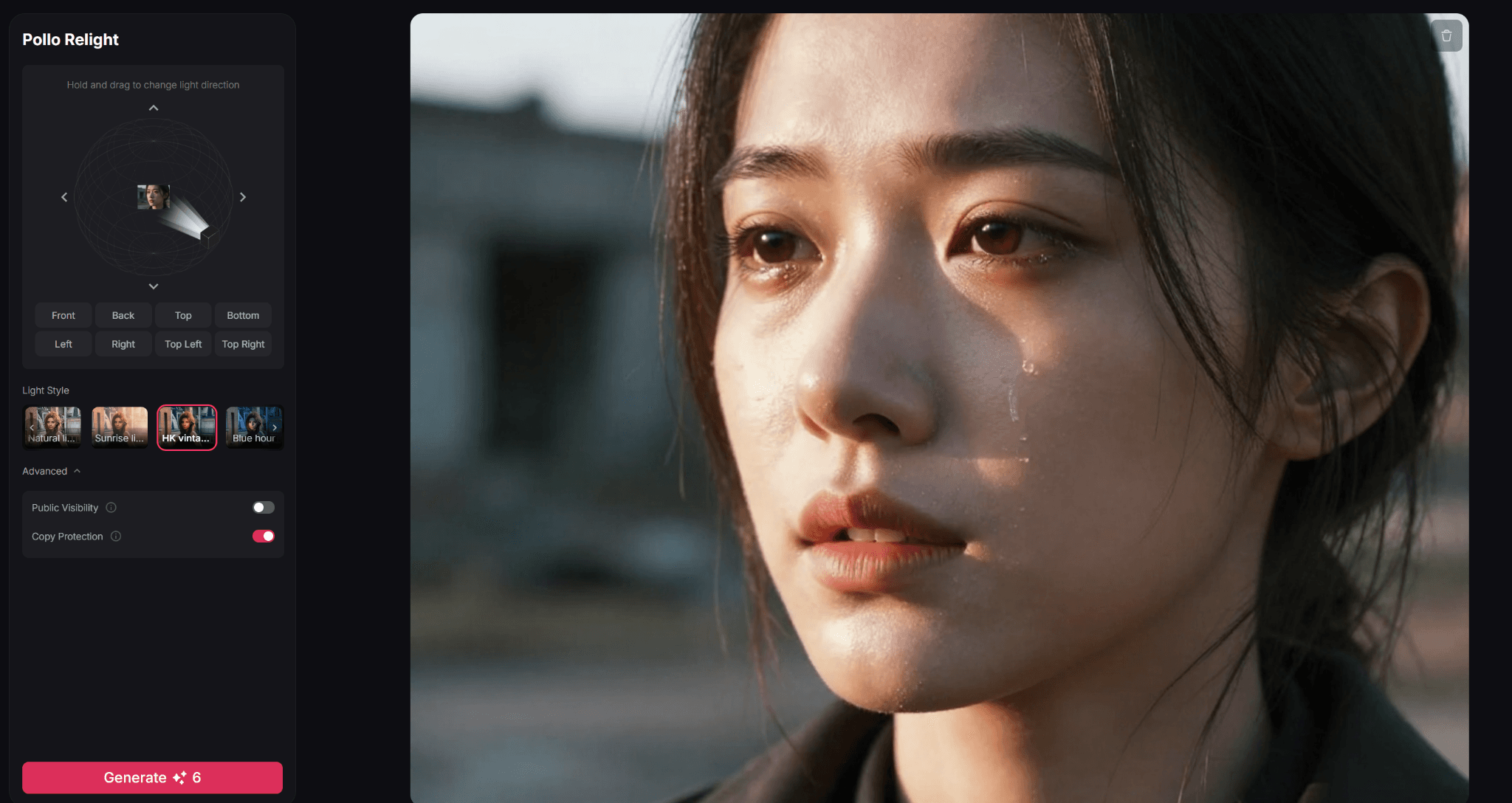
You can use the available presets to make quick changes or take full manual control by holding and dragging the 3D controller to adjust the light direction.
Step 4: Generate Your Image
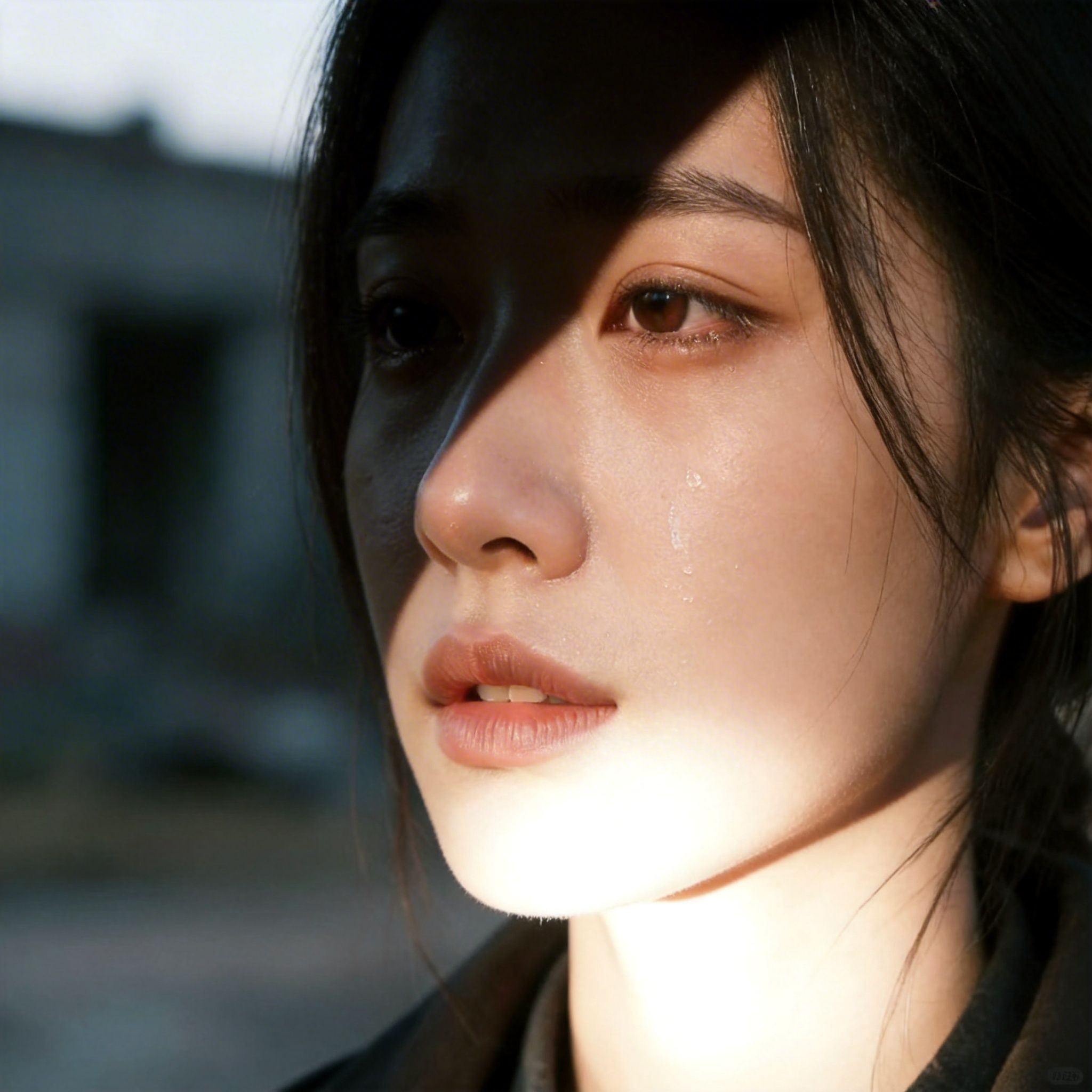
Once the preview image reflects the exact lighting you want, click ‘Generate’ to apply the adjustments. Within seconds, your new photo will be ready for download.
Conclusion
Flat or poorly-angled lighting can stifle the true potential of any photo, which is where Pollo Relight can help save the day. Even with zero editing skills, you can implement complex lighting changes in any image with polished finesse, so don’t hesitate to try it out today!