



10 Best Camera Movements For Cinematic AI Video Creation
Directing as a first-timer can be tricky, especially if you aren’t familiar with the basics of cinematic language. In fact, figuring out what camera movements to use can be the hardest part. But since I’m already familiar with these techniques, let me break down the 10 best camera movements that you can start using today, with clear examples!
TL;DR
For cinematic storytelling, you want dolly shots, handheld, tracking shots, drone shots, etc. The idea is to use such camera movements that pull in viewers and convey strong emotion, even with no dialogue. But the right choice will also depend on what best complements your written narrative in that specific shot. Head to Pollo AI to generate AI videos and test these camera movements!
Why Do Dynamic Camera Movements Matter In Videos?
I always say that the difference between a forgettable scene and an impactful one is emotional storytelling. But how does one pull that off? Besides good scriptwriting, you can control the audience's perception through dynamic camera movements. Why does this work?
Because direction, speed, height, and stability impact how viewers understand a character, location, action, etc. For example, when watching a movie or animated film and the camera suddenly pans to someone, it evokes a sense of urgency and drama, right?
Or when a camera pulls back away from someone, we sense isolation, powerlessness, or insignificance in relation to their surroundings. In short, the right dynamic camera movement at the right time can be the emotional trigger that makes for a compelling scene.
Having said that, there are several different camera movements to choose from. But instead of me just explaining them to you, how about I show you what they are in action, shall we?!
#1. Static Shot: Bring Focus & Intensity to Any Scene
A static or locked-off shot is for when you don’t want the camera to move at all. Here, it’s all about letting the subject or the environment do all the talking. I like it because you can direct attention to dialogue, facial expressions, location shifts, and other small changes in frame.
So, while it’s not an actual camera movement, I find it an extremely powerful form of cinematic direction that can either convey calm or unsettling tension. You can see a great example of this in the teaser video that I generated below:
| Prompt | Output Video |
| Extreme close-up of a beautiful brunette woman holding back tears. Static camera. Her eyes convey deep emotion before a single tear slowly rolls down her cheek. Soft cinematic lighting, natural skin texture. |
#2. Pan: Horizontally Reveal What’s Outside the Frame
With pan, you’ll be rotating the camera in a scene horizontally, left or right, from a fixed position. I usually see this camera movement as primarily made for observation; it showcases a whole area or reveals other characters or elements outside the starting shot.
But how quickly the camera pans makes all the difference. Instead of an ordinary slow pan, if you want to make audiences feel something, then I’d go for a whip/swish pan. The abrupt change in direction makes a scene feel more dramatic and shocking, like in this movie video:
| Prompt | Output Video |
| Man in a suit walks down a city street. A deafening bang erupts off-screen. He turns sharply as a fast whip pan reveals two crashed cars, smoke, debris, and stunned bystanders. |
#3. Tilt: Pivot the Camera Vertically for Dramatic Flair
When using tilt, it’s about pivoting the camera up or down from a fixed position. I see it as a great way to emphasize height, scale, or status in any scene. For example, a slow tilt upwards can highlight the scale of a massive building or how imposing a character is.
Meanwhile, a slow tilt downwards works for revealing a dramatic detail or making audiences feel just how vulnerable a character is. Even here, speed is key; with a slow tilt, it feels like I need to focus on examining something, but a fast tilt feels more reactive. Here’s an example below:
| Prompt | Output Video |
| Woman approaches a massive dinosaur skeleton in a grand museum. Camera slowly pans upward from her to its ribcage, spine, and skull, emphasizing immense scale, awe, and cinematic atmosphere. |
#4. Dolly: Give Scenes More Intensity or Context
Dolly is when the camera either pushes toward or pulls away from a character. If you opt to push in, it’s a great way to drive intimacy and attention to the subject in an AI video or reveal something important in their surroundings.
As for the pull-away, I recommend it to emphasize how isolated a subject is, to end a scene, or to show the scale of their location. I often say they are like two opposing sides of the same coin. You can see how these two camera movements look in the videos below:
| Prompt | Output Video |
| Woman alone in an old library, studying books and research notes. Slow dolly push-in toward her focused face and documents. Warm lighting, deep shadows, dust particles, cinematic atmosphere, mystery. | |
| Man sits alone on a park bench, deep in thought. Slow dolly pull-out reveals a busy park filled with laughing, happy people, emphasizing his isolation amid the lively crowd. |
#5. Pedestal Shot: Raise or Lower the Viewpoint
For the pedestal shot, the camera moves up or down but keeps the lens pointed in one direction. And while I’m sure you may be wondering, how is that different from tilt? It’s not the same. With tilt, the camera pivots, but for this, the camera just goes up or down like an elevator.
To reveal something hidden or slowly reveal a tall character: pedestal up. To expose something on the ground or lower viewers into a scene: pedestal down. Just remember that if you go slow, you can open a scene gracefully, but if you go fast, then you’ll drive a sense of urgency.
| Prompt | Output Video |
| Woman stands in an abandoned warehouse. Camera slowly pedestals upward, revealing a towering wall covered in photographs, documents, and clues. Dim lighting, dust, deep shadows, cinematic mystery. |
#6. Handheld: Truly Immerse Audiences In the Moment
Instead of rigid support, this camera movement relies on the person recording. Because of this, it’s a little unstable and shaky, but that’s also why I often like this one in particular. It really places audiences in the moment, making them feel even more invested in what’s happening.
Plus, it often represents a character’s point of view, so you can use it to intimately explore complex and emotion-driven scenes that hook audiences from start to finish. In fact, I would usually recommend this option if you want to render chaotic or heavy-action scenes.
| Prompt | Output Video |
| Famous man exits a luxury restaurant as paparazzi surround him, shouting and flashing cameras. Shaky handheld camera follows him through the crowd, with motion blur, imperfect framing, flashes. |
#7. Tracking Shot: Let Audiences Follow the Action
I enjoy using tracking shots because it lets audiences share in the experience of what’s happening with the subject rather than a still shot that goes one way. In just a single scene, you can explore multiple perspectives and channel different emotions from viewers.
Once again, the camera movement speed can impact how a scene unfolds. Fast tracking shots convey tension and urgency, but slow tracking communicates confidence and calm. You can see this in action in the AI video below:
| Prompt | Output Video |
| Sprinter pulls ahead of competitors during the final stretch. Camera tracks alongside him at full speed toward the finish line. Dynamic motion blur, stadium lights, intense cinematic energy. |
#8. Orbit/Arc Shot: Provide a Full View of a Subject/Object
For the orbit/arc shot, you’ll be showing a partial or complete view of the subject or object. This can mean 90°, 180°, or a full 360° view, depending on what you want or the scene demands. I always see this camera movement as best suited to highlighting the importance of something.
For this reason, I recommend it when creating product videos, but I also believe that it can be useful in cinematic videos. You know how in some films the camera circles a subject to convey the idea that someone is watching them? This is often used because it builds suspense well.
| Prompt | Output Video |
| Man ends a phone call after hearing, “You’re being watched.” He nervously scans the parking garage as the camera slowly orbits him, creating an unsettling feeling of fear and paranoia. |
#9. Rack Focus: Shift Attention from One Thing to Another
Rack focus is an interesting camera movement that shifts focus from one subject to another, be it from foreground to background or vice versa. I like it a lot because sometimes you don’t want to cut away in a story video, so it’s a smooth alternative that works well.
You can use it to switch from one person talking to another, show character reactions, or create tension by highlighting an object that was initially out of view. Here’s an example of how I often see this camera movement put into action to great effect:
| Prompt | Output Video |
| Woman sits alone in a café. Through the window, a sleek sports car is initially blurred. Slow rack focus shifts from her to the car, revealing its details. |
#10. Crane or Drone Shot: Take Audiences to a New Altitude
Crane shots and drone shots involve the camera being at an elevated position, moving down and into a scene or up and away from it. Having used these camera movements in the past, I often found them ideal for setting up epic scenes involving crowds, cityscapes, arenas, etc.
In fact, I noticed how drone shots are now being used in motor races to give audiences a wider view of the action. So, if a scene covers a wide area, and you want to make the entire moment feel dramatic enough to shock and awe viewers, then I would suggest this as the go-to, like so:
| Prompt | Output Video |
| Rock band performs before a roaring crowd at night. Dynamic drone shot flies above the audience, rising to reveal the massive venue, stage lights, smoke, and energy. |
Create AI Videos with Dynamic Camera Movements? Try Pollo AI!
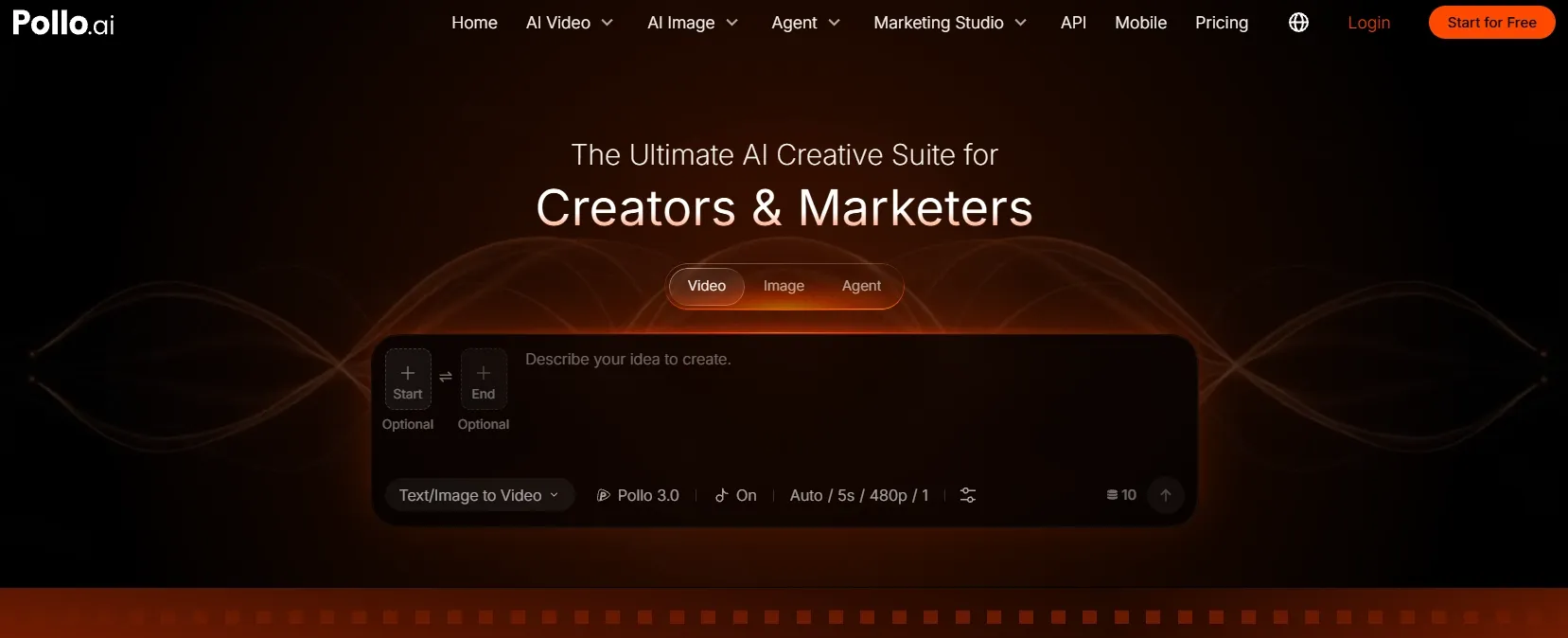
If you’re itching to try out these camera movements, then I urge you to head over to Pollo AI. I frequently use this platform to generate AI videos because it’s incredibly fast, user-friendly, and versatile, offering access to dozens of leading AI video models like Seedance 2.5 and Wan 3.0.
In fact, I consider it to be the ultimate AI creative suite for filmmakers, brands, marketers, and creators. Whether it’s cinematic clips, animations, music videos, etc., I can generate all this and more in just a few clicks, all in one convenient place!
And if I want to experiment with different camera movements to create AI videos from scratch, I can turn to Pollo Agent. With this iterative tool, I can get publish-ready videos in minutes since it automates it all; no manual editing required.
But my favorite feature is Pollo Director. Here, I can shape an extended story with full control of each shot. From characters, camera, lighting, pacing, dialogue, to subtitles, it lets me fine-tune every component on a multitrack timeline and explore different takes until I’m satisfied with the final cut.
Just sign up for a Pollo AI account to explore all this and start creating at no cost today!
FAQs about Camera Movements
What is the most important camera movement for beginners?
As a beginner, I recommend starting with slow, controlled camera movements that instantly convey an emotional effect without complex scene building needed, like a dolly push-in.
What is the difference between a pan and a tracking shot?
A pan rotates the camera away from a fixed position. For tracking shots, the camera moves through space to follow the subject across the scene, be it alongside, in front of, or behind them.
What is handheld camera movement best used for?
To convey an intimate or subjective point of view, I suggest handheld camera movement. It places viewers in the action, and the shakiness can make them feel the tension of the moment.
Which camera movement is best for revealing a location?
I’d say this is best done using a crane or drone shot. Out of all camera movements, this one reveals the scale of an environment in the most dramatic and immersive way possible.