



Best 10 Invideo AI Alternatives for Free Video Generation I’ve Tried
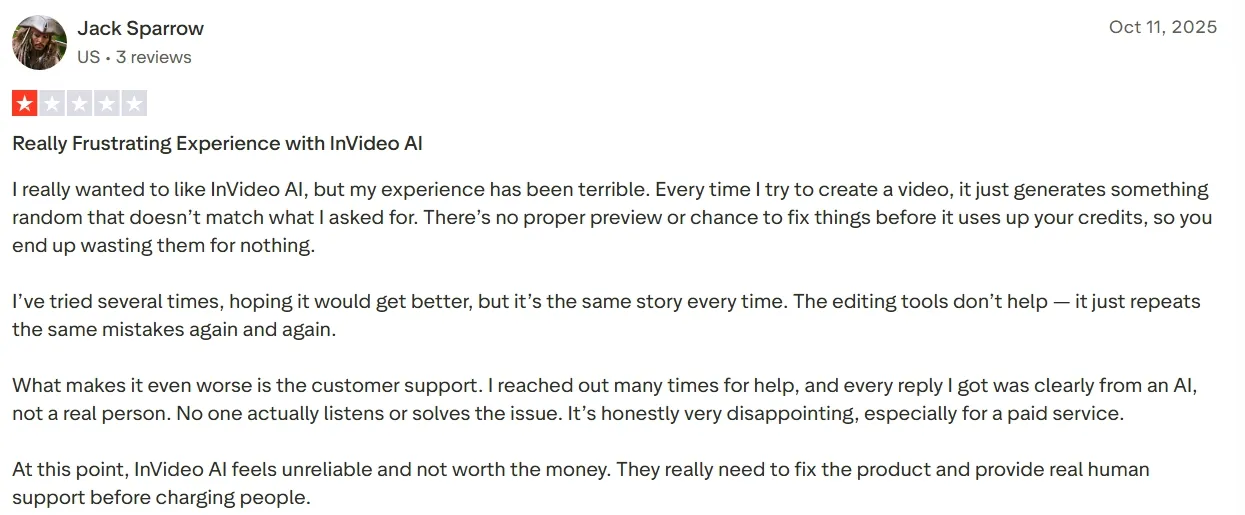
Invideo AI can work well for quick AI videos, templates, and prompt-based drafts. But it may feel limited if you need stronger control, broader creative workflows, or more publish-ready results.
In this article, I ranked the 10 best Invideo AI alternatives I’ve used myself. You can learn which tools actually fit your real creation needs here.
TL;DR
Pollo AI is the best Invideo AI alternative overall because it gives me more control over video generation and final output. With its Pollo Agent, I can move from an idea to a more publish-ready video in one workflow.
Pictory AI and Lumen5 fit content repurposing, while HeyGen, Vidnoz, and Colossyan are better for avatar or presenter videos. Vyond, Animaker, and Powtoon suit animation, and Artlist works better for creators needing stock, music, and production assets.
Why I Consider Invideo AI Alternatives
Invideo AI is convenient for quick drafts, but the generated videos can feel uneven. Some outputs look generic, with stock-heavy visuals, flat pacing, or scenes that do not fully match the prompt.
I also found the generation experience less flexible when I wanted stronger control. It can be hard to shape camera movement, visual style, scene rhythm, or character consistency with enough precision.
Another issue is what happens after the first draft. If the video needs better motion, cleaner visuals, stronger audio, or a more polished final structure, I often need extra editing instead of getting a truly ready-to-use result.
10 Best Invideo AI Alternatives: Quick Comparison
| Alternatives | Best For | Pricing |
|---|---|---|
| Pollo AI | Marketers, creators, sellers, and brands that need AI videos they can generate, refine, and publish in one workflow. | Pricing starts at $10/month |
| Pictory AI | Content teams that want to turn scripts, articles, webinars, or long-form ideas into shorter video assets. | Pricing starts at $29/month |
| HeyGen AI | Business teams that need avatar-led videos for corporate updates, sales messages, or product communication. | Pricing starts at $29/month |
| Vyond AI | Training, HR, and sales teams that need structured business animations with clear scenes and characters. | Pricing starts at $58/month, billed annually |
| Animaker AI | Small teams, educators, and startups that need animated explainers, whiteboard videos, or character-led stories. | Pricing starts at $15/month, billed annually |
| Artlist AI | Creators and freelancers that need AI clips alongside stock footage, music, SFX, and other production assets. | Pricing starts at $19.99/month |
| Lumen5 AI | Marketing teams and brands that want to create quick social videos from blogs, newsletters, or announcements. | Pricing starts at $29/month |
| Vidnoz AI | Small businesses and educators that need quick avatar explainers, greetings, or simple training videos. | Pricing starts at $14.99/month |
| Colossyan AI | L&D and enterprise teams that need presenter-led training videos for onboarding, compliance, or education. | Pricing starts at $27/month |
| Powtoon AI | Educators, trainers, and business teams that need animated presentation videos with simple visual storytelling. | Pricing starts at $15/month, billed annually |
Pollo AI: Best Invideo AI Alternative Overall
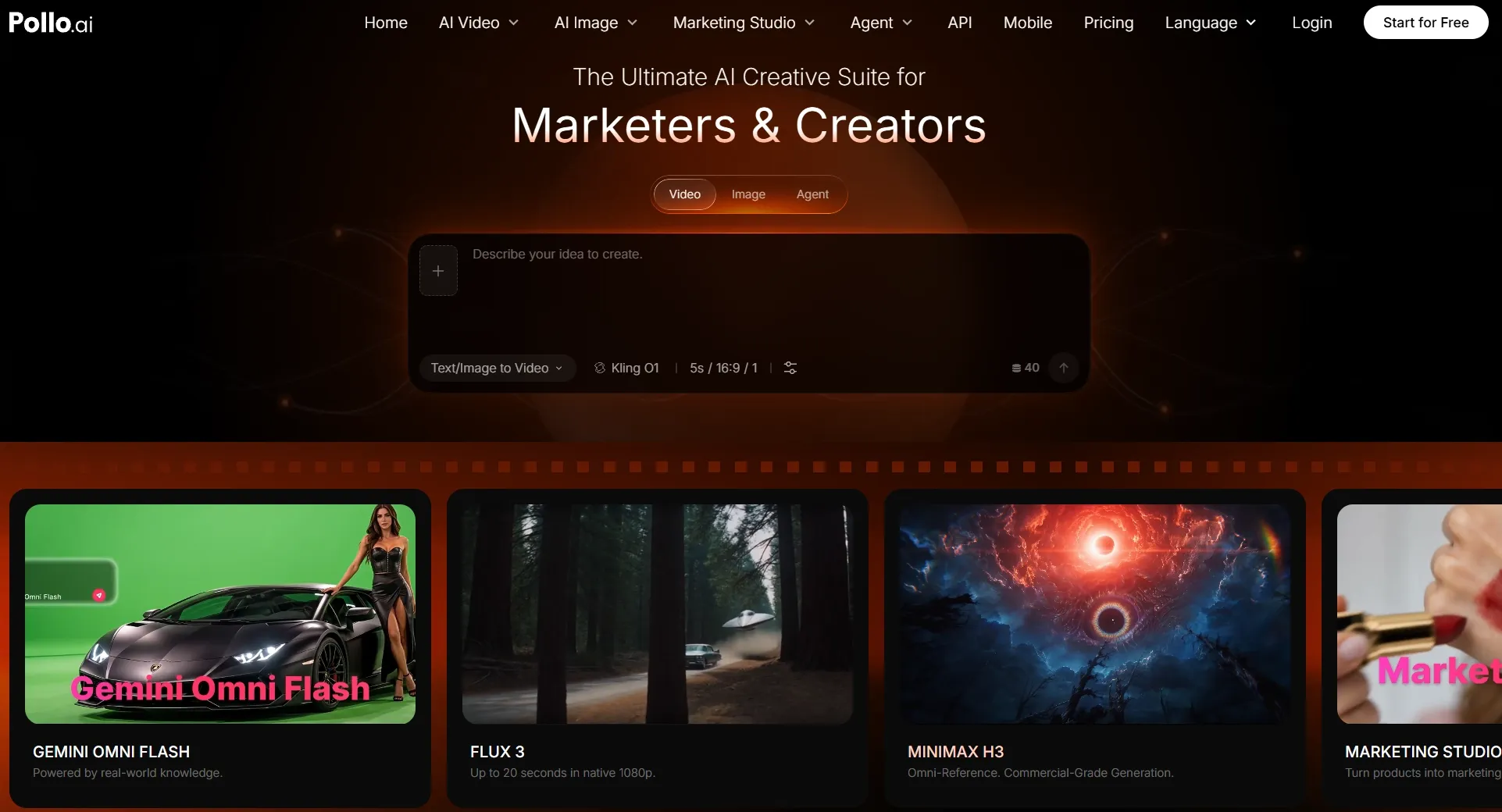
Pollo AI is my top Invideo AI alternative because it gives me more room to create, refine, and finish videos in one place. Instead of stopping at a first AI draft, I can keep shaping the same idea until the video feels clearer, more polished, and closer to a real publishing goal.
The biggest difference is workflow depth. Pollo AI is positioned as an ultimate AI creative suite for marketers, creators, sellers, and brands, not just a single video generator. That makes it easier to match the tool to the task, and I can also refine my videos with its AI video editor.
What I liked most was the flexibility. Pollo AI gives me access to leading models such as Veo 3.1, Kling 3.0, and more, so I am not locked into one visual style, motion behavior, or output direction. I can choose the model that fits my project instead of forcing every idea through the same system.
Key Features
Flexible AI video generation: Pollo AI lets me explore different visual directions, motion styles, and output needs through leading AI models like Sora AI and Happy Horse.
Specialized Studios: Marketing Studio and Commerce Studio support real work, like ads and product-led commercial visuals.
Pollo Agent: The AI video agent helps structure scenes, pacing, visuals, and sound for post-ready videos without manual editing.
100+ video workflow apps: I can create UGC ads, product videos, explainers, YouTube outros, and other scenario-based videos faster.
Built-in creative tools: Pollo AI includes talking avatars, AI voice generator, effects, video enhancement, and other features to make videos richer.
Best For
Marketers who need ready-to-use ads, story UGC ads, and social campaigns faster.
E-commerce sellers who need to create apparel product videos, furniture product videos and other product videos to better showcase their items.
Brands that need a broader workflow for social content, product content, and marketing videos.
Creators who want model flexibility, avatar videos, SFX, and creative effects in one place to enrich their clips.
Pros:
- Stronger workflow for video generation with editing, audio, and effect tools.
- Flexible creative direction for more control.
- Clear Studio structure for marketing and e-commerce video workflows.
Cons:
- New users may need time to choose the right workflow.
- Advanced workflows may feel complex at first, especially for users who only need a very simple video draft.
Turn Any Video Idea Into a Publish-Ready Result
Access leading AI models, specialized workflows, and built-in creative tools to create polished videos for any goal, all with Pollo AI.
Try Pollo AI for Free
Pictory AI: Best Invideo AI Alternative for Content Repurposing
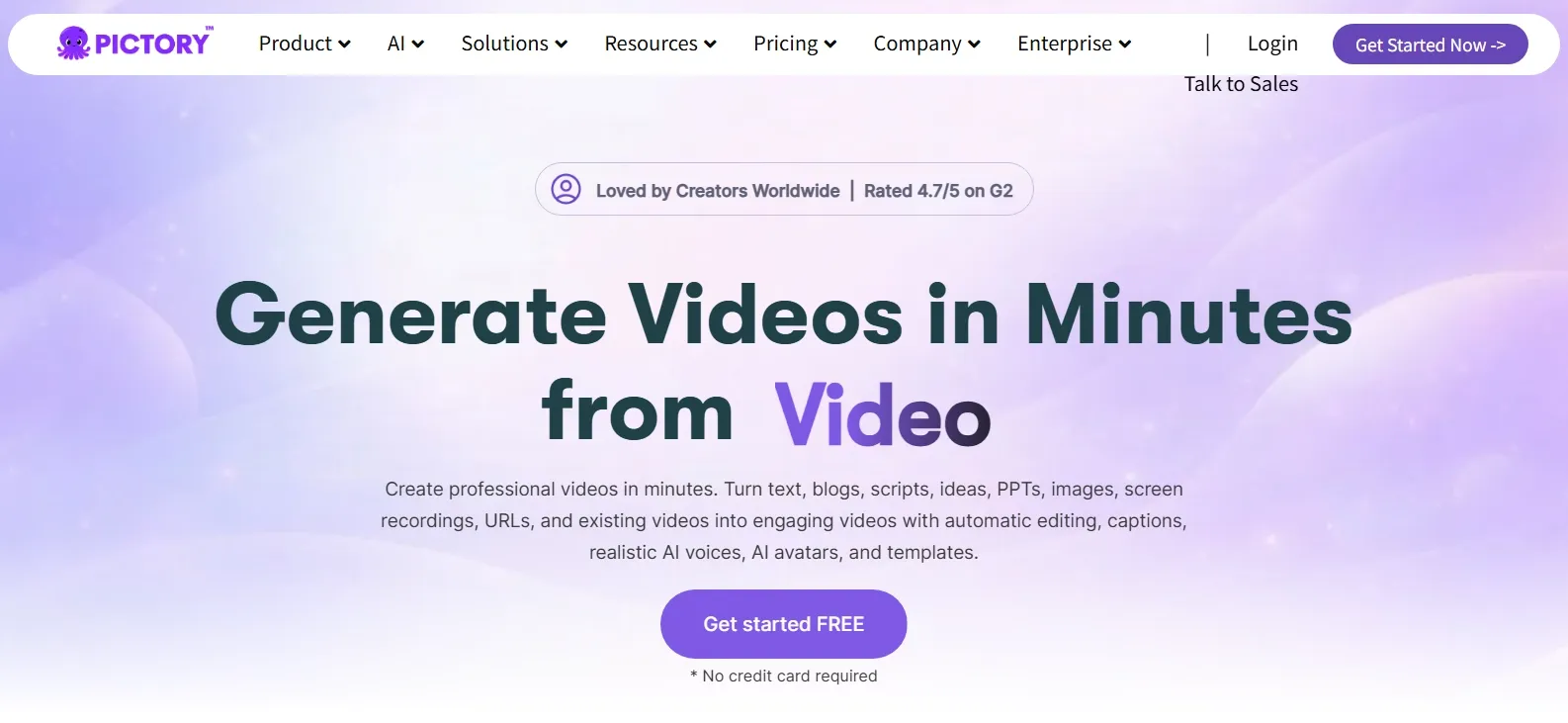
Pictory AI makes the most sense when I already have content and want to reshape it into a video. It is especially helpful for marketers, bloggers, coaches, and content teams that work with scripts, articles, webinars, or long-form recordings.
The tool feels practical when the source material is clear. I found it more useful for summarizing and packaging existing ideas than for creating visually original AI videos from scratch. It can help turn written content into a video structure with stock footage, captions, and voiceover support.
But Pictory AI is less suitable if you want cinematic AI generation, advanced motion control, or model switching. It is better for content repurposing than for highly visual storytelling, realistic product scenes, or experimental creative clips.
Key Features
Script to video: Pictory can turn a prepared script into a structured video with visuals and captions.
Article to video: It helps repurpose blog posts and written content into short videos.
Auto captions: The caption tools are useful for social videos, explainers, and accessibility.
Stock media support: Pictory can match scenes with stock footage and images.
Voiceover options: Users can add narration to make repurposed content easier to watch.
Best For
Bloggers that need short videos from article content.
Marketing teams that want to reuse webinars, scripts, or thought leadership content.
Coaches and educators that need simple explainer videos from written material.
Content teams that publish frequent social videos from existing assets.
Pros:
- Good for repurposing existing content into video format.
- Useful caption and script workflows for social and educational content.
- Easier than starting from a blank video timeline for text-heavy projects.
- Works well for informational videos where clarity matters more than cinematic style.
Cons:
- Original AI scene generation feels limited, especially for motion-heavy or imaginative videos.
- Stock-based outputs can feel familiar, so brand differentiation may require extra editing.
- Model choice is narrower than platforms built around flexible AI video generation.
HeyGen AI: Best Invideo AI Alternative for Corporate Video Content
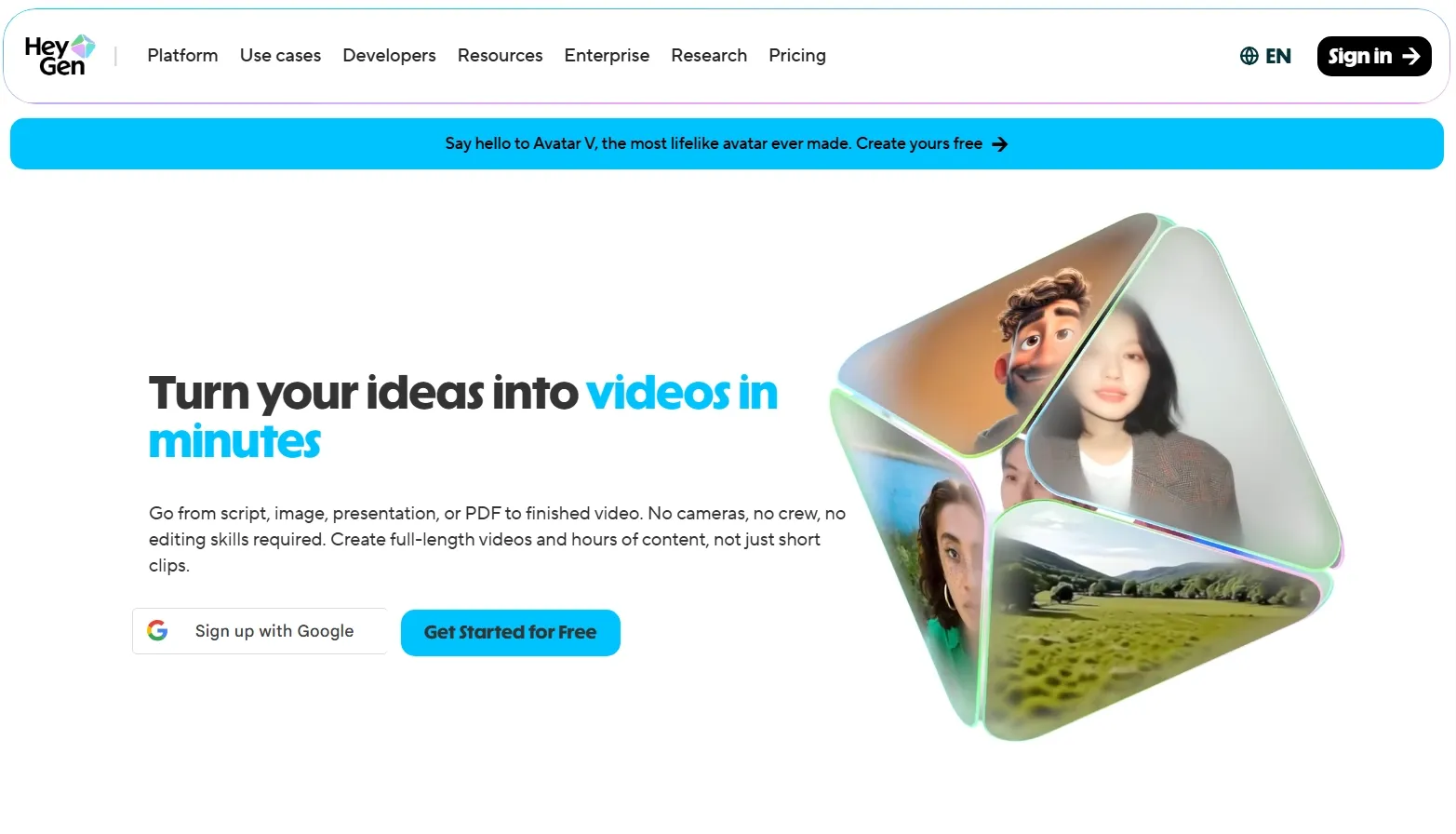
HeyGen is a better Invideo alternative when the video needs a human presenter, but you do not want to film a real person.
The strongest part is its avatar-led workflow. I found it helpful for product walkthroughs, internal updates, onboarding clips, sales messages, and simple training videos where a clear speaker matters more than complex visuals.
Yet, HeyGen is not the tool I would choose for cinematic AI scenes, product motion videos, or highly creative short films. The output often works best when the format is presenter-first, so the video can feel less flexible if your idea needs rich scene changes or visual storytelling.
Key Features
AI avatars: HeyGen helps create presenter-style videos without filming.
Text to video: Users can turn scripts into avatar-led business videos.
Voice and language support: The platform supports voice delivery for international communication.
Templates: Ready-made layouts help speed up corporate and marketing videos.
Brand controls: Teams can keep videos closer to their visual identity.
Best For
Business teams that need internal updates or company announcements.
Sales teams that need personalized video messages.
Product marketers that need simple avatar explainers.
Training teams that need presenter-style onboarding videos.
Pros:
- Strong avatar presentation workflow for business content.
- Good fit for corporate communication where a human-like speaker helps.
- Templates make production faster for repeatable video formats.
- Useful for multilingual business videos and global team communication.
Cons:
- Cinematic scene creation is not its main strength, especially for action-heavy videos.
- Presenter-led output can feel repetitive if every video uses a similar layout.
- Script and scene variety require careful planning to avoid flat business videos.
Vyond AI: Best Invideo AI Alternative for Business Animation Videos
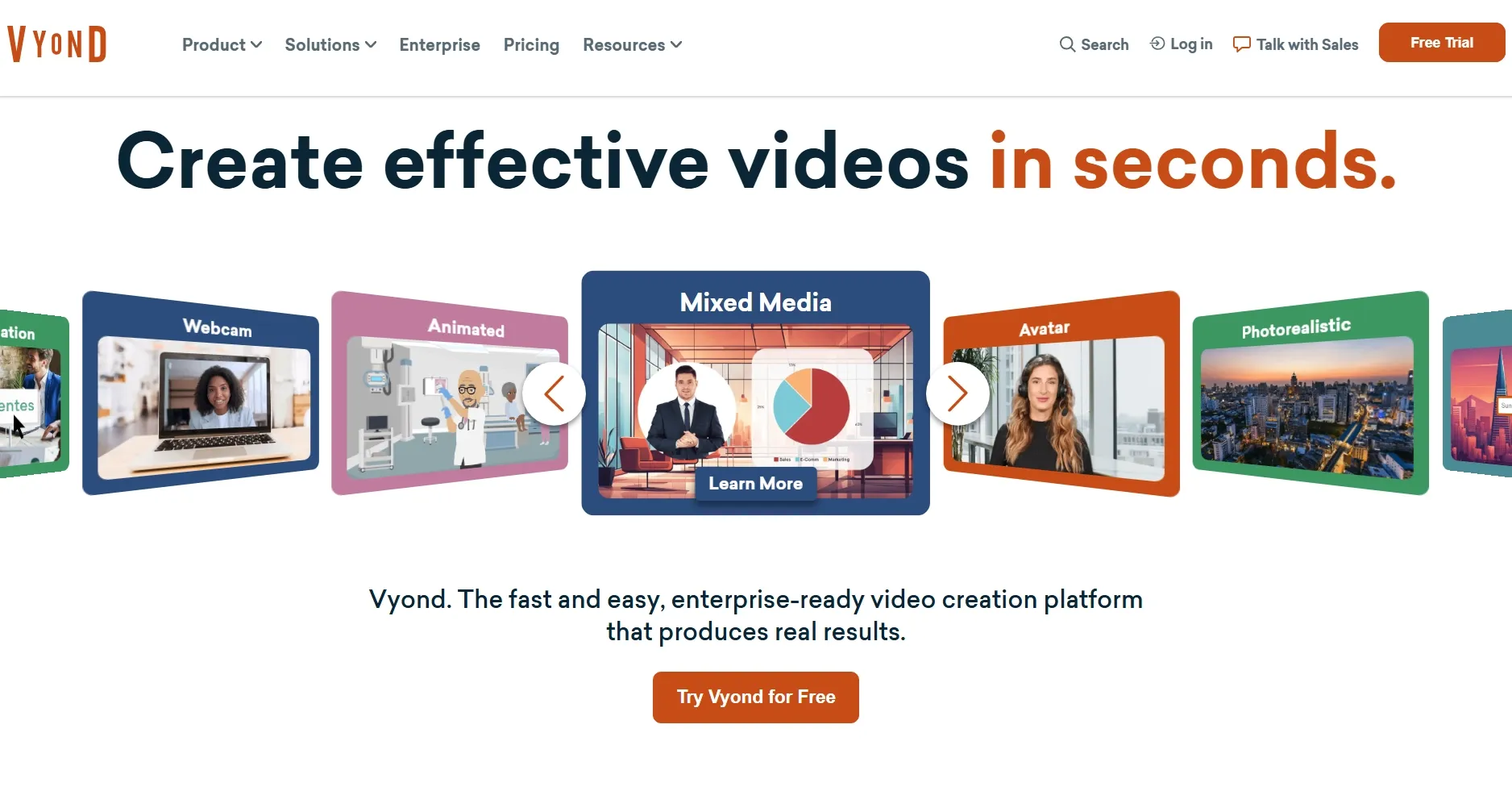
Vyond AI belongs higher on this list because it handles business animation better than most general AI video tools. It is more of a structured workplace video platform than a cinematic AI generator. So I would use it for training, sales enablement, and internal communication.
I found Vyond most useful when the video needed clear scenes, characters, and workplace-friendly storytelling. Vyond Go can help create videos from ideas, documents, scripts, or URLs, which makes it useful for teams that want a faster path from information to business video.
But Vyond can feel boxed into an animation-first style. If I need realistic AI footage, creator-style ads, or a more cinematic visual direction, the platform does not give me the same freedom as tools built around generative video models.
Key Features
Vyond Go: Users can create videos from prompts, documents, scripts, or URLs.
Business animation: Vyond offers character-based scenes for workplace communication.
AI avatars and voices: Teams can add presenter-style elements and narration.
Template library: The platform helps speed up repeatable training and explainer formats.
Brand controls: Business users can keep videos consistent across departments.
Best For
Training teams that need animated learning videos.
Sales enablement teams that need clear product or process explainers.
HR teams that need onboarding and compliance content.
Businesses that prefer structured animation over raw AI footage.
Pros:
- Excellent for business animation and professional explainers.
- Strong training and internal communication fit for larger teams.
- Document and URL workflows save time when turning information into videos.
- More structured than many basic AI video tools for workplace use.
Cons:
- Animation style may not fit every brand, especially if realistic video is needed.
- Creative freedom can feel more business-focused than creator-focused.
- Scene design can feel less flexible for highly visual or cinematic campaigns.
Animaker AI: Best Invideo AI Alternative for Animated Explainer Videos
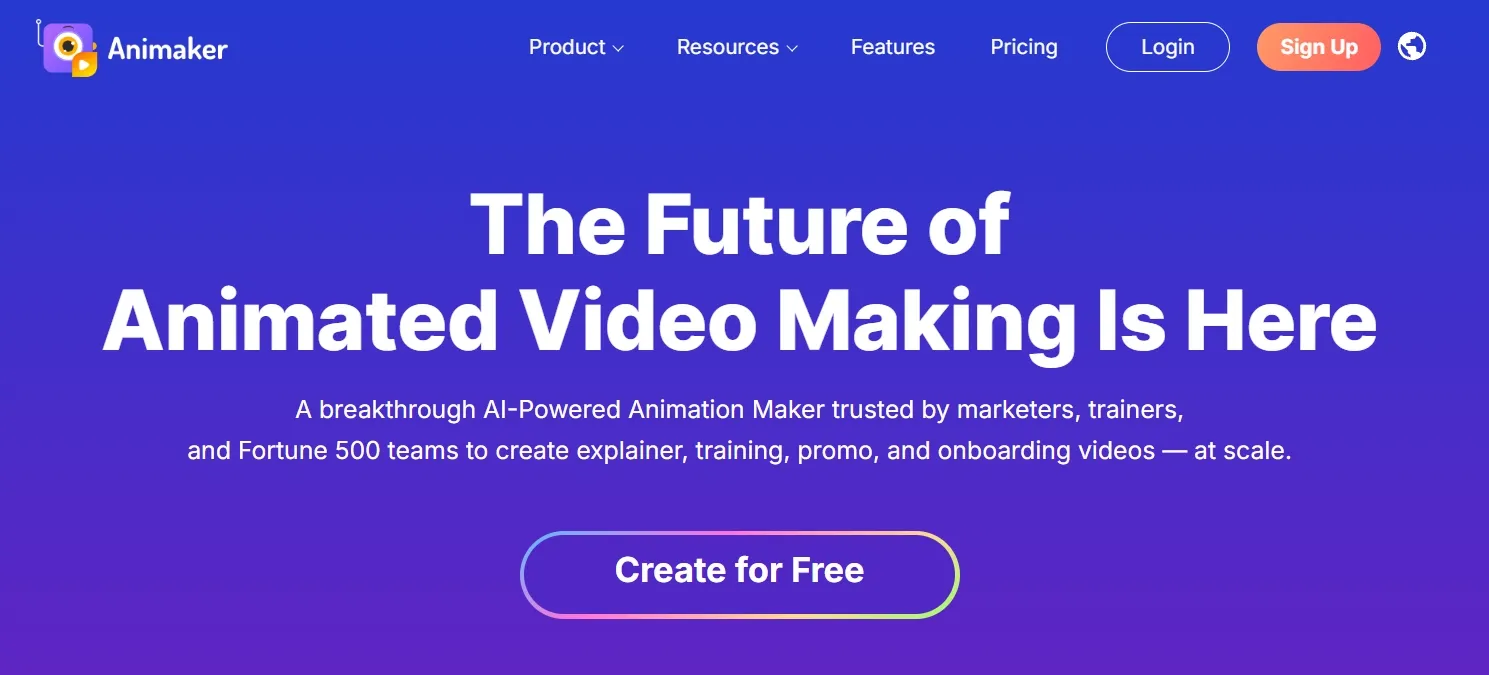
Animaker works well for animated explainers, character videos, and simple brand stories. It fits users who want friendly animation instead of realistic AI footage or avatar-heavy presentations.
The tool works well for small teams, educators, startups, and marketers who need a clear animated format. I found it especially useful for videos that explain a process, introduce a feature, or simplify a concept with characters and visual scenes.
But the final output can look too playful or template-like for premium campaigns. It also does not offer the same realism, motion control, or product-focused polish that I would want for higher-end AI video projects.
Key Features
Animated video builder: Animaker helps create character-based explainer videos.
Whiteboard animation: Users can make educational and instructional videos.
AI video tools: The platform supports AI-assisted video creation for faster drafts.
Character tools: Teams can build animated characters for simple storytelling.
Template support: Ready-made layouts help users start videos faster.
Best For
Startups that need simple animated product explainers.
Educators that need visual learning videos.
Small businesses that need friendly brand videos.
Marketing teams that want animated social content or tutorials.
Pros:
- Good for animated explainers and simple visual storytelling.
- Friendly for non-designers who need a guided creation process.
- Useful character and whiteboard tools for educational content.
- More approachable than professional animation software for small teams.
Cons:
- Realistic AI video generation is not its strongest area.
- Animated style can feel too casual for some enterprise or luxury brands.
- Advanced motion control feels limited compared with AI video generation platforms.
Artlist AI: Best Invideo AI Alternative for Creator-Style Video Production
Artlist is better suited to creators who want AI generation alongside stock footage, music, sound effects, and production assets. It makes sense for users who already think like video producers and need more than a simple prompt-to-video tool.
The biggest advantage is its creative asset ecosystem. I found Artlist more useful when I wanted AI video outputs to sit beside other production materials. That can help me build videos that feel richer and more complete.
Still, Artlist can require too much production judgment for users who want a guided path from idea to finished video. Some projects still need extra assembly, editing decisions, and a clearer workflow before the result feels ready to publish.
Key Features
AI video generation: Artlist supports AI video creation for creator-led projects.
Stock asset ecosystem: Users can combine AI outputs with footage, music, and SFX.
AI image and voice tools: The platform supports more than video generation.
Creator licensing: Artlist is designed around content production and media use.
Multiple AI tools: Users can access different creative tools inside one subscription.
Best For
YouTubers that need AI visuals plus music and sound effects.
Social creators that want production assets and AI clips together.
Freelancers that build videos from stock and audio assets.
Creative teams that need licensed media for content production.
Pros:
- Strong production asset ecosystem for creators and video teams.
- Useful mix of AI and stock media for richer video projects.
- Good for creator-style workflows that need music, footage, and SFX.
- Better than basic generators when audio and assets matter.
Cons:
- Guidance can feel light for users who want a finished video quickly.
- Some projects still require editing and assembly to reach a polished final result.
- E-commerce and ad-specific workflows are not as deep as dedicated marketing tools.
Lumen5 AI: Best Invideo AI Alternative for Social Video Creation
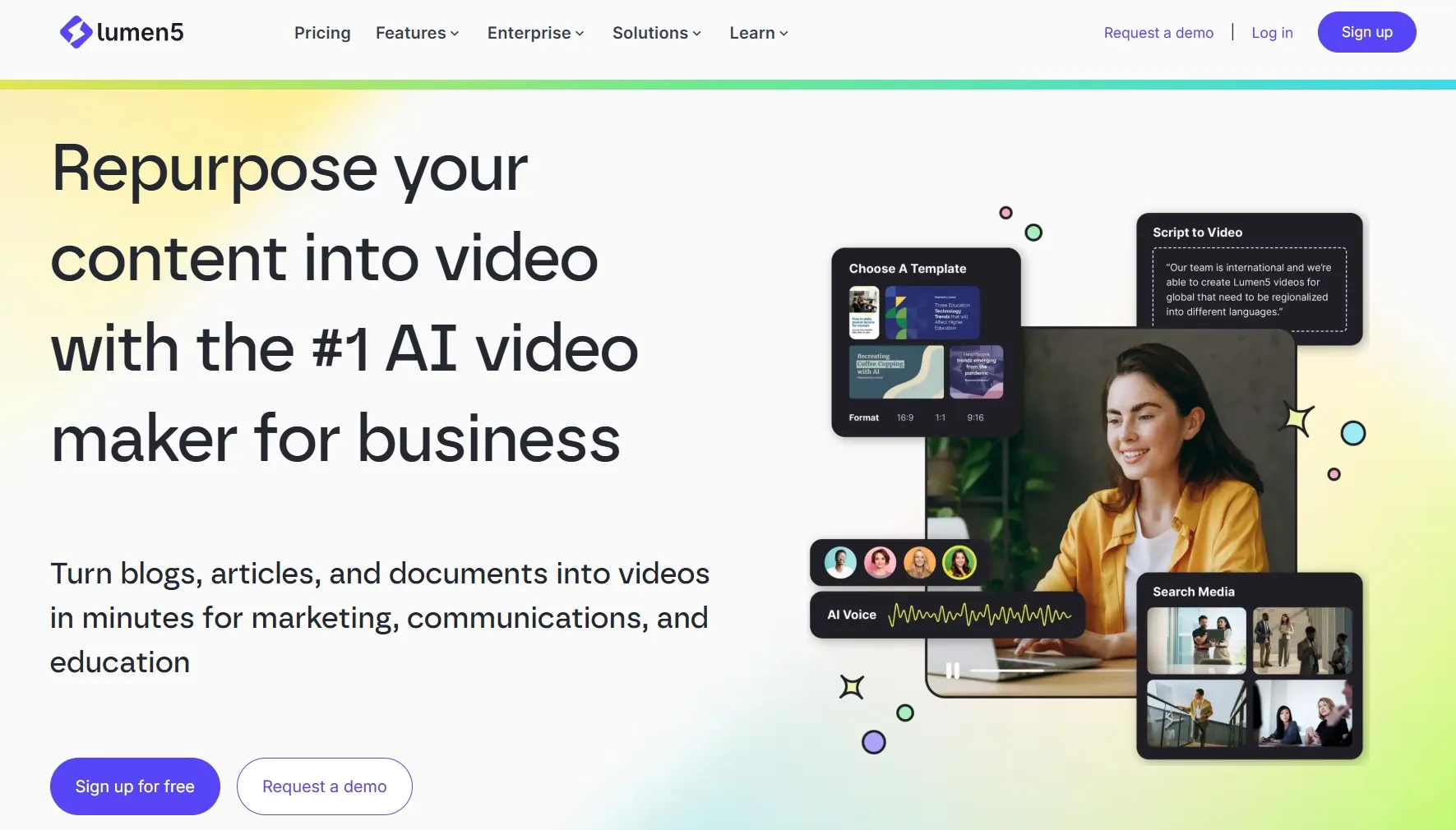
Lumen5 makes sense for turning written content into social videos. It fits marketing teams, bloggers, and brands that often work from articles, announcements, thought leadership posts, or educational content.
The workflow is easy to understand. I found it helpful when the goal was to create a simple social-ready video from text, not to generate complex AI scenes. It can help teams publish more consistently without building every video from scratch.
But Lumen5 can feel constrained when I need deep creative control, cinematic AI motion, or highly original visuals. The output often leans toward stock-based social videos, which can make the result feel less distinctive in crowded feeds.
Key Features
Text to video: Lumen5 helps convert written content into video scenes.
Social video templates: Users can create short videos for common content channels.
Brand kit tools: Teams can apply brand colors, fonts, and visual styles.
Media library: The platform supports stock-based video creation.
AI script and voice tools: Paid plans include AI tools for faster content production.
Best For
Marketing teams that need videos from blog posts or newsletters.
Brands that publish frequent social updates.
Content marketers that need simple thought leadership videos.
Small teams that want fast social videos without complex editing.
Pros:
- Good for text-based social video creation from existing content.
- Simple workflow for non-editors and content marketing teams.
- Helpful brand kit features for repeatable visual consistency.
- Works well for informational social videos and blog repurposing.
Cons:
- Cinematic AI generation and advanced visual control feel limited.
- Stock-based videos can feel generic if not customized carefully.
- Product showcases, avatars, and complex campaigns need a deeper workflow.
Vidnoz AI: Best Invideo AI Alternative for Quick AI Avatar Videos
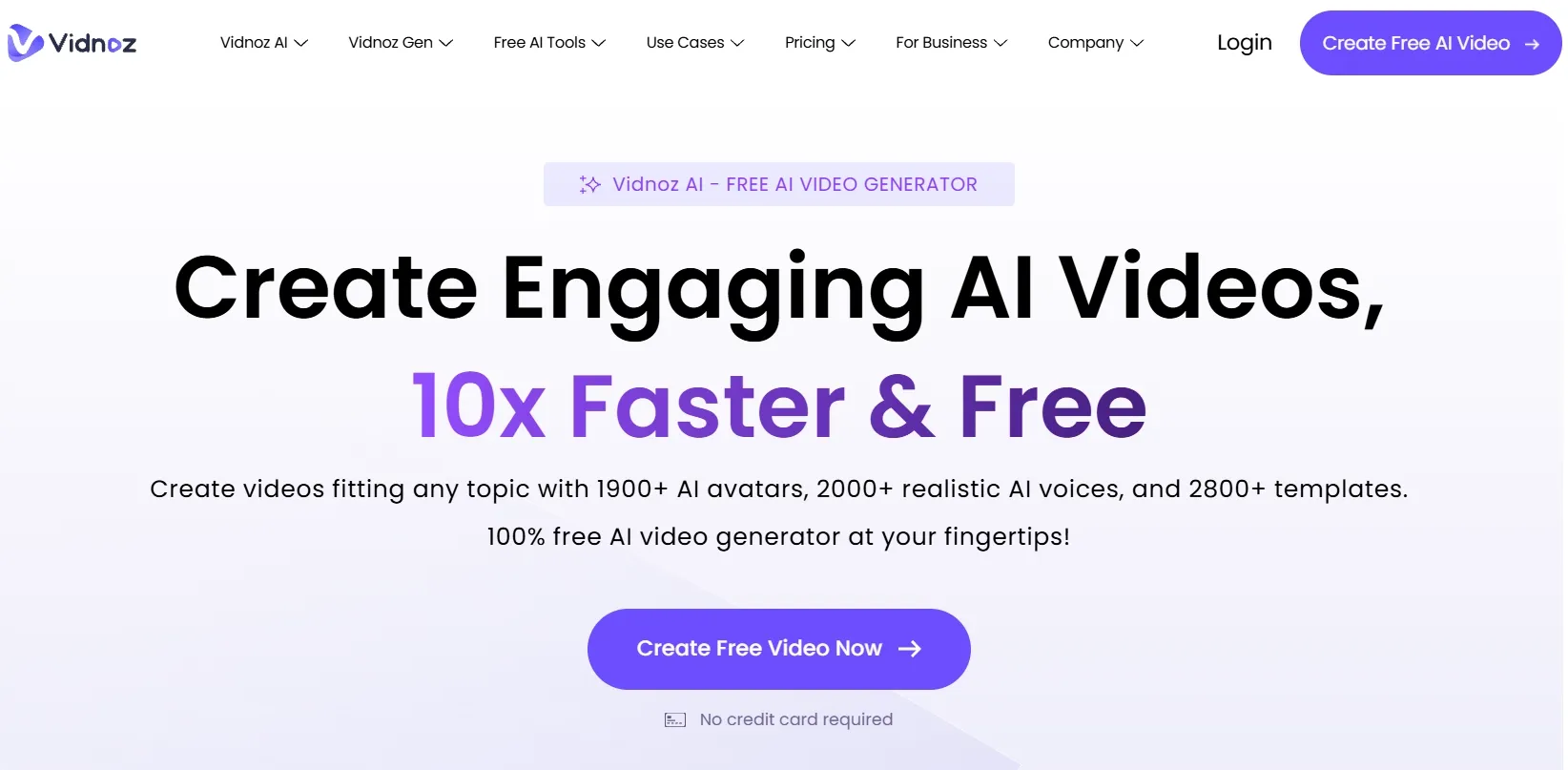
Vidnoz is a good Invideo alternative if you want quick avatar videos without a heavy production process. It is especially useful for small businesses, educators, and marketers that need presenter-style videos on a tighter budget.
The platform has many templates and avatar options, which makes it easy to produce simple explainers, greetings, training clips, and marketing messages. I found it more practical for speed than for deep creative direction.
But Vidnoz can look templated if the script, layout, and avatar delivery are not carefully adjusted. It also lacks the premium realism and richer scene control I would expect from a more advanced avatar or AI video platform.
Key Features
AI avatars: Vidnoz helps create presenter-style videos quickly.
Video templates: Users can start from ready-made layouts for common scenarios.
Text to speech: The platform supports voiceover generation for avatar videos.
Business video options: Vidnoz supports training, sales, and explainer-style content.
Fast production workflow: Users can build simple avatar videos without complex editing.
Best For
Small businesses that need quick avatar explainers.
Educators that need simple lesson or training videos.
Marketers that need spokesperson videos for basic campaigns.
Teams that need fast template-based videos for routine communication.
Pros:
- Fast avatar video creation for simple business use cases.
- Template library helps reduce setup time for common video formats.
- Easy setup for quick explainers and training clips.
- Useful for routine communication videos that do not need complex visuals.
Cons:
- Avatar videos may feel template-driven without careful customization.
- Cinematic or highly branded videos need stronger visual control.
- Premium avatar realism can be inconsistent across different video styles.
Colossyan AI: Best Invideo AI Alternative for Training Presenter Videos
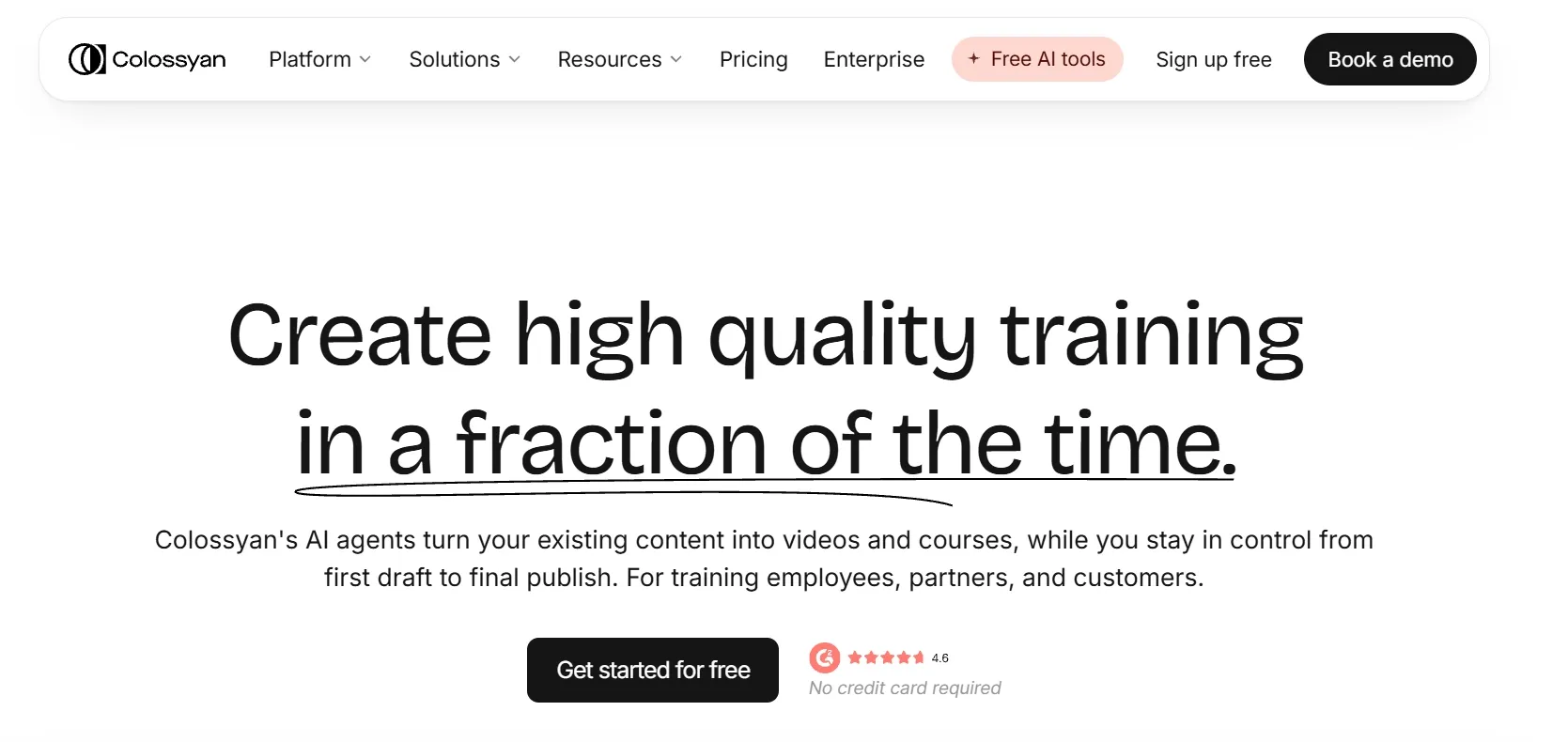
Colossyan belongs on this list for training videos, workplace learning, and presenter-led education. It is best for teams that need clear, repeatable, multilingual videos instead of broad creative video generation.
The tool feels especially relevant for L&D teams. I found its strengths more aligned with employee onboarding, compliance content, customer education, and internal training than with social ads or cinematic clips.
Yet, Colossyan is narrower than some other Invideo AI alternatives. If your main goal is some videos requiring more visual variety like product videos, viral social content, or model-based AI video generation, it may feel too focused on training and presenter workflows.
Key Features
AI presenters: Colossyan creates presenter-led videos from scripts.
Training video workflow: The platform is built for workplace learning content.
Multilingual support: Teams can localize training videos for global audiences.
Interactive video options: Colossyan supports more engaging learning formats.
Team collaboration: Business users can create and update training assets at scale.
Best For
L&D teams that need scalable training videos.
HR teams that need onboarding and compliance content.
Enterprise teams that need multilingual presenter videos.
Customer education teams that need clear instructional videos.
Pros:
- Strong fit for workplace learning and structured training videos.
- Presenter-led format works well for clear explanations.
- Useful localization options for global teams.
- Better for training scale than general-purpose social video tools.
Cons:
- Creative and marketing-heavy videos can feel restricted.
- Presenter format can feel narrow if your content needs visual variety.
- Cinematic motion and product showcase videos need a more flexible toolset.
Powtoon AI: Best Invideo AI Alternative for Animated Presentation Videos
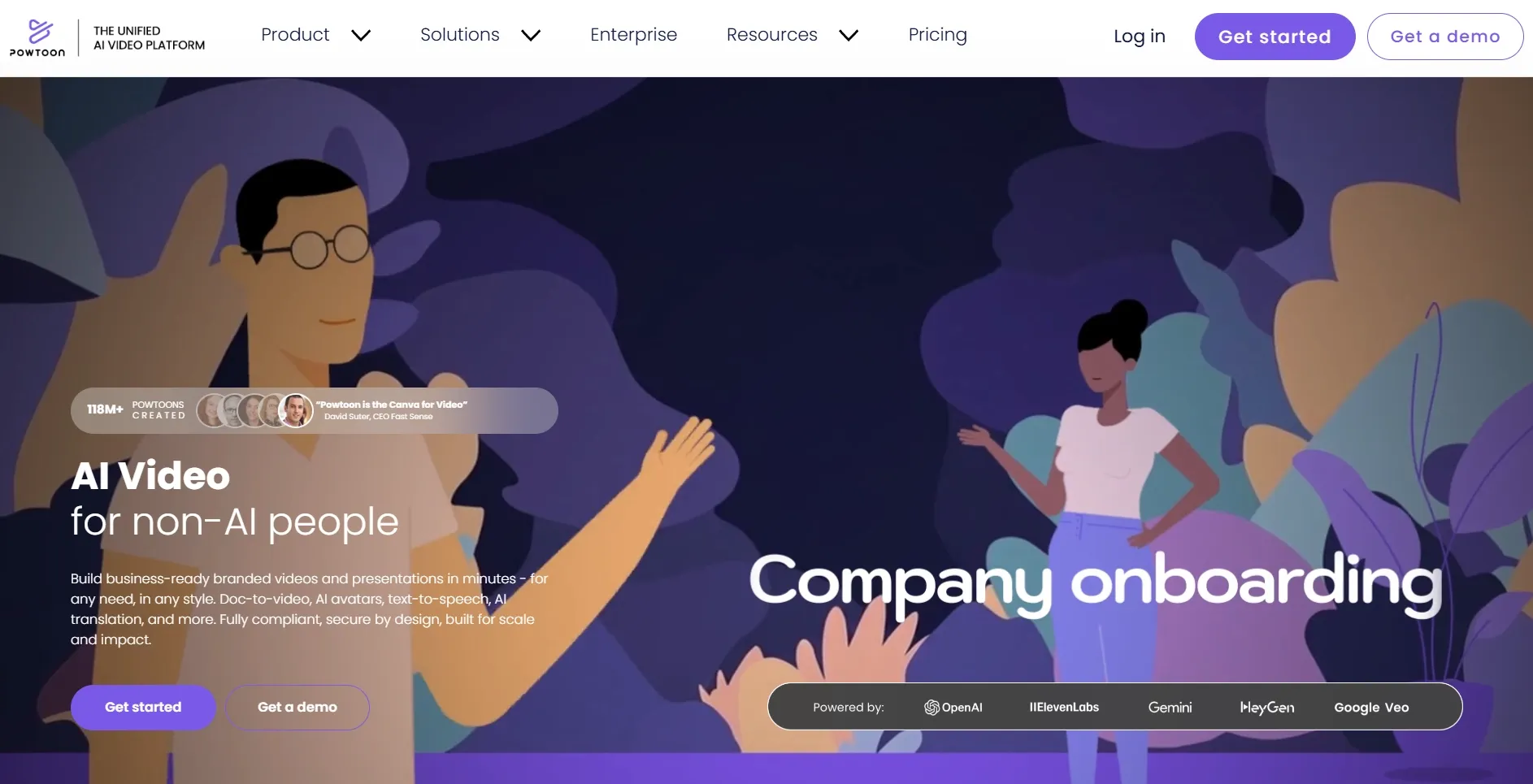
Powtoon is mainly for animated presentations, educational explainers, and simple business videos. It works best when the final result should feel like a polished animated slide deck rather than a realistic AI video.
Therefore, Powtoon is especially useful for teachers, trainers, small teams, and business users who need clear visual communication. It can help turn static ideas into more engaging animated videos with characters, scenes, and presentation-style movement.
Yet, Powtoon can feel dated when the project needs modern AI footage, realistic motion, or model-based creative control. The presentation-style structure can also feel less suitable for fast-moving social ads or high-impact product videos.
Key Features
Animated presentations: Powtoon helps create animated videos from presentation-style ideas.
Explainer templates: Users can build clear videos for education, training, and business.
Character and scene assets: The platform supports simple storytelling videos.
Team and business options: Powtoon can support recurring communication needs.
Best For
Educators that need animated lesson videos.
Trainers that need presentation-style explainers.
Small businesses that need simple animated brand videos.
Teams that want more movement than static slides.
Pros:
- Good for animated presentation videos and simple explainers.
- Easy to understand for slide-based creators.
- Useful templates for education and business communication.
- Works well when clarity matters more than realism.
Cons:
- Advanced AI-generated footage is not its main focus.
- Presentation-style output may feel less modern for some social campaigns.
- Creative control is more template-based than model-based platforms like Pollo AI.
How I Compared These Invideo AI Alternatives
I tested these Invideo AI alternatives around real video tasks such as product demos and YouTube outros, not just basic generation.
I also paid attention to the experience after the first result. A fast draft is helpful, but I cared more about whether I could guide the style, improve the structure, fix rough details, add voice or captions, and move the video closer to a publishable version without starting over.
| Testing Area | What I Checked |
|---|---|
| Output quality | I checked whether the final video looked polished enough for ads, social posts, explainers, training, or business communication. |
| Generation experience | I looked at how easy it was to guide the video without fighting the workflow or restarting too often. |
| Prompt and script handling | I tested whether the tool followed the main idea, scene order, tone, subject, and visual direction. |
| Motion and stability | I watched for awkward movement, flicker, distorted faces, broken hands, shaky objects, or inconsistent characters. |
| Workflow control | I checked whether I could adjust duration, aspect ratio, layout, captions, voice, avatar, templates, or visual style. |
| Post-generation value | I judged whether the tool helped me polish the result after generation instead of leaving me with a rough draft. |
This helped me separate quick draft tools from tools that can support a fuller video workflow. The strongest alternatives were the ones that gave me both usable outputs and enough control to keep improving them.
My Final Take
Pollo AI is my best Invideo AI alternative overall because it gives me more than a fast AI video draft. It serves as a full AI creative suite where I can generate, refine, and complete videos for real marketing, ecommerce, business, and creator workflows.
The biggest reason I would choose Pollo AI is its ability to deliver publish-ready creative work. Pollo Agent offers purpose-built skills for various creative tasks, including story videos, video cloning, scriptwriting, marketing, design, social media, and more. I can start with an idea, brief, image, script, link, or reference, then use the right skill to turn it into polished, ready-to-use content.
Pollo AI also gives me more creative flexibility through leading models such as Seedance 2.5 and MiniMax H3. Instead of being locked into one generation style, I can choose different model directions depending on whether I need stronger motion, better realism, faster testing, or a more cinematic result.
Create your next video with Pollo AI, and turn one idea into content that looks polished, purposeful, and ready to share.