



10 Best DeeVid AI Alternatives I’ve Tested and Found Effective
DeeVid AI is useful for quick AI video generation, but it may not give everyone enough workflow depth, post-generation control, or use-case coverage.
In this article, I compare 10 DeeVid AI alternatives and show which tools fit real video needs better, from cinematic scenes to avatar videos, storytelling, branded templates, and quick creative tests.
TL;DR: What Is the Best DeeVid AI Alternative?
Pollo AI is the best DeeVid AI alternative overall because it gives me stronger workflow flexibility, post-generation tools, and broader use case coverage.
If you care most about cinematic videos, Google Flow AI and SkyReels are stronger picks. Artlist and Kaiber fit creative videos and more artistic outputs, while Vidnoz and Renderforest are better for business needs. For story-driven videos or creative social clips, LTX AI, Magic Hour, and Vadoo AI are easier to match with those use cases.
Why Look for a DeeVid AI Alternative?
DeeVid AI is useful when I only need to turn an idea into a quick first video draft. You can explore its other features through our hands-on DeeVid AI review.
But once I tested it for more serious video work, the output did not always stay close enough to my instructions. In some cases, the AI added details I did not ask for.
I’m not alone. Users on Trustpilot also reported the same problem: changing the intended expression or scene direction, or failing to follow the visual reference from the starting and ending frames. That made the result feel less predictable when accuracy mattered.
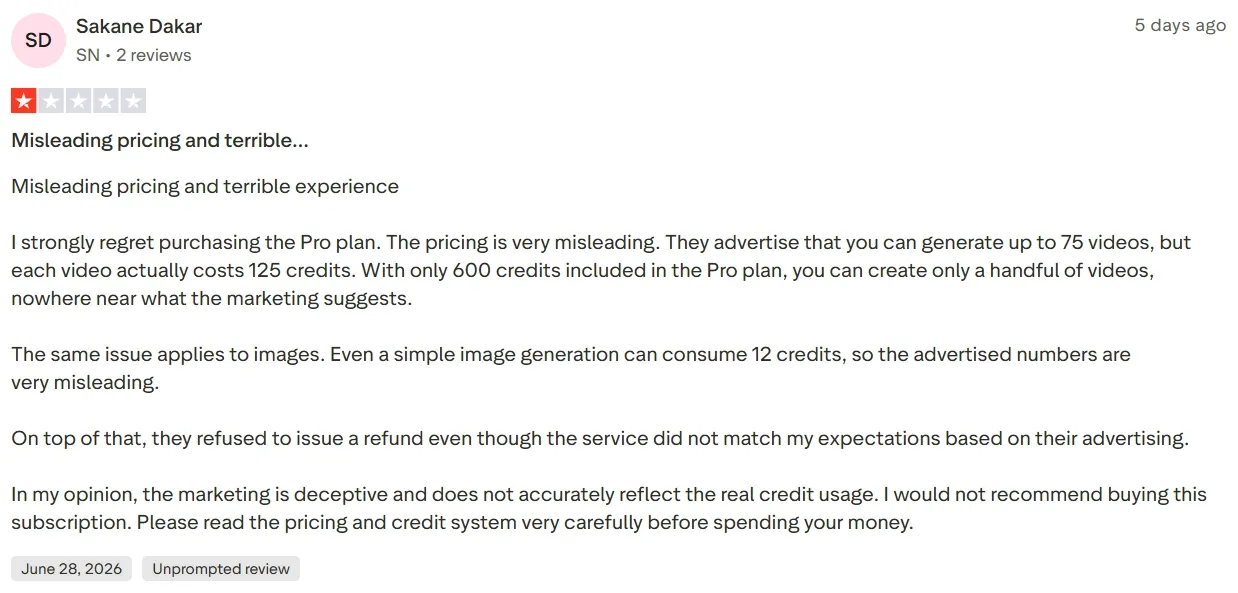
The bigger issue is that these mistakes are hard to fix inside the same workflow. If a generated clip invents unwanted speech, loses the reference image, or changes the intended action, I am not just polishing a near-finished video. I have to spend more time correcting the direction or generating again.
That is why I compared DeeVid AI alternatives based on the full creation experience, not just the first generated clip. I wanted to see which tools gave me more control, clearer direction, and a better path toward a finished video.
Quick Overview of the Best DeeVid AI Alternatives
Alternative | Best For | Pricing |
|---|---|---|
| Pollo AI | Marketers, creators, and sellers that need a complete path from generation to post-ready video. | Pricing starts at $10/month |
| Google Flow | Filmmakers and visual storytellers that need cinematic scene creation. | Pricing starts at $4.99/month |
| Artlist AI | Video creators that need AI clips with production-ready music, SFX, and voice support. | Pricing starts at $19.99/month |
| Vidnoz AI | Business teams that need avatar presenter videos, training clips, and explainers. | Pricing starts at $26.99/month |
| LTX AI | Storytellers and creative teams that need structured narrative video planning. | Pricing starts at $15/month |
| Renderforest | Small businesses and marketers that need branded promo videos and explainers. | Pricing starts at $9/month |
| Magic Hour | Social creators and content teams that need short AI clips, lip sync, and talking-photo videos. | Pricing starts at $10/month |
| Kaiber AI | Musicians and visual artists that need music videos and rhythm-based visuals. | Pricing starts at $10/month |
| SkyReels | Short-film creators that need cinematic human motion and character-focused scenes. | Credits purchase with flexible plans |
| Vadoo AI | Social media creators and content marketers that need short videos from scripts, prompts, or topics. | Pricing starts at $19/month |
Pollo AI: Best DeeVid AI Alternative Overall
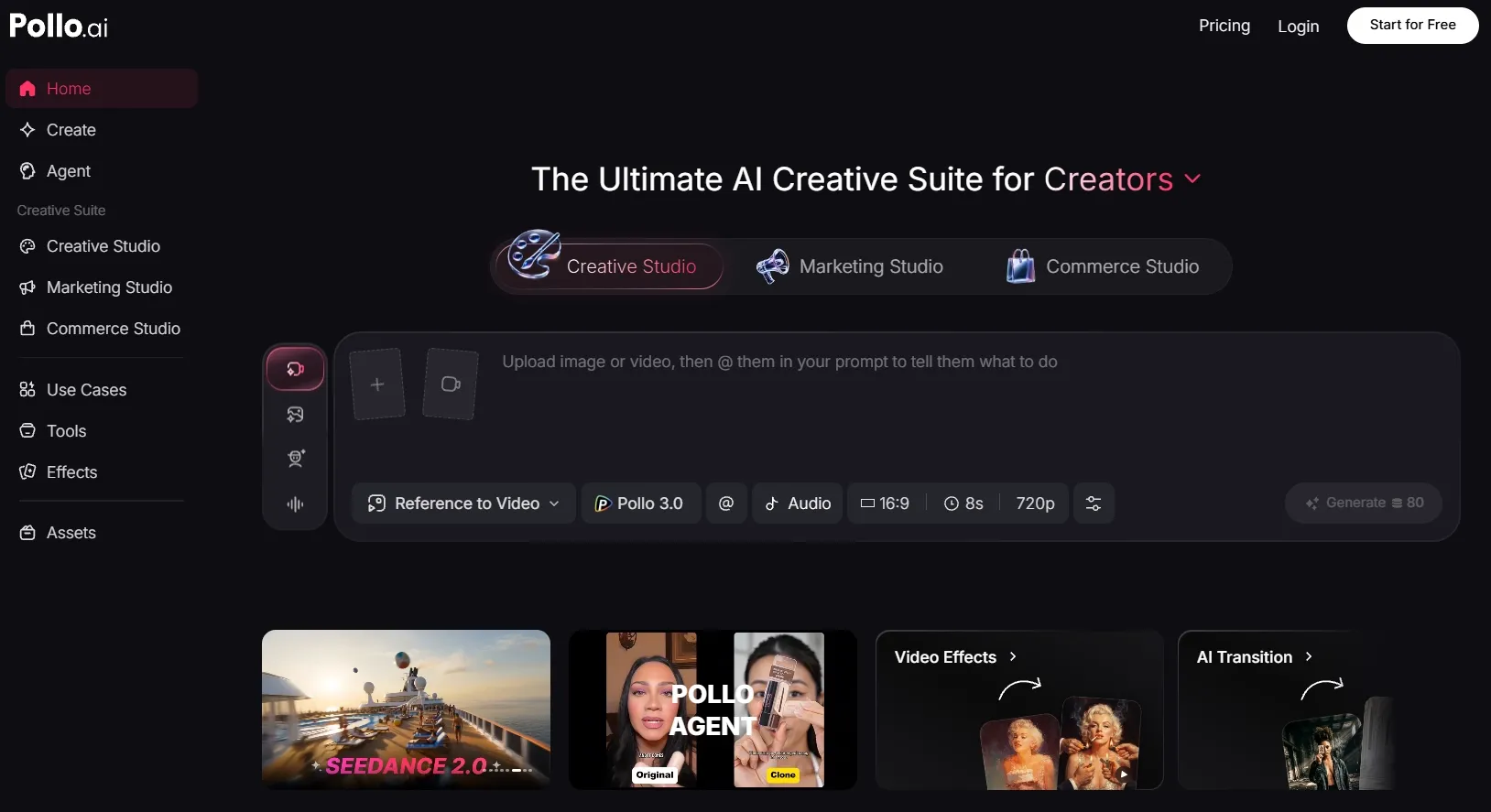
Pollo AI is the best DeeVid AI alternative overall because it gives me more room to control the whole AI video creation process.
It is not just about generating one short clip from one prompt. It gives me more ways to shape the video direction, test different outputs, and continue improving the result after the first generation.
What I liked most was the flexibility. Many AI video tools keep me inside one generation path, but Pollo AI lets me work with different inputs, models such as Happy Horse 1.1 and Seedance 2.5, and creative workflows based on what the project needs.
Pollo AI also gives me a more complete video generation workflow. Instead of leaving me with a raw AI clip, it lets me keep polishing the video with built-in video editor, voiceovers, effects, talking avatars, and specialized workflow apps for real project needs.
I also want to highlight here because it solves a common problem with AI video tools: the first generated clip often still needs structure. With Pollo Agent, I can move from a simple idea to a post-ready, edit-free video with clearer pacing, visuals, and sound.
Key Features
- Flexible generation workflow: Test different creative directions across 70+ leading video models, such as Sora AI and Kling AI, input types, styles, and output needs.
- Specialized Studio: Use Marketing Studio to simplify your ad and e-commerce video generation workflows.
- 100+ workflow apps: Create various types of videos that you really need, like UGC ads, product videos, explainer videos, YouTube outros, story videos, anime videos, and more.
- Built-in video tools: Add AI avatars, voiceovers, effects, enhancement, and editing support after the first generation.
Best For
- Marketers that need story UGC ads, product promos, and campaign-ready videos without a heavy editing workflow.
- E-commerce sellers that need 360° product showcase videos, commercial visuals, and product-led video assets.
- Creators that want to test different AI video directions without switching platforms.
- Content teams that need generation, audio, SFX, avatars, and publishing support in one place.
Pros:
- Strongest overall workflow depth for moving from idea to post-ready video.
- Flexible creative control across different inputs, models, formats, and use cases.
- More than raw generation, with avatar, audio, effects, editing, and workflow apps.
Cons:
- Higher learning curve because the platform includes many tools, models, and workflow options.
- More setup choices than simple one-click AI video generators.
Turn Ideas Into Post-Ready Videos
Use Pollo AI to create videos with better workflow control, flexible generation paths, and a clearer route to publishable output.
Try Pollo AI for Free Now
Google Flow: Best DeeVid AI Alternative for Cinematic AI Filmmaking
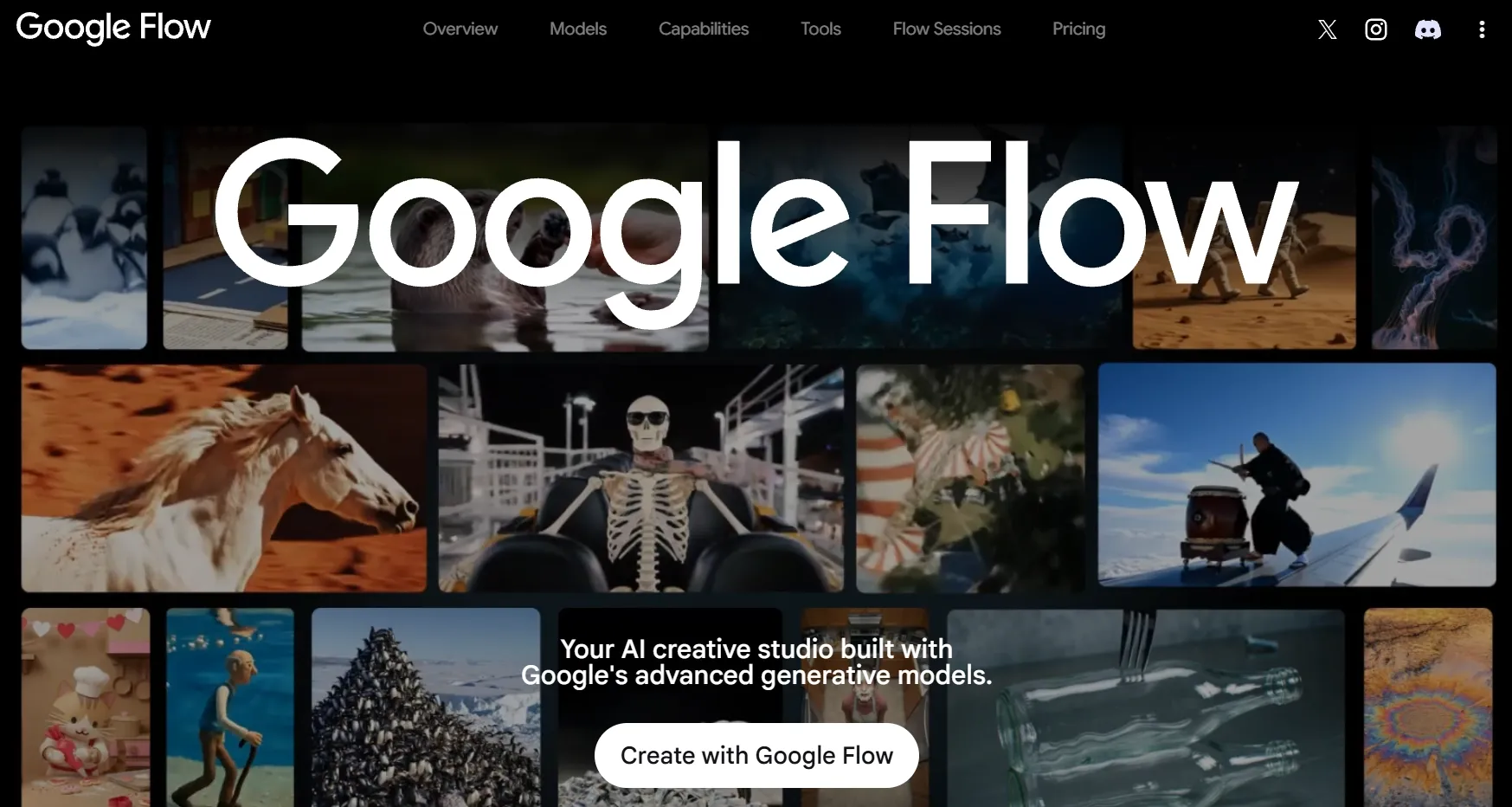
Google Flow fits cinematic scene creation better than general-purpose video production. For me, Google Flow makes the most sense when the goal is to explore film-like scenes, camera direction, atmosphere, and visual storytelling.
It is closely tied to Google’s generative video ecosystem, so it naturally feels more appealing for filmmakers and visual storytellers than for quick business templates.
What stood out was the way it supports scene thinking. Instead of treating the output as only a short AI clip, Flow feels more suitable for testing visual mood, shot ideas, character moments, and cinematic pacing before a bigger creative project.
Where it falls short is commercial workflow depth. If you need e-commerce product videos, UGC ad variations, avatar presenters, or quick marketing assets, Flow may feel less direct and less practical than a platform built around those tasks.
Key Features
- Cinematic video generation: Create film-style clips with stronger visual mood and scene direction.
- Scene exploration: Test camera movement, atmosphere, and story moments before production.
- Image and video generation: Use visual inputs to shape video concepts more clearly.
- Filmmaking focus: Build outputs around shots, scenes, and visual storytelling.
Best For
- Filmmakers need movie trailers to turn early scene ideas into cinematic hooks and test tension, pacing, and visual direction before production.
- Creative directors who need B-roll videos to explore polished visual details, mood shots, and supporting scenes for campaign or film concepts.
- Visual storytellers may prefer story videos for shaping atmosphere, framing, and plot flow into a more coherent narrative clip.
- For indie teams, they can create teaser videos for building proof-of-concept clips that preview the tone, style, and audience appeal of a larger project.
Pros:
- Strong cinematic direction for film-style AI video ideas.
- Good scene exploration value before building a larger project.
- Reliable brand trust for users who prefer Google-backed creative tools.
Cons:
- Less direct for e-commerce product videos and UGC ads.
- Not built around avatar presenter videos or business templates.
- May feel less efficient if you need a full marketing or commerce workflow.
For a deeper breakdown, explore our Google Flow AI review.
Artlist AI: Best DeeVid AI Alternative for Creator-Style AI Videos
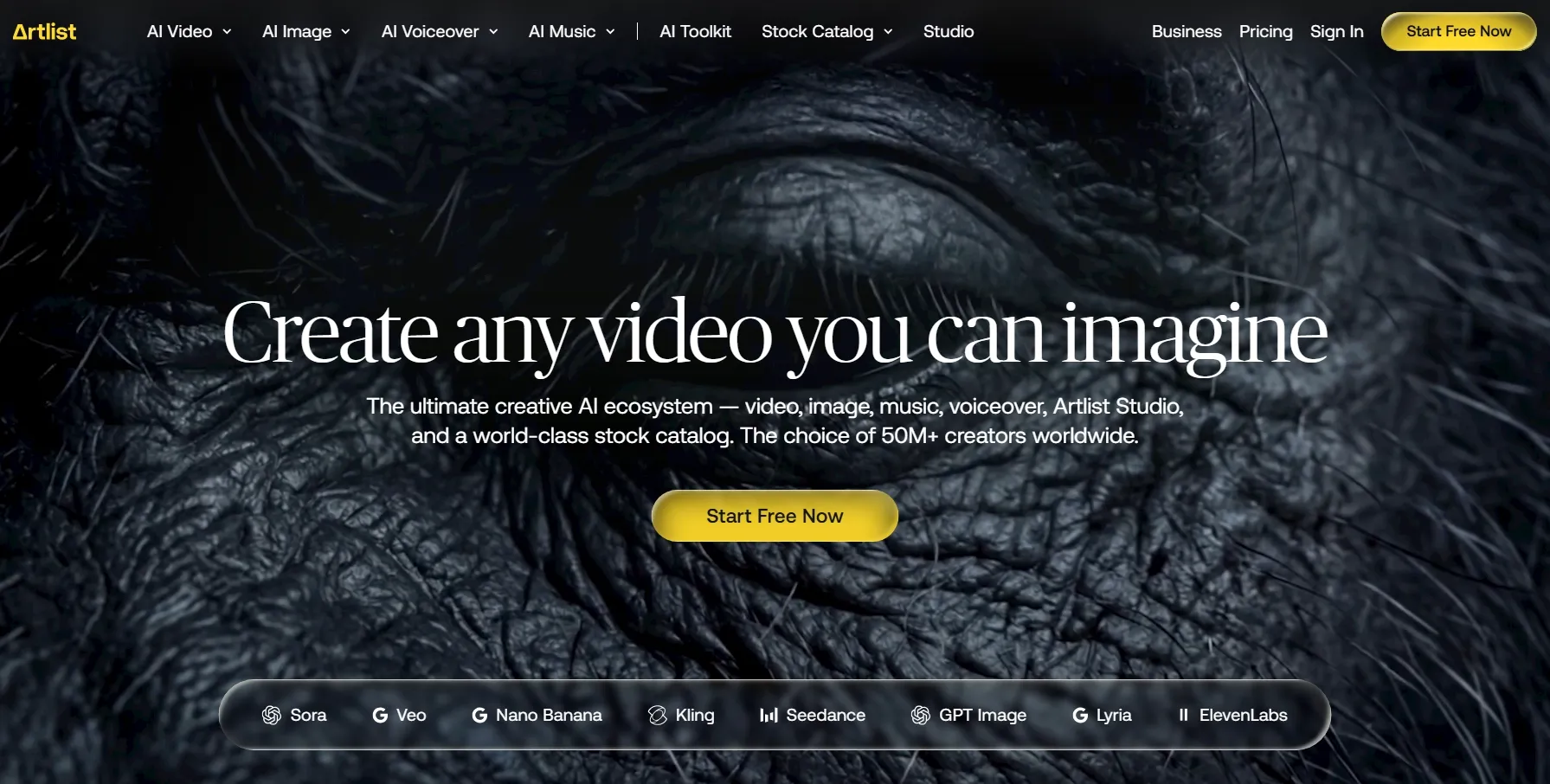
Artlist works best when the AI video is part of a broader creator production process. I see Artlist as a fit for creators who need more than the generated clip itself.
Its value comes from supporting the video with music, sound effects, voiceover, footage, templates, and other production assets that help the final result feel more complete. In practice, that makes Artlist suitable for mood-driven videos, social edits, creator-style brand clips, and commercial videos where audio and production polish matter.
The drawback is that Artlist feels more open-ended than goal-driven. When the video needs a clear commercial structure, I may need to plan more of the flow myself, from what the video should highlight to how each scene should lead the viewer toward the final message.
Key Features
- Video production assets: Support generated videos with music, SFX, footage, and templates.
- AI voiceover support: Add narration or spoken audio to make video outputs more complete.
- Creator-style workflow: Build social videos, mood clips, and branded creator content faster.
- Commercial video support: Use production assets to make generated clips feel more polished.
Best For
- Video creators can generate audio-driven videos like music videos, helping AI visuals feel more rhythmic, expressive, and creator-ready.
- Social content teams can create promotional videos like short video ads, making it easier to test hooks, messages, and campaign ideas.
- Freelancers can produce presentation-friendly videos, helping client projects feel clearer and easier to deliver.
- Brand creators can build brand story videos, turning campaign ideas into more emotional and recognizable brand narratives.
Pros:
- Strong video asset support for improving AI-generated clips.
- Good fit for creator-style videos where sound and mood matter.
- Helpful for commercial content that needs more polish than a raw AI clip.
Cons:
- Less focused on e-commerce product video workflows.
- Not as direct for UGC ad production or product showcase videos.
- Generated results may still need more creative assembly than a dedicated video workflow.
Want a closer look? Read our full Artlist AI review.
Vidnoz AI: Best DeeVid AI Alternative for AI Avatar Videos
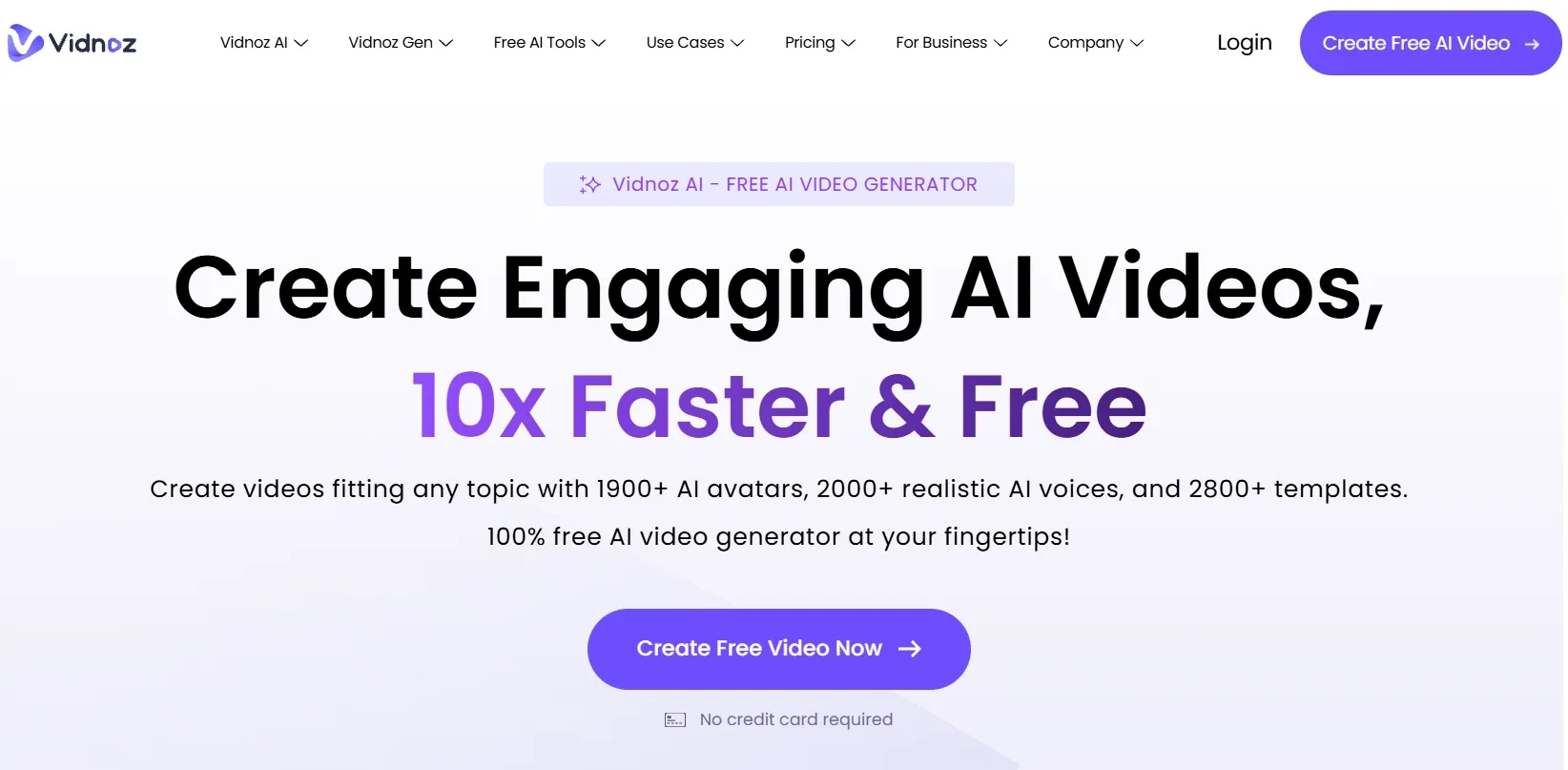
Vidnoz is strongest when the video needs a presenter instead of cinematic motion. I found Vidnoz more relevant for script-led business videos than for open-ended visual generation.
If you need a talking avatar for training, onboarding, sales explainers, or educational clips, its avatar and template setup gives you a clear starting point.
The main value is speed for presenter-style communication. You can move from a script to a speaker-led video without filming, hiring talent, or building every scene manually. That makes it helpful for teams that need repeated business videos.
Its weakness is creative range. Vidnoz can feel too template-driven for cinematic scenes, stylized storytelling, product showcase videos, or highly visual social ads. The results may also look less distinctive when many videos use similar avatar and layout patterns.
Key Features
- AI avatar videos: Create presenter-led videos without filming a real person.
- Script to video generation: Turn written scripts into business explainers or training clips.
- Voiceover support: Match avatar videos with spoken narration for clearer communication.
- Video templates: Build structured business videos with less manual layout work.
- Presenter-style output: Create training, onboarding, sales, and education videos quickly.
Best For
- Training teams that need presenter-led learning videos.
- HR teams that need onboarding or internal communication clips.
- Sales teams that need product explainers.
- Educators that need script-based video lessons.
Pros:
- Clear avatar video workflow for business communication.
- Fast presenter-led production without cameras or actors.
- Helpful template structure for repeatable training and explainer videos.
Cons:
- Less suitable for cinematic AI video generation.
- Template-based outputs can feel similar across projects.
- Not ideal for product showcase videos or visual-first campaign content.
LTX AI: Best DeeVid AI Alternative for Storytelling
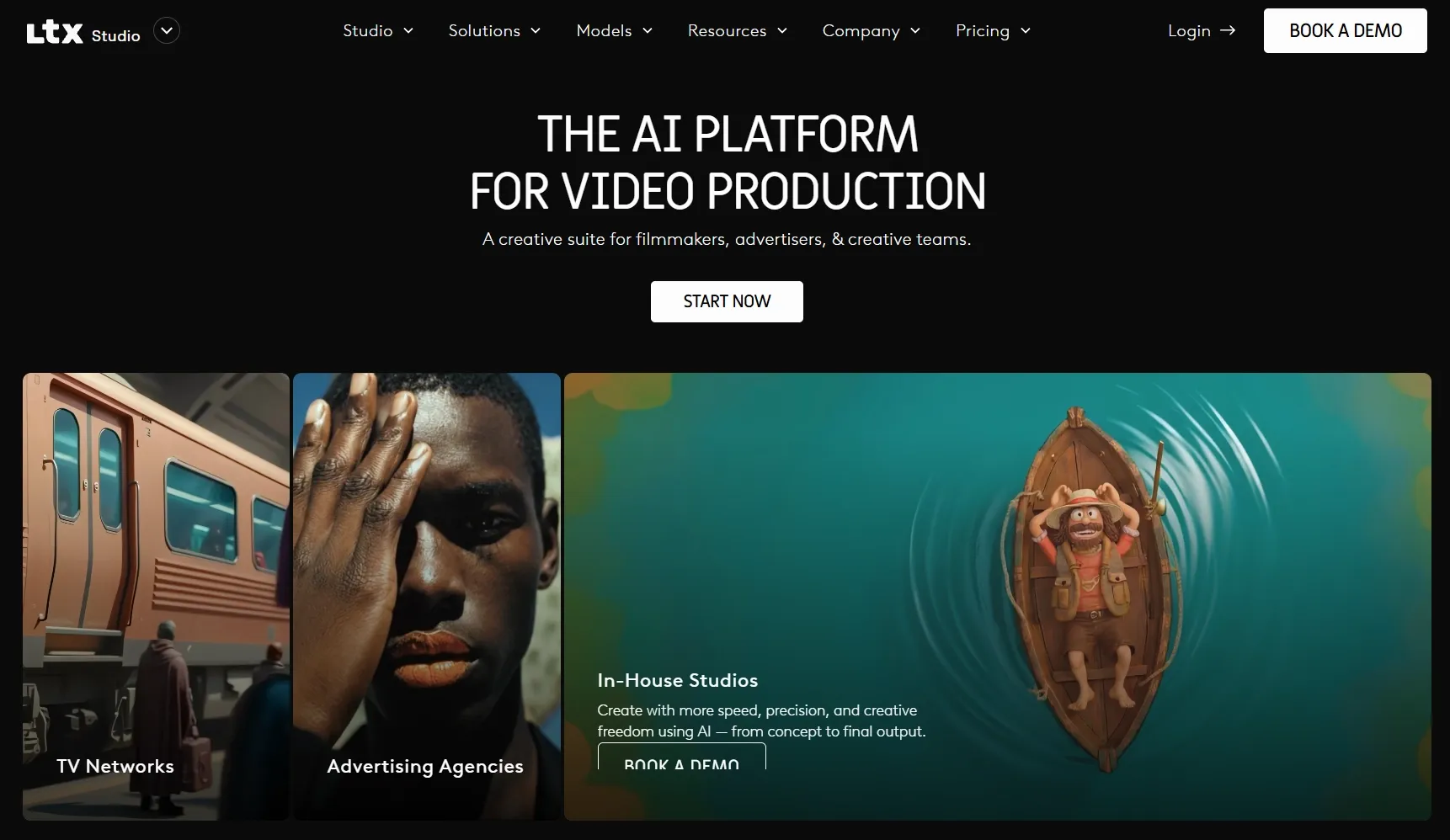
LTX AI fits story-driven video projects that need structure before generation. I like LTX AI most for projects where one prompt is not enough.
If the idea needs scenes, story flow, visual planning, or a more deliberate sequence, LTX gives the process more shape before the final video comes together.
Its strength is the storytelling layer. It is easier to think through scenes, narrative direction, and visual continuity, which makes it useful for short film concepts, story videos, visual pitches, and campaign ideas that need more than a single moving shot.
The downside is speed. LTX can feel heavier than a quick generator when you only need a simple product clip, short ad variation, or casual social video. It may also take more planning before the output feels ready to use.
Key Features
- Storyboard-based video planning: Shape story scenes before generating the final video.
- Text to video generation: Build narrative scenes from written ideas or scripts.
- Image to video generation: Add motion to concept frames, character images, or visual references.
- Scene sequencing: Keep story videos more organized across multiple moments.
- Music video: Build video concepts around rhythm, mood, or performance ideas.
Best For
- Storytellers that need narrative structure and visual continuity.
- Filmmakers that want storyboard support before video generation.
- Agencies that need visual pitches or campaign concepts.
- Creative teams that need scene planning for story videos.
Pros:
- Strong storytelling workflow for structured video ideas.
- Helpful scene planning before generating final visuals.
- Better for narrative concepts than one-shot AI clip tools.
Cons:
- Slower for simple short-form videos.
- Less direct for ecommerce product videos or UGC ad production.
- May require extra planning before the first usable output.
Renderforest: Best DeeVid AI Alternative for Branded Template Videos
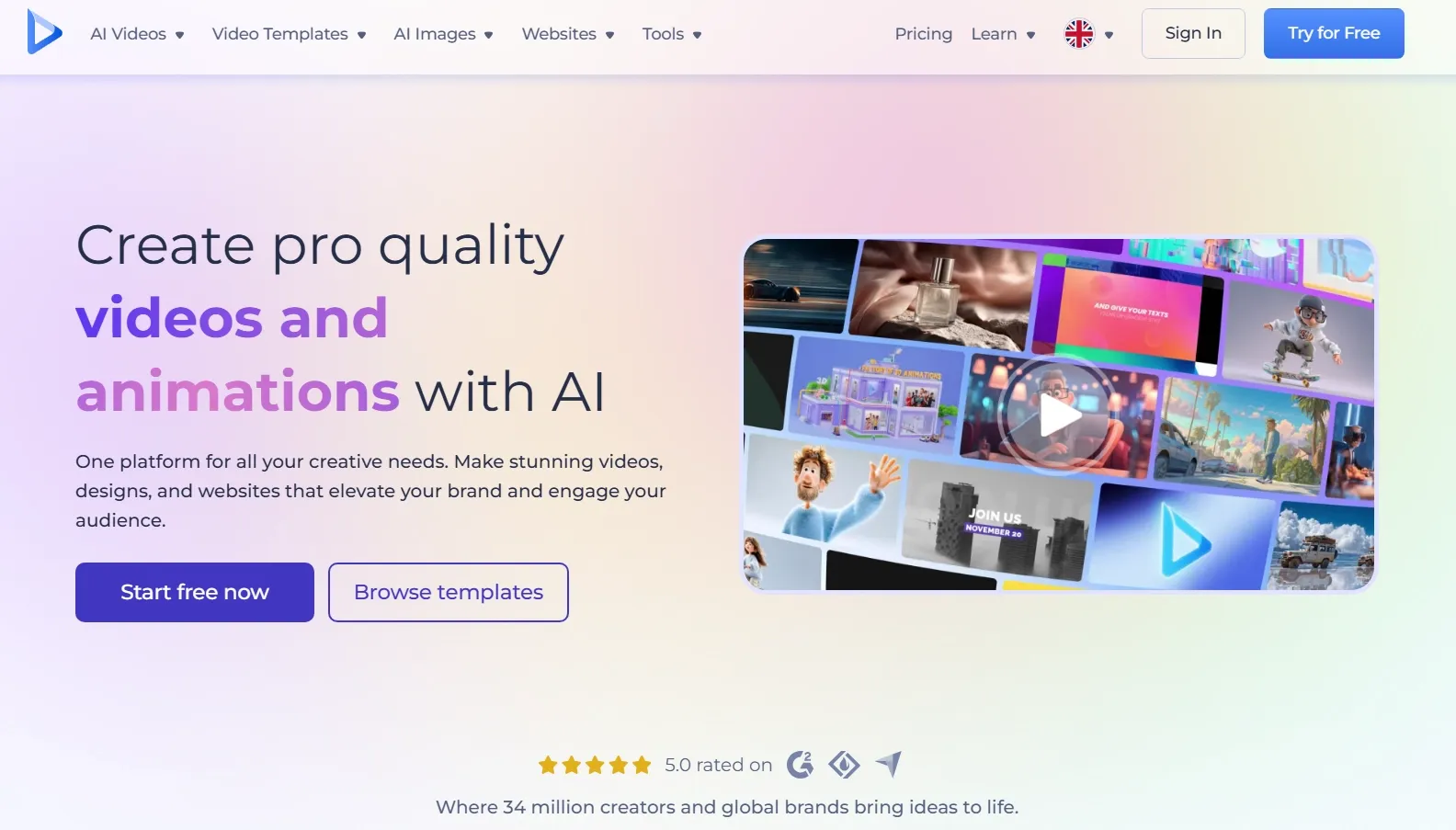
Renderforest makes sense when you need a clean promo, explainer, intro, product teaser, or business video with a ready-made structure. It feels more guided than experimental, which helps if you want a branded result without designing every scene yourself.
Its AI video workflow supports script- or idea-based creation, visual styles, voiceovers, aspect ratios, and image-to-video animation. That makes it practical for small businesses and marketing teams that need a presentable video faster than a fully custom production process.
But its creative ceiling is lower. Renderforest can feel too template-based if you need cinematic control, unusual visual styles, complex motion, or highly original campaign videos. Advanced users may also want more control over individual frames and transitions.
Key Features
- Branded video templates: Create promos, explainers, intros, and product teasers faster.
- Image-to-video animation: Add motion to product shots, portraits, or concept images.
- Voiceover support: Add narration to make business videos easier to follow.
- Aspect ratio options: Prepare videos for different publishing channels.
Best For
- Small businesses that need promo videos and brand stories.
- Marketing teams that need product teasers and sales campaign visuals.
- HR teams that need onboarding or internal update videos.
- Educators that need structured explainer videos.
Pros:
- Strong template support for branded video creation.
- Clear business video structure for promos, explainers, and training clips.
- Beginner-friendly workflow for users without editing experience.
Cons:
- Template-based videos can feel less original.
- Less suitable for cinematic or experimental visuals.
- Advanced users may want deeper frame-level control.
Magic Hour: Best DeeVid AI Alternative for Creative Social Videos
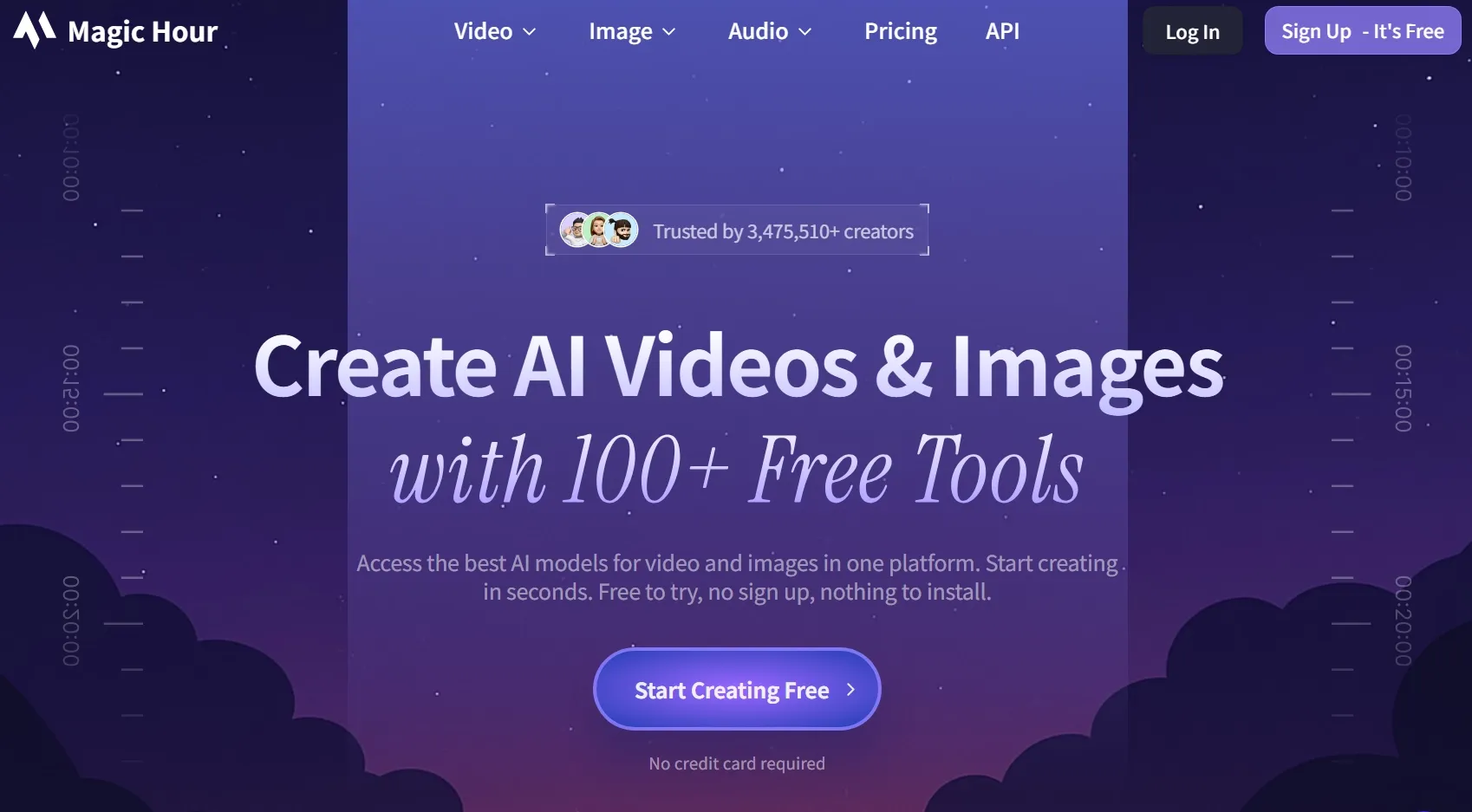
Magic Hour feels more playful than many tools in this list. It gives me several quick ways to create social-style videos, including text to video, image to video,video to video, lip sync, talking photos, and face swap.
That variety helps when the goal is fast experimentation. You can test a talking image, a lip-sync clip, a stylized short, or a simple image animation without committing to a heavy production workflow.
The downside is focus. Because Magic Hour covers many creative tools, the workflow can feel scattered if you need a polished multi-scene campaign, e-commerce product video, or structured brand asset. It is better suited to short creative tests than to complete video production.
Key Features
- Text-to-video generation: Create short clips from scene descriptions.
- Image-to-video animation: Add motion to portraits, product images, or visual concepts.
- Lip sync videos: Make faces speak or sing for short-form content.
- Talking photo videos: Turn static images into talking video clips.
- Face swap videos: Create social-style videos with identity-based visual effects.
Best For
- Social creators that need short AI clips, memes, and talking photo videos.
- Marketing teams that want fast creative tests.
- Content teams that need lip sync or face-based video formats.
- Personal creators that want playful short-form AI videos.
Pros:
- Many short-video workflows for social-style content.
- Good face and lip-sync tools for quick creative clips.
- Fast testing value for lightweight video ideas.
Cons:
- Can feel scattered for structured video production.
- Less suitable for ecommerce product videos or serious ad workflows.
- Not ideal for long-form or multi-scene video projects.
Kaiber AI: Best DeeVid AI Alternative for Music Videos and Visual Art
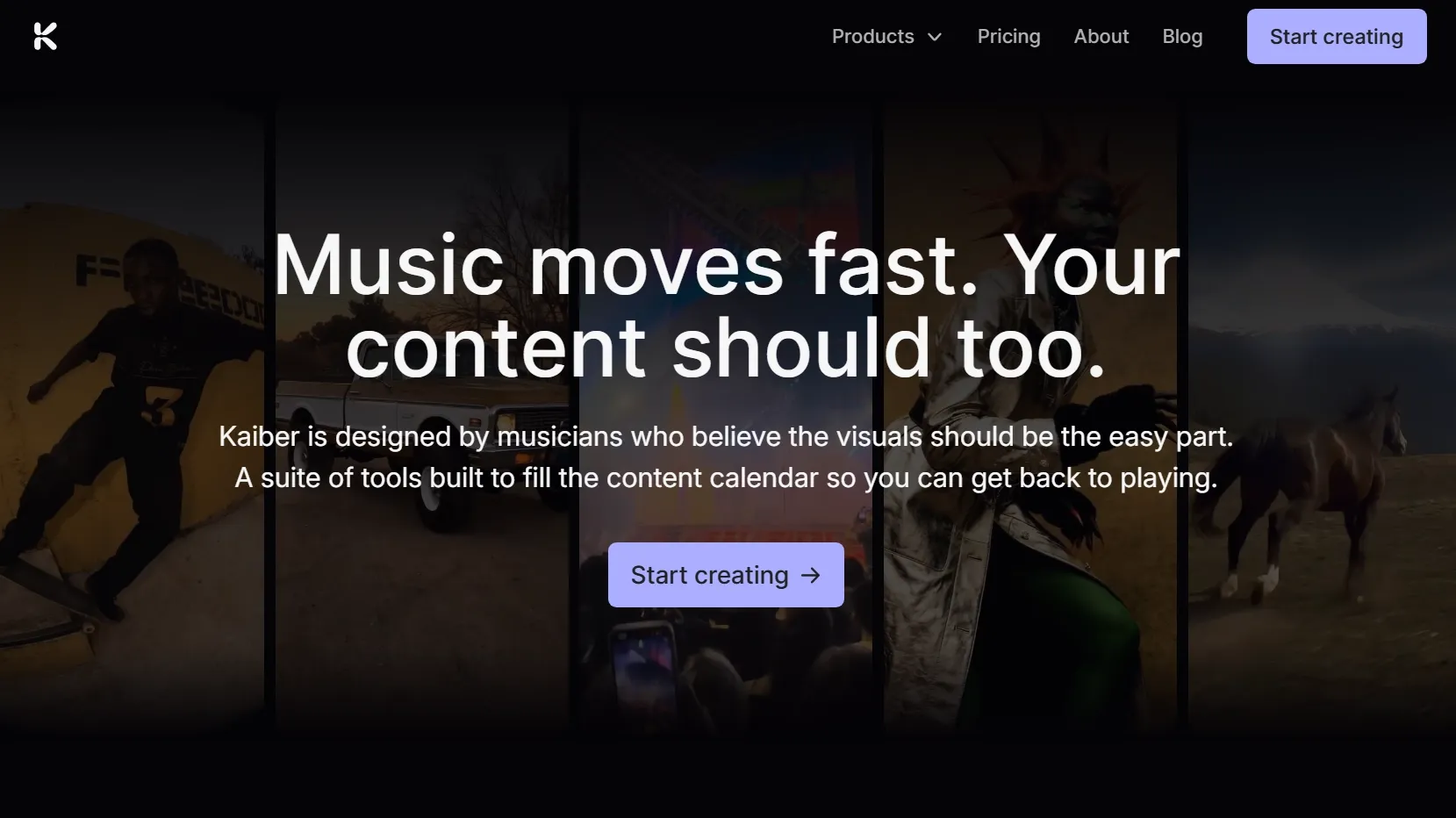
Kaiber has a clearer artistic identity than many general AI video tools. I see it as a strong match for music videos, album visuals, performance clips, abstract motion, and stylized video art.
Its Beat Sync and visual workflow make it easier to build around sound instead of treating audio as something added later. That makes Kaiber especially relevant if the final video needs to feel rhythmic, expressive, or performance-driven.
The narrow focus is the main drawback. Kaiber is less suitable for avatar explainers, e-commerce videos, UGC ads, product demos, or business templates. It also may not be the most efficient choice if you need a direct marketing workflow.
Key Features
- Music video generation: Create visuals built around songs, performances, or audio mood.
- Beat Sync: Match video movement and visual changes to music rhythm.
- Stylized video output: Generate artistic, abstract, or highly visual clips.
- Video editing support: Refine AI-generated visuals after the first output.
- Creator canvas: Build visual ideas in a space designed for music-led projects.
Best For
- Musicians that need music videos, narrative music videos or audio-reactive visuals.
- Visual artists that want experimental AI motion.
- Creators that need stylized loops, album visuals, or performance clips.
- Indie teams that need music-led concept videos.
Pros:
- Strong music-video focus for rhythm-based visuals.
- Good artistic direction for stylized and abstract video projects.
- Useful for performance visuals where audio drives the final output.
Cons:
- Too narrow for many marketing or ecommerce workflows.
- Less helpful for avatar explainers or product-led videos.
- Not the fastest option for standard business video creation.
SkyReels: Best DeeVid AI Alternative for Cinematic Human Motion Videos
SkyReels stands out more as a motion-focused tool. I found it more relevant for short film concepts, human movement tests, character actions, and drama-style scenes.
The value is in testing how people move on screen. If your project depends on body motion, gestures, cinematic action, or character performance, SkyReels gives you a more specific direction than basic text-to-video tools.
The gap is workflow completeness. SkyReels is less practical for branded templates, e-commerce assets, avatar explainers, or campaign-ready ads. It may also need extra refinement before the result feels polished enough for commercial use.
Key Features
- Prompt-to-video generation: Create cinematic clips from written scene ideas.
- Human motion focus: Test body movement, gestures, action, and character performance.
- Cinematic scene creation: Build short film concepts and dramatic visual moments.
- Character-focused output: Generate videos where people and movement drive the scene.
- Story video creation: Explore human-led scenes for social or short-form storytelling.
Best For
- Short-film creators that need cinematic scene tests.
- Character-video creators that care about human motion.
- Social storytellers that need drama-style clips.
- Creative teams that want experimental motion tests.
Pros:
- Strong fit for human-centered motion and cinematic action.
- Helpful for short film concepts and scene exploration.
- Good specialist value when character movement matters most.
Cons:
- Not a full marketing or ecommerce production workflow.
- Less useful for avatar explainers or branded template videos.
- Outputs may need extra cleanup before commercial publishing.
Vadoo AI: Best DeeVid AI Alternative for Short Social Videos
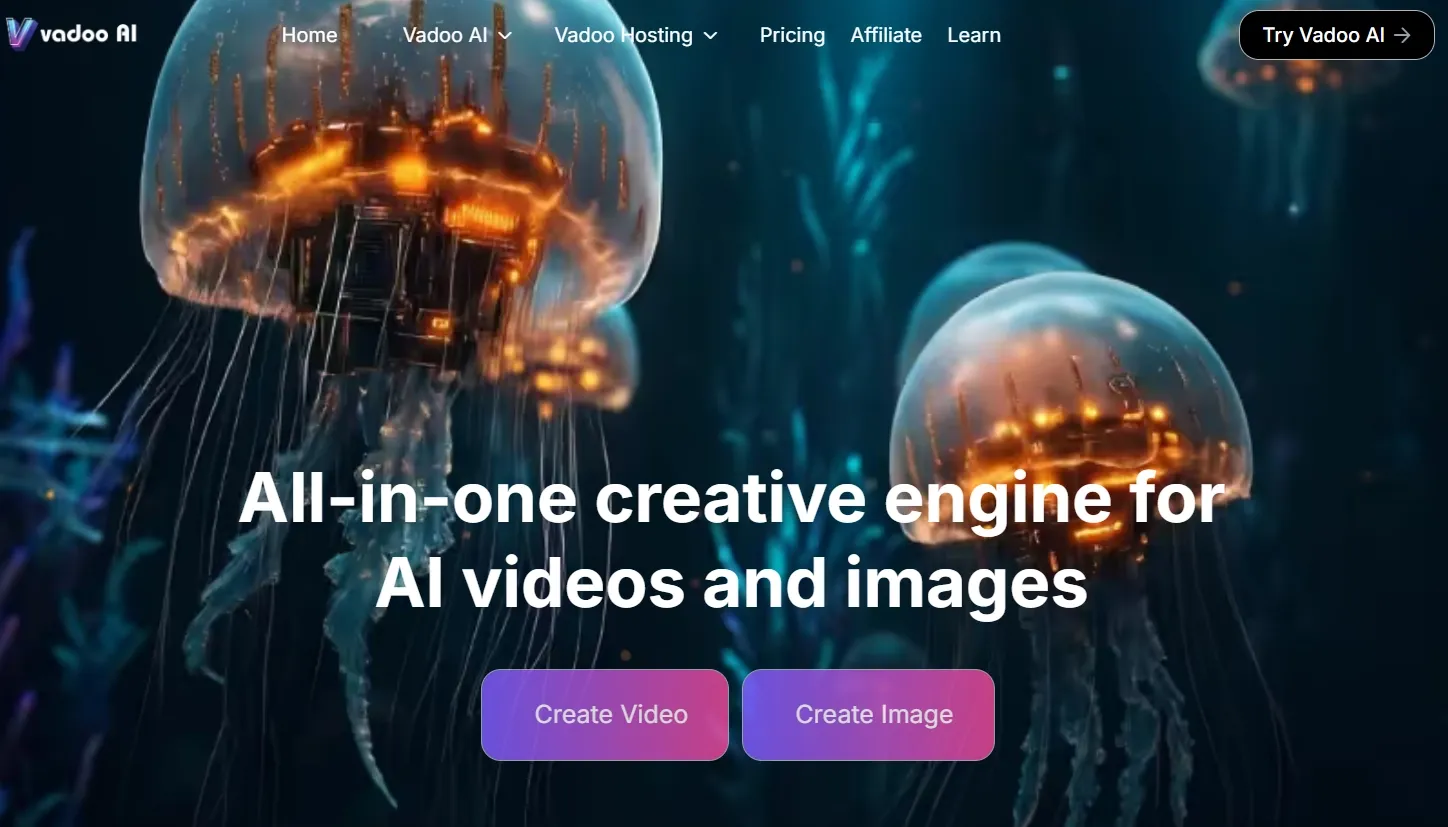
I see Vadoo AI as a better match when the goal is to create quick videos from scripts, prompts, or simple content ideas. It works well for short explainers, faceless-style posts, topic-based videos, and repeatable social content that does not need heavy cinematic control.
Its workflow feels more content-led than scene-led. If I already know the message I want to deliver, Vadoo AI can help turn that idea into a short video format without making me build every visual detail from scratch.
The drawback is that Vadoo AI gives me less control once the video needs to look more carefully directed. If I want a specific visual style, smoother motion, clearer product detail, or a more polished scene flow, the workflow can start to feel too simple. I may need extra editing or another tool to make the result feel ready for a more serious campaign.
Key Features
- Script-to-video generation: Turn written ideas into short social videos more quickly.
- Prompt-based video generation: Create videos from simple text directions or topic ideas.
- Short social video creation: Build quick videos for repeatable posting and social content testing.
- Faceless video support: Create content-led videos without filming yourself or using a presenter.
- AI-assisted content workflow: Move from idea to video format with less manual production work.
Best For
- Social media creators that need short videos from scripts, prompts, or topics.
- Creators can make faceless videos when they want content-led videos without filming.
- Content marketers that need lightweight explainers or simple social posts.
- Beginners that want a simpler way to create short videos.
Pros:
- Good for short social videos built around scripts or topic ideas.
- Useful for repeatable posting when speed matters more than cinematic control.
- Simple content-led workflow for quick social video creation.
Cons:
- Less suitable for cinematic or highly stylized AI videos.
- Not ideal for detailed ecommerce product presentation.
- May not offer enough control for complex scene direction or premium campaign assets.
How Did I Test These DeeVid AI Alternatives?
I focused on whether each tool could make an AI video feel useful after the first generation. The goal was not just to see if it could create motion, but whether the result had enough control, stability, and polish to keep developing.
Here are the main factors I looked at:
- Prompt understanding: I checked whether each tool followed the subject, action, scene, mood, style, and camera direction.
- Motion quality: I looked at whether the movement felt smooth, natural, and intentional, rather than shaky or random.
- Scene stability: I watched for flicker, warping, unstable objects, distorted faces, broken hands, or identity drift.
- Visual quality: I compared sharpness, lighting, composition, realism, and how polished the final clip looked.
- Control options: I checked whether I could guide duration, aspect ratio, style, camera movement, or output direction.
- Workflow value: I looked at what happened after generation, including editing, resizing, voiceovers, audio, effects, exports, and model switching.
- Use-case fit: I judged whether each tool worked better for ads, product videos, avatar clips, storytelling, cinematic scenes, explainers, or quick creative tests.
Turn Ideas Into Finished Videos Now
Use Pollo AI to generate, refine, and complete AI videos with more control, clearer structure, and richer creative tools.
Try Pollo AI for FreeMy Final Verdict
Pollo AI is the best DeeVid AI alternative overall because it gives the strongest balance of flexibility, output control, and workflow depth.
The flexibility matters because I am not locked into one narrow way to create videos. I can start from different inputs, test different visual directions with multiple AI models like Veo AI and Seedance AI, or choose the workflow that fits the final goal.
The output control is also stronger. Instead of accepting the first generated result as the final version, I can keep shaping the video through better visuals, sound, effects, avatars, and refinement tools. This helps the result feel closer to the video I actually want to publish.
The workflow depth is where Pollo AI feels most different from DeeVid AI. Its specialized Stuidos give me clearer paths for different production needs, while Pollo Agent helps turn a simple idea into a more structured, post-ready video with clearer pacing, visuals, and sound.
For anyone who wants a DeeVid AI alternative that goes beyond quick clip generation, Pollo AI is the best option I tested. It gives me more freedom to create, more control to refine, and a stronger workflow for turning an idea into a publishable video.