



10 Best Dreamina Alternatives for Better AI Video Workflows
Dreamina is useful if you want AI video generation with text to video, image to video, clip editing, reverse storyboarding, and 4K upscaling. I liked how quickly it can turn a visual idea into motion, but it started to feel less convincing once I looked at the whole production process.
So I tested 20 Dreamina alternatives and narrowed the list down to the 10 best that can actually work as replacements. I looked for options that felt more practical when a video needed structure, follow-up editing, model flexibility, or a clearer path from the first generated clip to a finished result.
TL;DR
Pollo AI is the best Dreamina alternative overall in my testing. It brings together leading AI video models, flexible generation, Pollo Agent, Marketing Studio, and editing, so it feels stronger and more comprehensive for moving from an idea to a finished video.
The other tools are useful, but narrower. Vadoo AI is better for model testing, VEED and Kapwing lean toward editing, Invideo and VideoGen fit structured production, and the rest are better for business videos, repurposing, templates, or simple story content.
Why Look for a Dreamina Alternative?
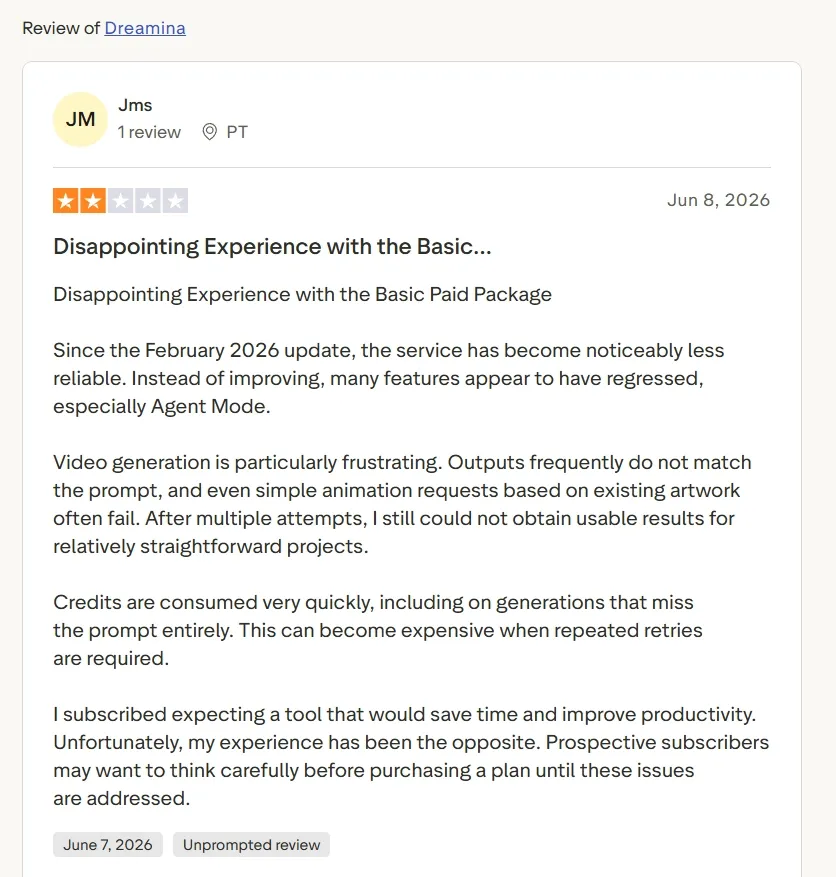
Dreamina can be useful for quick visual experiments, but I kept running into the same problem users often mention: the output does not always follow the prompt closely enough. Even simple animation ideas based on existing artwork can take several tries before they look usable.
That becomes frustrating when the project is not just for testing. If you need a product video, UGC ad, explainer, or social clip, repeated failed generations quickly slow the whole workflow down.
This is why I looked for alternatives that gave me more control after the first attempt. The strongest options were the ones that made it easier to adjust the result, switch models, edit the video, or move toward a finished output instead of starting over again and again.
10 Best Dreamina Alternatives at a Glance
| Rank | Alternative | Best For | Key Strength |
| 1 | Pollo AI | Best Dreamina alternative overall | Leading models, Pollo Agent, Marketing Studio, and AI editing |
| 2 | Vadoo AI | Multi-model access | Broad model access for testing different video styles |
| 3 | VEED | Generation plus editing | AI video creation connected to a practical online editor |
| 4 | Kapwing | Social video teams | Fast social edits, resizing, captions, and collaboration |
| 5 | Invideo AI | Agent-led projects | Script, storyboard, model selection, and timeline workflow |
| 6 | VideoGen | Repeatable video production | Scripting, media sourcing, voiceovers, and browser editing |
| 7 | Visla | Business videos | Team-friendly video creation, recording, and collaboration |
| 8 | Pictory | Content repurposing | Turns written content into structured videos |
| 9 | FlexClip | Simple template videos | Easy templates, stock assets, and light AI tools |
| 10 | Steve AI | Story and animation videos | Guided script to video and animation-style workflows |
#1 Pollo AI: Best Dreamina Alternative Overall
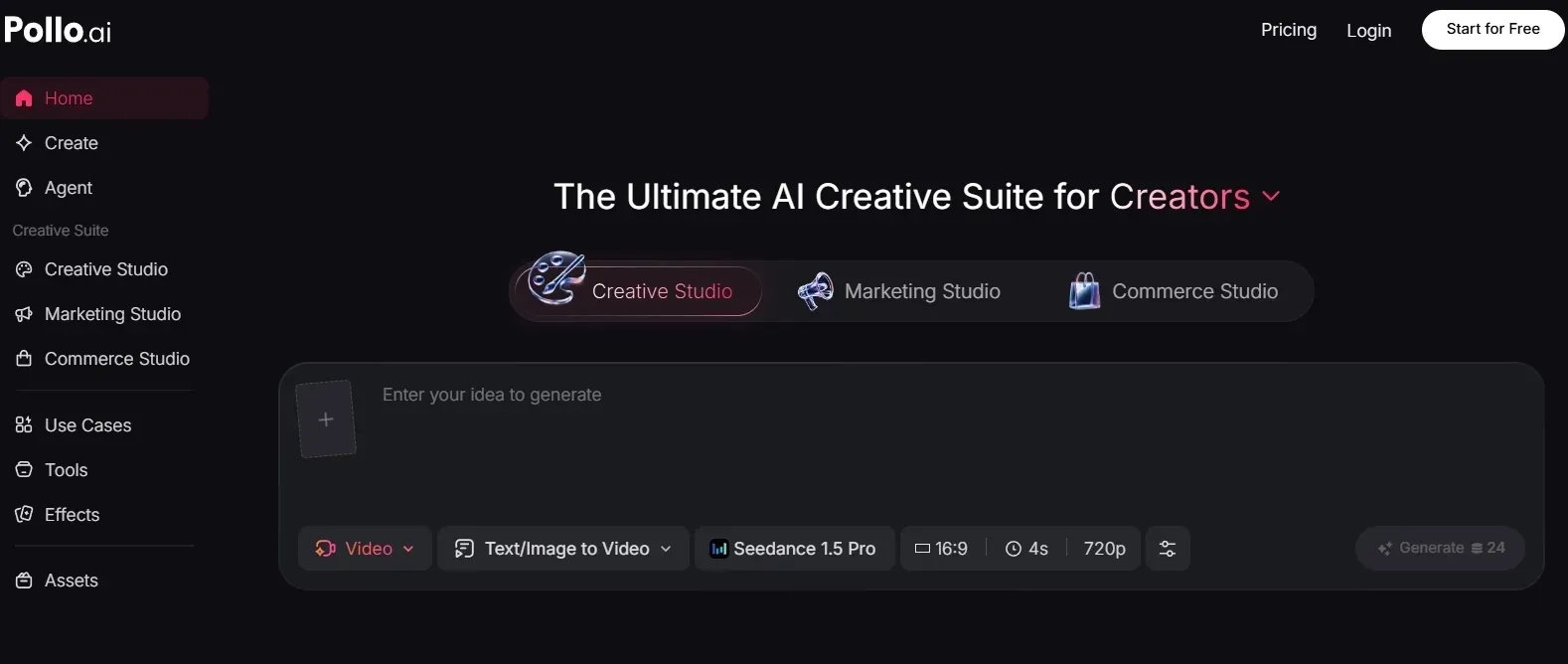
Pollo AI is the strongest Dreamina alternative for AI video generation because it gives me more ways to start and more ways to finish.
I did not feel locked into one generation path when I tested Pollo AI. I could begin from a prompt, an image, a reference, or an existing clip, then keep refining inside the same platform.
For core video creation, Pollo AI covers text to video, image to video, and reference to video. That made the workflow feel more flexible than Dreamina when I wanted to test different starting points instead of repeatedly rewriting one prompt.
The leading model access is another reason Pollo AI stood out. It brings models such as Seedance 2.0 and Kling 3.0 into one workspace. In practice, that matters because one video may need smoother motion, while another may need better scene control or a more polished cinematic finish.
Polished Video Creation Starts Here
Join 10M+ creators using Pollo AI to generate full video content with every top model.
Start Creating Videos with Pollo AI
Pollo Agent should sit at the center of the workflow. Pollo Agent helps turn an idea, image, or URL into a more structured, post-ready video. This was the part that made Pollo AI feel less fragmented than Dreamina, because I was not only generating a clip and then wondering how to shape it into something usable.
After that, Marketing Studio becomes the natural commercial layer. It gives marketers and sellers a more direct route for UGC video ads, product videos, and campaign clips. The point is not just that Pollo AI has many tools; it is that the tools connect to real marketing outputs.
I also liked that Pollo AI has a clear editing path after generation. If a clip needed cleanup, captions, refinements, or a second version, its AI video editor kept the process inside the same platform. That made the final workflow feel more complete than Dreamina’s clip-first experience.
Pros:
- Stronger full-workflow structure than Dreamina.
- Access to more industry-leading models in one platform.
- Pollo Agent helps move from idea to post-ready video with less manual editing.
- Marketing Studio gives ad and product-video workflows a clearer production path.
Cons:
- The platform has enough depth that new users may need time to find the right workflow.
- Users who only want one quick experimental clip may not need the full setup.
Pollo AI is the best Dreamina alternative overall. It gave me a surprise generation path from idea to finished content, especially when the video needed to be useful for a creator, marketer, seller, or brand.
#2 Vadoo AI: Best Dreamina Alternative for Multi-Model Access
Vadoo AI is the closest non-Pollo pick if your main frustration with Dreamina is limited model choice. I liked that it feels more like a model access platform than a single-model generator.
Its strongest use case is experimentation. If you are comparing motion styles, cinematic looks, or short visual ideas, Vadoo AI gives you more room to test. That can be helpful for creators planning movie-style clips or quick social visuals before committing to one direction.
It also fits image-led workflows fairly well. If you already have a product shot, character frame, or concept image, the broader need is to turn still assets into motion for things like photo-based video ads. Vadoo AI can be useful in that early testing stage.
Where it gets weaker is the production structure. Because Vadoo AI is centered on model access, the user still has to decide which model fits the task, write a strong prompt, compare inconsistent outputs, and then figure out the editing path separately.
That is fine for exploration, but it becomes slow when a team needs a finished product video, ad variation, or multi-scene social post.
Pros:
- Useful for trying multiple video models.
- Good fit for creators who like testing different generation styles.
Cons:
- Too much of the workflow depends on the user choosing and prompting the right model.
- It lacks a strong built-in path from raw generation to finished commercial video.
- The output is sometimes inconsistent for the same character or scene-setting.
Vadoo AI is a useful Dreamina alternative for model exploration. I would not choose it first for production work because it still leaves too much planning and finishing work for the user.
#3 VEED: Best Dreamina Alternative for Editing After Generation
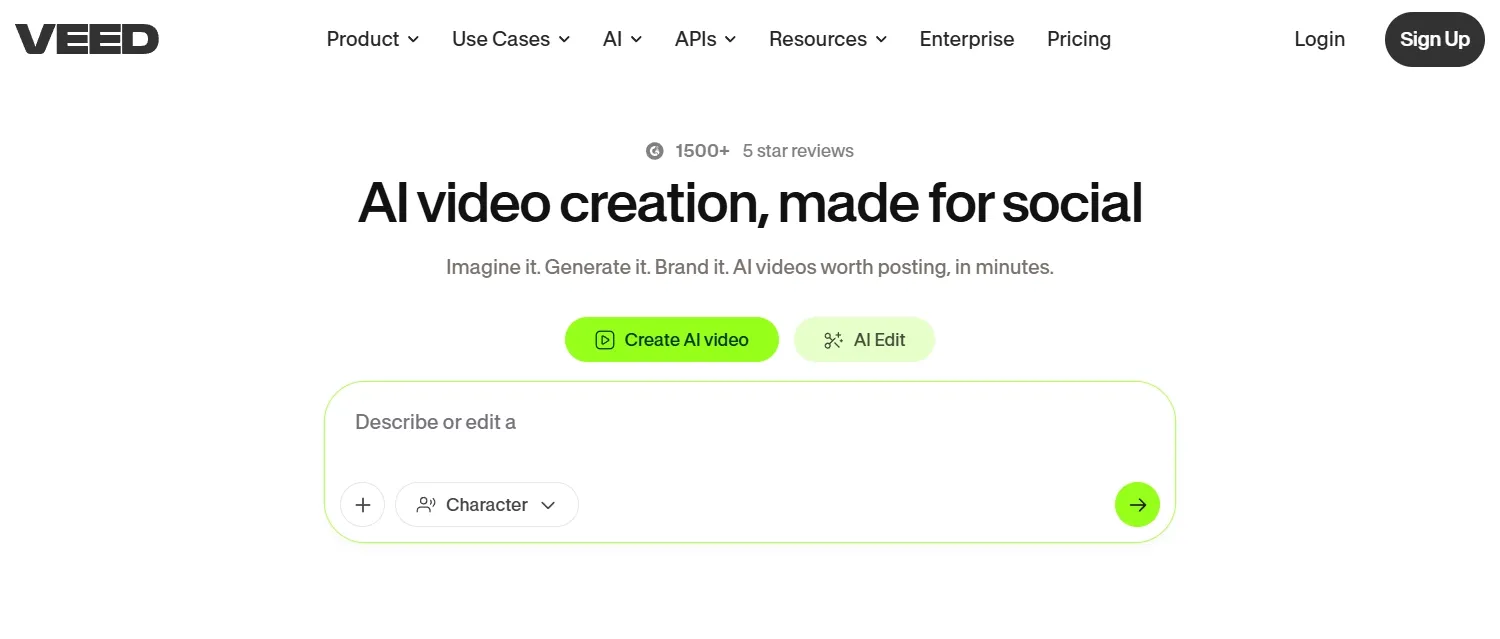
VEED worked when I treated it as an editor with AI features, not as a pure AI video generator. That is a useful position, especially if Dreamina gives you a clip, but you still need to make it publishable.
Its strengths show up in practical content. If you are making product explainers or social clips, VEED’s captioning, subtitle, voice, layout, and export tools are genuinely helpful. For creators making clear explainer videos, that editing layer can save time.
It also makes sense for short marketing ads that need polish after the first draft. A team working on AI ad drafts may appreciate how quickly VEED can reshape a clip for social formats.
The limitation is that VEED’s creation and editing strengths are uneven.
Its editor is useful, but if the generated video misses the core scene, product framing, or motion quality, the editor cannot fully fix that. You can add captions and polish the layout, but you may still be repairing a weak source clip instead of building from a stronger AI video workflow.
Pros:
- Strong practical editor around AI-generated videos.
- Good for captions, subtitles, brand assets, and final formatting.
Cons:
- The AI generation layer is not as strong as the editing layer.
- It often pushes users into manual cleanup when the first generated clip is not good enough.
VEED is a good Dreamina alternative if editing is the main pain. I would not rank it higher because it does not feel as strong at the creation stage.
Read this Veed review to learn more about the personal experience of Veed AI video generation.
#4 Kapwing: Best Dreamina Alternative for Social Video Teams
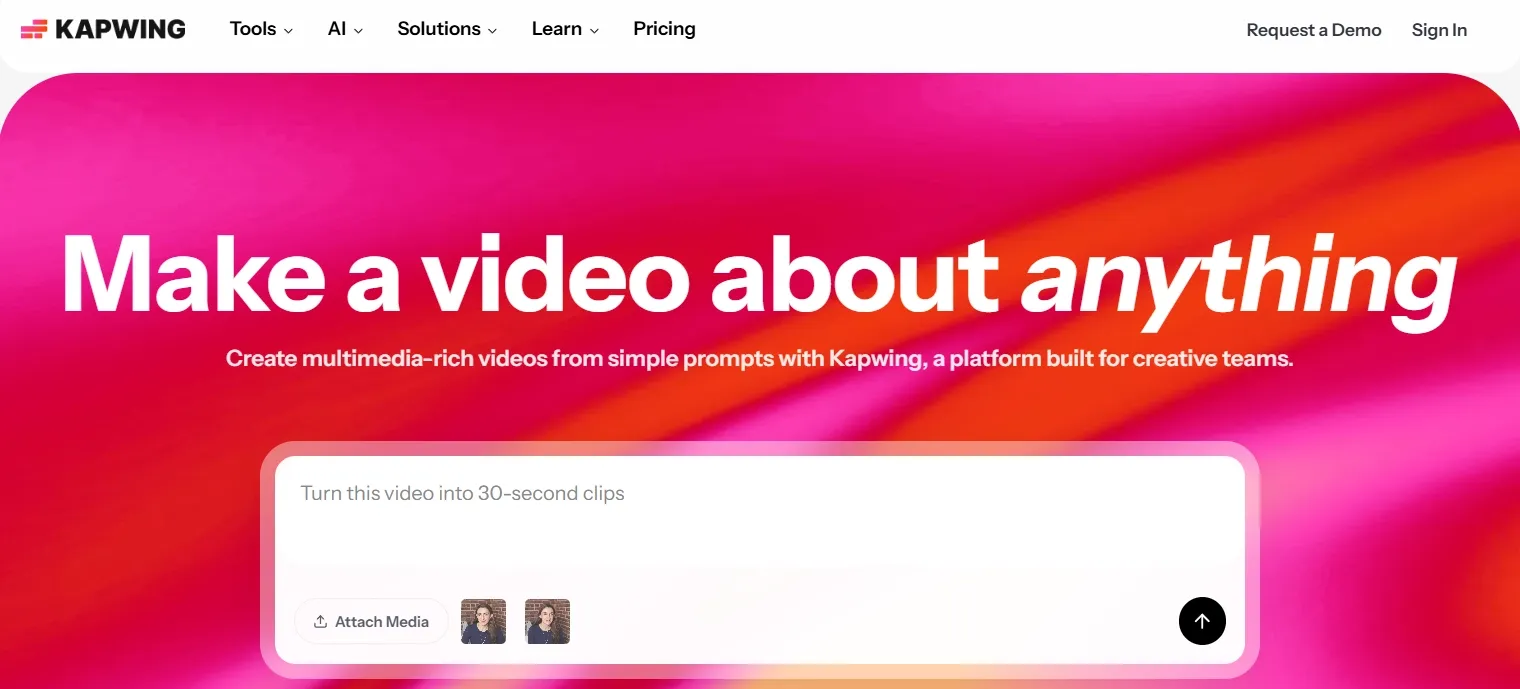
Kapwing felt useful when I thought about team-based social production. It is not the most exciting AI video generator, but it is practical for people who publish often and need fast edits.
The strengths are clear in platform-specific work. If a marketing team is making TikTok-ready ad videos, Kapwing’s resizing, captions, quick cuts, and collaboration tools can help turn rough content into something usable.
It also fits creator workflows where the same idea needs multiple short versions. For YouTube Shorts variations, the ability to quickly edit and reformat matters as much as the first generation.
The weakness is that Kapwing starts to show its advantage after the content already exists.
Its AI generation layer does not give enough control over motion, scene continuity, or character consistency, so it cannot reliably fix a weakly generated clip at the source. In practice, that means users may spend time cropping, captioning, and reformatting content that still does not have strong enough visuals.
Pros:
- Helpful for social formatting and team editing.
- Good for captions, resizing, and fast online collaboration.
Cons:
- AI generation is not deep enough for more controlled video creation.
- It works better as a social editor than as a complete AI video production platform.
Kapwing is a useful Dreamina alternative for social teams. I would use it for editing and formatting, not for the strongest AI generation workflow.
#5 Invideo AI: Best Dreamina Alternative for Agent-Led Video Projects
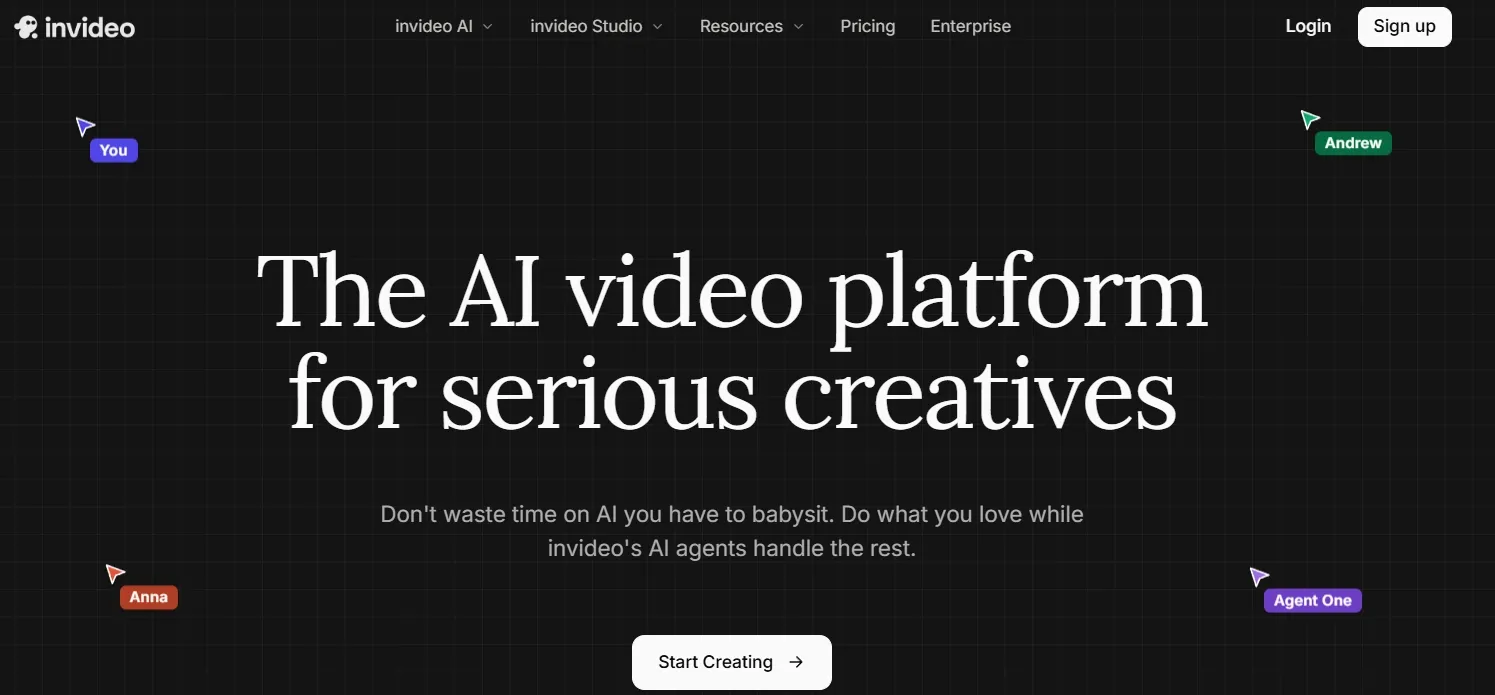
Invideo AI felt more structured than Dreamina. I liked it most when the project needed a script, scenes, and a longer creative path instead of one quick AI clip.
Its agent-led workflow can be useful for larger projects. If you are turning a script into UGC-style ad content like an unboxing video ad, the planning layer makes sense because the message and structure matter. It can also help when a marketer is turning a page or brief into URL to video ads.
The good part is that Invideo AI does not leave users with a blank prompt box. It gives more direction than Dreamina for story, structure, and editing.
The downside is that the workflow can become too heavy for short production tasks.
Because it is built around agents, project context, scripts, and editing decisions, users may spend more time setting up the project than actually getting a usable short ad or product clip. That makes it less efficient when the brief is simple and speed matters.
Pros:
- Stronger planning layer than many AI video tools.
- Useful for scripts, storyboards, and longer projects.
Cons:
- Too much setup for quick, format-specific video tasks.
- The agent workflow can slow down simple ads, product clips, or short social videos.
Invideo AI is a good Dreamina alternative for bigger video projects. I would not pick it first for fast marketing videos because the workflow can feel too heavy.
Read this Invideo AI review article to check out Invideo AI’s features.
#6 VideoGen: Best Dreamina Alternative for Repeatable Video Production
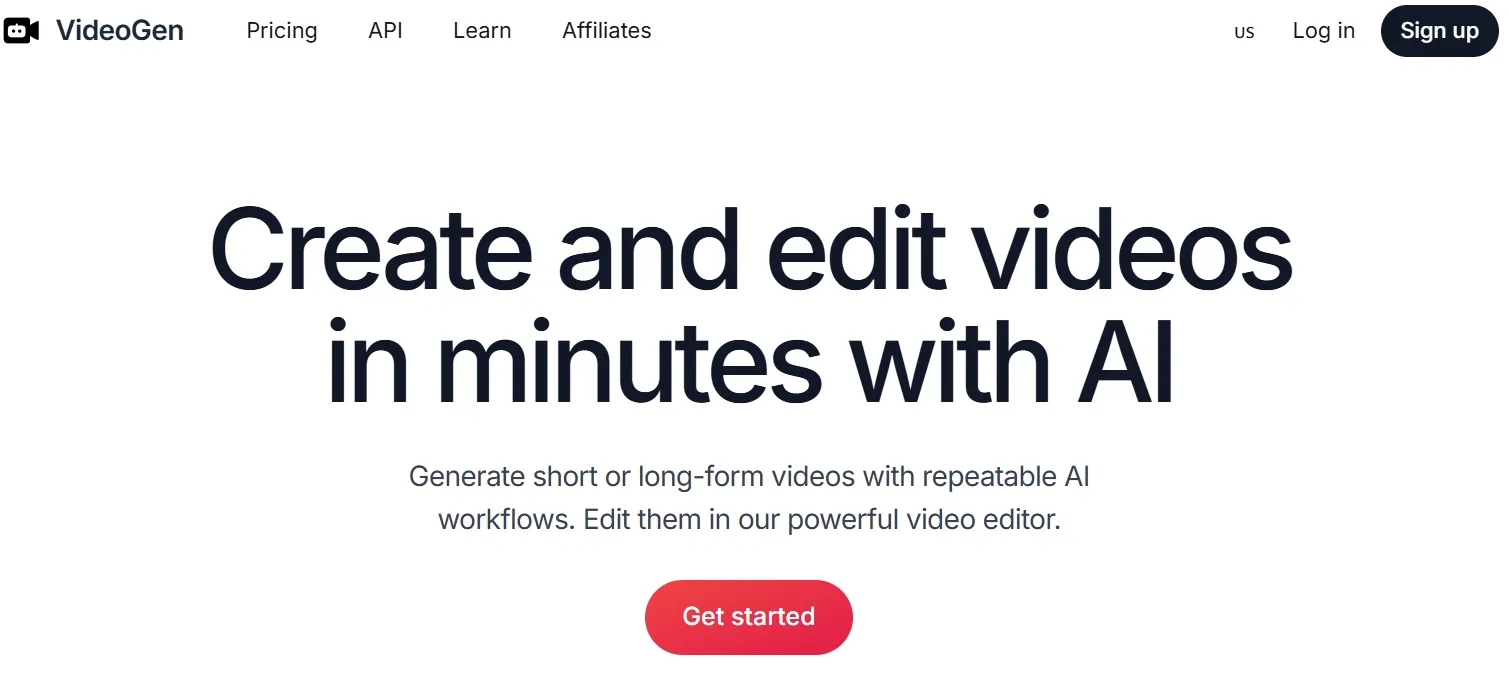
VideoGen made the most sense to me as a repeatable production tool. It is less about cinematic AI video and more about getting regular content made without building everything manually.
That is useful for education, creator channels, and informational content. If the goal is faceless video content, the script-to-media workflow can help keep production moving.
It can also work for teams producing clear explainer videos, especially when the message matters more than complex visual generation.
The limitation is that VideoGen depends heavily on assembling scripts, stock-style media, voiceovers, and edits into a coherent video.
That works for informational content, but it is weak when the video needs original motion, product-specific visuals, or a more cinematic feel. The result can feel like a compiled video rather than something creatively generated for the exact brief.
Pros:
- Good for repeatable script-based video production.
- Helpful when users need media, voiceover, and editing in one flow.
Cons:
- Weak fit for visually ambitious AI video generation.
- Outputs can feel assembled rather than creatively directed.
VideoGen is useful for steady content production. I would use it for repeatable informational videos, not for polished, creative, or marketing-heavy AI video work.
#7 Visla: Best Dreamina Alternative for Business Video Workflows
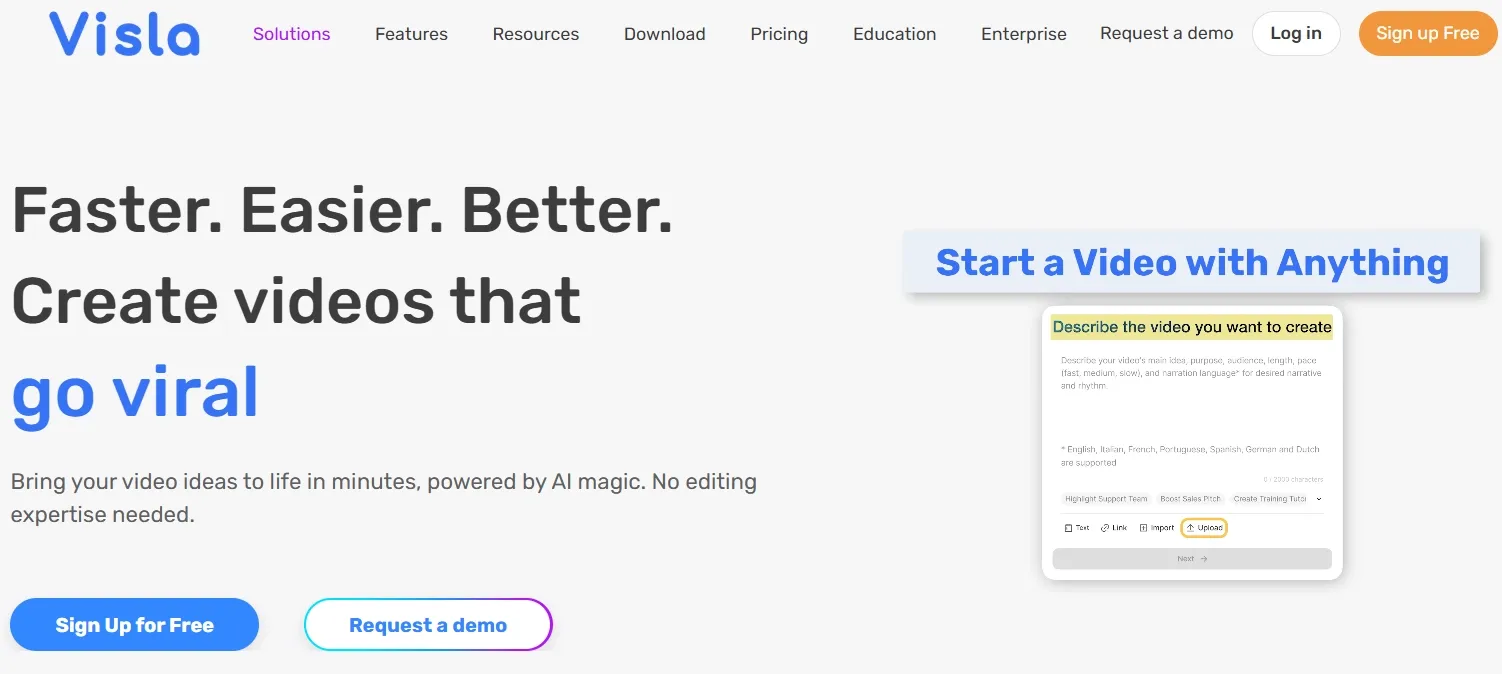
Visla felt more like a business video workspace than a creative AI video tool. That is not a problem, but it does define where it works best.
I can see it helping teams turn scripts, slides, recordings, or internal material into videos. For training, demos, and workplace communication, that structure is useful.
It also fits speaker-led or localized business content. If a team needs localized speaking videos, Visla’s business-video direction makes sense as part of that broader category.
The limitation is that Visla is built more for packaging business information than generating visually original AI video.
It is useful when the message already exists, but less useful when the user needs cinematic motion, product storytelling, or creative social concepts. That makes it a narrow alternative to Dreamina rather than a broad creative replacement.
Pros:
- Strong fit for business and team videos.
- Useful for recording, collaboration, and structured editing.
Cons:
- Limited for creative AI video generation.
- Not ideal for social, entertainment, or product-led creative workflows.
Visla is a good Dreamina alternative for workplace video. It is much less compelling when the project needs creative AI generation.
#8 Pictory: Best Dreamina Alternative for Repurposing Written Content
Pictory is helpful when the source material already exists. I liked it most for repurposing, not for original visual creation.
If you have a blog post, script, or long-form written asset, Pictory can turn it into a structured video faster than starting from scratch. That makes it useful for educators, marketers, coaches, and content teams.
For teams turning updates into news-style video recaps, that structure can be useful because the source content is already doing most of the work.
The weakness is that Pictory’s workflow is driven by existing text and template-like assembly.
If the written source is plain, the final video often feels plain too. It does not give enough control over original motion, scene design, or visual style, so it is a weak choice for users who want Dreamina-style generation plus better creative control.
Pros:
- Good for repurposing written material into video.
- Simple workflow for non-editors.
Cons:
- Weak for original AI-generated scenes.
- Results can look template-led without heavy manual refinement.
Pictory is useful for repurposing content. I would not use it as my main Dreamina alternative for creative AI video work.
Want to learn more about Pictory’s features? Read this Pictory review.
#9 FlexClip: Best Dreamina Alternative for Simple Template Videos
FlexClip is easy to use, and that is its main appeal. It is a lightweight option for simple business videos, social clips, and quick promotional videos.
I found it best for users who do not want to think too much about AI prompting. Templates and stock assets make the workflow approachable.
For sellers turning simple product assets into photo-based video ads, that kind of template-led workflow can be a starting point.
The problem is that FlexClip’s simplicity becomes a ceiling. Because the workflow relies heavily on templates, stock assets, and lighter AI tools, it does not give much room for controlled motion, model selection, or original visual generation.
That makes it easy to finish a basic video, but hard to make a video that feels distinctive or campaign-ready.
Pros:
- Easy for beginners.
- Useful for quick template-based videos.
Cons:
- Too limited for advanced AI video generation.
- Template-heavy workflows can make brand videos feel less distinctive.
FlexClip is fine for simple videos. I would not choose it for multi-step and serious AI video production.
#10 Steve AI: Best Dreamina Alternative for Story and Animation Videos
Steve AI is more guided than Dreamina. It is useful if you want to turn prompts, scripts, audio, or images into story-style videos without building everything manually.
Its strongest fit is simple storytelling. Educators, trainers, and small teams can use it for animated explainers or basic narrative videos.
For users building anime video scenes, Steve AI can help with a guided starting point.
The weakness is that Steve AI’s guided structure limits creative control.
It works better when the user accepts a simpler story or animation format, but it struggles with realistic motion, product-led campaigns, and more polished visual direction. If the project needs specific camera movement, scene realism, or brand-level finish, the workflow feels too boxed in.
Pros:
- Helpful for guided story and animation videos.
- Beginner-friendly for script-based creation.
Cons:
- Too narrow for realistic or commercial AI video.
- Output can feel basic when the project needs visual polish.
Steve AI is useful for simple story videos. It is too narrow to be a strong all-around Dreamina alternative.
Click here to learn more about the personal experience of testing Steve AI.
How I Compared These Dreamina Alternatives
I looked at whether each tool helps with the full video workflow: starting point, model choice, editing, scenario fit, and final output.
I also paid attention to how much work the user still has to do after generation. A tool can look good in a demo but still feel slow if it gives you raw clips without structure.
Want to learn more about Dreamina? Read this Dreamina AI review!
How to Choose the Best Dreamina Alternative
Choose Pollo AI if you want:
- Leading models such as Veo 3.1 in one AI video platform.
- Flexible video creation workflow including text to video, image to video, and reference to video.
- Pollo Agent for turning raw ideas into structured, post-ready videos.
- Marketing Studio for ads, UGC-style videos, product videos, and campaign-ready content.
- AI editing and refinement without moving between separate tools.
Choose Vadoo AI if model access is your main priority.
Choose VEED or Kapwing if editing and social formatting matter more than generation depth.
Choose Invideo AI if you want agent-led planning for larger video projects.
Choose VideoGen, Visla, or Pictory if you need repeatable informational or business videos.
Choose FlexClip or Steve AI if you want simple templates, animation, or beginner-friendly video creation.
My Personal Take
After comparing these tools, I do not think Dreamina’s biggest weakness is that it cannot generate interesting clips. It can. The weakness is that the workflow starts to thin out when the video needs structure, polish, and a practical next step.
That is why Pollo AI felt strongest to me. It gave me model choice, flexible creation methods, Pollo Agent, Marketing Studio, and editing in a way that felt connected. I spent less time thinking, “Where do I take this clip next?”
The other tools make sense in narrower situations. Vadoo AI is good for model testing. VEED and Kapwing are useful editors. Invideo AI is better for larger projects. But Pollo AI is the one I would start with for serious creator, marketing, seller, or brand video work.
Best Dreamina Alternatives FAQs
What is the best Dreamina alternative?
Pollo AI is the best overall Dreamina alternative because it combines leading AI video models, Pollo Agent, Marketing Studio, AI video generation, and AI editing in one platform.
Which Dreamina alternative is best for marketing videos?
Pollo AI is the strongest choice for marketing videos because Pollo Agent and Marketing Studio connect idea generation with ad and product-video workflows.
Which Dreamina alternative is best for editing?
VEED and Kapwing are strong if editing is the main need. They are useful for captions, resizing, branding, and social publishing. Pollo AI is stronger when editing needs to sit inside a broader AI generation workflow.
Which Dreamina alternative is best for beginners?
Pollo AI, FlexClip, Steve AI, Pictory, and Kapwing are all beginner-friendly Dreamina alternatives. But Pollo AI stands out because it gives new users an easy starting point while offering more room to grow into creative, marketing, and production workflows.