



Veed.io Review: I Tested Veed.io & Discovered It Can Simplify Social Media Video Creation & Editing
Ever wanted to create full-fledged UGC videos without hiring real social media content creators? I’ve always wondered if there’s a way around this!
Recently I have come across Veed.io, and found out that it basically can meet my needs.
Veed is a popular AI video generator that can generate short, scripted, and personalized videos even with AI avatars, music, effects, subtitles, and even voices, all at once.
In other words, this is a truly one-stop AI video creation platform where you can create all sorts of explainer videos, tutorials, promotional ads, and other content to be shared online. All it takes is a simple prompt.
Sounds interesting, right? Well, I’m going to break down all you need to know about this platform in detail. But for those in a hurry, let me just list the good and bad aspects below:
| Pros | Cons |
| Swift AI video creation | Lacks advanced editing functionalities |
| Intuitive user interface | AI video avatars can feel robotic |
| Numerous AI video tools | Very limited access on the free plan |
| Multi-language AI voiceovers | Has expensive pricing plans |
| Dozens of AI video avatars | Occasional issues with media uploads |
| Mobile app available | AI voiceover quality is unpredictable |
| Team collaboration capabilities | Heavily reliant on stock footage |
Now that we have that quick summary out of the way, let’s explore Veed.io in greater detail. And I will start by explaining what it has to offer. So, be sure to pay close attention!
What Makes Veed.io Stand out?
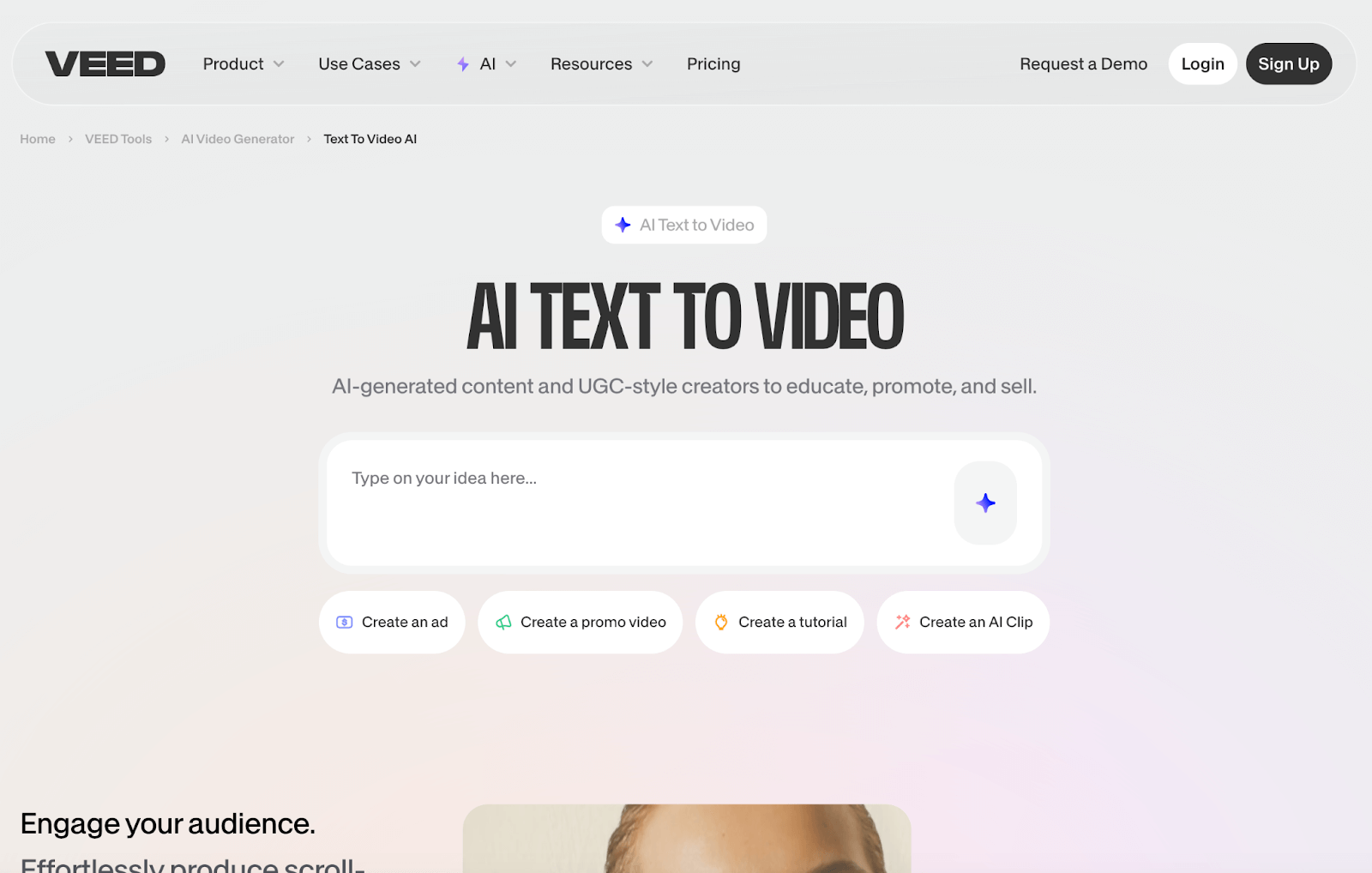
Veed.io is a generative AI platform that can streamline video creation and editing for a wide range of content, like YouTube videos, explainer videos, tutorials, etc.
All I need to input is a simple idea, and Veed.io will produce an entire video using pre-made video templates, AI avatars, voiceovers, and even background music.
The platform even takes the initiative of automatically generating an entire script based on that simple prompt request. Just a few clicks and voila, I have a fully-fledged video!
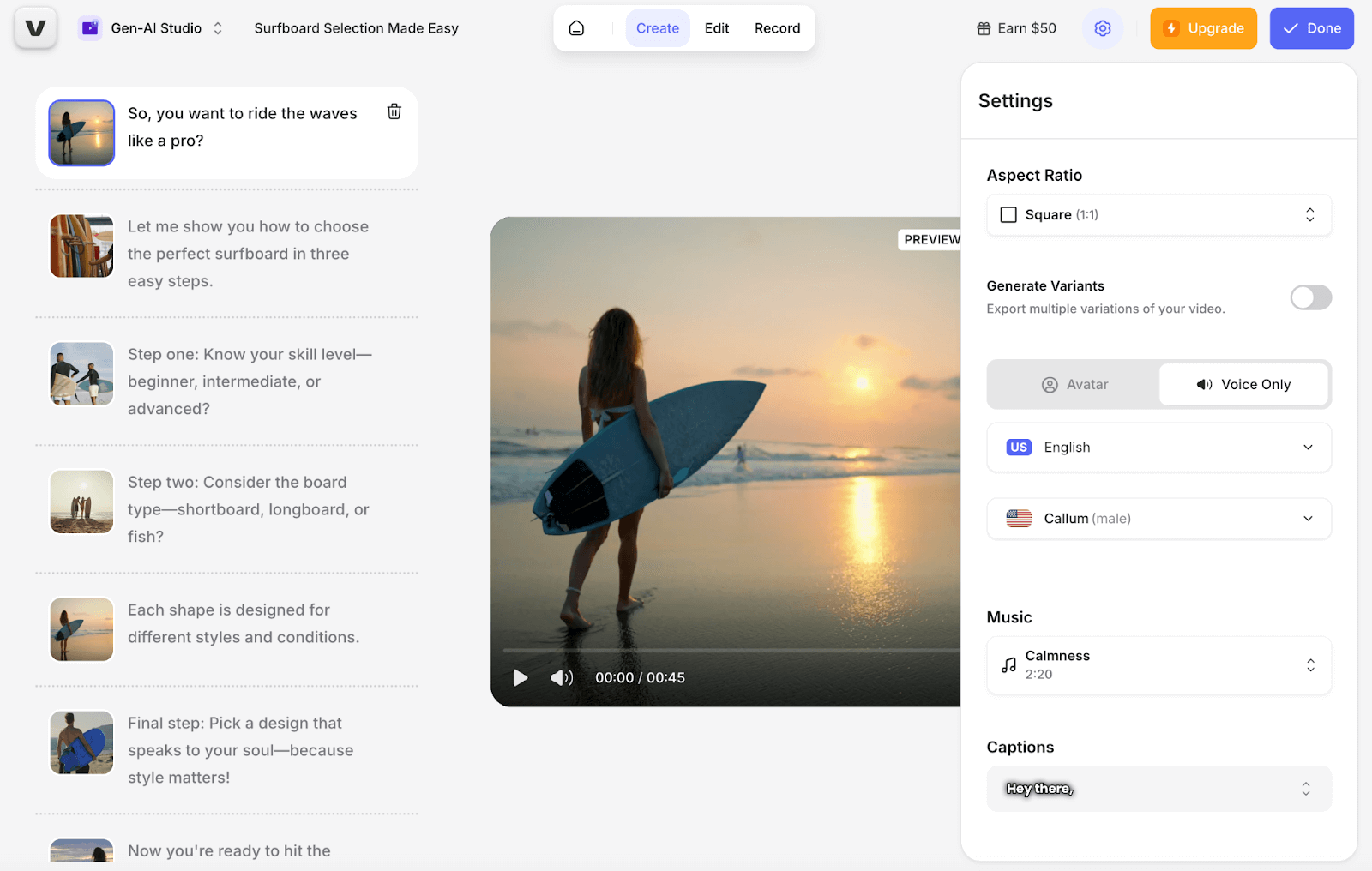
And if the AI generation is not ideal, Veed.io also allows me to record my screen or webcam directly, which makes it easy to create tutorials, presentations, etc.
Aside from video creation, Veed.io also has a decent editor tool that I can use to customize existing media by adding, replacing, or deleting images, music, subtitles, text, effects, and more.
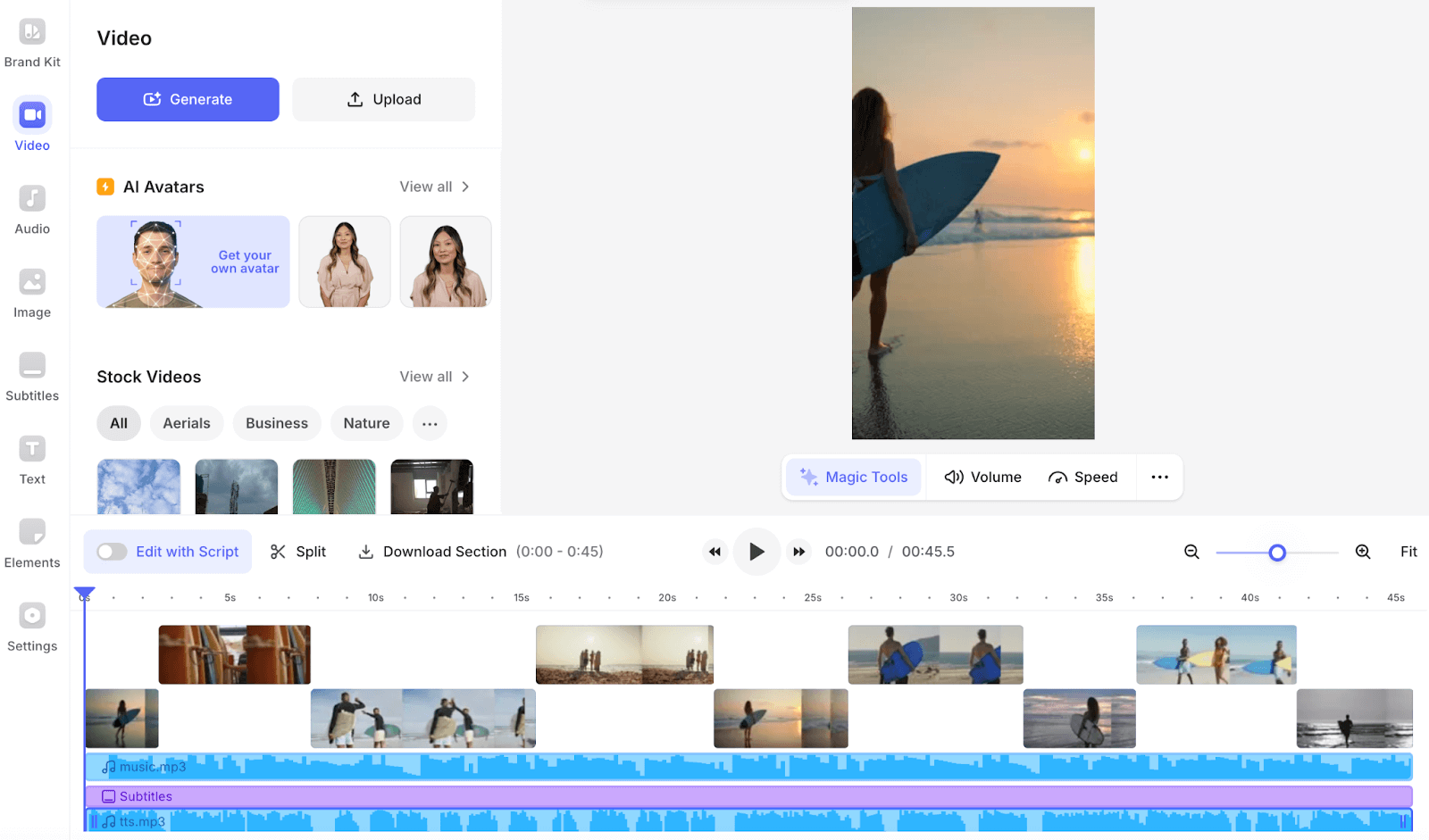
I can freely edit each one of these aspects and tailor the final video to suit my precise needs. For instance, I can split scenes or adjust the audio across dozens of native language options.
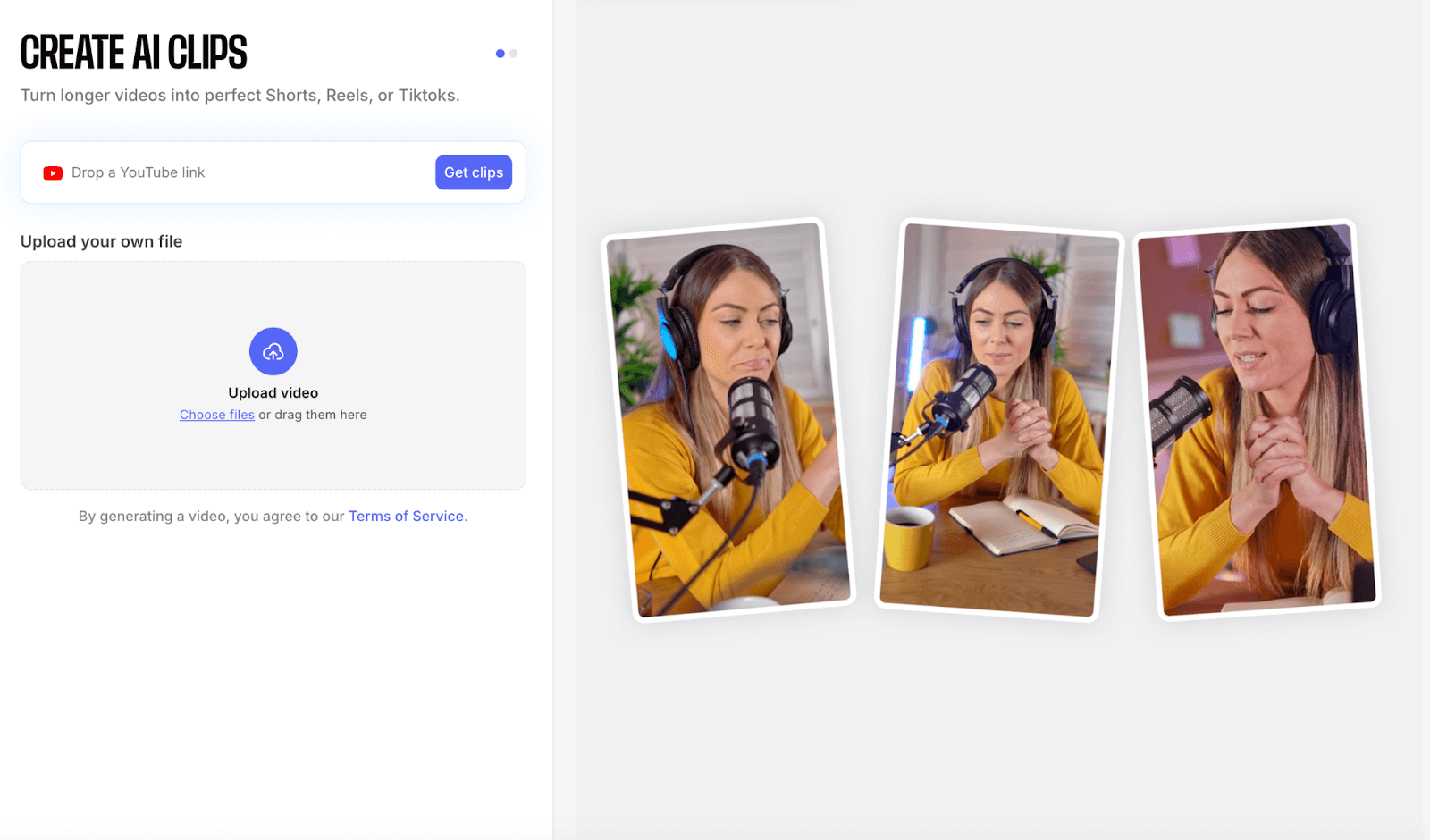
I can also remove unwanted backgrounds, clean up background audio, etc. There’s even a ‘Clips’ feature that I can use to trim long videos into shorts for social media. Pretty useful, right?!
Besides that, I like that the platform offers collaboration features that allow me to customize and share video projects with others and work with a team.
Having summed up all that, let’s hop into the most important part of this guide. With all its bells and whistles, can Veed.io truly produce quality videos?
What Was My Personal Experience Using Veed.io?
After exploring the platform extensively, I was eager to see what Veed.io was capable of. So, I decided to conduct a few sample tests of my own.
For my first test, I started with something simple. I asked Veed.io to generate a short, insightful, and shareable video about how to correctly apply makeup.
This was the output it produced:
The first thing I will say is that the platform generated an excellent script for the video. It covered several key points, and the tone was very casual.
I also liked that the video is in high resolution. From the looks of it, it used quality stock footage, and while I wasn’t entirely a fan of it, it was somewhat satisfactory.
It also did well to match the script scenes, which was impressive. Another aspect I wasn’t happy about was that the AI voiceover didn’t come off as natural as I hoped.
I was also initially intending on using an AI avatar in the video, but in the preview, it felt a bit robotic and didn’t fit in seamlessly with the content. So, I just chose to leave it out.
Suffice it to say that the final video wasn’t perfect, but to some extent, it did the job. Overall, I'd rate this sample test at a 6/10 for effort. Not great, but not terrible, either.
For my second test, I asked Veed.io to create a short but engaging promo video about surfboards that could be shared on Instagram.
This was the final video I got:
This time, I changed the AI voiceover to see if I could find a more natural audio. I selected a female Australian voice, and I think it came off better than the first test.
Once again, the video was made up of real stock footage, but the selected scenes were put together fairly well to show off the surfer lifestyle.
I was also satisfied with the script. It was well put-together, had a casual tone, and even had some slang thrown here and there for good measure. That was nice to see.
I also appreciated the accurate captioning. This would work well on Instagram, so kudos for that. All in all, the only issue I had was that the footage was not original.
If it were entirely AI-generated, I think it would’ve been more impressive. But despite that, I think it did relatively well at constructing a compelling narrative that I found captivating.
All in all, I’d give this sample test a 7/10 rating. A much better performance than the first.
What Do I Think About Veed.io As A Whole?
For starters, I think that veed.io's overall user experience is great.
The generated scripts are also high-quality. They adapt well to the specific use case, so be it's a tutorial or promo video, I find the choice of vocabulary, tone, and flow to be good.
On the flip side, I think the quality of the AI voiceovers is a bit unpredictable. It seems with some models it comes off naturally and engaging, but for others, not so much.
You would need to experiment with several options to find one that speaks in an authentically convincing manner. So, that was another thing I found to be a little frustrating.
Speaking of which, I hoped the AI avatars could help personalize the content better. But they also didn’t come off as naturally or fit into the scenes as well as I would’ve liked.
The good news is that I find Veed.io's ability to pull stock footage together and craft a proper visual narrative to be at a fairly decent level.
I also like that the platform’s video editor is good enough to help first-timers customize the footage and audio to some extent using various effects, animations, transitions, etc.
However, the lack of originality makes it unsustainable over the long term. For this, you would need an alternative AI video generator to produce unique and creative content.
Need More Professional-Grade Videos? Try Using Pollo AI!
To produce simple and shareable video content, I think Veed.io will suffice. But if you want to create more imaginative and cinematic-level visuals, then I have a better suggestion for you.
I came across Pollo AI a while back, and I can’t tell you how incredible this platform is. It’s an all-in-one image and video generation solution that can deliver high-fidelity content in minutes.
What sets it apart is its specialized AI video generator – with powerful text to video AI and image-to-video AI features, you can turn any concept into a stunning motion piece.
I love that I can also craft lifelike digital personas using the AI avatar, develop custom brand representatives with the AI product avatar, and instantly generate viral clips through the AI short videos generator.
It comes integrated with a wide range of powerful and popular AI generation models. And because of this, I can freely experiment and produce captivating videos in almost any style.
To be specific, I can switch between top-class AI video models like Seedance, Kling AI, and Runway to create cinematic shorts, music videos, ads, and so much more.
This level of versatility means that I don’t have to be limited to stock footage like with Veed.io. I can bring any visual idea to life from scratch in just a few clicks.
And that’s not even the best part! If I ever want to reimagine any existing content, I can also access dozens of AI effects, templates, and tools on Pollo AI.
For instance, I can use novel AI agents like AI music video, AI news video, and AI story video. I can also edit my videos using AI tools like AI video upscaler, AI video enhancer, etc.
And if you’re still feeling sceptical, then don’t take my word for it and try it out! Pollo AI has a free trial plan, so you don’t need to pay anything to get started! Super convenient, right?
Conclusion
Veed.io can be helpful in social media content creation. It speeds up production by knitting together stock footage to produce compelling narratives. Because of that, I find that it can be a lifesaver for anyone who simply needs to convey visual messages in a hurry. But for cinematic-level videos that shock audiences, I suggest heading over to Pollo AI instead.