



JoyFun AI Review: I Tested JoyFun AI Video Generator and the Results Really Surprised Me
Are you curious if JoyFun AI is the right video generator for your creative needs? I recently tested its most popular features, from face swaps to AI dance videos, and the results genuinely surprised me.
While it offers a beginner-friendly experience with solid output, it also has some noticeable limitations.
Here is my honest review of JoyFun AI, along with why I believe Pollo AI might be the better choice for serious creators.
A Closer Look at JoyFun AI
I have tested many AI image and video generators, so I do not get impressed easily. But JoyFun AI still catches my attention.
It is an AI media platform that makes image-to-video creation easy. The navigation bar is clean and user-friendly, allowing even first-time users to quickly find the tool page they need.
What grabs my attention first is that it does not require an account, which removes a lot of the friction that usually comes with AI tools.
After spending time with the platform, I found that JoyFun AI offers more than just basic animation.
You can turn static photos into dynamic 10-second videos in 1080p HD. Creators have more room for storytelling and the final output looks more polished.
It stands out also due to its broader creative flexibility. Compared with some restricted platforms, JoyFun AI allows a wider range of content styles, including adult-oriented content.
Another reason why I feel JoyFun AI practical is that it supports different AI models in one place. You can experiment with different visual styles without jumping between multiple platforms.
For creators, marketers, and small businesses, the added commercial use rights make it even more appealing.
Overall, JoyFun AI impresses me because it combines an easy video generation process, HD quality, and diverse model options in a way that feels beginner-friendly and genuinely useful.
At the same time, the platform has a few drawbacks. Some tools come with limits, and full access may require a paid plan. Results also depend heavily on your prompt, settings, or source image quality.
To help you decide whether it is worth your time, here is a simple look at its main pros and cons.
| Pros | Cons |
| Offers multiple AI creative tools in one platform | Some features may have usage limits |
| Supports image creation, video generation, and face swap | Full access may require a paid plan |
| Easy to try for beginners | Results can vary by prompt and input quality |
Key Features of JoyFun AI
- Largely uncensored content: It allows for a broad range of artistic expression, including NSFW content.
- Multimodal content generation: Supports image creation, video generation, and face-swap workflows for diverse media needs.
- Beginner-friendly interface and onboarding: Simple controls and templates make experimenting easy for users with little experience.
- Fast, iterative output generation: Quickly produces results so you can test prompts and refine assets efficiently.
- Plenty of templates and customization options: Built-in presets and adjustable settings help tailor outputs to different styles and use cases.
As a frequent user of AI image and video generators, I mention these strengths because they reflect what most users pay attention to, and these features are important for the user experience.
I Tested Four Main Tools on JoyFun AI
To begin creating with JoyFun AI, navigate to the desired tool directly from the homepage. It is designed for straightforward use.

As face swap is its main selling point, let’s start with this tool!
Face Swap for Fast and Simple Results
What attracts me the most is JoyFun AI’s face swap. It supports face swap in videos and photos. It offers various templates, so all I need to do is upload my image and choose one. No prompts are needed.
| Image Input | Template |
 |
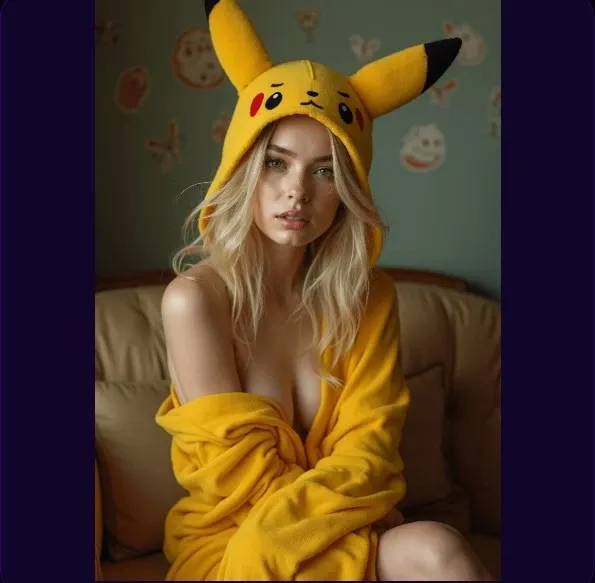 |
I used the image and the template above. And I got this result.
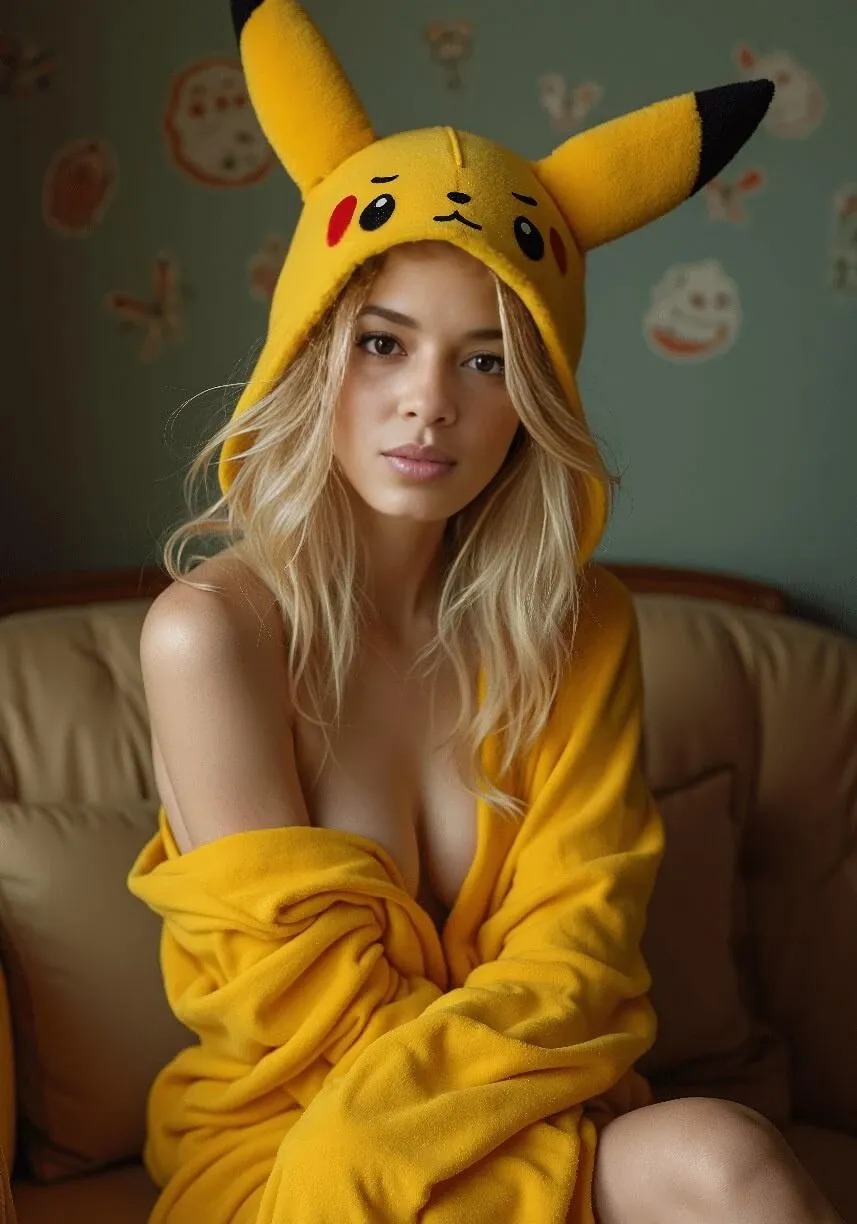
Not bad. It automatically changed the tone, lighting and expression of the origin image to generate a more natural result.
But it is clear that it only changed face, while other details, like hair, were not swapped.
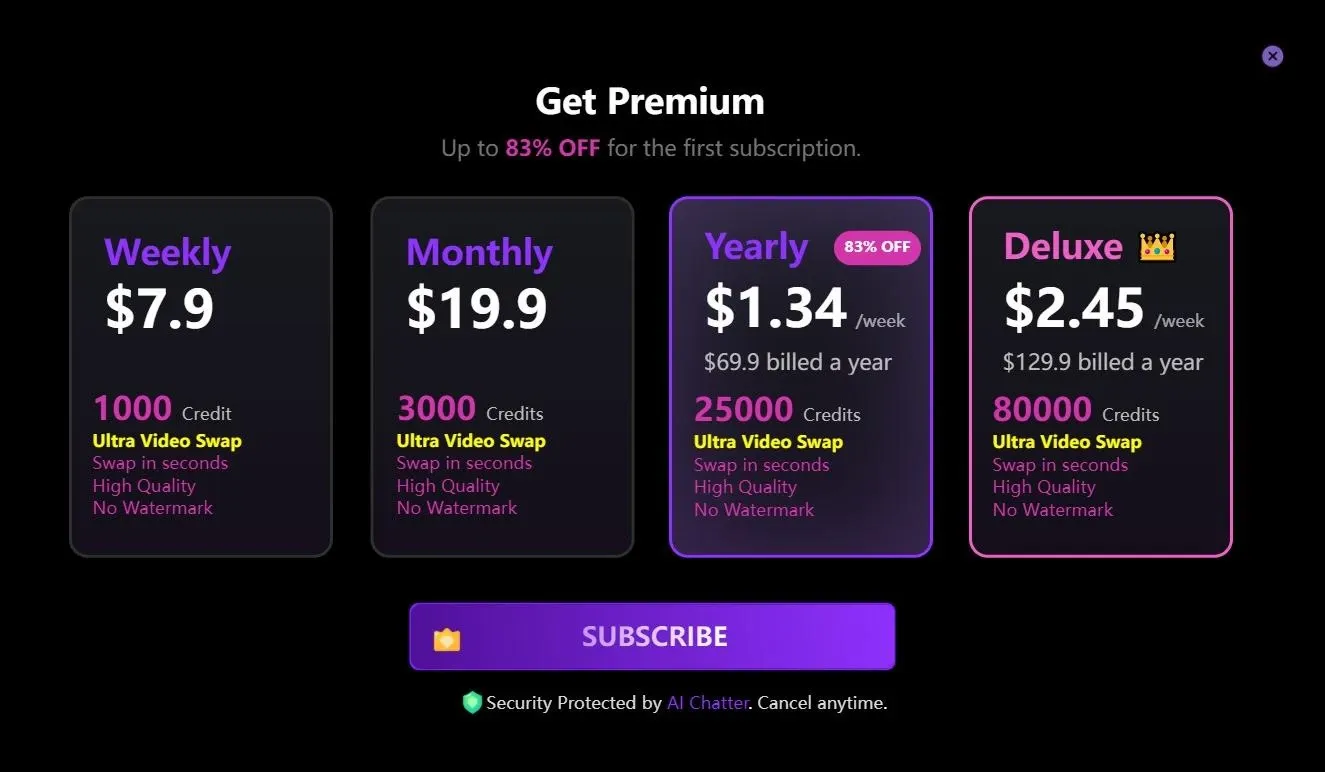
Although JoyFun AI says sign-up is optional, it required me to sign up for high-quality downloads.
AI Hair Color Changer for Virtual Try-Ons
JoyFun AI’s Hair Color Changer is also eye-catching.
This makes it useful for previewing a new look. If you want to dye your hair but do not know whether this color fits you, try it.
Here’s my prompt and final result.
| Input | Prompt | Output |
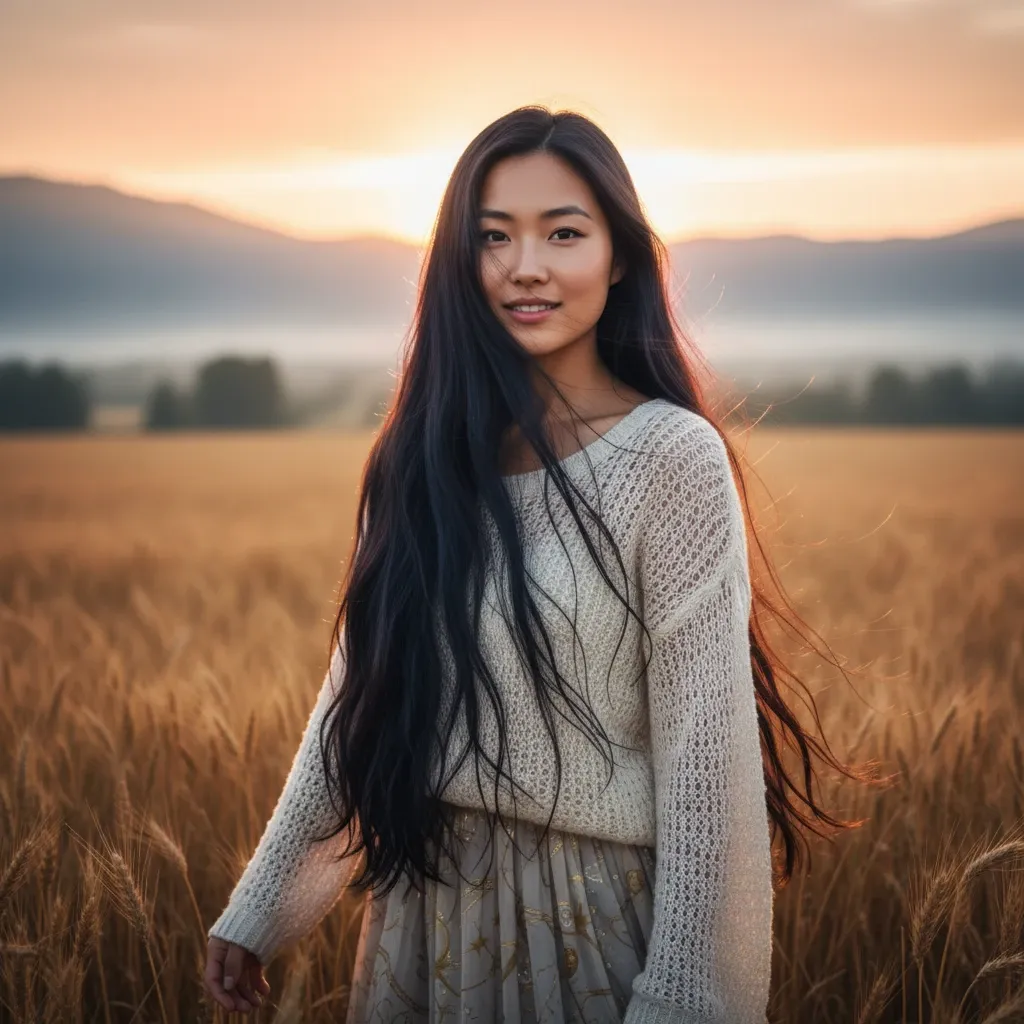 |
Change my hair color to blue while keeping my face, hairstyle, and background unchanged. |
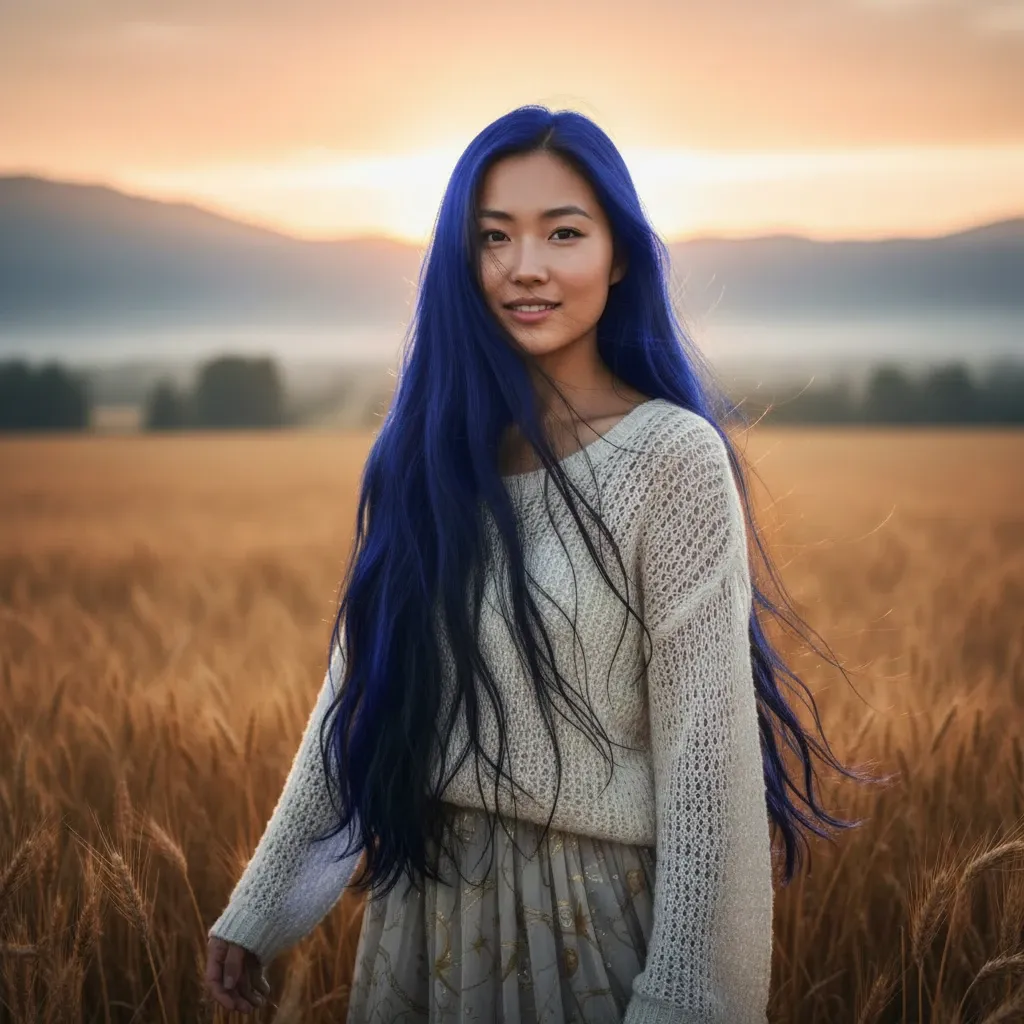 |
Amazing! The result keeps the main character, lighting and hairstyle unchanged. So I can see whether this color looks good in the natural light and decide whether I should dye my hair.
AI Kissing Video Tool for Romantic Clips
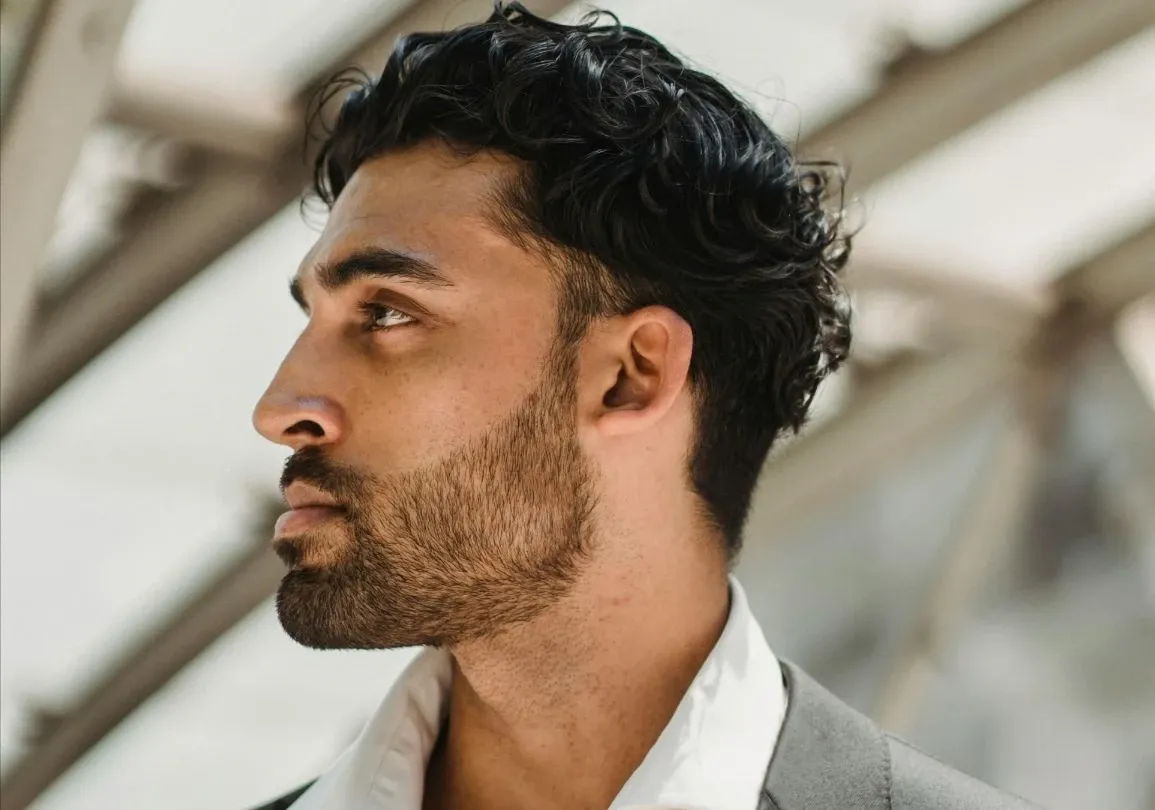
Another romantic tool in JoyFun AI is AI kissing videos. You can generate them by uploading images or typing prompts.
I think this tool is appealing because it makes static photos feel more lively.
| Image Input | Video Output |
  |
| Prompt | Video Output |
| Create a romantic video of a couple standing close together, looking into each other’s eyes, then slowly leaning in for a gentle kiss. Make the motion soft, natural, and cinematic, with realistic facial expressions, subtle head movement, and warm lighting. |
The added motion and facial interaction are smooth and realistic. You can feel the romantic vibe in the vivid video. If you want to create eye-catching visuals or edits of celebrities, characters, or fictional pairings, do not miss it.
AI Dance Video Maker with Smooth Animation
I also tried AI dance video on JoyFun AI. I would like to see how smooth the video can be. So I uploaded an image and here’s the result.
| Image Input | Video Output |
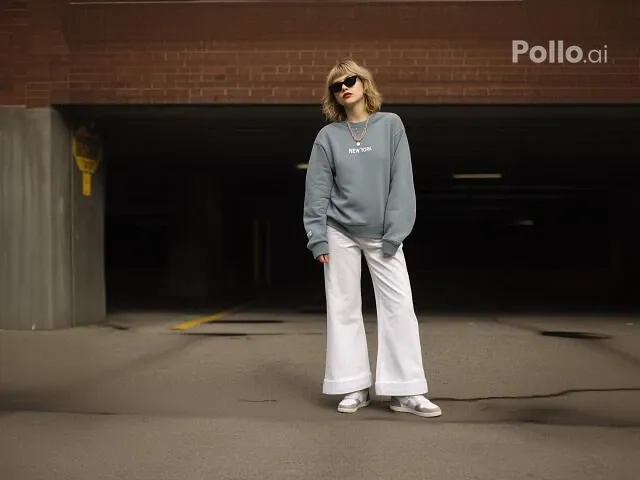 |
It really surprises me. The motion, lighting, facial expressions and background in the video are excellent. If you show this video to your friends, I bet they can hardly tell whether it is real or AI-generated.
Feeling limited? Pollo AI has everything you need!
If you want a stronger alternative to JoyFun AI, I think Pollo AI is worth choosing.
What I like most is its wider range of AI image and video models. You are not limited to Seedance, Kling, Wan and Veo. Here, you can choose from more models, including Sora and Runway, to match your needs.
I prefer Pollo AI also because it offers more than basic generation tools, like mimic motion, AI animation generator, lip sync AI, etc. They give you more ways to shape and improve your content.
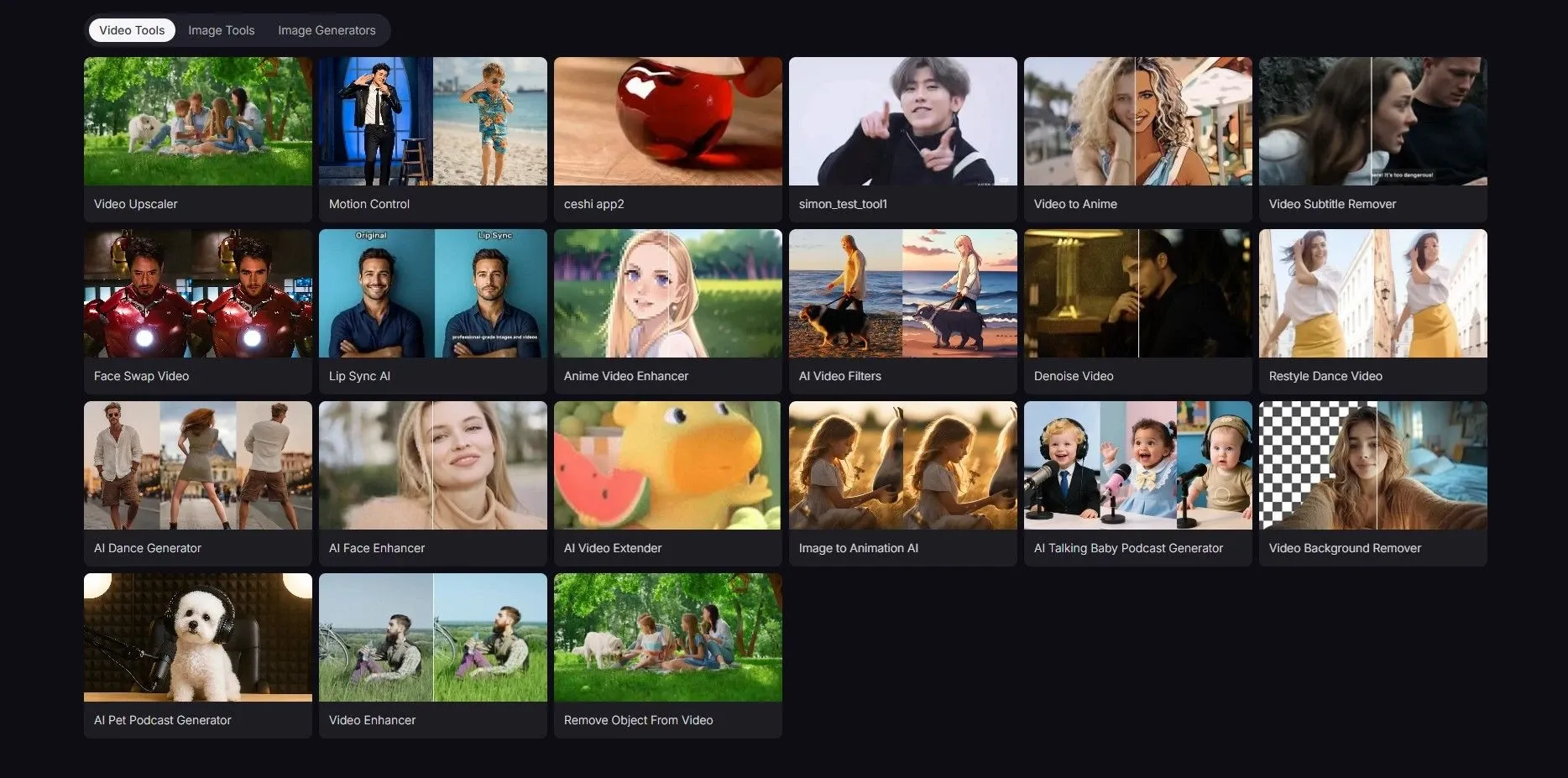
- Use mimic motion to make your product mascot more dynamic in ads.
- Create animated stories for younger students to help them understand abstract concepts.
- Use lip sync to help develop games by creating realistic character dialogue scenes faster.
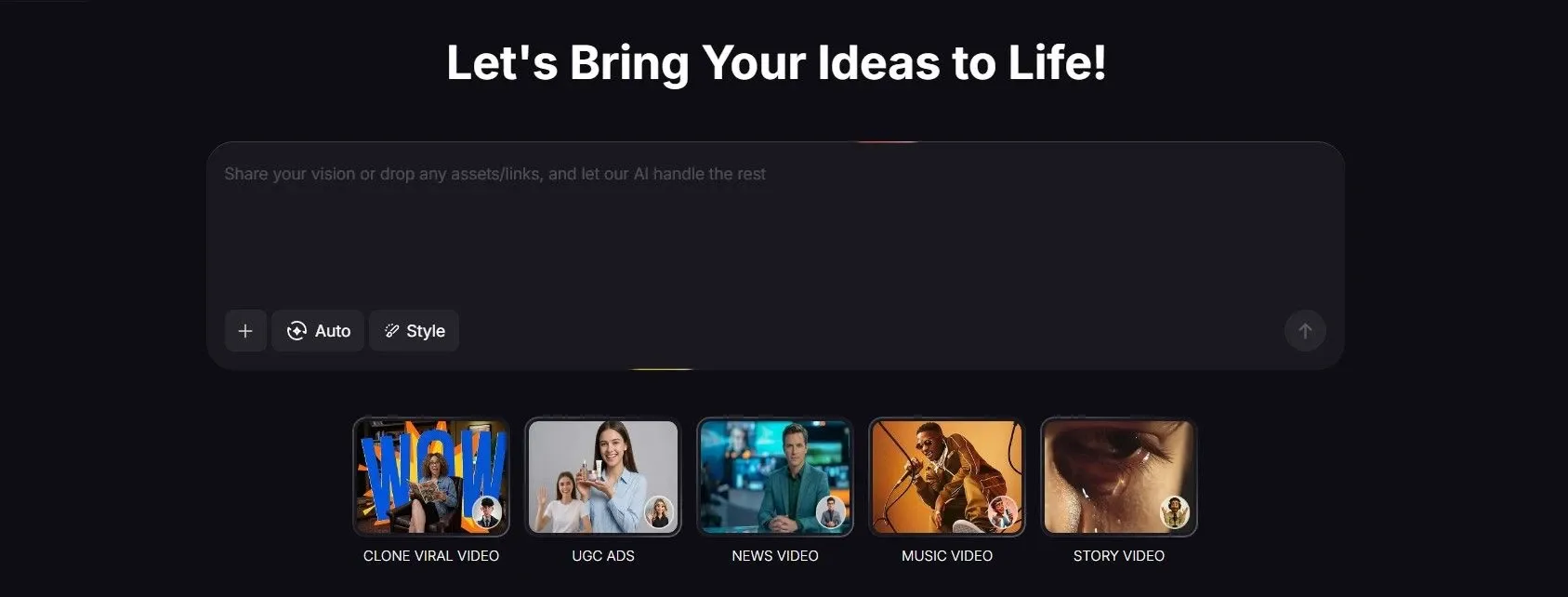
Pollo AI impresses me with Pollo agent. You can chat with it to refine your images or videos step by step. This makes your results more personalized. Now you can use it to make viral videos, music videos, and news videos. With keywords or simple prompts, you can get desirable outcomes.
Final thoughts
I’ve been trying out several tools in JoyFun AI, and honestly, I’ve had a lot of fun with them. What impressed me most is how easy it is to turn simple ideas or static images into content that feels lively and creative.
Of course, not every generation is perfect, and some details can still look a little unnatural at times.
But what depresses me the most is that the tools and models on JoyFun AI are still limited. As a user, when I do not generate desirable content, I would like to try more until I feel satisfied with the result.
So if you are AI-savvy like me, Pollo AI is your better pick.