



I Tested 20+ AI Video Generators and Here Are the 10 Best Pika Alternatives I Recommended
I have been curious about all kinds of AI video generators. I started with Pika, drawn in by its hype and slick text-to-video magic.
But after putting it through its paces, I hit some bumps—pricey subscriptions, limited customization, and occasional glitches like weird object morphing or slow rendering times.
Wondering if there was something better out there, I tested over 20 AI video generators to find the cream of the crop.
After countless hours of tweaking text prompts and comparing video outputs, I am excited to share my top 10 Pika alternatives that deliver stunning visual results. Let’s jump in!
Pollo AI - Best Pika Alternative Overall
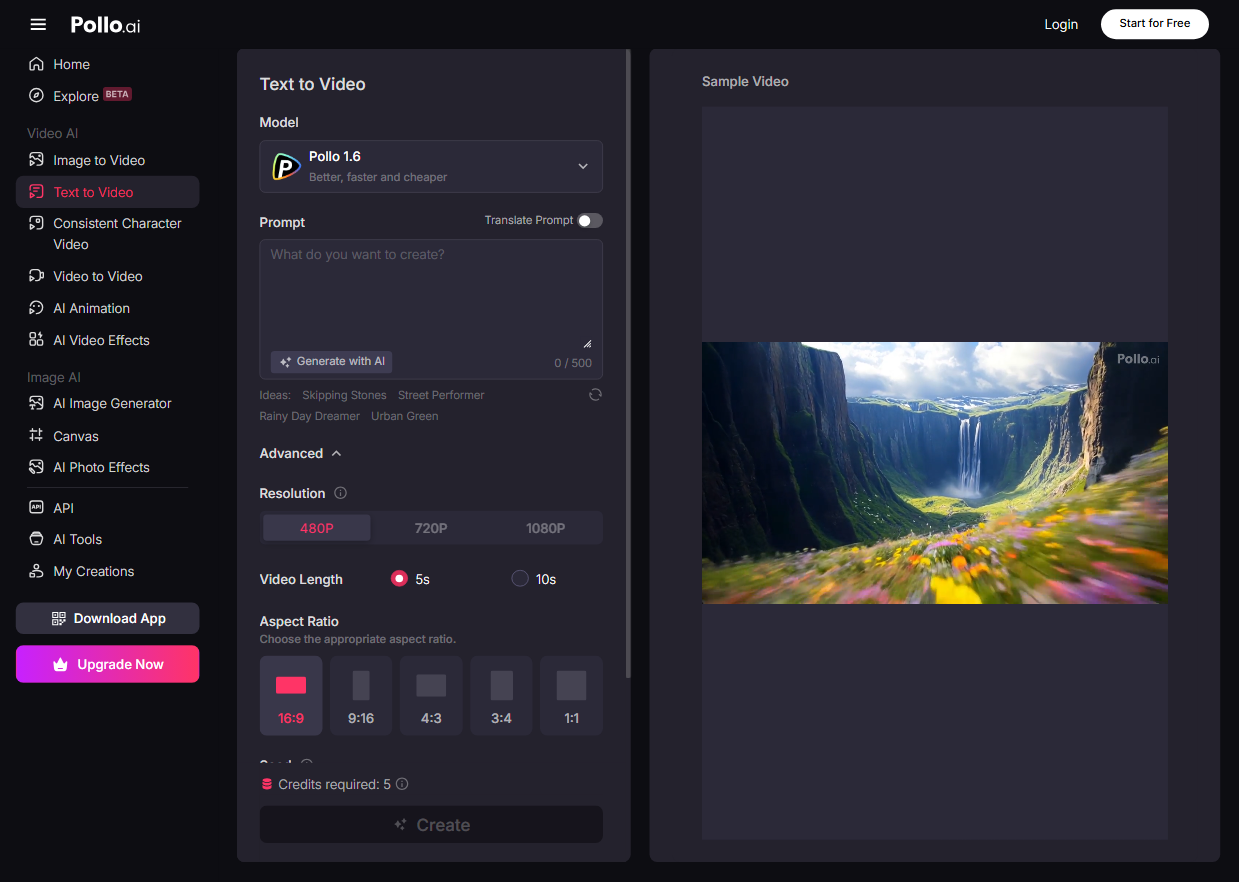
Pollo AI stands out as an all-in-one platform for crafting AI videos. It’s incredibly user-friendly, designed so anyone can jump in without needing tech experience.
With Pollo AI, you get access to a lineup of top AI video models—like Google Veo 3, Seedance, Wan 2.1 and much more—all under one roof. No need to bounce between different websites, saving you time and effort.
Pollo AI enables you to create an AI video in various ways. You can transform text or images into high-quality videos in any style. Whether you are crafting consistent character videos or vibrant AI animations, Pollo AI has you covered.
In addition, you have Pollo AI Avatar. You can use it to easily create AI avatars from photos, without any pretraining needed. And its AI short generator can help you create AI short videos in various styles, optimized for TikTok, YouTube and other platforms.
The game-changer? Pollo Canvas, a seamless workspace that brings all these features and different models together. This infinite canvas lets you create and fine-tune videos effortlessly, streamlining your creative process.
What I love is its flexibility—tweak video lengths, adjust aspect ratios, and customize every detail to match your own vision.
Plus, Pollo AI packs a punch with a variety of AI video effects, including quirky options like the AI kissing video generator and AI hug video generator. Upload your photos, play around, and whip up shareable, fun videos in no time.
Here are two videos from YouTube talking about how to use text to generate videos and create AI kissing and hug videos with Pollo AI:
Pros:
- Integrates with all the top AI video models
- A completely free trial is available
- Extensive video customization options
- Multiple fun AI video effects
- Advanced AI video editing tools
Cons:
- The free plan can be limited in some areas
Runway - Best Pika Alternative for Detailed and Lifelike Output
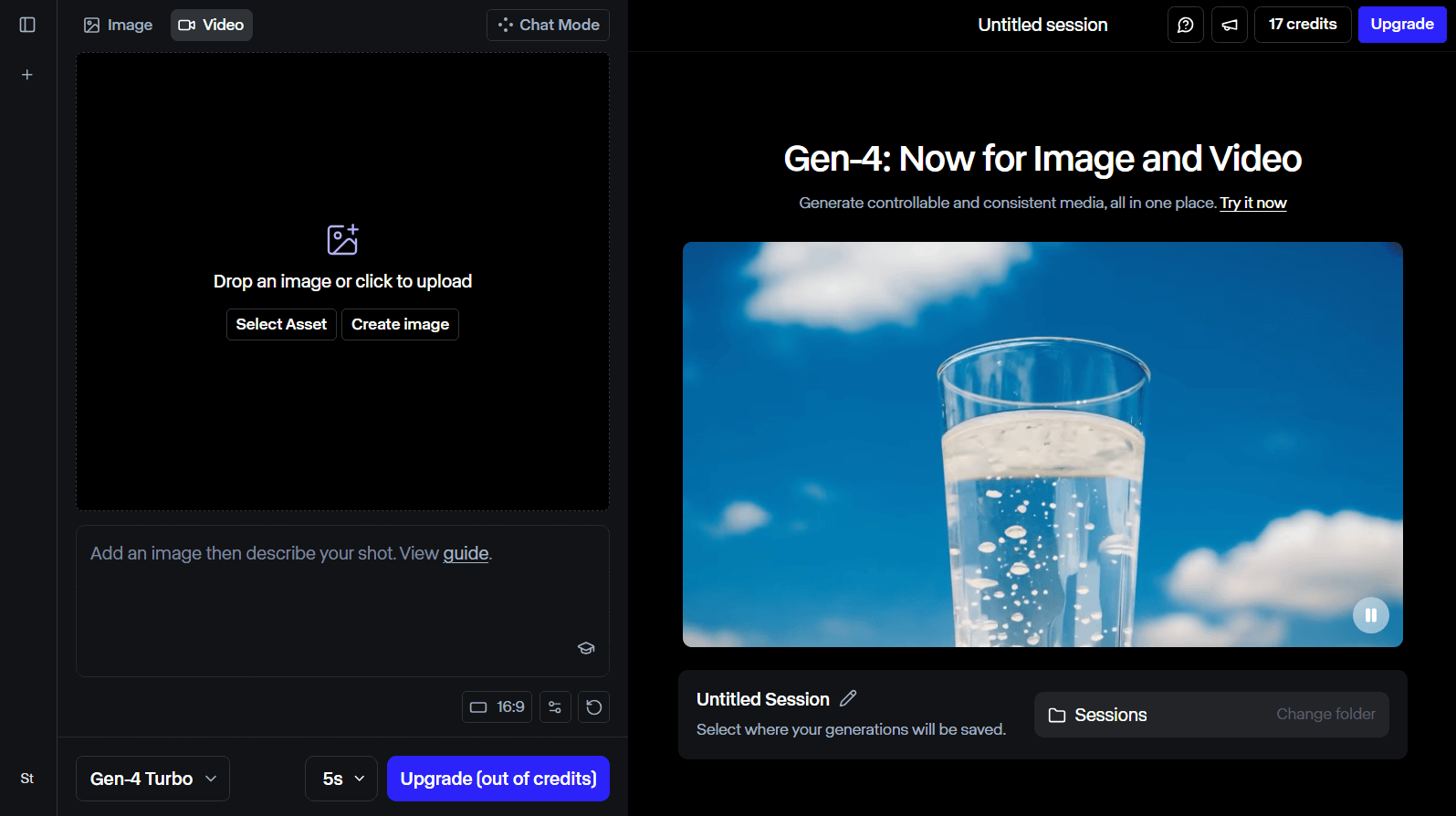
Runway is a fantastic alternative to Pika that is perfect if you are chasing super detailed and lifelike video results.
Supported by its own advanced AI video models such as Gen-4 and Gen-3, Runway is able to tackle tasks like image and text to video fast.
Runway absolutely shines when it comes to crafting videos that look incredibly real, bringing to life everything from people and animals to buildings and beyond with stunning authenticity.
What makes Runway special is its knack for delivering videos with jaw-dropping resolution and crispness. It’s no wonder some films and television shows partner with it—Runway’s precision and dependability are next-level.
Plus, it comes loaded with a set of AI-powered tools such as inpainting that let you further edit your video clip, taking the quality and creative flair to new heights.
Pros:
- Suitable for seasoned video users
- Provides AI videos with a cinematic feel
- Offers a bunch of AI tools
Cons:
- The interface can be complex
Hailuo AI - Best Pika Alternative for Flexible Features
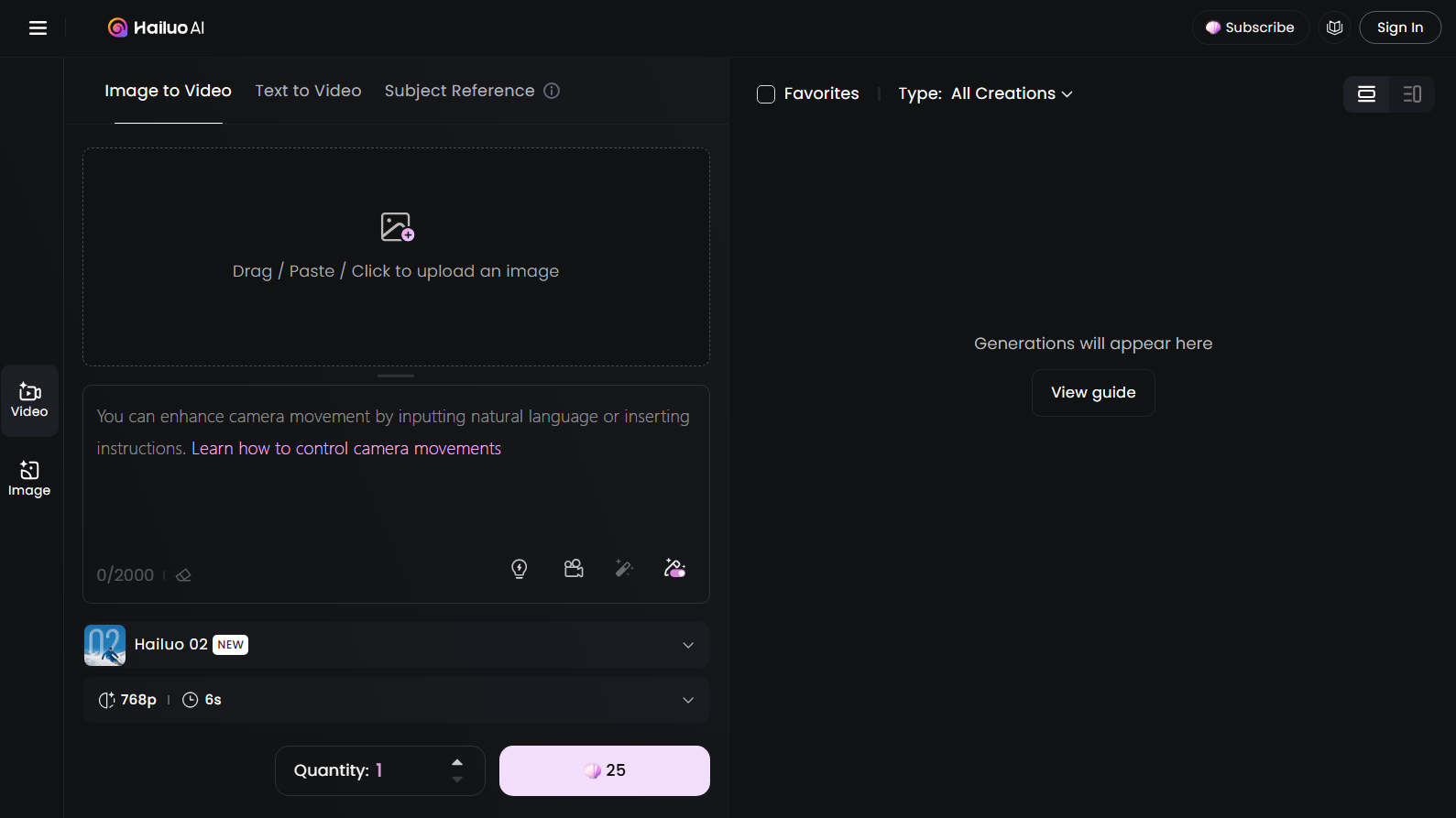
Hailuo AI emerges as a compelling alternative to Pika, celebrated for its flexible features in AI video production.
It features image-to-video, text-to-video and even subject reference, allowing you to kick off your video projects with either a written text prompt or an uploaded image.
Hailuo AI is like a playground for your imagination, letting you craft videos on just about any topic you can dream up.
Whether you are itching to make video clips with adorable animals or super-realistic visual scenes, Hailuo AI has the tools to make it happen, no sweat.
What’s really cool is the homepage—it’s packed with tons of AI video projects from other users, sparking endless ideas to jumpstart my next AI video generation.
Pros:
- Generates high-class video content
- Perfect for content creators and media influencers
- Provides multiple features for AI video production
Cons:
- Sometimes struggles to comprehend intricate text prompts
Toki.ai - Best Pika AI Alternative for Personalized AI Avatars
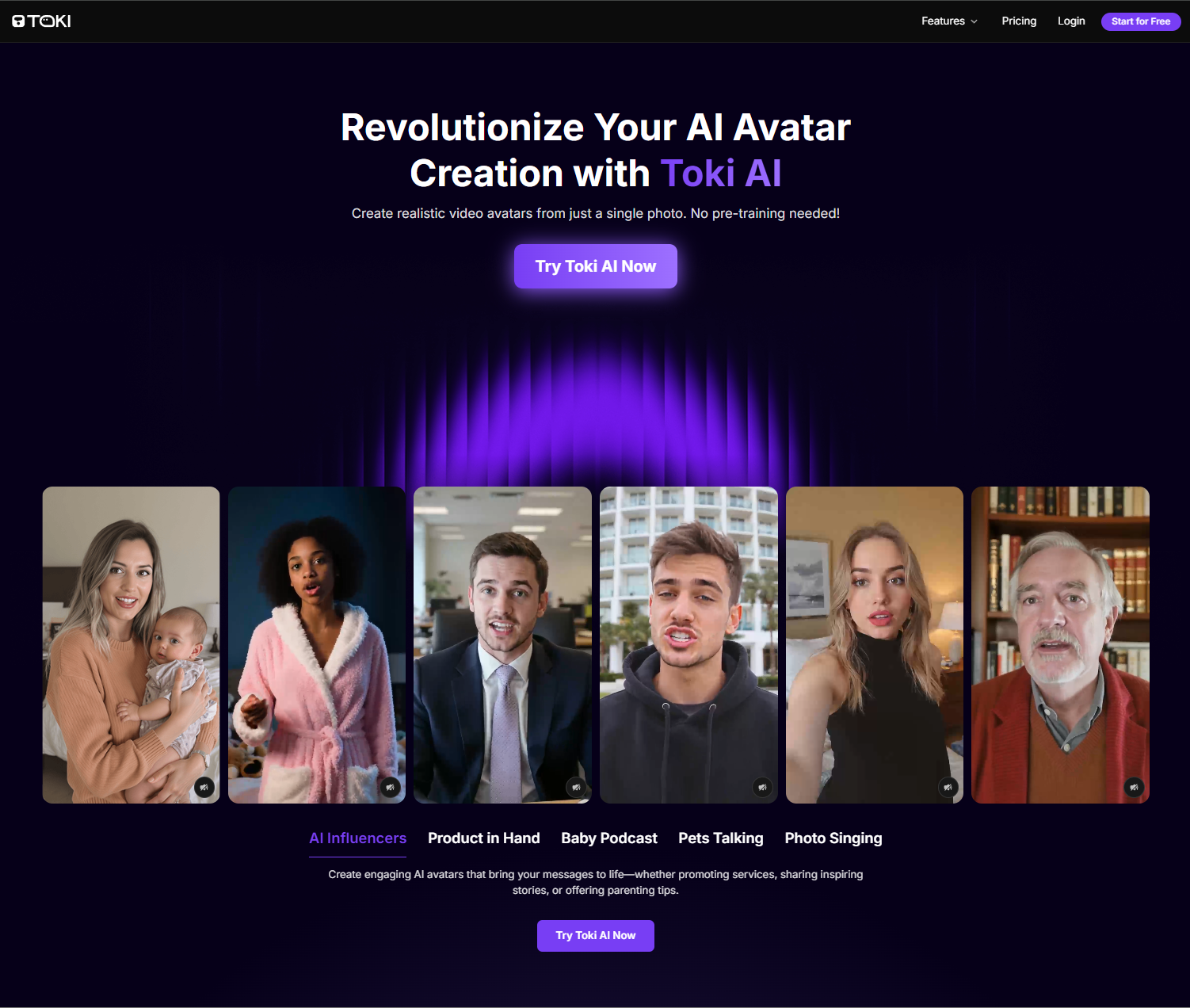
Whenever you need to generate custom, lifelike AI avatar videos that can speak, sing, and act just as naturally and authentically as any real human, I would recommend Toki.ai as the best option.
Without any pre-training ever required, you can upload a single photo and convert it into a truly engaging 2-minute long AI avatar video that is indistinguishable from a live recording.
You can also use one of Toki.ai’s pre-built AI avatars and/or upload your own audio file with full confidence that the facial cues and gestures will still match the audio and tone flawlessly.
Pros:
- Authentically natural AI avatars
- Extends avatar videos up to 2-min
- Upload audio for personalized videos
Cons:
- Limited generations on free plan
AdsDrive - Best Pika AI Alternative for Natural UGC Ad Avatars

If you want to create high-ROI UGC marketing ads, then I suggest using Ads Drive. In minutes, you can turn any photo into a lifelike AI avatar that emotes expressively and moves naturally.
You don’t even need any footage or pre-training to create a 2-minute avatar video that syncs up perfectly with your voice for an undeniably realistic and captivating performance.
I particularly enjoy how Ads Drive lets you customize the avatar’s gestures. And its vast pre-set avatar library means there are infinite options to create product demos, explainer videos, etc.
Pros:
- Custom AI avatar gestures
- Extremely diverse avatar library
- Longer AI avatar videos
Cons:
- Advanced features require paid tier
Kling AI - Best Pika Alternative for Pro-Level Visual Quality
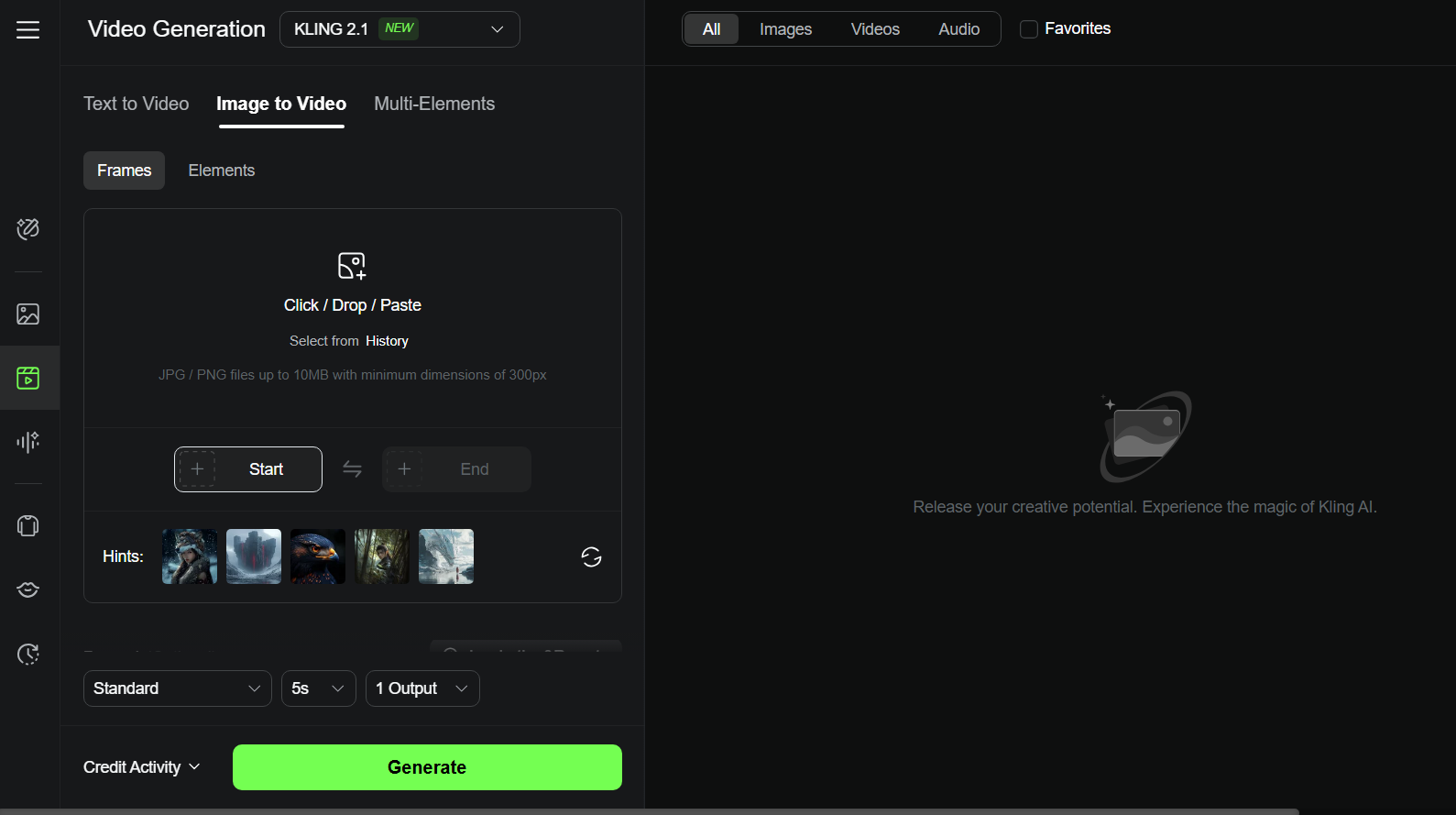
Kling AI is another AI video generator from China that’s packed with unique flair.
Whether you are spinning text or images into videos, or even blending multiple elements, Kling AI lets you craft clips that range from wildly creative to strikingly realistic. Meanwhile, it keeps your characters and objects consistent.
One feature that totally wowed me is its lip sync tool. It nails syncing a character’s mouth movements to dialogue, making the videos feel incredibly lifelike.
Then there’s the motion brush tool—I had a blast with this one! It lets you pinpoint specific parts of an image and control their movement with pathways, giving you the power to realize your vision with precision.
If you want an AI video generator that blends pro-level visual quality with a personal touch, Kling AI is a must-try.
Pros:
- Includes accessible generation features
- Offers some professional editing tools
- Delivers top-notch results
Cons:
- The interface may appear cluttered and chaotic
Luma AI - Best Pika Alternative for Efficient Video Workflow
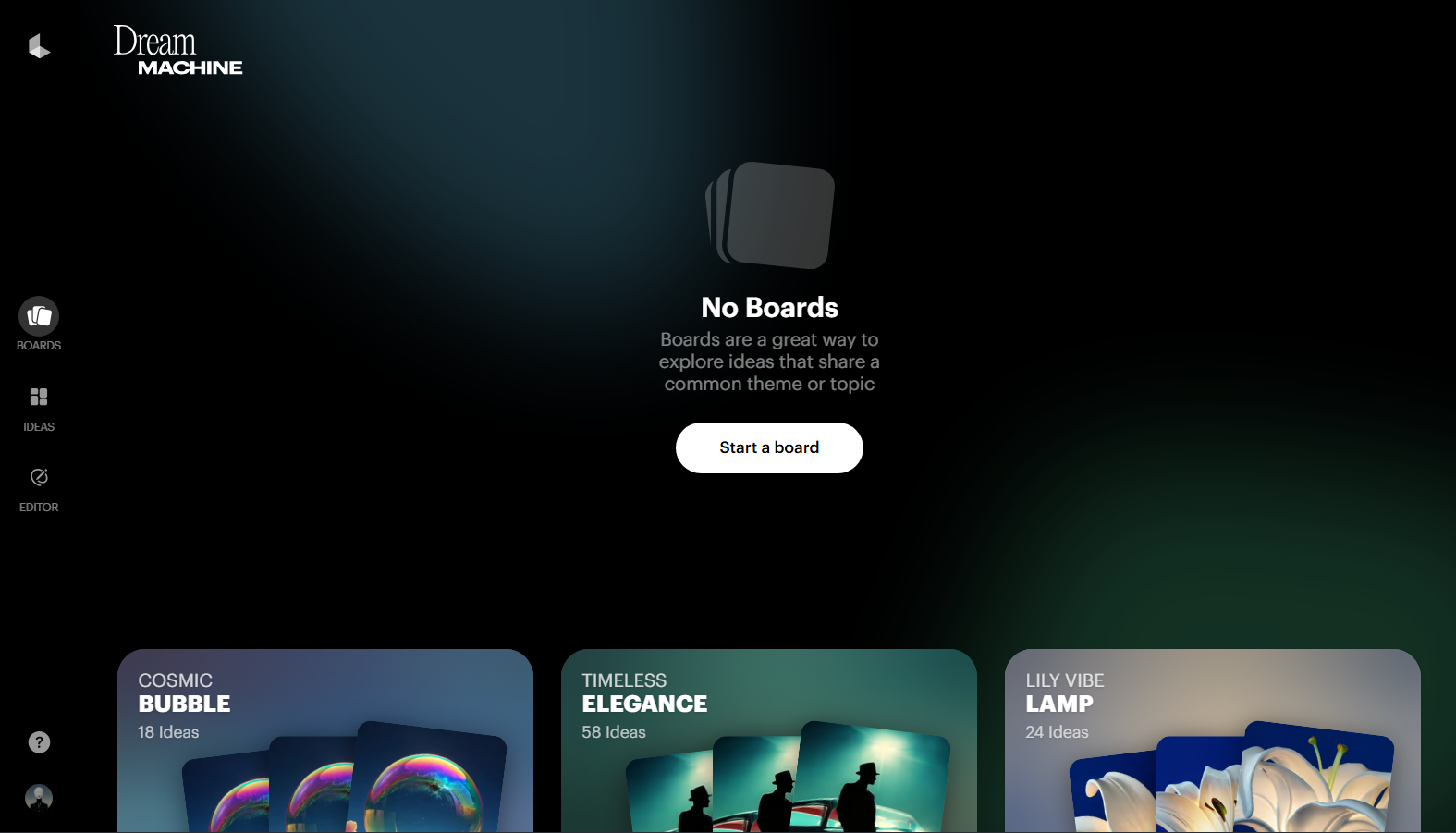
Luma AI is another pick as an alternative to Pika if you are after a speedy AI video generator.
It transforms basic text prompts or images into snappy, attention-grabbing videos in no time. When I gave it a whirl, I was blown away—within just a couple of minutes, it churned out video clips that looked polished, cinematic, and packed with motion detail.
That kind of generation speed is a game-changer for experimenting or whipping up multiple videos fast, especially if you are creating visual content for social media or need quick marketing content on the fly.
However, it is not all smooth sailing. Getting the perfect video clip sometimes takes a bit of tinkering, and I did run into a few glitchy results.
Pros:
- Fast in transforming text into AI videos
- Capable of producing videos across diverse styles
- Built to be user-friendly for all experience levels
Cons:
- Inconsistent video output quality
Sora - Best Pika Alternative for Long AI Video Duration
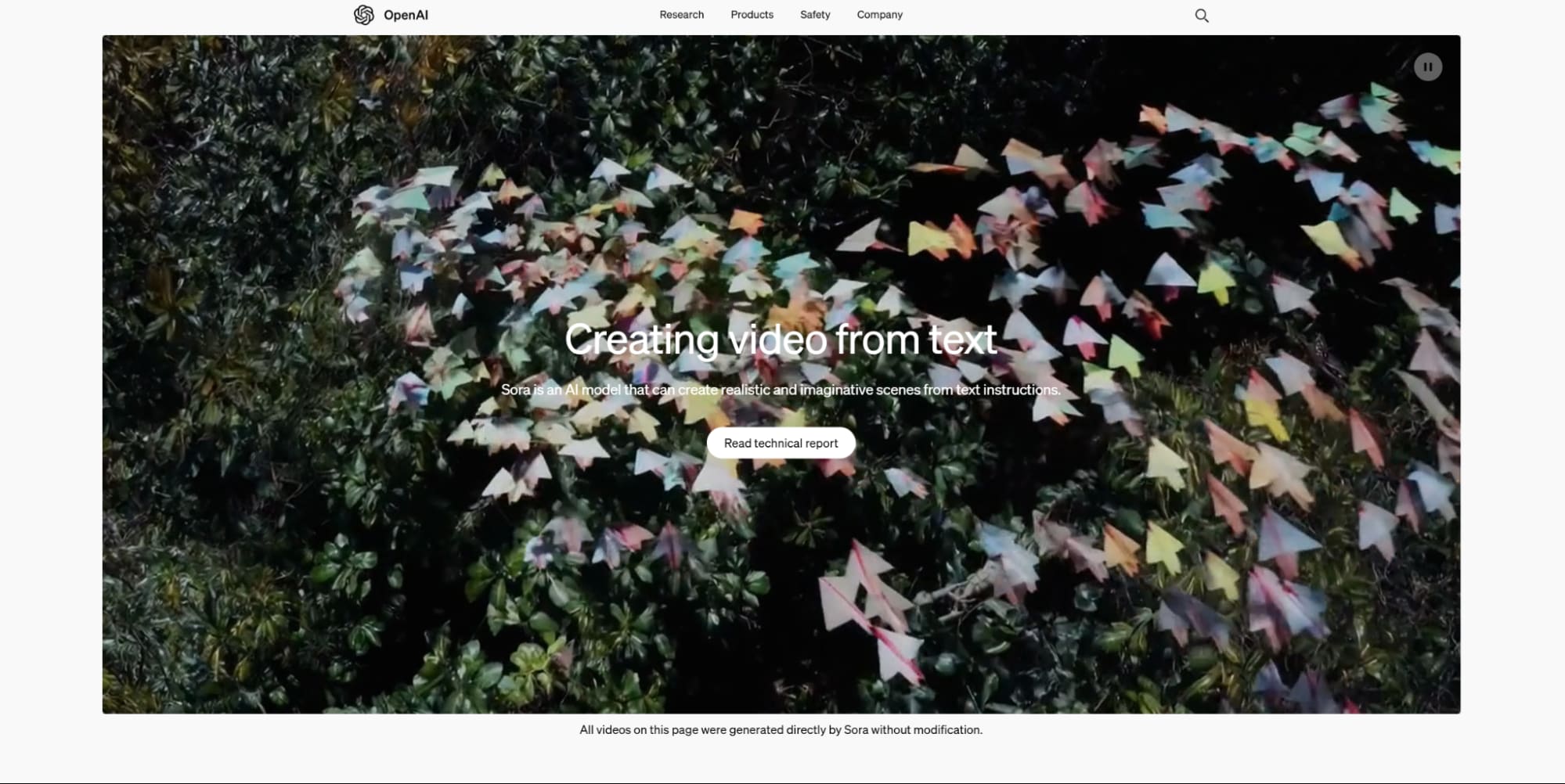
Sora is an AI video generator by OpenAI, the folks who brought us ChatGPT. This AI video generator turns your text prompts into super realistic video clips that can stretch up to one minute long, bursting with vivid detail.
Whether you are aiming for professional video projects or just want to have some fun, Sora’s got you covered.
What blows me away is how Sora’s cutting-edge AI tech tackles even the trickiest text prompts with ease, making sense of all the little nuances.
The videos it spits out? They are so lifelike and captivating, it’s hard to look away.
Plus, the team behind Sora is always rolling out new updates to make the overall generation experience even smoother and more awesome.
Pros:
- Advanced technology tailored for generating long videos
- Comprehends intricate text prompts
- Frequently receives updates
Cons:
- Sometimes shows AI artifacts
Vidu AI - Best Pika Alternative for User-Friendly Interface
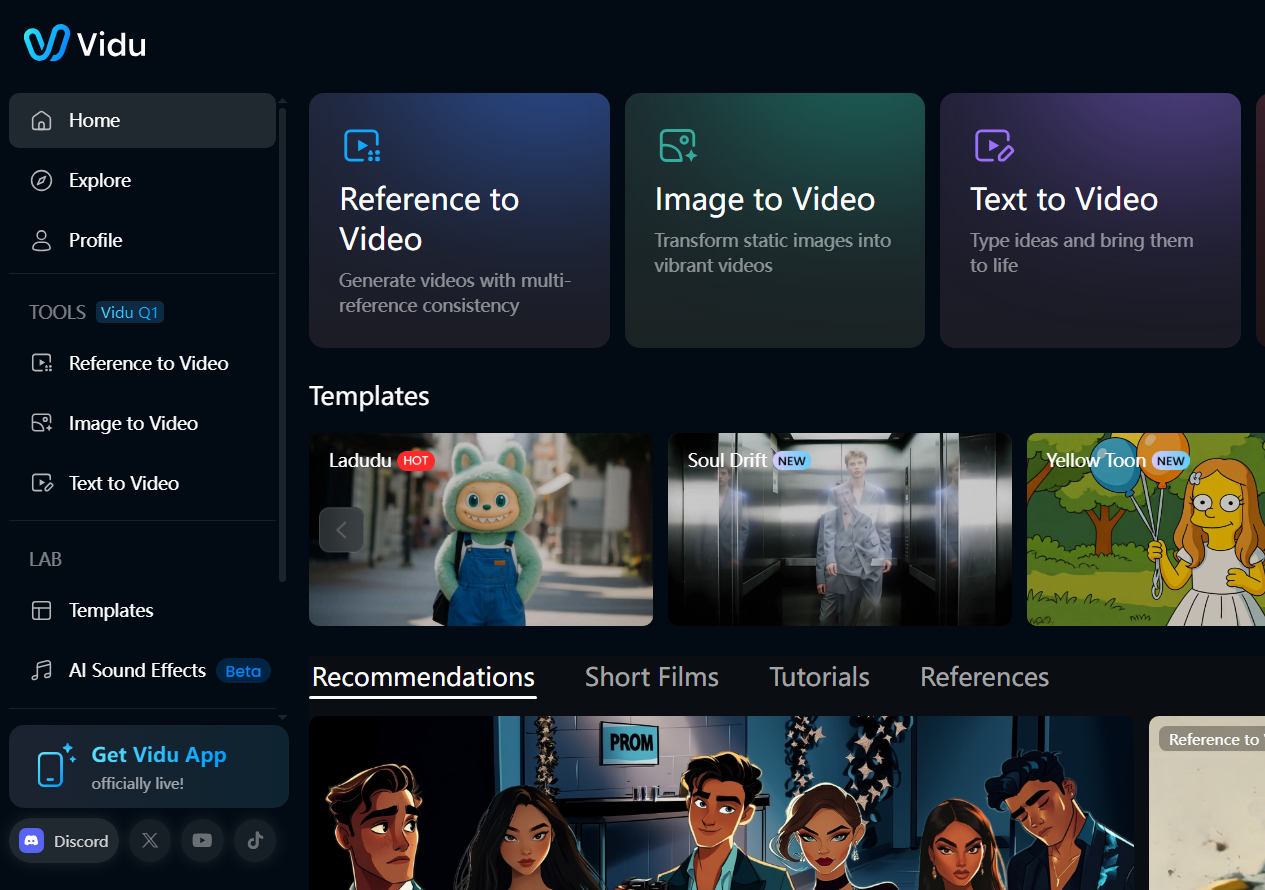
Vidu AI is a standout AI video generator that’s earned its spot at the top with its incredible video quality, lightning-fast processing, and a super intuitive interface that makes creating a breeze.
This tool is a total powerhouse, giving you tons of customization options such as video length and aspect ratio to tweak and personalize your projects to fit your vision.
With Vidu AI, you can easily whip up videos in all sorts of styles—whether you are going for a cinematic vibe or spinning a compelling video story.
The animations it churns out are smooth and so realistic, showing off its knack for handling even the most intricate text prompts.
Pros:
- Provides multiple generation features
- Produces complex and engaging result
- Offers a wide range of customization options
Cons:
- Results may occasionally exhibit inconsistency
Krea - Best Pika Alternative for Novice Users
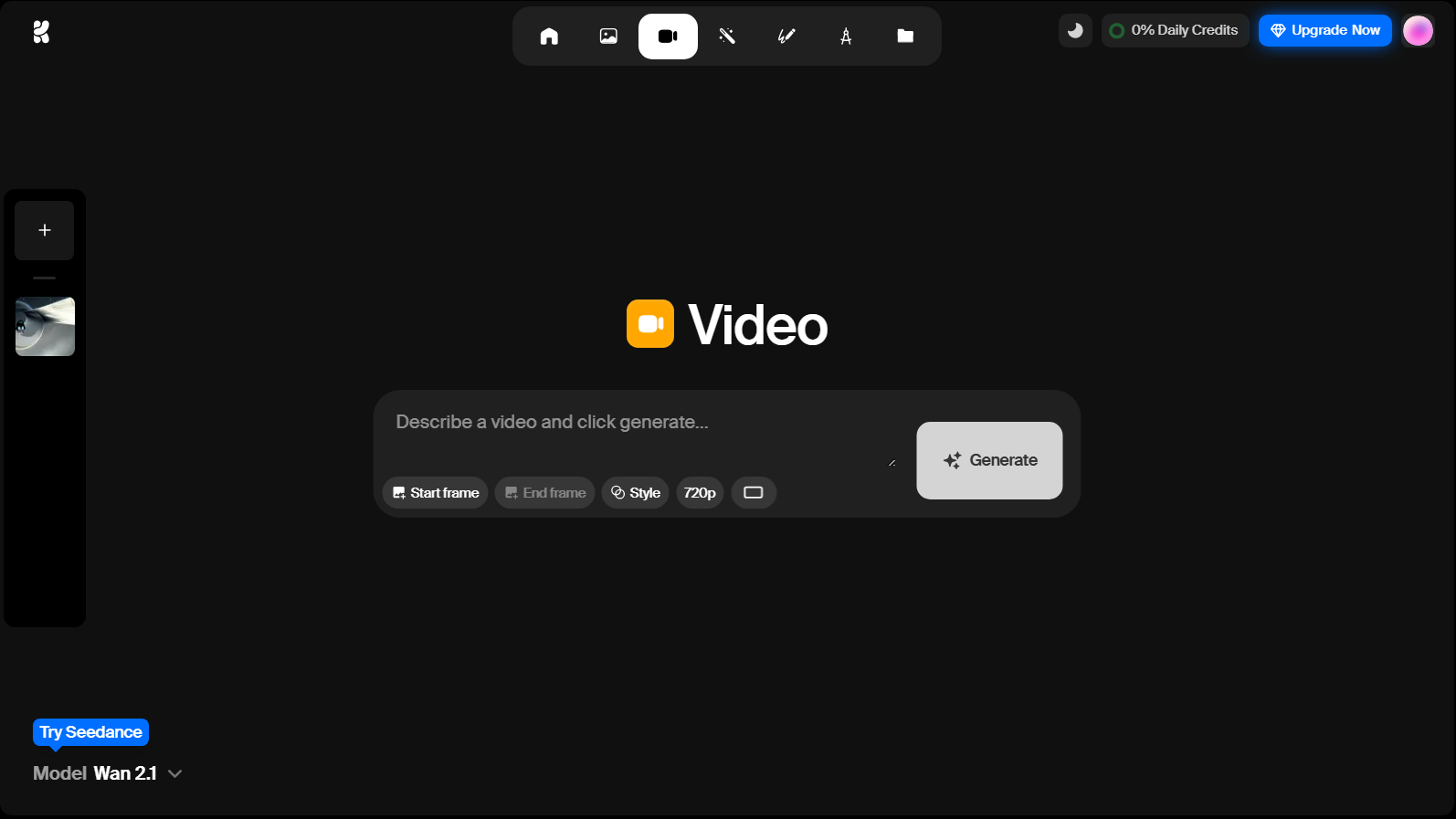
Krea has become a gem in the AI video world which won me over with its sleek, no-fuss interface.
It’s so clean and minimal, making video creation seamless, especially if you are just dipping your toes into this generation space.
Now, while Krea is a great launchpad for beginners, I will be honest—it doesn’t pack the same punch as some other tools with fancier features or cutting-edge AI technology.
Still, I’ve had fun whipping up AI videos quickly with Krea, and its video upscaling feature is a nice touch for boosting video quality.
What I really like is how it lets you switch between different AI video models to play around with unique video generation abilities.
There is a free plan for newbies, which is awesome to get started, though it comes with a few limitations.
Pros:
- Provides fairly fast processing times
- Includes options for upscaling
- Offers a user-friendly interface
Cons:
- The free version comes with considerable restrictions
Haiper AI - Best Pika Alternative for Community Sharing
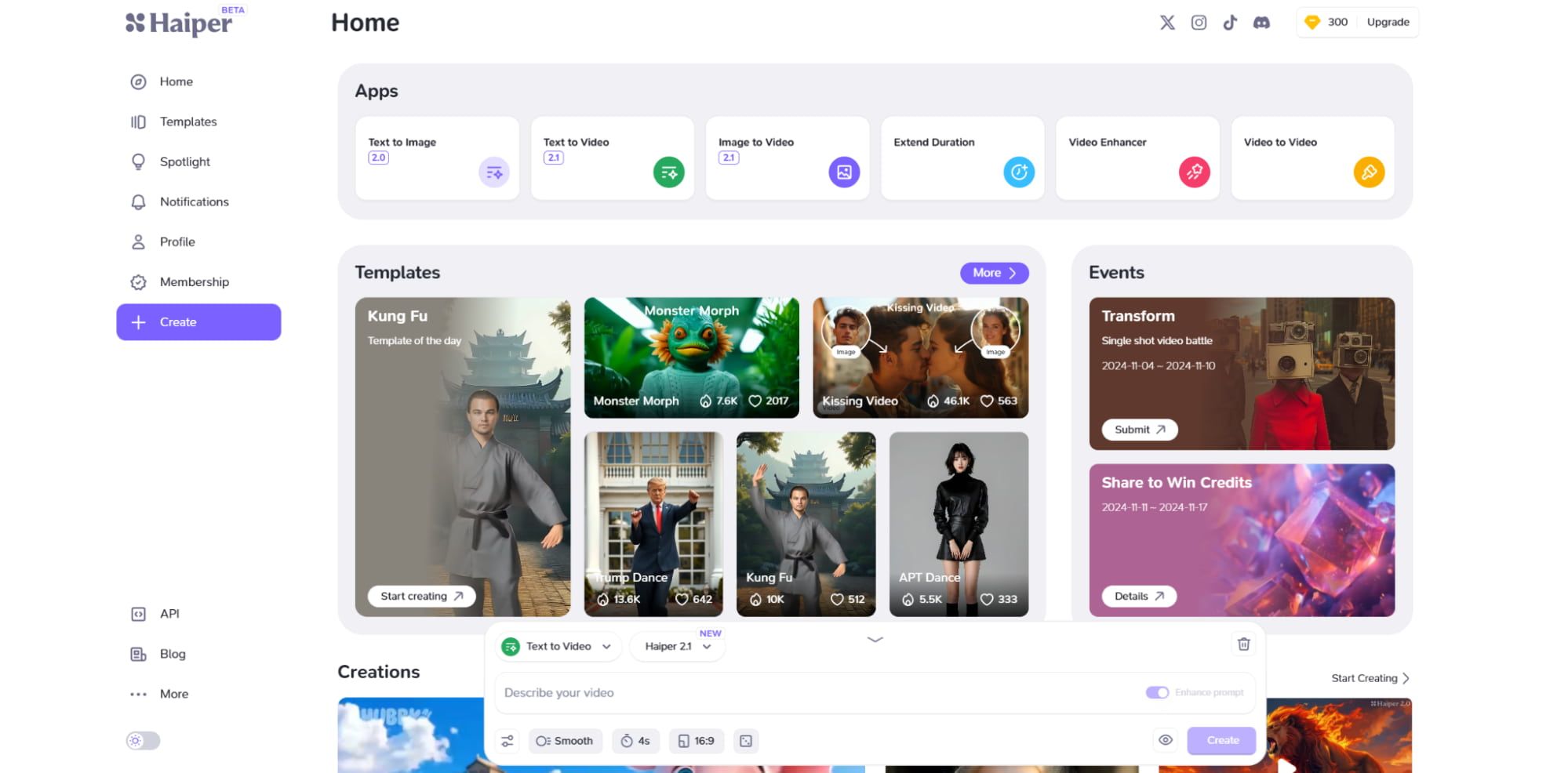
Haiper AI is an AI video generator that’s quickly become one of my go-tos for crafting top-notch AI videos.
Its knack for consistently churning out gorgeous, high-quality visuals is something that really stands out.
Whether you are starting with simple text prompts or images, Haiper AI nails it, staying true to your prompts and delivering results that are visually stunning.
The user interface? Total breeze to use. Tweaking textures or other video details feels effortless—just a few clicks, and you are done editing.
But the real attraction for me is its video community. It’s such a cool space to check out videos other users have made or share concepts.
It’s not just inspiring—it’s like a goldmine of ideas, showing me what’s possible and sparking new potentials for my own projects.
Pros:
- Capable of generating realistic videos
- A free try out is available
- Offers sophisticated animation features
Cons:
- Some users have encountered bugs during usage
PixVerse AI - Best Pika Alternative for Veteran Users
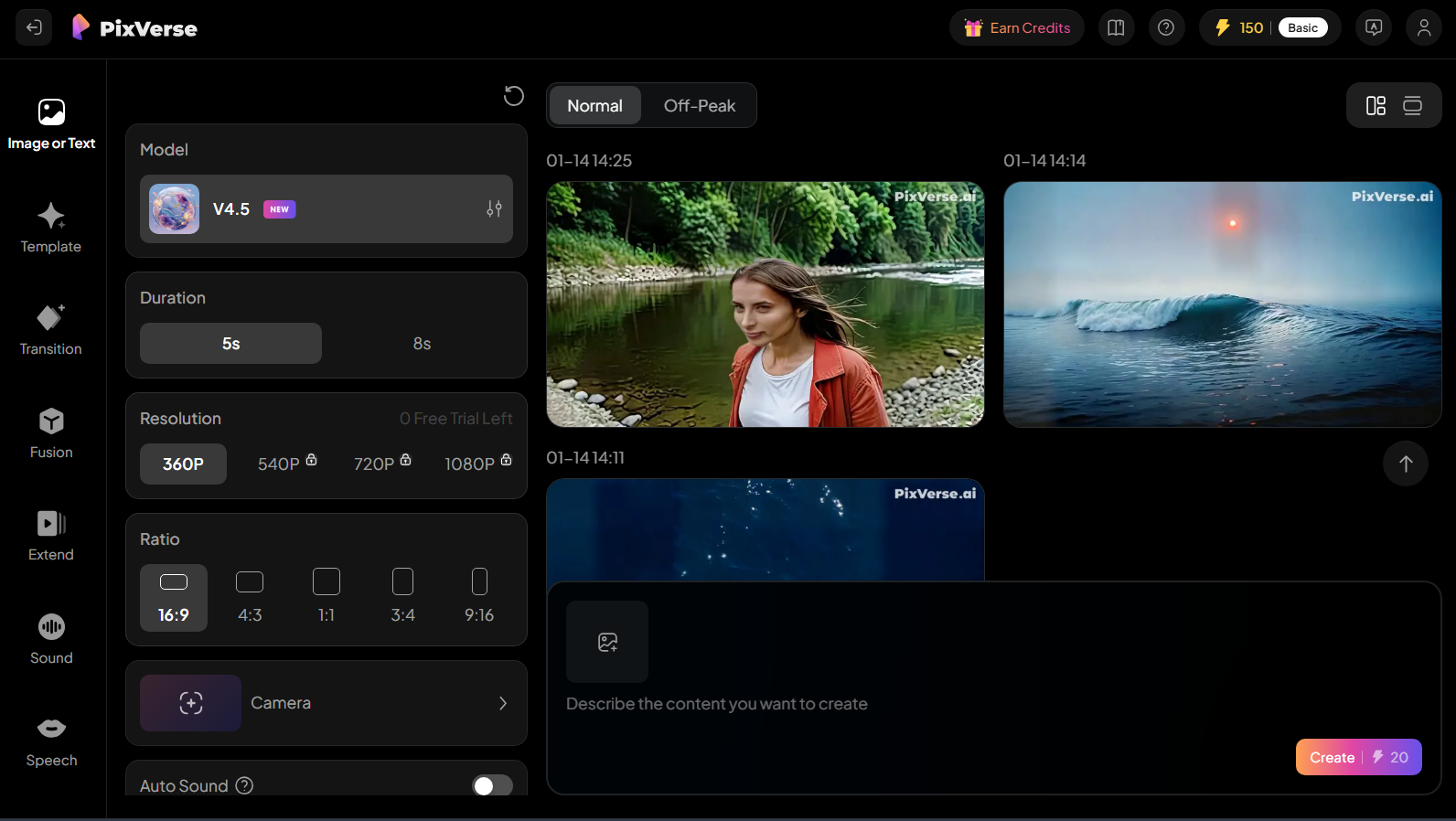
If you are already familiar with how to use AI video generators, PixVerse AI is one you will want to check out—it’s seriously impressive.
Its intricate user interface might feel a bit overwhelming if you are just starting out. But for those of you with some video editing experience, it’s a treasure trove of powerful tools that make it worth trying.
With PixVerse AI, I love how much control I get to fine-tune my videos. You can play around with video length, styles, special effects, and aspect ratios to get exactly the look you’re going for.
However, I did notice it’s a bit limited when it comes to camera control options, which can be a bummer for some video projects.
The best part? You can access it super easily through Discord or any web browser, so it’s a breeze to jump in and start creating, no matter what setup you are working with.
Pros:
- Provides a wide range of customization options
- Suitable for veteran users
- Produces top-quality AI animations
Cons:
- Its interface can seem busy and complex
Conclusion
Each Pika alternative I listed above brings its own unique flair to the table. But, the best Pika alternative depends on your own preference.
If you don’t know which one to choose, I would nudge you toward Pollo AI. Its seamless user interface, access to multiple top-tier models like Veo 3 and Kling AI, and features like the Pollo Canvas for effortless video editing make it a standout for creators at any level.
Give Pollo AI a try and see how it sparks your creativity the most!