



10 Best PixAI Alternatives I’ve Tested (Features & Cost Compared)
PixAI is useful for anime art and character generation. Still, it is not always enough when I need broader model choices, stronger post-generation editing, commercial image workflows, or more flexible creative styles.
So I tested 10 PixAI alternatives for AI image generation to see which tools offer better quality, more control, and a smoother creative workflow.
TL;DR
Pollo AI is the best PixAI alternative for AI image generation. I would choose it first when I want stronger flexibility, better editing after generation, and more project-ready visuals.
NovelAI, Kaze AI, and Civitai are stronger for anime and stylized illustrations. Adobe Firefly, Magnific, and NightCafe work well for broader creative styles, while Fooocus, DiffusionBee, and Dezgo suit users who want prompt control or lightweight testing.
Why Look for a PixAI Alternative?
PixAI works well for anime-style artwork, character concepts, and community-based image creation. But it can feel limited when I need broader styles.
Besides, some results looked appealing at first, but the details were not always consistent. Faces, hands, outfits, backgrounds, and complex scenes could need extra correction before the image felt usable.
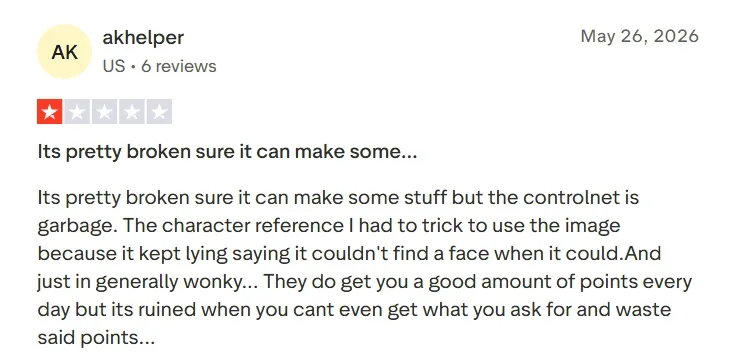
That is why I tested PixAI alternatives that can still create anime art, while also offering better output quality, stronger control, and more useful post-generation editing.
You can learn more information by reading our PixAI review.
The Best PixAI Alternatives at a Glance
| Rank | Tools | Best For | Pricing |
| 1 | Pollo AI | Creators, marketers, and sellers who need polished AI images with flexible generation, editing, and commercial visual workflows. | Pricing starts at $10/month |
| 2 | Adobe Firefly | Professional creatives, brand teams, and Adobe users who need brand-safe creative image generation. | Pricing starts at $13.39/month |
| 3 | Magnific | Designers, marketers, and content teams who need design-ready creative assets for campaigns, social content, and visual layouts. | Pricing starts at $9/month |
| 4 | NightCafe | Community-focused creators who want AI art challenges, shared prompts, and social image discovery. | Pricing starts at $12.49/month |
| 5 | NovelAI | Anime creators and storytellers who need expressive characters, fantasy scenes, and narrative illustrations. | Pricing starts at $10/month |
| 6 | Civitai | AI creators who want LoRA-style exploration, community resources, and more specific visual style testing. | Pricing starts at $10/month |
| 7 | Fooocus AI | Beginners and hobby creators who want more guided control over prompts, styles, and image refinements. | Pricing starts at $15/month |
| 8 | DiffusionBee | Mac users who want local AI image generation without a browser-based workflow. | Free creation |
| 9 | Kaze AI | Casual creators who want anime-style image testing, portrait styles, and quick visual edits. | Premium plan starts at 9.9/month |
| 10 | Dezgo AI | Lightweight users who want fast AI image generation and simple prompt-to-image testing. | Starts at top-ups as low as $10 |
Pollo AI: Best PixAI Alternative Overall
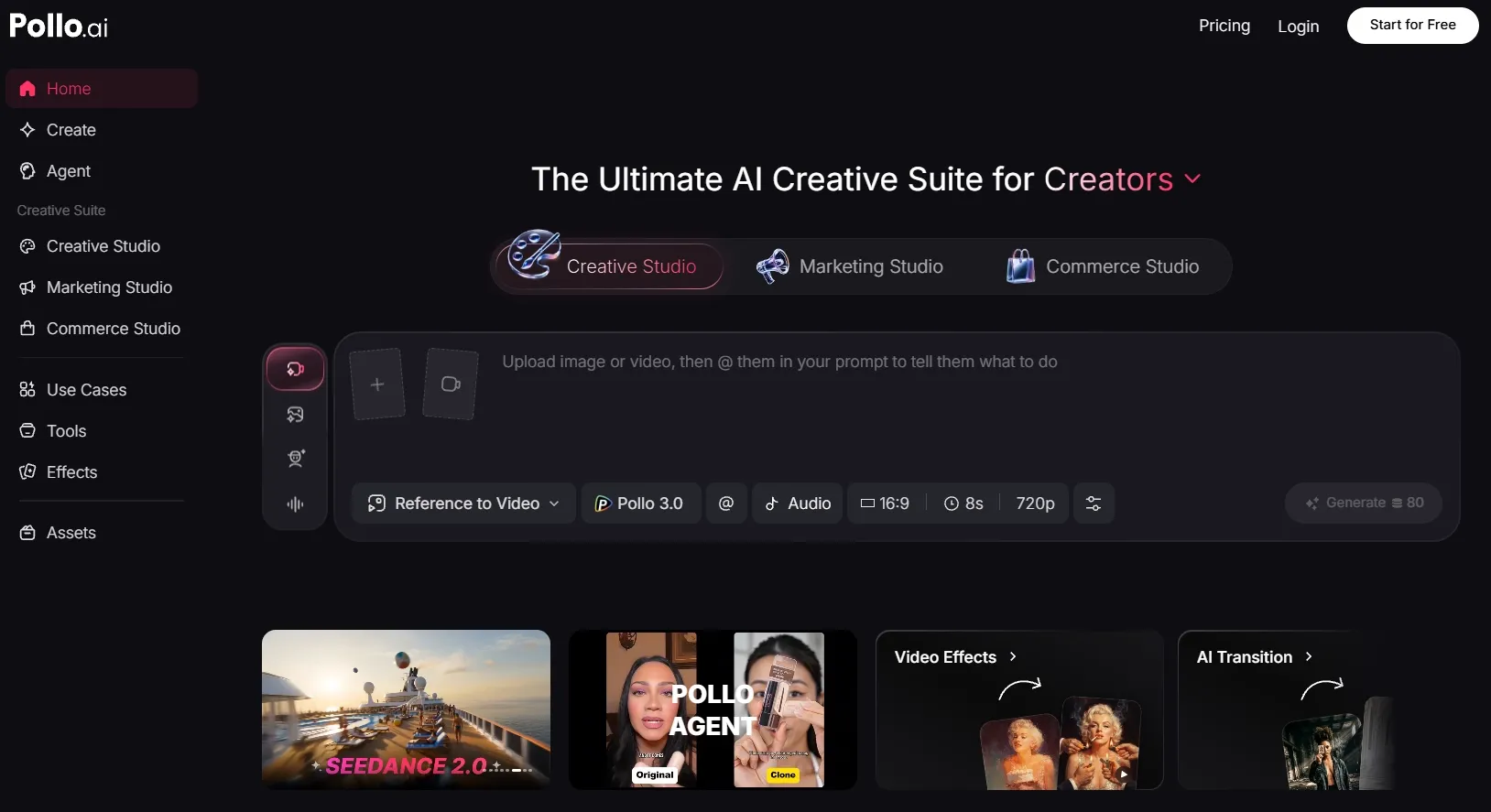
Pollo AI is my top PixAI alternative because it is not just a one-click image generator. It gives me a fuller creative workspace for generating, editing, refining, and adapting images for different content goals.
What stood out to me most is the flexibility. Pollo AI covers both text to image and image to image generation. And instead of staying inside one image style or one generation system, I can explore different image models such as Nano Banana 2 and GPT-4o, and choose the one that fits my task.
That matters because I have more room to test different visual directions, keep a subject consistent, and refine an image until it fits the project better.
Its AI photo editor also makes Pollo AI stronger than many PixAI alternatives. After generating an image, I can relight the scene, touch up photos, or create cleaner image shots with simple instructions.
I also liked that Pollo AI offers specialized image workflows through Commerce Studio. If you are a seller, you can create product visuals that are not just attractive, but also built for selling. This helps lower production costs and use the images faster across store pages, ads, and social campaigns.
Key Features
- Multi-model creative workflow: Test different image directions with broader leading models such as Wan AI and Kling AI.
- Text to image generation: Create anime art, posters, portraits, product scenes, and concept visuals from prompts.
- Image to image generation: Upload a reference image and transform it into a new style or refined composition.
- AI photo editor: Edit generated or uploaded images with prompt-based changes after creation.
- Commerce Studio: Create commercial-ready AI product shots and virtual try-on photos for e-commerce use.
Best For
- Content creators: Generate character portraits, fantasy art, article illustrations, or movie-poster concepts.
- Marketers: Create campaign visuals, social graphics, product collages, or branded promotional images.
- E-commerce sellers: Create product posters, lifestyle product shots, and AI model images without studio shoots.
- AI creators: Generate anime images, manga-style visuals, and concept art while comparing different models.
- Design teams: Build design-ready visual drafts before moving into final creative production.
Pros:
- Stronger image workflow than a basic anime generator.
- Multiple image models give more creative flexibility.
- Useful for both creative and commercial image projects.
Cons:
- Some advanced image models and tools may require credits or a paid plan.
- Beginners may need time to explore the full creative ecosystem.
Create Better AI Images with Pollo AI
Use Pollo AI to create cleaner images, explore more styles, and polish your results in one place.
Create Sharper AI Images Free
Adobe Firefly: Best PixAI Alternative for Brand-Safe Creative Image Generation
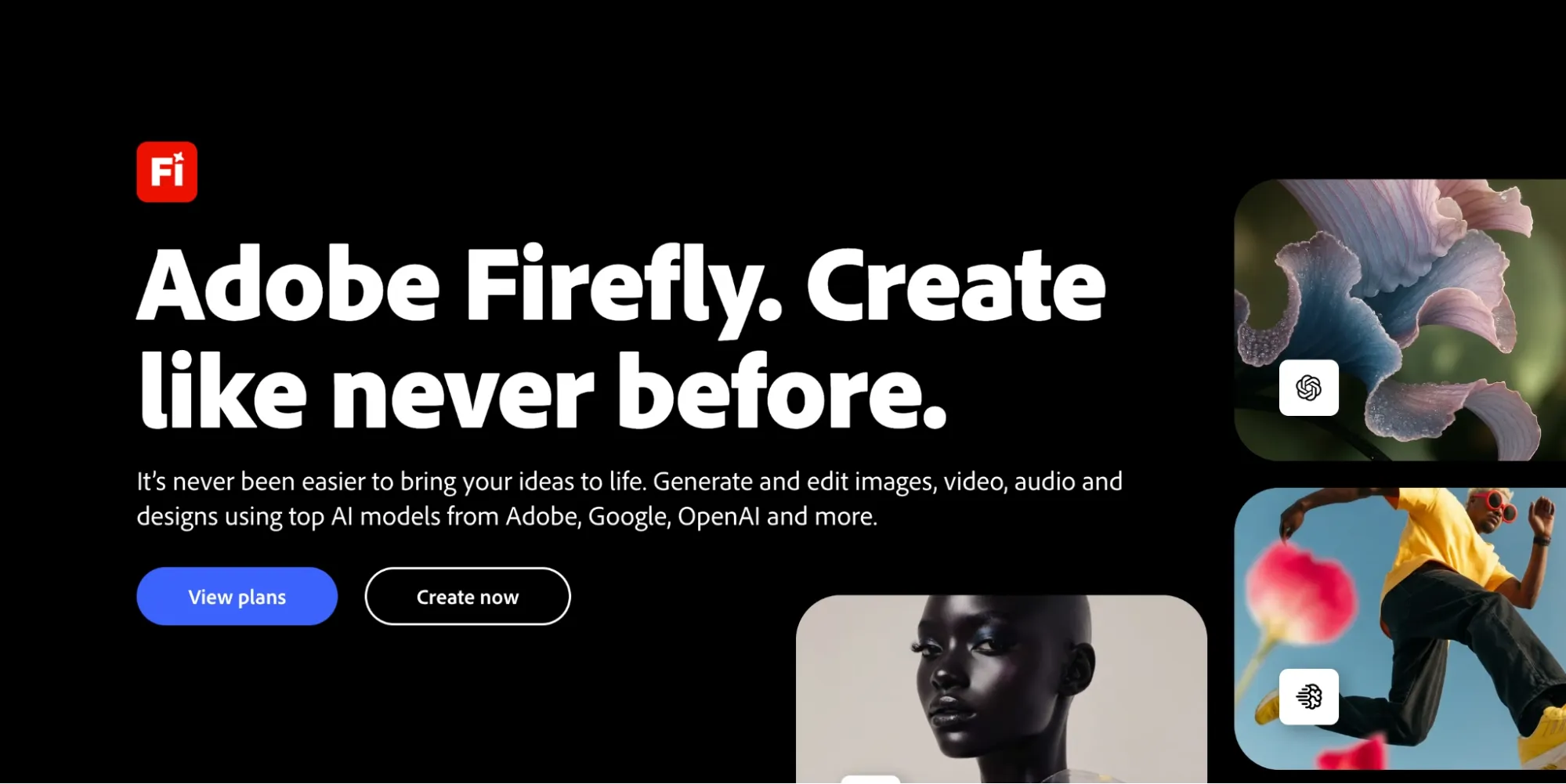
Adobe Firefly earned a high spot because it is built for professional creative work. In my tests, I found it more suitable than PixAI when the output had to fit a brand workflow, a presentation, or a polished design project.
Its advantage lies in the connection with Adobe’s creative ecosystem. I could develop early visual ideas, fix composition gaps, and prepare AI-generated images for brand decks, social layouts, or design mockups more smoothly.
But Adobe Firefly is not the best choice when I need highly experimental outputs or deep control over every visual detail. The workflow can also feel more structured than playful, and frequent generation may be limited by credits.
Key Features
- Text to image: Generate polished visuals from written prompts.
- Generative Fill: Add, replace, or extend image areas with AI.
- Style controls: Guide visual tone, lighting, and composition more easily.
- Adobe workflow: Use generated visuals across Adobe creative tools.
- Credit-based plans: Manage image, video, and audio generation through credits.
Best For
- Brand designers: Create campaign key visuals, AI banners, or decorative word art for cleaner brand presentations.
- Marketing teams: Generate seasonal ad mockups, product-ready image shots, or social campaign graphics for faster creative planning.
- Adobe users: Uncrop images, relight visuals, or refine design drafts before moving them into Creative Cloud workflows.
- Content teams: Create editorial cover images, comparison graphics, or polished poster-style visuals for articles and reports.
Pros:
- Strong fit for professional creative workflows.
- Good for brand-safe visual ideation.
- Useful post-generation editing options.
- Works well with other Adobe tools.
Cons:
- Less focused on anime community art than PixAI.
- Credit usage can matter for frequent generation.
- Advanced users may want deeper model customization.
Want deeper information? Check out our Adobe Firefly review.
Magnific: Best PixAI Alternative for Design-Ready Creative Assets
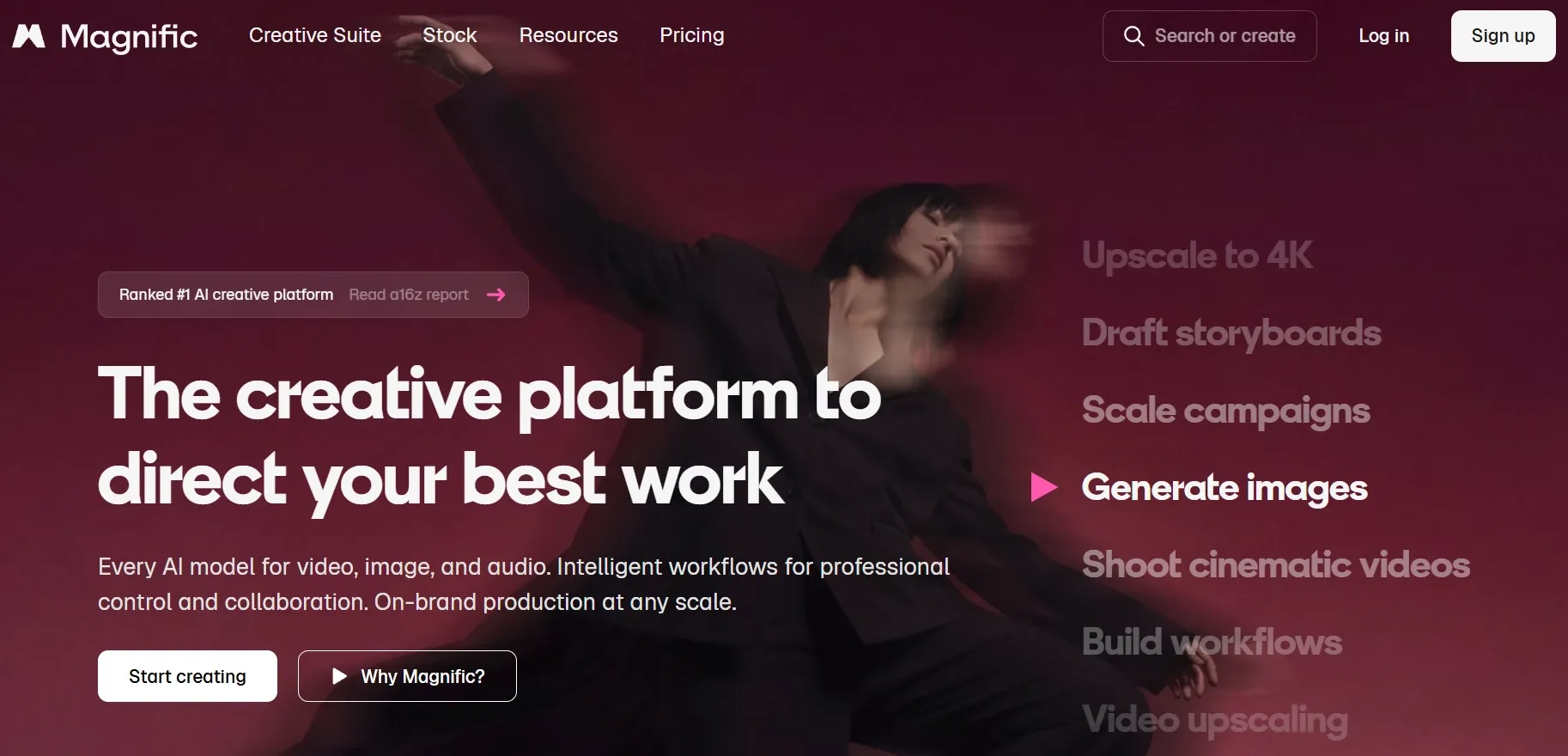
Magnific AI felt useful when I wanted AI images that could fit directly into a design workflow. It is more about creating visuals that can support campaigns, content layouts, and everyday creative production.
What I liked most was how naturally it sits inside a broader asset platform. I could move from image generation to stock-style assets, templates, icons, and design resources, which made it easier to shape a complete visual direction instead of stopping at one generated image.
But I would not choose Magnific AI when I need deep anime character control, experimental style testing, or advanced prompt control. It can also feel limited for projects that require highly specific character consistency or more flexible image refinement after generation.
Key Features
- Text to image: Generate design-ready images from written prompts.
- Style options: Explore different looks for campaign visuals, editorial images, and social content.
- Asset ecosystem: Combine AI images with stock photos, icons, vectors, and templates.
- Design workflow: Move generated visuals into broader creative layouts more easily.
- Commercial content focus: Create visuals that fit marketing, content, and brand projects.
Best For
- Designers: Create tattoo images, icon concepts, or layout backgrounds for design-ready creative projects.
- Marketing teams: Generate wallpaper-style campaign visuals, branded doodle graphics, or seasonal ad concepts for faster planning.
- Content creators: Create blog cover images or simple newsletter visuals for publishing.
- Small businesses: Build event graphics, house-plan-style visuals, or quick promotional images without starting from scratch.
Pros:
- Strong fit for design-ready creative assets.
- Useful asset ecosystem around image generation.
- Easier than technical AI image workflows.
Cons:
- Less suitable for deep anime character control.
- Not ideal for advanced model customization.
- Some assets and AI features may require paid access.
NightCafe AI: Best PixAI Alternative for Community-Based AI Art Creation
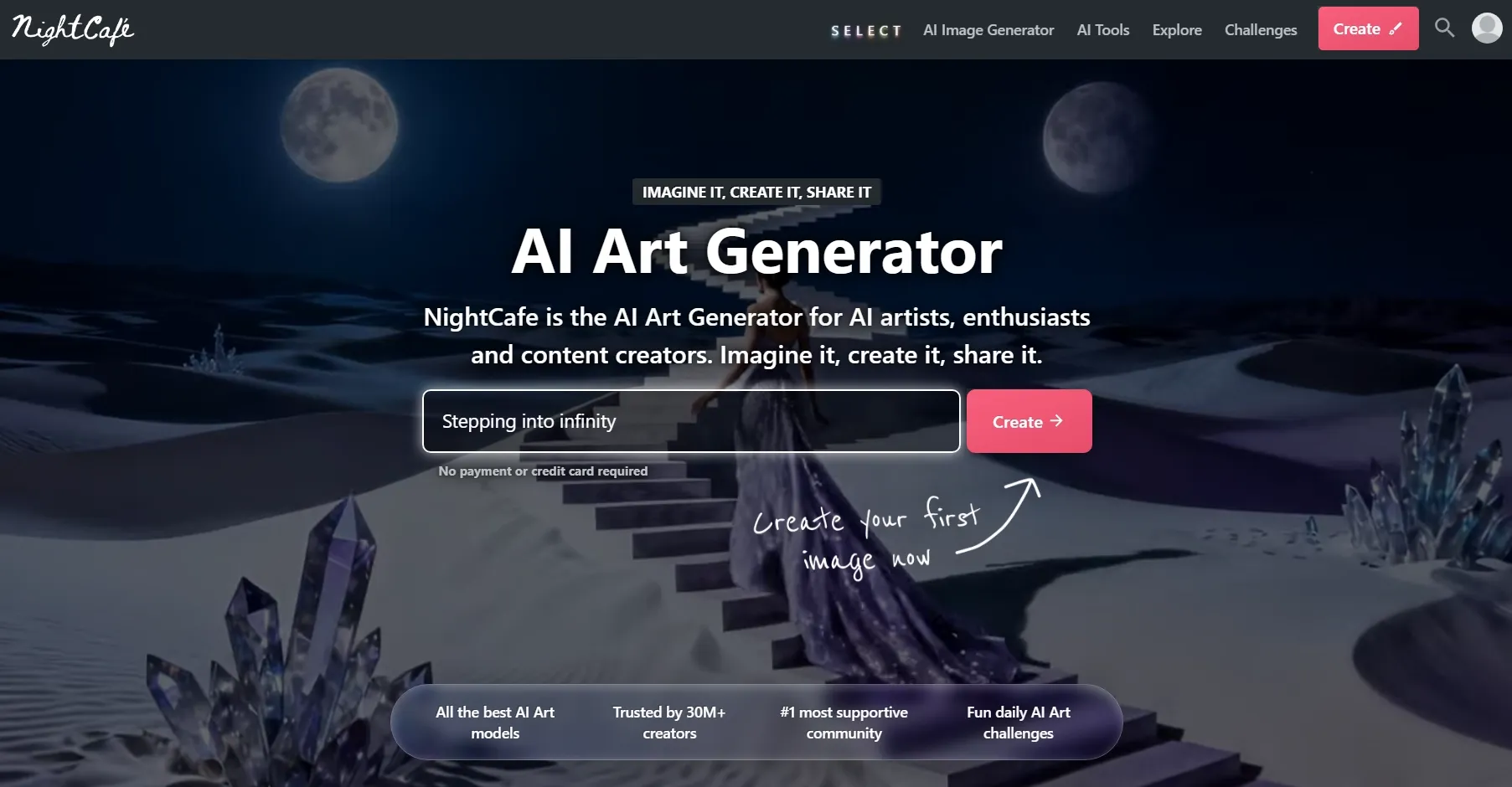
NightCafe AI is a strong PixAI alternative if you enjoy the community side of AI art. I liked it most for casual creative exploration, daily challenges, shared prompts, and discovering how other creators approach visual styles.
Compared with PixAI, NightCafe AI feels broader in its community art direction. It is not only for anime images. I could explore surreal DnD maps, fantasy portraits, abstract art, and decorative poster concepts through a more social AI art environment.
Yet I would not choose NightCafe AI for polished commercial image projects. When I need stronger brand control, deeper editing, or consistent visuals across a real campaign, the workflow can feel less structured.
Key Features
- AI art generation: Create digital artwork from text prompts.
- Community challenges: Join creative challenges and discover shared prompts.
- Multiple models: Explore different AI generation methods and styles.
- Creation library: Save, organize, and revisit generated images.
- Credit system: Use credits for higher-volume or advanced generation.
Best For
- AI art hobbyists: Create unique AI portraits, surreal landscapes, or pixel art pieces for playful visual experiments.
- Community creators: Join art challenges with decorative word art, AI graffiti, or colorful poster-style images.
- Casual artists: Explore coloring pages, abstract compositions, or dreamlike concept images without a heavy workflow.
- Social users: Share AI banners, surreal profile visuals, or polished art posts while collecting inspiration from other creators.
Pros:
- Strong community discovery experience.
- Good for casual and artistic exploration.
- Helpful for learning prompt ideas.
- Supports a wide range of creative art styles.
Cons:
- Less focused on commercial image production.
- Advanced editing workflows can feel limited.
- Credit limits may matter for frequent users.
NovelAI: Best PixAI Alternative for Anime Characters and Story-Style Illustrations
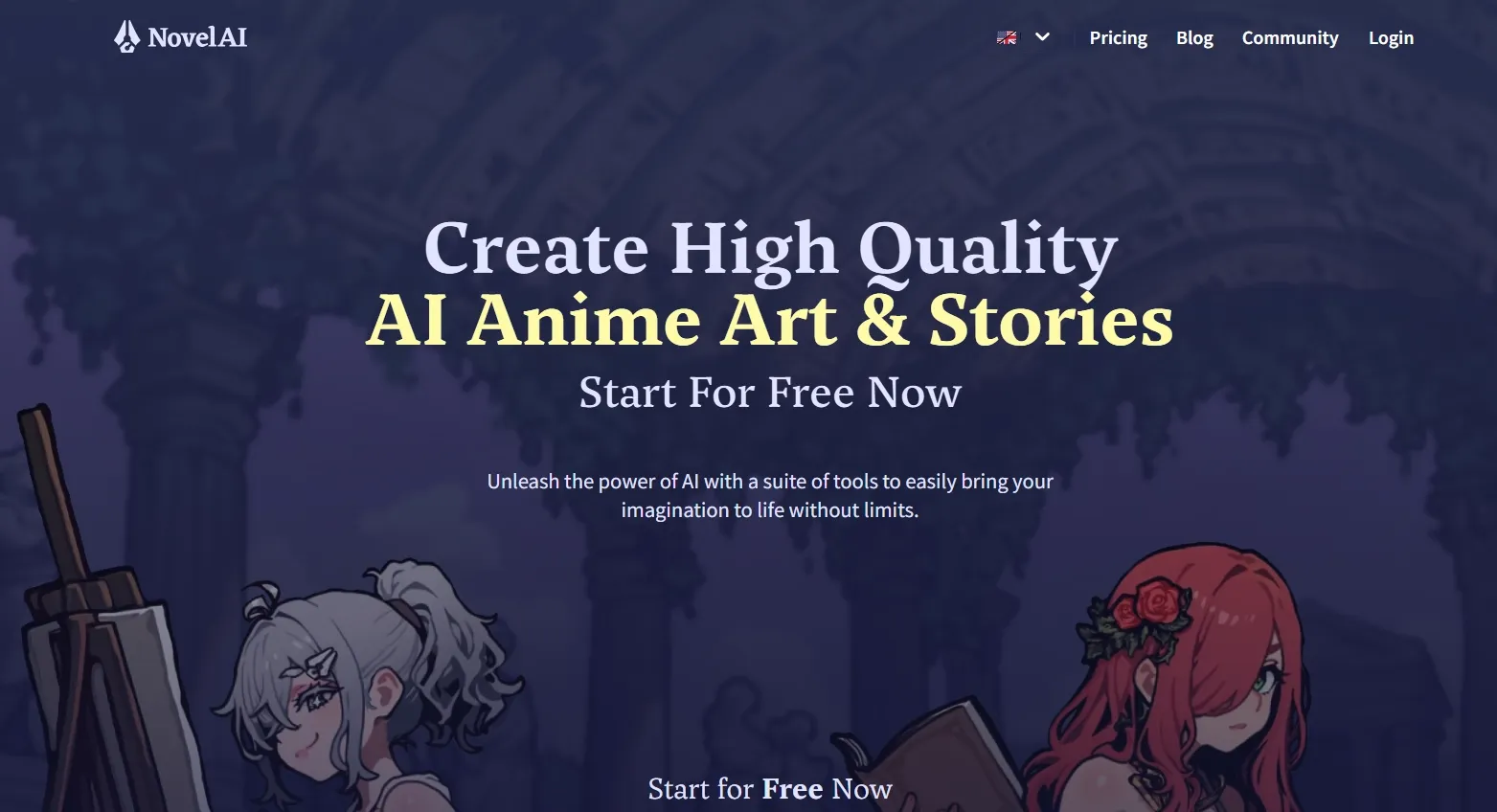
NovelAI is one of the closest PixAI alternatives for anime-style image generation. In my experience, it is especially useful when the image needs to feel connected to a character, a story world, or a fantasy setting.
What stood out to me was how well it supports mood-driven creation. I could use it to shape softer emotions, dramatic lighting, costume details, and scene atmosphere, so the output felt closer to an illustration for a larger creative project.
However, I would not choose NovelAI when I need highly stable multi-character scenes or deeper post-generation refinement. In my test, group compositions could struggle with consistent faces, poses, and outfit details, while major edits after generation often required another image editing tool.
Key Features
- Anime image generation: Create anime-inspired characters and fantasy visuals.
- Character prompting: Use detailed prompts or tags to define character traits.
- Image to image: Adjust existing compositions while keeping the original direction.
- Vibe Transfer: Reuse the visual feel of one image in new generations.
- Inpainting and enhancement: Fix mistakes and improve details after generation.
Best For
- Anime artists: Create chibi characters, manga panels, or expressive face studies for cleaner anime-style artwork.
- Story creators: Build visual novel scenes, fantasy cast images, or monster designs for richer fictional worlds.
- Writers: Generate story covers, character reference sheets, or map visuals for planning scenes and settings.
- Hobby creators: Explore manga-style compositions, coloring page ideas, or sprite sheet drafts for personal creative projects.
Pros:
- Strong fit for anime-style image generation.
- Useful for character-focused creative projects.
- Good balance of prompt control and creative inspiration.
- Helpful image adjustment tools after generation.
Cons:
- Less suitable for commercial product visuals.
- Non-anime styles may feel less central to the workflow.
- Frequent image generation can depend on subscription and Anlas usage.
Civitai: Best PixAI Alternative for LoRA-Style Exploration
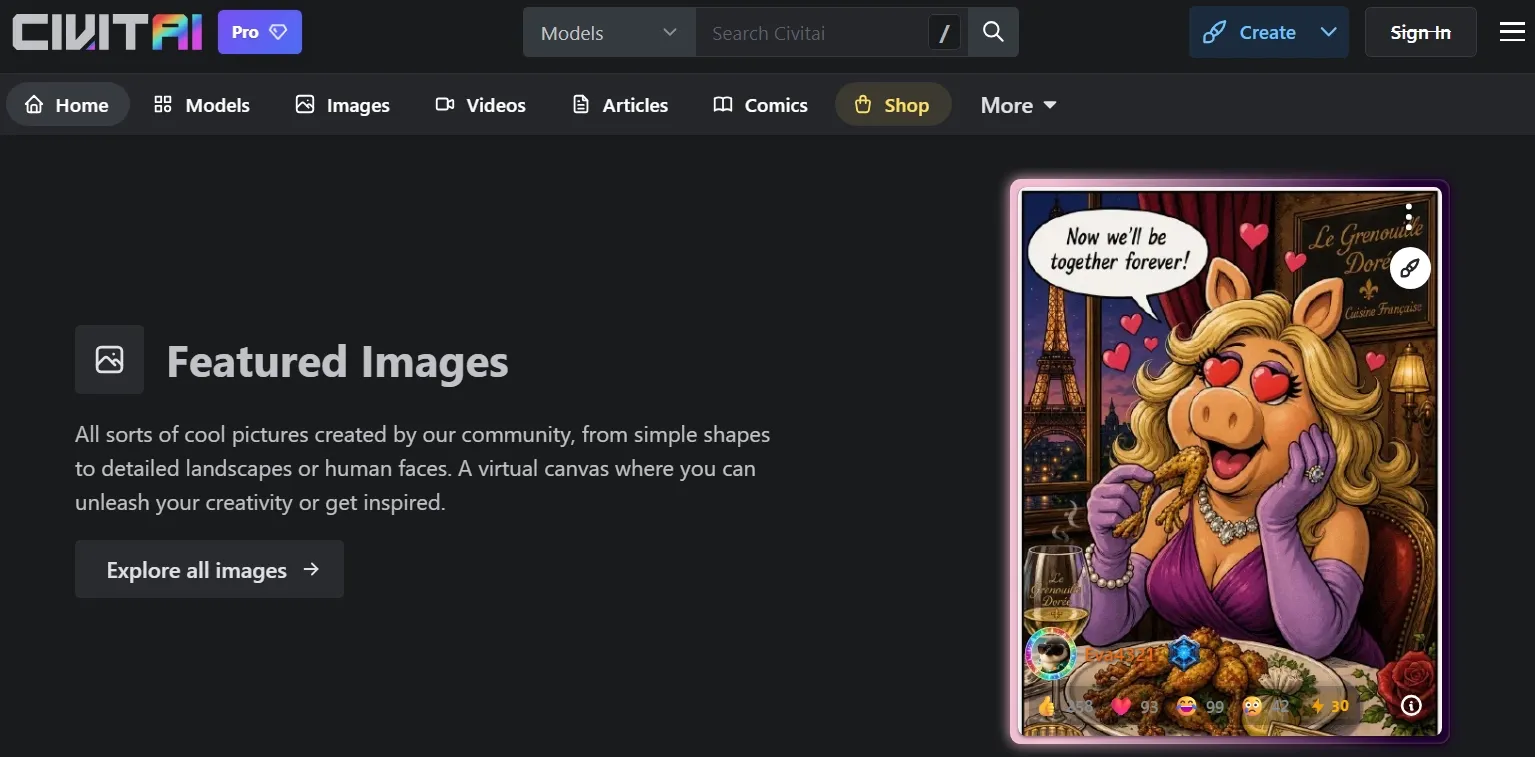
Civitai stood out to me as a place to test niche visual directions with its 1000+ LoRAs. It feels more like a creative library, especially when I want a clearer starting point before generation.
In my test, the practical value came from how quickly I could narrow down a look. I could check example images, study prompt settings, and decide whether a certain style fit my character, lighting, or composition before spending credits on generation.
But I would not choose Civitai when I need consistent results quickly. The output quality can vary across different resources, and it often takes extra comparison before I find a LoRA or model that matches the image direction I want.
Key Features
- Model library: Browse community-created models, checkpoints, and style resources.
- LoRA exploration: Test specific styles, subjects, or character-inspired effects.
- Prompt examples: Learn from images and settings shared by other creators.
- Community discovery: Follow creators and explore visual trends.
- Generation support: Create images using selected resources and settings.
Best For
- AI style explorers: Test LoRA-style looks through outfit designs, graffiti-style art, or realistic face visuals for more specific visual directions.
- Character creators: Explore costume variations, themed portraits, or monster designs with community-based references.
- Prompt learners: Study shared prompts and example images before creating AI textures, map-style visuals, or stylized character drafts.
- Advanced hobbyists: Build sprite sheet ideas, niche illustration concepts, or stylized cartoon avatars with more community-driven control.
Pros:
- Excellent for discovering models and LoRAs.
- Strong community resource library.
- Useful for learning from real prompt examples.
- Good fit for advanced AI image experimentation.
Cons:
- Can feel complex for beginners.
- Model quality and safety can vary by source.
- Not as streamlined as a guided image editor.
You can learn more in our Civitai review.
Fooocus AI: Best PixAI Alternative for Guided Creative Control
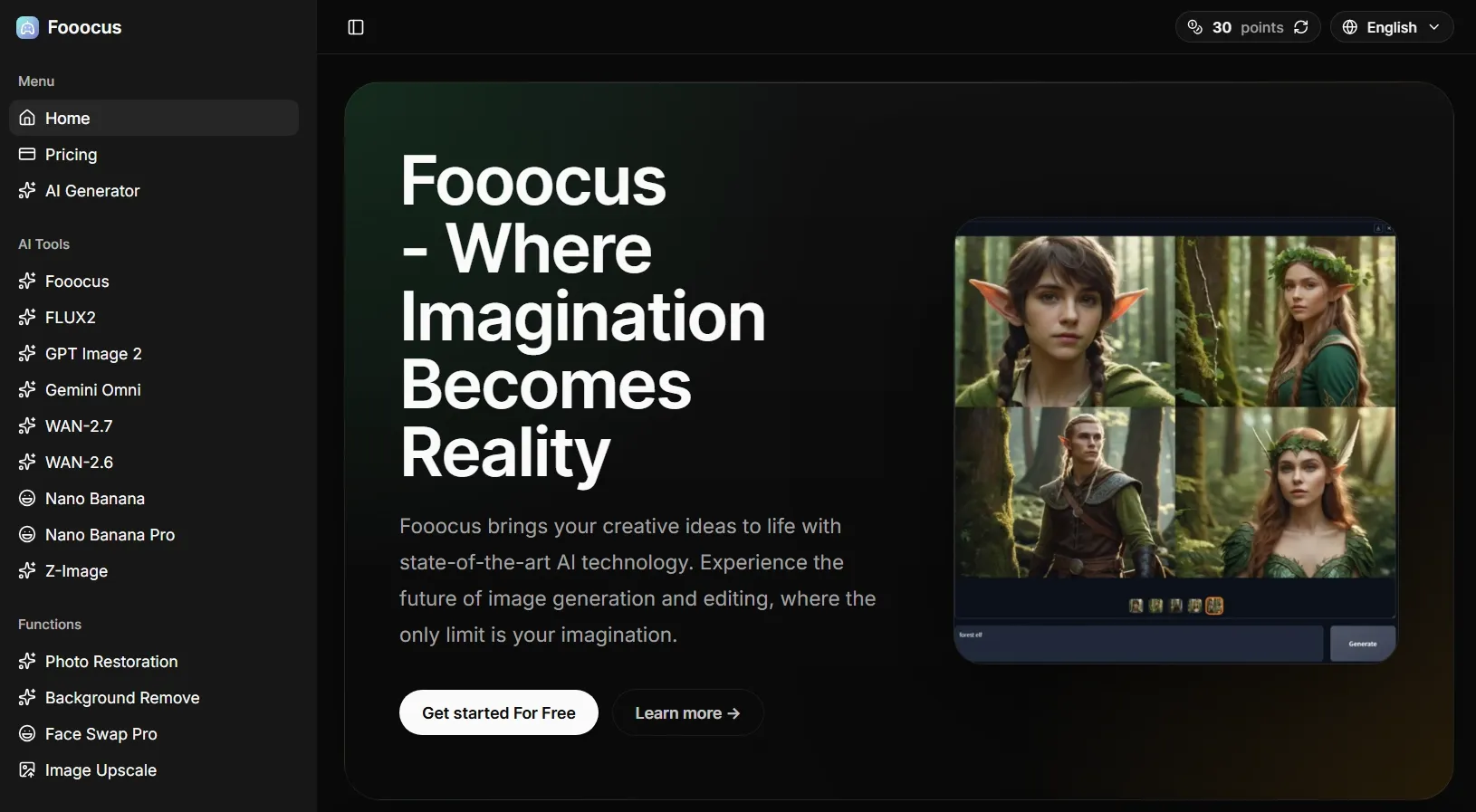
Fooocus AI feels helpful if you want more control over your images without getting buried in technical settings. I did not have to manage every advanced parameter manually, so the creative process stayed focused on image direction, style choice, and refinement.
The tool gave me enough room to move past a basic prompt. Style presets, image prompts, inpainting, and image upscaling helped me shape the result step by step without turning the workflow into a technical setup exercise.
Still, Fooocus AI is not ideal for anyone expecting a fully online, no-setup generator. Local installation and workflow learning can take time, especially for beginners who only want quick browser-based image creation.
Key Features
- Prompt-focused generation: Create images without heavy manual parameter setup.
- Style presets: Apply visual directions more easily during generation.
- Image prompts: Use images to guide new outputs.
- Inpainting and outpainting: Fix details or expand image areas.
- Upscaling: Improve generated images for cleaner final use.
Best For
- Beginner AI creators: Create stylized portraits, sketch images, or toy-like character designs with more guided control.
- Hobby artists: Generate shirt design ideas, clipart graphics, or clean image drafts without deep technical tuning.
- Visual testers: Refine character details, expand cropped compositions, or fix selected image areas through guided edits.
- Stable Diffusion learners: Try image prompts, style presets, or sharper final outputs before moving into more complex custom workflows.
Pros:
- Good balance of control and simplicity.
- Useful inpainting and refinement options.
- Strong fit for prompt-focused creators.
Cons:
- Local setup may still require effort.
- Not built around commercial image workflows.
- Hardware limitations can affect speed and usability.
DiffusionBee: Best PixAI Alternative for Local AI Image Generation
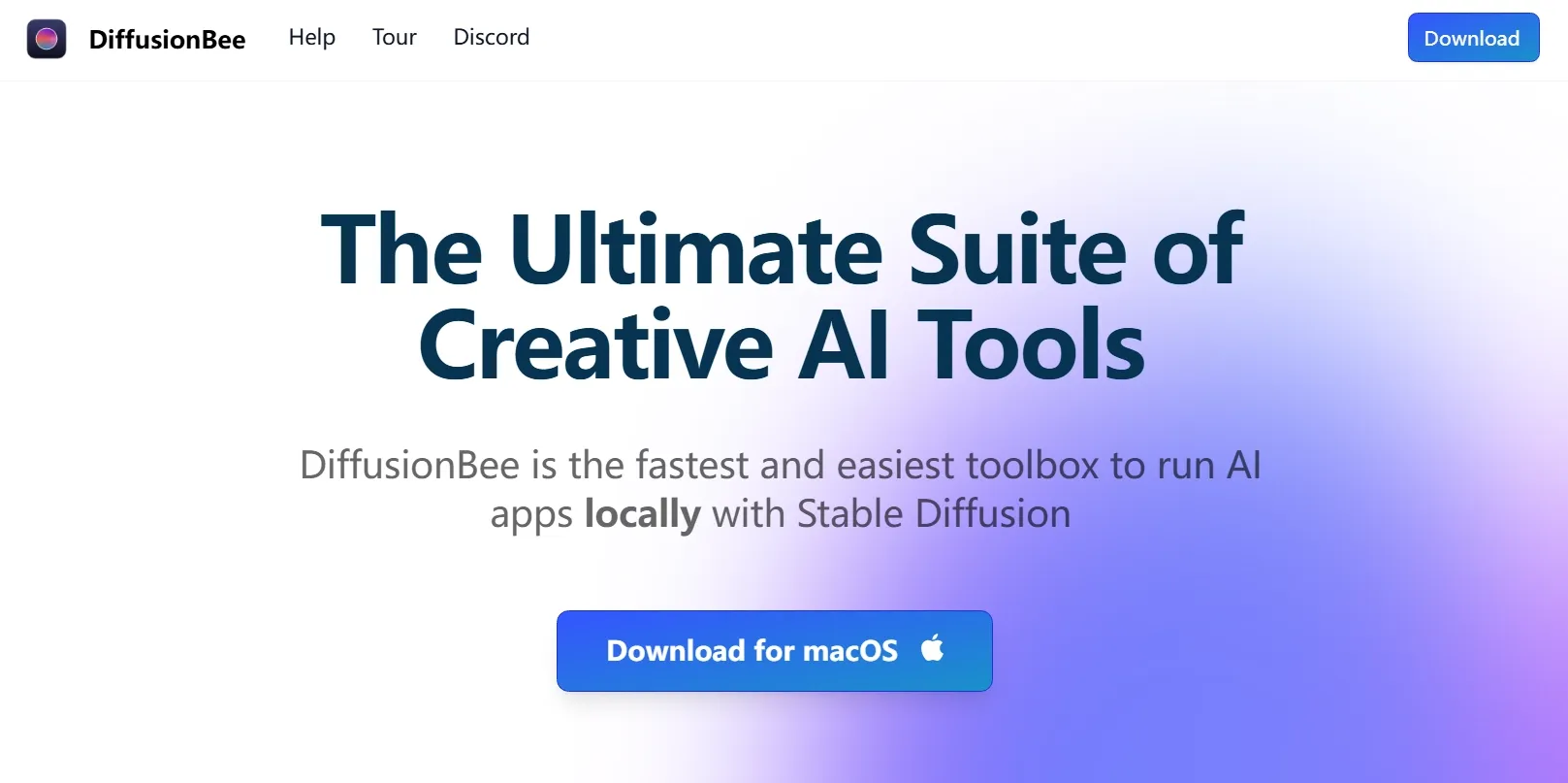
DiffusionBee is a good choice if you want AI image generation to happen on your own Mac. Instead of working through a fully cloud-based tool, I could create images locally and keep the workflow more self-contained.
I liked it most for private experiments, simple image-to-image tests, and personal creative drafts. It also gave me basic editing options such as inpainting and upscaling, which made it more useful than a plain prompt-to-image tool.
But the limitation became clear when I tried to work faster or create at scale. I found DiffusionBee less practical for high-volume generation, team-based workflows, or polished commercial image production.
Key Features
- Local generation: Generate AI images on your own Mac.
- Text to image: Create images from written prompts.
- Image to image: Transform existing visuals into new styles.
- Image inpainting: Edit selected image areas locally.
- Upscaling: Improve image resolution after generation.
Best For
- Mac users: Generate floor plan concepts, simple car designs, or map-style visuals locally without a fully browser-based workflow.
- Privacy-focused creators: Test personal concept images, reference edits, or private visual drafts in a local generation setup.
- Hobby artists: Create animal hybrid ideas or stylized article illustrations for personal projects.
- Offline experimenters: Restore old photos or denoise visuals while exploring Stable Diffusion locally.
Pros:
- Local image generation is convenient for Mac users.
- No advanced technical setup compared with many local tools.
- Includes useful image editing tools.
- Good for private creative experiments.
Cons:
- Performance depends on device specs.
- Less flexible than larger Stable Diffusion ecosystems.
- Not ideal for fast, high-volume commercial output.
Kaze AI: Best PixAI Alternative for Anime-Style Image Testing
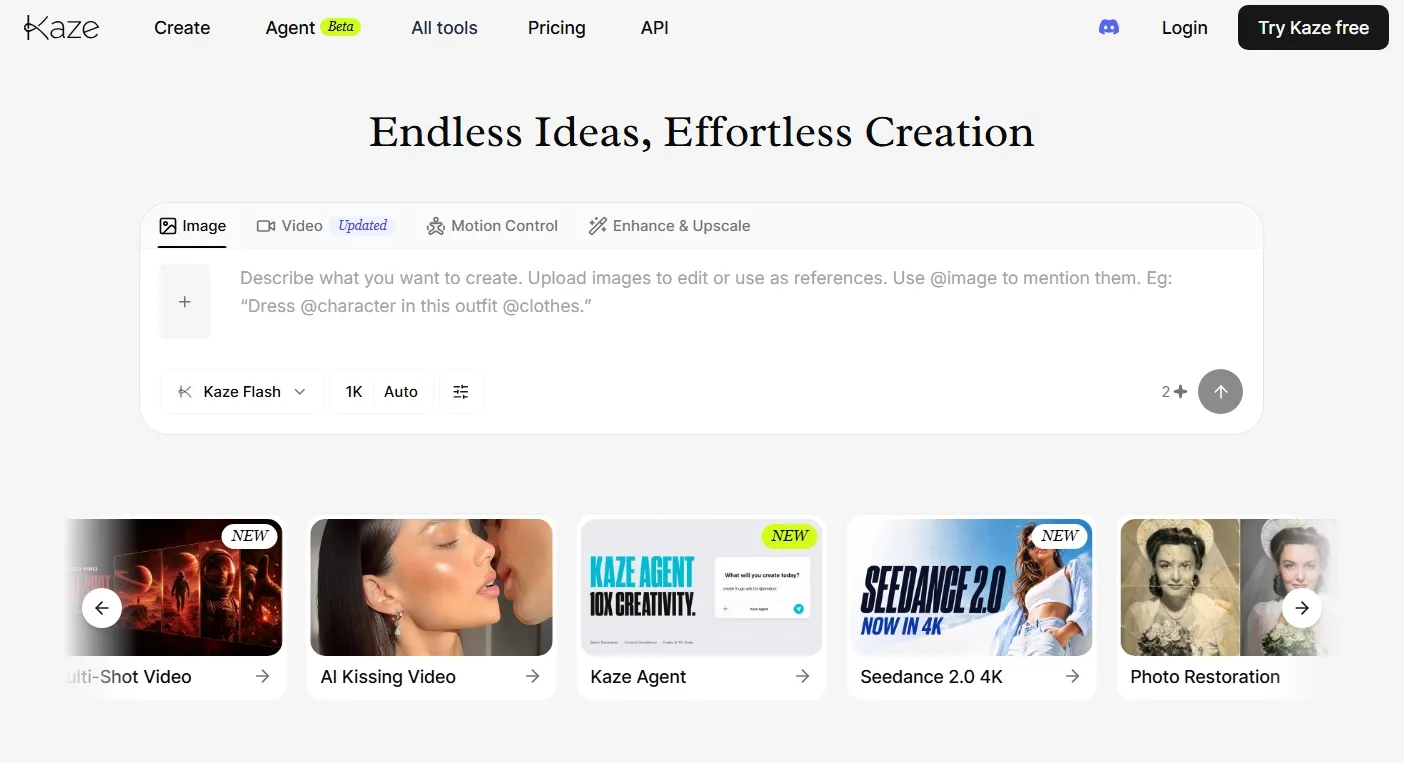
Kaze AI works as a lighter PixAI alternative for quick visual testing. I found it useful when I wanted to try portrait styles, anime-inspired looks, image enhancement, and simple creative edits without building a complex model workflow.
It is broader than a pure anime generator. Besides image creation, Kaze AI also leans into photo editing, restoration, headshots, and quick visual cleanup. That makes it helpful for casual creators who want practical image tools around generation.
But I also found Kaze AI less reliable when I needed complex scenes or very specific image details. The outputs were fine for quick tests, but they did not always feel consistent enough for a more polished creative workflow.
Key Features
- AI image creation: Generate images from creative prompts.
- Chat edit: Refine images through simple instructions.
- Portrait styles: Create stylized portraits, headshots, and character-like visuals.
- Image enhancement: Improve clarity, lighting, and overall image quality.
- Photo cleanup: Remove unwanted marks or restore older images.
Best For
- Casual creators: Test cartoon avatars, AI emojis, or playful pet portraits for quick social-ready images.
- Personal users: Restore family photos, enhance face details, or unblur old images for cleaner personal visuals.
- Content makers: Create profile concepts, simple face images, or lifestyle-style edits for blogs and social pages.
- Beginner editors: Retouch portraits, denoise rough photos, or make face cutouts without opening advanced editing software.
Pros:
- Easy to use for quick image edits.
- Useful around portraits and visual cleanup.
- Good for casual style testing.
- Covers both generation and practical photo editing.
Cons:
- Less focused on deep anime model control.
- Not the strongest option for advanced prompt workflows.
- Credit-based usage can affect frequent testing.
Dezgo: Best PixAI Alternative for Lightweight AI Image Generation
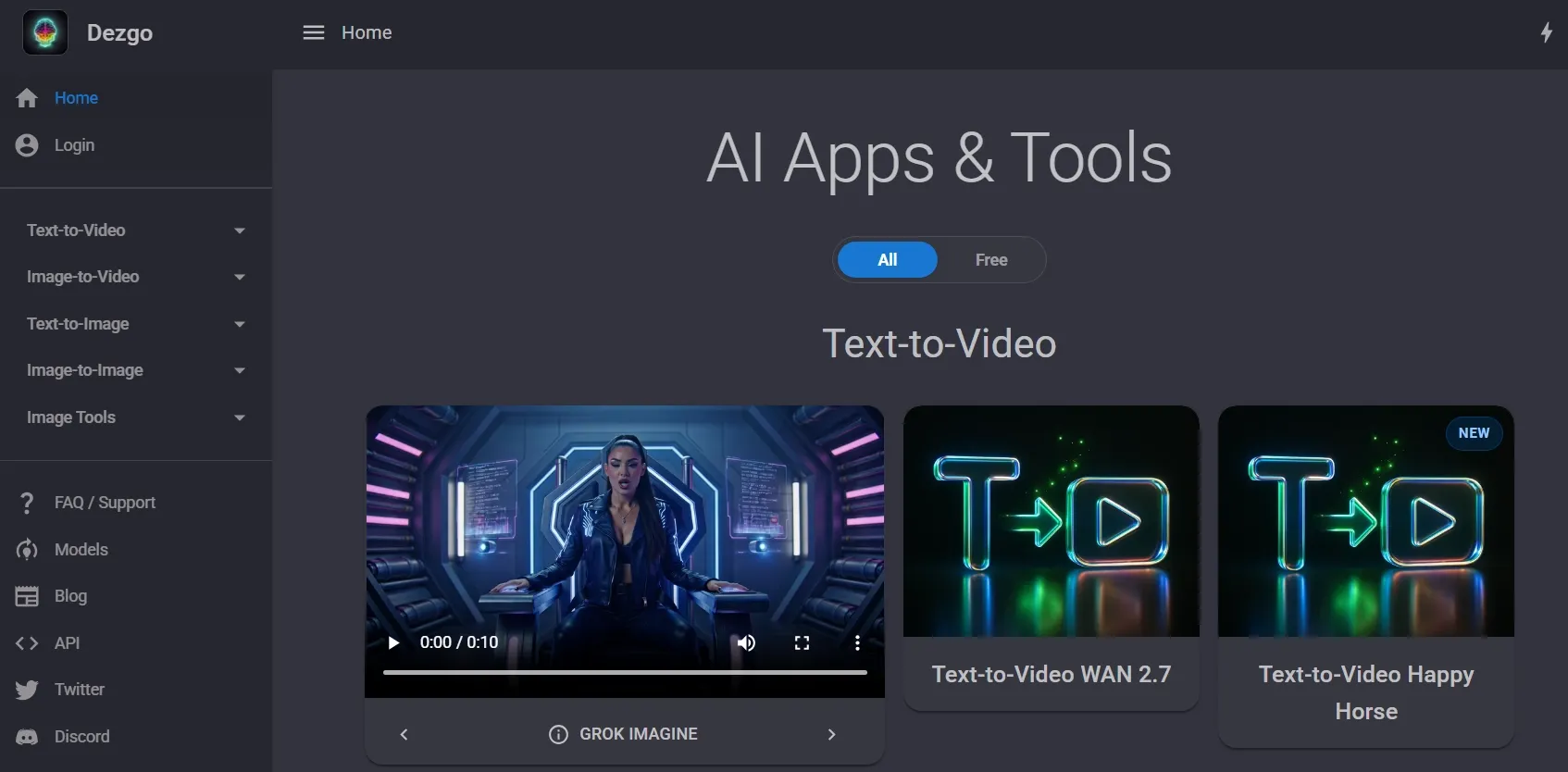
Dezgo AI fit the moments when I wanted to move from idea to image without much setup. I liked it most for quick prompt checks, basic style comparisons, and simple visual drafts that did not need a full creative suite.
What made the experience easy was how little friction I felt between each attempt. I could make small changes, compare rough outputs, and decide whether an idea was worth developing further before spending more time on a stronger image tool.
However, I would not rely on Dezgo when I need polished brand visuals, deeper image refinement, or a more structured creative workflow. It felt too basic for projects that require consistent quality across several final images.
Key Features
- Text to image: Generate images from simple prompts.
- Image to image: Use an existing image as a starting point.
- Multiple models: Try different generation models for different looks.
- Inpainting: Edit selected parts of an image with text instructions.
- Image tools: Remove backgrounds, upscale images, and make quick edits.
Best For
- Prompt testers: Try quick logo generation, clipart graphics, or simple object ideas before developing the prompt further.
- Students: Create presentation images, coloring page visuals, or basic diagram-style concepts for class projects and study materials.
- Casual creators: Generate banner drafts, simple article images, or other visual ideas for early creative testing.
- Lightweight users: Remove text, blur backgrounds, or convert image formats without opening a complex creative suite.
Pros:
- Simple and fast for prompt-to-image testing.
- Includes useful image tools beyond generation.
- Good for lightweight creative experiments.
- Flexible enough for basic image-to-image tasks.
Cons:
- Not ideal for advanced image refinement.
- Less suitable for brand-level commercial visuals.
- Output quality can vary by model and settings.
Pollo AI—Your Best PixAI Alternative
Create sharper, more controllable visuals with Pollo AI’s flexible image generation and editing tools.
Turn Ideas Into Better ImagesHow I Ranked These PixAI Alternatives
I ranked these PixAI alternatives by looking at real image generation needs, not just tool popularity. A good PixAI alternative should handle anime art, but it should also offer stronger creative flexibility when the project goes beyond character images.
- Final Image Quality: I looked for cleaner details, better composition, more stable subjects, and fewer obvious visual errors.
- Prompt Accuracy: I checked whether each tool could follow style, subject, lighting, and composition instructions without endless prompt rewriting.
- Control Over Results: I ranked tools higher when they offered model switching, image-to-image options, inpainting, style guidance, or character control.
- Editing After Generation: I valued tools that could help me refine a decent draft into a more usable final image.
- Practical Project Fit: I considered whether each tool could support real projects, from anime art and character references to concept visuals, product images, posters, and social content.
Pollo AI ranked first because it gave me the best balance of image generation, editing, and specialized AI tools for ready-to-use images. It did not feel limited to one art style or one output type.
My Final Verdict
PixAI is a good option if you mainly want anime-style art and character image generation. It is easy to understand and useful for creative experiments.
However, when I need broader image styles, stronger model choices, better editing after generation, or commercial-ready visuals, PixAI starts to feel more limited.
That is why Pollo AI is my top PixAI alternative. It gives me a more flexible and fuller image generation workflow. You can not only generate images, but also have editing tools and specialized image generators for different task needs, especially visuals for e-commerce and social content.
For creators, that means more freedom to generate anime art, posters, character concepts, and refined visual assets. For marketers and sellers, it also means stronger support for product images, campaign visuals, and design-ready commercial content.
Ready to move beyond basic anime image generation? Try Pollo AI to create cleaner, more controllable images for real creative projects.