



10 Best Fotor AI Alternatives I Tested for Two Weeks
Fotor AI is a convenient tool for quick image creation, photo touch-ups, and simple design tasks. But it is not always enough when I need stronger image quality, deeper style control, more model choices, or a more complete creative workflow.
So I tested 10 Fotor AI alternatives for AI image generation. In this article, I’ll show you how they compare and which tools are worth trying for different creative needs.
TL;DR
Pollo AI is the best Fotor AI alternative overall. I would choose it first when I want more flexibility, stronger image generation, and useful editing options after the first output.
I can generate images from prompts, transform existing images, and edit photos in one workflow. That makes the final result feel more polished and usable than a basic AI image generator output.
Why I Look for Fotor AI Alternatives?
Fotor AI is a simple visual tool for casual AI image generation and photo-based edits. However, it can feel limited when I need more control over style, subject accuracy, and final project use.
Its outputs also look less consistent with complex prompts, especially with detailed characters, branded visuals, product scenes, and stylized compositions. I also get less room to compare models or refine a result through a deeper image-first workflow.
Other users on Trustpilot have reported similar issues, especially around misinterpreted prompts and unexpected editing results.
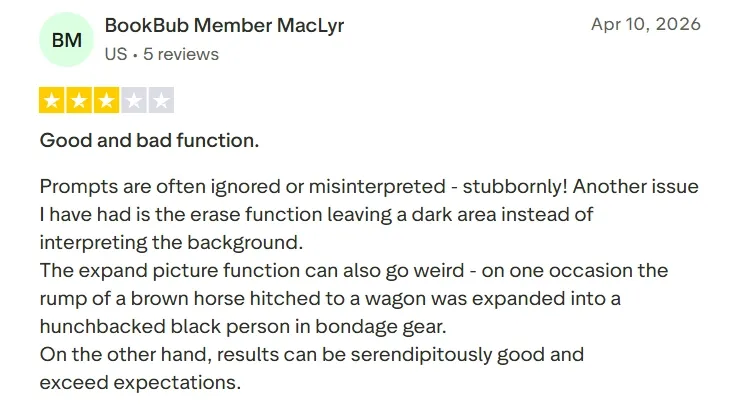
That is why I looked for alternatives that could do more than create one quick image. A strong Fotor AI alternative should help me test ideas, improve visual quality, adjust details, and prepare images for real content needs.
You can know more information via our hands-on Fotor AI review.
Best Fotor AI Alternatives at a Glance
| Rank | Tool | Best For | Pricing |
| 1 | Pollo AI | Creators, marketers, and sellers who need polished AI images with flexible generation and editing options. | Pricing starts at $10/month. |
| 2 | Leonardo AI | Designers and AI creators who need high-quality creative visuals, concept art, and style control. | Pricing starts at $12/month. |
| 3 | Magnific | Marketers and content teams who need stock-style marketing images and commercial visual assets. | Pricing starts at $9/month. |
| 4 | Pixlr AI | Casual creators and social teams who need fast image generation for online visual ideas. | Pricing starts at $2.49/month. |
| 5 | Remaker AI | Creators who need AI portrait generation, face-focused visuals, and quick visual remakes. | Credit packs start at around $5.99. |
| 6 | LightX AI | Social creators and small teams who need polished social visuals from simple image ideas. | Pricing starts at $9.99/month. |
| 7 | Getimg AI | AI creators and designers who want creative style exploration across different image models. | Pricing starts at $12/month. |
| 8 | SeaArt AI | Anime fans and character creators who need anime images, character art, and community models. | Pricing starts at $5.99/month. |
| 9 | PicLumen AI | Beginners and casual creators who want accessible image creation with low-cost plans. | Pricing starts at $3/month. |
| 10 | Gencraft AI | Artists and social creators who want stylized AI artwork, avatars, and visual remixes. | Pro plan costs $19.99/month. |
Pollo AI: Best Fotor AI Alternative Overall
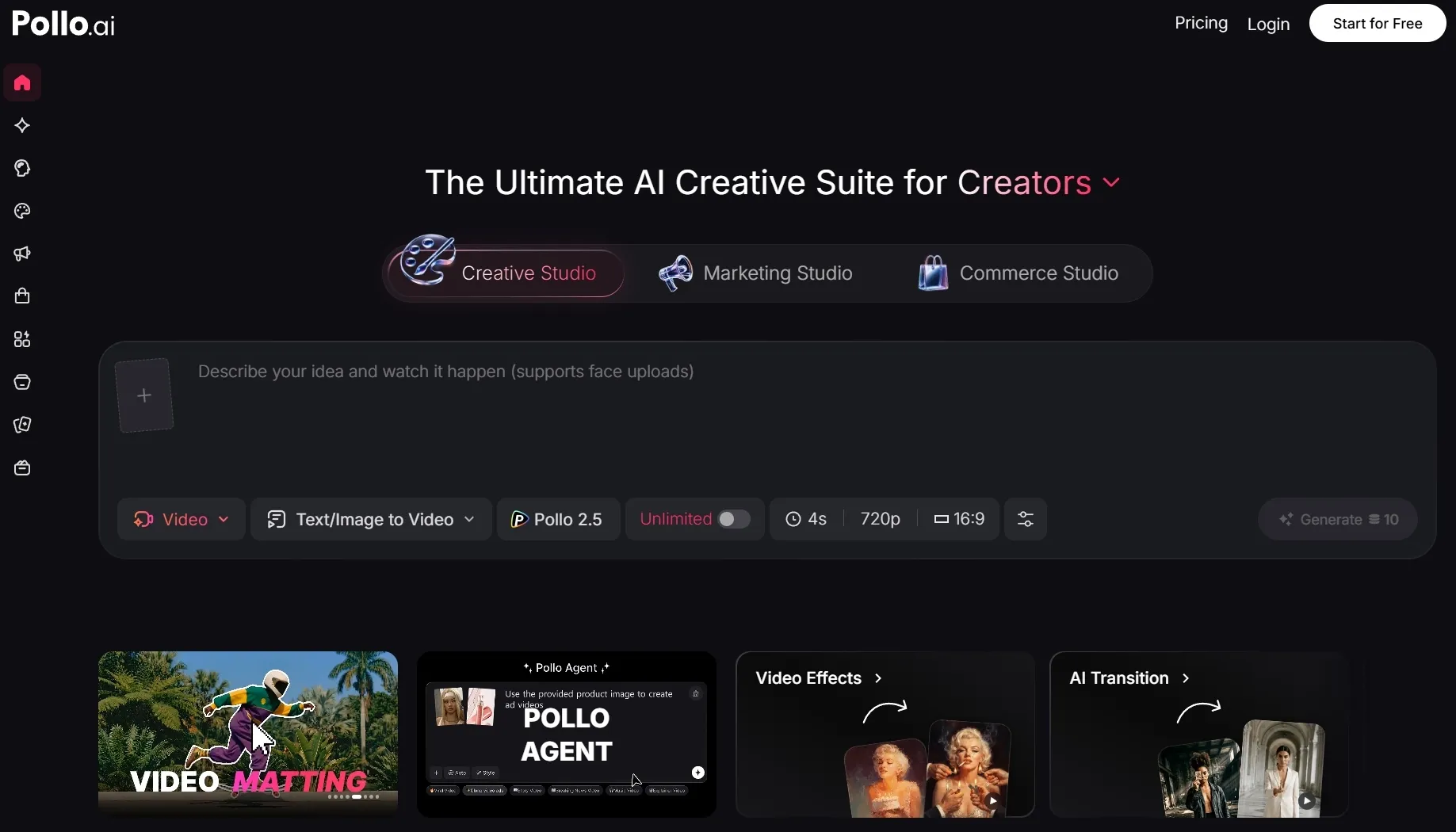
Pollo AI is my top Fotor AI alternative because it feels like a broader AI image creation workflow, not just a one-click generator. I can start with a text prompt, use image to image generation, explore leading image models such as Nano Banana 2, and continue editing the result afterward.
Pollo AI also works well for real project needs. Through its image generators and tools, I can create product images and other design-ready visuals. This makes it easier to match the tool to the project, instead of forcing every idea through one general generator.
I also liked that Pollo AI supports editing after generation. With its AI photo editor, I can remove backgrounds, erase objects, or adjust styles to make my images cleaner. This matters as the first generated image is rarely the final usable image.
Key Features
- Multi-model image generation: Generate images through multiple top-tier AI image models, including GPT-4o and GPT Image 2, for different looks and quality needs.
- AI image generator: Create images from prompts for posters, characters, concepts, and social visuals.
- Image to image AI: Transform existing images into new styles, scenes, and creative variations.
- AI photo editor: Edit, enhance, stylize, remove objects, and clean up images after generation.
- Commerce Studio: Create e-commerce product images, such as virtual try-on photos for selling and promotion.
Best For
- Content creators: Generate AI portraits, movie poster concepts, or article illustrations for stronger personal and editorial visuals.
- Marketers: Edit campaign images by removing objects, swapping backgrounds, or enhancing details before publishing.
- E-commerce sellers: Create product posters, product shots, or virtual try-on photos for product pages and promotions.
- AI creators: Generate manga visuals, chibi characters, or texture images while exploring different creative styles.
Pros:
- Stronger image workflow than a basic generator.
- Multiple models give more creative flexibility.
- Useful editing tools after generation.
- Good for marketing and e-commerce visuals.
Cons:
- Some advanced tools may require credits or a paid plan.
- Beginners may need time to explore the full tool ecosystem.
Turn Image Ideas Into Usable Visuals on Pollo AI
Use Pollo AI to create polished visuals for social content, marketing, and e-commerce for free.
Start Creating Images Free
Leonardo AI: Best Fotor AI Alternative for High-Quality Creative Visuals
Leonardo AI is one of the strongest Fotor AI alternatives for polished creative visuals. I found it especially useful when I wanted detailed concept art, cinematic portraits, fantasy scenes, and stylized design ideas.
Compared with Fotor AI, Leonardo AI gave me more confidence when I needed a specific art direction. I had more space to shape details like lighting, texture, character style, and overall mood, instead of accepting the first decent result and trying to work around its limits.
I can test a wide visual range from realistic art and product moodboards to game-style assets and character concepts. That makes it useful when the final direction is not fixed yet.
Leonardo AI was not the most convenient option for quick, casual image needs. When I only needed a simple, everyday visual draft, the process felt slower than necessary. It also required more patience, especially when the first result did not match the prompt closely enough.
Key Features
- AI image generation: Create detailed images from written prompts.
- Model switching: Explore different looks through multiple generation models.
- Image editing: Refine and adjust generated visuals.
- Image upscaling: Improve resolution and detail for stronger outputs.
- Creative presets: Test different styles without building every prompt from scratch.
Best For
- Digital artists: Create fantasy characters, creature concepts, or dark fantasy art for richer concept art.
- Designers: Draft movie posters, packaging concepts, or moodboard visuals before moving into final design.
- Creative teams: Refine generated images by improving details, adjusting composition, or testing different visual directions.
Pros:
- Strong output quality for creative visuals.
- Good range of styles and models.
- Better control than many simple generators.
Cons:
- Workflow can feel complex for casual users.
- Some premium features depend on paid access or token limits.
Read our detailed Leonardo AI review to see more of its testing notes.
Magnific: Best Fotor AI Alternative for Stock-Style Marketing Images
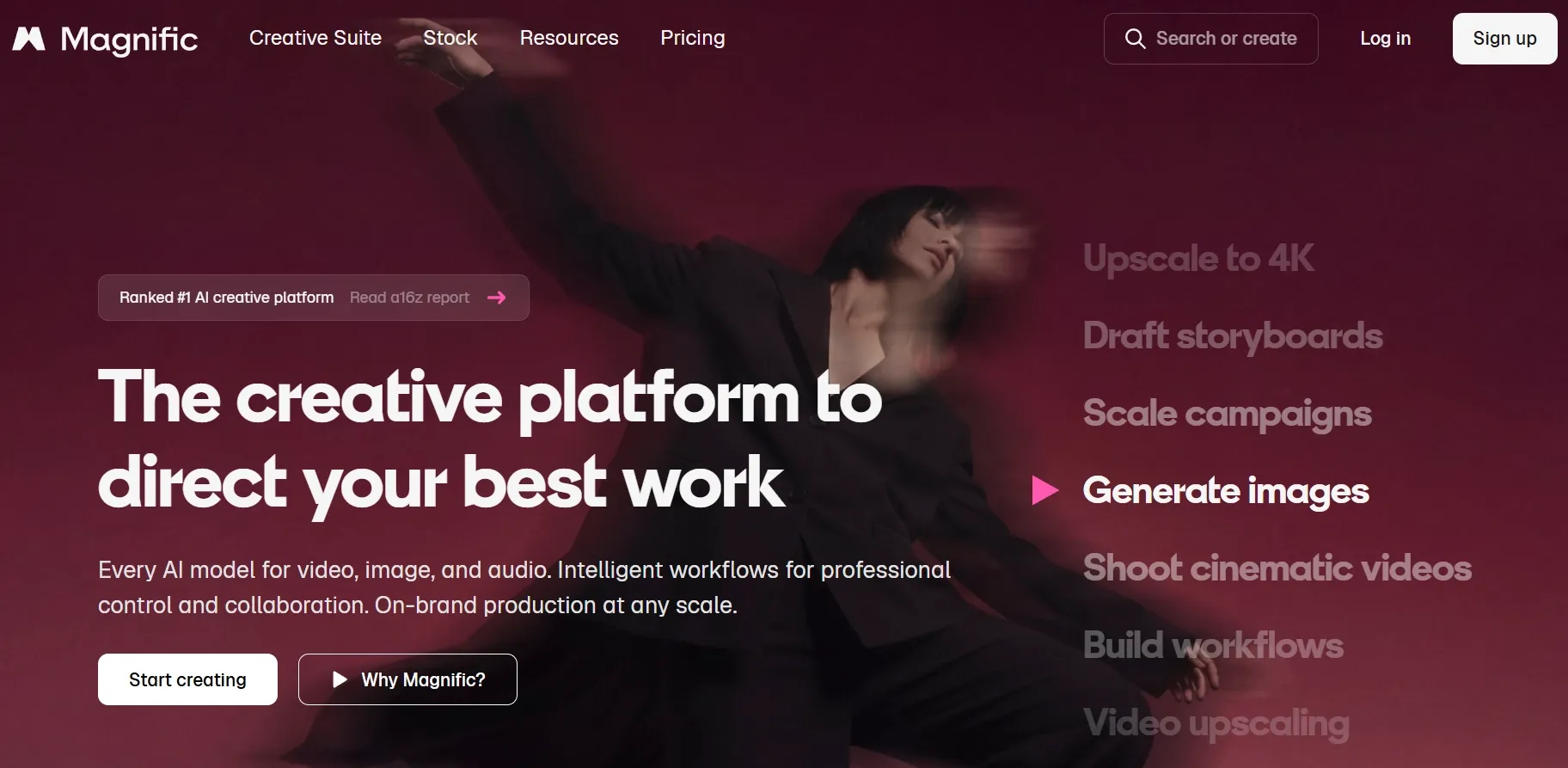
Magnific gave me a more marketing-ready image workflow than I expected. It helped me create visuals that looked closer to stock photos, ad creatives, blog headers, and clean commercial scenes.
I especially liked how quickly I could move from a rough prompt to a usable visual direction. When I needed landing page hero images, seasonal poster concepts, or simple banners, Magnific felt more practical than many art-first Fotor AI alternatives.
Another advantage is the connection between AI generation and the broader stock ecosystem. That makes the workflow useful for marketers who want images that already feel suitable for ads, landing pages, thumbnails, or brand content.
The trade-off is that Magnific did not give me enough freedom for highly experimental image generation. When I pushed prompts toward unusual fantasy worlds, abstract compositions, or very specific artistic styles, I had fewer ways to control the model, fine-tune the style, or explore more unpredictable creative results.
Key Features
- Text to image AI: Generate marketing visuals from prompts.
- Reference image support: Use existing images to guide new outputs.
- Stock asset workflow: Combine AI visuals with Magnific’s design asset ecosystem.
- Style options: Create images in different commercial and creative styles.
- Brand-friendly outputs: Build visuals suited for marketing and presentation use.
Best For
- Marketers: Create landing page hero images, seasonal campaign posters, or ad concept visuals for promotional use.
- Content teams: Generate blog headers, comparison graphics, or featured-image concepts for articles and newsletters.
- Small businesses: Edit product promo images by removing backgrounds, upscaling images, or building event-poster layouts.
Pros:
- Strong fit for marketing images.
- Helpful stock-style visual direction.
- Good balance of generation and asset sourcing.
Cons:
- Less ideal for advanced creative model control.
- Some commercial features may depend on paid plans.
Pixlr AI: Best Fotor AI Alternative for Fast Image Generation
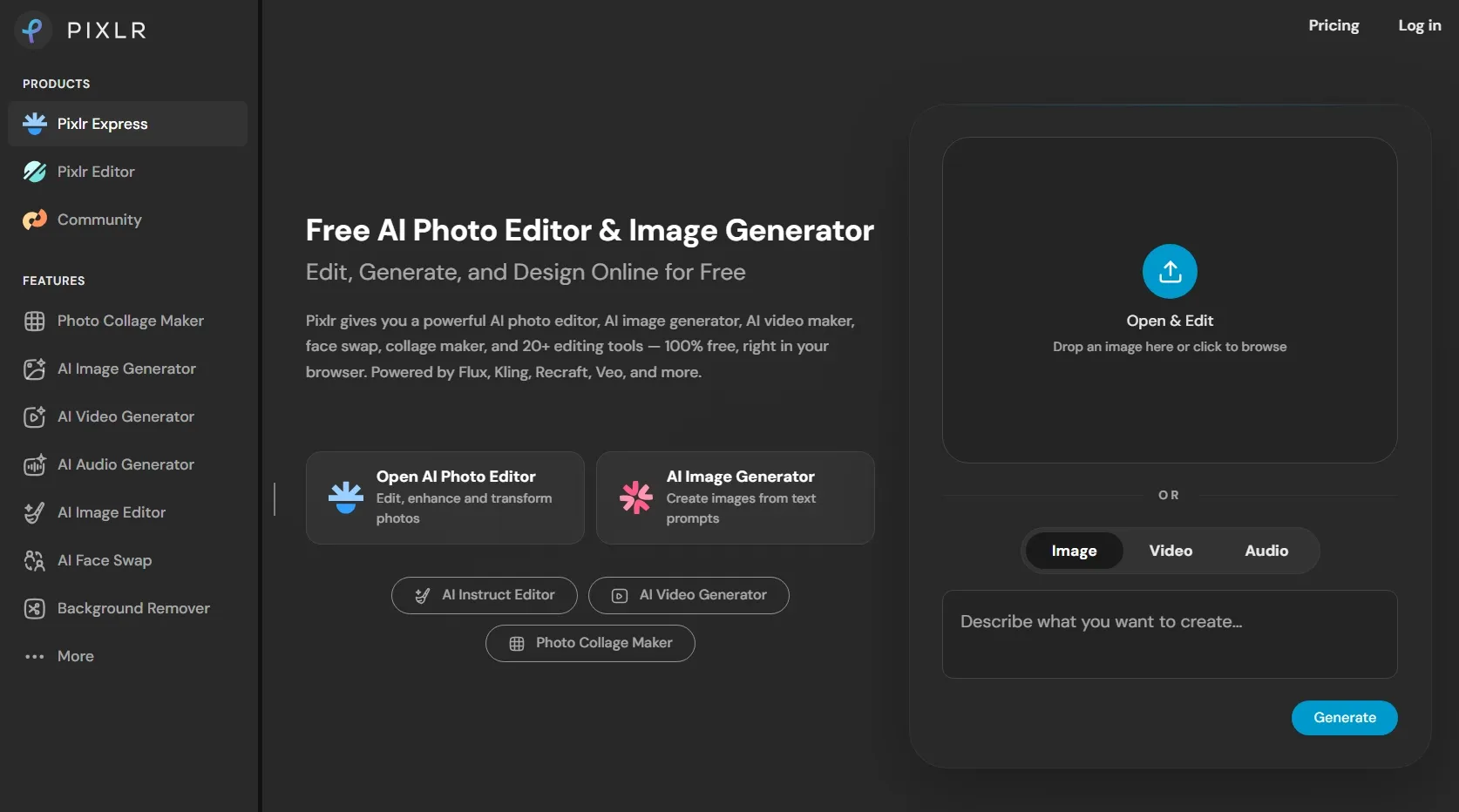
Pixlr AI is a good Fotor AI alternative when speed matters. I liked it for quick visual ideas, simple social images, and fast drafts that do not need a complicated setup.
Pixlr AI already has a familiar online editor feel, so the AI image generator fits naturally into a lightweight creative workflow. I can generate an image, make simple adjustments, and move toward a usable design without switching tools too much.
This makes Pixlr AI useful for small social tasks. It can help with profile visuals, simple campaign drafts, quick background ideas, or decorative images for online content.
However, Pixlr AI would not be my first pick for highly detailed AI art or complex commercial visuals. Layered scenes, precise setups, and specific art directions exposed its limits, especially when I needed tighter control over composition, consistency, and visual details.
Key Features
- AI image generator: Create images from prompts inside an online creative tool.
- Photo editing tools: Adjust, retouch, and improve images after generation.
- Design workflow: Move from image creation to simple design work.
- AI credits: Use credits for AI-powered generation tasks.
- Online access: Create and edit images directly in the browser.
Best For
- Social creators: Make post images, thumbnail drafts, or simple profile art for quick content updates.
- Students: Create presentation visuals, classroom illustrations, or visual references for school projects.
- Casual users: Edit everyday images by removing objects, changing backgrounds, or enhancing image clarity.
Pros:
- Fast and easy to access.
- Combines AI generation with editing tools.
- Low starting price compared with many tools.
Cons:
- Not ideal for advanced prompt control.
- Output quality can vary with complex prompts.
You can read our hands-on Pixlr AI review for a closer look.
Remaker AI: Best Fotor AI Alternative for AI Portrait Generation
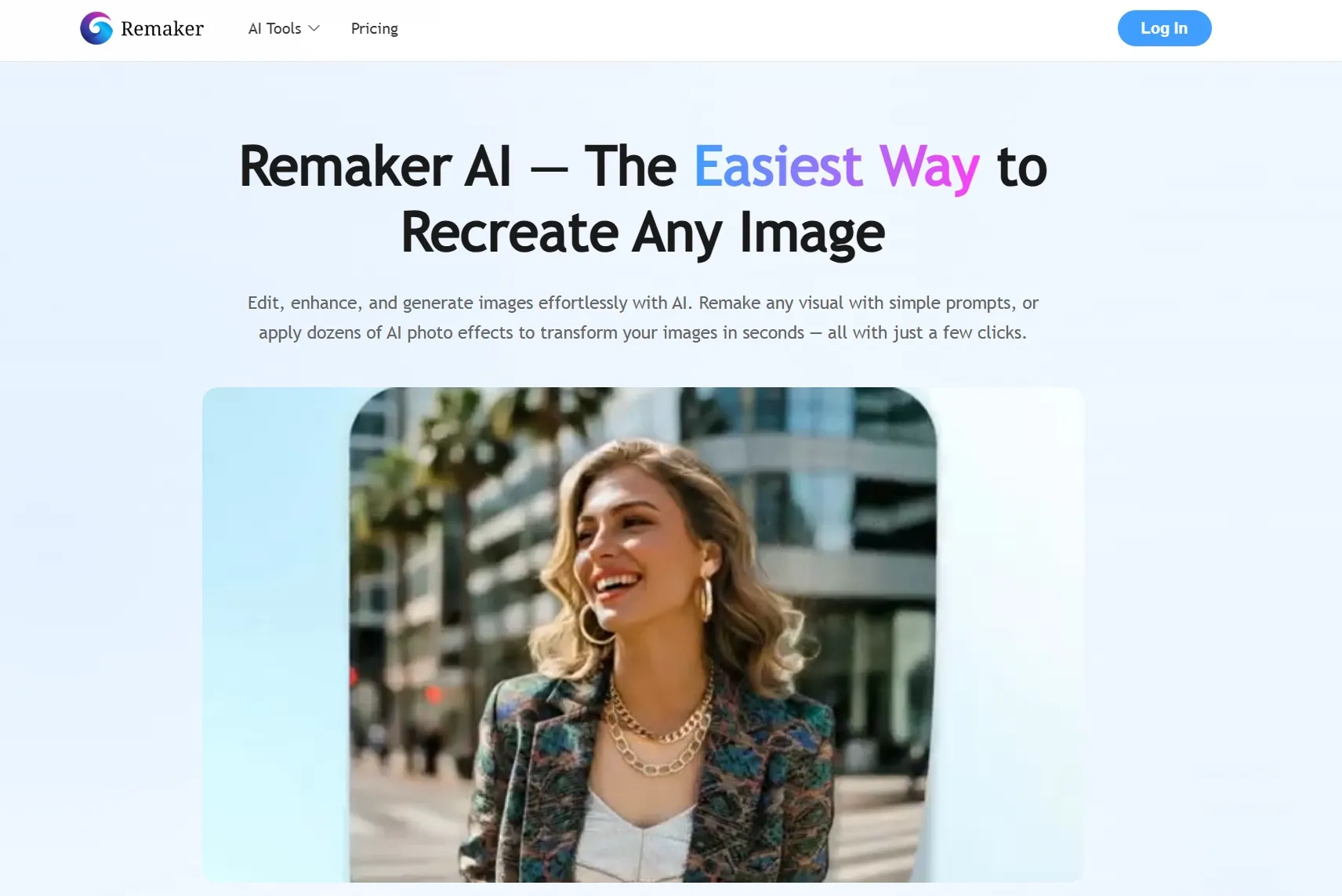
Remaker AI gave me the clearest value when my image idea centered on faces, portraits, or identity-style visuals. I used it to create AI portraits, character looks, face-based concepts, and quick visual remakes that felt more personal and immediately recognizable.
The appeal is how quickly Remaker AI narrows the workflow around face-based visuals. I did not have to build a full design layout or adjust many creative settings before getting usable portrait variations.
It worked better for cartoon avatars, creator profile images, characters, and personal visual concepts where the face is the main focus.
But Remaker AI was less reliable when I needed images with complete scenes, multiple objects, or a clear commercial layout. In my test, it did not feel suitable for detailed campaign visuals, floor plan images, or complex background compositions. These results often needed extra work elsewhere.
Key Features
- AI image generation: Generate new visuals from simple prompts.
- AI portrait tools: Create face-focused images and portrait concepts.
- Face swap tools: Replace faces in images for playful or creative outputs.
- Image enhancement: Improve clarity and polish in selected visuals.
- AI effects: Apply quick transformations to existing images.
Best For
- Creators: Generate avatar images, profile portraits, or character faces for more recognizable personal visuals.
- Social users: Create playful AI portraits, reaction-style images, or themed face visuals for casual posts.
- Casual designers: Make identity concepts, portrait variations, or simple character looks for quick creative drafts.
Pros:
- Easy to use for quick creative edits.
- Helpful for casual image transformation.
- Supports several AI image tools in one place.
Cons:
- Less suitable for complex commercial image generation.
- Credit limits can matter for repeated testing.
LightX AI: Best Fotor AI Alternative for Polished Social Visuals
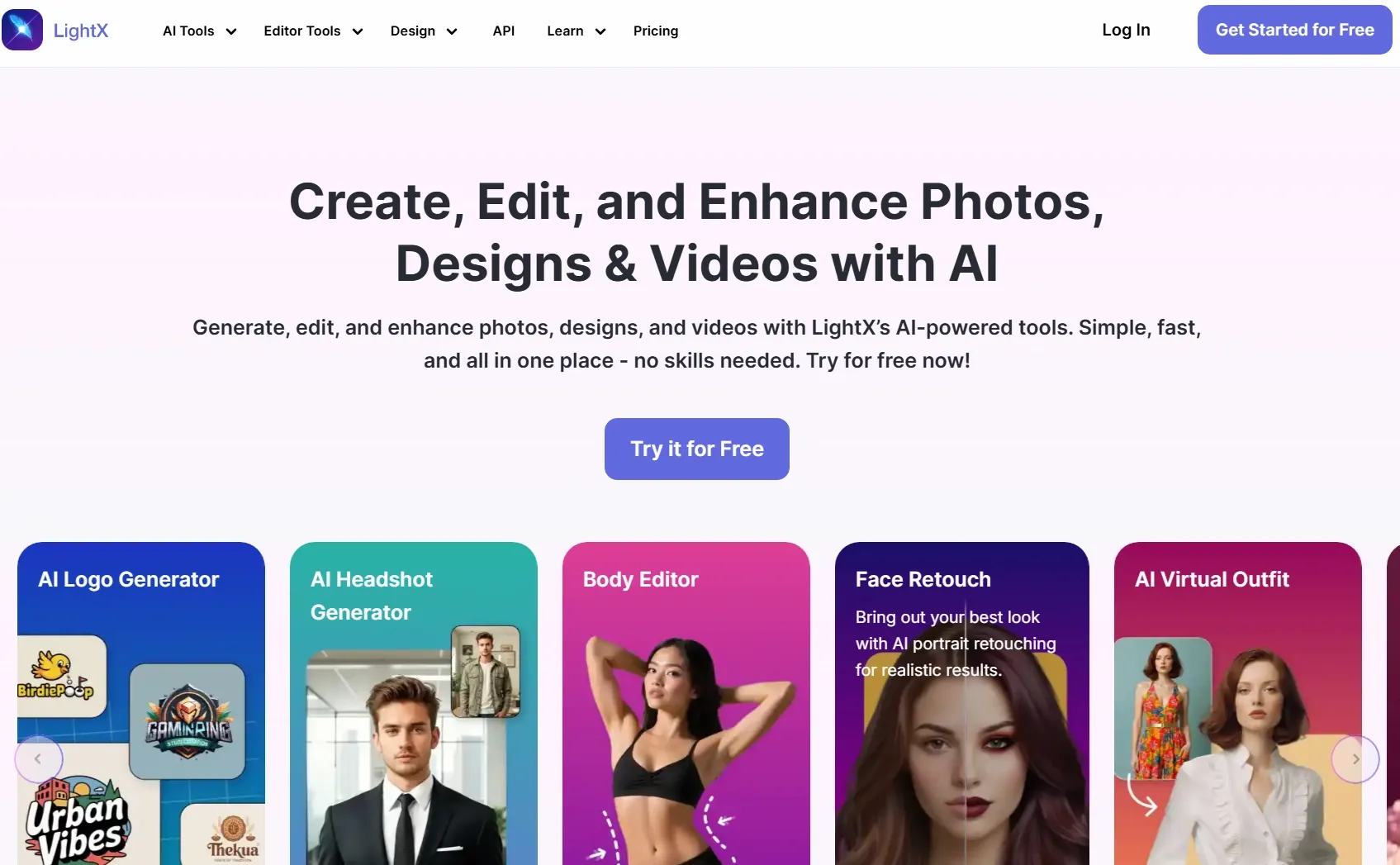
LightX AI gave me a cleaner path for creating polished images that could fit social content quickly. The results leaned toward everyday visual styles rather than complex AI art.
So I would use it more for lifestyle edits, beauty visuals, mini posters, fashion-inspired graphics, and small-brand promotional images.
Yet LightX AI became less suitable when I needed a more specific or ambitious image result. With detailed creative briefs, unusual art directions, or images that needed consistent subject details, I had fewer ways to guide the final output.
Key Features
- AI image generation: Create images from prompts for social and creative use.
- AI portrait tools: Generate polished portrait-style visuals.
- AI replace: Change parts of an image with AI.
- Photo enhancement: Improve image quality and visual presentation.
- Templates and design tools: Support simple design work after generation.
Best For
- Social creators: Create lifestyle images, beauty visuals, or mini posters for polished social content.
- Small brands: Generate product mood images, promotional graphics, or simple campaign visuals for online marketing.
- Casual creators: Edit everyday images by removing unwanted objects, replacing image elements, retouching photos, or expanding images.
Pros:
- Easy to use for beginners.
- Includes generation and editing tools.
- Useful for quick polished outputs.
Cons:
- Less ideal for advanced model comparison.
- Some features and credits depend on subscription access.
Getimg AI: Best Fotor AI Alternative for Creative Style Exploration
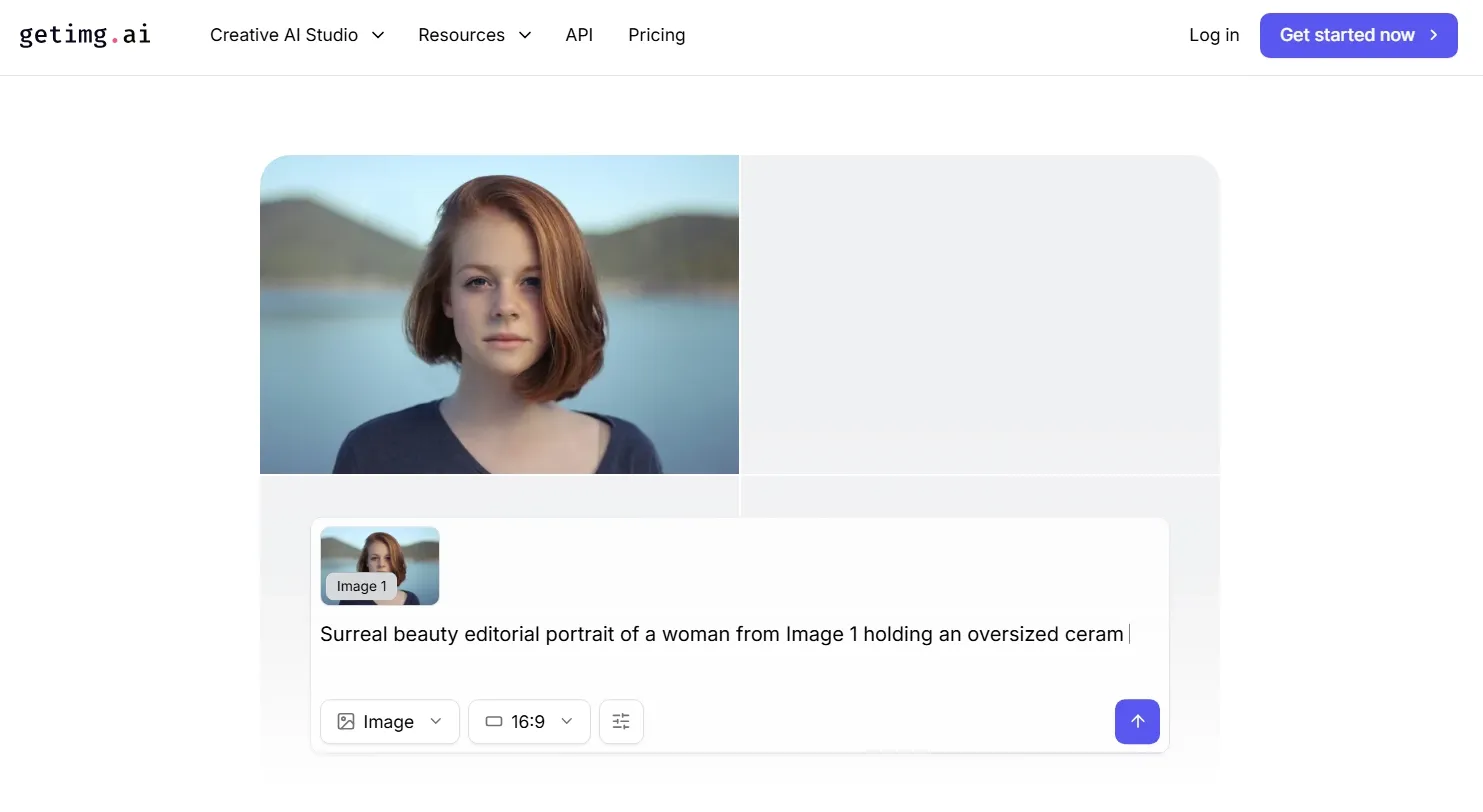
Getimg AI gave me more room to experiment with visual styles than many simpler image tools. I spent more time comparing model outputs, testing different aesthetics, and seeing how far I could push a prompt before choosing a final direction.
That made Getimg AI a better fit for open-ended creative projects. I would place it in workflows where the final image needs a distinct mood or stronger visual identity, such as sci-fi concepts, abstract posters, fashion editorials, or surreal maps.
But Getimg AI was less convenient when I needed to turn a generated image into a finished design asset. After getting a good direction, I still had to rely on other tools for layout work, text placement, or final marketing polish. That made it less suitable for ready-to-use posters.
Key Features
- Image models: Generate images across multiple AI models.
- Text to image: Create visuals from written prompts.
- Image resizing: Adjust generated images for different formats.
- 4K upscaling: Improve image resolution for larger use cases.
- Commercial rights: Use outputs under plan-based commercial terms.
Best For
- AI creators: Generate monsters, fantasy character concepts, or experimental scene references.
- Designers: Create banner concepts, campaign key visuals, or shirt designs for early creative planning.
- Creative teams: Build texture ideas, mascot concepts, or visual references before moving into final production.
Pros:
- Good for model-based style testing.
- Supports useful image utilities.
- Helpful for creative experimentation.
Cons:
- May require more prompt testing.
- Not the simplest option for beginners.
Read our in-depth Getimg AI review if you want to compare it further.
SeaArt AI: Best Fotor AI Alternative for Anime and Character Visuals
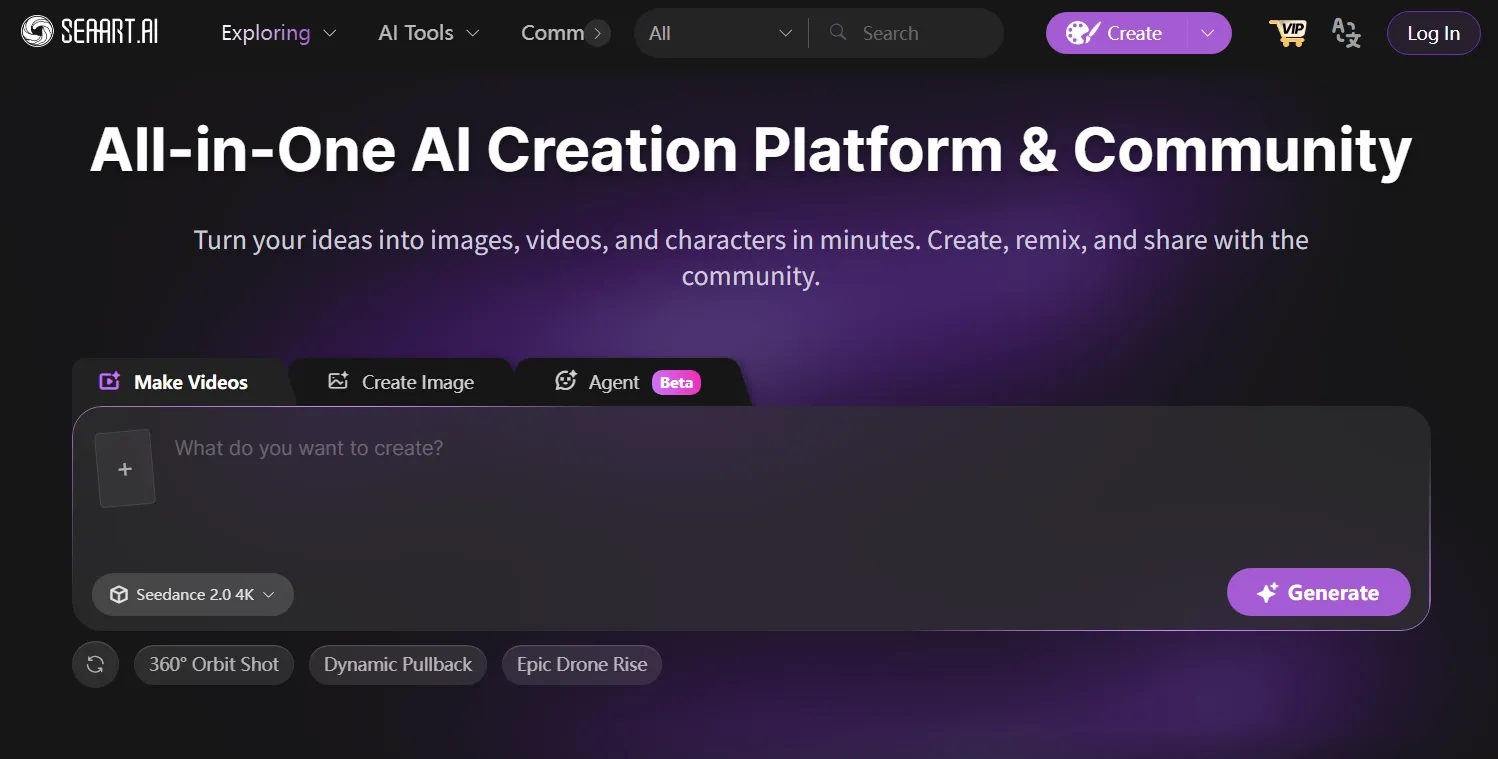
SeaArt AI stood out to me as the most character-focused option in this part of the list. I used it more for anime profile art, mascot ideas, stylized AI characters, and story-driven character visuals where the final image needed a stronger illustration style.
Its community model library also gave me much more style-specific inspiration to work with. I could shape prompts around details like costumes, poses, expressions, and scene mood.
But SeaArt AI was not my best choice for brand-safe image generation. When I needed polished marketing images, the outputs could lean too heavily toward anime style. That made it less suitable for projects where the image should be neutral, commercial, or broadly professional.
Key Features
- Anime generation: Create anime-style images from prompts.
- Community models: Explore a large gallery of AI image models.
- Character visuals: Generate stylized characters, portraits, and fantasy designs.
- Text and image input: Create from prompts or visual references.
- Creative community: Remix and share outputs with other users.
Best For
- Anime creators: Generate anime portraits, manga images, or chibi characters.
- Game creators: Draft NPC concepts, sprite sheets, or fantasy character designs.
- Fan creators: Create VTuber-style avatars, stylized profile images, or fandom-inspired character art.
Pros:
- Strong for anime and characters.
- Large community model ecosystem.
- Good for stylized visual exploration.
Cons:
- Less suitable for clean marketing visuals.
- Model choices may feel overwhelming for new users.
You can find more details in our SeaArt AI review.
PicLumen AI: Best Fotor AI Alternative for Accessible Image Creation
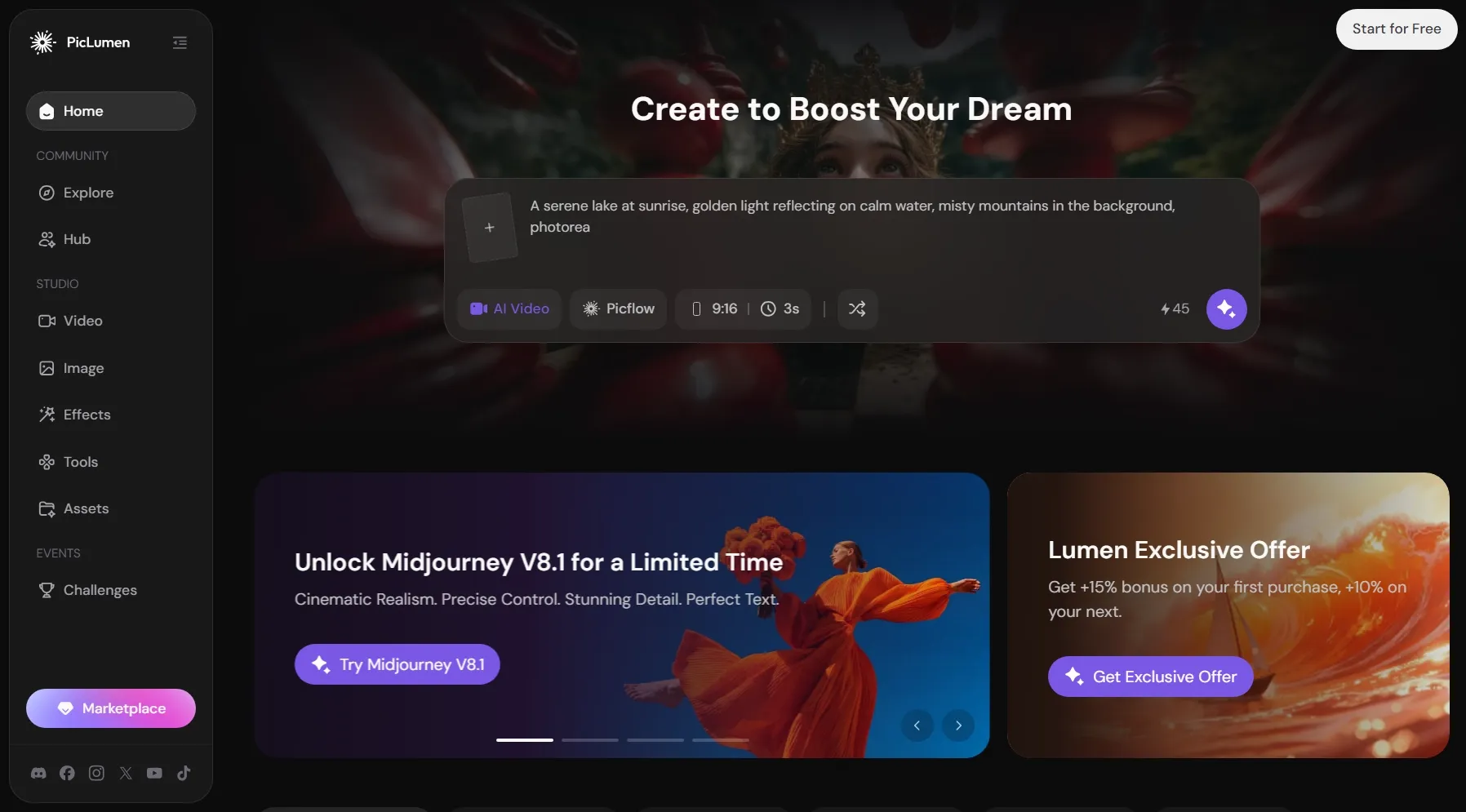
PicLumen AI gave me a lower-pressure way to experiment with AI image creation. I could try visual ideas without feeling like I had to manage a complex creative system, which made it easier to draft simple illustrations, blog images, art concepts and more.
I would place PicLumen AI more in the early concept stage than the final production stage. It helped me create rough visual references for simple creations like poster layouts, character direction, thumbnail framing, and decorative artwork before deciding whether an idea deserved more detailed refinement.
Yet PicLumen AI became less reliable when I needed stronger control over the final image. With more specific prompts, I had fewer ways to adjust lighting, composition, subject details, and style consistency.
Key Features
- Text to image: Generate images from written prompts.
- Image to image: Create variations from uploaded guide images.
- AI art generator: Produce art in different styles.
- AI editing tools: Upscale, extend, adjust, and inpaint images.
- Daily Lumens: Use daily credits for free or low-cost generation.
Best For
- Beginners: Create clipart images, coloring page ideas, or simple blog visuals for low-pressure creative drafts.
- Casual creators: Generate pet portraits, avatar concepts, or travel-style poster images for personal projects.
- Students: Make presentation illustrations, project reference images, or unblur visuals to improve details for schoolwork.
Pros:
- Accessible for beginners.
- Low starting price.
- Supports text and image-based generation.
- Good for quick creative drafts.
Cons:
- Not ideal for advanced commercial control.
- Relaxed generation can be slower on some plans.
Gencraft AI: Best Fotor AI Alternative for Stylized AI Artwork
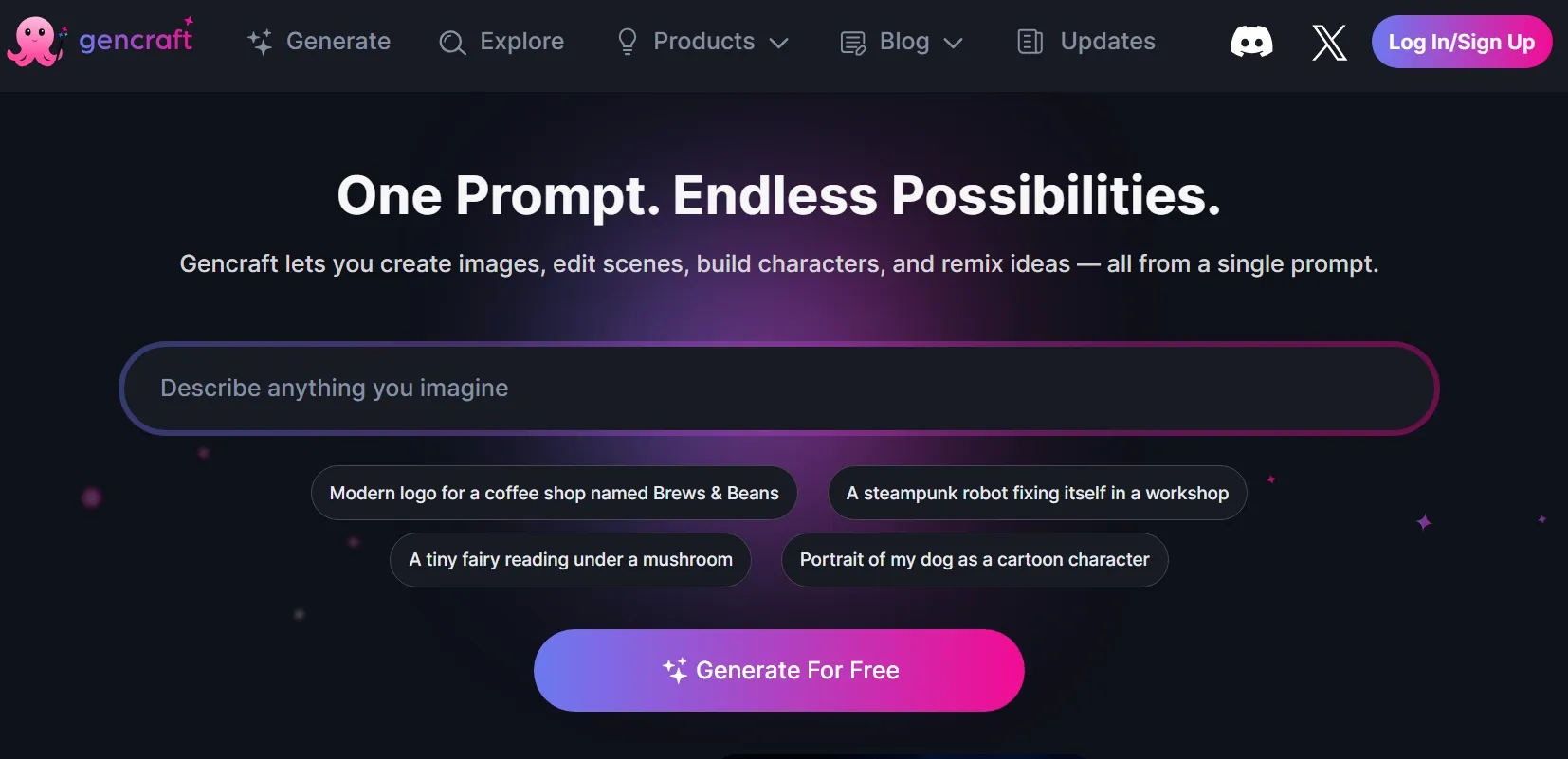
Gencraft AI gave me a more expressive starting point than many basic image generators. I used it when I wanted bolder visual moods and more artistic textures.
Its community side added another layer to the experience. I could browse existing creations, borrow prompt ideas, and reshape a concept into avatars, fantasy portraits, or retro visuals without starting from a blank prompt every time.
But Gencraft AI was not consistent enough for projects that needed precise control and a polished final look. When I tried to create packaging concepts or clean presentation graphics, the results could be too unpredictable.
I also had fewer reliable ways to correct small details after generation, so the final image often needed extra cleanup elsewhere.
Key Features
- AI art generation: Create stylized images from prompts.
- Image models: Try different creative models for varied looks.
- Remix artwork: Rework and reinterpret existing creations.
- Image to image: Transform uploaded visuals with AI.
- Magic Edit: Regenerate selected image areas after creation.
Best For
- Artists: Generate fantasy artwork, graffiti visuals, or bold poster concepts for expressive creative projects.
- Social creators: Create profile art, decorative word art, or stylized graphics for more eye-catching posts.
- Creative hobbyists: Explore fan art ideas, playful character visuals, or remix-style images for personal projects.
Pros:
- Easy to explore creative ideas.
- Community content can inspire new directions.
- Useful for avatars and artistic visuals.
Cons:
- Less suitable for precise commercial images.
- Output consistency may vary with detailed prompts.
Go Beyond Basic AI Image Generation with Pollo AI
From first prompt to final polish, Pollo AI helps you build visuals you can actually use.
Try Pollo AI for Free NowHow I Ranked These Fotor AI Alternatives
I did not rank these tools only by popularity. A good Fotor AI alternative should help me create clearer, more controllable, and more usable images for real projects.
| Standard | What I Looked For |
| Image Quality | Sharp details, clean lighting, accurate subjects, and fewer visible AI errors, since weak outputs are hard to publish or refine. |
| Prompt Accuracy | Strong alignment with the requested objects, style, scene, and visual intent, reducing repeated prompt rewrites. |
| Creative Control | More room to guide styles, references, models, and final image direction, especially when projects need different looks. |
| Editing Workflow | Options to remove distractions, improve details, or adjust images after generation, making rough outputs easier to use. |
| Real Use Fit | Outputs that work for posts, posters, product visuals, article images, or concept drafts, not just random visual experiments. |
Pollo AI ranked first because it felt like the most complete creative suite. It gave me more flexibility to move from rough ideas to design-ready visuals, whether I was creating for content, marketing, or e-commerce use.
Compared with tools that stop at basic image generation, Pollo AI felt more prepared for real projects where image quality, creative control, and final usability all matter.
Bottom Line
Fotor AI is useful for simple AI image creation and everyday visual edits. But it can feel limited when I need stronger image quality, more style control, better flexibility, or a smoother path from idea to final asset.
That is why Pollo AI became my best Fotor AI alternative overall. It gave me a more flexible path from first image idea to final visual asset, whether I wanted to create from scratch, rework an existing image, or keep improving the result after generation.
That matters because creators, marketers, and sellers rarely stop at the first AI image. A generated visual still needs to match the channel, message, and use case.
If you want your next AI image to become more than a quick draft, try Pollo AI and turn your idea into a visual asset you can actually use.