



10 Best SeaArt AI Alternatives Free for Polished AI Image Generation
SeaArt AI is useful when you want anime characters and inspiration from a busy creator community. The tradeoff is that the workflow can feel crowded, and the outputs are not always easy to turn into clean ads, product images, or brand-ready visuals.
For this list, I focused on SeaArt alternatives that offer a stronger balance of image quality, workflow clarity, editing control, and practical output.
TL;DR
Pollo AI is my top SeaArt alternative because it gives creators a more complete image workflow: generation, image to image, editing, model choice, and stronger commercial polish in one place.
NightCafe and StarryAI are easier for casual art. Getimg.ai, PromeAI, and Pixlr are stronger for practical design or editing tasks. PicLumen, Mage, Artbreeder, and AIEASE cover lighter or more experimental workflows.
Why Look for a SeaArt Alternative?
SeaArt AI works well for anime prompts, model browsing, and community-based image creation. But if your goal is cleaner composition, sharper product presentation, easier editing, or a calmer production workflow, its busy interface and multi-step page flow may start to feel less efficient.
10 Best SeaArt Alternatives At a Glance
| Rank | Alternative | Best For | Main Advantage |
| 1 | Pollo AI | Best SeaArt alternative overall | Full image workflow for polished commercial visuals |
| 2 | NightCafe | Community art | Accessible challenges and broad style testing |
| 3 | StarryAI | Fast stylized images | Simpler preset-based creation |
| 4 | Getimg.ai | Product visuals | Generation plus practical editing |
| 5 | PromeAI | Design concepts | Sketch, render, and mockup use cases |
| 6 | Pixlr | Browser editing | AI generation with familiar editing controls |
| 7 | PicLumen | Casual creators | Simple generation for social concepts |
| 8 | Mage | Fantasy characters | Flexible character and fantasy workflows |
| 9 | Artbreeder | Image remixing | Face, style, and concept evolution |
| 10 | AIEASE | Quick visuals | Simple generation and everyday edits |
#1 Pollo AI — Best SeaArt Alternative Overall
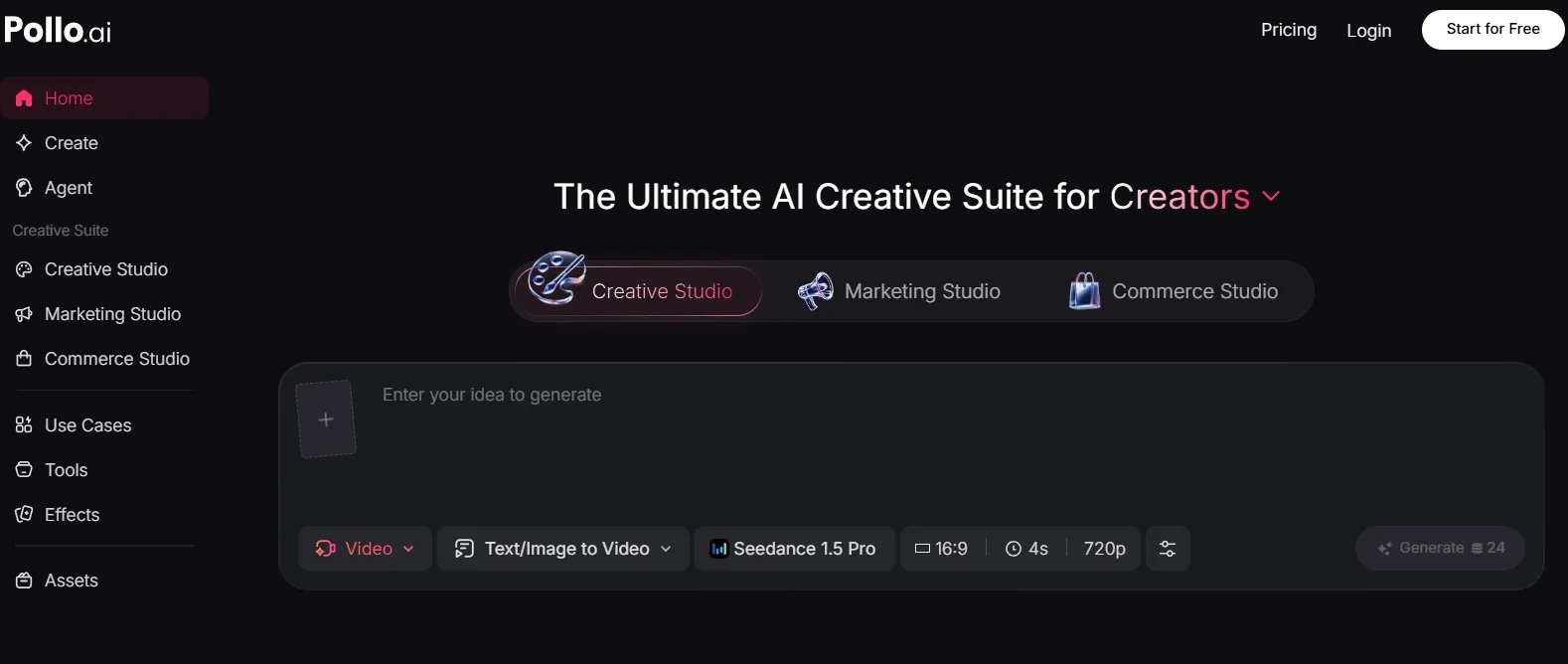
Pollo AI is the best SeaArt alternative for users who want a cleaner image workflow instead of a busy community-first workspace.
SeaArt is useful for exploring anime styles and LoRA-like prompts, but Pollo AI feels more practical when the goal is to create images that can support ads, product pages, posters, and brand visuals.
On the image side, Pollo AI gives you a fuller toolkit: you can generate images for free, turn existing visuals into new directions with image to image AI, refine photos with AI photo editor, and switch between industry-leading image models.
That makes it easier to move from a rough idea to something more polished, especially for product visuals and commercial scenes.
Polished Image Creation Starts Here
Join 10M+ creators using Pollo AI to generate cleaner and commercial-ready images with every top model.
Start Creating Images with Pollo AI
In day-to-day image work, Pollo AI is strongest when a team needs to keep one visual direction consistent across several assets. A product photo can move into image to image variations, then be refined in the photo editor for cleaner lighting, tidier backgrounds, and a sharper commercial finish.
It also suits creators moving from SeaArt’s community prompt browsing into brand work. Social banners, e-commerce hero shots, and product close-ups can stay inside one Commerce Studio instead of splitting generation and cleanup across several tools.
That makes Pollo AI feel less like a place for one-off image experiments and more like a practical workspace for polished campaign visuals, product presentation, and refined social creatives.
Pros:
- Strong fit for marketing visuals, product images, posters, and refined social creatives.
- Offers multiple image models, including Nano Banana 2 and Seedream 5.0 Lite.
- Combines image generation, image-to-image creation, and editing in one workflow.
Cons:
- Detailed commercial prompts still need clear direction.
- I would generate several options before choosing a final asset.
Pollo AI earns the top spot because it gives SeaArt users a more production-minded image workflow while still keeping generation flexible.
#2 NightCafe — Best SeaArt Alternative for Community Art
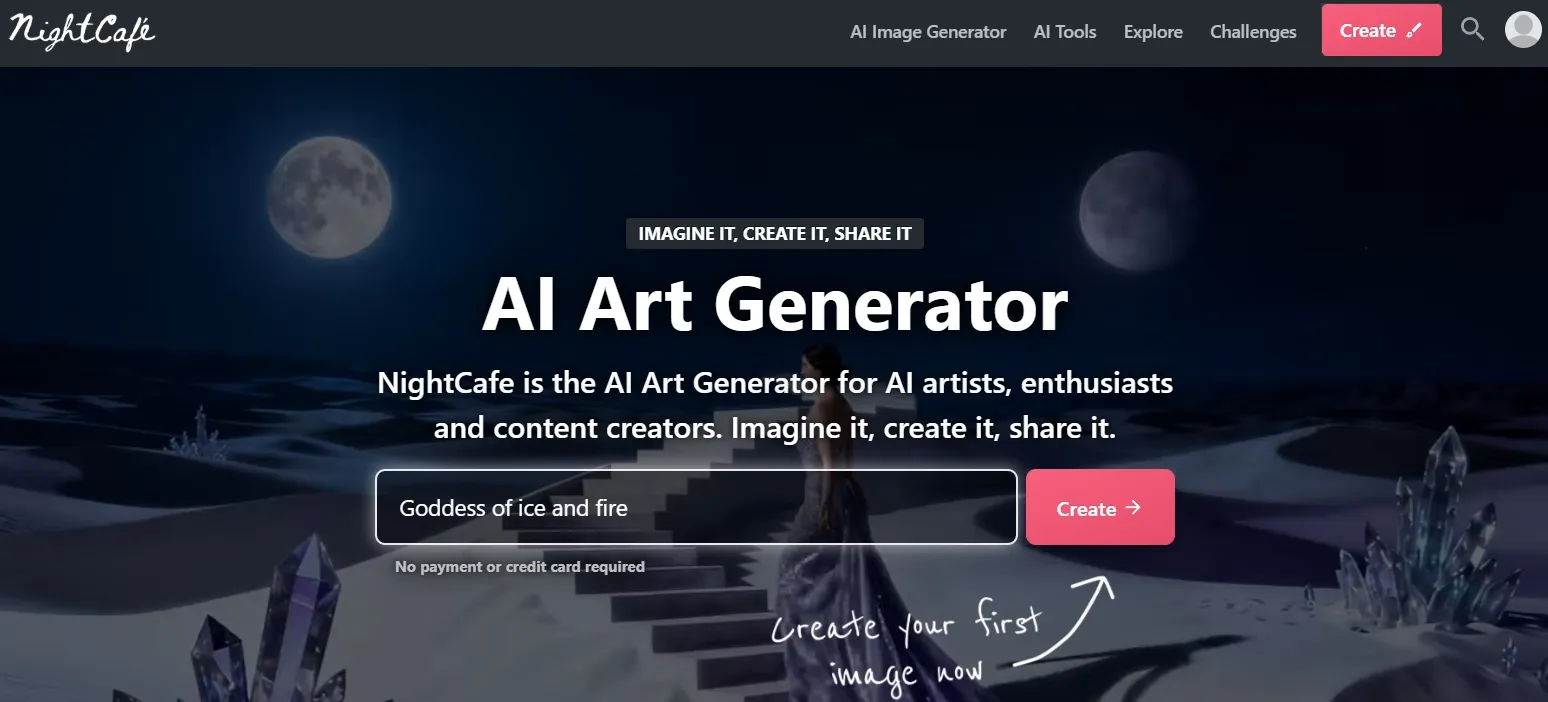
NightCafe is a good pick if you like the community side of SeaArt but want a friendlier, challenge-driven environment. It is built more around art sharing and prompt exploration than serious production work.
Its multi-model setup makes it useful for testing the same idea across painterly, anime, cinematic, and surreal directions before choosing a final look. Daily challenges and shared galleries are still part of the draw, but the stronger image-use case is fast creative exploration for fantasy scenes, portraits, and social art.
The pose-to-image and portrait tools also help when a creator needs character faces, action stances, or recurring visual ideas without drawing manually. It remains better for inspiration and community art than for controlled product pages or brand systems.
Pros:
- Active creative community with approachable challenges.
- Good for fantasy, surreal, and painterly styles.
Cons:
- Commercial layouts can feel less controlled.
- Repeated testing can use credits quickly.
NightCafe is a strong art-community alternative, but it is less convincing when the image needs to behave like a finished marketing asset.
#3 StarryAI — Best SeaArt Alternative for Fast Stylized Images
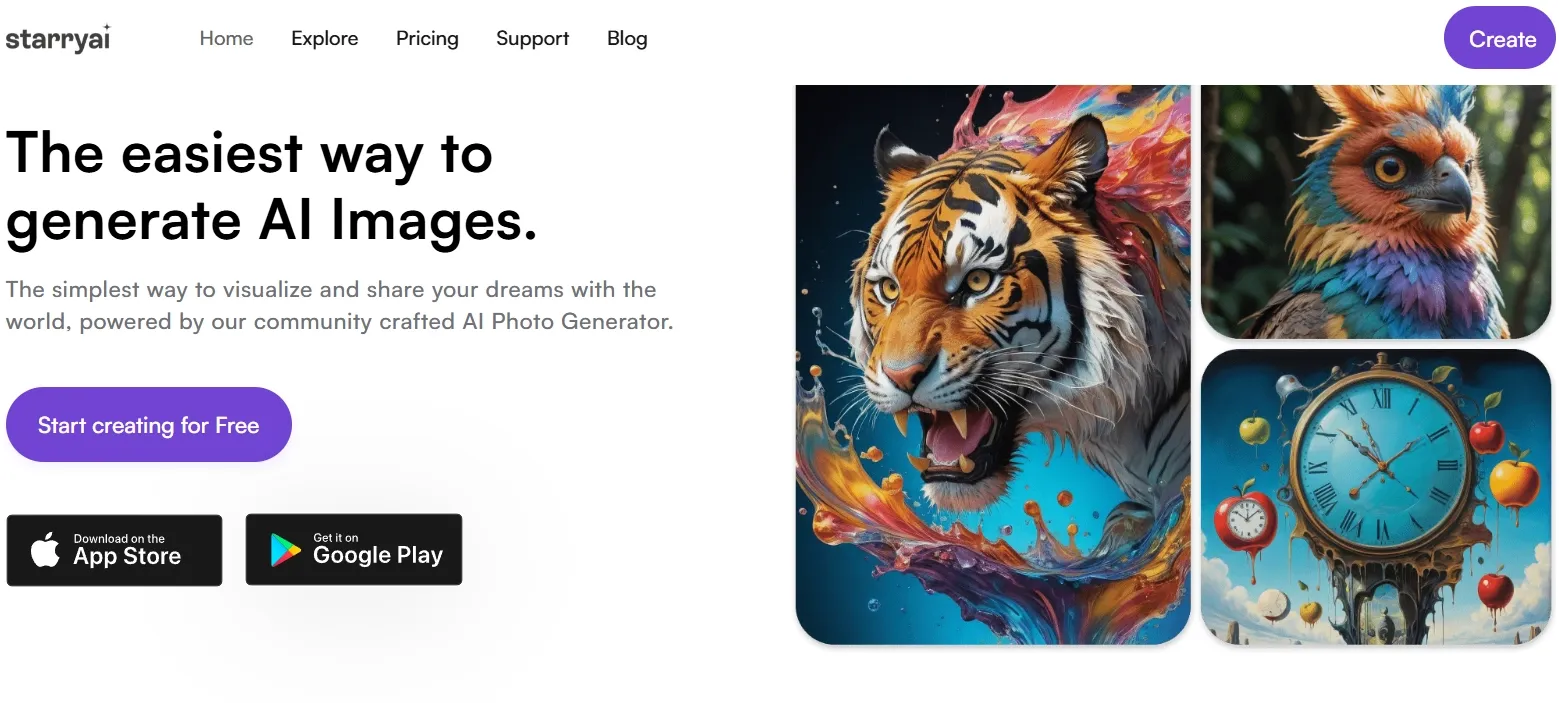
StarryAI is easier to use than SeaArt if you mainly want stylized artwork, avatars, and quick visual experiments. It is not as deep, but that simplicity can be useful.
StarryAI’s template-based prompts and ready-made styles help turn loose ideas into polished-looking fantasy portraits, avatars, and manga-style character drafts quickly. That makes it handy for creators who want a shareable visual direction before spending time on detailed prompt control.
Magic edits, image recreations, and mobile exporting give it a lightweight feel for social content and personal art. The tradeoff is that the output can still look preset-led, so it fits quick stylized visuals better than refined commercial scenes.
Pros:
- Simple enough for beginners.
- Useful for avatars, fantasy portraits, and casual art ideas.
Cons:
- Less control over fine visual details.
- Not the strongest option for polished commercial scenes.
StarryAI works well when speed matters more than control, but it does not fully solve SeaArt’s production-readiness gap.
If you are interested in StarryAI’s testing personal experience, read this StarryAI review.
#4 Getimg.ai — Best SeaArt Alternative for Product and Marketing Visuals
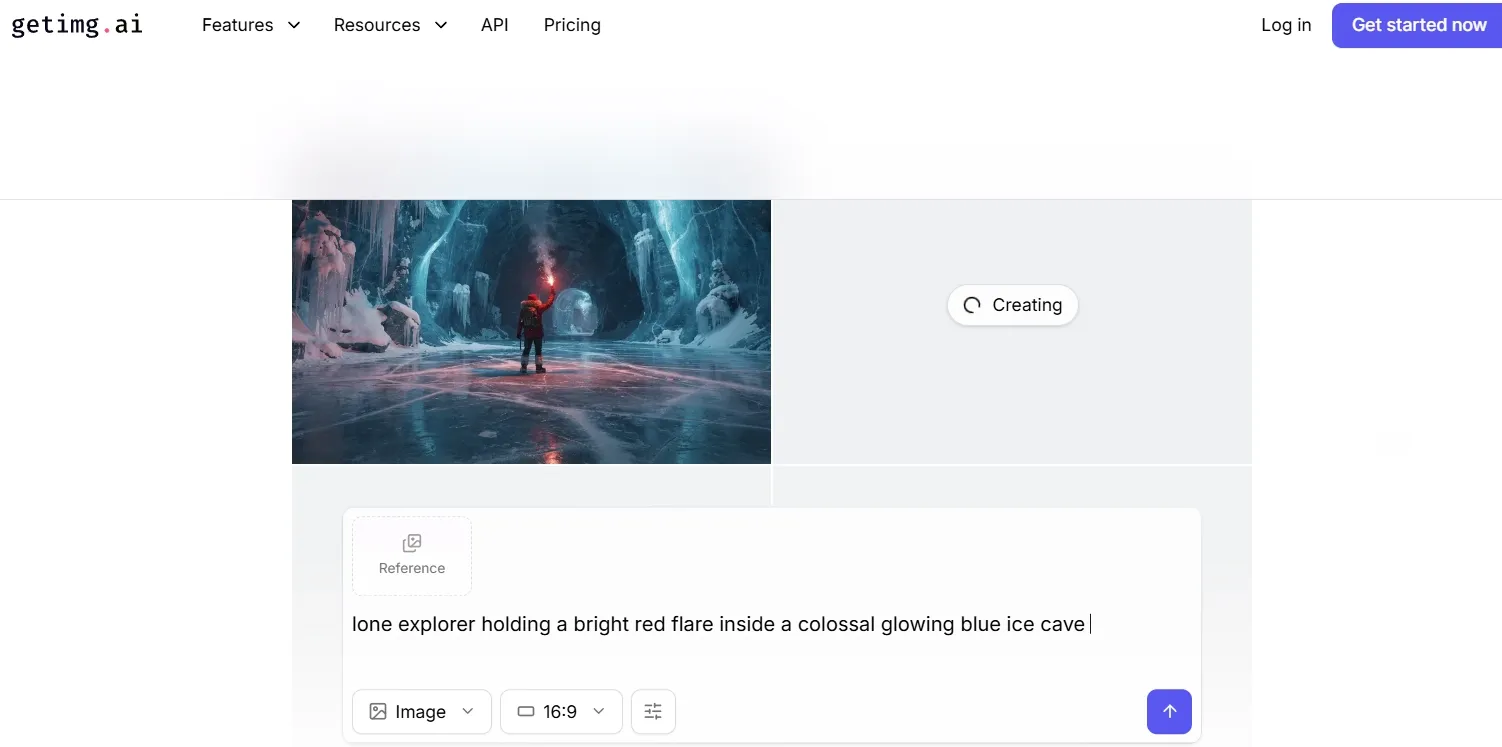
Getimg.ai is a practical option for people who want image generation plus editing, references, and production tools. It feels more task-oriented than SeaArt.
Getimg.ai’s image workflow keeps text prompts, image references, and canvas tools close together. That helps when a team needs to turn one product or brand idea into several ad directions without rebuilding the scene from scratch.
Outpainting, background removal, image to image, and object edits make it practical for marketplace-ready product scenes, lifestyle ad variants, and campaign mockups. I would still review labels, shadows, and product edges before treating the image as publish-ready.
Pros:
- Good mix of generation, editing, references, and upscaling.
- Useful for ecommerce teams and campaign drafts.
Cons:
- Some images still need cleanup before publishing.
- Less inspiring if you want a creator-community experience.
Getimg.ai is a solid production tool, but it can still require extra refining when the image needs to look campaign-ready.
Check out the Getimg.ai review article if you want to learn more about its features.
#5 PromeAI — Best SeaArt Alternative for Design Concepts
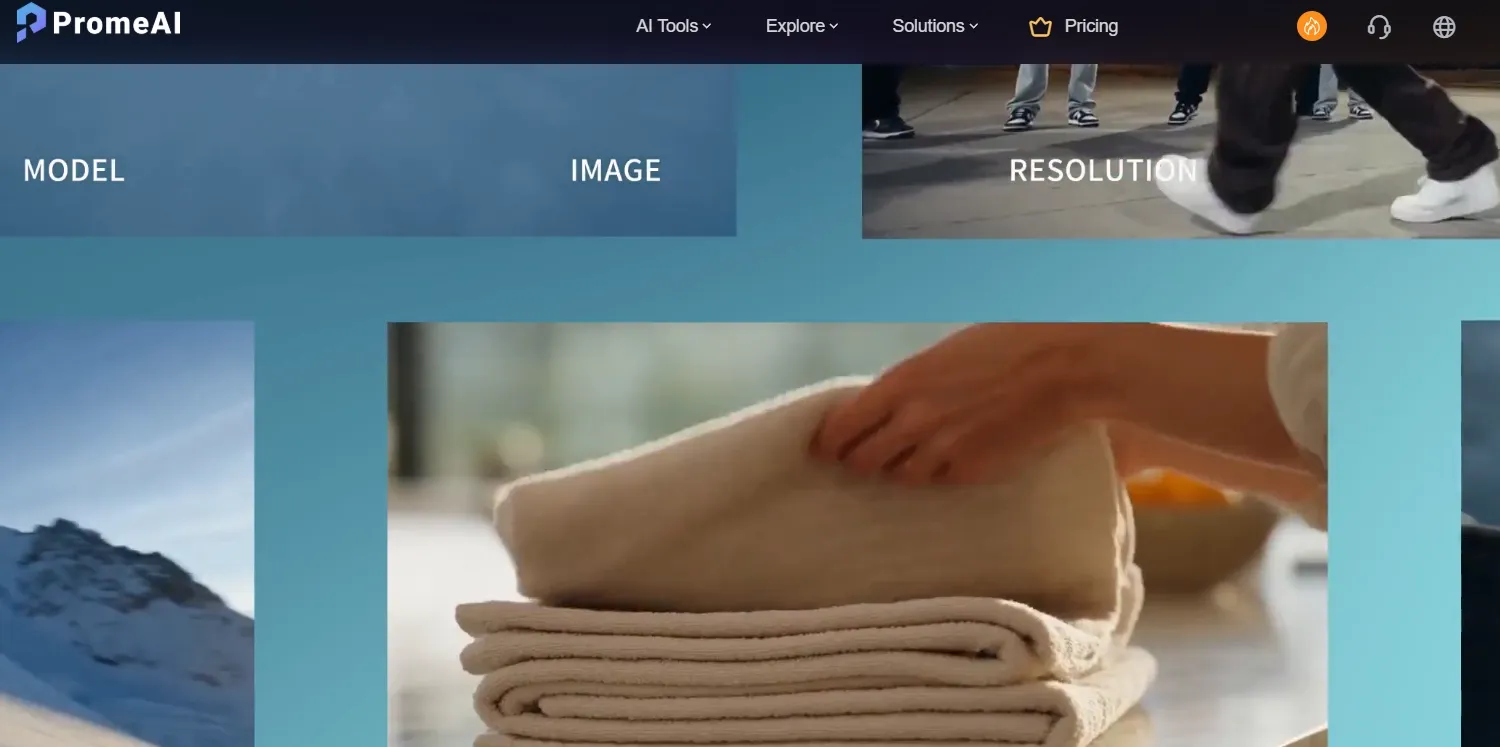
PromeAI is best when your image project begins with design intent: product sketches, interior ideas, render concepts, and visual mockups. It feels closer to a design assistant than a community image feed.
PromeAI works best when the input already has a direction, such as a sketch, product photo, room concept, or style reference. Its image generation feels useful for developing that starting point into a cleaner presentation image.
Sketch rendering, background replacement, outpainting, and mockup tools make it relevant for interiors, product concepts, fashion displays, and launch-ready poster visuals. It is best for visual proposals and concept development, not anime-first prompt browsing.
Pros:
- Strong for design concepts, mockups, and render-style images.
- Helpful when exploring product or interior directions.
Cons:
- Some outputs look like drafts rather than final creative.
- Less useful for anime-first creators.
PromeAI is a better fit for designers than SeaArt users who mainly want character models and community prompts.
#6 Pixlr — Best SeaArt Alternative for Browser-Based Editing
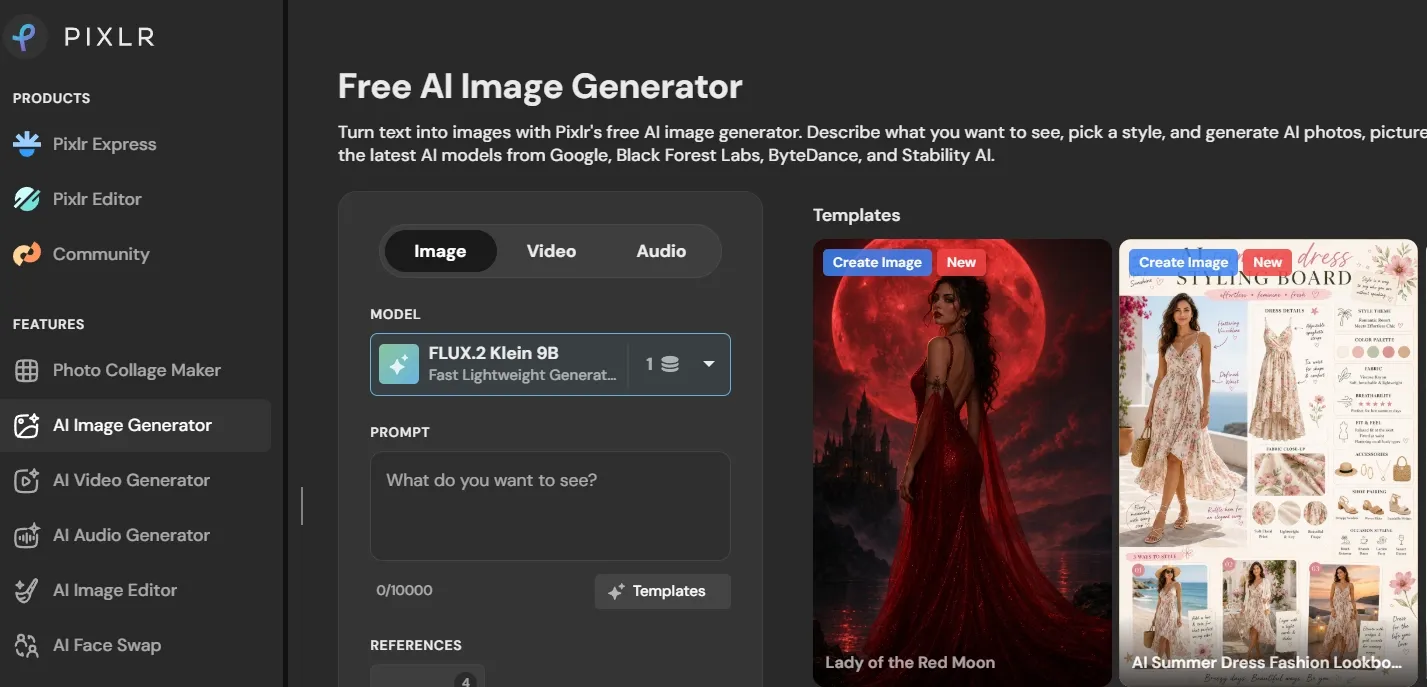
Pixlr is useful if you want AI generation inside a familiar editing environment. Compared with SeaArt, it is less about model culture and more about finishing images quickly.
Pixlr frames image creation around Fast, Pro, and Ultra modes, so users can choose between quick drafts and higher-detail visual outputs. Its style controls, aspect ratios, and community image browsing make it practical for banners, social graphics, and simple branded visuals.
The real fit is generation plus cleanup in the browser: Generative Fill, Expand, and editing tools can help adjust poster space, resize creative assets, and handle removing stray background shapes. More complex layouts still need careful manual review.
Pros:
- Familiar browser-based editing workflow.
- Good for quick social graphics, banners, and simple cleanup.
Cons:
- Model depth is thinner than SeaArt.
- More complex edits still require manual work.
Pixlr is a practical alternative if editing matters more than exploring lots of AI models.
Read this Pixlr’s review to learn more about its AI image generation workflow.
#7 PicLumen — Best SeaArt Alternative for Accessible Creator Visuals
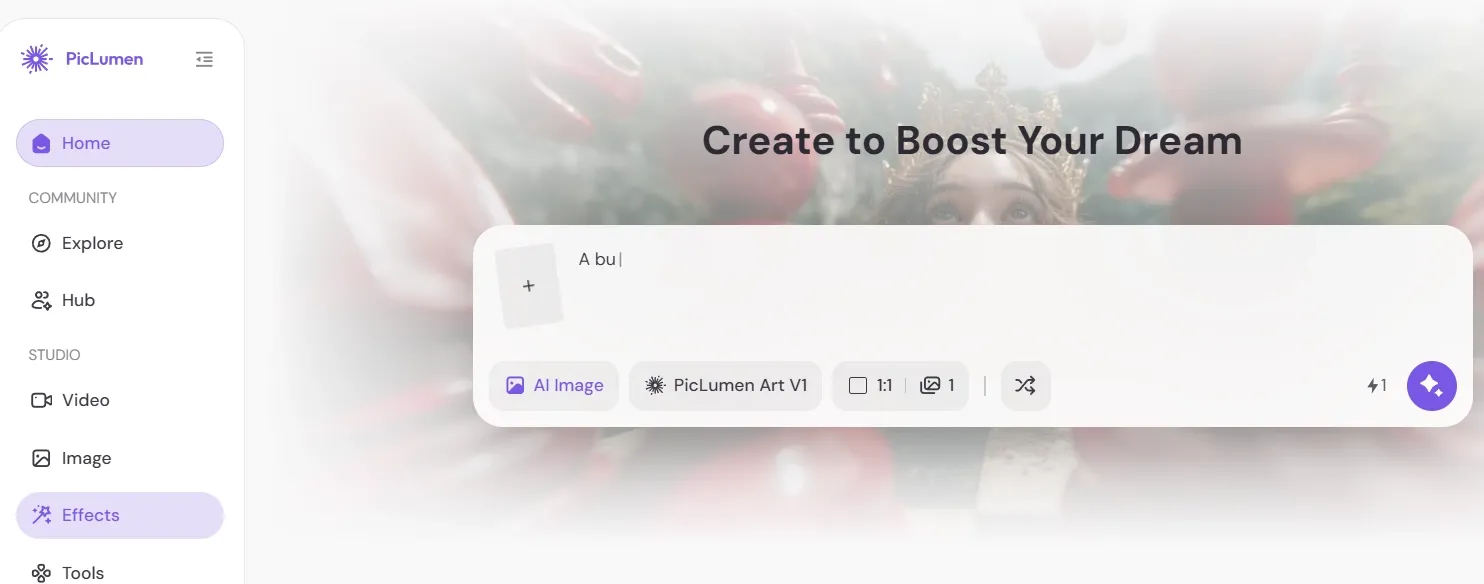
PicLumen is a lighter option for creators who want straightforward generation without SeaArt’s denser interface. It works well for social concepts, portraits, and casual visual ideas.
PicLumen emphasizes quick model access and simple prompt-to-image creation, which works well when the goal is fast visual direction rather than a deep setup. It can cover realistic portraits, product concepts, stylized scenes, and creator content without much onboarding.
Its one-click tools and style range make it useful for lightweight iteration, especially for fashion or portrait ideas. For higher-resolution use, I would still check texture, edges, and facial detail before placing the image in a prominent campaign or profile asset.
Pros:
- Easy to start using.
- Good for social visuals and creator concepts.
Cons:
- Less mature than bigger AI image platforms.
- Advanced control feels limited compared with SeaArt.
PicLumen is good for quick creative exploration, but it is not the strongest choice when every detail needs to feel polished.
#8 Mage — Best SeaArt Alternative for Fantasy and Character Work
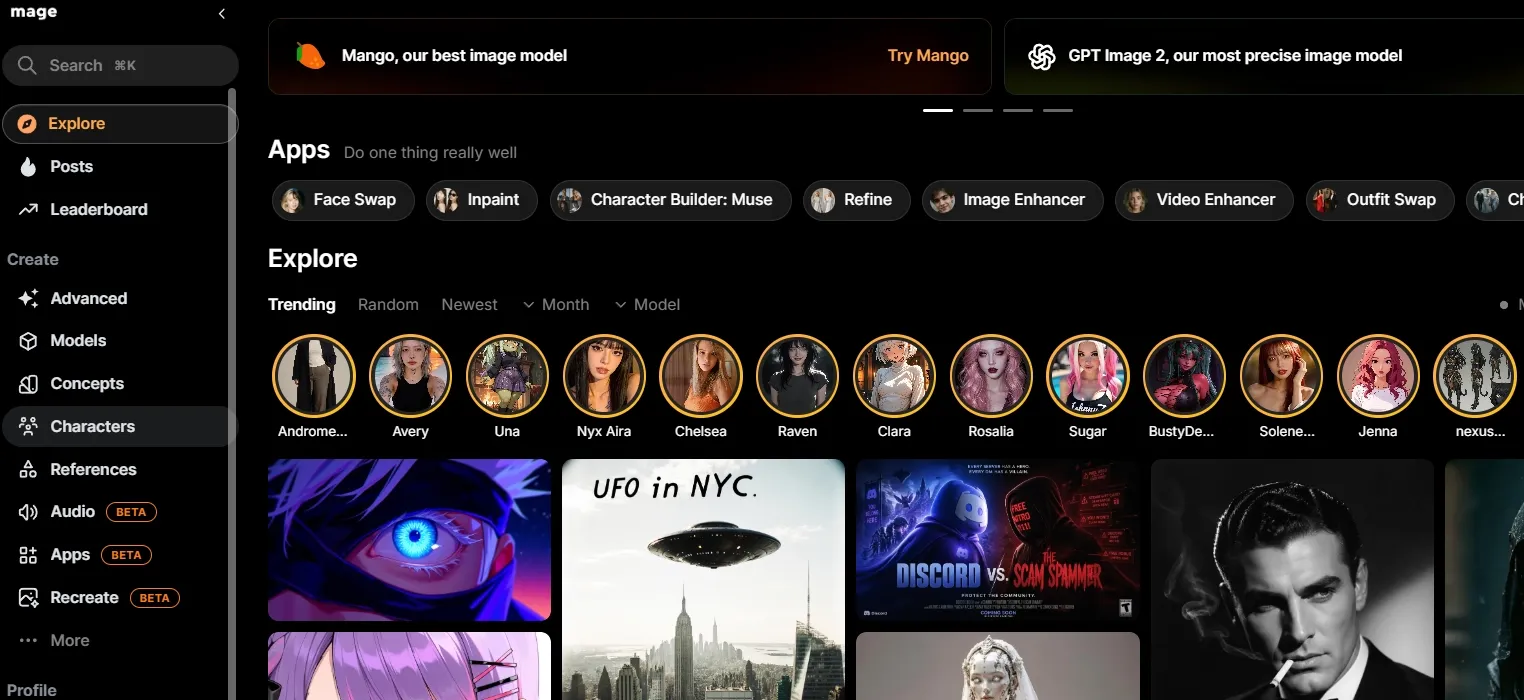
Mage is a flexible option for character prompts, fantasy images, and open-ended image experiments. It suits creators who want freedom and repeated prompt testing.
Mage’s official site presents it as a browser-based generator with a broad model mix, including Stable Diffusion, Flux, Nano Banana, and its own fine-tuned models. That breadth makes it useful when a creator wants to compare different looks for fantasy, anime, and stylized character scenes.
Its character consistency, LoRA/model access, inpainting, refine, enhance, and reference-based character tools support mythic character art briefs, AI influencer concepts, and storytelling scenes. I would still treat it as a creative sandbox first, not the safest place for controlled brand imagery.
Pros:
- Strong fit for fantasy and character prompts.
- Flexible for repeated creative experiments.
Cons:
- Some advanced access depends on paid tiers.
- Its positioning may not suit brand-safe team workflows.
Mage is useful for character freedom, but it is weaker for controlled commercial visuals.
#9 Artbreeder — Best SeaArt Alternative for Image Remixing
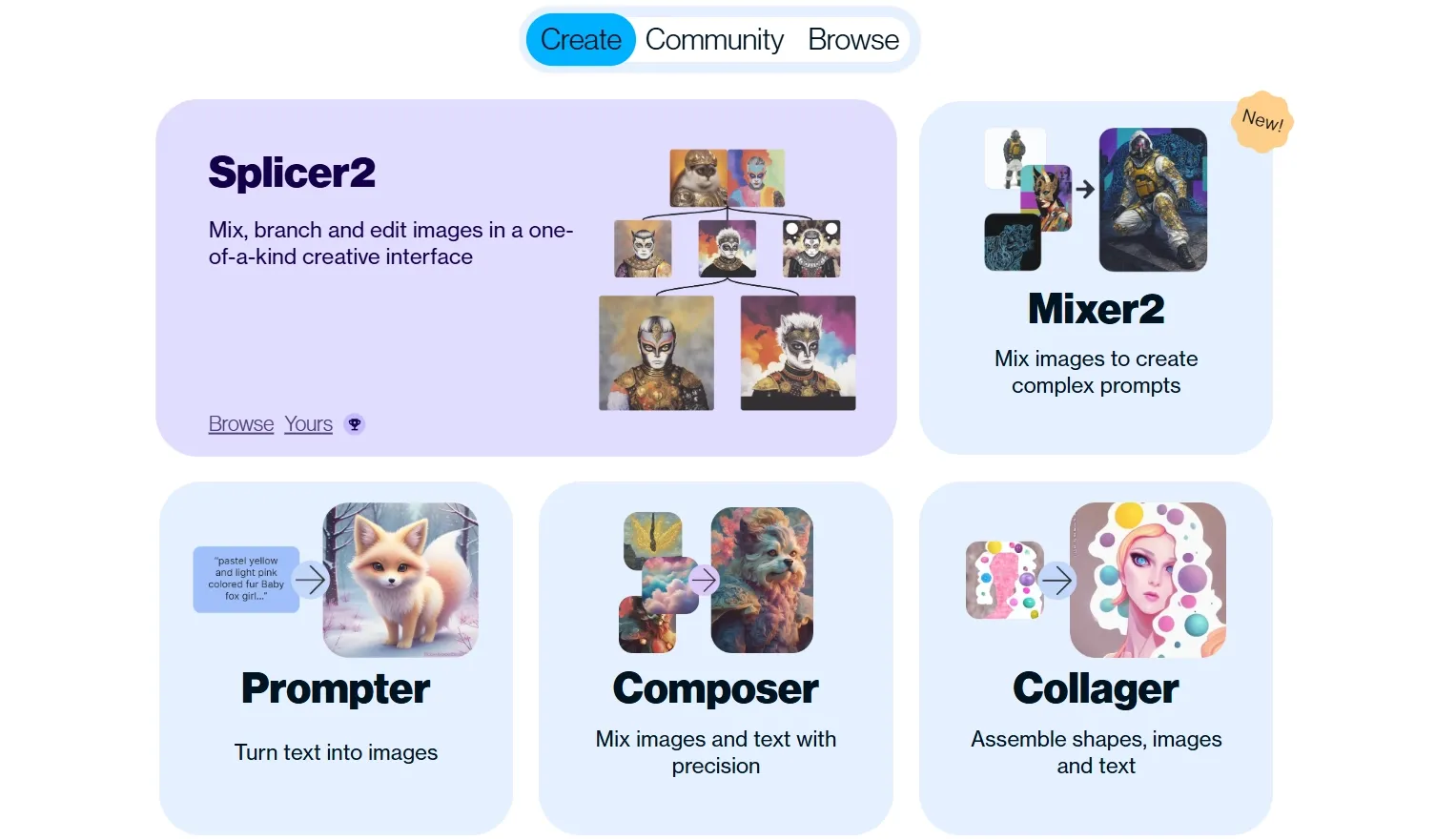
Artbreeder is not a direct SeaArt clone. It is more about blending, evolving, and remixing visuals, especially faces and concept directions.
Artbreeder is built around visual evolution: users can start from an image, mix it with another direction, and keep branching variations through composer, collager, splicer, and gene-style controls. That makes it more useful for discovering a look than for generating a final ad from a clean prompt.
Its strongest scenarios are character lineups, portrait mood studies, fantasy casts, and early concept boards. For cartoon-style avatar concepts that need fast, clean, ready-to-use output, the remixing workflow can feel less direct than a dedicated avatar or prompt-first tool.
Pros:
- Great for face exploration and visual variation.
- Useful for concept artists testing many directions.
Cons:
- Less direct than prompt-first tools.
- Poor fit for product ads, posters, or marketing layouts.
Artbreeder is interesting for ideation, but it is not the best SeaArt replacement if you need finished images quickly.
#10 AIEASE — Best SeaArt Alternative for Quick Everyday Visuals
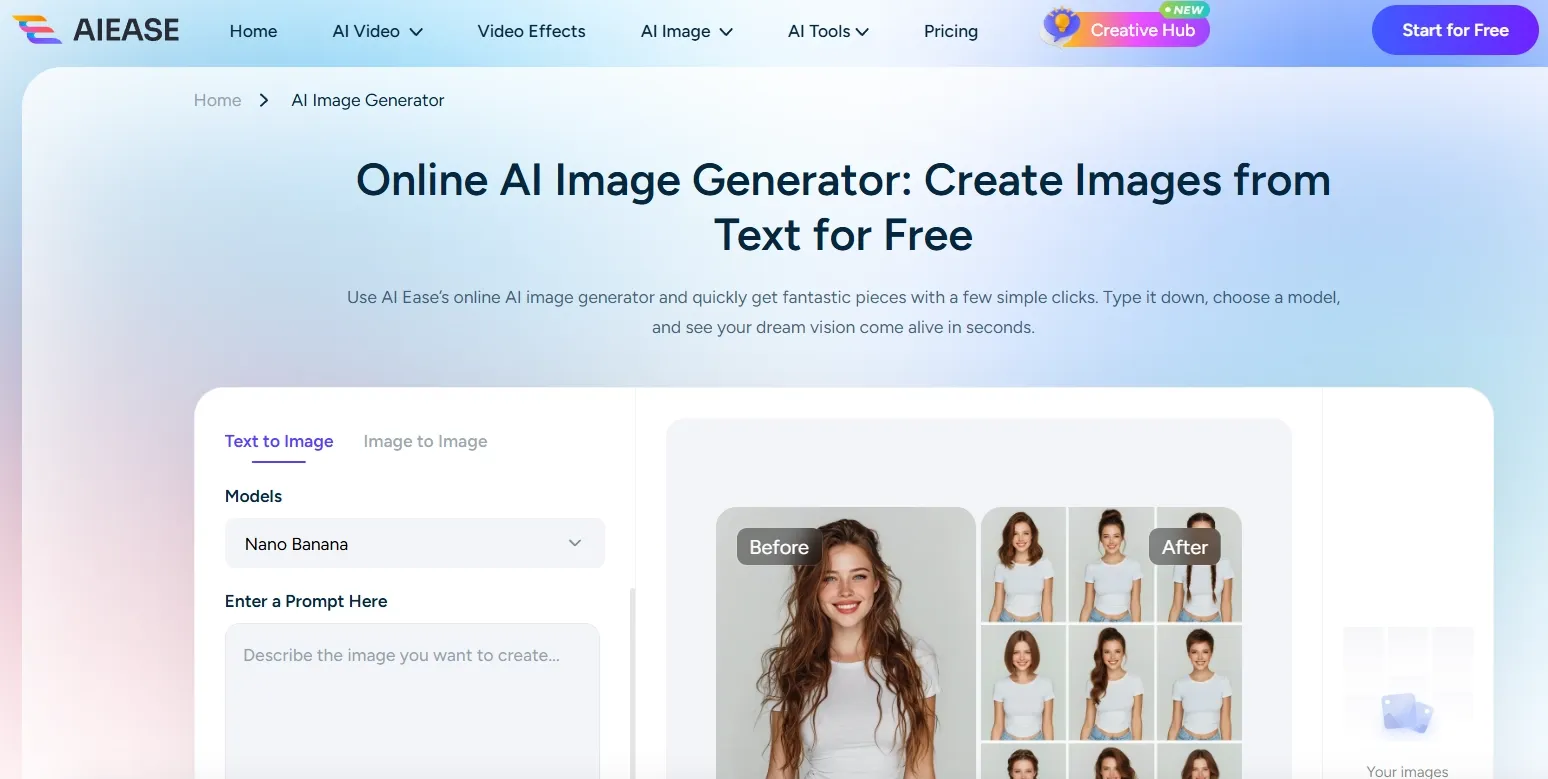
AIEASE is a simple option for users who want image generation and basic editing without spending much time on models. It is practical, but not especially deep.
AIEASE positions itself as a practical image platform for cleanup, enhancement, background changes, and everyday AI visuals. That makes it useful when the starting point is an existing photo or a simple content need rather than a complex model workflow.
Its image generation side fits quick social posts, product listing cleanup, stylized portraits, and early game or art concepts. The results benefit from specific subjects, style cues, and use cases, because broad prompts can still lead to generic-looking visuals.
Pros:
- Simple workflow for quick image generation and edits.
- Useful for everyday social visuals.
Cons:
- Less depth for anime, LoRA, or character workflows.
- Output quality can feel generic with broad prompts.
AIEASE is useful for quick tasks, but it will not replace SeaArt for creators who care about model-level control.
Interested in the practical outputs AIEASE creates? Check out this AIEASE review.
How I Tested These SeaArt Alternatives
I used prompts for skincare ads, fantasy portraits, anime characters, poster concepts, social creatives, and brand assets. I looked for prompt accuracy, composition, texture quality, character stability, editing options, and whether the result could move beyond “interesting AI image” into something actually usable.
How to Choose the Right SeaArt Alternative
Choose Pollo AI if you want the strongest SeaArt alternative for polished, practical image generation. Its image-side advantages are:
- Its AI image generator and 50+ specialized AI image generators cover a wide range of image scenarios, from portraits, manga characters, fantasy art, and posters to banners, and creator visuals.
- Commerce Studio and Creative Studio make it easier to build practical marketing images, ecommerce scenes, and repeatable creative directions instead of relying on one-off aesthetic results.
- Its image to image AI is useful when you already have a sketch, product photo, reference image, or rough concept and want to turn it into a cleaner new visual direction.
- After generation, its AI photo editor helps improve lighting, composition, background details, and sharpness before the image is used in public-facing content.
Choose NightCafe or StarryAI if you mainly want community art, stylized portraits, anime-inspired visuals, or casual creative exploration. They are easier picks for inspiration and personal artwork, but less suitable when every image needs brand-level control.
Choose Getimg.ai, PromeAI, or Pixlr if your priority is practical production, such as editing, mockups, product scenes, browser-based cleanup, or design presentation work.
Choose PicLumen, Mage, Artbreeder, or AIEASE if you want a lighter or more specialized tool for creator visuals, fantasy characters, image remixing, or quick everyday edits.
My Personal Take
SeaArt is still valuable if you enjoy anime communities, character prompts, and model-heavy experimentation. I would keep it for inspiration and style exploration.
But for polished AI image generation, I would move serious projects into Pollo AI. It feels more reliable when the image needs to support a campaign, product page, poster, or brand concept rather than just look interesting in a feed.
Best SeaArt Alternatives FAQs
What is the best SeaArt alternative?
The best SeaArt alternative is Pollo AI because it combines image generation, model access, editing, and commercially useful output in one workflow.
Why do people look for SeaArt alternatives?
People look for SeaArt alternatives when they want a cleaner interface, stronger marketing visuals, better editing, or fewer community-feed distractions.
What is the best SeaArt alternative for marketing images?
Pollo AI is the best option for marketing images because it is better suited to product scenes, ad-style compositions, social creatives, and polished visual assets.
Which SeaArt alternative is best for product visuals?
Pollo AI and getimg.ai are the strongest options for product visuals because they are more practical for ecommerce-style scenes and post-generation refinement.
Should I still use SeaArt AI?
Yes, if you like anime characters, LoRA exploration, and community prompts. If you need cleaner finished images for campaigns or product pages, Pollo AI is the stronger pick.