



The Best Craiyon AI Alternatives I’ve Tested—My Top 10 Picks
Craiyon AI is easy to use, but it is not always enough when you need sharper images, better prompt control, cleaner styles, or a more complete creative workflow.
So I tested 10 Craiyon AI alternatives for image generation with practical use cases from quick concept art to marketing visuals and social content.
TL; DR
Pollo AI is the best Craiyon AI alternative for image generation. I would choose it first when I want cleaner, more usable results.
I can start with text to image generation or image to image generation, refine the output with prompt-based editing, and use 30+ leading models such as Nano Banana or specialized image generators to reach a more polished visual.
Why I Look for Craiyon AI alternatives
Craiyon AI is a simple AI image generator for quick prompt experiments. However, it can feel limited when I need polished, design-ready visuals.
Its outputs often look rougher than newer AI image generators, especially with realistic faces, fine details, clean compositions, and complex prompts.
I am not the only one who noticed this. Some users in Reddit r/craiyon community have also shared similar frustrations, especially around prompt following and unpredictable image edits.
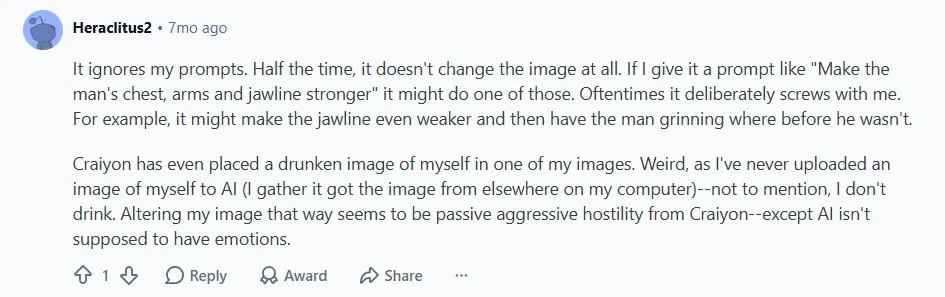
I also get less control over style, image refinement, and post-generation editing. So it’s harder to turn a rough idea into a usable social post, marketing visual, or product concept.
If you want a closer look at this image generator, read our full Craiyon AI review.
Best Craiyon AI Alternatives at a Glance
| Rank | Tool | Best For | Pricing |
| 1 | Pollo AI | Creators, marketers, and sellers who need polished AI images with flexible generation and editing options. | Pricing starts at $10/month |
| 2 | Adobe Firefly | Professional designers, brand teams, and Adobe users who need polished commercial visuals. | Pricing starts at $13.39/month |
| 3 | Canva AI | Social media creators, small businesses, and marketers who need AI images for quick design projects. | Pricing starts at $18/month |
| 4 | Bing AI | Beginners, students, and casual creators who need quick image ideas for drafts, concepts, or simple visual inspiration. | Free creation |
| 5 | Picsart AI | Social creators, influencers, and mobile editors who need AI images plus quick visual editing. | Pricing starts at $15/month |
| 6 | Fotor AI | Everyday creators, bloggers, and small businesses who want simple AI image generation with practical editing tools. | Pricing starts at $8.99/month |
| 7 | PicLumen AI | AI art beginners, anime fans, and hobby creators who want to test stylized image ideas. | Pricing starts at $3/month |
| 8 | NightCafe AI | AI artists, prompt learners, and community creators who enjoy style experiments and public challenges. | Pricing starts at $12.49/month |
| 9 | StarryAI | Casual creators, beginner artists, and personal project makers who want simple AI art creation. | Pricing starts at $15/month |
| 10 | DeepAI | Beginners, casual users, and prompt testers who want quick visual references for rough concepts and simple creative ideas. | Fixed pricing plan at $9.99/month |
Pollo AI: Best Craiyon AI Alternative Overall
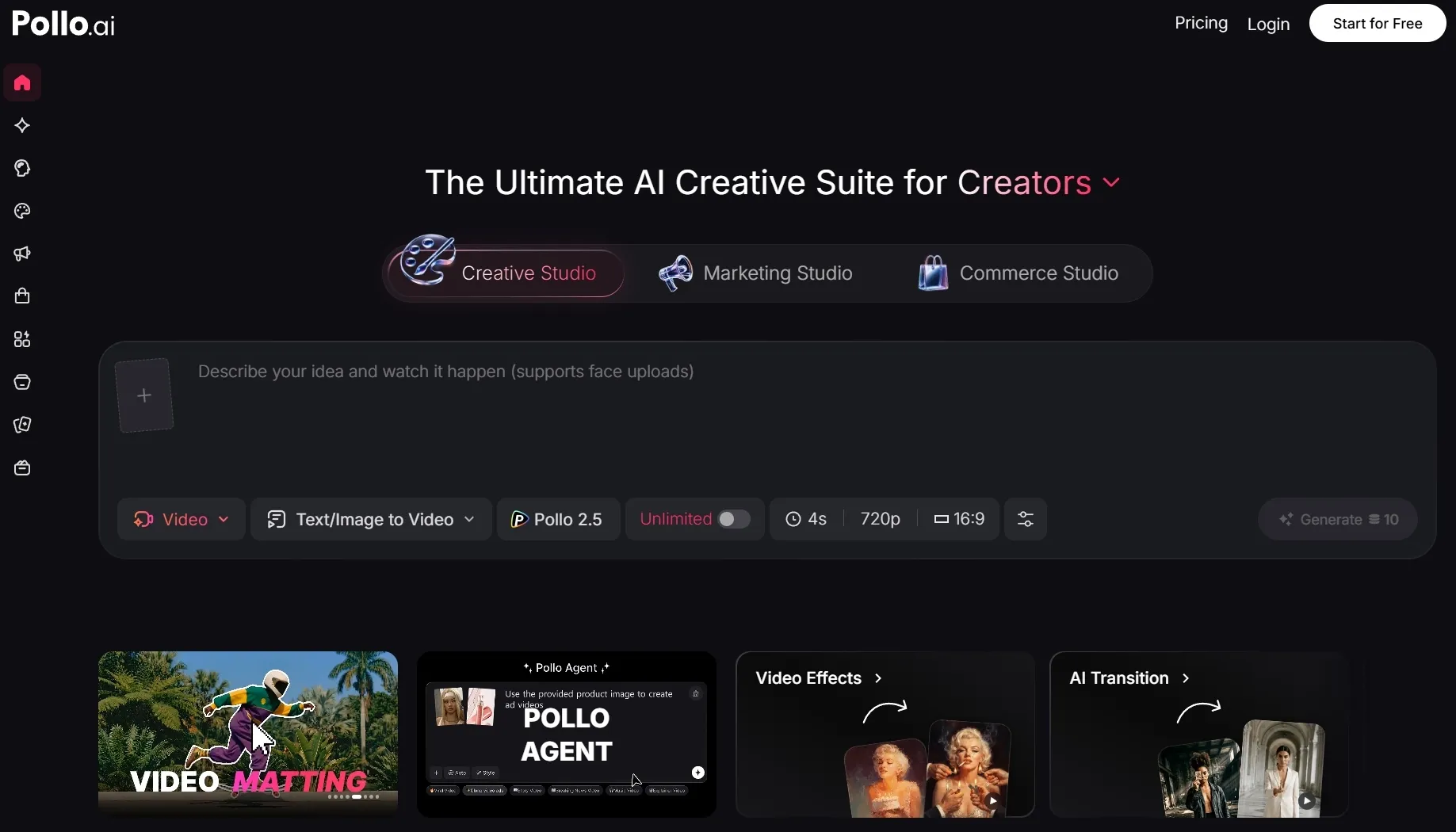
Pollo AI is the best Craiyon AI alternative overall in my experience because it gives me more flexibility and more ways to improve the result after the first generation. I do not see it as a simple one-click image generator.
What stood out most to me was the flexibility. I could switch between leading image models like GPT Image 2 and Nano Banana 2, which gave me more freedom to adjust detail, realism, style, and prompt control instead of relying on one fixed generation approach.
I also liked the 50+ specialized image generators. They gave me a more guided starting point for different kinds of images, so I did not have to build everything from scratch. That helped me reach a more usable result faster, especially when I wanted a consistent look for product visuals.
Its AI photo editor made the workflow more practical after generation. If an image had a weak background, unwanted object, wrong style, or small flaw, I could fix it with prompts instead of regenerating everything.
That is why Pollo AI was the best Craiyon AI alternative in my test. It helped me move from a rough image idea to a cleaner, more polished visual without relying on random prompt results alone.
Key Features
- Multi-model image generation: Create images with different AI models, including Wan AI and Kling AI, so you are not locked into one visual style or output quality.
- Image editing workflow: Refine, enhance, remove objects, restyles, or upscale images after generation.
- Image to video support: Continue from a still image into motion when your project needs video content.
- Commerce Studio: Create product posters and virtual try-on photos from product images or campaign ideas for more polished e-commerce and marketing visuals.
Best For
- Content creators: Generate character portraits, fantasy art, or movie posters for stronger personal visuals and social content.
- Marketers: Generate campaign visuals, product posters, or branded promotional images with stronger style control and cleaner output quality.
- E-commerce sellers: Create product posters, lifestyle product shots, or AI model images for stores, ads, and product pages.
- AI creators: Generate anime images, manga visuals, or concept art while comparing different models and visual styles.
Pros:
- You can keep refining or expanding the output after the first generation.
- Multiple models make it easier to find better results for different styles.
- It feels more suitable for marketing, social, e-commerce, and creative work.
Cons:
- Some advanced features may require credits or a paid plan.
- Beginners may need time to explore the full tool ecosystem.
Create Ready-to-Use Images with Pollo AI
Pollo AI helps you generate sharper images, edit weak details, and create visuals ready for social, marketing, and product projects.
Try Pollo AI for Free!
Adobe Firefly: Best Craiyon AI Alternative for Professional Creatives
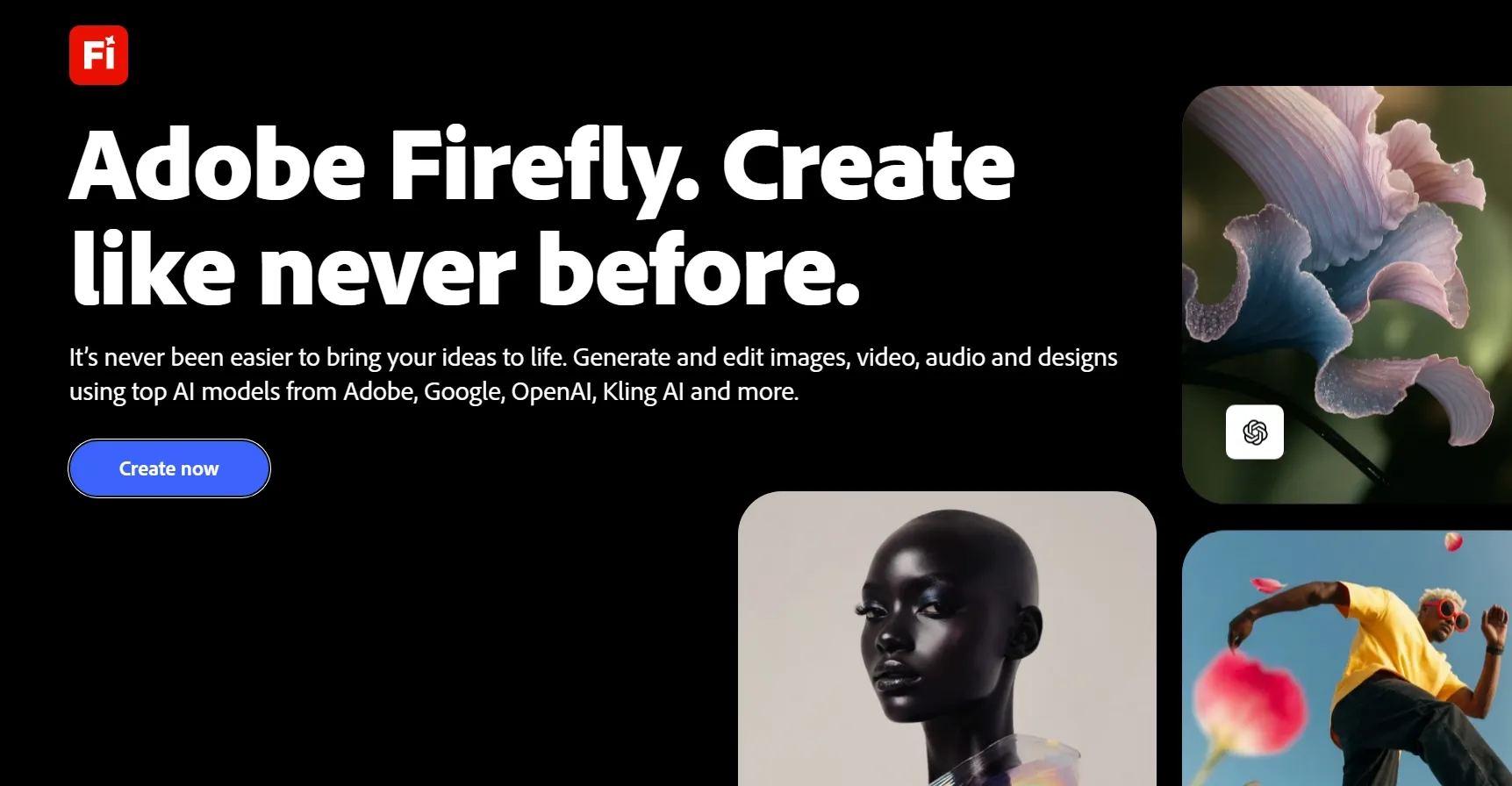
Adobe Firefly feels more polished and production-oriented than Craiyon, especially when I need AI images for professional design work. It works best when image generation has to fit into a larger editing process, particularly for creators already using Adobe tools.
In my test, Adobe Firefly produced cleaner and more polished images than a basic prompt to image generator. It also felt more controlled when I needed realistic compositions, design-friendly outputs, and commercial-style visuals.
The main drawback for me is that Adobe Firefly feels less lightweight than Craiyon. I had to spend more time setting up the right creative direction, adjusting the output, and deciding how the image should fit into a larger Adobe-style workflow.
Key Features
- Text to image generation: Create AI images from prompts with professional-style results.
- Generative Fill: Edit or replace parts of an image with AI-powered changes.
- Adobe ecosystem support: Continue work in tools like Photoshop and Adobe Express.
- Generative credits: Use monthly credits across different Firefly creative AI features.
- Commercial-focused creation: Useful for brand, design, and marketing assets.
Best For
- Designers: Create polished visual concepts such as moodboard images, poster drafts, or branded design assets for creative projects.
- Marketing teams: Generate campaign imagery, AI banner, or ad-style visuals for launches, promotions, and branded content.
- Adobe users: Move AI-generated visuals into Photoshop or Express, then refine them for social posts, product graphics, or presentation visuals.
- Brand-focused creators: Create professional brand visuals such as hero images, commercial posters, or concept art with a more polished creative direction.
Pros:
- Professional output quality for design and marketing work.
- Strong editing features through Firefly and Adobe integrations.
- Better brand fit than casual AI art tools.
- Useful for commercial workflows where polish matters.
Cons:
- Credit limits can matter for frequent generation.
- It may feel heavier than Craiyon for casual users.
- Best value appears when you already use Adobe tools.
For more details, check out our insightful Adobe Firefly review.
Canva AI: Best Craiyon AI Alternative for Design-Ready Visuals
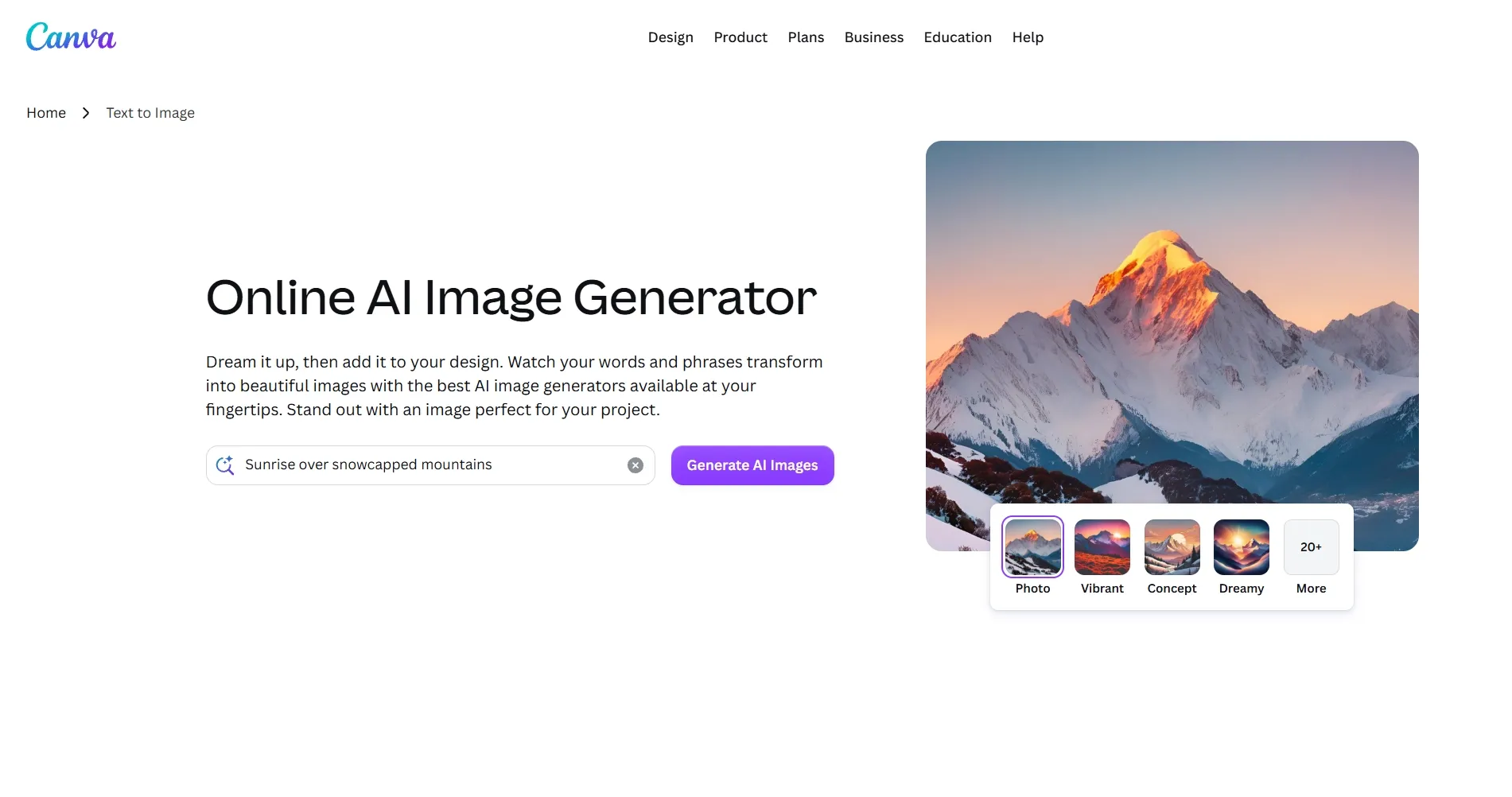
Canva AI felt most useful when I wanted generated images to become finished designs fast. I liked that I could create a visual, place it into a ready-made layout, and quickly use it for posts, banners, presentations, ads, or thumbnails.
It also helped when I needed brand consistency. I could adjust colors, add text, and match the image with an existing template, so the output felt closer to a finished campaign asset instead of a standalone AI picture.
The main limitation for me is that Canva AI does not give as much depth as a dedicated AI image generator. I had fewer options for model selection, prompt control, and detailed image refinement when I wanted a more specific visual result.
Key Features
- Text to Image: Generate AI images from prompts directly inside Canva.
- Design templates: Place generated images into social posts, posters, banners, and presentations.
- Magic Studio tools: Use Canva’s broader AI tools for writing, editing, resizing, and design.
- Brand Kit support: Keep visuals closer to brand colors, fonts, and identity.
- Easy export workflow: Create and download finished design assets without extra software.
Best For
- Social media creators: Make posts and thumbnails faster with profile images, meme-style visuals, or eye-catching banner graphics.
- Small businesses: Create simple branded visuals such as product posters, promotional images, or social ad graphics without a designer.
- Marketers: Build campaign graphics with templates for launch posters, ad creatives, or seasonal promotion visuals.
- Beginners: Generate and design in a familiar drag-and-drop workspace, starting with simple visuals like posters, clipart, or presentation images.
Pros:
- Very easy to use for non-designers.
- Strong design workflow after image generation.
- Great template library for social and marketing assets.
- Useful for fast publishing across multiple content formats.
Cons:
- Not the strongest tool for advanced image prompt control.
- Some AI features depend on plan limits.
- Outputs can feel template-driven if you do not customize them.
Want a closer look? Read our Canva AI review.
Bing AI: Best Craiyon AI Alternative for Quick Visual Ideas
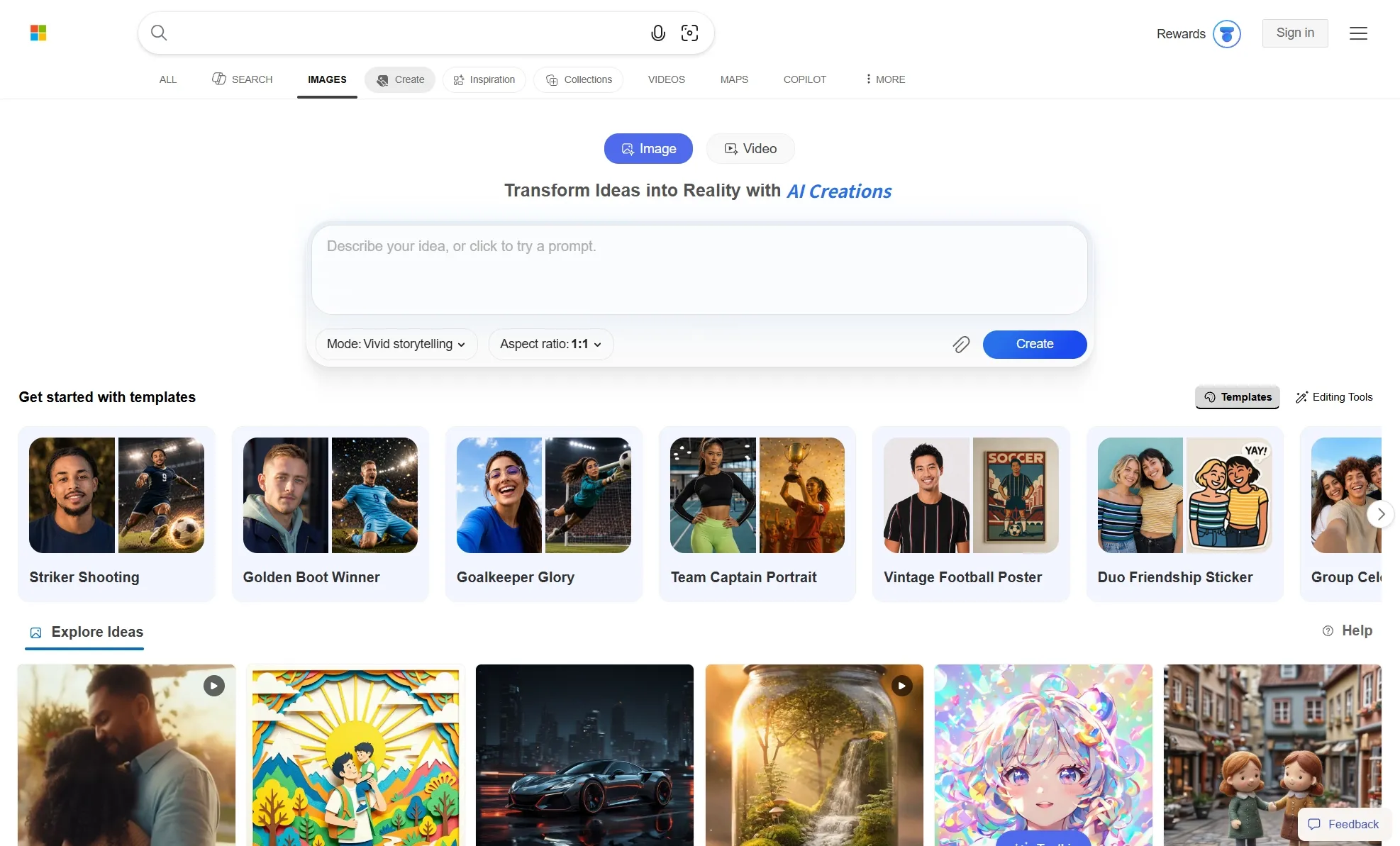
Bing AI gave me the fastest path from prompt to visual idea. I could enter a simple description and quickly get images for drafts, blog inspiration, or casual creative use without setting up a full workflow.
What made Bing AI practical was not just speed. I also liked how familiar and low-pressure it felt. By trying a few prompt variations, I could compare different moods, subjects, and compositions before deciding which idea was worth refining in another tool.
The main drawback for me is that Bing AI does not give me much control after generation. Once I get the image, I have fewer built-in options to refine details, adjust the style, or continue the work into a larger creative project.
Key Features
- Free standard generation: Create images at standard speed without paying.
- Fast creation credits: Use daily fast generations or Microsoft Rewards points.
- Multiple image models: Generate with supported models such as DALL-E and Microsoft image models.
- Simple prompt box: Enter a text prompt and generate images quickly.
- Microsoft account access: Use the tool through the Bing/Microsoft ecosystem.
Best For
- Casual users: Generate simple images like profile pictures, fun concept art, or AI emojis without a complicated setup.
- Students: Create quick visual concepts for class projects, presentation images, or simple poster drafts.
- Bloggers: Make rough visuals or inspiration images for article headers, thumbnails, or blog illustration ideas.
- Free users: Test AI image generation for quick drafts, mood references, or simple creative prompts without starting a paid plan.
Pros:
- Free standard creation makes it accessible.
- Easy to understand for beginners.
- Cleaner results than many basic generators.
- Good for quick visual ideation and casual use.
Cons:
- Less useful for advanced editing workflows.
- Fast generation has daily limits or Rewards-point dependence.
- Not ideal for professional brand or campaign production.
Picsart AI: Best Craiyon AI Alternative for Social Creators
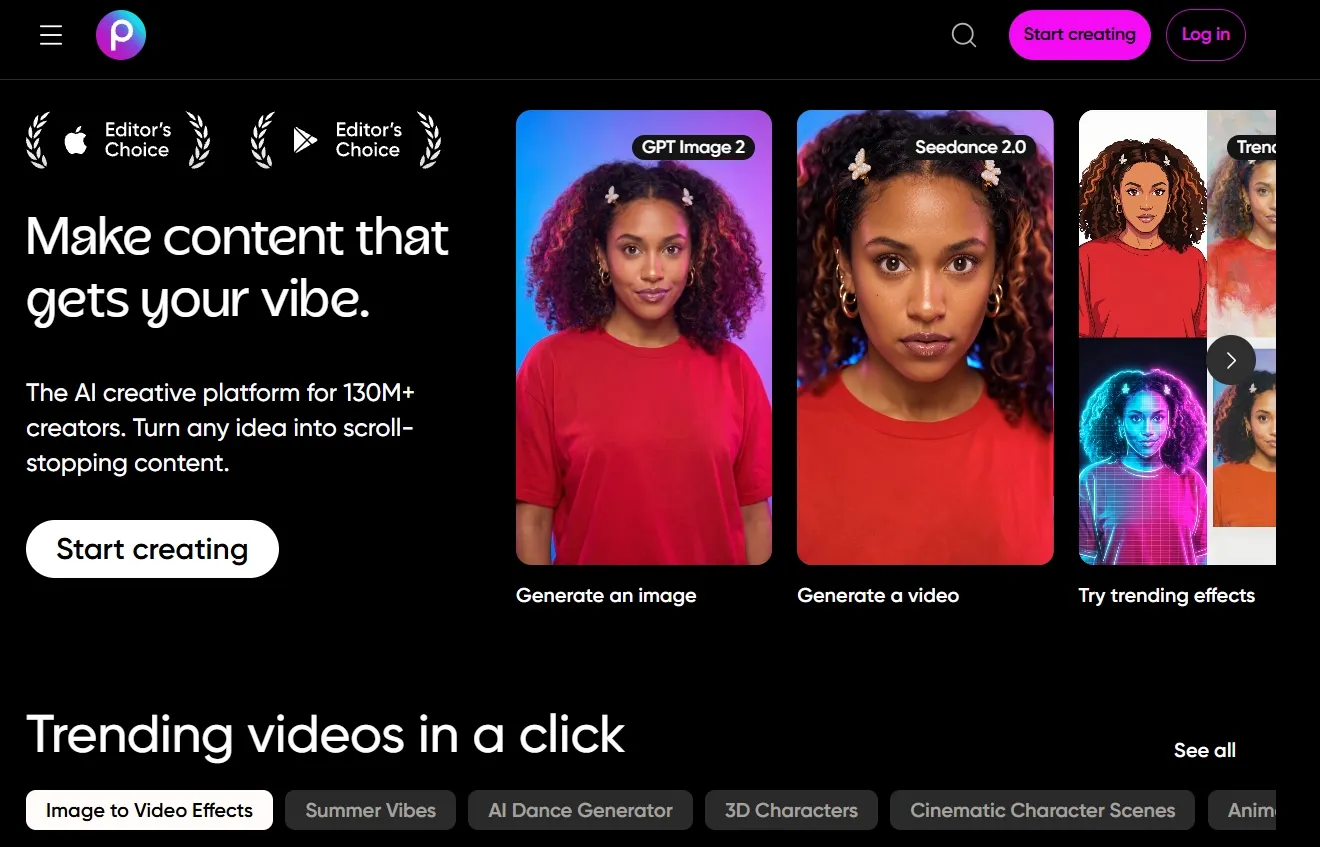
Picsart AI stood out to me for social-ready image creation. I could generate a visual, edit it quickly, and shape it into an Instagram post, TikTok thumbnail, profile image, meme, or promotional graphic without moving to another tool.
In my test, Picsart AI felt playful and fast. I liked that I could generate an image and then continue to add effects, change backgrounds, erase objects, apply overlays, or restyle the visual without switching to another editor. It fits social-first creation better than more technical AI art platforms.
Where Picsart AI felt less complete was advanced image control. When I wanted more precise prompt following, stronger style consistency, or more predictable results across multiple generations, the generation experience did not feel as deep as tools built mainly for advanced AI image creation.
Key Features
- AI Image Generator: Create text-to-image visuals across styles and models.
- Photo editing tools: Edit generated images with filters, effects, overlays, and adjustments.
- Design assets: Use templates, fonts, stickers, and stock content.
- Social content workflow: Build visuals suited for posts, stories, profile images, and ads.
- AI creative tools: Access additional AI tools for backgrounds, enhancements, and content edits.
Best For
- Social creators: Create stickers, word art, or graffiti designs for posts and short-form content.
- Influencers: Create profile images, lifestyle edits, or campaign visuals for personal branding and sponsored content.
- Small brands: Create product-themed graphics, unique brand designs, or promotional posters for lightweight campaigns.
- Mobile creators: Make quick edits on thumbnails, character images, coloring-page-style graphics, or fan-art visuals while working on the go.
Pros:
- Good social editing workflow after image generation.
- Easy creative controls for non-technical users.
- Useful asset library for quick design work.
- Strong mobile-friendly experience for everyday creators.
Cons:
- Not ideal for advanced prompt engineering.
- Some AI and premium features require paid access.
- The interface can feel busy if you only need image generation.
You can learn more in our practical Picsart AI review.
Fotor AI: Best Craiyon AI Alternative for Everyday AI Image Creation
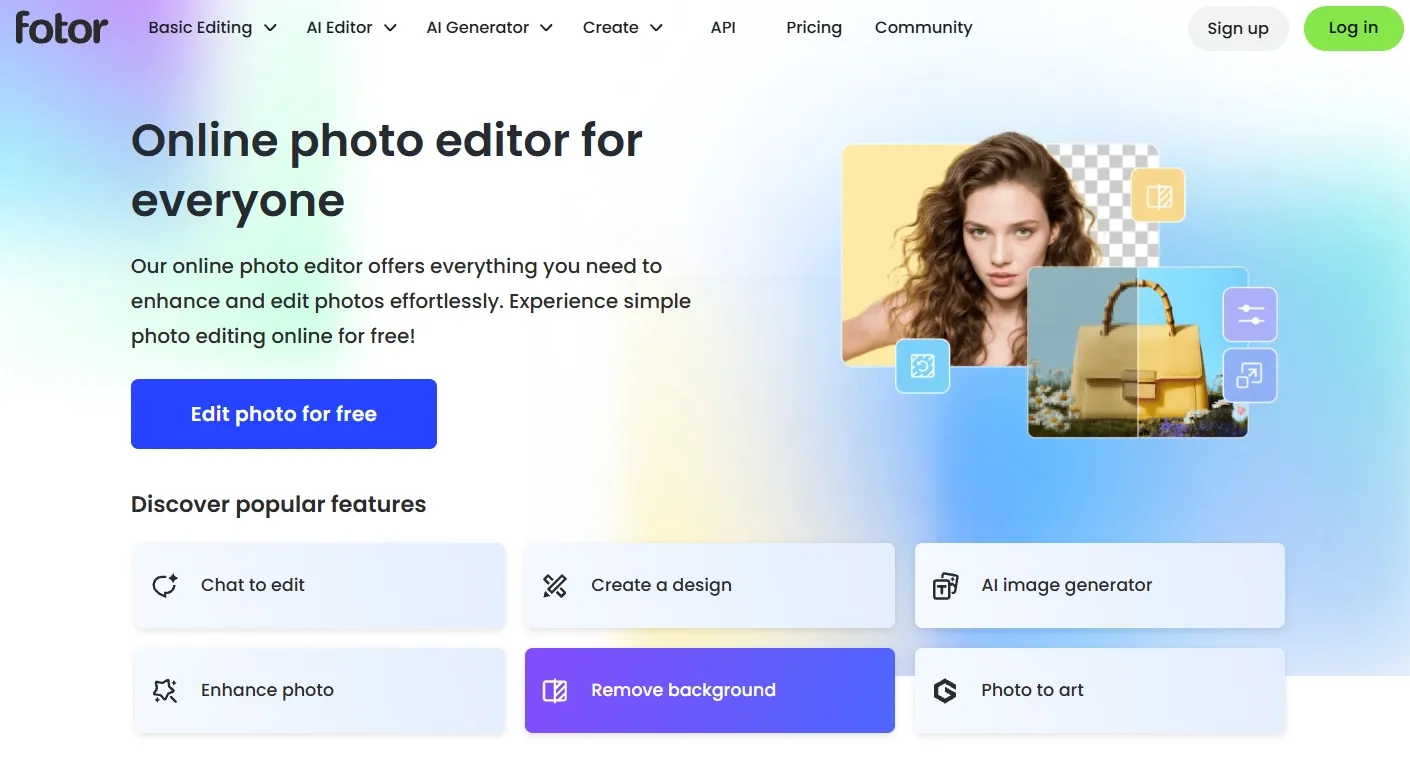
With Fotor AI, the value was that image generation and cleanup sit in the same workflow. I could create an AI image first, then enhance it, adjust the background, retouch details, or fix weaker areas without moving to a separate photo editor.
This made Fotor AI practical for everyday image creation. I would use it for event posters, lifestyle edits, product collages, or creator thumbnails because I could keep improving my image until it looked more usable and closer to the version I could publish.
But the generation still felt a bit limited for more specific image goals. I had less control over model choice, style direction, prompt precision, and visual consistency when I wanted the output to follow a detailed creative brief.
Key Features
- Text to image generation: Generate AI images from written prompts.
- AI photo editing: Improve, retouch, and adjust images after generation.
- Background tools: Improve, replace, or remove backgrounds.
- Design templates: Create simple designs with templates and assets.
- AI Agent tools: Use AI-assisted commands for faster editing tasks.
Best For
- Photo editors: Retouch portraits, restore old photos or extend cropped images to improve AI images after generation.
- Small businesses: Create practical visuals such as menu graphics, event posters, or product cutouts for everyday promotion.
- Bloggers: Generate and clean up article visuals, travel illustrations, tutorial images, or featured-image concepts for content drafts.
- Casual creators: Edit images with background changes, object removal, or quick enhancement for family portraits, hobby projects, or personal posts.
Pros:
- Useful for everyday AI image creation and quick visual cleanup.
- Good for image cleanup and post-generation refinement.
- Beginner-friendly interface for simple creative tasks.
- Useful for everyday marketing visuals and social graphics.
Cons:
- Free exports may have limitations.
- Some stronger AI features require paid access.
- Less suitable for advanced model comparison or complex creative briefs.
For a deeper breakdown, explore our Fotor AI review.
PicLumen AI: Best Craiyon AI Alternative for Stylized Image Experiments
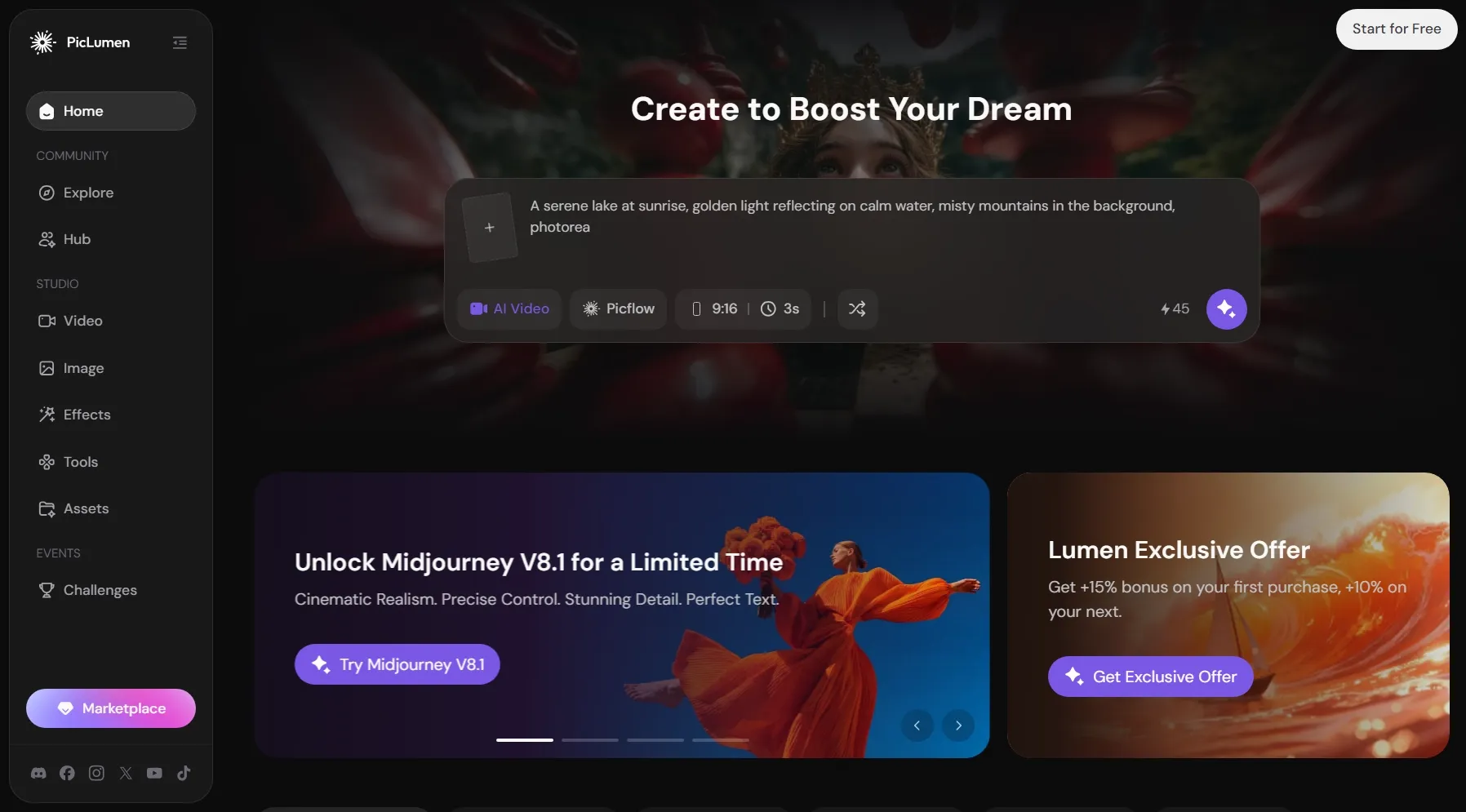
PicLumen AI gave me an easy way to explore different art directions. I could try different styles, from anime-inspired visuals to fantasy scenes, without a heavy setup. It felt most useful when I wanted to shape the overall style before creating a more finished design.
For me, PicLumen AI feels especially useful for indie creators, visual storytellers, and personal project makers. Testing various looks can help them build a clearer visual direction and collect usable references for stories, social posts, or personal art projects.
Yet I think PicLumen AI’s generation is more exploratory than production-ready. When I needed tighter brand control, more predictable subject consistency, or a clearer post-generation workflow, I found it less practical than a fuller creative platform.
Key Features
- Text to image generation: Create visuals from prompts across multiple styles.
- Reference image support: Use images as creative references for generation.
- AI video generation: Extend creative work beyond still images.
- Daily free Lumens: Start generating with free daily credits.
- Community sharing: Explore public creations and share generated content.
Best For
- AI art beginners: Test creative image types such as dark fantasy art or other creature concepts.
- Anime fans: Create manga panels, anime-style portraits, or coloring-page-style visuals for personal art projects.
- Hobby creators: Explore DnD characters, fantasy maps, or texture images without a complex workflow.
- Social creators: Generate stylized visuals that can support teaser videos, anime videos, or short story clips.
Pros:
- Free daily usage makes it easy to start.
- Good for creative exploration and stylized images.
- Supports both images and videos in one platform.
- Community features help with inspiration.
Cons:
- Not as strong for commercial production workflows.
- Output consistency may vary by model and prompt.
NightCafe AI: Best Craiyon AI Alternative for AI Art Community
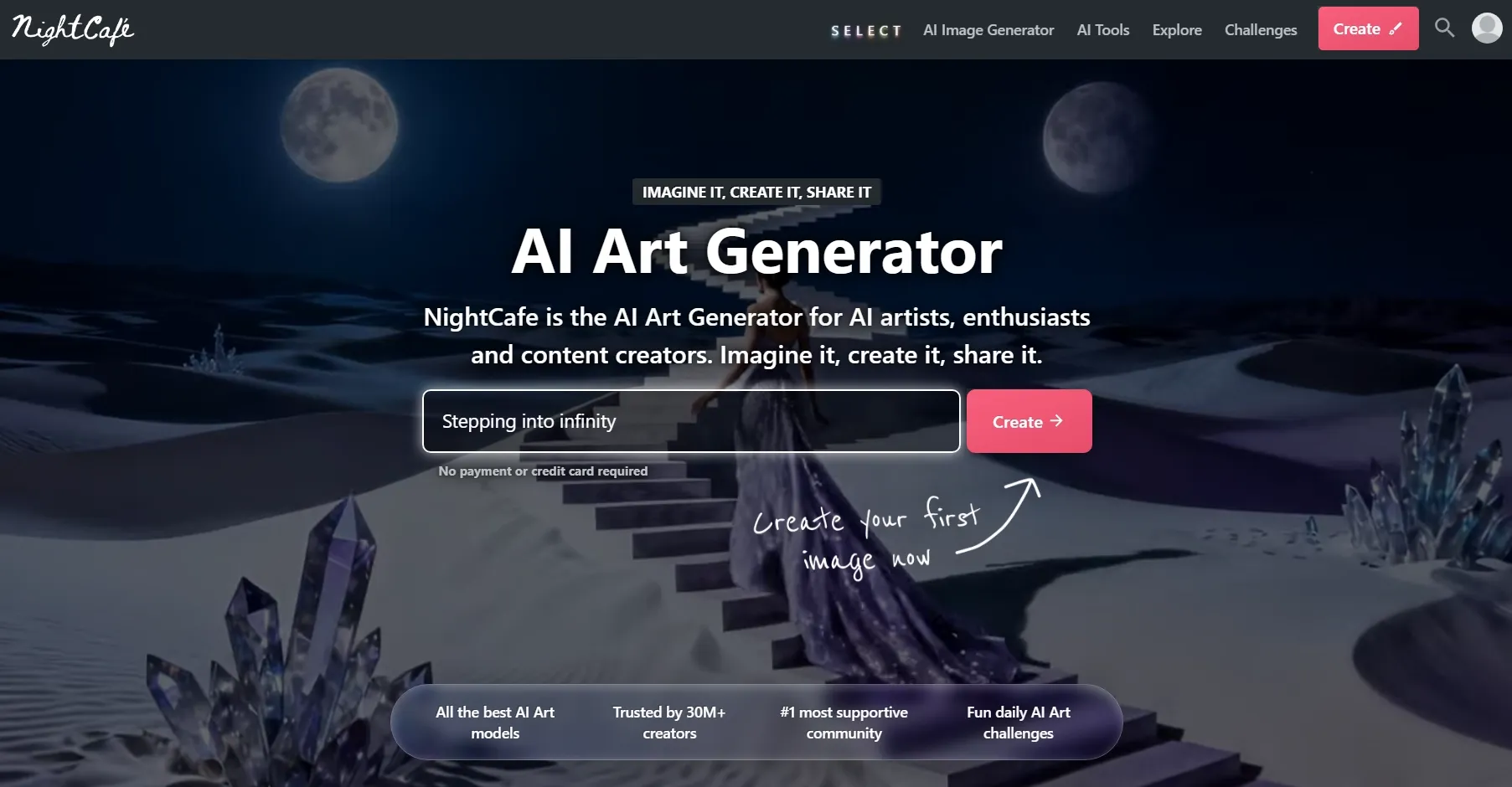
NightCafe AI felt more like a creative AI art space. I liked that I could generate images, browse public creations, join creative challenges, and learn from different prompts, styles, and model choices in one place.
I think NightCafe AI makes the most sense for people who treat AI image generation as an ongoing creative hobby. It is useful for building personal art collections, testing themed image series, or developing visual ideas through repeated experiments.
Creators can also get better prompt instincts, clearer visual direction, and a steadier source of inspiration over time.
The trade-off is that NightCafe AI is not the fastest route to polished business visuals. When I needed clean marketing images, product graphics, or social-ready brand assets, the workflow felt less direct and required more trial-and-error before the output looked ready to use.
Key Features
- AI art generation: Create images from prompts with different models and styles.
- Community gallery: Explore public creations and prompt ideas.
- Daily challenges: Join themed AI art competitions and community activities.
- Credit system: Use credits for generation and higher-level outputs.
- Style variety: Experiment with artistic, fantasy, realistic, and abstract looks.
Best For
- AI art hobbyists: Build themed art collections with animal hybrids or surreal landscape studies.
- Digital artists: Test visual directions with unique monsters, DnD maps, or texture references for early creative planning.
- Prompt learners: Study how prompts affect lighting, composition, and character details in different styles like pixel art and fantasy creatures.
Pros:
- Strong community environment for AI art inspiration.
- Good style experimentation across many creative looks.
- Useful for learning prompts from public examples.
- Fun for hobby creators and artistic testing.
Cons:
- Less efficient for business-ready image production.
- Credit usage can become confusing for new users.
- Not the best fit for editing-heavy workflows.
StarryAI: Best Craiyon AI Alternative for Simple AI Art Creation
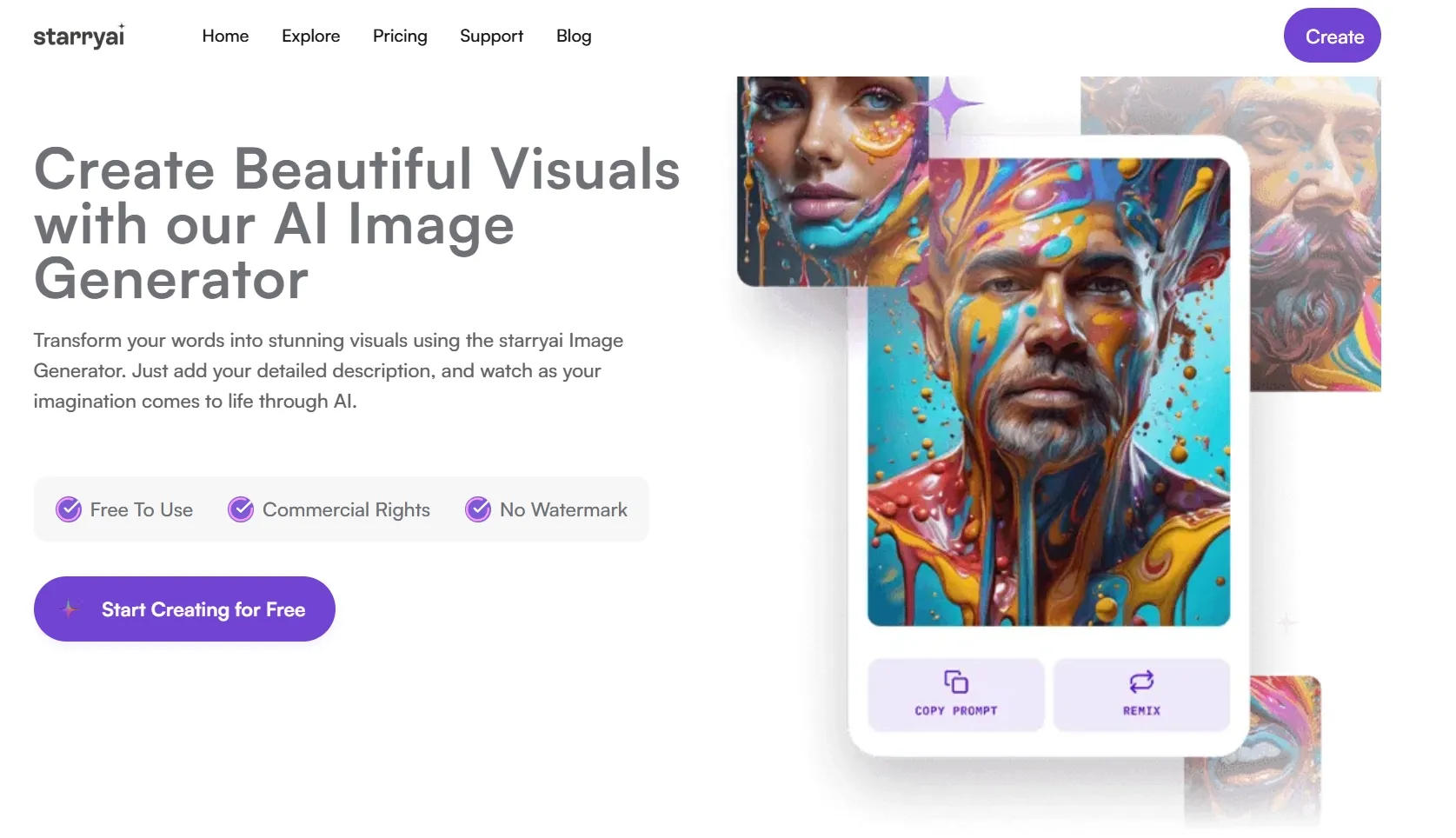
I found StarryAI useful for simple AI art that did not need much setup or refinement. It was easy to create personal creative visuals, such as avatar ideas or quick style tests, without managing a full workflow.
In my opinion, it is a good choice if you want stylized images, profile artwork, post visuals, or small creative project assets without a heavy workflow. You can create simple visuals faster, test different looks with less effort, and get usable images for personal branding, social sharing, or creative practice.
But I would not choose StarryAI when I need deeper image control. The generation experience felt less flexible for detailed prompt precision, consistent character design, or more polished commercial visuals.
Key Features
- Style selection: Choose creative styles to guide the image direction.
- Image variations: Generate different versions of an idea.
- Community-crafted experience: Explore visuals and share AI creations.
- Simple prompt workflow: Start with a short prompt and create quickly.
Best For
- Personal creators: Make simple AI art such as cartoon avatars, dog images, or decorative word art for personal branding and social sharing.
- Hobby users: Create mood images, animal hybrids, or small worldbuilding references for creative practice.
- Beginner artists: Explore sketches, coloring pages, or fantasy creature concepts without a complex workflow.
- Mobile users: Edit quick art ideas on the go with background changes, image enhancement, or object removal.
Pros:
- Easy to start for casual image generation.
- Good mobile experience for quick AI art.
- Useful style presets for creative direction.
- Fun for personal projects and visual experiments.
Cons:
- Less suitable for professional marketing workflows.
- Pricing and free usage can vary by platform.
- Limited compared with full creative suites.
Want a closer look? Read our full StarryAI review.
DeepAI: Best Craiyon AI Alternative for Fast Idea Drafts
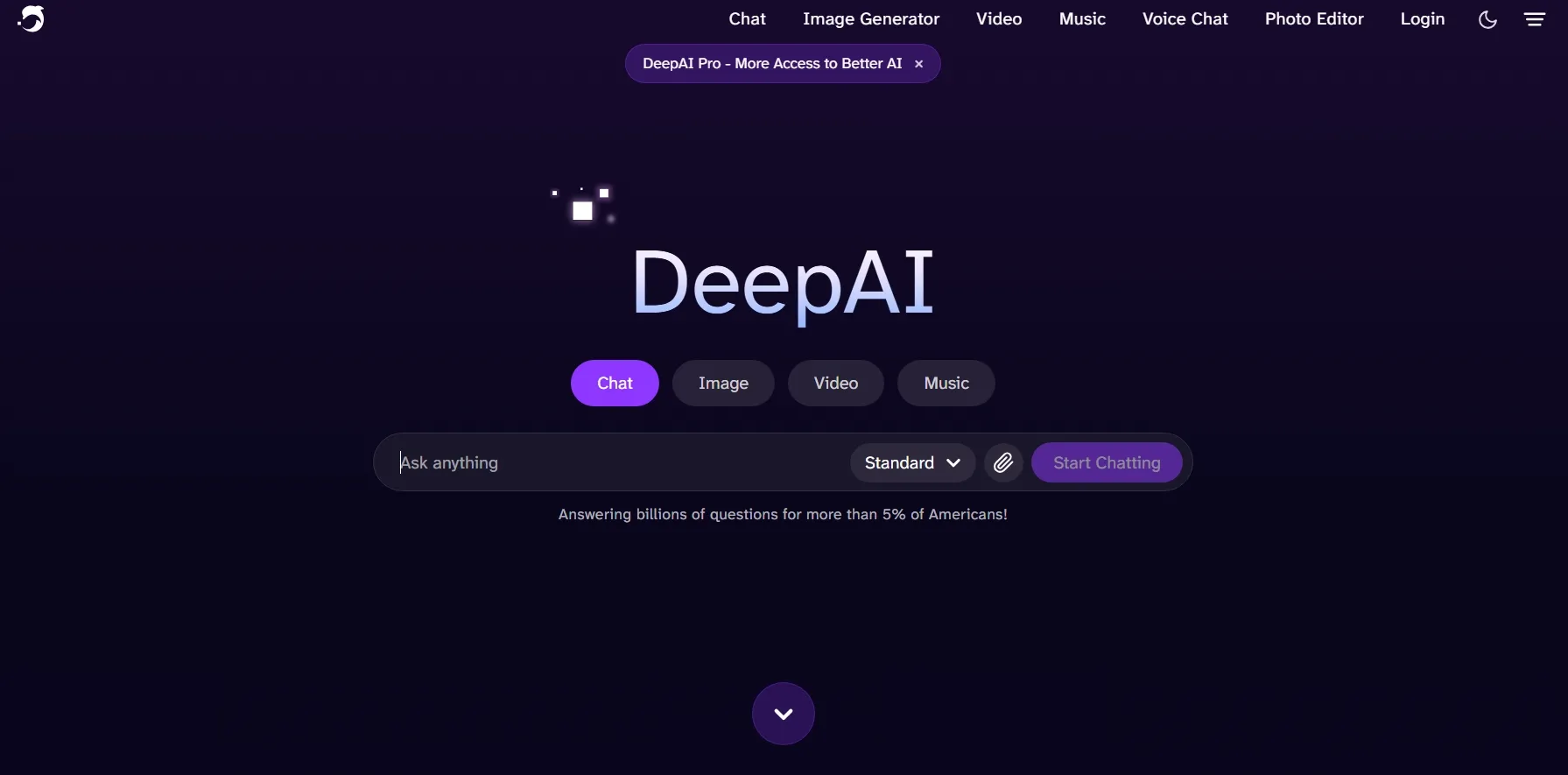
DeepAI gave me a low-friction way to check whether a prompt had visual potential. I would use it for early concepts, simple visual references, blog image ideas, or prompt testing before moving to a more advanced image generator.
The main value is speed and simplicity. I could test whether an idea had visual potential without spending much time on settings, editing, or workflow decisions. That makes DeepAI a practical option if you only need a fast starting point.
The drawback is that DeepAI’s generation feels basic. When I needed stronger detail, better prompt accuracy, cleaner composition, or more consistent results, DeepAI gave me less creative control than deeper image creation platforms.
Key Features
- Free online image generation: Create AI images from prompts in a browser.
- Style selection: Choose from many visual styles before generation.
- Quality modes: Use higher-quality options with DeepAI Pro.
- Basic editing options: Access tools like background removal and enhancement.
- Pay-as-you-go usage: Add extra usage beyond included monthly allowances.
Best For
- Beginners: Create quick image drafts from simple prompts, such as lifelike animal images, or basic poster layouts.
- Casual users: Make rough visuals like surreal landscapes, retro-style art, or playful sticker concepts with minimal setup.
- Prompt testers: Test early prompt directions for food photography scenes, toy-style designs, or travel-poster compositions before refining the idea further.
- Bloggers: Generate quick visuals such as article illustrations, comparison graphics, or featured-image concepts for content drafts.
Pros:
- Very simple interface for fast generation.
- Free access available for basic use.
- Many styles for quick visual variety.
- Affordable Pro plan for regular use.
Cons:
- Output quality can feel inconsistent.
- Not ideal for polished commercial visuals.
- Limited workflow depth after generation.
See our hands-on DeepAI review for more context.
Make Your Images More Finished
Create cleaner AI images, refine them with prompts, and build polished visuals faster with Pollo AI.
Create with Pollo AI Free Now!How Did I Choose These Craiyon AI Alternatives
I chose these Craiyon AI alternatives by looking at their overall creative usefulness. This includes image quality, prompt accuracy, style control, and editing options.
My goal was to find tools that help users move beyond rough image experiments and create more usable visuals for social, marketing, product, or creative projects.
1. Output Quality
A good Craiyon alternative should create clearer, more coherent, and more usable images. I looked for sharper details, stronger subject accuracy, better lighting, and fewer obvious visual errors.
2. Prompt Understanding
The tool should follow the prompt more reliably than a basic generator. I paid attention to subject placement, style accuracy, composition, text handling, and whether the output matched the intended use.
3. Creative Control
Some users only need quick images, but stronger alternatives should offer more control. This includes style choices, model selection, reference images, editing tools, aspect ratios, and quality settings.
4. Post-Generation Workflow
This is where many simple generators fall short. A useful tool should help users refine, edit, upscale, redesign, or repurpose the image after generation. This is one reason Pollo AI ranks first.
My Final Verdict
Craiyon AI is good for quick image experiments, but it can feel limited when I need more polished, controllable, and usable visuals. That is why Pollo AI is my first choice as the best Craiyon AI alternative.
What makes Pollo AI stand out is its more project-oriented image workflows. Its specialized image generators cover different creative needs. And Commerce Studio helps me create e-commerce-ready visuals. This makes the creation easier when I need images for product pages, ads, campaigns, or brand visuals.
I also like that Pollo AI gives me a stronger workflow after generation. With its editing tools, I change backgrounds, remove unwanted objects, adjust styles, or clean up weak details without starting over.
If you are looking for a Craiyon AI alternative that helps you create cleaner, more controllable images for real projects, Pollo AI is a great place to start.