



My Review of PixAI AI Art Generator: How It Helps with Art Creation
I’m committed to looking for effective tools to create compelling images. Recently, I gave PixAI - AI Art Generator a try.
PixAI Art is an AI art generator that leverages advanced AI algorithms to generate animation art images. It allows users to generate different styles of artistic works from text or images.
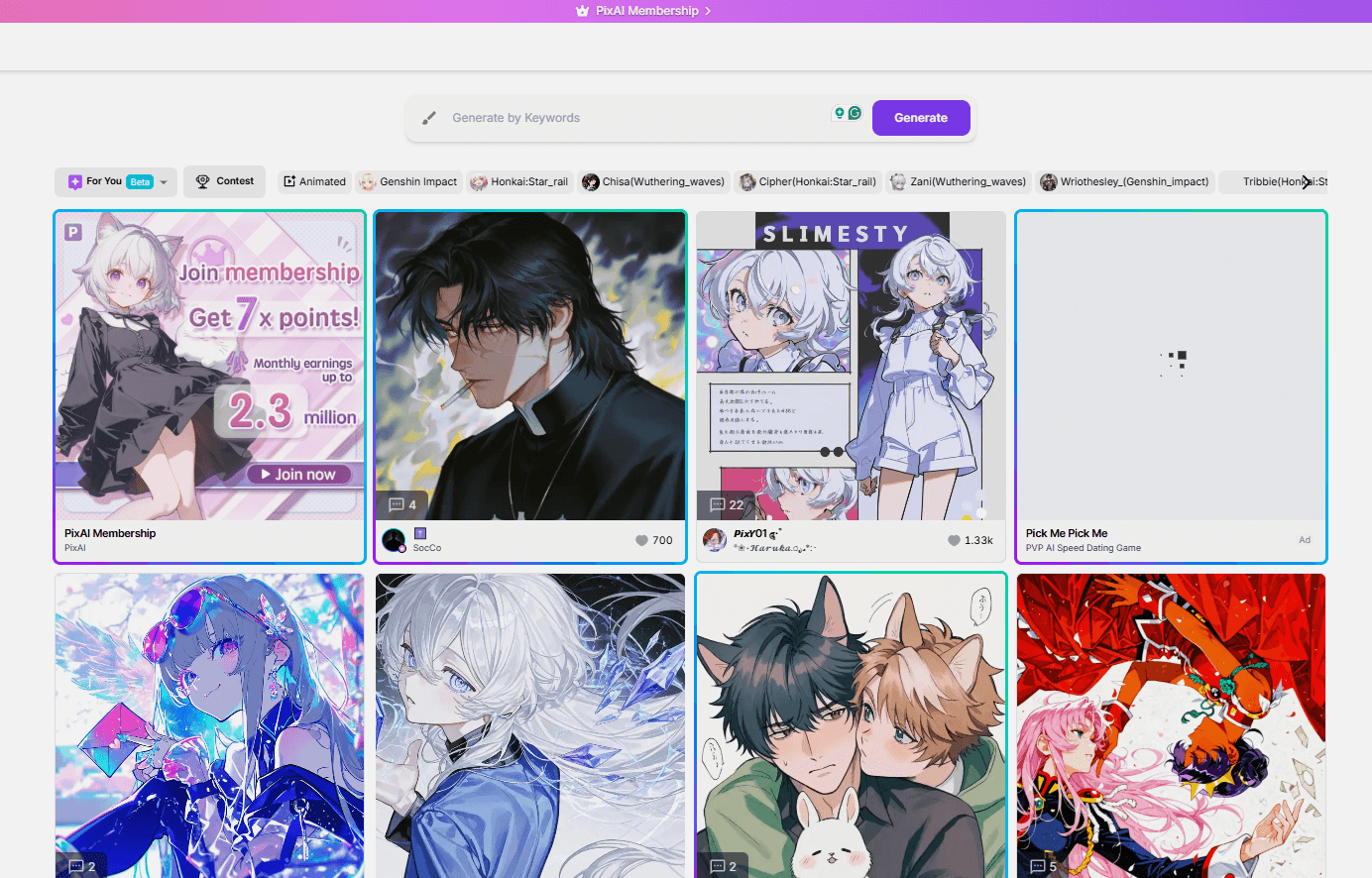
As far as I’m concerned, PixAI - AI Art Generator makes it easy for both novices and experienced artists to create animation works. In this PixAI review, I'll share with you my test results and insights about this tool.
The Quality of PixAI Image Generation
To begin with, I wanted to see the quality of PixAI's generated images, and how its outputs match the users’ prompt and whether it's rich in detail.
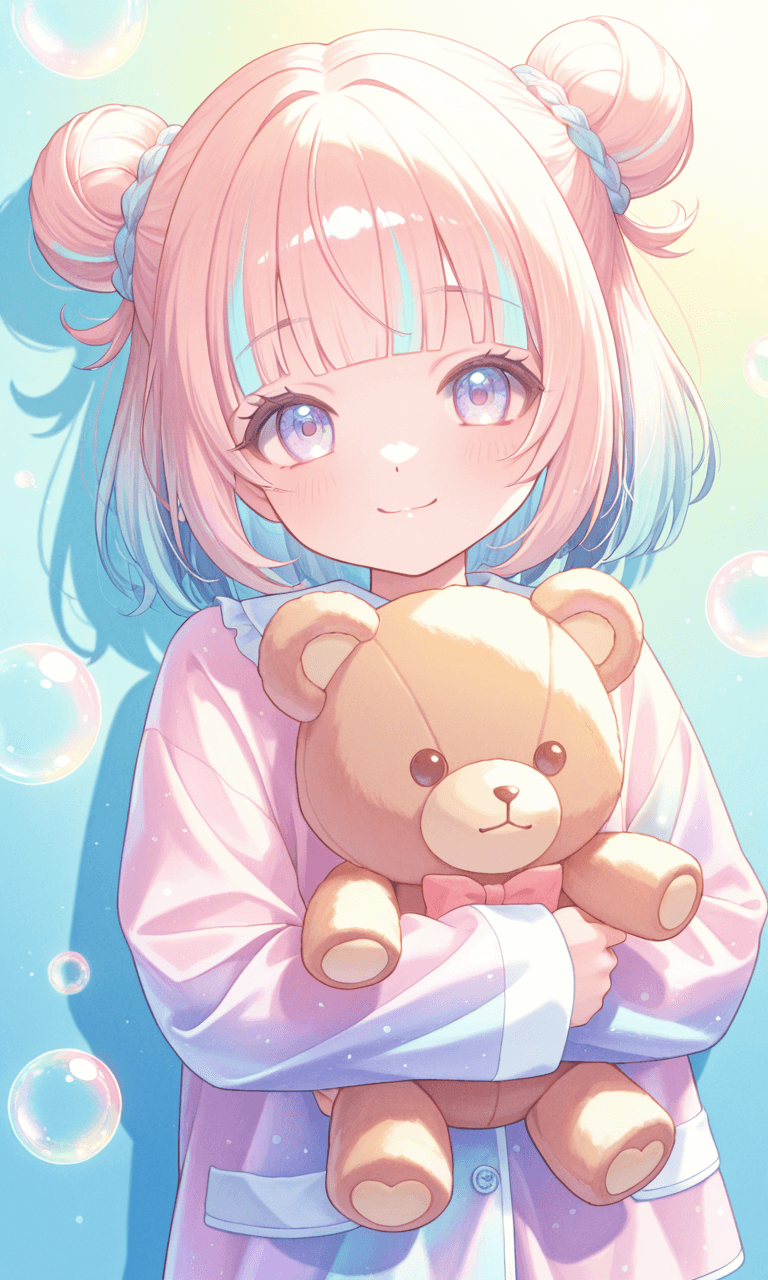
So, I input the first prompt: one girl, girl holding a teddy bear, bun hair, elementary school girl, blunt bangs, pajamas, Highlights, detailed pictures,kawaiitech, pastel colors, kawaii, cute colors, shadow, girl, colorful, glowing bubbles, iridescent, watercolor, cheerful, add detail:1, add detail:0, add detail: 0.5
This was a very concrete and detailed description. Within seconds, it generated 4 similar images - the same character in different positions and gestures.
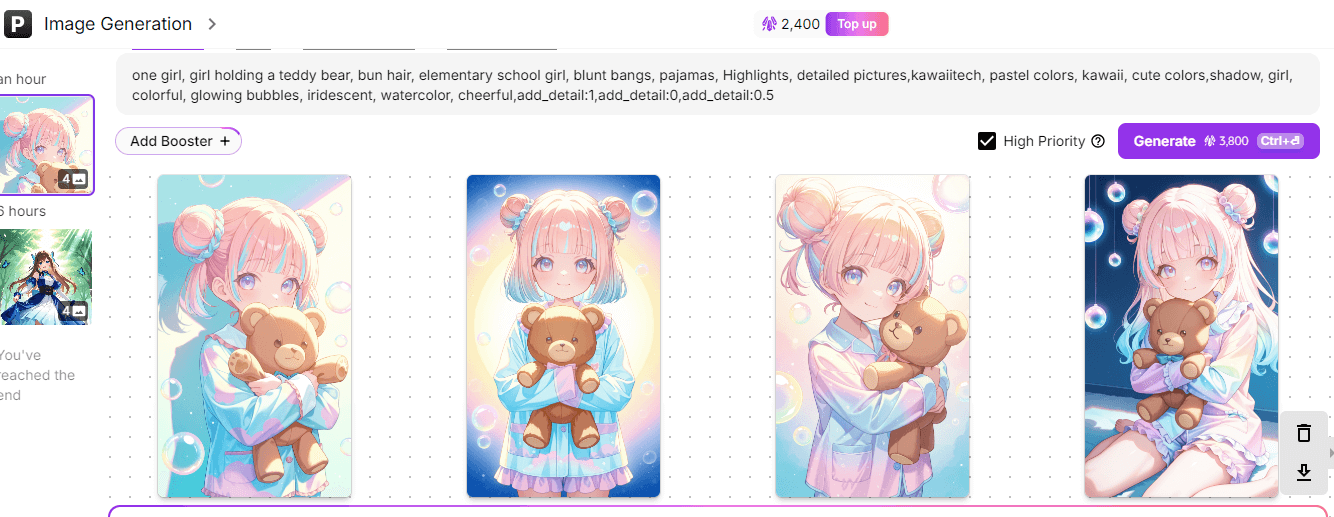
Overall, this group of images demonstrates a strong comprehension of my prompt and produces high-quality, detailed, and stylistically consistent artwork that aligns well with the requested themes and aesthetics.
Edit Images with AI Image Bot
PixAI Art provides a suite of inpainting and outpainting tools to aid in image editing. The inpainting mode enables you to modify specific parts of the image, while the outpainting mode helps you extend images.
Here, I want to highlight its image bot. Different from many other image editing tools, PixAI Art integrates an image bot to help me modify images. I didn’t need to manually adjust the specific part of the image, but I could send the request to the bot via the dialogue box.
For example, I enlarged the image, brushed over the girl’s eyes, and input the prompt: change them to red eyes.
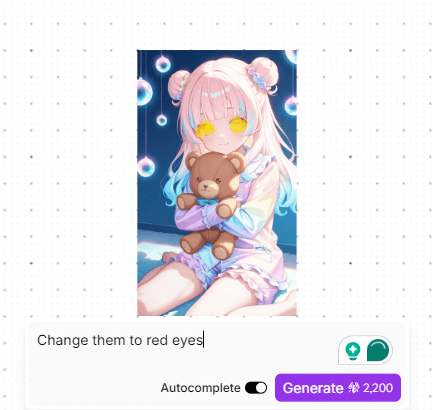
Again, I was surprised by the result. The girl’s eyes were changed from light purple to red.
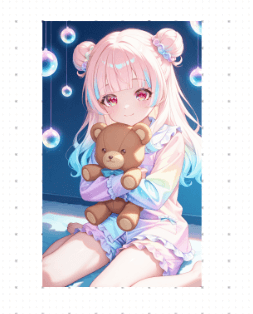
Then I switched to the outpainting mode. I decided to add more elements to enhance the background.
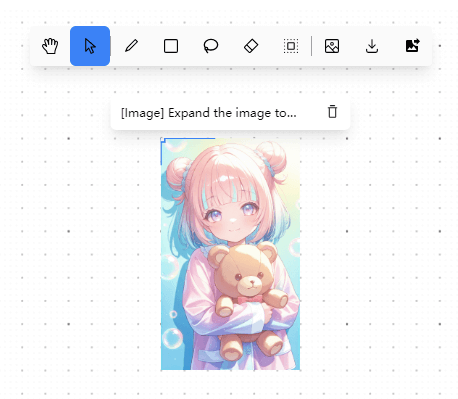
I generated a new group of images and navigated to the editing interface. In the dialogue box, I entered the instructions:
Expand the image to include a cozy room setting around the girl. Add elements like a comfortable bed with pastel-colored linens to her side, a small nightstand with a glowing lamp, and a window with a view of a starry night sky. Include shelves with books and small trinkets to give a lived-in feel. The room should have soft, ambient lighting that complements the bubbles’ glow.
Here is the enhanced image, but I think there isn’t much change in the background. It seems that this tool didn't understand and carry out my instructions properly.
Create Different Styles of Anime Characters
PixAI Art can create a wide range of animation styles. By leveraging advanced AI algorithms, it can create various artistic styles, from the fluid and dynamic movements of traditional hand-drawn animation to the sleek and polished look of modern animations.
However, it seems like PixAI Art mainly focuses on generating anime characters. I just wanted to create a scenery picture, so I entered the prompt: A garden in full bloom with flowers, sunlight shining on the petals, and butterflies dancing among the flowers.
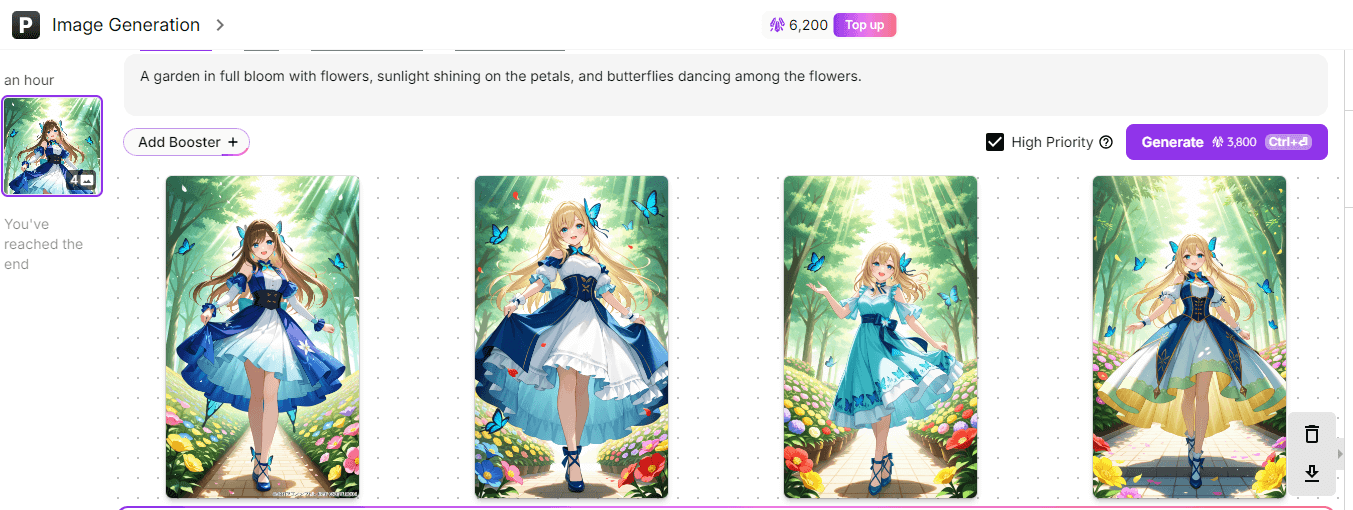
I hadn’t specified any characters in my initial description, but each generated output included an anime character. This unexpected inclusion shifted my intention from producing a landscape animation to crafting an anime character image.
Share Your Works with Other Designers
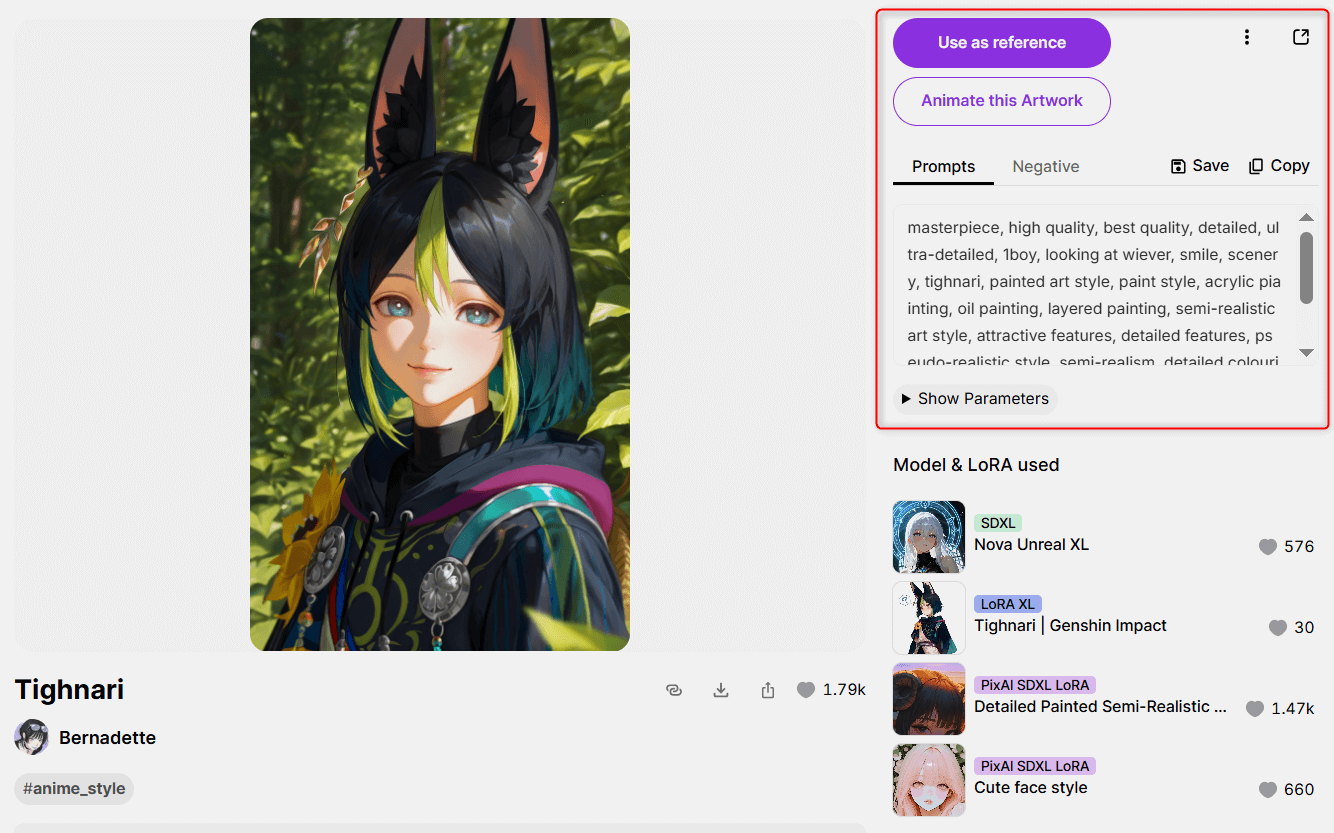
Pix AI is not only an animation image generation tool, but also an artist market and gallery. Here, you can not only create works, but also browse the images generated by other creators, download them, and refer to the prompts they use, as well as the models and sizes they use.
It’s like going to a party where everyone speaks the language of creativity. Explore what others are doing, share, and learn from each other's creative experiences.
Overall, both professional anime artists and hobbyists can use PixAI to quickly create inspiration sketches or complete artworks.
The platform's built-in AI editing tools are also very user-friendly. Whether it's adjusting image details or removing unwanted elements, these tasks can be completed with a single click.
However, the issue is that each modification incurs a certain amount of credits, which can be quite expensive. Compared to the inpainting feature, the outpainting feature might be slightly less effective. It also consumes 2200 credits, but the changes are not significant, and the results are not particularly impressive.
Some Concerns About PixAI Art
PixAI AI art image generator is fun and easy to use, you may also experience some problems when using it.
PixAI mainly focuses on generating 2D anime art. If you're looking to make something that looks 3D or realistic, you can't do it. When I asked it to create nature scenes, like mountains or beaches, the pictures didn't look as nice as I hoped.
I also noticed that sometimes PixAI might create inappropriate images. This could get you in trouble if you're not careful about what you ask it to make.
Pollo AI - The Ultimate Alternative to PixAI AI Art Generator
The images you can create with PixAI are limited. If you're looking for a more versatile AI image generator, give Pollo AI a try.
The Pollo AI image generator integrates several industry-leading AI models, such as GPT-4o, Recraft, Ideogram, Stable Diffusion, FLUX Kontext, Imagen 4, and it also keeps introducing new models.
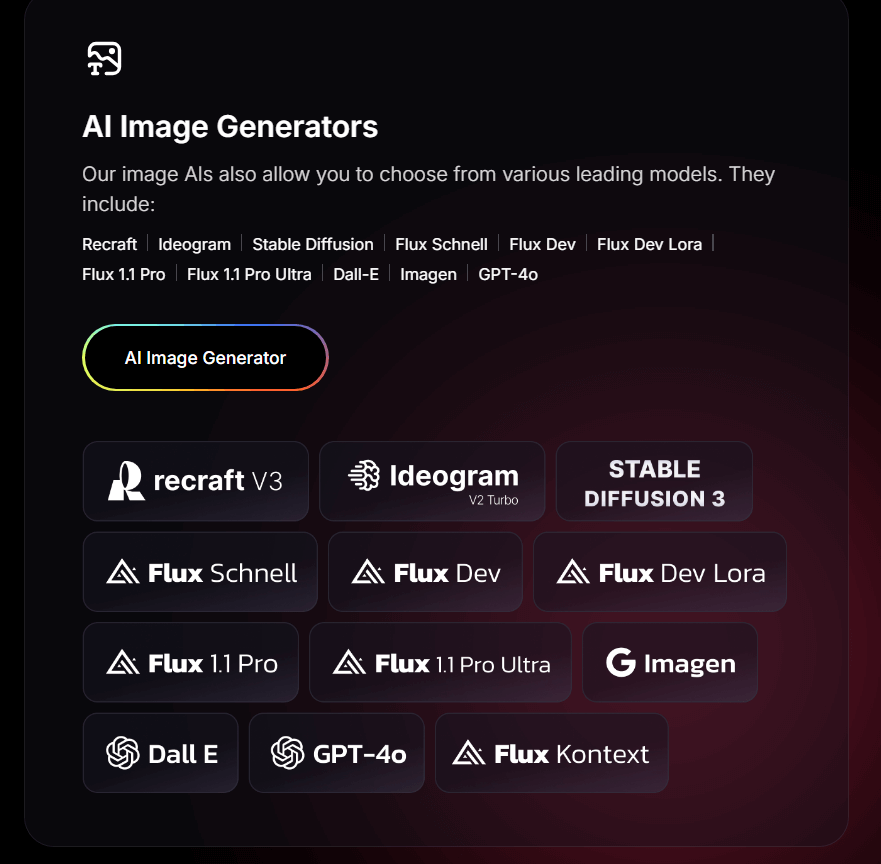
Moreover, the image styles provided by Pollo AI are not limited to anime; they also include realistic, oil painting, watercolor, abstract, punk, and Studio Ghibli styles, making its applications more diverse.
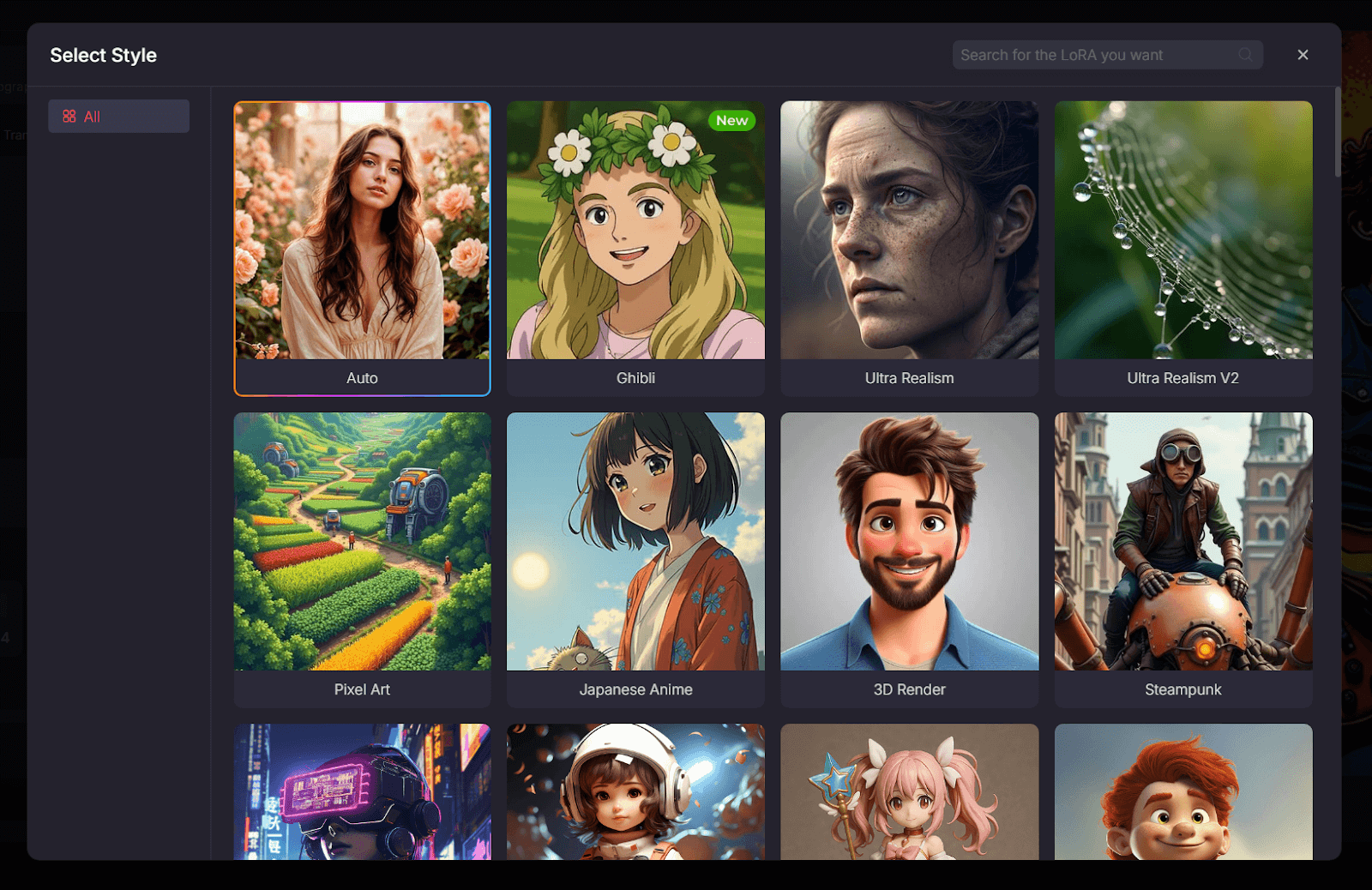
And it comes with over 2000 LoRAs. These are fine-tuned models that can help you tailor your image generation to match specific visual aesthetics or use cases.
For example, you can select several LoRAs, adjust their weights, and our AI will generate the image in a more professional e-commerce style or with 3D glass texture added.
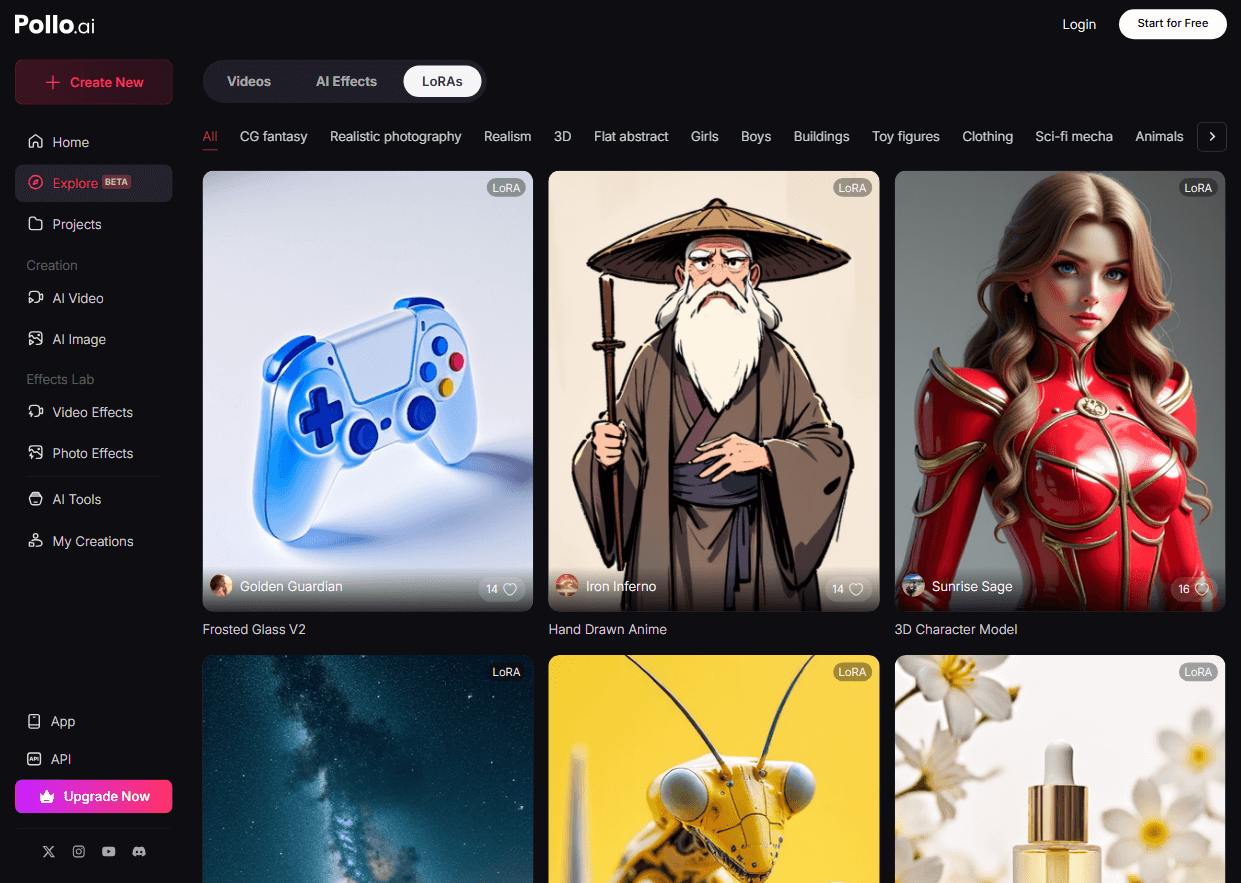
With this diversity of features, Pollo AI can give you more freedom and flexibility in your AI image creation.
Conclusion
Overall, PixAI AI Art Generator excels in generating different styles of anime characters. From my tests, it's easy to use and can create high-quality images.
But its main focus is on anime images. And some of its features, like its outpainting tool, may not work properly sometimes. If you need a more versatile and powerful alternative to PixAI, Pollo AI is your better choice.