



Animaker Review: I Tested Animaker & My Opinion Of This Animation AI Generator May Surprise You
I must say that finding an AI video generator that excels at producing quality animated videos is tough. Most of these tools are primarily developed for realism.
Because of this, their ability to render animated scenes for various projects is often fairly limited. But when I came across Animaker, I got curious about what it can do.
To obtain the answers, I extensively explored Animaker and tested its capabilities.
However, the animations left me disappointed. The characters are styled in a very particular cartoon fashion that isn’t versatile and doesn’t fit every scenario.
Additionally, the platform relies heavily on templates. Even when plenty of stock footage is available, the overall layout is quite inflexible, causing the final product to feel more like a basic PowerPoint presentation than a unique video.
Here, let me provide a brief overview of what I consider its best and worst aspects.
| Pros | Cons |
| Intuitive user interface | Template-based AI video creations |
| Diverse AI video templates | Limited access on the free plan |
| Team collaboration capabilities | Can be slow to generate at times |
| Extensive video editing tools | Basic character design options |
| Lip-synced AI voiceovers | Slow video export times |
| Multilingual support available | Has a steep learning curve |
| Accessible via mobile app |
With that done, I’m eager to dive into the more detailed aspects of Animaker. So, be sure to read on as I break it all down, including my own personal experience with it.
What Is Animaker?
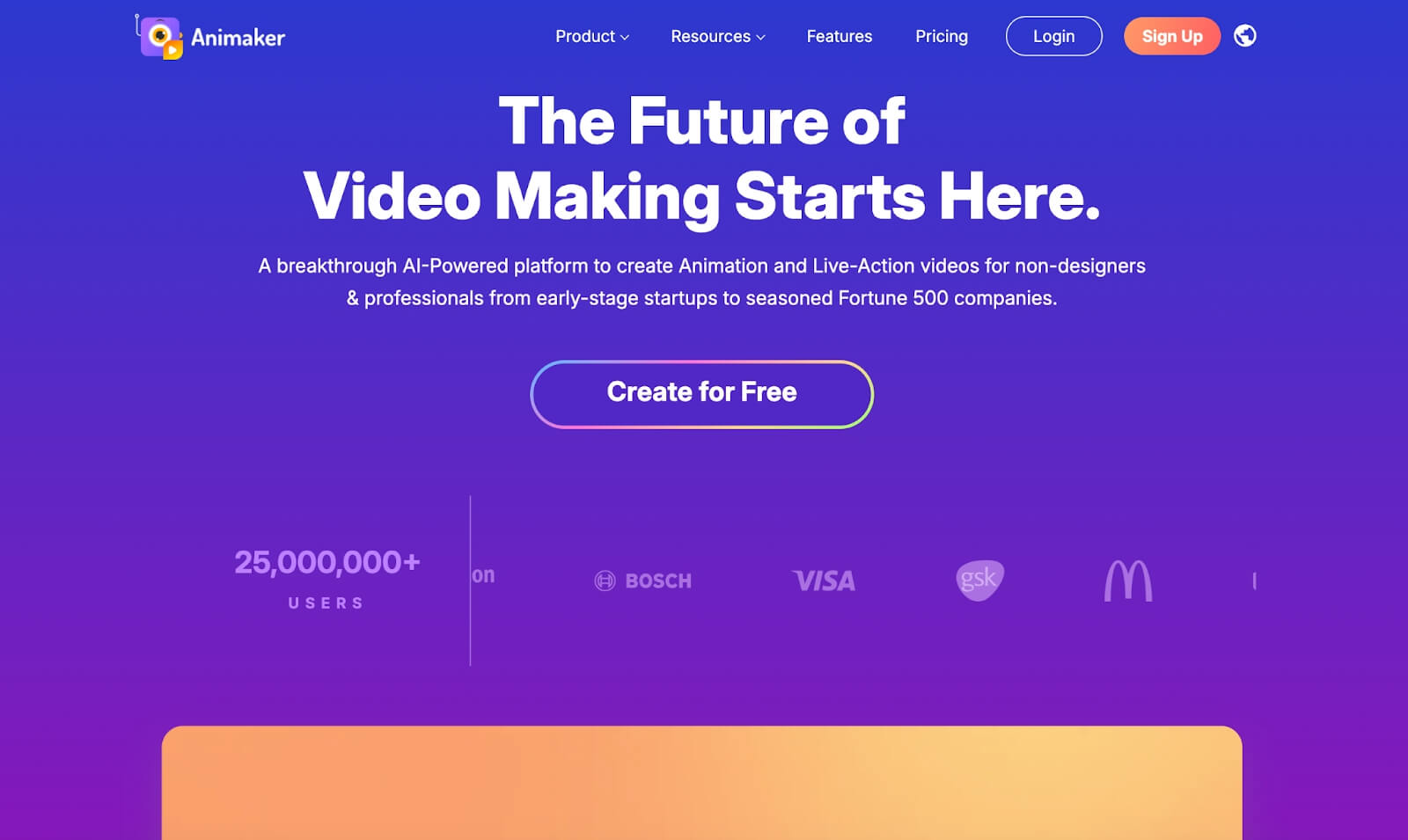
With over 25M+ online users, Animaker is an AI video generator dedicated to helping users produce a wide range of animated visual content without any professional expertise needed.
Based on what I’ve seen, I can access 1000+ customizable animation templates and choose from 1000+ animated characters across various genders, ages, and professions.
It even has an AI character builder that lets me create my own personalized design, which covers aspects like hair, face shape, eyes, nose, lips, skin color, etc.
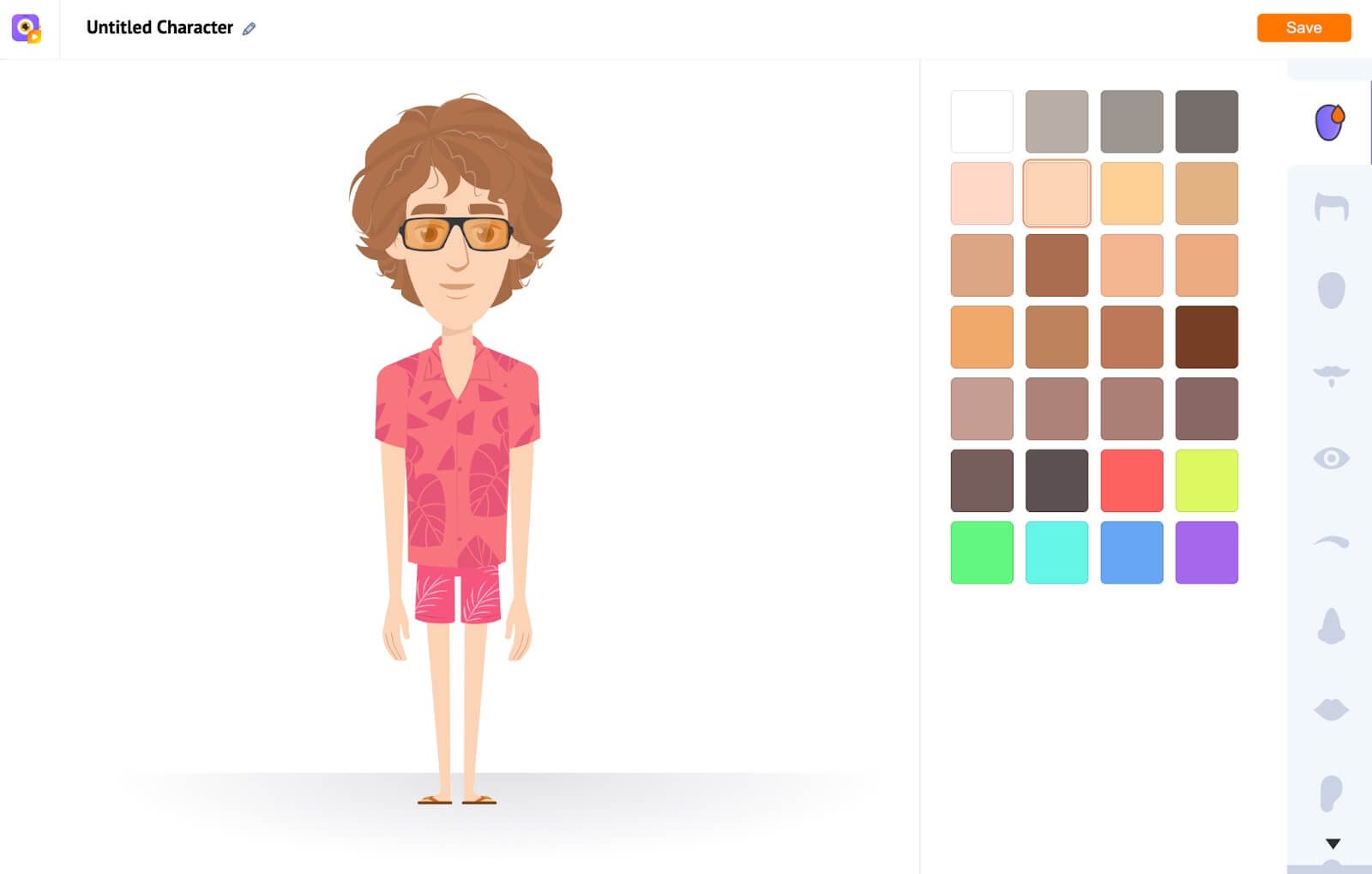
More so, I can adjust the animated character’s movements and expressions by selecting different options such as standing and talking, standing with anger, sitting, etc.
I can also customize the AI voiceovers for narration with over 2000+ realistic-sounding voices that span 100+ different native languages.
And if I’m not satisfied, Animaker also gives the option to upload custom audio recordings of my own voice. This lets me give the videos a more personalized touch.
Most importantly, it automatically syncs the animated characters' mouth movements to the voiceover that I select/upload. This helps make the renders more realistic.
Something else I was surprised to see was that while other AI generators typically require a script, Animaker only needs a simple prompt to create both scripts and videos.
This can be a massive time saver, so that was great to see. But if I do need to use a custom script, it also offers text-to-speech capabilities that let me use my own dialogue.
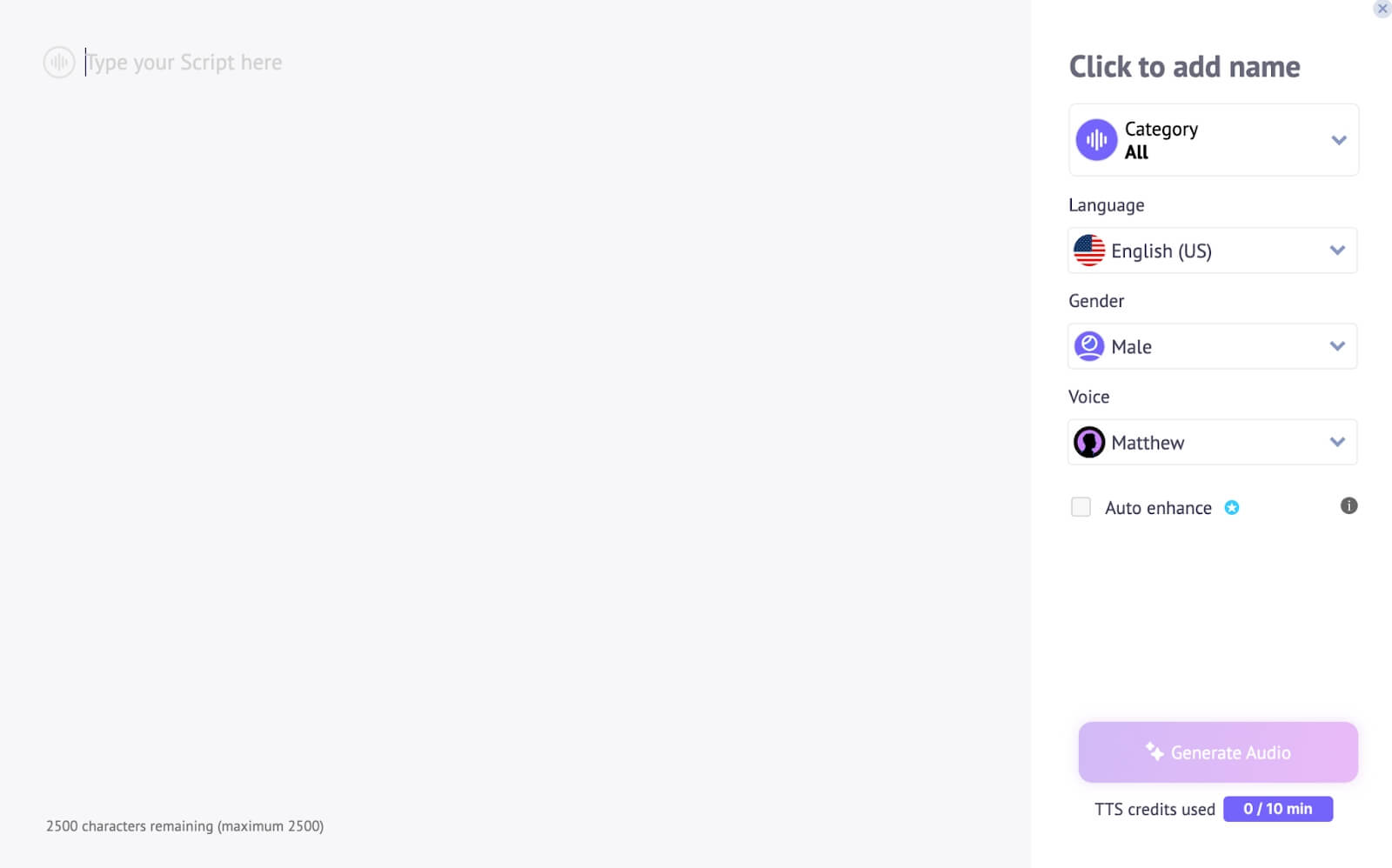
With all these features and capabilities, I can create all kinds of animated content that ranges from simple personal videos to professional infographics, presentations, explainers, etc.
But that’s not all! With Animaker, I can customize various aspects of the video on a scene-by-scene basis, which makes it easy to create even more tailored video outputs.
Because of its rich animation library, I can browse through millions of assets and adjust stock images, videos, backgrounds, music, icons, stickers, effects, and more.
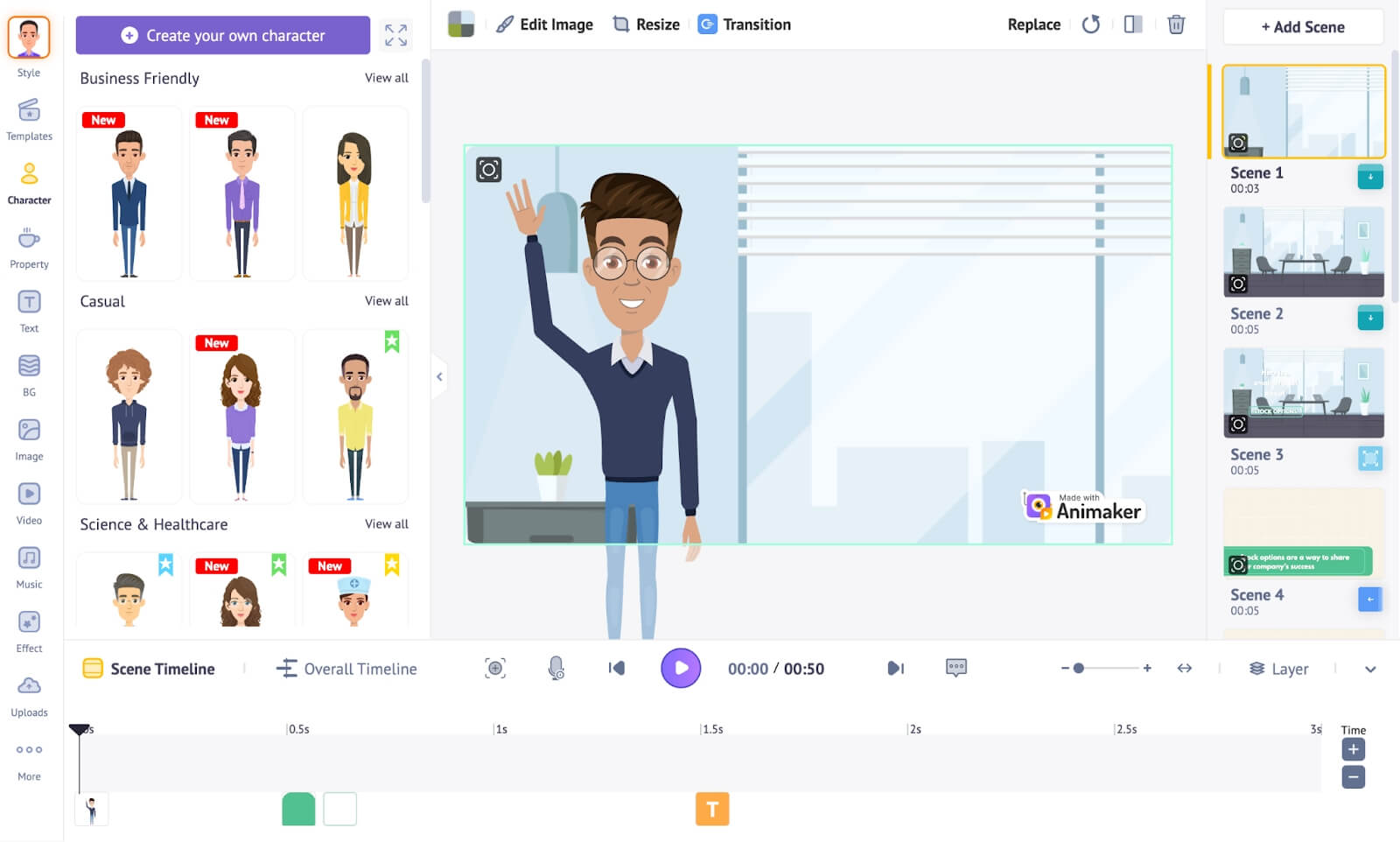
Not only that, Animaker also makes it possible for me to collaborate with others. This way, I can work on different projects and get assistance for even more professional results.
Plus, it has a mobile app. This means I can access its features and tools even while on the move. So, this is a convenient aspect about Animaker that I enjoy.
Now, having summed up what I know about the platform, let’s get into the more exciting stuff! Can it produce quality animations? To find out, I carried out a few tests with Animaker.
What Was My Personal Experience with Animaker Like?
I was excited to see what Animaker was capable of. So, I tried to generate a few videos to see if the quality would match my expectations.
For the first test, I attempted to create a simple explainer video about how to increase engagement on social media.
Here’s the output it produced below. Just keep in mind that I trimmed it because the full video would’ve been too long.
As you can see, the video render was not as impressive as I hoped. For starters, the character design is too basic and rigid. It’s more of a simple stock character mock-up.
Also, the video is rendered more like a presentation than an actual video. While I did appreciate that the AI tool produced a decent script, it simply pasted the information on a generic template.
I was also disappointed by the lip-sync feature. At best, all it did was ensure the character’s mouth moved with the dialogue, but the lip movements didn’t match the script at all.
To add to that, the AI voiceover was not as natural-sounding as I would’ve hoped. Simply put, I expected a little more from this video, but it ultimately produced a rather basic result.
So, if I had to rate this video, I would give it a 3/10 at best.
For the next test, I tried something a little different. I wanted to see how it would perform with a casual video project and used real footage rather than just templates.
So, I requested to create a simple pool party invite. This was the video output it produced:
As the video shows, I was able to render it using stock footage, but the quality was still not great. For starters, I wasn’t too pleased with the video composition.
Even with different scenes, it wasn’t as cohesive as it could’ve been. It seems that a fair amount of editing will be needed to even come close to a quality result.
Also, attempting to make the animated character blend well with the stock footage was almost impossible. It seems they only work well in the template scenes rather than with real footage.
Besides that, the lip syncing was still terrible. Just like in the first video test, it seemed the character was simply mumbling rather than actually talking.
And even with a different voiceover, the narrator still didn’t sound as realistic as I would’ve hoped. All in all, it could’ve been better. In this case, I will give the video a 4/10.
Not at all what I expected, even with the adjustments.
What Are My Final & Honest Thoughts on Animaker?
I have a lot to say about Animaker, so let’s start with the positives. To begin with, I appreciate the vastness of the platform’s asset library.
I could browse through countless customizable templates, animated characters, stock media, background music, etc. The platform truly has a near-unlimited number of options.
Because of this, it can be used by a wide range of professionals, like marketers, bloggers, advertisers, trainers, etc.
I could also tailor the videos via the editing interface, so a fair level of personalization is possible. And the interface is quite intuitive, despite having a bit of a learning curve.
But I was most impressed by Animaker’s script generation capabilities. With this, I didn’t need to spend hours coming up with dialogue. This was an epic timesaver, so that was great.
On the flip side, I was frustrated by the animations. The characters have a very specific cartoon look that doesn’t necessarily work with every use case. There is no flexibility in their design.
Moreover, the platform is heavily template-based. Even with the inclusion of stock footage, it follows a very rigid design that makes everything feel like a PowerPoint presentation.
In other words, I find it offers little creativity that goes beyond making content for business purposes. It wouldn’t be a practical choice for cinematic visuals, for example.
All in all, I think Animaker is purely designed for working professionals who don’t mind fitting their projects into prebuilt templates.
Its vast asset library makes it a leading tool in the market, no doubt about that. But frankly, I don’t consider it to be useful for those who need to handle creative projects.
Is There A Better AI Video Generator For Animation? Try Pollo AI!
While Animaker is limited to template-based visuals, other alternatives offer a greater level of creativity and versatility. To be specific, I would recommend Pollo AI for good reason!
This is an all-in-one image and video generation platform that can produce stunning images and videos with professional-grade results in just a few simple clicks.
At the core of Pollo AI is its versatile AI video generator, which makes video creation incredibly accessible. It features powerful text to video AI that transforms written scripts into dynamic scenes, and image to video AI that brings still photos to life with realistic motion.
Beyond core creation tools, the platform also includes practical utilities like AI short videos generator for creating engaging social media content quickly, and AI video editor that helps polish everything to perfection.
And unlike Animaker, Pollo AI isn’t restricted to one specific visual style! Besides animation generator, I can freely create videos in 3D animation, anime, cinematic, Pixar, and various other styles.
But that’s not all! Since Pollo AI is integrated with powerful AI video models like Sora 2, Veo 3, Runway, Seedance 2.0, Hailuo AI, Kling AI, and PixVerse AI, I have even more flexibility with the quality of outputs.
This also includes access to powerful AI image models like Stable Diffusion, Recraft, GPT-4o, Imagen and Flux that I can use to create unique, animated art designs.
And if that’s not impressive enough for you, Pollo AI also has dozens of AI effects, tools, and LoRAs! With these, I can instantly reimagine and edit any existing media content.
In fact, I particularly like the platform’s AI avatar video generator. Paired with the AI product avatar feature, I can design both custom character avatars and consistent brand spokespersons, then animate them with incredibly lifelike results.
So, if you want a more imaginative and expansive animation tool, then don’t hesitate. Take my word for it and try out Pollo AI, I’m confident you won’t be disappointed!
Conclusion
Despite all the online hype online about Animaker, the fact remains that I find it to be a very restrictive tool. If you want to expand your range in AI-generated animation, then what you need is a more powerful and versatile solution. In my honest opinion, Pollo AI is the perfect alternative. And since it has a free trial, you can get started right away without paying a dime!