



Deevid Review: I Tested DeeVid AI & It Just Fell Short of My Expectations, Here’s Why
Back in the day, the idea of creating cinematic-level videos felt like an impossibility with no professional expertise.
But some AI video generators can simplify the creative process to produce stunning visuals for entertainment or branding. And DeeVid AI may just be one of them.
I discovered this platform quite recently, and its potential for imaginative storytelling looks promising. Especially since it caters to text, image, and video-to-video generation.
So, I took some time to explore its various features and capabilities. In fact, I even tested it out to see if it truly can deliver quality video outputs.
Unfortunately, the answer is no. Some videos present distortions and lip sync renders are not perfect.
However, it's not without its merits.
But before I really get into the details of it all, I’m sure some of you would probably like a quick breakdown of its best and worst aspects. So, here it is:
| Pros | Cons |
| Diverse input options (Text, Image, and Video) | Highly restrictive free plan |
| Ever-expanding community feed | Expensive pricing plans |
| Script generation and storyboard creation | Some videos present distortions |
| Automatic audio and AI lip syncing | Lip sync renders are not perfect |
| Numerous AI templates and effects | Limited customization features |
| Simplistic user interface | Video quality can be unpredictable |
| Lifelike AI video renders |
An Introduction To DeeVid AI
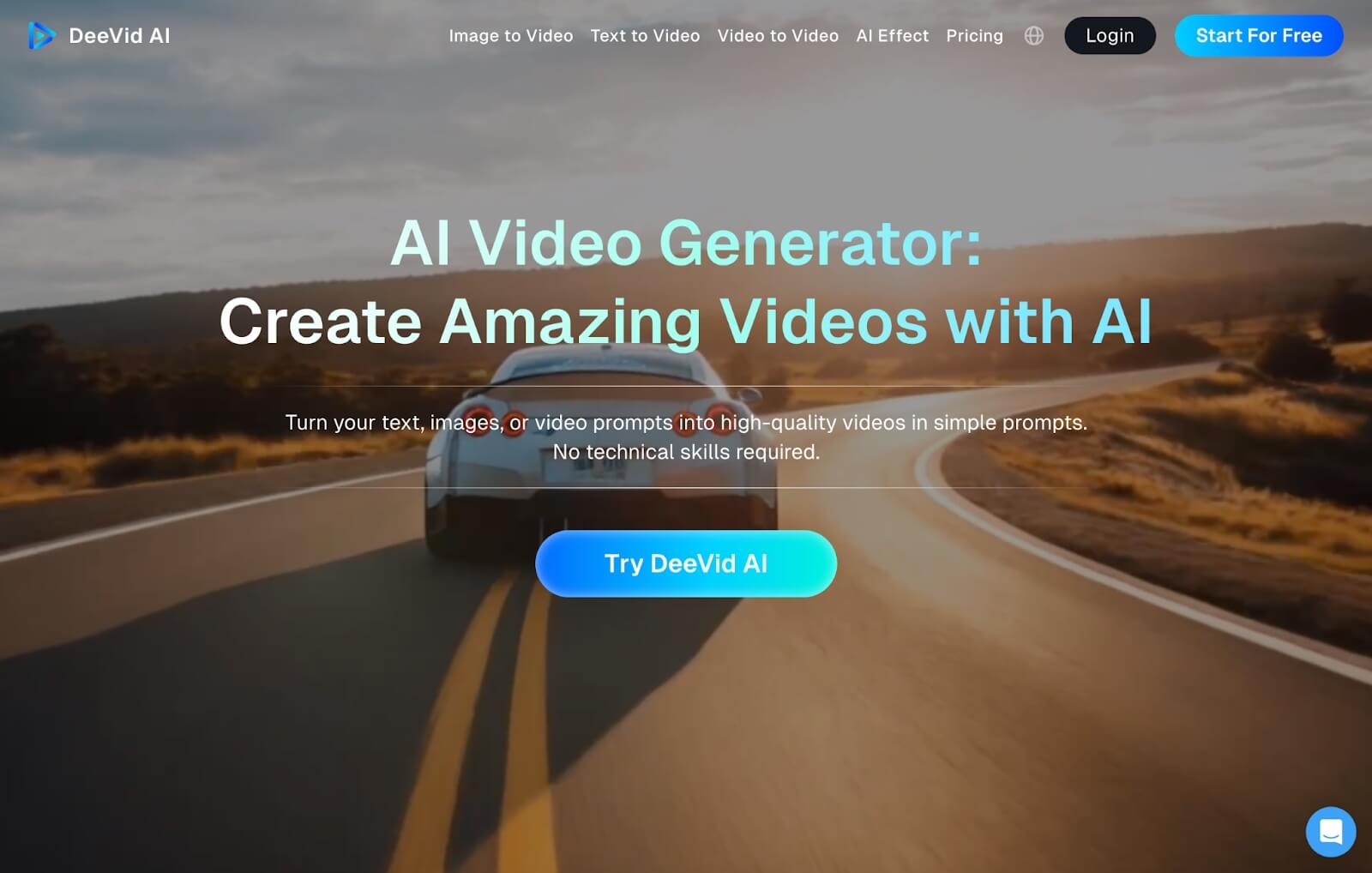
DeeVid AI is an advanced AI video generator that allows users to create videos across a wide range of visual styles in a matter of minutes.
From my first onboard with the platform, I noticed that it offers multimodal capabilities that include text-to-video, image-to-video, and video-to-video generation.
It also has an AI text-to-image generator that I can use to create images from scratch. With all these options, I can create visual content effortlessly using any source material.
It also helps that I can switch between the platform’s proprietary AI models: Fast V2.0 for faster generations and Quality V2.0 for high-resolution and multi-camera outputs.
But what truly blew my mind is its newly launched Master V2.0 model. This one took me by surprise when I quickly discovered it supports audio and lip-sync capabilities.
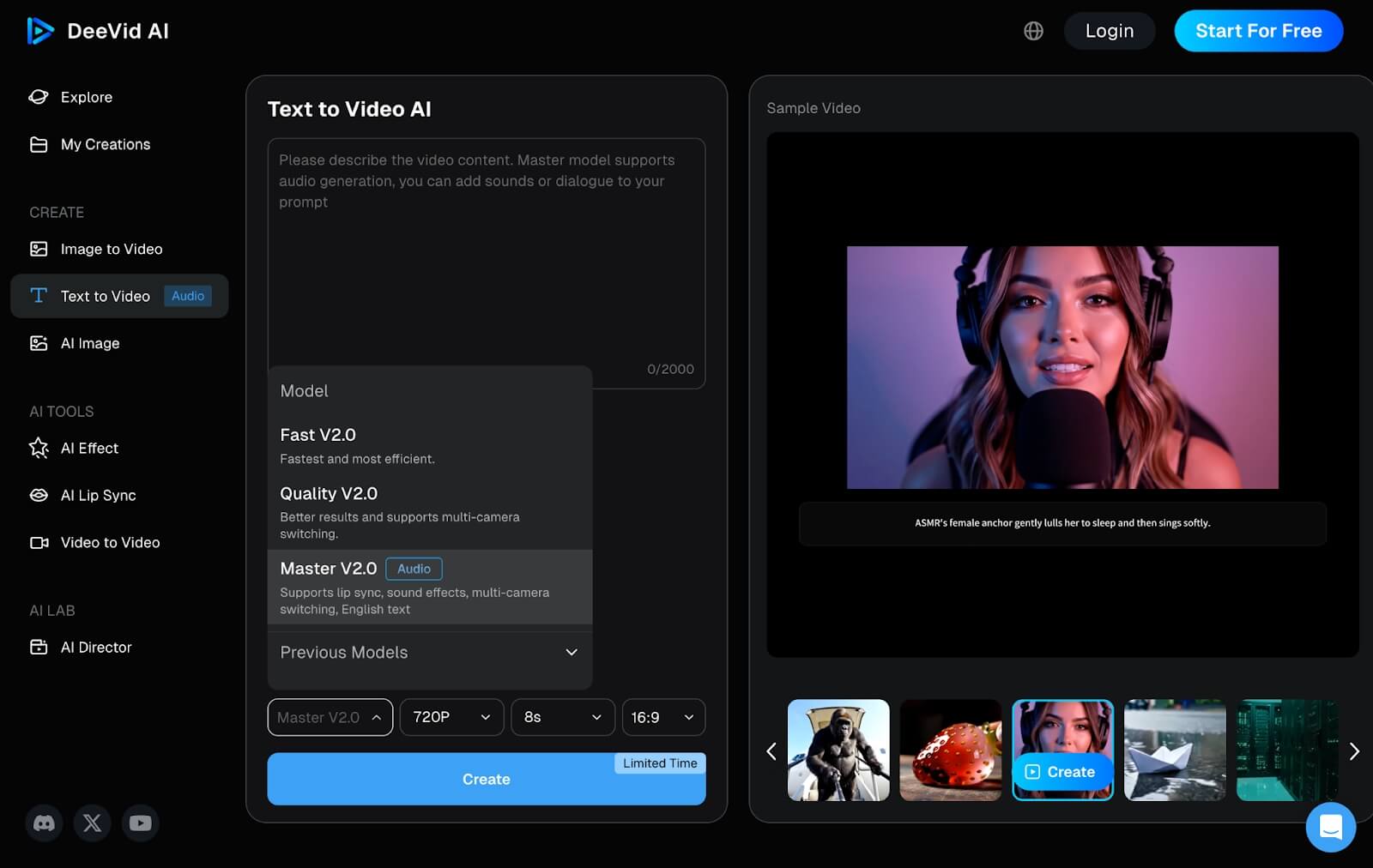
With this, I could create full-length videos with dialogue and lip-synced characters by simply sharing a descriptive prompt that details what I want to see and hear in the scene.
In other words, I just need to input the script in the prompt box, and the AI model will create a full cinematic scene with the character(s) narrating it word for word.
And even with writer’s block, DeeVid AI has an ‘AI Director’ feature that assists with script and storyboard creation. So, it can help me come up with the right dialogue for the video.
Moreover, I can freely add transitions, motion effects, background music, etc. This level of prompt intuitiveness means I can produce quality videos, even without any experience.
Besides that, DeeVid AI comes with an extensive library of pre-built effects and templates that I can use to reimagine existing media and create all kinds of unique, novel videos.
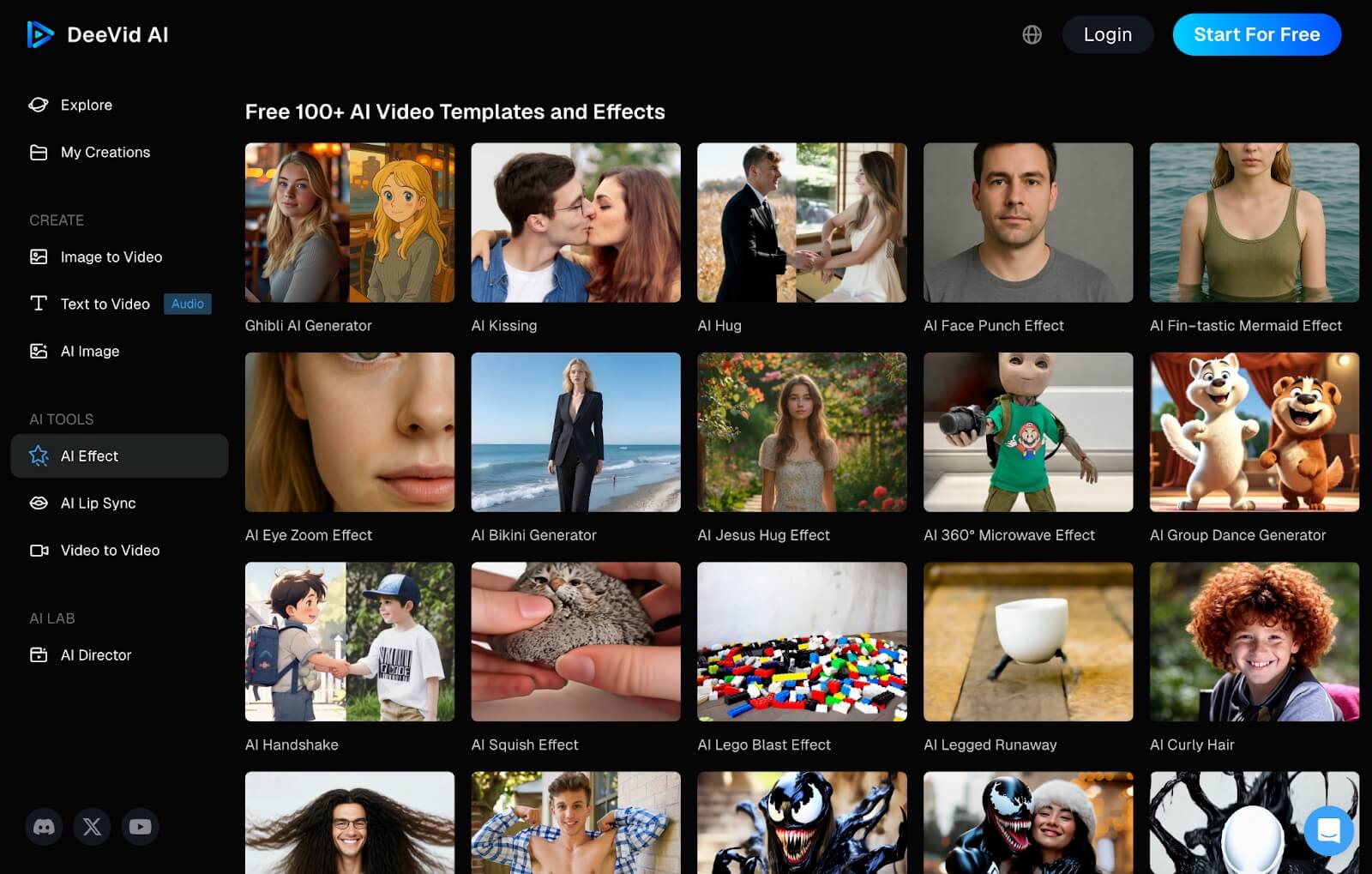
I also appreciate the platform’s public community library. This lets me browse what other users have generated and even create similar videos if I ever need some quick inspiration.
And I must mention how user-friendly DeeVid AI is. The UI is so easy to navigate that even as a first-time user, I didn’t have to worry about facing a learning curve.
Having said all that, let me get into the most important aspect about DeeVid AI, which is its performance. Can it truly produce high-quality visuals? Let’s find out!
How Was My Personal Experience Using DeeVid AI?
As impressive as its capabilities are, what I was focused on finding out was whether DeeVid AI can live up to the hype or if it’s just all bark and no bite.
To start with, I was eager to see how it would process a character-based video with real dialogue. So, this was the prompt I came up with:
[Generate a video of a sunny beach with waves crashing gently in the background. In the scene, a stylish female model in a trendy swimsuit poses next to a row of colorful surfboards with "SALE" signs. She smiles at the camera and speaks enthusiastically. "Hey, beach lovers! Ready to ride the waves in style? Our top-rated surfboards are on sale now, limited time only!” She then picks up a surfboard, poses with it, and walks toward the ocean.]
You can check out the video output it generated below:
At first glance, I was glad to see that the tool followed my instructions. The scene composition matches what I expected. It even followed my dialogue perfectly.
Also, the female character presented lifelike body movements and interactions with the environment. Even the voiceover sounded relatively good.
However, her overall design was still glossy and unnaturally flawless, which is a pretty common and identifable sign of AI-generation. But the most telling aspect was the flawed AI lip-syncing.
To be specific, her mouth movements looked quite exaggerated and abnormal. This made her performance a little less impressive despite her more natural body gestures.
There were also a few distortions in the video that were still noticeable. So, not a perfect result, but not terrible, either. If I had to rate this video, I’d give it a 7/10.
Not a bad start. But I wanted to see how DeeVid AI would perform with a slightly more complex request. So, this was the prompt that I used the second time around:
[Generate a realistic underwater video showing three professional divers in full scuba gear, swimming calmly next to a massive, majestic shark in the deep blue sea that opens its mouth. Sunlight can be seen filtering through the water from the surface, illuminating the entire scene.]
This was the final video render it produced:
As you can see, the result was not as impressive as the first. I expected a grounded take on the shark, but it lacks any of the realism I expected. If anything, it looks a bit more like a 3D render.
More so, the body language of the divers is unnatural. They aren’t moving in a lifelike manner through the water and there are even some strange distortions around their hands and feet.
To be honest, the video looks more like a scene from a video game, which was not what I was hoping for. It seems the more complex the user request, the less predictable the output will be.
Ultimately, if I were to rate this video, I’d give it a 5.5/10. So, not a great result.
What Is My Verdict on DeeVid AI - Is It Worth It?
I have a mixed opinion on DeeVid AI, to be honest. This is because, for every good thing, there seems to be an equally coinciding bad thing to consider.
For starters, the free plan is quite noticeably restrictive. As a first-time user, it doesn’t leave much room for proper testing. Moreover, the pricing options are not the most cost-effective.
Another aspect I liked was its prompt adherence. For the most part, it followed my instructions well enough. But it seemed to struggle with more complex and imaginative requests.
And this led to unpredictable results. As we saw, the first video had minimal issues but the second output was a bit of a mess. More so, I find that DeeVid AI has issues with realism.
The exception to this was the AI voiceovers, which sounded okay. But visually speaking, the videos fall short of truly lifelike results. Because of this, viewers can easily tell it’s AI-generated.
I will say that I do appreciate how it automatically handles aspects like the AI lip-syncing. This saves a lot of time doing it manually, compared to other AI video generators.
But still, the lip-syncing presented some issues to improve upon. Not to mention that the lack of customization tools means I had little room to further personalize the outputs.
All in all, can I say that DeeVid AI is worth it? Not quite. It has several great aspects that I feel make it worth using, but it still falls short of professional standards. Plus, it’s pricey.
For this reason, I would recommend finding a more budget-friendly alternative that has all its best aspects and without the downsides. Luckily, I know a perfect solution that fits that bill!
Need A More Professional-Grade AI Generator? Try Out Pollo AI!
DeeVid AI doesn’t compromise enough for budget-limited users and I consider it to be too unpredictable in video quality. But Pollo AI offers everything it does without the frustrations.
For those who haven’t heard of it, let me give you some insight. It is a powerful all-in-one image and video generation platform and having used it, I can attest to its impressive capabilities.
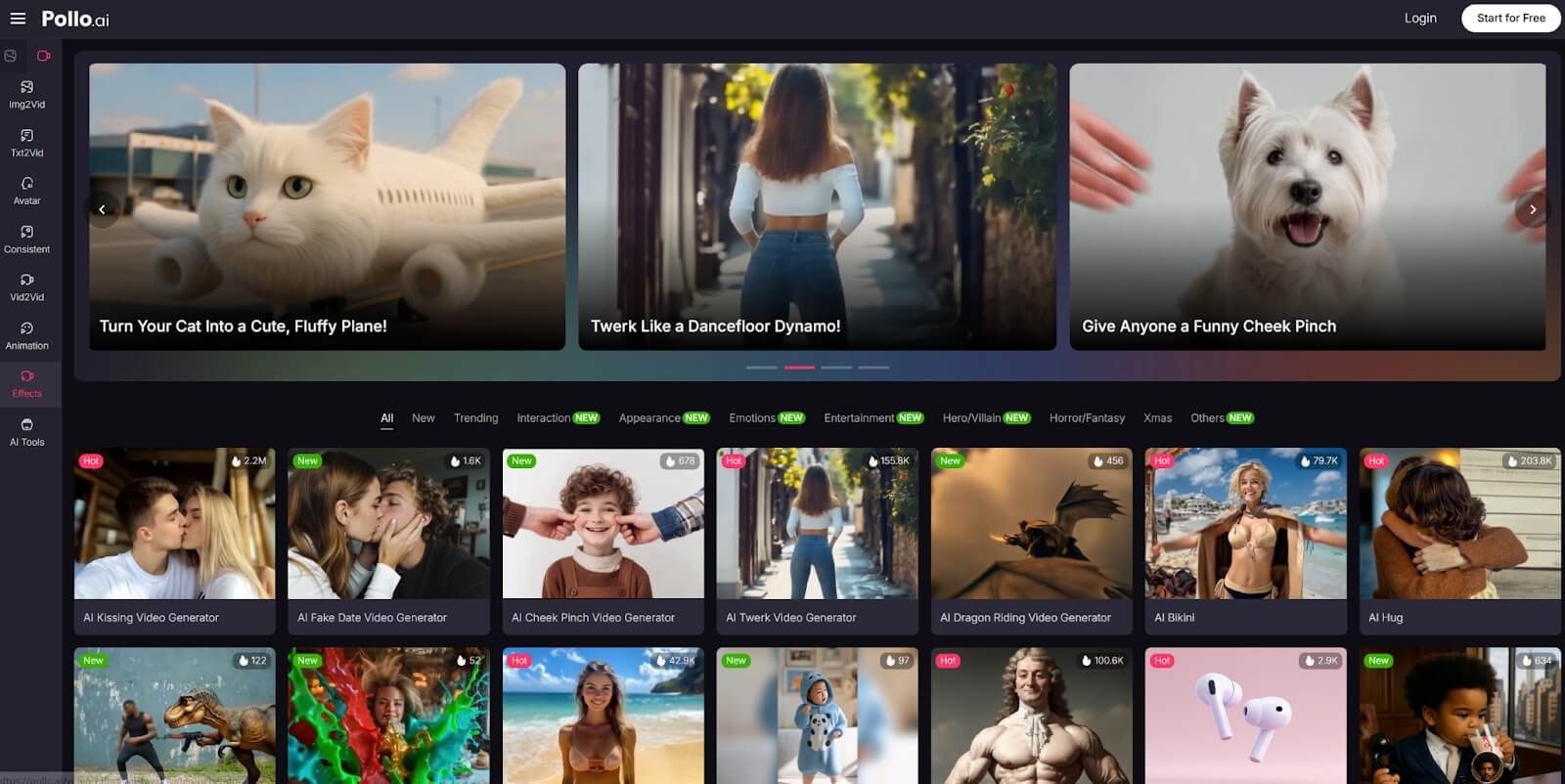
Its core is a powerful AI video generator that can turn scripts into dynamic scenes, animate photos to videos, and quickly produce AI short videos for social media. The AI video editor also helps you refine your creations to perfection.
What particularly makes it so superb is that it offers access to world-class AI models like Sora 2, Veo 3, Seedance 2.0, Kling AI, and Runway, with several others to choose from.
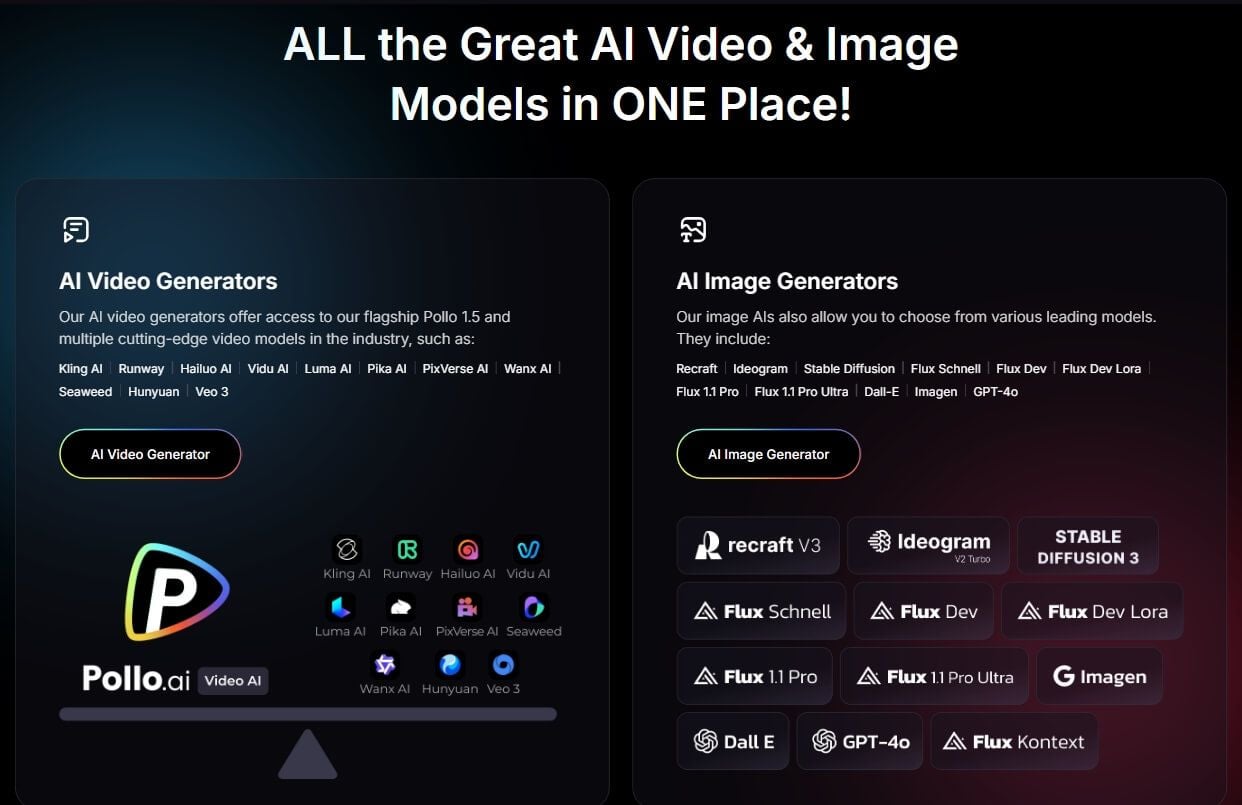
Because of this, I have been able to generate incredibly stunning cinematic videos with Pollo AI across a diverse range of unique styles like 3D, Anime, Pixar, Pixel, and more.
And similar to DeeVid AI, it even has various video effects, tools, and LoRas that I can freely use to edit or reimagine existing content and produce new videos that will stun audiences.
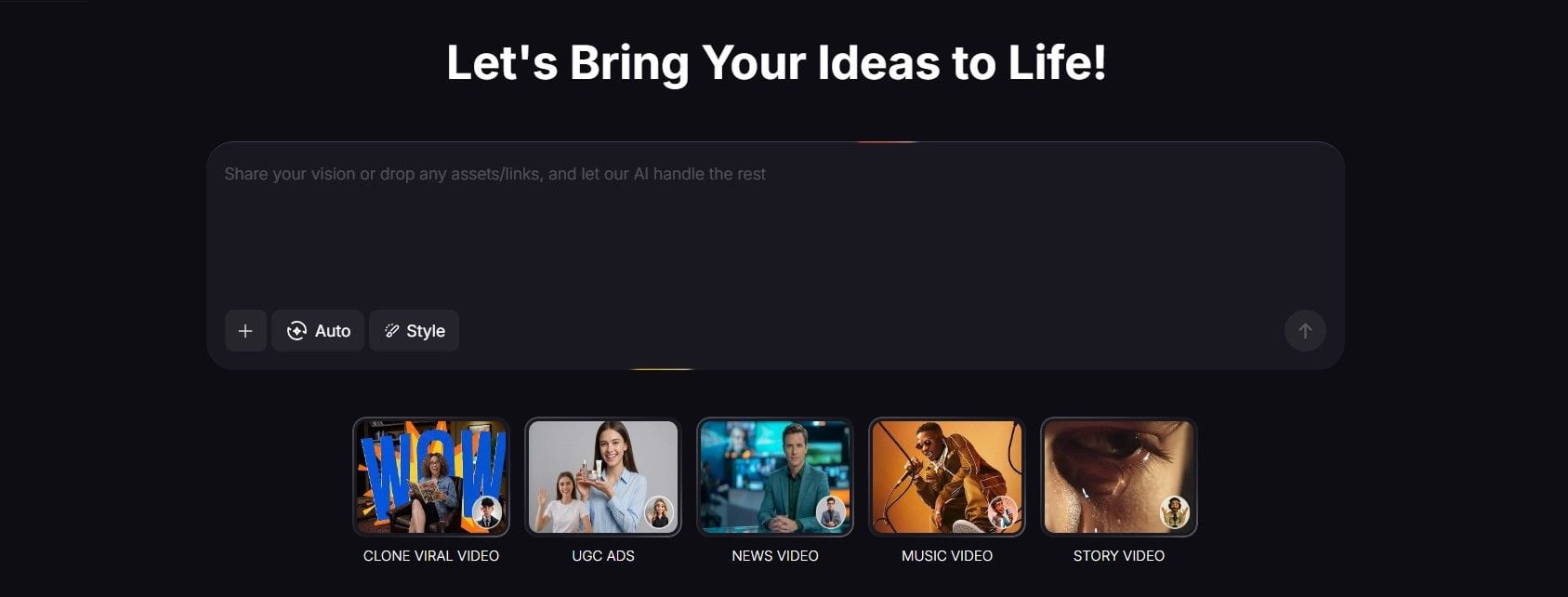
What impresses me most is Pollo agent. With it, I can quickly create trending content. Simply dropping a song, I can make music videos. With scripts or several keywords, I can even generate news videos.
But my favorite part is that it is very cost-effective. Unlike DeeVid AI, it does well to consider first-timers, so you don’t have to break the bank to produce professional-grade videos.
And since Pollo AI has a generous free trial plan, you can test out its numerous features and capabilities much more extensively than with DeeVid AI. Try it out now!
Conclusion
By this point, you should have a good idea of what DeeVid AI can do. As I’ve said, it’s not a bad generative AI tool. It just fails to deliver the type of video quality one really needs to genuinely impress viewers. Plus, its higher pricing plans don’t help, either. With Pollo AI, I’m confident you can produce top-tier cinematic visuals for any project at a more reasonable cost.