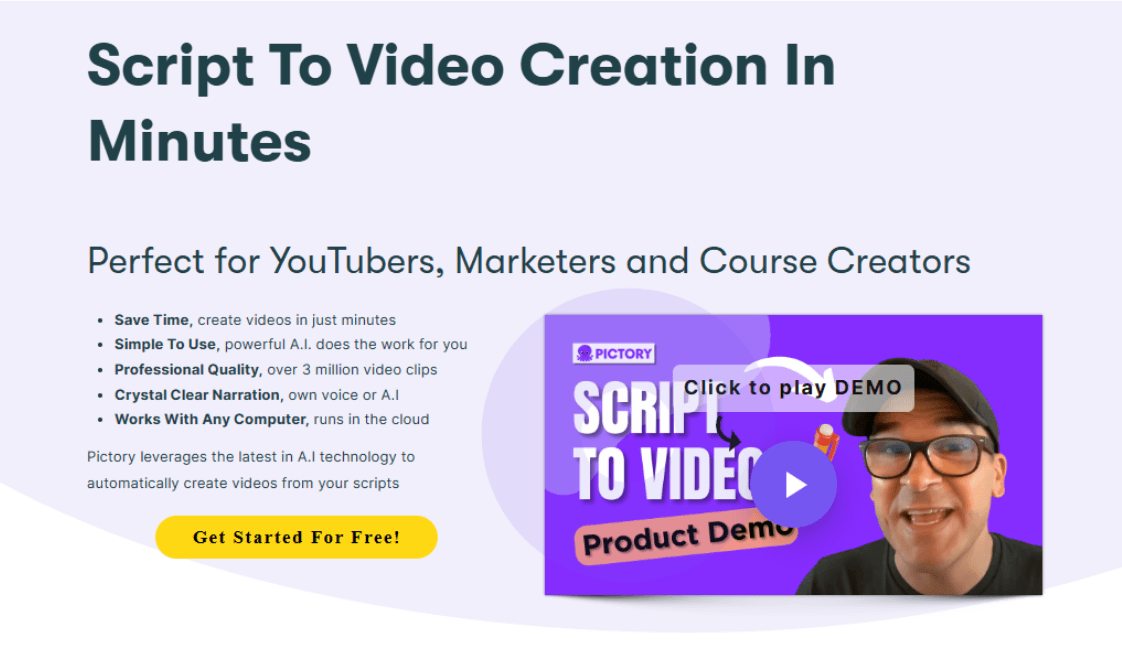
Pictory AI video generator, founded in 2019, raised $2.1 million to automate short-form video creation. It instantly turns ideas, scripts, articles, presentations, audios, URLs, and images into videos with captions, voices, and scene matching. Yet users complain about its weak voices, generic visuals, loading issues, and limited advanced features. Pollo AI can give you post-ready, editing-free videos with richer models, workflow apps, and talking avatar. Try Pollo AI for free now!
One upload in. Your viral video out. Unlimited rewards await.
Pollo Agent x DeepSeek V4.1 FLASH
Faster completion at a much lower cost.
Pollo Agent x Gemini 4 Argon
Smarter reasoning. All through Pollo Agent.
WIN iPHONE DUO
Capture a city in one minute. Join the challenge now.
Pollo MCP
End-to-end content creation. Up to 4 Videos/ 20 Images for FREE.
Key Features of Pictory AI
Multimodal Video Creation:Converts text or existing media/content into polished videos.
Instant Storyboard Generation: Turn simple ideas into full video storyboards within seconds.
Vast Stock Media Library: Access millions of royalty-free images, videos, and music tracks.
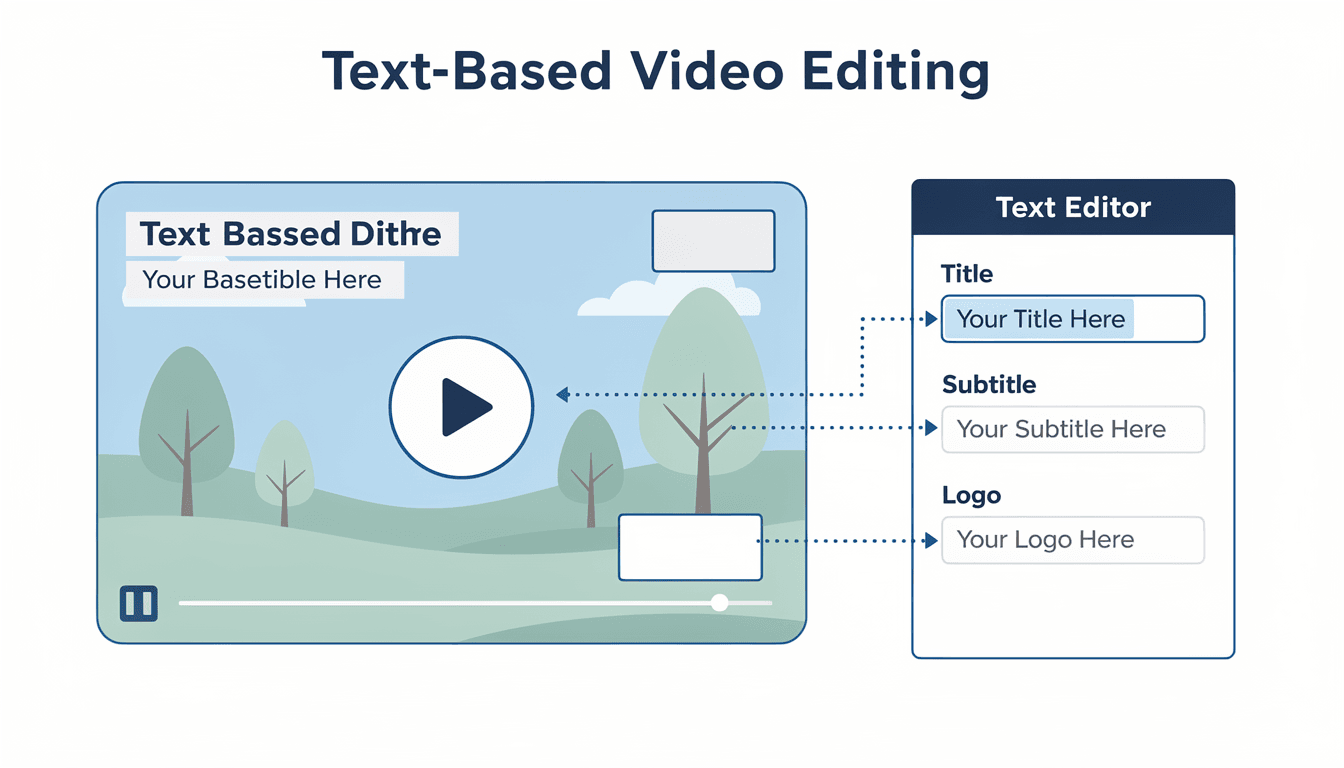
Text-Based Video Editing: Edit scripts to refine your videos and add text across scenes.
Automatic Video Summarization: Instantly cut lengthy videos into shareable clips for social media.
Realistic AI Talking Avatars: Generate lifelike AI avatars with lip-synced narration.
Multimodal Video Creation
With Pictory AI, users can freely generate footage using multiple reference inputs for more versatile video creation. Aside from visualizing text prompts, it can automatically repurpose existing scripts, presentations, website links, and audio tracks into full visual narratives, complete with background music, AI voiceovers, subtitles, etc.
Prompt
Output Video
A single rose growing from sketch to bloom under an ink pen, with music evolving from simple piano notes to romantic strings.
Instant Storyboard Generation
Pictory AI can turn basic ideas into polished, fully-fledged storyboards for videos of any tone or type in seconds. All it takes is a sentence, concept, or keyword for it to draft a structured visual narrative, making it ideal for any user looking for a simple way to save hours on brainstorming, writing, and editing.
Reference
Output Video
Vast Stock Media Library
Pictory AI comes partnered with Getty Images, providing users with access to a vast stock media library that houses millions of royalty-free templates, images, video clips, and music tracks. This opens up new creative possibilities, particularly for brands and marketers who often need to create quality videos for commercial use.
Text-Based Video Editing
Using Pictory AI, it becomes easy for users to customize videos by simply editing the script or adding text-based elements throughout the scenes like captions, subtitles, end credits, logos, and more. This caters well to anyone who needs to create tutorials, explainers, or branded videos for education, training, marketing, advertising, etc.
Reference
Output Video
Automatic Video Summarization
Pictory AI’s video generator can extract key moments from long-form videos, allowing users to condense their footage into short clips. By automatically cutting out expendable scenes, this allows anyone to instantly create shareable TikToks, Instagram Reels, YouTube Shorts, and more, with no complex video editing required.
Reference
Output Video
Realistic AI Talking Avatars
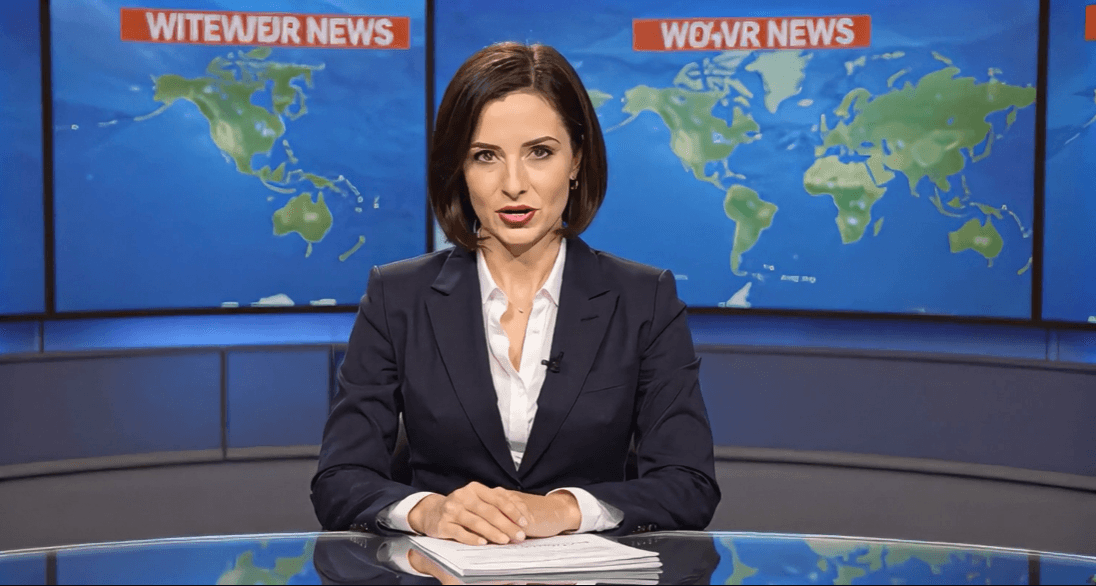
Capable of generating lifelike AI avatars, Pictory AI can help with producing narrated videos that feature talking presenters. Users can expect expressive facial cues and natural lip syncing for a realistic performance across a diverse range of native languages, allowing for the creation of UGC-style videos, promotional clips, and more.
Reference
Output Video
What Sets Pictory AI Apart from Other Video Generators
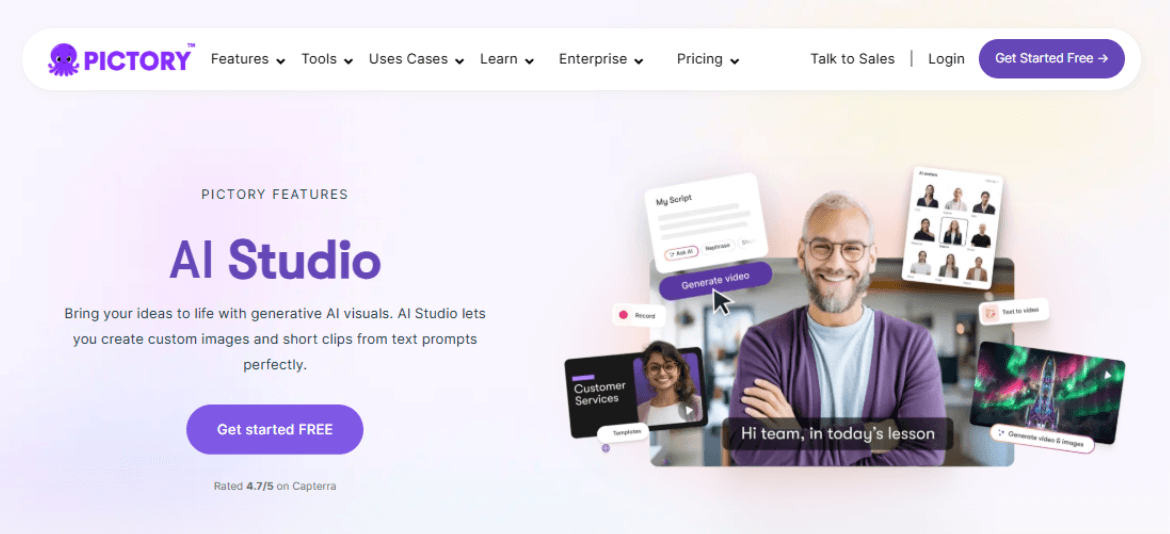
AI Studio: Integrated Generative Media Creation
Pictory’s most significant 2026 upgrade is the AI Studio. While most competitors rely solely on fixed stock libraries, Pictory allows creators to generate custom images and motion clips directly inside the editor using text prompts.
This removes the need for external tools, keeping the entire creative process within a single, high-speed workflow.
Transcript-Based "Timeline-Free" Editing
Pictory offers a revolutionary "Word-like" editing experience. Instead of struggling with complex video timelines and layers, you edit the video by editing the text transcript. Deleting a sentence in the script automatically removes that segment from the video.
Furthermore, its unique "Remove Filler Words" feature identifies and deletes "uhs" and "ums" with one click, and its "Silence Removal" automatically prunes awkward pauses, making it the fastest tool for polishing webinars and interviews.
Advanced URL-to-Video Engine for SEO Scalability
Pictory’s core "moat" is its sophisticated URL-to-Video engine. Unlike simple scrapers, this AI analyzes the semantic structure of a blog post or news article to extract key "hooks" and summaries. It then automatically maps these to high-quality stock footage.
Pictory 2.0: Unified Interactive Hosting & Pictory Central
With the launch of Pictory 2.0, the platform has evolved into an end-to-end video ecosystem called Pictory Central. Beyond just creation, it now includes native video hosting with interactive elements (like clickable links inside videos).
This is a massive advantage for professional users who want to manage their video assets, track viewer engagement, and publish directly to social platforms from a centralized hub.
Real Use Cases of Pictory AI
YouTube Creators: Create scripts, shorts, and faceless videos, keeping channels active and improving upload consistency.
Social Media Managers: Repurpose long videos into clips, filling content calendars and boosting cross-platform engagement.
Educators: Turn lessons into narrated tutorials, improving student attention, comprehension, and course completion.
Training Teams: Convert slides into onboarding videos, helping employees learn faster and retain key information.
Sales Teams: Create pitch videos and product demos, helping prospects understand offers and convert faster.
Podcasters: Turn episodes into visual clips, expanding audience reach across social platforms.
What Users Think About Pictory AI
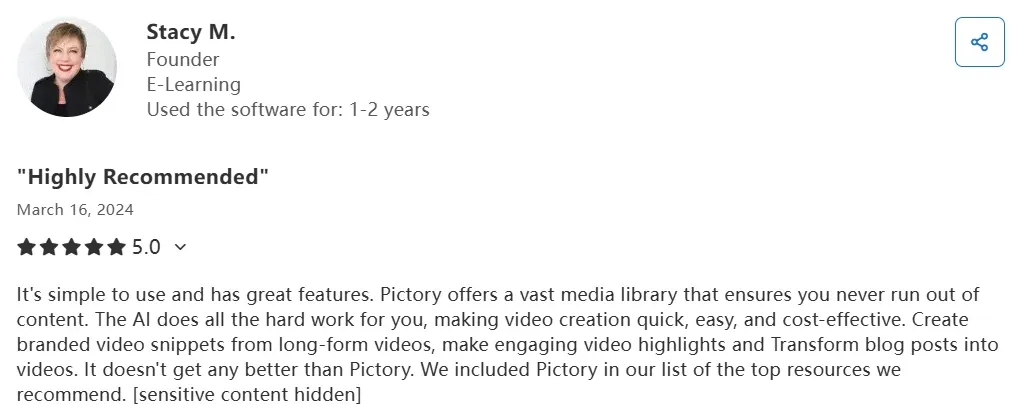
Based on available reviews from platforms like G2 and Trustpilot, it is clear that users often praise its speed, clean workflow, and low learning curve.
Many say it helps them turn scripts, blogs, webinars, and long videos into usable clips without starting from scratch.
These workflows explain why Pictory appeals to teams that already have written or recorded content. It works best when users need faster output, not cinematic control.
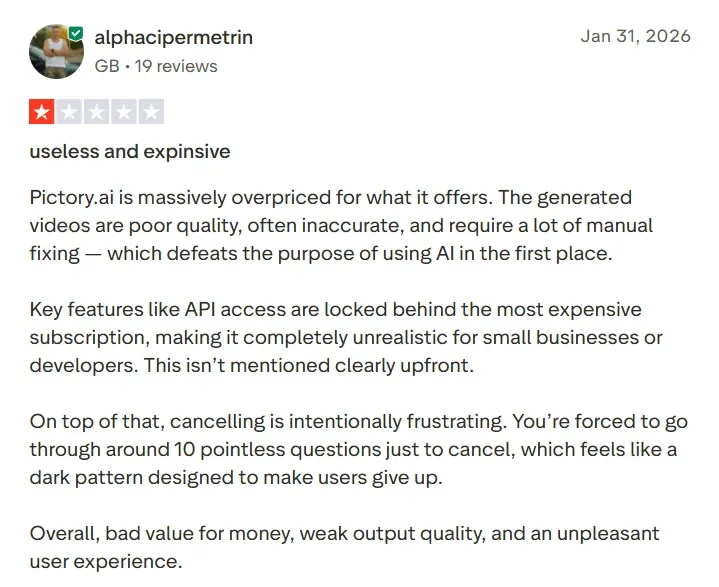
The complaints are mainly around less polished experience. Some say the platform chooses generic visuals that do not match the script well. Others mention robotic voices, limited avatars, freezing, sync problems, or lost edits.
These issues can turn a quick project into a manual editing task. That weakens Pictory’s promise for users who need finished, brand-ready videos.
Creating new videos, ads, avatars, effects, and visuals
Creating animated explainers and quick script-based videos
Best For
Marketers, educators, trainers
Creators, marketers, brands
Faceless creators, educators, small teams
Why Pollo AI Works Better for Marketers & Creators
Step 1
More Model Flexibility
Pollo AI integrates leading video models, like Veo 3.1 and Kling 3.0. You can switch between models and optimize outputs for quality, speed, and style.
Step 2
Specialized Workflow Apps
100+ workflow apps are designed for various needs. Whether you are making listicle videos or meme videos, use these apps to save time and effort.
Step 3
Stronger Talking Avatar Creation
Use Pollo AI’s talking avatar to create expressive videos from one photo. Avoid weak presenter options and heavy recording work
I’ve been using Pollo AI mainly for short videos and quick image-to-video tests. The interface is straightforward and it works well even with simple prompts, which is a big plus compared to tools that need long, complicated instructions. The results can be really impressive, and it’s honestly been fun to experiment with. I’d love a bit more consistency on faces when there’s movement, but overall it’s been a solid experience for what I needed.
Awesome website. loads of options and a great way to learn how to work with 'AI' my reasoning for 5 stars is based upon price, versatility and ease of use. Also I would like to add, Pollo AI runs a lot of promos on different AI products as well. I rate their customer service at 5 stars, when I purchased my first subscription my computer crashed the following weekend and I lost all my data and info passwords you name it I lost it, contacted pollo by email they responded quickly and found my info/username and account, and I was able to restore my account.
I have been using Pollo AI for short videos. It is easy to use and works well with simple prompts. Other generators seem to need long drawn out complicated explanations to get even close to what I want.
i tried 220 online img to vid in 2 months, and this is the best online video.I will subscribe for a year; there are many reasons. But freedom is the most important.
Pictory AI is an AI video generator that automates video creation, allowing users to produce full visual narratives from prompts, images, videos, audio, presentations, and even URLs. You can create new video content or even repurpose existing media in minutes, with no need for scriptwriting or complex video editing.
Why use Pictory AI?
Pictory AI understands your intent and analyzes your reference inputs to automatically craft a full storyboard with a flowing script, relevant visuals, transitions, etc. As a result, you can streamline your way through the entire video editing process, allowing you to publish/share video content with no delay.
What types of videos can I create with Pictory AI?
Pictory AI can help you create a wide range of video content that includes promotional videos, educational tutorials, social media clips, training videos, and more. Since you can customize various elements like text in scenes, you can also craft any branded video content with ease.
Can I choose between AI visuals and stock media?
Yes. With Pictory AI, you can automatically produce new video content from scratch via text prompts or by uploading reference media/links. Alternatively, you can browse the AI video generator’s library of pre-built templates, images, and videos to personally craft a custom-made visual narrative.
How do I edit the generated videos on Pictory AI?
Yes. One option is to refine your text prompts to produce an entirely new version of your video. If you want to make minor changes, then feel free to adjust the script or customize various elements across scenes, like images, background music, AI voiceovers, subtitles, logos, etc.
Turn Ideas Into Finished Videos Faster with Pollo AI!
Use Pollo AI to generate post-ready videos with more flexible models and tools without editing.









 Liz Cassidy


