Step 1
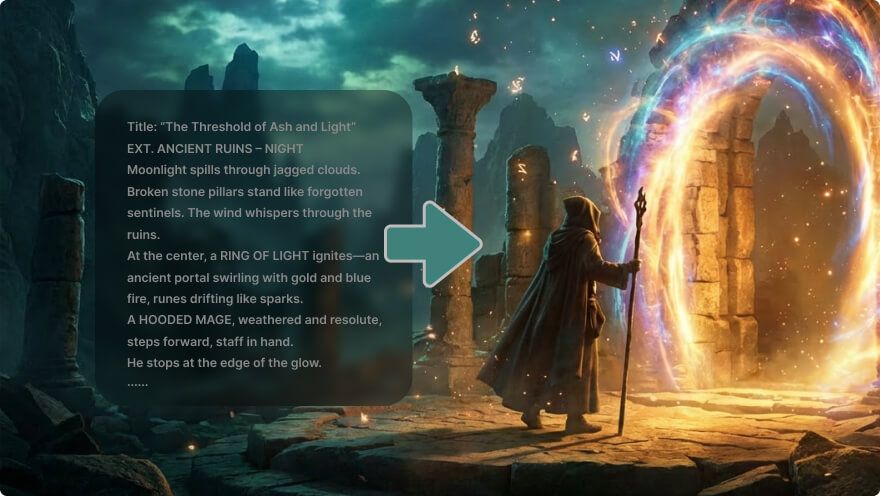
Write the story moment, characters, action, setting, and visual direction.
AI Video
Transform text and images into cinematic videos with lifelike avatars and studio-quality SFX.

AI Image
Turn ideas and images into stunning visuals, or perfect any photo with a complete suite of AI tools.

Agent
Create production-ready videos with SFX, consistent characters, and polished scenes. No Editing.

Marketing Studio
Built for marketers and sellers to create winning ads, UGC videos and product visuals faster.

Turn story ideas into cinematic scenes with clear action, cohesive style, recognizable characters, and supporting sound.
Turn a script, story brief, or reference image into cinematic scenes you can develop shot by shot. The AI movie maker helps shape action, characters, setting, visual style, and sound. Use those scenes for short films, pitches, lessons, brand stories, or fictional worlds without organizing a full shoot.
Turn a rough concept into a visible scene before committing more resources.
Create cinematic moments without organizing actors, locations, cameras, and a full edit suite.
Shape visual moments for pitches, lessons, brand stories, social posts, and fictional worlds.
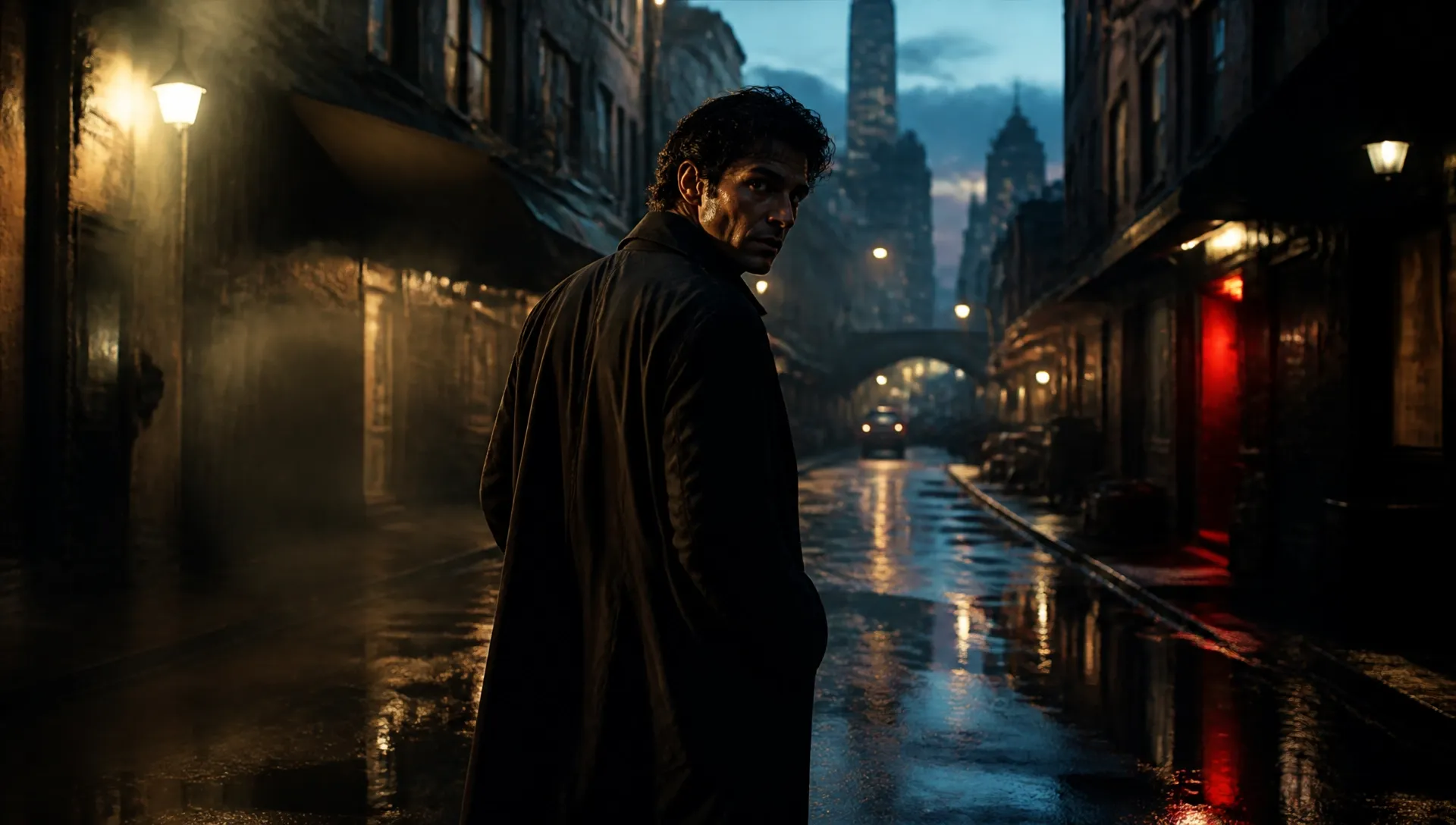
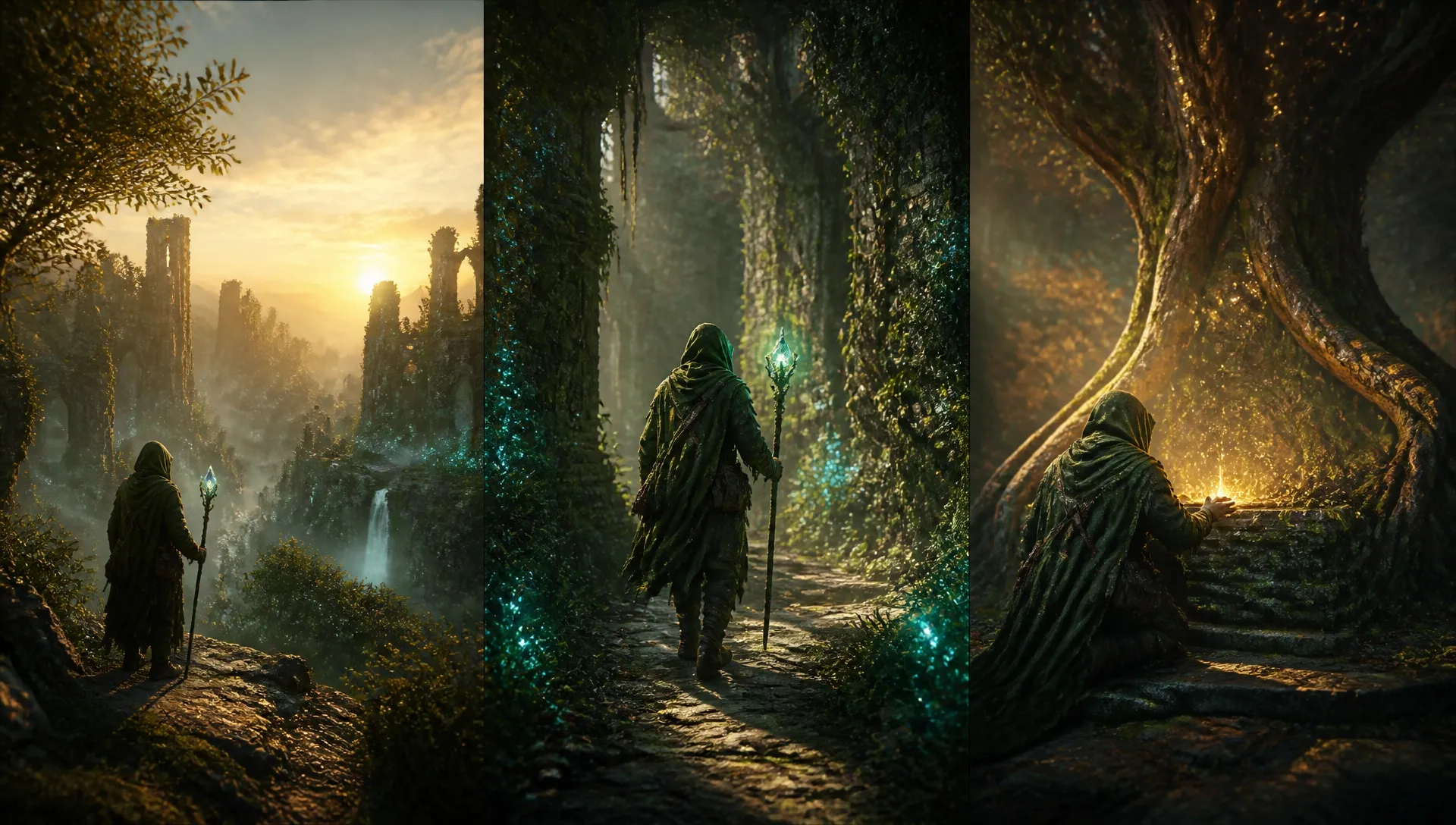
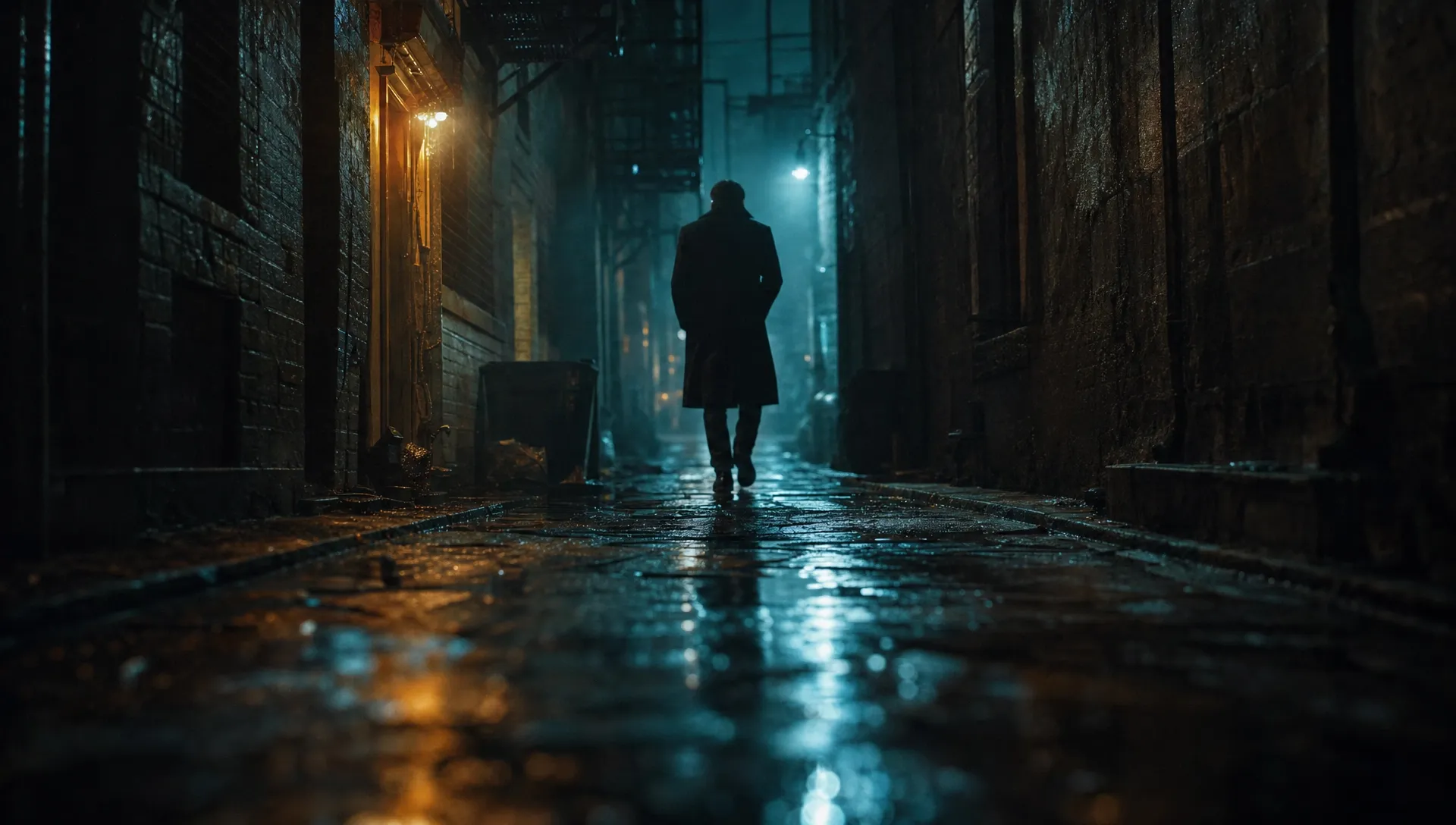
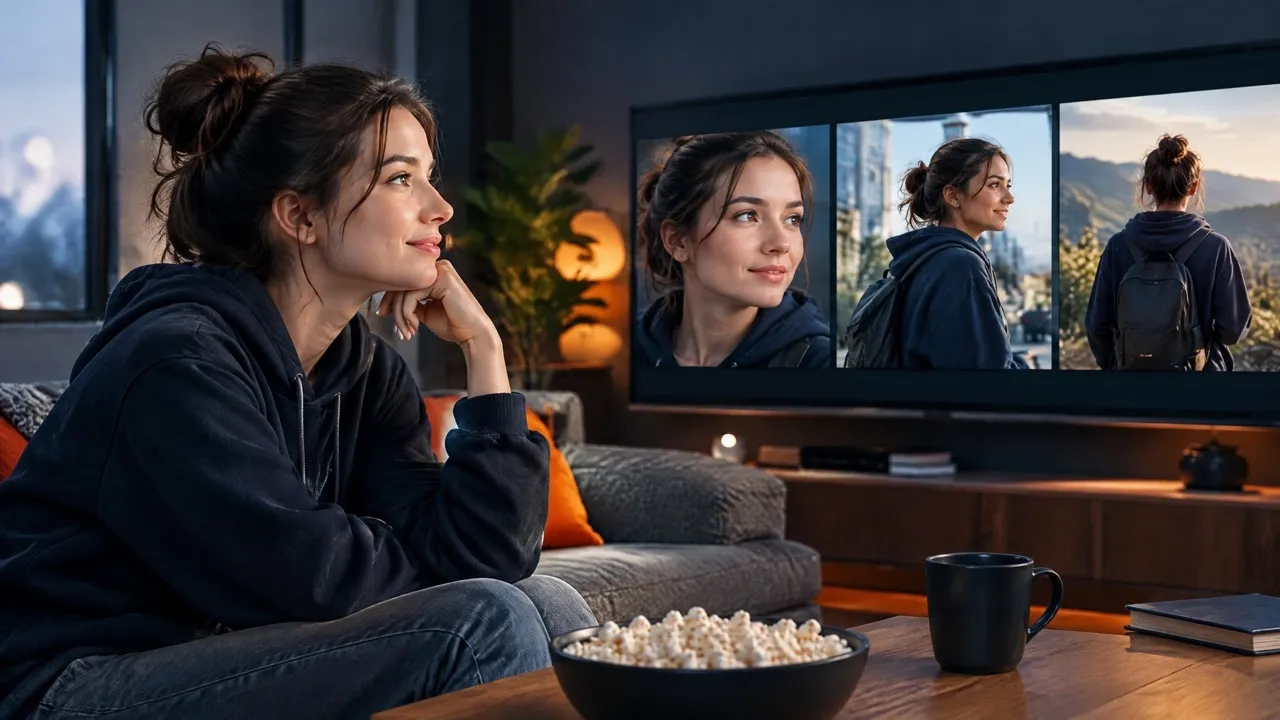
Visualize a pitch-ready scene early so the team can discuss framing, mood, and story direction together. Assemble selected shots in an AI video editor.
Create AI-generated short clips for release teasers or compact social stories across social channels. Let music lead an AI music video.

Turn a lesson idea into a memorable historical, scientific, or fictional scene for learners. Adapt it with a kids video maker.

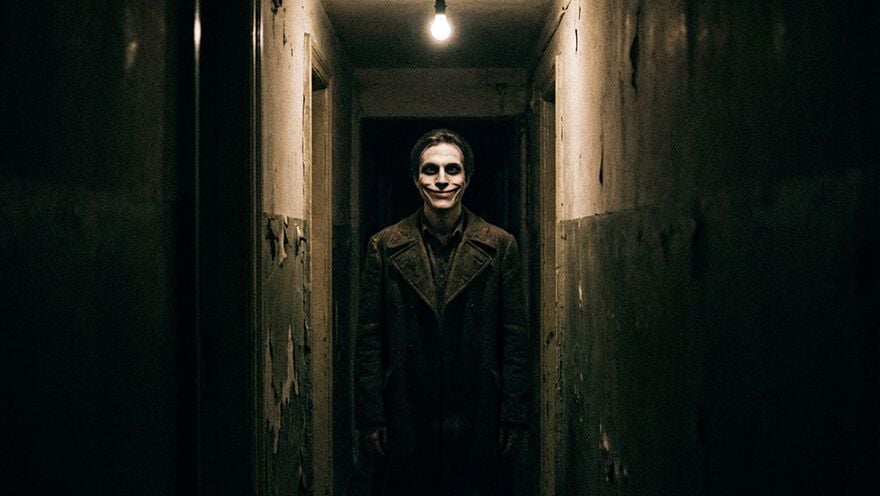
Explore a fictional world through mood, setting, characters, and action for a dedicated genre concept. Develop it as an AI horror video.
Write the story moment, characters, action, setting, and visual direction.
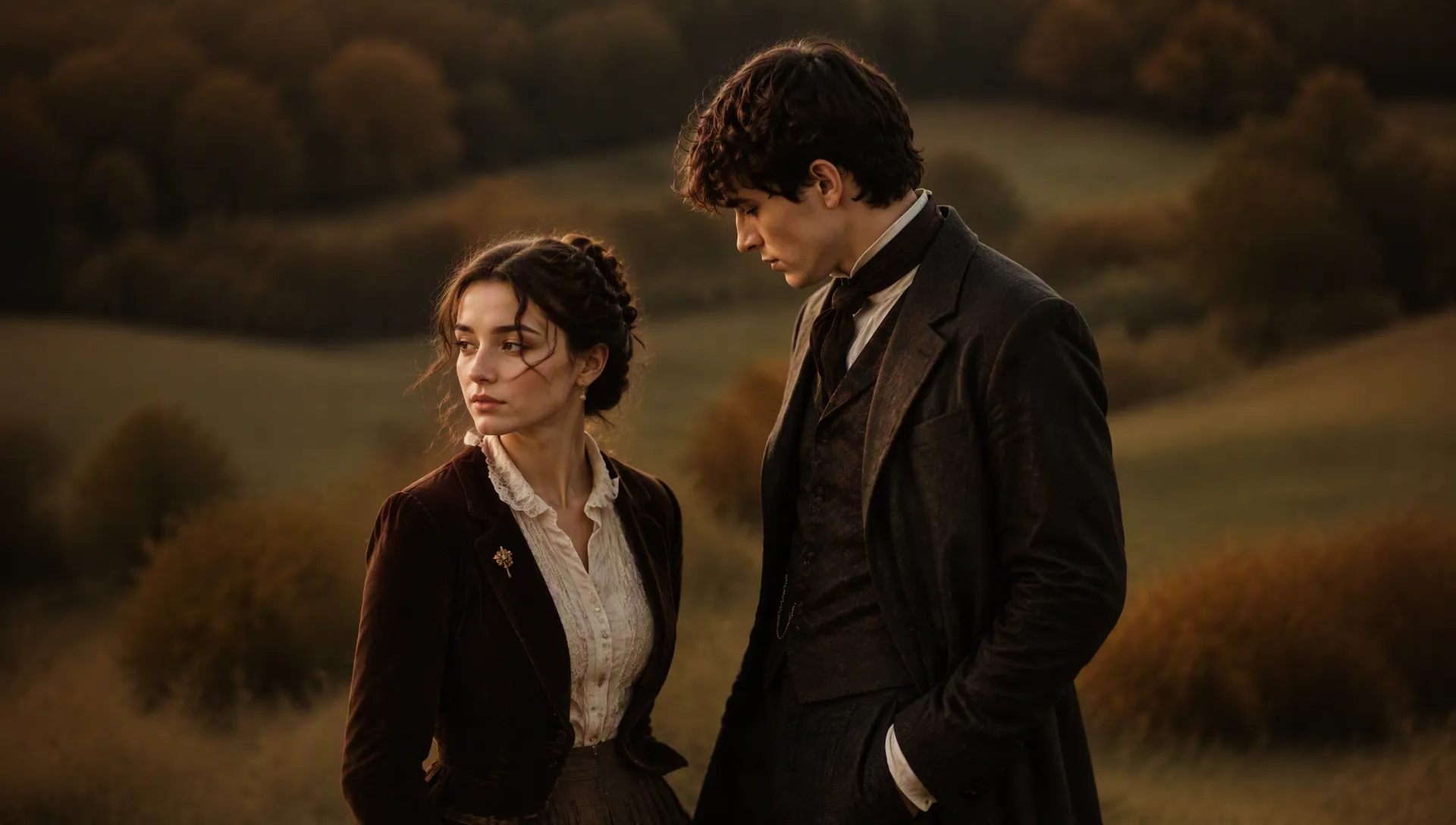
Upload a suitable reference image when the scene should follow a particular visual direction.
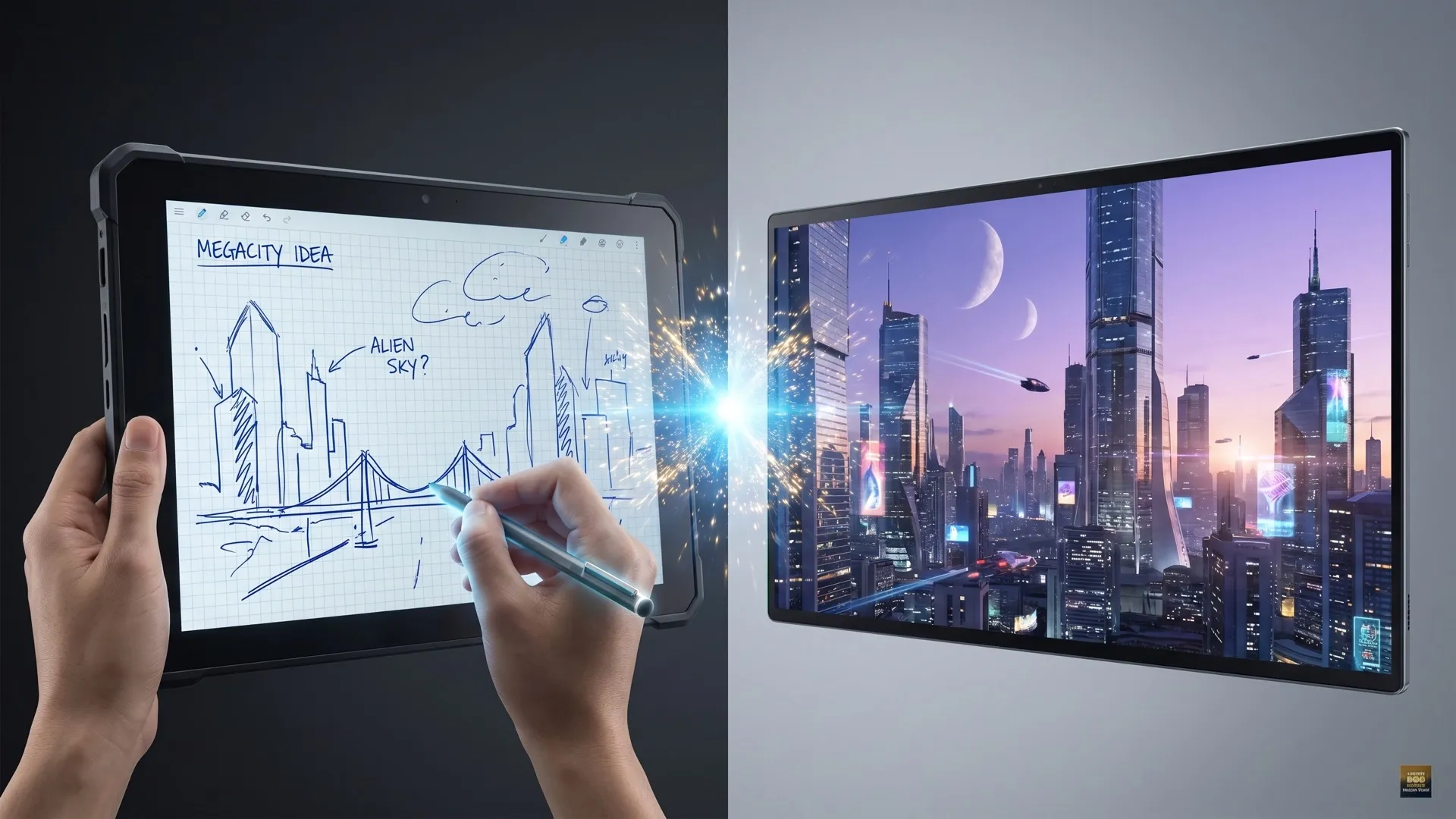
Generate and review the scene.
Go from a single concept to a finished video. Combine generation, avatars, sound, and editing into one seamless production process.
Bring your static images to life with cinematic motion. Add lifelike camera pans and fluid transitions to maximize viewer engagement and visual impact.
Turn simple text prompts into compelling visual narratives. Generate highly accurate, continuous motion sequences that seamlessly bring your scripts to life.
Build professional video assets without a camera. Generate incredibly realistic scenes and smooth footage to elevate your brand's visual storytelling.
Put your entire creative workflow on autopilot. Go from a text prompt to a production-ready video with zero editing, delivering studio-grade results fast.
Cast professional digital actors without a studio shoot. Sync your scripts to hyper-realistic avatars with flawless lip-sync and human gestures.
Access a comprehensive suite of video tools. Easily apply video filters, clean up messy audio, and reframe videos for any platform.









Using Pollo AI to Create and Inspire
 digger
 Santiago Saenz
 Norma Ponce
 Sarah Stokes
 Sudipta Saha
 Luiz Guyz
 Swishadoptme Swishadoptme
 MrWookiee
 Gamal Amer
 marcel desille bousquet
 Wilson Sotomonte
 Sasa Dobricic
 Katarpint
An AI movie maker turns a story idea, prompt, or reference image into cinematic scenes. It helps you explore AI generated movies and story concepts, not generate a guaranteed full-length film in one pass.
Pollo AI's AI movie maker is the best fit for short films because it combines story direction, visual style, character, and sound planning in one workflow. Even a simple prompt can become a cinematic scene.
Yes. A free AI movie maker lets you test a story idea with free credits after you sign up. Once they run out, a paid plan lets you keep generating.
You refine it by adjusting the prompt and regenerating the scene. Change one detail at a time, such as the character, action, visual style, or lighting, to see what improves the result. To assemble the scenes you keep into a full cut, continue in an AI video editor.
No. Start with a story idea, short brief, prompt, or reference image. A fuller script helps when you need several connected scenes or more consistent character and sound direction.
You can explore realistic, cinematic, anime, 3D, 2D animation, film noir, fantasy, and other supported looks. Repeat the chosen style cues across prompts and compatible references to keep the story world cohesive. For a longer narrative, continue with storytelling videos.

Turn a story idea into cinematic scenes, then refine the moments worth developing further.