Step 1
Write a short prompt with the setting, character, action, and sci-fi detail you want the video to show.
AI Video
Transform text and images into cinematic videos with lifelike avatars and studio-quality SFX.

AI Image
Turn ideas and images into stunning visuals, or perfect any photo with a complete suite of AI tools.

Agent
Create production-ready videos with SFX, consistent characters, and polished scenes. No Editing.

Marketing Studio
Built for marketers and sellers to create winning ads, UGC videos and product visuals faster.

Turn sci-fi story ideas into short videos with alien worlds, futuristic scenes, and cinematic motion.
Turn your science fiction idea into a short scene with motion, atmosphere, and visual detail. Start from a prompt, image, or rough plot beat, then shape your sci-fi story video around the moment you want.
Use one sci-fi premise to create a focused visual story moment.
Guide spaceships, alien worlds, cyberpunk streets, lighting, and atmosphere.
Make compact sci-fi clips for concepts, posts, pitches, and visual tests.
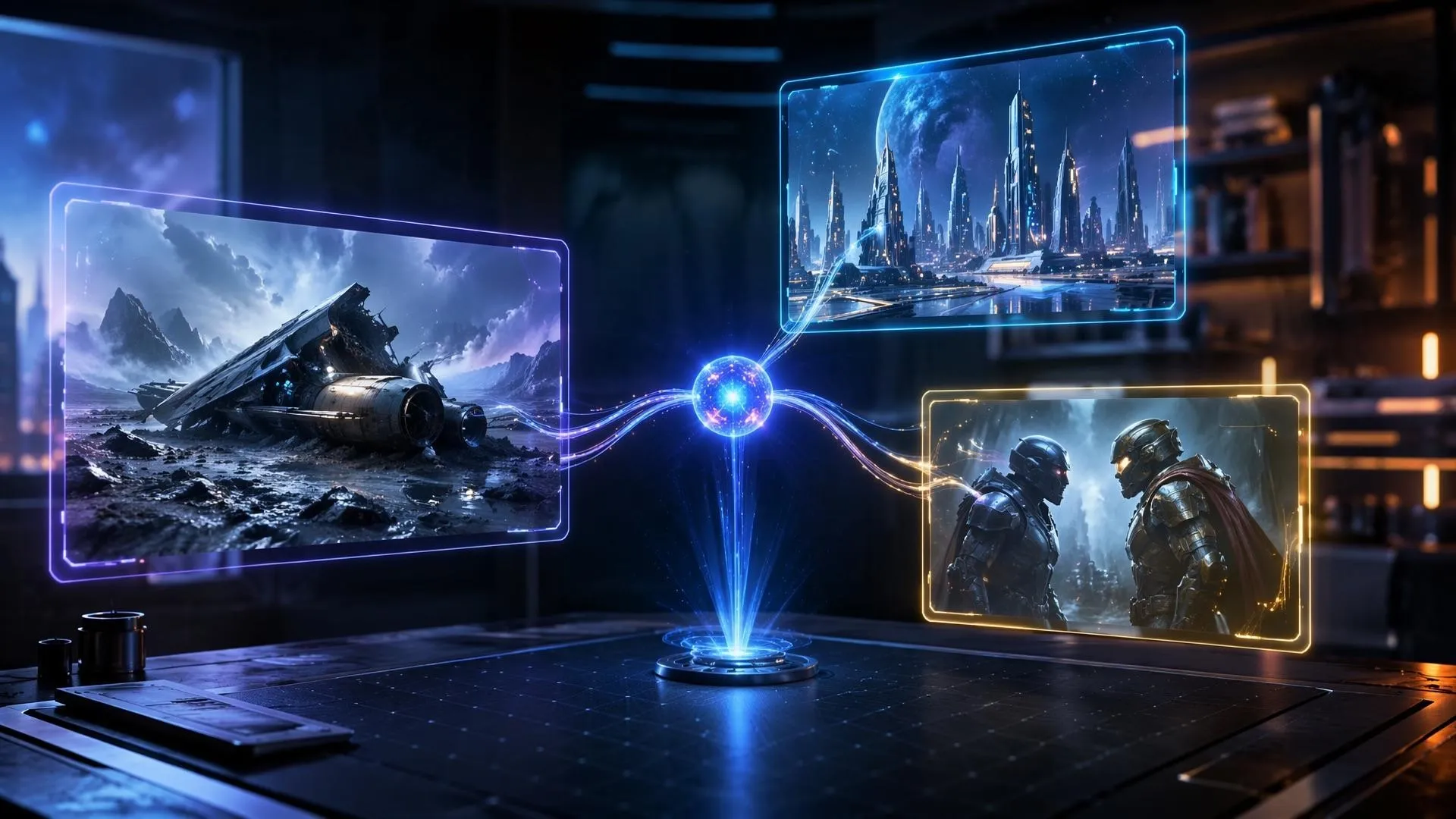
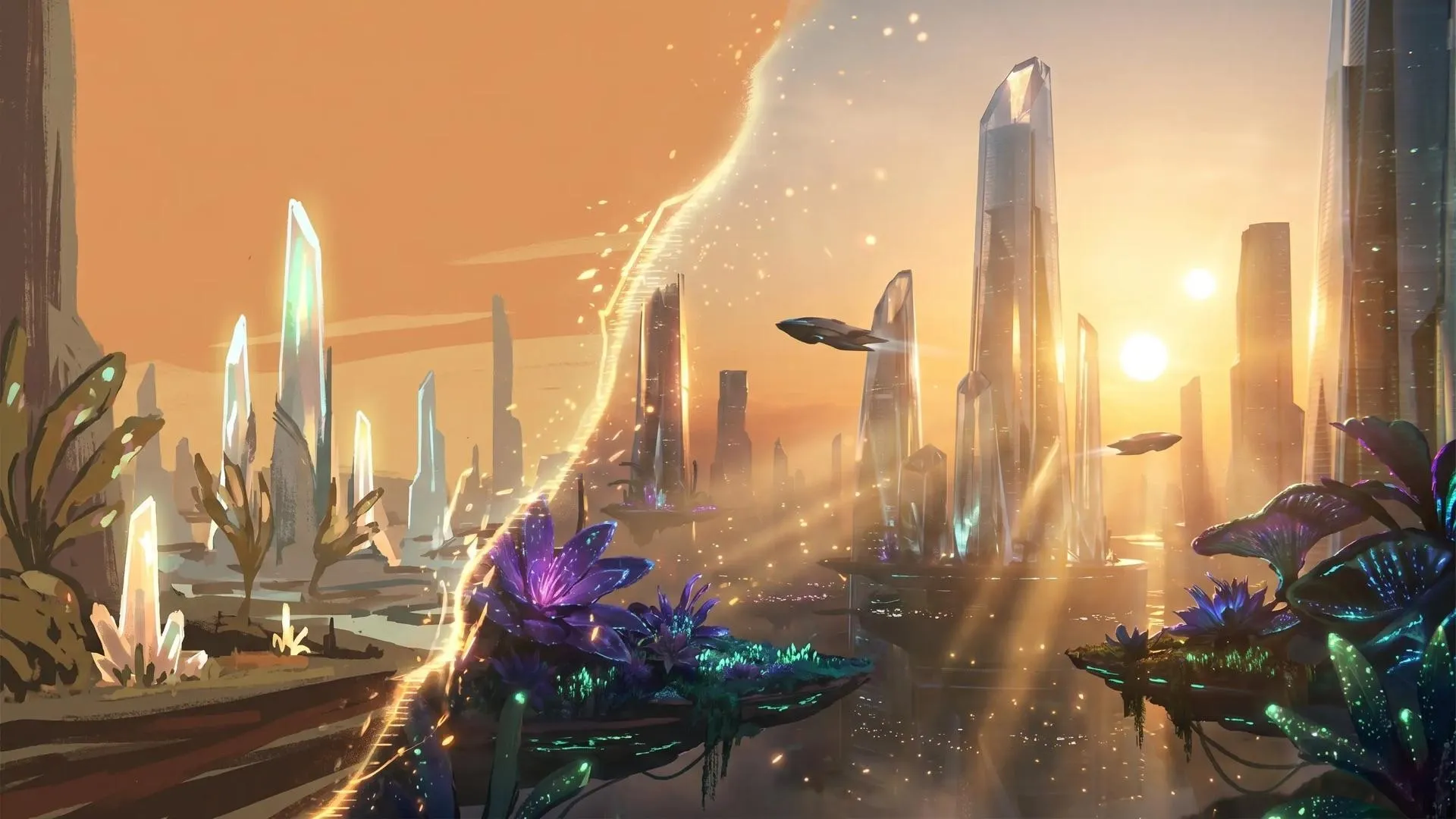
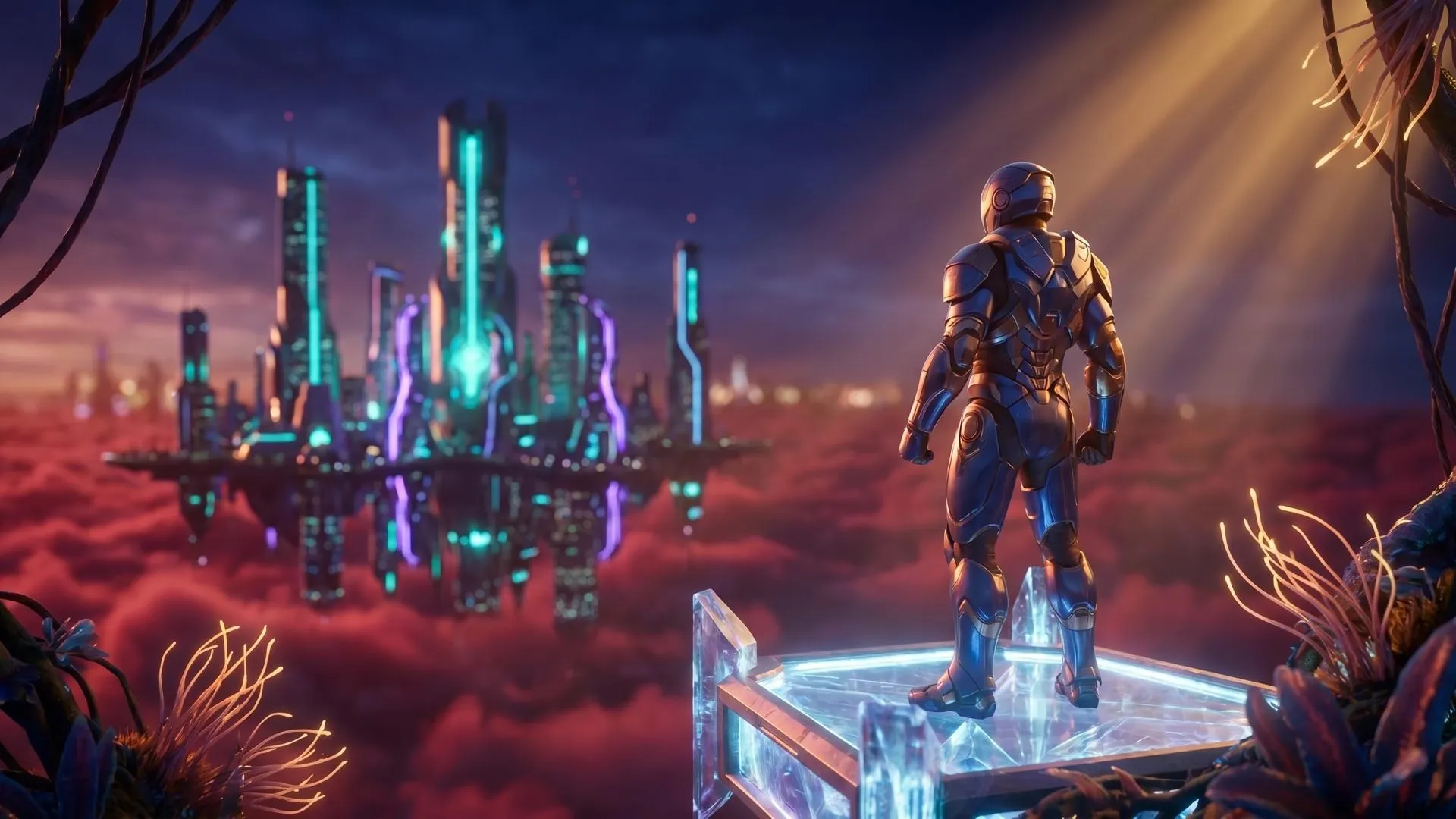
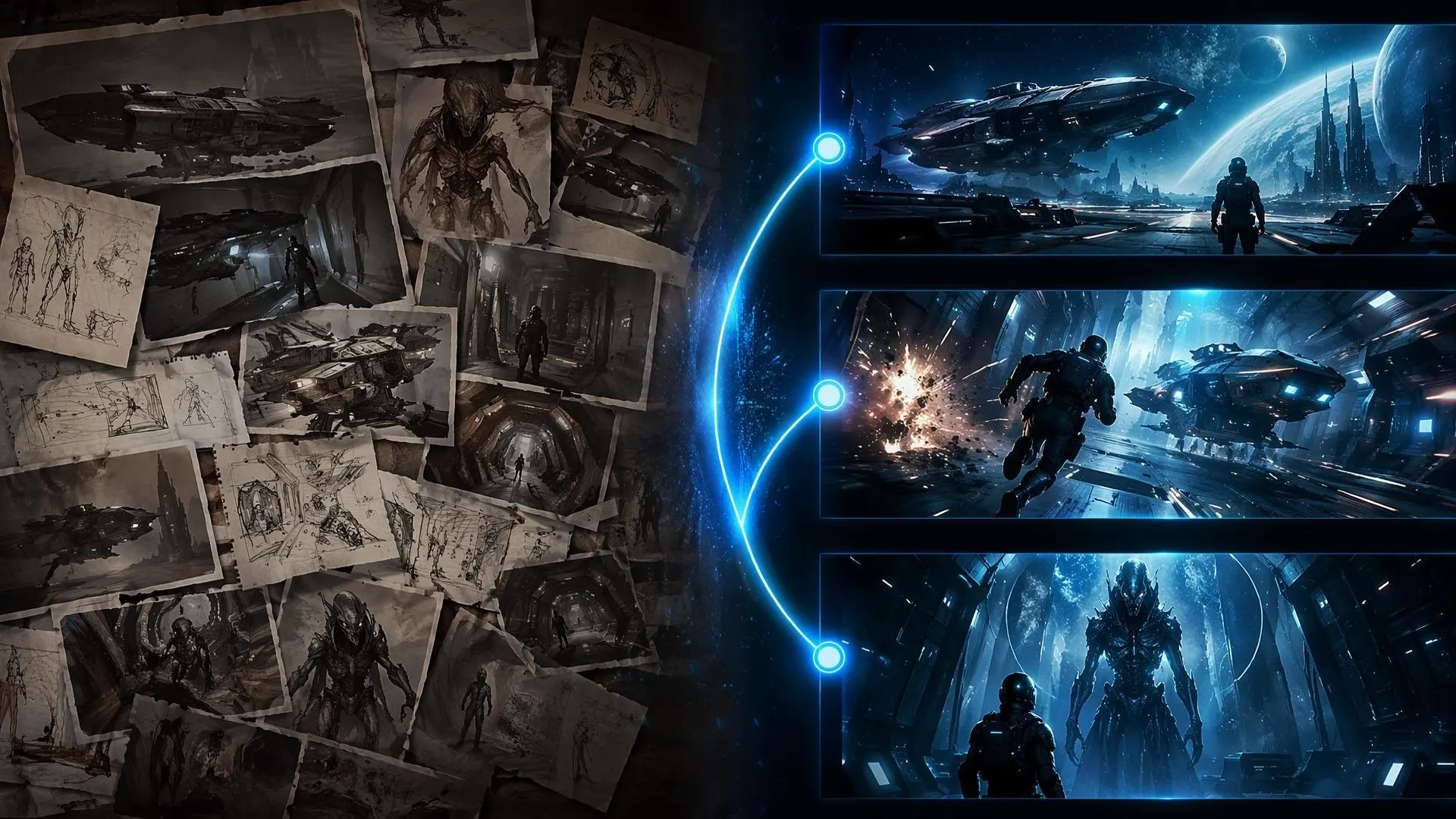

Visualize a world, character, or turning point before expanding the scene into larger storytelling videos.

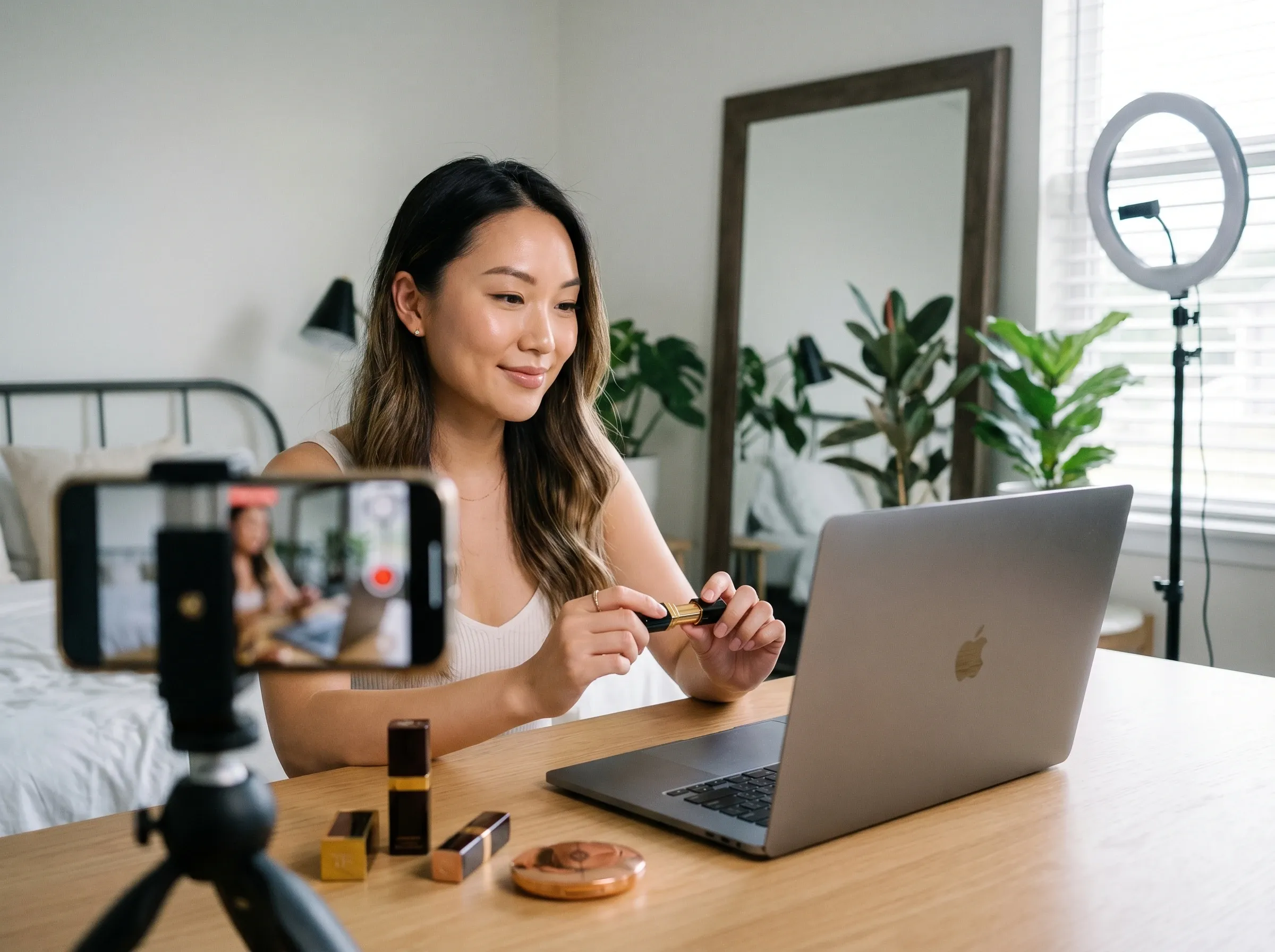
Turn a strange premise or futuristic reveal into hooks for TikTok videos, reels, YouTube Shorts, or teaser posts.
Present planets, cities, technology, and visual tone with reference to video before production work begins.

Use speculative visuals in explainer videos to introduce future tech, imagined societies, or ethical questions with visual context.
Write a short prompt with the setting, character, action, and sci-fi detail you want the video to show.
Add mood, pacing, camera movement, lighting, and style notes, or upload an image to guide the look.
Create the video, review the scene, then adjust the prompt until the world, motion, and story beat feel right.
Go from a single concept to a finished video. Combine generation, avatars, sound, and editing into one seamless production process.
Bring your static images to life with cinematic motion. Add lifelike camera pans and fluid transitions to maximize viewer engagement and visual impact.
Elevate your projects with studio-grade audio tracks. Layer realistic AI voices and dynamic sound effects to perfectly match the tone of your narrative.
Build professional video assets without a camera. Generate incredibly realistic scenes and smooth footage to elevate your brand's visual storytelling.
Put your entire creative workflow on autopilot. Go from a text prompt to a production-ready video with zero editing, delivering studio-grade results fast.
Master your post-production workflow. Apply video matting, enhance video quality, and seamlessly build sequences to turn raw clips into a flawless masterpiece.
Access a comprehensive suite of video tools. Easily apply video filters, clean up messy audio, and reframe videos for any platform.









Using Pollo AI to Create and Inspire
 Liz Cassidy
 Richard Quick
 armourdude
 Dudu
Dudu Ray Warnes
 lawless clan
 Istvan LajosSantiago Saenz
 Gen Zee
 萱兒
萱兒 Norma Ponce
 Sarah Stokes
 Sudipta Saha
 Luiz Guyz
 Swishadoptme Swishadoptme
An AI sci-fi story video maker turns a science fiction idea, prompt, or image into a short visual scene with futuristic atmosphere and motion.
Pollo AI's AI Sci-Fi Story Video Maker works best when you need short, cinematic sci-fi scenes from prompts or images without editing experience.
Yes. You can start creating sci-fi story videos in Pollo AI for free, then refine prompts, images, and style details as needed.
Write the core scene, add the setting and visual style, then use text to video to generate the first version before revising the action and mood.
Yes. Upload a concept image, character image, or futuristic scene, then use image to video to add movement and turn it into a short video.
No. A sci-fi story video is usually a short scene or clip that visualizes a story idea, world, or moment without requiring a full production workflow.

Bring your science fiction idea into motion without filming or editing.