



10 Best Kling AI Alternatives I Tried That Really Work
If you’ve ever tried Kling AI, you may be amazed by the eye-catching videos it can create. But like any tool, Kling AI isn’t perfect for everyone.
For me, I often noticed that fast or detailed actions often come out looking weird or broken. And its generation time can be quite slow sometimes. So I decided to explore a different option.
After testing several AI video generators myself, I found some great alternatives that offer different features, better ease of use, or more affordable pricing.
Whether you want faster video creation, higher quality, or fun new effects, this list of 10 Kling AI alternatives will help you find the right fit for your creative projects.
Let’s take a look at them and see which one matches your vibe!
Pollo AI - Best Kling AI Alternative Overall
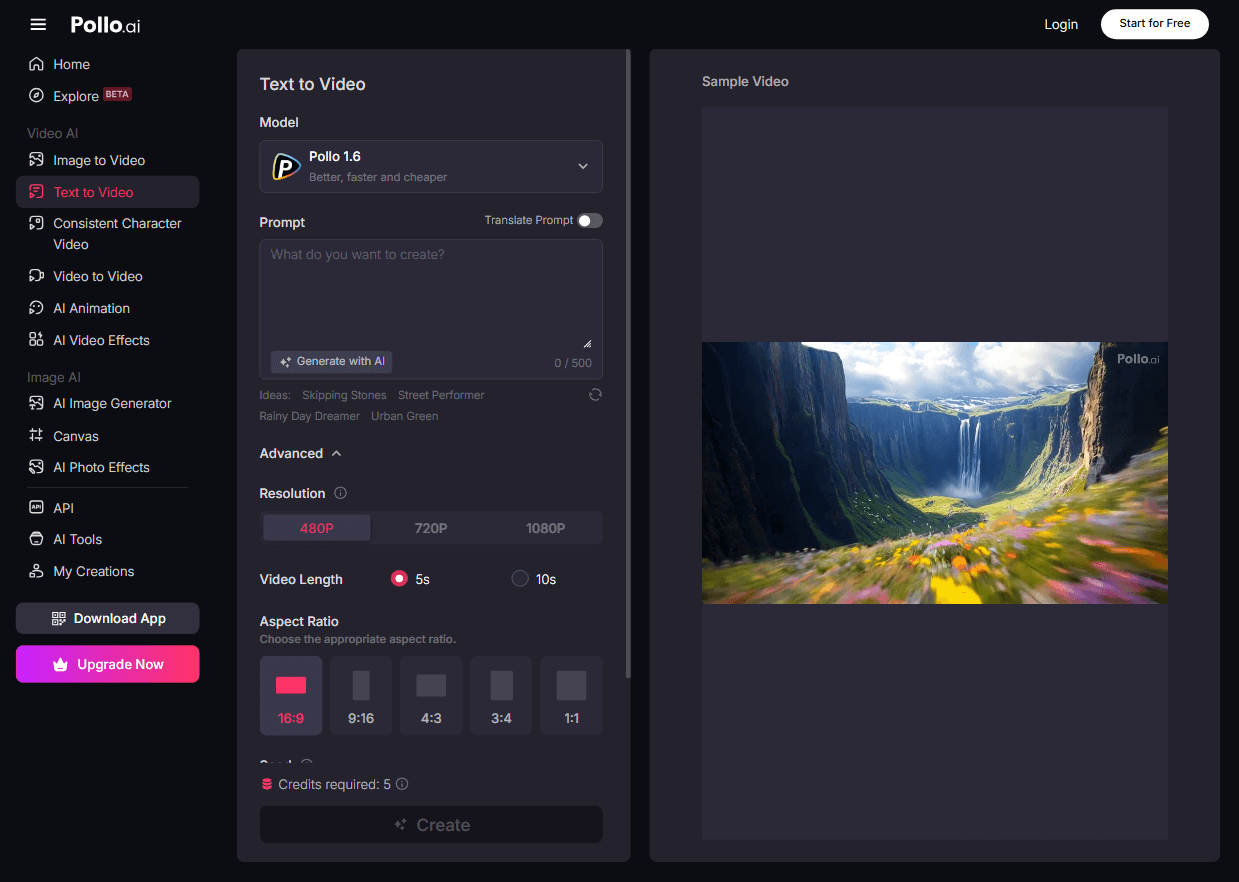
If you're looking for the best all-around alternative to Kling AI, I suggest you try Pollo AI video generator.
It is known for its robust text to video AI and image-to-video AI, and consistent character video generation functionalities. The platform is user-friendly and intuitive, capable of producing captivating AI video content.
Its Pollo AI Avatar can help you generate AI avatar videos simply from images, without the hassle of pretraining like with other similar tools. It can also help you create AI product avatars to help you promote products on social media.
The most standout feature you'll like about Pollo AI is its integration of multiple cutting-edge AI video models. They include Veo 3, Hailuo 02, Seedance, PixVerse V4.5, Kling 2.1, and more.
Pollo AI comes with a number of AI video tools. You can use them to edit or upscale your videos with AI.
And to help you make creative videos, Pollo AI offers plenty of AI video effects. With them, you can create AI hug, AI kissing, AI jesus hug, AI squat twerk videos and many more.
Here you can watch two videos talking about how to convert text into videos and create AI kissing and hug videos with Pollo AI:
Pros:
- Advanced AI technology for video creation
- Fun and effective AI video effects
- Extensive customization options such as length, aspect ratio and prompt strength
- Completely free trial available
Cons:
- The free version might have some limits
Luma AI - Best Kling AI Alternative for Quick Video Generation
Luma AI is another great Kling AI alternative for its speed.
When I tried Luma AI, the first thing that stood out was how fast it creates videos. You can often get your video generated in about two minutes.
Luma AI’s fast processing doesn’t come at the cost of quality. The videos have smooth, realistic motion and dynamic camera movements that really bring scenes to life. Whether you’re making action clips or cinematic shots, Luma AI handles complex motions and transitions with impressive fluidity.
The user interface of Luma AI also is simple and welcoming, so you can jump right in and start generating videos without a steep learning curve.
Pros:
- Fast at generating videos
- Designed to be accessible to users of any skill level
- Able to create videos in a variety of styles
Cons:
- Many videos may seem static or lack dynamic motion
- Advanced functionalities might be difficult for some users to learn
Google Veo 3 - Best Kling AI Alternative for Creating Videos with Audio
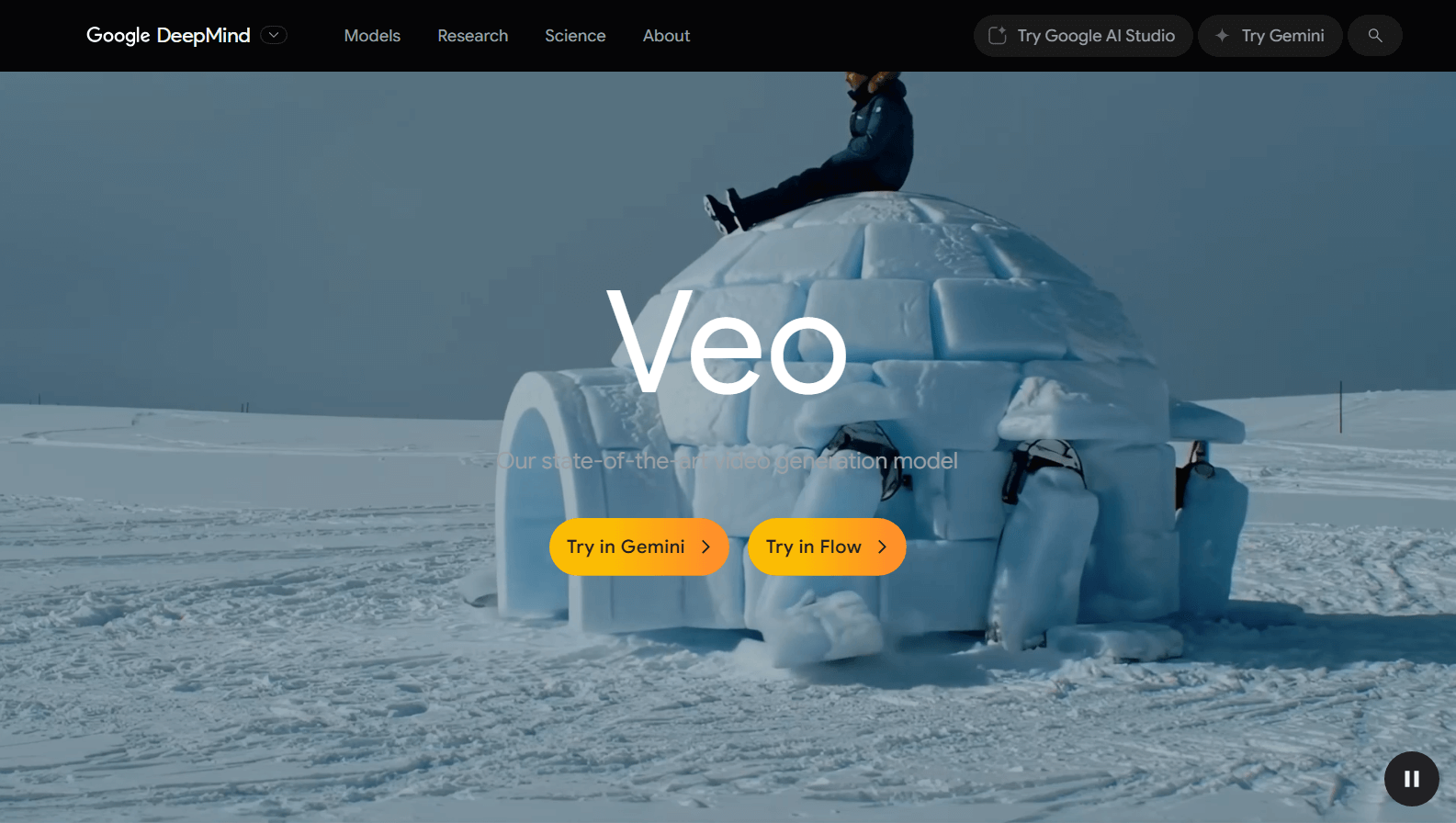
Veo 3 is a Kling AI alternative that, for me, felt like a big leap forward compared to other AI video tools. The coolest part about Veo 3 is that it makes videos with sound already built-in.
It can automatically put in sound effects, background noise, and even dialog that matches what characters say, making their lips move realistically. This means your videos can have people talking and sounds like footsteps or explosions right from the start, making them feel much more alive.
And from my tests, I noticed that Veo 3 also creates videos that look really natural. They are almost like they were filmed in the real world. It understands how things move according to physics.
Pros:
- Generates video and audio together
- Realistic lip-syncing and natural motion
- High-quality visuals
Cons:
- Uncontrolled audio and caption generation
- Visible glitches and jumbled text
Runway - Best Kling AI Alternative for High-Fidelity Video Content
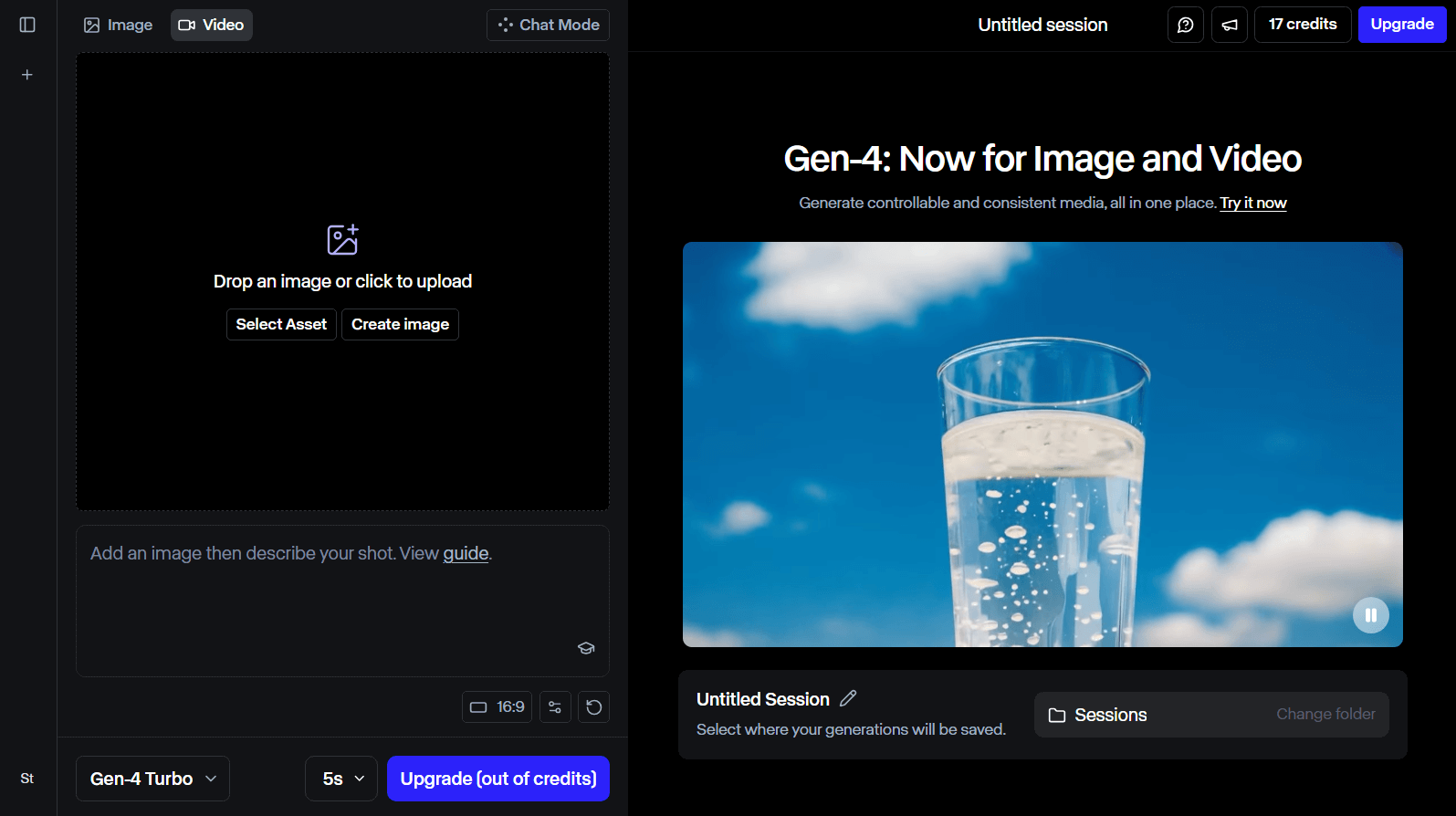
If you're looking for a Kling AI alternative to create super realistic and detailed videos, you can try Runway! Thanks to its Gen-3 and Gen-4 models, you can get very high quality videos from Runway
What makes Runway special is its ability to produce videos that look incredibly lifelike. Imagine being able to create a video that looks like it was filmed in real life, rather than something that seems computer-generated.
The visual content of Runway generated videos is sharp, bright, and full of detail. It’s like having your very own movie-making studio right at your fingertips! For this reason, Runway has been used in some professional productions.
But that’s not all! Runway also has some AI video editing tools. They can help you polish up your generated videos or edit their content, and even adjust how things look to make sure your video is just right.
Pros:
- Creates highly detailed and realistic videos
- Produces AI videos with cinema-level quality
- Ideal for industry professionals, such as filmmakers
Cons:
- Its user interface can be quite complicated
- One of the most expensive video generators on the market
Toki.ai - Best Kling AI Alternative for Personalized AI Avatars
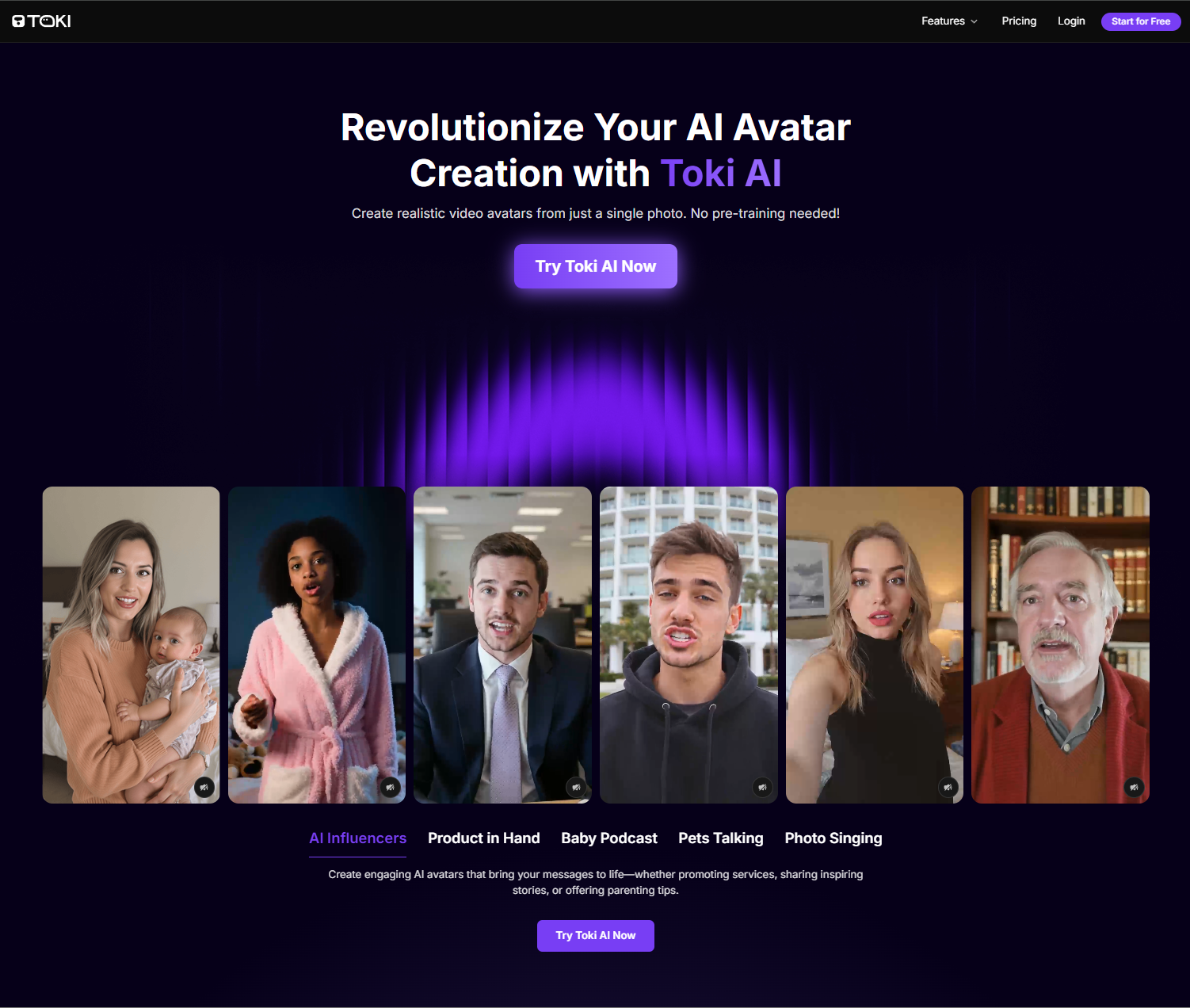
When it comes to generating custom, ultra-realistic AI avatar videos, Toki.ai has my vote for its ability to deliver truly human-like performances that can go up to 2 minutes long with no pre-training required.
Just upload a single photo and Toki.ai’s new-era AI avatars can bring the subject to life with perfect lip-syncing, genuine facial expressions, and authentic body gestures.
Feel free also to upload your own audio file and avatar. But if you prefer, you can explore its huge library of pre-built AI avatars and AI voices that span a diverse range of genders and tones.
Pros:
- Incredibly lifelike AI avatars
- Longer AI avatar video durations
- No video footage or pre-training needed
Cons:
- Limited free plan offered
AdsDrive - Best Kling AI Alternative for UGC Ad Avatar Videos

If you need high-performing UGC-style ad content, then Ads Drive is the go-to. I was particularly blown away by how it generates naturally expressive characters with perfectly-synchronized voices.
Since you can also upload audio files or input scripts in any language, it becomes easier to create UGC ad content that connects with global audiences for even greater engagement.
It even offers more room to convey your message with longer ads of up to 2-min. Plus, you can use prompts to freely customize the avatar’s gestures like holding your products in demos, explainers, testimonials, etc.
Pros:
- Natural AI avatar performances
- Customizable ad avatar gestures
- Limitless pre-set avatars available
Cons:
- Advanced features require paid plan
Hailuo AI - Best Kling AI Alternative for Customizable Camera Control
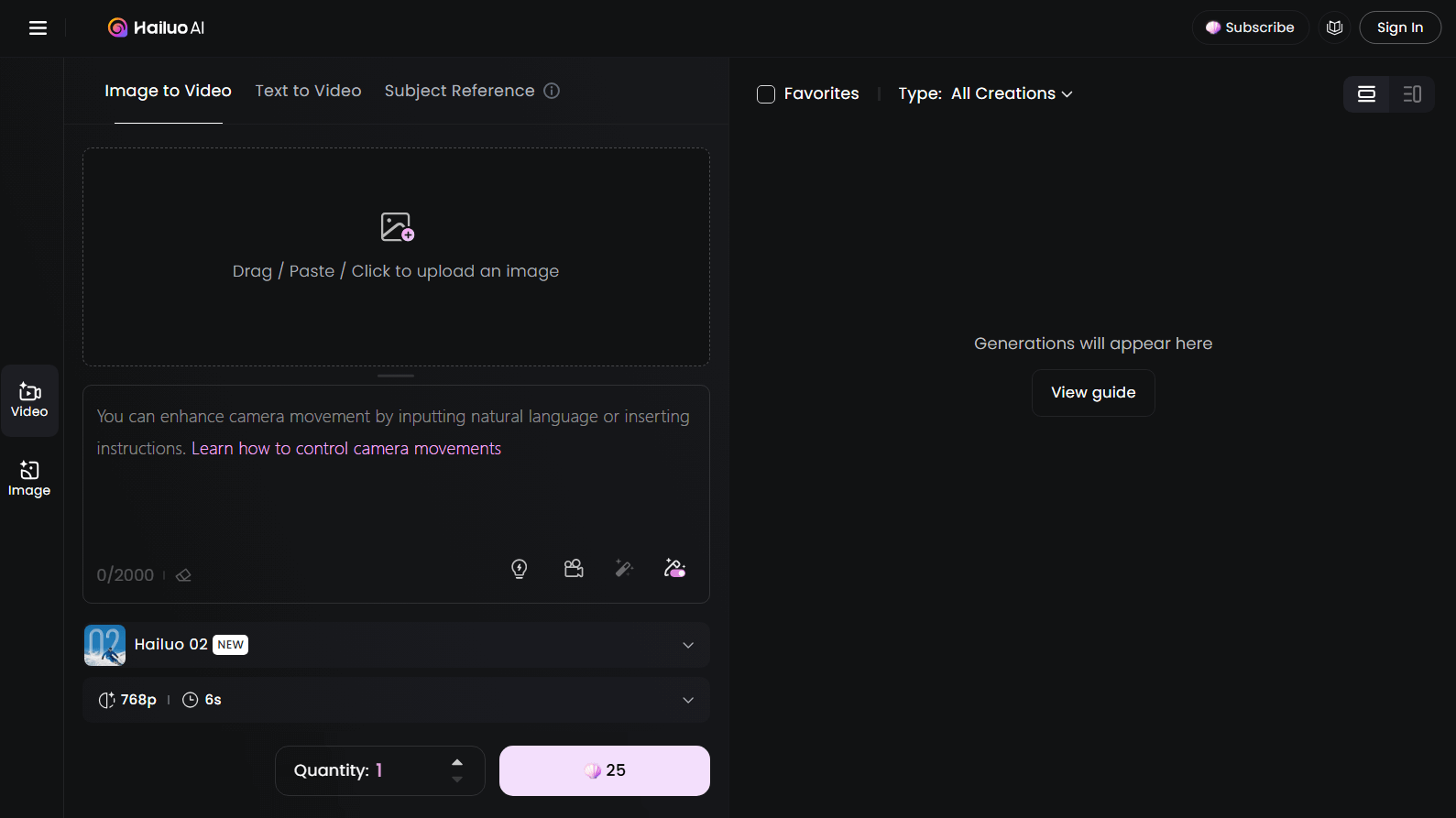
Hailuo AI is another viable alternative to Kling AI. It's developed by a Chinese company called Minimax One of the things that really sets Hailuo AI apart is its amazing flexible camera control.
With Hailuo AI, you can control the camera in your prompt. You can decide how the camera moves around the scene, whether you want it to zoom in to capture a special moment or zoom out to show a wider view. And Hailuo AI can follow your instructions accurately.
Another feature that I found unique is that Hailuo AI also comes with handy time-saving templates, or presets. They can make your video-making process even easier. These presets automatically configure a lot of the settings for you, so you don’t have to worry about getting everything just right.
Pros:
- Generates vibrant and high-class visual content
- Flexible camera control
- Multiple presets available for video creation
Cons:
- Sometimes struggles with interpreting complex text prompts
- May be somewhat slow in producing AI videos
Pika - Best Kling AI Alternative for Unique Video Effects
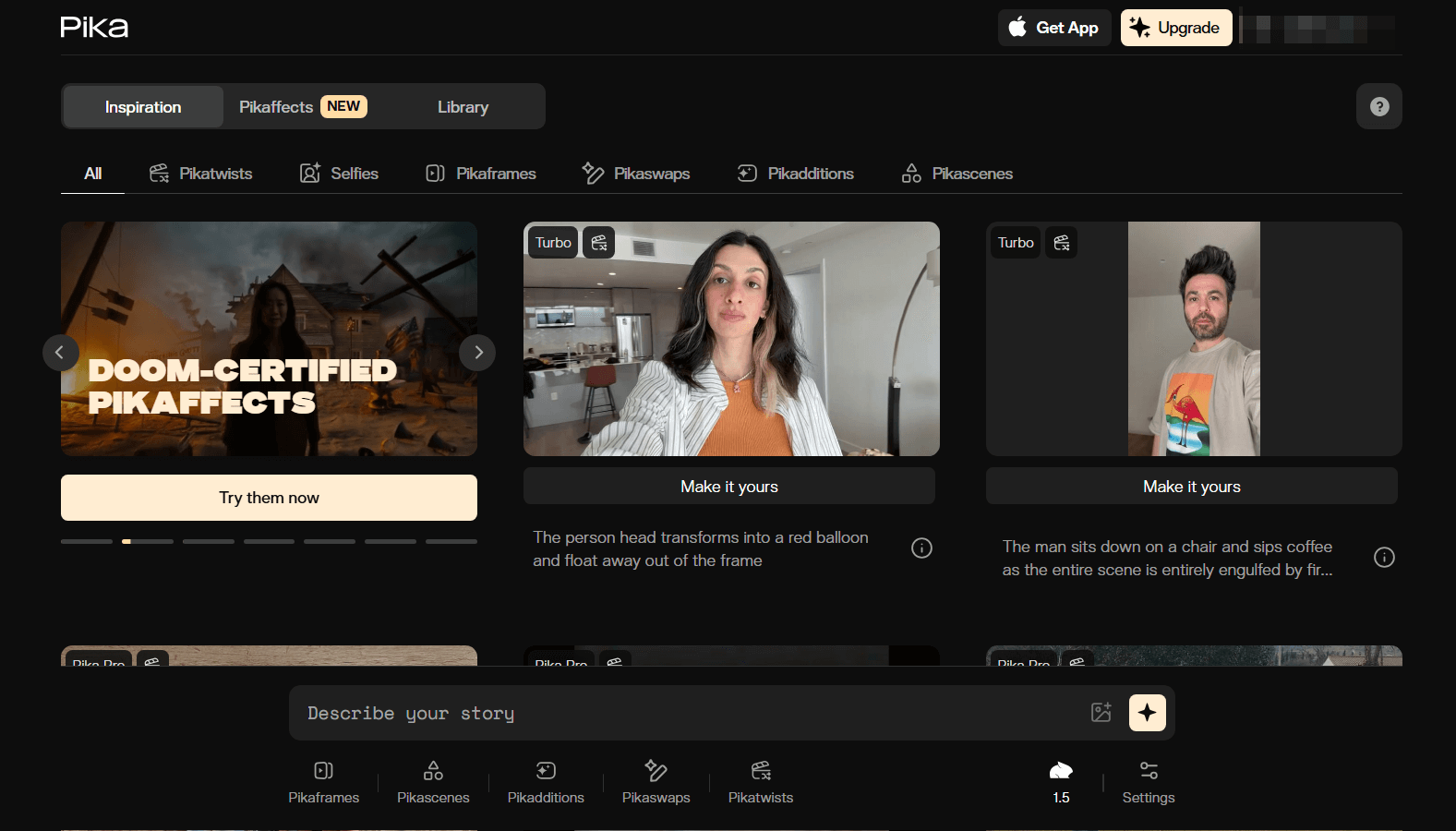
Pika is a good choice if you need to create fun, creative videos. It can give you a delightful video generation experience with its unique effects and features.
Using Pika is super easy and really enjoyable. You start by entering what you want to see or uploading your own images. Then Pika works its magic and turns them into a short, cool video in different styles like cartoons or realistic films.
One of the best parts about Pika is the wide variety of fun effects you can choose from. For example, you can take a simple object, like a toy or a fruit. Then, you can create a video where the cake gets sliced open, squished, inflated, or even explodes in a spectacular way.
I also noticed that Pika allows you to inpaint your videos (Pikaswaps), insert new objects to the video scene (Pikadditions), and combine multiple elements in the generated videos (Pikascenes). These interesting features can help you be more creative in your AI video making.
Pros:
- A wide selection of captivating and entertaining Pikaffects available
- Easy to use
- Easily customize the video content
Cons:
- Not suitable for highly intricate video projects
- Supports limited range of video types
Haiper AI - Best Kling AI Alternative for Advanced Animation Capabilities
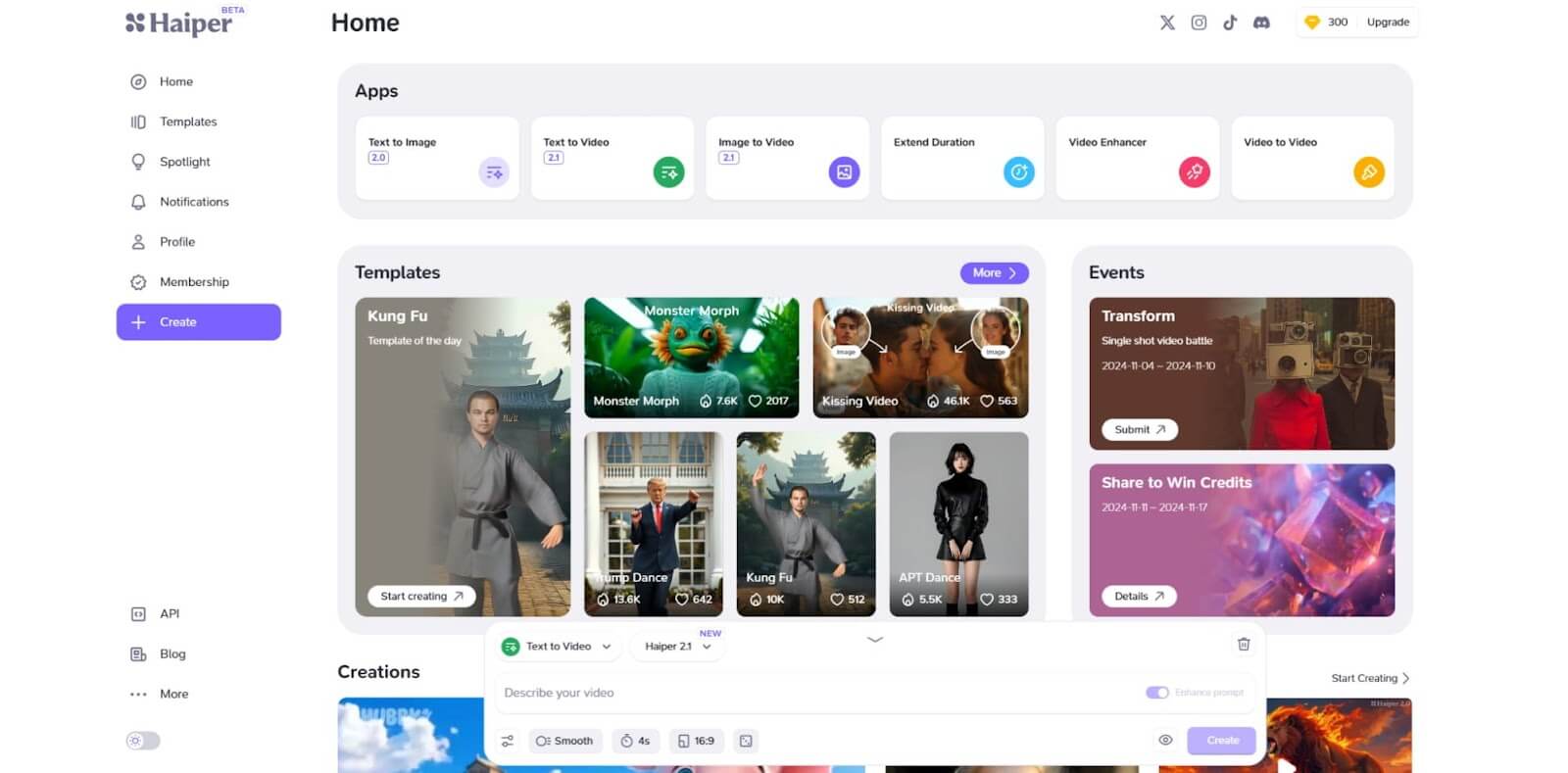
Haiper AI is an incredible AI video creator that has gained a fantastic reputation for its amazing features.
One of the most standout features for me is its ability to generate content that has remarkably realistic physics and motion. Thanks to its cutting-edge technology, the animations look lifelike and believable. It can add an extra layer of excitement to your videos.
Overall, Haiper AI is a fantastic choice for anyone looking to create stunning videos from text or images. Whether you're a beginner or someone who has dabbled in video creation before, Haiper AI offers tools that make it easy and enjoyable to bring your ideas to life.
Pros:
- Sophisticated animation features
- Capable of creating lifelike videos from both text and images
- Free trial offered
Cons:
- Limited customization options relative to other AI video generators
- Some users have reported encountering bugs during use
Vidu AI - Best Kling AI Alternative for Extensive Features
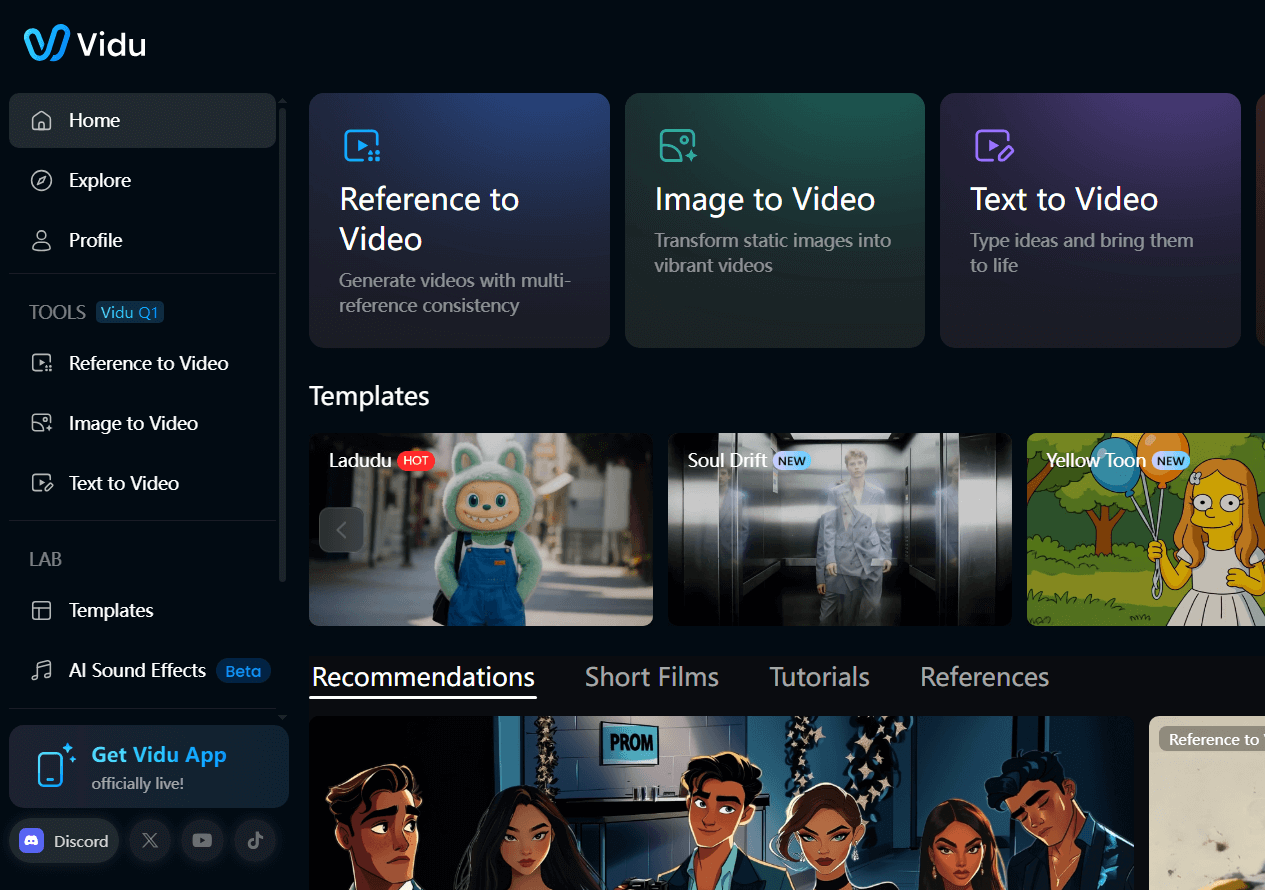
If you're looking to create high-quality videos quickly and easily, Vidu AI is definitely worth checking out.
One of the things that makes Vidu AI so special is its exceptional video quality. After testing it, I'm impressed by how clear and vibrant the videos look! And the best part? Its interface is super intuitive, so you don’t need to be a tech genius to use it!
With Vidu AI, the possibilities are endless when it comes to the styles of videos you can create. Whether you want something cinematic like a movie, artistic like a beautiful painting, or narrative like a storybook, Vidu AI can help you achieve it.
Another feature you'll like is its “reference to video” generator, which lets you use existing characters or objects as a starting point. This can be really helpful if you want to keep a consistent look in your videos.
Pros:
- Offers a wide range of customization and creative options
- Creates detailed and engaging video content
- Includes multiple AI video generation modes
Cons:
- Results can occasionally be inconsistent
- May struggle with fine details in videos at times
PixVerse AI - Best Kling AI Alternative with Advanced Settings
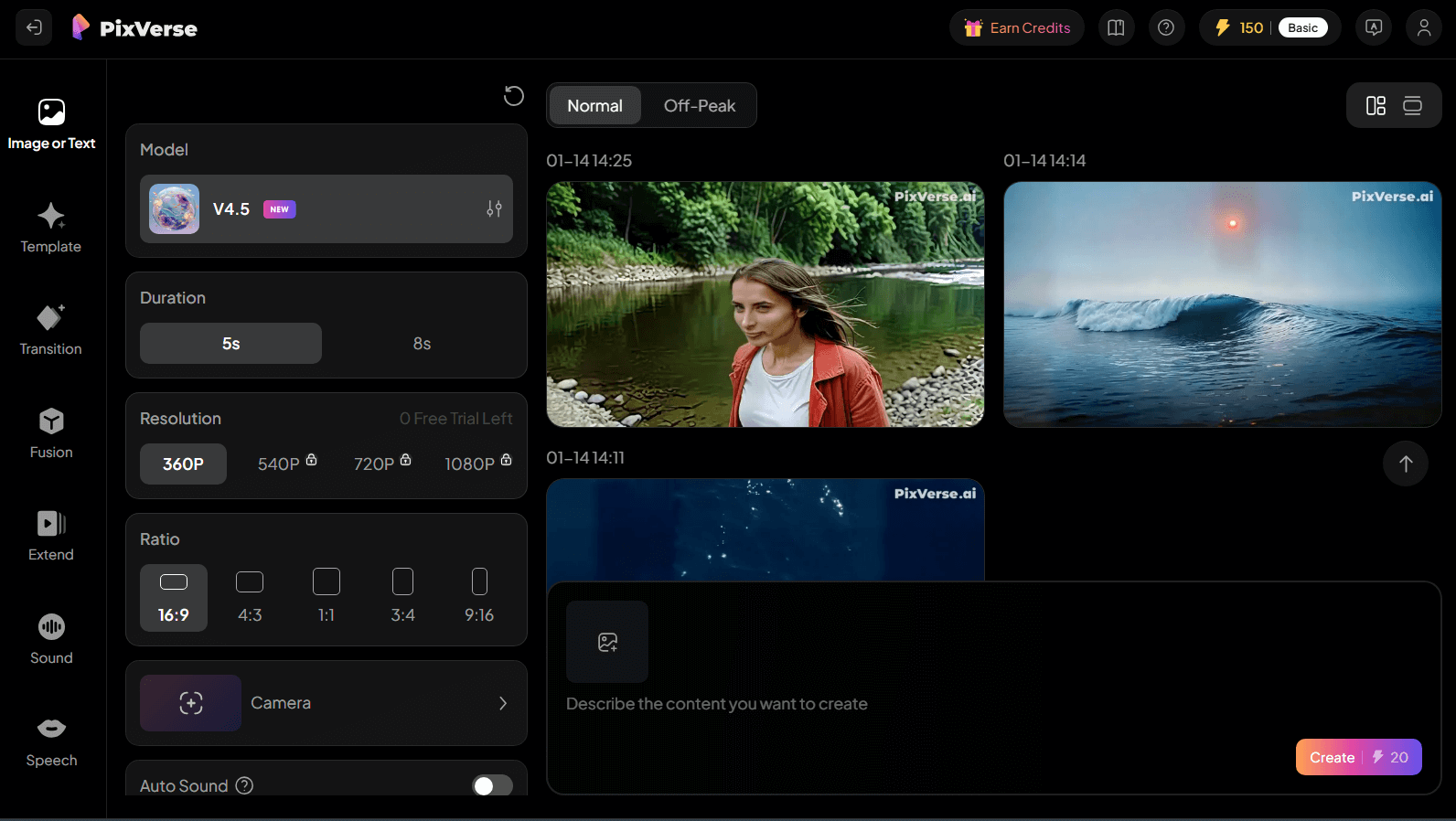
If you've had some experience with AI video generators, you might also want to consider PixVerse AI.
PixVerse AI is a powerful AI video generator with many advanced features. It can be a bit overwhelming for beginners because of its detailed and multi-layered user interface. However, if you’re more of an intermediate or advanced user, you’ll definitely appreciate all the options it offers.
PixVerse AI gives you the ability to customize various aspects of your video, like its style, motion, whether to include sound or speech, and more! This means you can really make your videos stand out and fit your unique vision.
One thing to keep in mind, though, is that it has limited camera control options, which might be a drawback for some users.
Pros:
- Suitable for seasoned industry professionals
- Provides a wide range of customization options
- Produces high-quality animations
Cons:
- Its interface can seem complex
- Beginners may struggle to use this tool efficiently
Hunyuan AI - Best Kling AI Alternative for Smooth Video Content
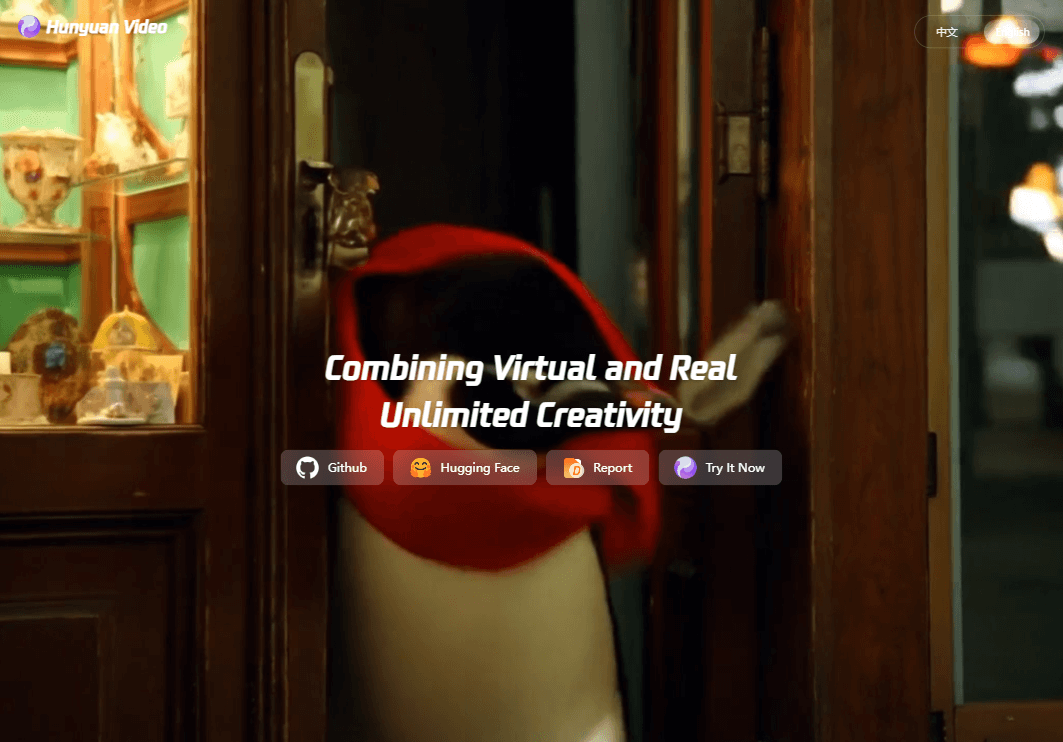
Another Kling AI alternative I suggest you try is Hunyuan AI. It's Tencent's 13B parameter video model that creates a smooth, cinematic video that matches your words.
Its videos look natural with good lighting and smooth movement, which felt like watching a mini movie. It’s also pretty fast in video generation.
I liked how it even understands simple language. So you don’t have to write complicated instructions to get good results.
However, there are some downsides. Sometimes the video quality can be a bit blurry or pixelated, especially with complex scenes or longer clips. The AI also struggles a bit with following very detailed prompts exactly, so you might need to try a few times to get what you want.
Also it's released as a model. So if you want to get simple access to Hunyuan AI, you may need to try an AI video platform that integrates it, like Pollo AI.
Pros:
- Creates smooth, cinematic-quality videos from simple text
- Understands natural language well for easy prompting
- Supports both realistic and fantasy video styles
Cons:
- Video quality can be blurry or pixelated sometimes
- Limited video length (usually short clips)
- May not perfectly follow very detailed prompts
Summary
As I found from testing many options, there are plenty of great Kling AI alternatives out there. They offer faster speeds, better quality, more control, or cool features.
The best way to find your perfect match is to try a few and see which one feels easiest and most fun for you.
And if you need an AI video generator with powerful features, I suggest you try Pollo AI. With its extensive model collection, tools, and ease of use, you'll have an AI video platform covering everything you need.