



10 Best ElevenLabs Alternatives I’ve Tested
ElevenLabs can work well for realistic AI voices, expressive text to speech, and voice cloning. But it is not the right fit for every workflow, especially when you need lower latency, or a more complete path from script to final output.
In this article, I’ll walk you through the 10 best ElevenLabs alternatives I’ve tested. You can know what each tool is best for, where it falls short, and why Pollo AI is the best alternative overall.
TL;DR: What Is the Best ElevenLabs Alternative?
Pollo AI is the best ElevenLabs alternative overall because it gives me a broader creative workflow than a voice-only tool. I can use it for AI voiceovers, avatars, video generation, editing, effects, and publish-ready content in one place.
Its voice workflow is especially useful when the audio needs to become part of a finished video. That means I can use the natural voice into AI avatar videos, product demos, ads, explainers, or social content without moving between separate tools.
Why Look for ElevenLabs Alternatives?
ElevenLabs is strong for natural narration, emotional speech, and voice cloning. If your main goal is to create a realistic voiceover or test different AI voice styles, it can still be a capable choice. You can also read our ElevenLabs review to learn more about its features.
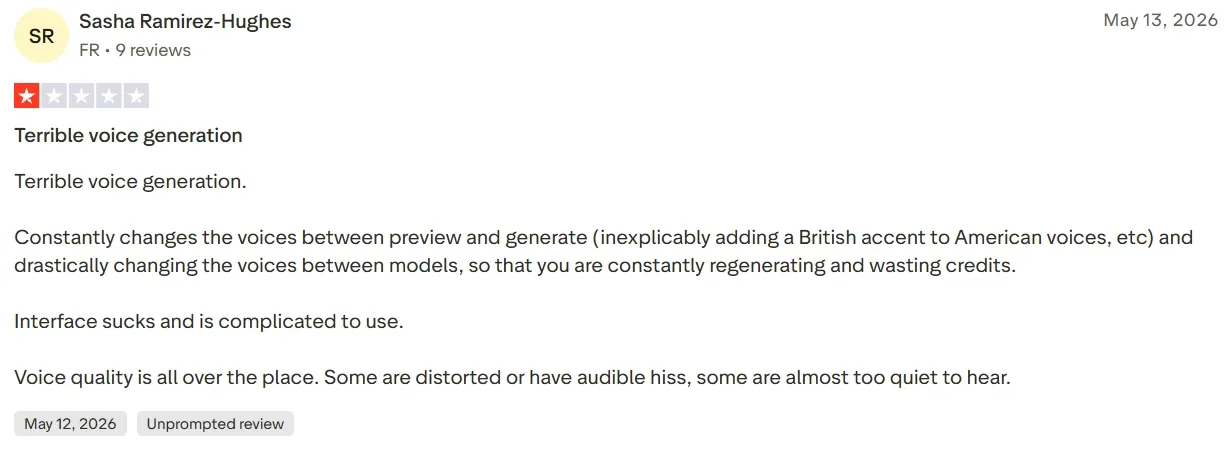
But I started looking for alternatives because voice quality can feel inconsistent across different generations and models.
A voice may sound right in preview, then change after generation, or shift in accent, tone, volume, and clarity. Some users report on Trustpilot that some outputs may also sound distorted, noisy, too quiet, or less polished than expected.
I also need an AI platform where I can add my voiceovers into a fuller creative workflow, especially if I want to make a talking-head video.
10 Best ElevenLabs Alternatives in a Quick Snapshot
Alternative | Best For | Pricing |
|---|---|---|
| Pollo AI | Creators, marketers, and brands that need AI voiceovers inside complete video, avatar, ad, and creative workflows. | Pricing starts at $10/month |
| MiniMax | Storytellers and content teams that need expressive voiceovers for ads, narration, stories, or emotional speech. | Pricing starts at $5/month |
| WellSaid | Training teams, educators, and businesses that need clear voiceovers for learning, onboarding, and internal content. | Pricing starts at $19/month |
| Murf AI | Marketing and training teams that need polished voiceovers for explainers, presentations, and business videos. | Pricing starts at $29/month |
| LOVO AI | YouTubers, social creators, and video makers that need natural creator-style voices for tutorials, explainers, and social narration. | Pricing starts at $24/month |
| PlayHT | Podcasters and audio creators that need narration, long-form voiceovers, and reusable voice styles. | Pricing starts at $39/month |
| Cartesia | Developers and AI product teams that need low-latency voice for live agents, AI support, and voice products. | Pricing starts at $5/month |
| Inworld | Product teams and AI app builders that need interactive voice for conversational AI, companions, and real-time experiences. | Pricing starts at $25/month |
| Fish Audio | Budget-conscious creators and teams that need affordable voiceovers for recurring narration and high-volume audio. | Pricing starts at $15/month |
| Resemble AI | Technical teams and researchers that need open-source voice cloning and custom TTS experiments. | Pay-as-you-go plan |
Pollo AI: Best ElevenLabs Alternative Overall
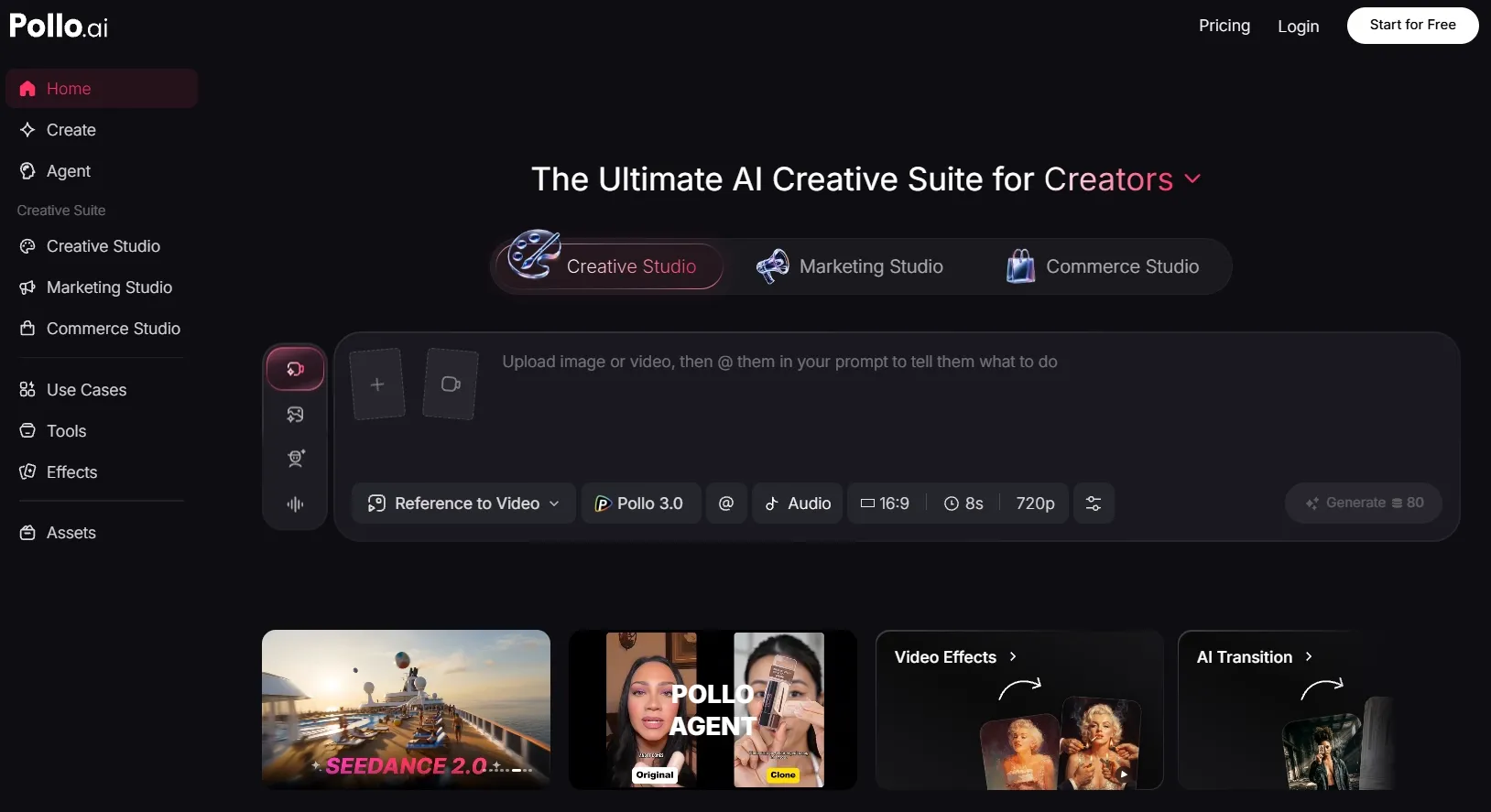
I picked Pollo AI as the best overall ElevenLabs alternative because it gives me more control over both AI voice generation and the work that comes after it.
What stood out to me most was the voice quality. The voiceovers can sound clear, natural, and polished, with enough control over pacing and emotion to fit different content such as narration, podcasts, explainers, and more. It feels less like a quick TTS draft and more like audio I can actually use in real content.
Pollo AI also gives the audio workflow more practical value after the voice is ready. I can build a richer sound layer around the narration, add AI sound effects, match the voice to the rhythm of the content, and keep the audio style consistent across ads, tutorials, product clips, and creator videos.
I also like that Pollo Agent gives audio a more structured role in the final video. It can help connect the voiceover with scene pacing, sound effects, mood, and visual rhythm, so the audio does not feel added on after generation. This makes it easier to create post-ready videos without manually fixing the audio after generation.
Key Features
- AI Voice Generator: Create natural voiceovers for narration, ads, podcasts, explainers, avatar videos, and product content.
- Voice Cloning: Reuse a consistent voice across branded content without recording every line again.
- Text to Speech: Turn scripts into clear, natural AI speech for narration, tutorials, product videos, and branded content.
- Audio-Video Workflow: Add voiceovers to videos, avatars, product clips, and creative projects without treating audio as a separate file.
- AI Sound Effects: Pair narration with scene-matching SFX, mood, and sound details to make the final content feel more complete.
- Pollo Agent: Automatically match voiceovers with scene pacing, visuals, SFX, and final structure to create post-ready videos with less manual editing.
Best For
- Video creators who need complete AI videos with voiceovers, visuals, talking avatars, effects, and final polish.
- Marketers and agencies who create UGC ads, product demos, tutorials, and product launch videos.
- Brands and content teams who want branded audio through voice cloning and repeatable voice styles.
- Solo creators and small teams who need fewer tools between script, voiceover, AI video generation, and publishing.
Pros:
- Voice and video work together instead of staying in separate workflows.
- Creative Studio supports full production with audio, avatars, videos, images, and effects.
- Marketing Studio fits commercial content such as ads, product clips, demos, and campaign videos.
Cons:
- Model choice can require testing when you want a specific voice, video style, or final look.
- Advanced workflows may feel broad at first if you only need one quick voiceover.
Create Natural AI Voices
Use Pollo AI to create natural voiceovers, add SFX, sync audio with videos, and finish content in one workflow.
Try AI Voice Generator Free
MiniMax: Best ElevenLabs Alternative for Expressive Voiceovers
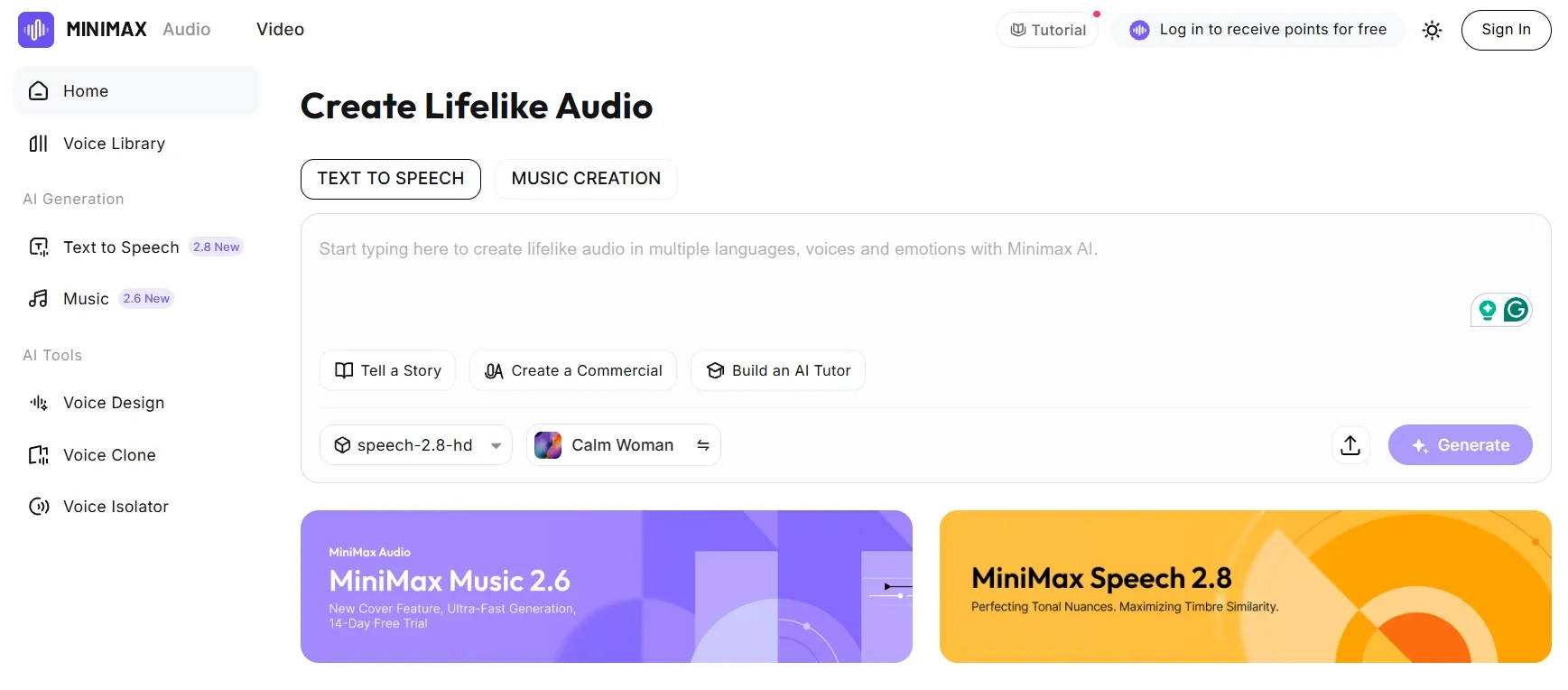
MiniMax stands out when the voice needs more performance and emotional texture. I placed it high on this list because it feels more relevant for expressive narration than many basic TTS tools.
The results are better suited to content where tone matters. Story videos, dramatic narration, audiobook-style passages, short ads, and character dialogue can benefit from a voice model that does more than read text clearly. I would consider it when the delivery needs warmth, tension, excitement, or a more human rhythm.
Where I would be careful is consistency across longer or more demanding scripts. MiniMax can sound expressive, but highly emotional delivery may still need extra testing to keep the voice stable from line to line.
If I need a very controlled brand voice across many clips, I would compare several voice settings before relying on one output.
Key Features
- Expressive TTS: Generate speech with stronger emotion, tone, and pacing.
- Narration quality: Fit storytelling, audiobook-style content, ads, and character voiceovers.
- Large voice library: Its TTS product offers 300+ natural voices.
- Voice style control: Shape delivery when the available interface supports it.
- API access: Add expressive speech generation into product or content workflows.
Best For
- Story creators who need emotional narration for story videos, character scenes, or dramatic scripts.
- Ad makers and marketers who want voiceovers to make their story UGC ads more persuasive, expressive, or performed.
- Audiobook and long-form creators who produce narration for audiobooks, explainers, or serialized content.
- AI voice reviewers and model testers who compare tools mainly by naturalness and emotional delivery.
Pros:
- Expressive delivery feels more polished for narration-heavy content.
- Good fit for emotional scripts such as stories, ads, and character dialogue.
- Useful for quality-first TTS testing against premium voice tools.
- Works well when voice performance matters more than a simple readout.
Cons:
- Voice consistency may need checking when scripts are long, emotional, or split across multiple generations.
- The workflow may feel less direct if you are not already comfortable with model-based tools.
- Some outputs may need extra tuning before they feel polished enough for branded narration.
WellSaid: Best ElevenLabs Alternative for Training Voiceovers
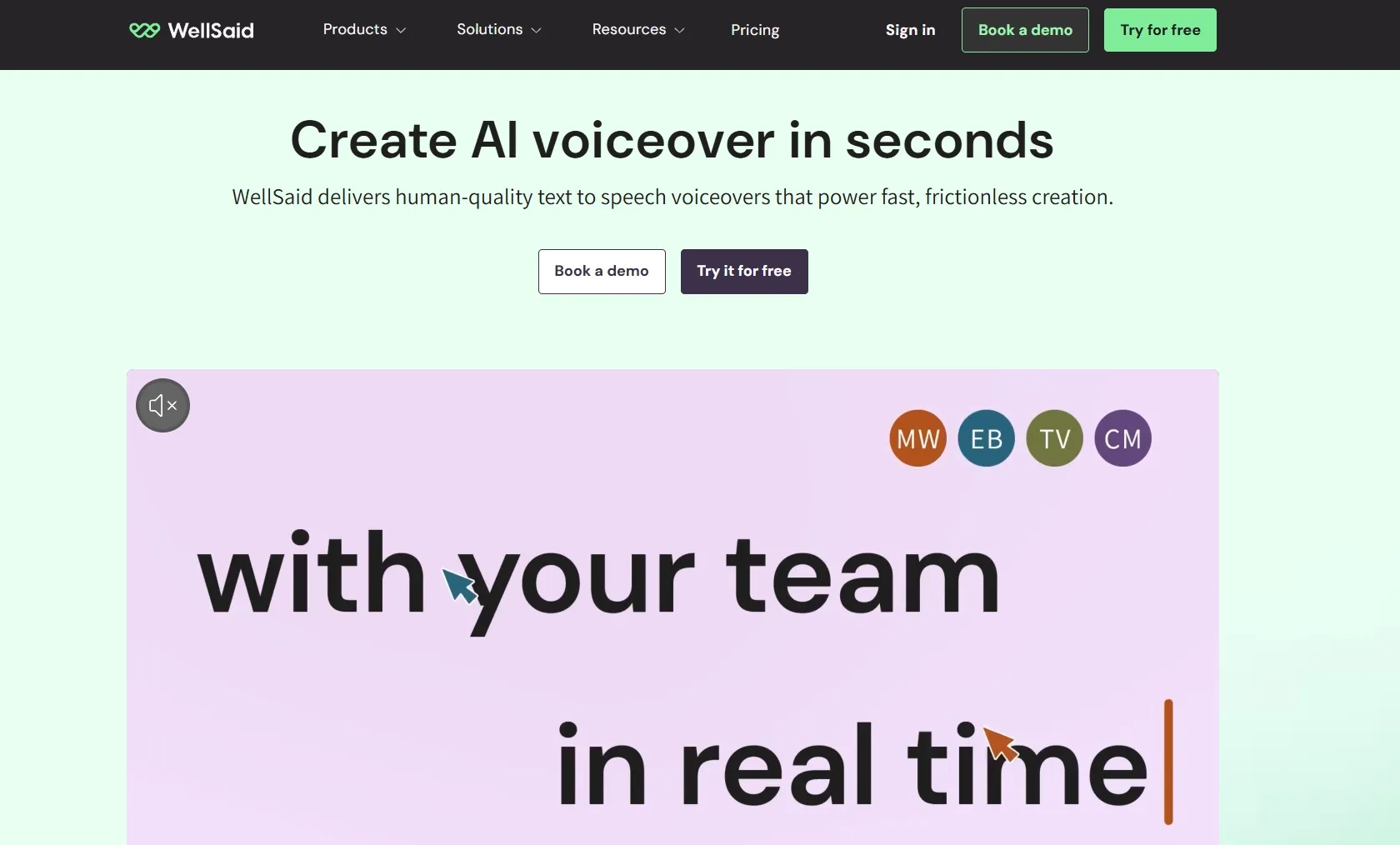
WellSaid fits best when I need clear, professional voiceovers for training and business learning content. I would place it ahead of more creator-style tools because it feels especially suited to structured narration, internal communication videos, onboarding materials, and course content.
What I like most is the clean and steady voice delivery. The voices feel controlled enough for training scripts, product walkthroughs, brand stories, and education videos where clarity matters more than dramatic performance. I can see it working well when the voice needs to sound polished, consistent, and easy to follow.
Where I would be careful is expressiveness. WellSaid can sound professional, but some voices may feel too corporate or too controlled for emotional ads, storytelling, or character-style narration.
If I need a voiceover with a stronger personality, I would test several voices before using it in the final content.
Key Features
- Training Voiceovers: Create clear narration for internal learning, tutorials, educational and onboarding videos.
- Text-to-Speech Studio: Turn scripts into polished speech without recording voiceovers manually.
- Professional Voice Library: Choose voices that fit business, learning, product, and instructional videos.
- Team Voice Workflow: Help teams create repeatable narration for courses, demos, and company videos.
- Brand Narration Support: Keep training and business content sounding more consistent across projects.
Best For
- Training and L&D teams who need clear narration for onboarding, compliance, and internal learning videos.
- Educators and course creators who produce voiceovers for online courses, tutorials, and learning materials.
- Business teams who need polished narration for demos, presentations, and company explainers.
- Product teams who create walkthroughs, help content, or customer education videos.
Pros:
- Strong fit for training narration where clarity and consistency matter.
- Professional voice style works well for business and educational content.
- Useful for repeatable voice production across many internal or learning projects.
- Easy to understand for teams that do not want a developer-heavy setup.
Cons:
- Emotional range can feel limited for dramatic or story-driven scripts.
- Some voices may sound too corporate for casual creator content.
- Voice testing is still needed when tone, pacing, or pronunciation has to be very specific.
Murf AI: Best ElevenLabs Alternative for Marketing Voiceovers
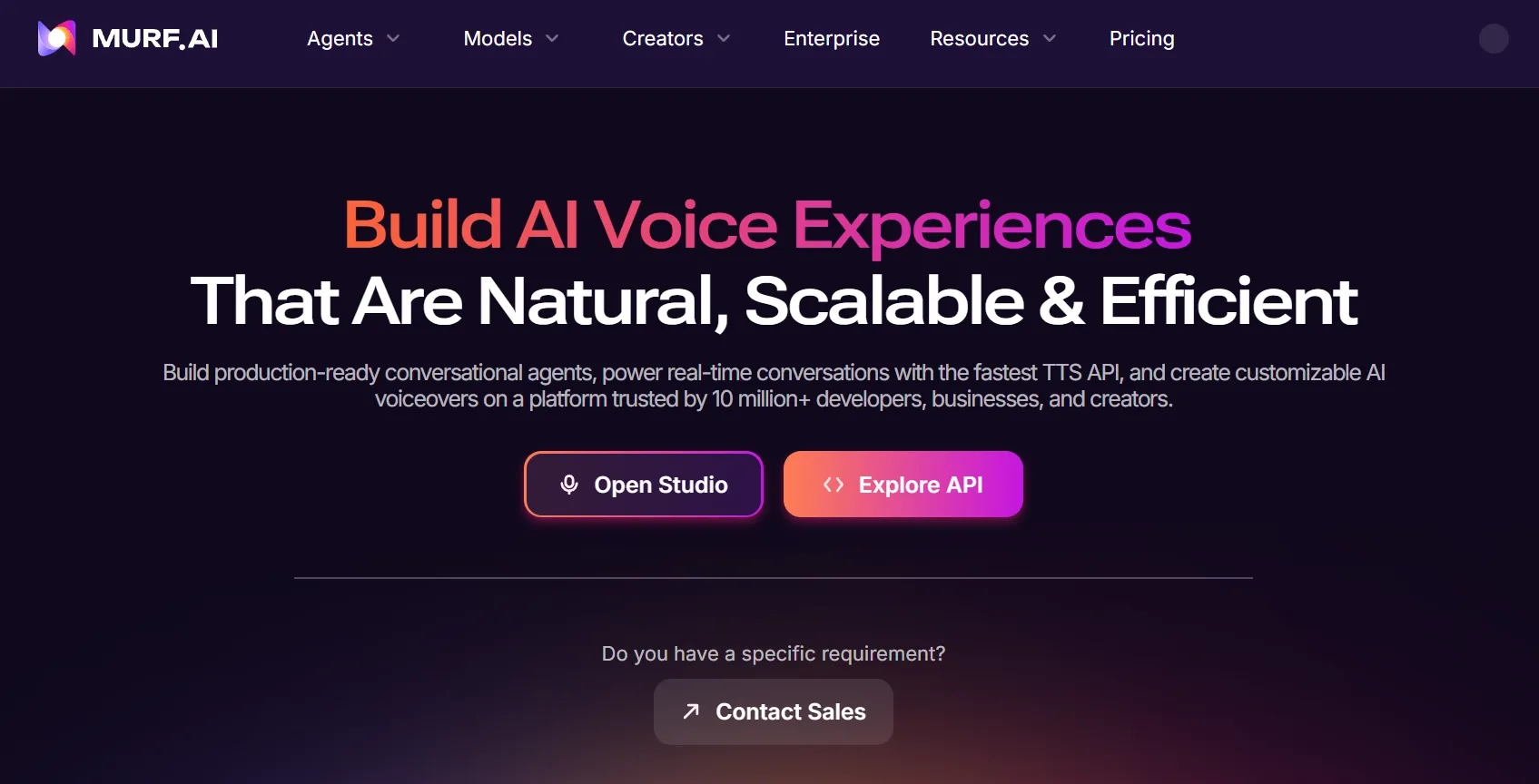
Murf AI feels approachable when you need polished voiceovers without building an API workflow. I would place it in the marketing and business narration category rather than the developer infrastructure category.
It works well for product explainers, presentation voiceovers, training modules, sales campaigns, and branded narration. I liked that the workflow feels organized because I can produce voiceover content repeatedly without getting too technical.
I also get enough voice and language variety to test different business tones without starting from scratch each time.
Where Murf feels less flexible is emotional range. The voices can sound clean and professional, but some scripts may still feel more “studio narration” than naturally performed speech.
If I need dramatic storytelling, character dialogue, or highly expressive delivery, I would test the voice style carefully before using it in final content.
Key Features
- Voiceover studio: Create narration for marketing videos, training content, and presentations.
- Voice library: Choose voices that match different business tones and content types.
- Language and accent options: Support regional marketing and training needs.
- Team workflow: Make repeated voiceover production easier for business teams.
- Delivery controls: Adjust voice style for cleaner and more polished narration.
Best For
- Marketing teams who need clear, polished narration for campaign videos, product explainers, and sales content.
- Training and L&D teams who create internal training, onboarding, or customer education content.
- Business presenters who need professional voiceovers for decks, demos, and presentation videos.
- Agencies and content teams who need repeatable voice production across multiple projects or clients.
Pros:
- Easy for non-technical teams that do not want API setup.
- Strong for business narration across explainers, training, and presentations.
- Organized studio workflow helps with repeated voiceover tasks.
- Voice variety supports different tones for marketing and education.
Cons:
- Emotional delivery can feel controlled rather than deeply expressive.
- Some voices may sound better for business narration than casual, cinematic, or character-led scripts.
- Pronunciation and pacing may still need review for brand names, technical terms, or longer scripts.
LOVO AI: Best ElevenLabs Alternative for Creator-Style Voices
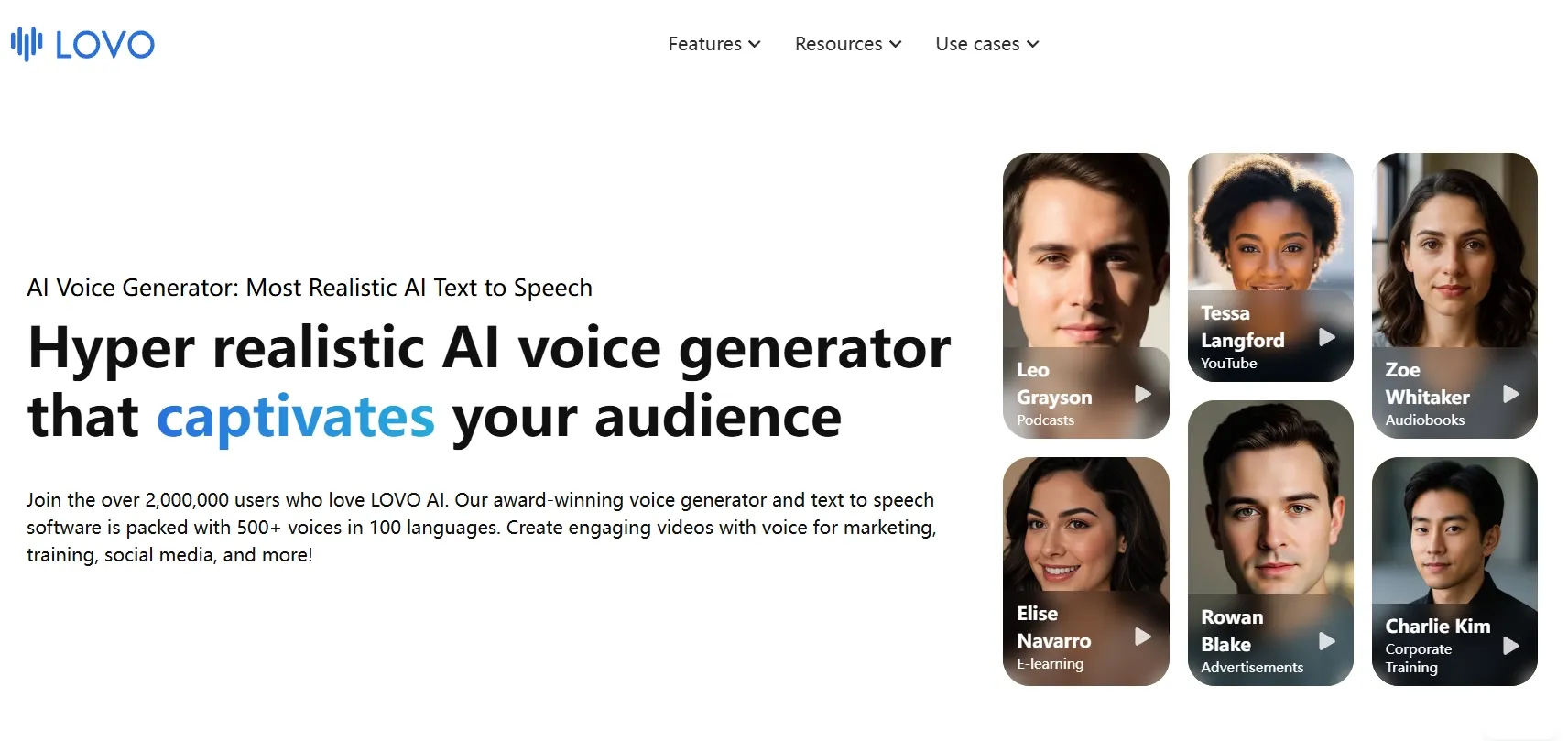
LOVO AI fits best when I need voices that sound natural, clear, and suitable for creator-led content.
I would place it in the middle of this list because it feels more practical for YouTube narration, tutorials, explainers, social videos, and casual branded content than for enterprise speech or technical voice infrastructure.
What I like most is the type of voice it aims for. The voices feel more aligned with everyday creator narration, where the delivery needs to sound friendly, easy to follow, and polished without becoming too formal.
That makes LOVO AI a good fit when I want a voice that can support content like comparison UGC ads, short video narration, educational clips, and social explainers.
Where I would notice is voice consistency and emotional depth. Some voices feel less convincing when the script needs stronger emotion, more personality, or a very specific speaking style.
Key Features
- Creator-Style Voices: Generate voices that fit YouTube Shorts, tutorials, explainers, social clips, and casual narration.
- Text to Speech: Turn scripts into spoken audio for creator videos, product walkthroughs, and educational content.
- Voice Cloning: Create a more personal or repeatable voice style for recurring content.
- Subtitle Support: Add captions to make voice-led videos easier to follow and share.
- Editing Workflow: Shape voiceover content with a more creator-friendly production setup.
Best For
- YouTubers who need natural narration for tutorials, explainers, reviews, and channel videos.
- Social media creators who want clear voiceovers for shorts, reels, and quick narrated clips.
- Educators and tutorial makers who need easy-to-follow voices for lessons, walkthroughs, and how-to content.
- Small brands and content teams who create casual branded videos, product explainers, or social ads.
Pros:
- Creator-style voice delivery works well for tutorials, explainers, and social narration.
- Approachable voice workflow feels easier than developer-first TTS tools.
- Subtitle and editing support helps with voice-led video content.
- Good fit for everyday narration where the voice should sound clear and friendly.
Cons:
- Voice quality can vary depending on the selected voice and script style.
- Some voices may feel less expressive for emotional storytelling or character dialogue.
- Longer scripts may need review for pacing, pronunciation, and tone consistency.
PlayHT: Best ElevenLabs Alternative for Podcast Narration
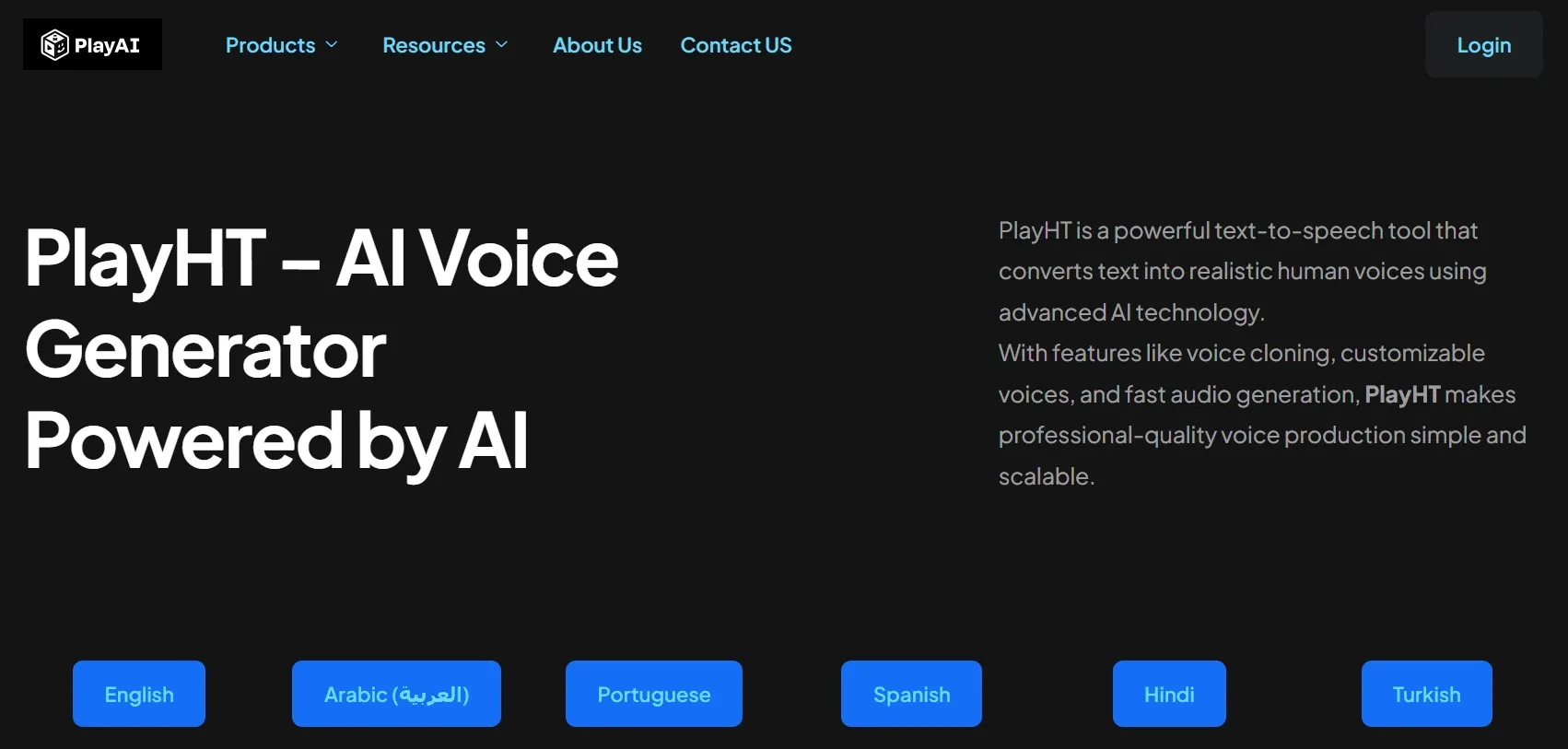
PlayHT fits naturally when your project depends on spoken audio more than visual production. I would consider it for podcast narration, long-form voiceovers, recurring audio segments, and content where a consistent voice matters.
What stood out to me was the balance between creator use and more advanced voice needs. It can support narration and voice cloning, but it also has enough technical depth for teams that want more than a simple one-off voiceover.
Where PlayHT needs more checking is voice consistency across repeated or long-form use. A voice may work well for one segment, but I would still review pacing, pronunciation, and tone before using it across a full podcast episode or narration series. For branded audio, small shifts in delivery can become noticeable over time.
Key Features
- AI narration: Generate spoken audio for podcasts, explainers, and long-form content.
- Voice cloning: Keep a consistent voice across repeated episodes or branded audio.
- Voice library: Match different narration styles to your content.
- Streaming support: Add voice generation to more advanced interactive workflows.
- API options: Support teams that want voice features inside products or systems.
Best For
- Podcasters who need intros, narration, episode segments, or recurring voice content.
- Long-form content creators who produce repeated narration for essays, explainers, or serialized audio.
- Educators and course creators who need voiceovers for lessons, tutorials, and learning materials.
- Audio teams and brands who want reusable voices across multiple spoken content projects.
Pros:
- Strong fit for audio-led projects like podcasts and explainers.
- Voice cloning helps consistency across recurring content.
- Good balance of creator and developer use for different voice workflows.
- Useful for long-form narration where voice identity matters.
Cons:
- Long-form narration may need careful review for pacing, pronunciation, and tone consistency.
- Voice cloning results can vary depending on the source sample and the style of the script.
- Some voices may feel better for narration than emotional acting or character dialogue.
Cartesia: Best ElevenLabs Alternative for Low-Latency Voice
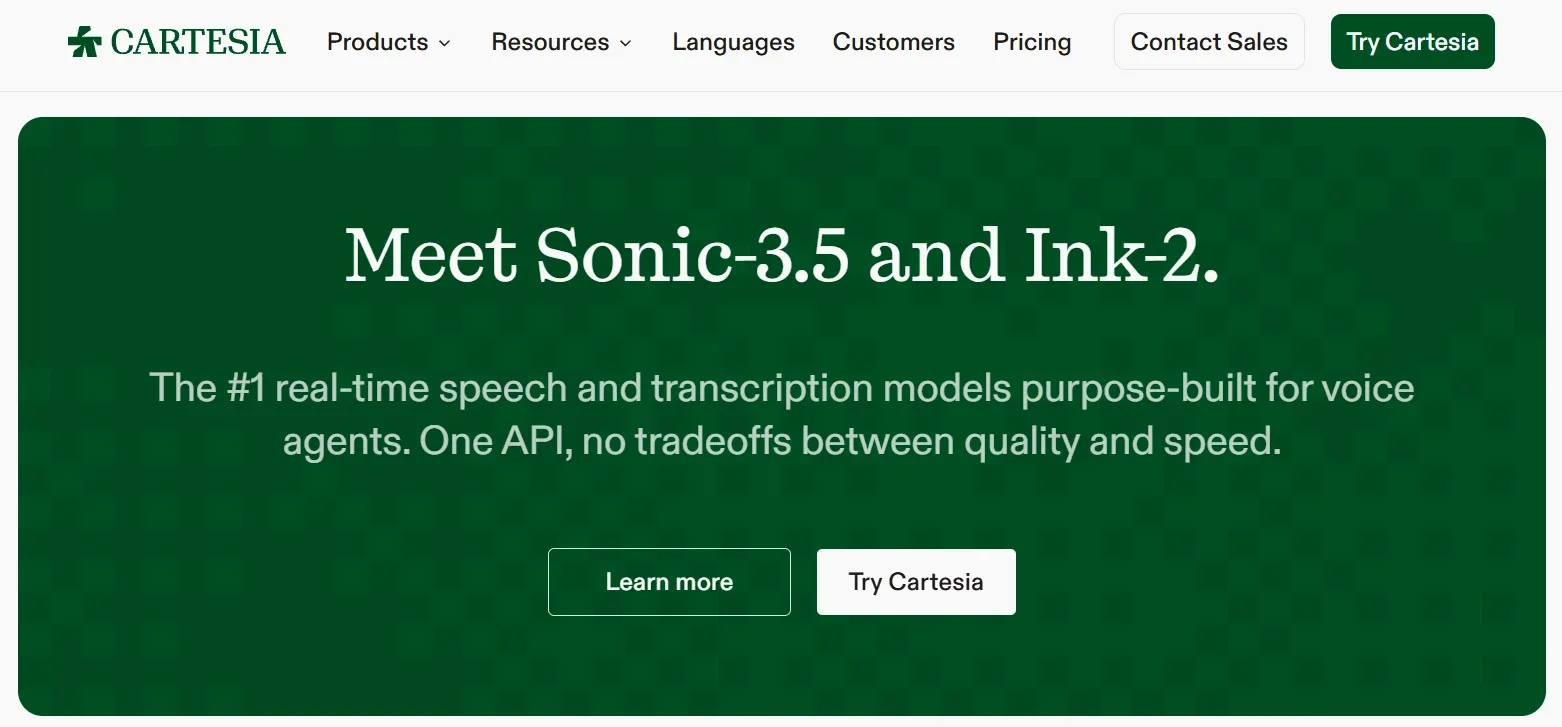
Cartesia becomes interesting when speed is the main requirement. I placed it in the real-time voice category because it fits AI agents, live assistants, support flows, and voice-enabled products.
The appeal is not just voice quality, but response timing. For a live voice agent, even a small delay can make the whole exchange feel less natural.
I also like that Cartesia covers text to speech, speech to text, and voice agent use cases, so it feels built around fast voice interaction rather than static narration.
Where I would be more cautious is expressive depth. Low-latency voice is great for live interaction, but it may not be the best fit when I need rich emotional narration, cinematic delivery, or a carefully polished voiceover.
Key Features
- Low-latency speech: Generate fast voice output for live interaction.
- Voice agent support: Build AI assistants, support flows, and conversational products.
- Streaming workflow: Handle voice experiences that need quick back-and-forth responses.
- Speech model ecosystem: Support real-time speech and transcription workflows.
- Developer API: Add voice generation into products and live systems.
Best For
- Voice AI developers who build voice agents that need fast spoken responses.
- Customer support teams who create AI support flows where delay can hurt the experience.
- Product teams who develop interactive apps or AI avatar videos with live voice features.
- AI infrastructure teams who need real-time speech systems rather than a standard voiceover studio.
Pros:
- Low-latency focus is clear for live voice products.
- Good fit for AI agents and conversational systems.
- Useful for developers building voice into software.
- Better for interactive timing than standard narration tools.
Cons:
- Expressive narration is not its strongest use case compared with tools built for voiceovers.
- The workflow feels more developer-focused if I only want to generate spoken content quickly.
- Voice quality should be tested in live conditions because timing and delivery both affect the final experience.
Inworld: Best ElevenLabs Alternative for Interactive Voice
Inworld works best when the voice needs to respond, not just read. I see it as a tool for conversational products, AI companions, interactive experiences, and apps where voice is part of a live exchange.
The interesting part is its focus on interaction. Instead of only producing a fixed voiceover, Inworld lets me think about voice as part of a live AI response. I can see it fitting products where speech, conversation, and AI behavior need to work together in real time.
Where it can feel less suitable is standard narration. If I need a podcast intro, product voiceover, narration for training videos, or simple marketing script, Inworld may give me more interaction logic than I need.
So I would choose it when the voice has to respond dynamically, not when I only need a clean finished voiceover.
Key Features
- Interactive voice AI: Create voice experiences for conversations, not static scripts.
- Text-to-speech support: Generate spoken output for AI-driven responses.
- Speech-to-speech workflows: Support more natural back-and-forth voice interaction.
- Speech-to-text support: Capture spoken input for conversational systems.
- AI routing: Connect voice interaction with broader AI response workflows.
Best For
- Conversational app builders who need spoken AI responses inside chat, assistant, or companion products.
- AI companion teams who want more natural voice interaction for character-led or relationship-based experiences.
- Coaching and education teams who design tools where voice needs to respond dynamically.
- Product teams who need interactive voice as part of the full user experience for comparison UGC ads, Black Friday ads and more.
Pros:
- Strong conversational focus for interactive AI products.
- Better for dynamic voice experiences than fixed narration.
- Useful for product teams building speech into AI apps.
- Voice interaction feels more central than in basic TTS tools.
Cons:
- It can feel too complex for simple narration or one-way voiceover production.
- The setup is better for product teams than casual audio creators.
- Voice direction may feel less straightforward if I only want to control tone, pacing, and delivery for a fixed script.
Fish Audio: Best ElevenLabs Alternative for Affordable Voiceovers
Fish Audio makes sense when you need repeated voice generation without overcomplicating the workflow. I would consider it for narration tests, social voiceovers, audiobook drafts, and high-volume spoken content.
The main appeal is value. If you need to produce a lot of spoken audio, Fish Audio gives you a more accessible route to voiceovers and cloning than many premium-focused platforms. It is especially useful when you care about cost control but still want voices that feel usable.
Where Fish Audio needs more review is output polish. It can be a solid option for affordable voice generation, but I would still check each result for clarity, volume, pacing, and background noise before using it in serious content.
Key Features
- Affordable TTS: Generate voiceovers for repeated narration and spoken content.
- Voice cloning: Create reusable voices for ongoing content projects.
- Long-form generation: Support narration-heavy work such as audiobooks and explainers.
- Commercial use support: Fit published content projects when plan terms allow it.
- Simple audio workflow: Keep the focus on generating spoken output quickly.
Best For
- Social content creators who need recurring voiceovers for first-person POV videos, faceless videos, explainers, or narration.
- Audiobook creators who want to test narration ideas before investing in larger production.
- Small teams and studios who produce high-volume audio and need a more affordable voice option.
Pros:
- Good value for repeated voiceovers and narration-heavy work.
- Voice cloning supports consistency across ongoing projects.
- Useful for long-form audio drafts such as audiobooks and explainers.
- Simple enough for audio-first production without a large creative suite.
Cons:
- Output polish can vary across voices, scripts, and narration styles.
- I would check volume and clarity carefully before using the audio in final content.
- Voice cloning may need better source audio to sound stable across repeated projects.
Resemble AI: Best ElevenLabs Alternative for Open-Source Voice Cloning
Resemble AI deserves a place here because it brings a more technical voice cloning angle to the list. I would include it mainly for Chatterbox, its open-source TTS model, because it gives technical teams more room to experiment with custom voices instead of staying inside a closed voiceover studio.
The strongest use case is custom speech experimentation. I can see Chatterbox being useful when I want emotion control, real-time generation, zero-shot voice cloning from short samples, and multilingual voice testing in a more flexible setup. That makes it a better fit for technical voice projects than simple everyday narration.
The setup asks for more technical comfort than most plug-and-play tools. So I would not treat it as the fastest option for producing clean voiceovers on a tight schedule. Before using it for polished content, I would test voice stability, emotional control, and sample quality carefully.
Key Features
- Open-source TTS model: Use Chatterbox for more flexible voice generation experiments.
- Voice cloning: Create custom voices from short audio samples.
- Emotion controls: Adjust emotional intensity for more expressive speech.
- Multilingual support: Generate speech across different language use cases.
- Technical flexibility: Build more customized voice workflows if you can handle setup.
Best For
- Technical voice teams who want open-source voice cloning with more control over setup and output.
- Researchers and AI developers who test custom speech models for apps, experiments, or product prototypes.
- Character voice creators who need emotional TTS for expressive narration, dialogue, mystery storytelling videos or parenting story videos.
- Self-hosting teams who prefer managed or self-directed workflows instead of a closed studio platform.
Pros:
- Open-source flexibility gives more control over voice generation.
- Voice cloning supports custom speech use cases.
- Emotion controls help shape delivery beyond plain narration.
- Useful for technical teams testing self-hosted or custom voice workflows.
Cons:
- Technical setup is required before it becomes practical.
- Voice quality depends heavily on setup and source samples.
- It may feel too hands-on if I just need quick, polished narration.
How Did I Test These ElevenLabs Alternatives?
I focused on whether these ElevenLabs alternatives could turn scripts, prompts, or voice inputs into audio that felt usable beyond a demo.
I also checked what happened after generation. Most AI voice outputs still need some cleanup, whether that means editing the script, changing pacing, fixing pronunciation, syncing with video, adding music, improving consistency, or testing another voice before publishing.
My Testing Criteria
- Voice realism: I checked whether the voice sounded natural, clear, and believable.
- Emotional delivery: I listened for tone, pacing, emphasis, and whether the speech felt expressive.
- Speech control: I looked at voice styles, speed, pitch, pronunciation, emotion, and cloning options.
- Workflow value: I checked whether the tool helped after voice generation, such as editing, video sync, avatars, captions, or exports.
- Use-case fit: I judged whether each tool was better for ads, podcasts, training, corporate videos, voice agents, or multilingual audio.
My Final Verdict
Pollo AI is the best ElevenLabs alternative overall because it gives the strongest balance of voice generation, output flexibility, and workflow depth.
Some tools are better for narrow technical needs, such as multilingual infrastructure, corporate speech systems, or expressive narration. But Pollo AI gives me the broadest path from idea to finished content.
I can create clear, natural voiceovers for different use scenarios like ads, podcasts, product launches, and social content, while still having control over pacing, tone, and emotional delivery.
I also like that Pollo AI includes text-to-speech and voice cloning in the same creative space. That means I can turn scripts into polished speech, clone a consistent brand voice, and reuse that voice across different content without recording every line again.
The bigger value is that the voice does not stay as a separate output. Once the audio is ready, I can connect it with AI avatars, videos, SFX, effects, and editing tools, then move toward content that feels easier to test, polish, and publish.
Bring your script or idea to Pollo AI and create AI voice content that sounds natural, feels consistent, and fits real videos, ads, stories, and branded content.