



My Top 10 Luma AI Alternatives for Custom Video Magic
Luma AI’s Dream Machine has been a fantastic way to turn text into vibrant videos. But I couldn’t resist checking out other options to see what else could spark my creativity.
Here I’ve handpicked my top 10 Luma AI alternatives, each with killer customization options that suit everyone from marketers to hobbyists.
Let’s see my personal take on why these tools rock, with their strengths, quirks, and how they fit into my creative flow.
Pollo AI - Best Luma AI Alternative Overall
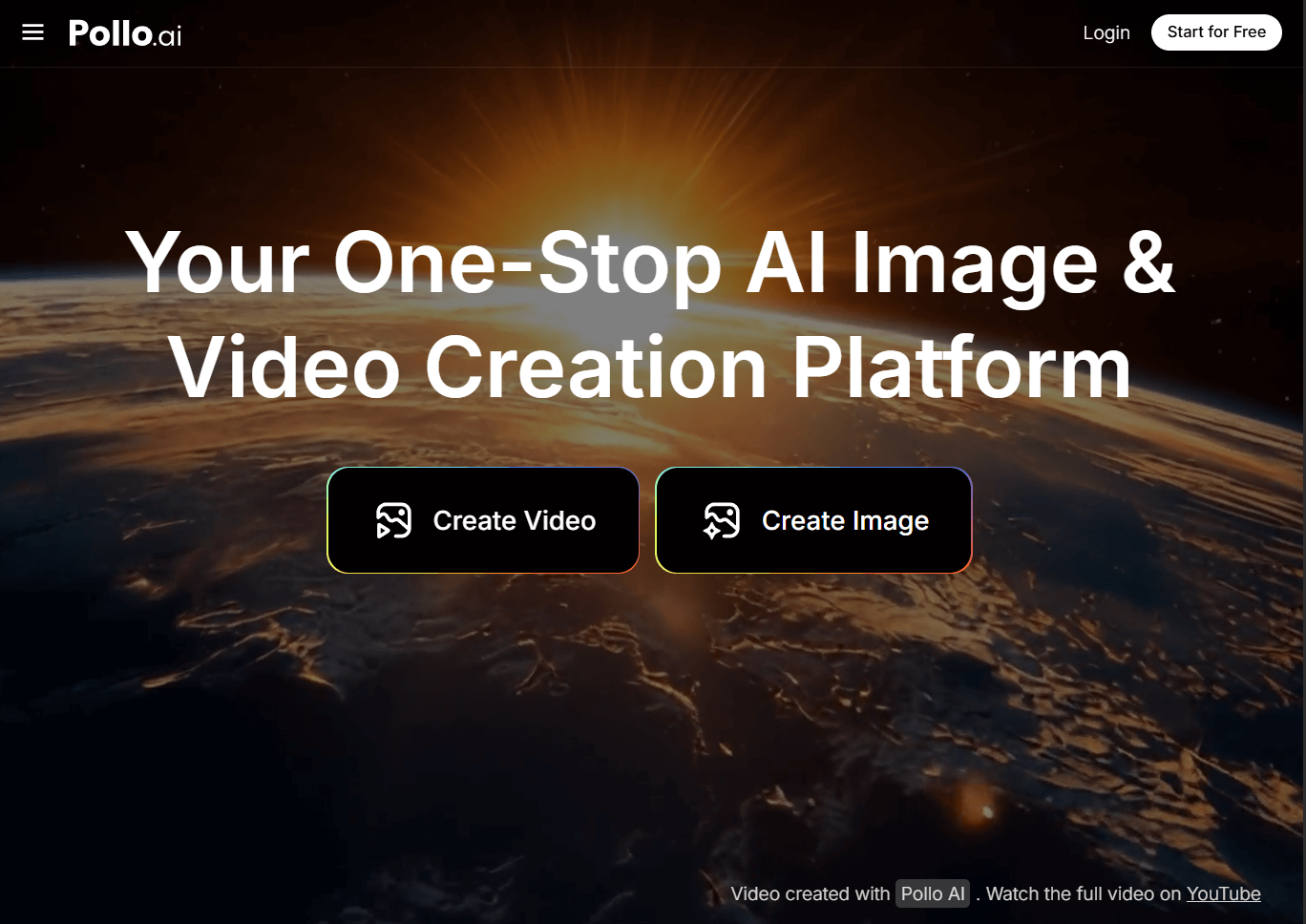
Pollo AI is my go-to AI video generator for creating videos that feel like they were made just for me.
It gets every idea I throw at it—text or image. The results? Realistic, animated, or wildly creative—always impressive.
I’m obsessed with its templates—like AI hug, kiss, and even muscle generator—that make specific video styles a snap.
If you need to create AI short videos with AI, Pollo AI has an AI short video generator. It supports anime, animals, and soothing-themed content, and is optimized for YouTube, TikTok, and Instagram Reels.
It also has an amazing tool that can turn my photo into a vivid video avatar with just a simple upload of my image, without pre-training!
Adjusting aspect ratios, camera movements, or lengths is so easy, and the free trial let me dive in without spending a dime.
I found two YouTube tutorials on text-to-video and AI hug/kiss videos with Pollo AI, and they were a game-changer for getting started:
Pros:
- Top-tier AI that churns out vibrant, pro-quality videos
- Templates that cut down creation time
- Endless ways to tweak length, angles, and more
- Free trial to test the magic
Cons:
- The free version can feel a bit limited for big projects
Vidu AI - My Pick for a Smooth, Intuitive Interface
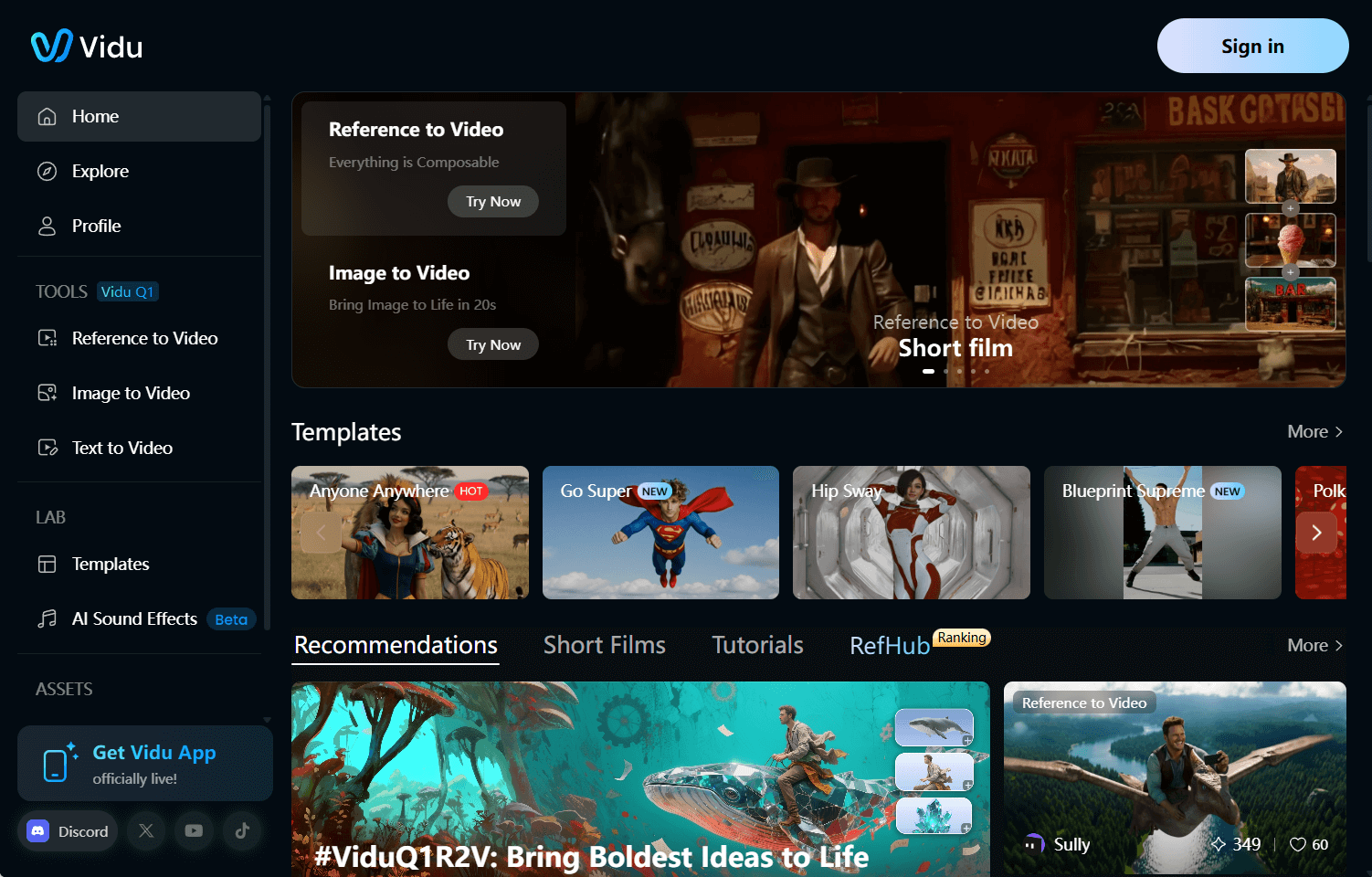
Vidu AI hooked me with its clean, easy-to-navigate design. I was creating videos in minutes without any confusion.
It’s perfect for crafting cinematic or story-driven clips with fluid animations that feel so real.
I love how I can turn images into videos or use a “reference to video” feature to keep characters consistent.
The customization options let me play with styles and prompts, though it sometimes misses the mark on tiny details.
Pros:
- Super intuitive interface, great for quick starts
- Produces engaging videos with versatile styles
- Supports text and image-based video creation
Cons:
- Results may sometimes lack consistency
- Occasionally inconsistent with fine details
Pika - My Choice for Playful Video Effects
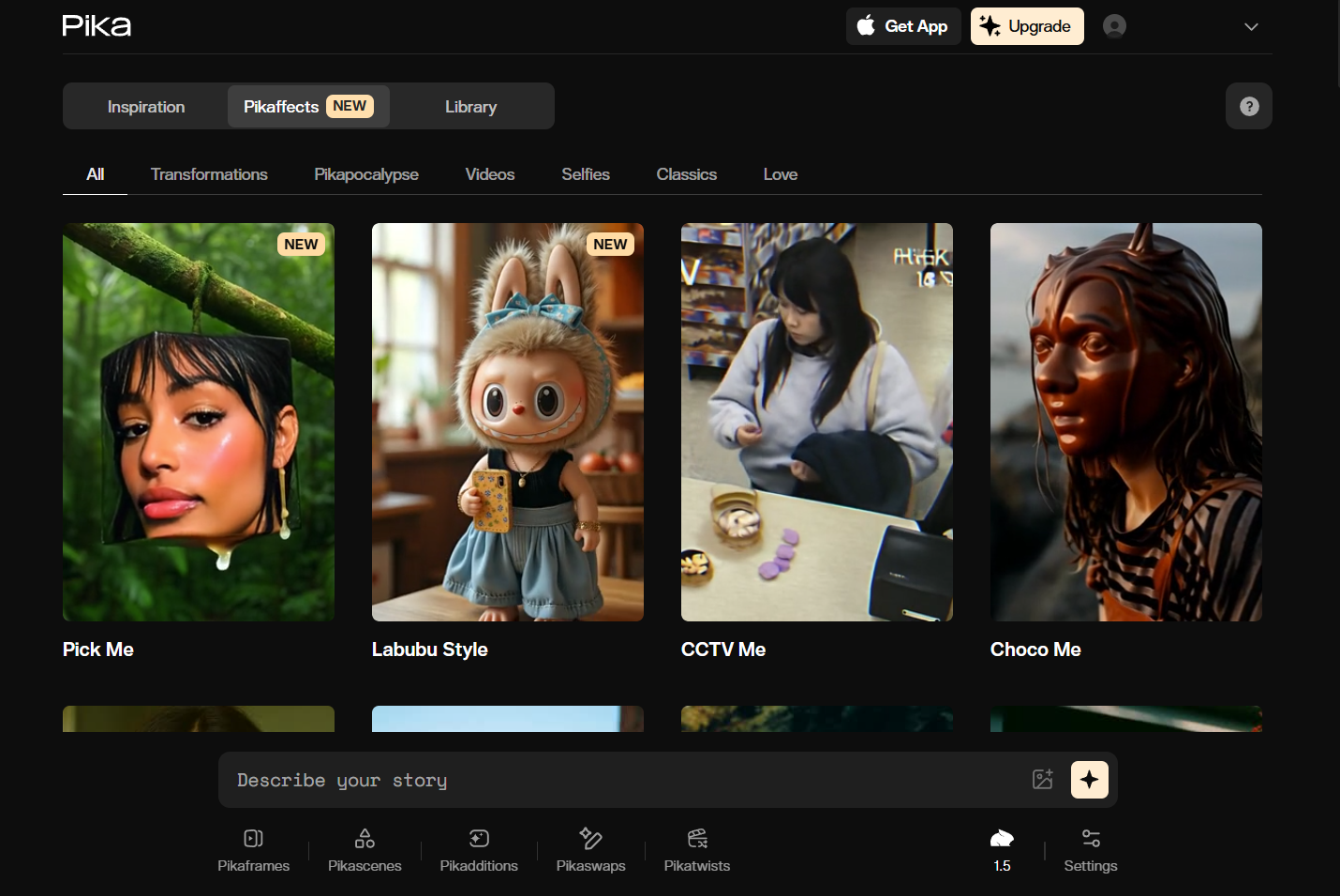
Pika is my fun sidekick for short, quirky clips that grab attention.
I had a blast uploading images and watching Pika turn them into videos with wild effects—like slicing a cake that was once an object or making things inflate and pop.
It’s so simple to use, perfect for my social media experiments. But it’s more about quick, playful snippets than complex projects, which works great for my TikTok and Instagram posts.
Pros:
- Fun, unique effects that make clips stand out
- Easy for anyone to jump in and create
- Ideal for short, shareable social media videos
Cons:
- Offers a limited variety of video types
- Not ideal for complex video tasks
Toki.ai - Best Luma AI Alternative for Realistic AI Avatars
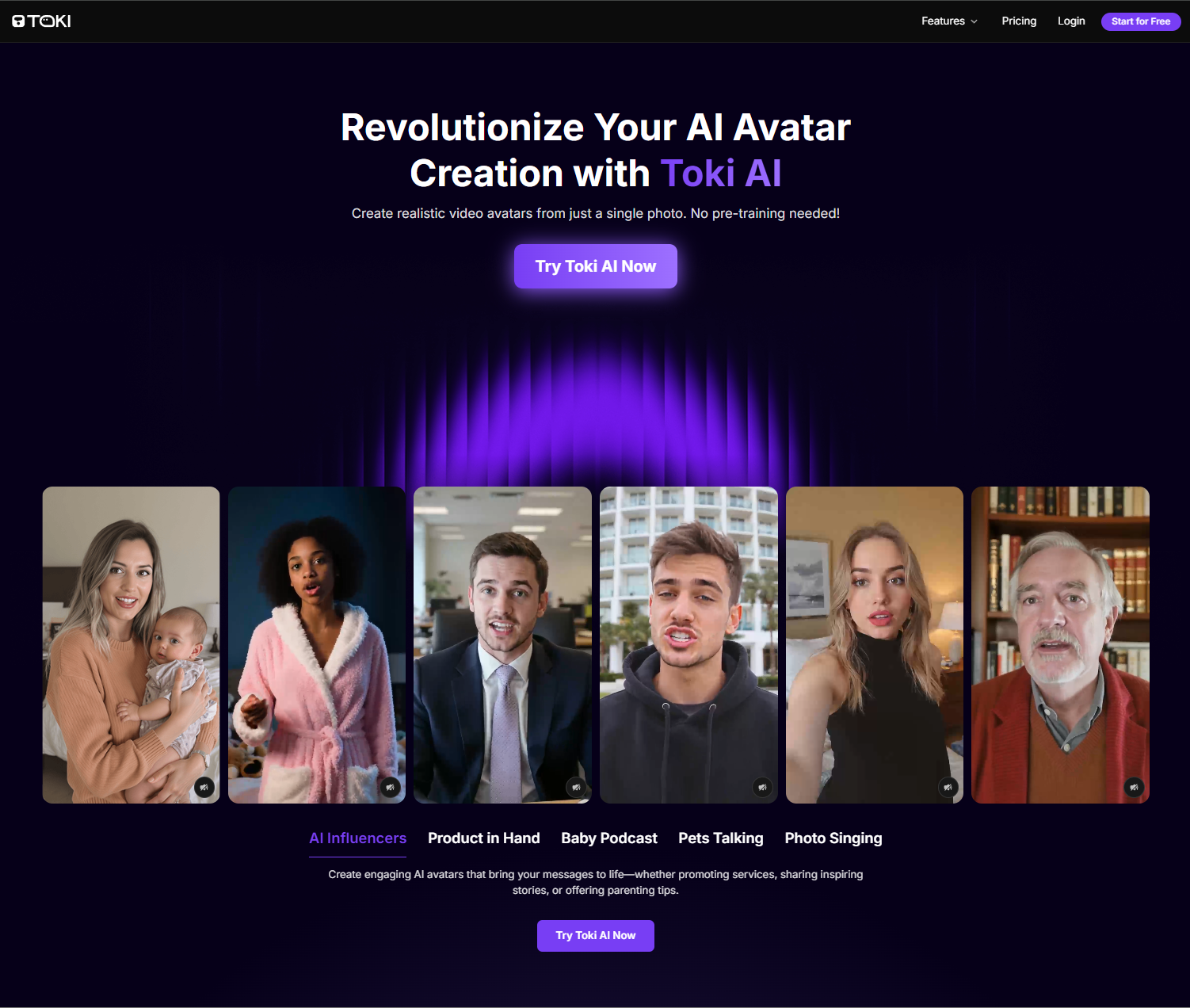
I find Toki.ai to be perfect for generating lifelike AI avatar videos. With no pre-training, you can transform photos into talking AI avatars that present authentic facial cues and body gestures.
Combined with Toki.ai’s rich library of pre-built avatars and natural-sounding voiceovers, you can create multilingual, lip-synced videos of up to 2 minutes that match your script’s tone.
I also appreciate how you can upload audio files to make the videos even more personalized. This caters well to producing custom podcast videos, social media clips, singing videos, etc.
Pros:
- Realistic AI avatar renders
- Extended avatar video duration
- Vast pre-built AI avatar selection
Cons:
- Certain features require premium plan
AdsDrive - Best Luma AI Alternative for UGC AI Avatar Videos
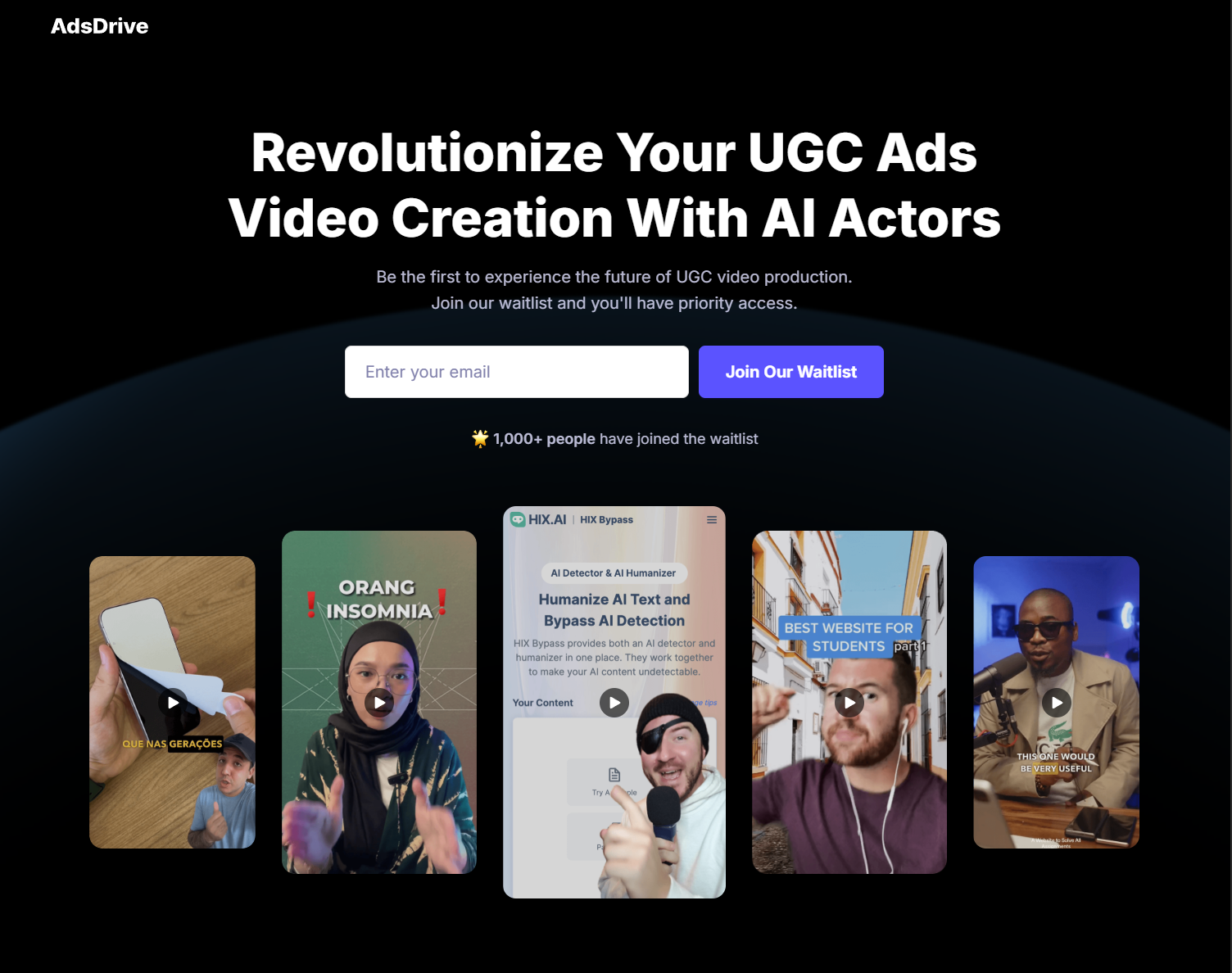
Ads Drive is my top choice for generating expressive AI ad avatars for UGC marketing. I particularly like how it doesn’t even require any video footage or pre-training!
With Ads Drive, you can convert a single photo into a 2-minute AI avatar video with emotion-rich facial expressions and natural body movements that are in perfect sync with your voice.
Using simple prompts, you also have full control over the AI avatar’s gestures. This combined with the vast pre-set avatar library and there are no limits to the custom videos you can create.
Pros:
- Emotionally-expressive avatars
- Easily customizable avatar gestures
- Numerous pre-built AI avatars
Cons:
- Free plan offers limited generations
Kling AI - My Go-To for Stellar Performance
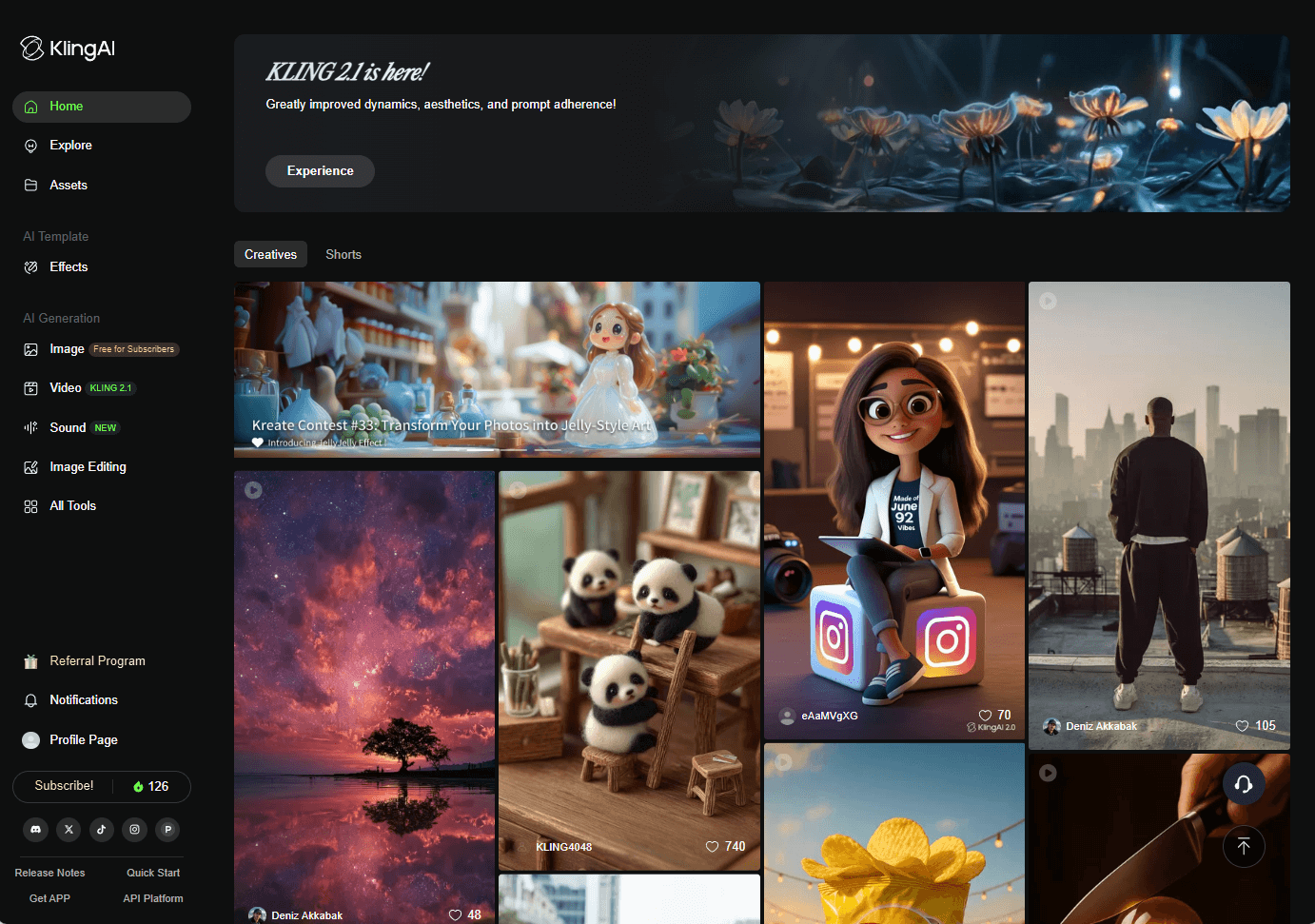
Kling AI is my pick when I need a tool that delivers every time.
It handles both simple and intricate prompts with ease, creating videos that are packed with detail and realism.
I’ve used it for sci-fi adventures and artistic scenes, and it always impresses. The built-in voiceovers and subtitles make my videos accessible to everyone.
The only downside? The interface can feel a bit messy, but the quality makes it worth navigating.
Pros:
- High-performance AI for top-notch results
- Templates that speed up my workflow
- Accessibility features like subtitles are a plus
Cons:
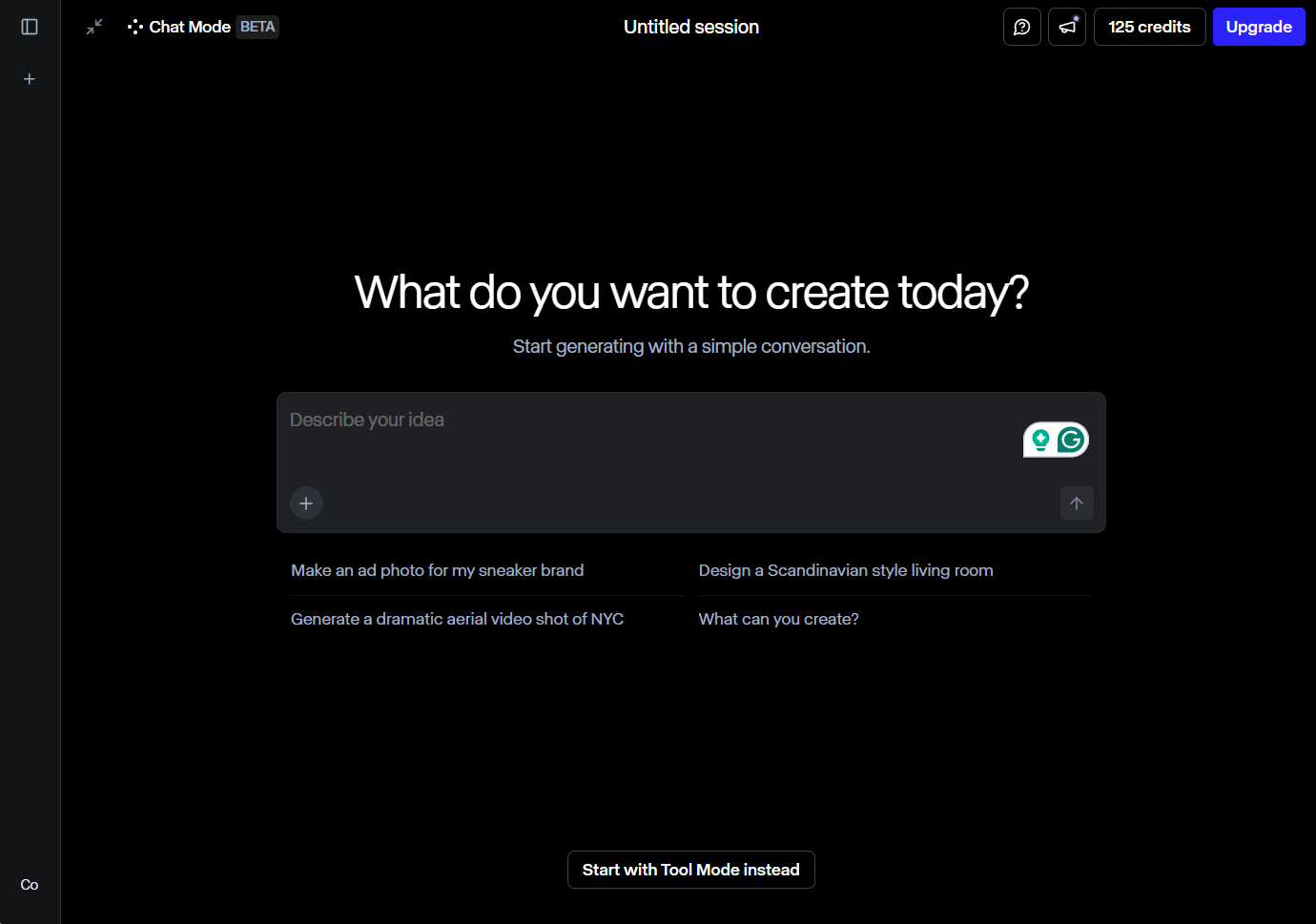
- Interface can feel cluttered and tricky
Runway - My Favorite for Crystal-Clear Videos
Runway is my choice for videos that look like they belong in a movie theater.
It creates ultra-realistic clips of people, animals, or buildings with such sharp resolution, I was blown away. It’s no wonder top film studios use it.
The AI editing tools let me polish every detail, but it’s one of the pricier options, and the interface took me a bit to master. Still, for high-res quality, it’s unbeatable.
Pros:
- Stunning, high-resolution video output
- AI editing tools for perfecting my clips
- Trusted by professional filmmakers
Cons:
- On the expensive side
- Interface can be a bit complex
Hailuo AI - My Pick for Ready-to-Go Templates
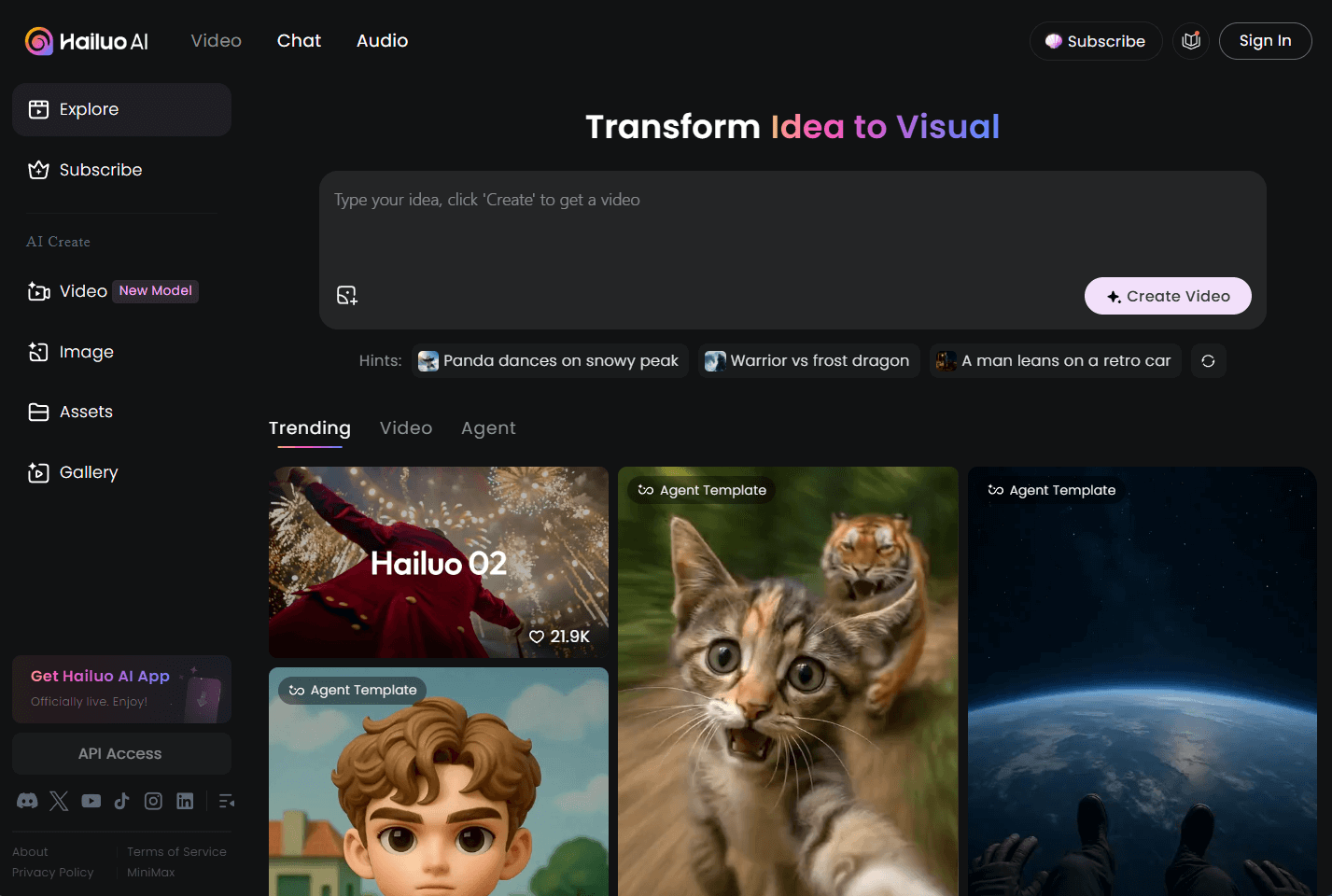
Hailuo AI is my secret weapon when I need a quick spark of inspiration.
The homepage is full of pre-made templates that get my creative juices flowing. I’ve made everything from animal clips to lifelike scenes.
It’s awesome for creators like me who want variety, but processing can be slow at times, and complex prompts don’t always hit the mark.
Pros:
- Template library full of creative ideas
- Great for influencers and media creators
- Produces vibrant, high-quality videos
Cons:
- Processing can feel sluggish during busy times
- Struggles with very detailed prompts
KREA - My Recommendation for Beginners
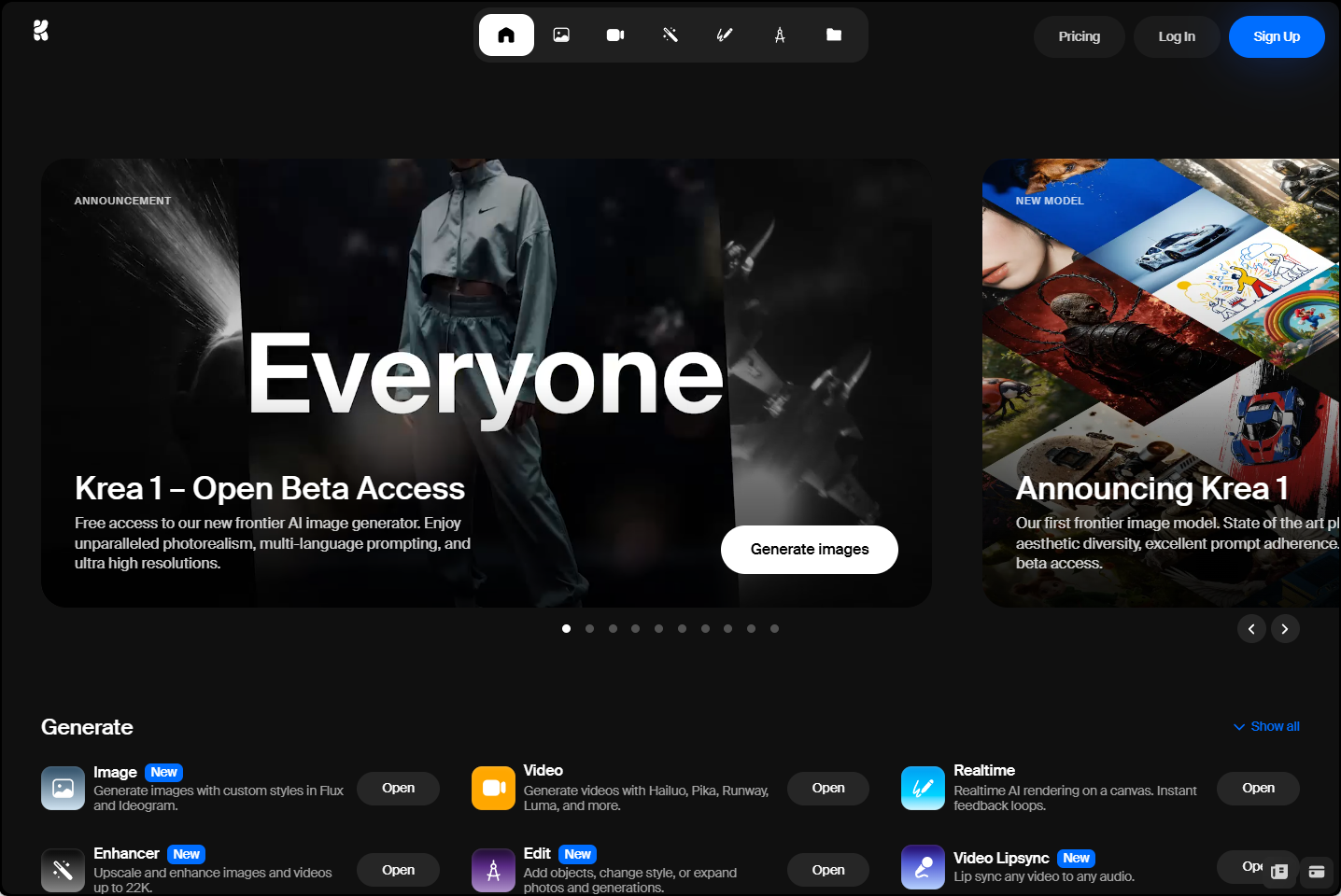
KREA is my top recommendation for anyone just starting with AI video tools.
Its simple, clean interface made me feel confident right away—no tech overwhelm! I could create videos fast and even upscale them for better quality.
Switching between AI models was a fun way to play with styles, but it felt a bit too basic for my bigger ideas. The free plan is a great way to start, though.
Pros:
- Beginner-friendly with a sleek interface
- Quick video creation with upscaling options
- Free plan to try it out
Cons:
- Too simple for advanced projects
- Free version has some restrictions
Sora - My Pick for Gorgeous Visuals
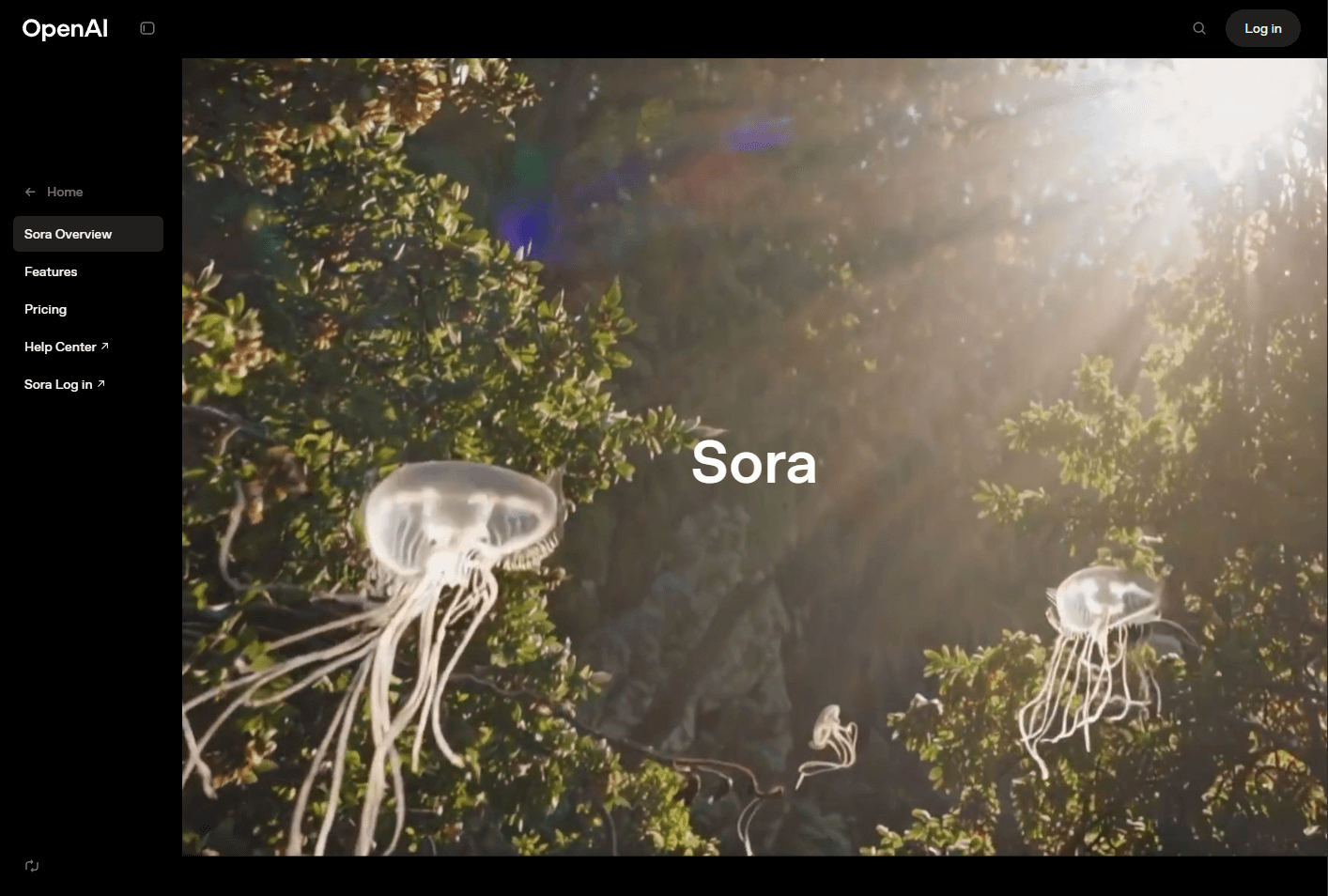
Sora, built by the ChatGPT team at OpenAI, is my choice for videos that leave you speechless.
It turns text prompts into stunning, realistic clips up to a minute long. I was amazed at how it brought my detailed ideas to life.
The team’s constant updates keep it cutting-edge, but it can struggle with physics or spatial details in tricky scenes. Still, for visual wow-factor, it’s a gem.
Pros:
- Creates breathtaking, lifelike videos
- Handles complex prompts with ease
- Regular updates keep it fresh
Cons:
- Can mess up physics in certain scenes
- Struggles with spatial details at times
- Too expensive for budget users
Haiper AI - My Favorite for Lively Animations
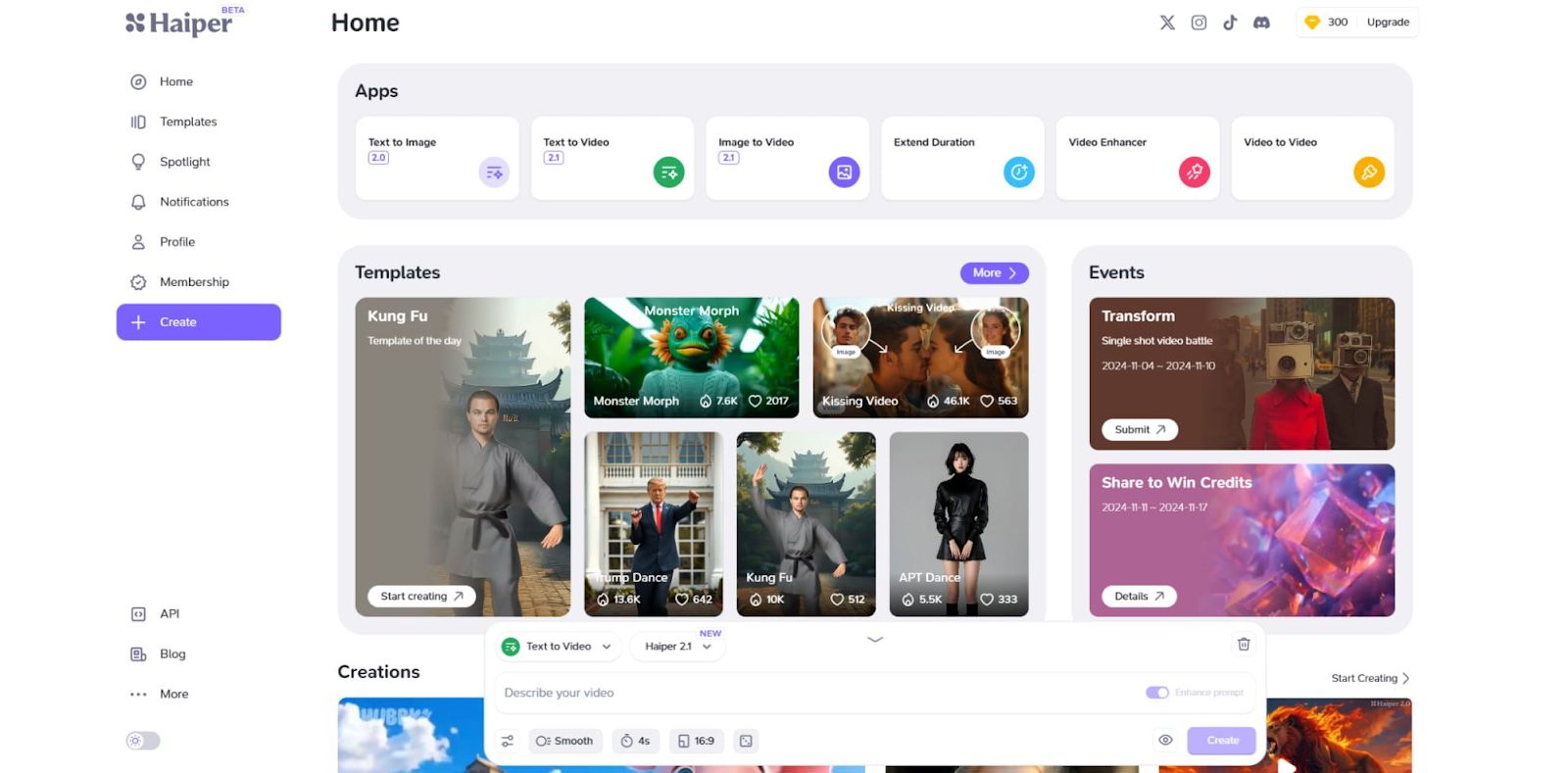
Haiper AI is my go-to for turning static images into dynamic animations.
I loved taking my photos or artwork and watching them come alive with fluid motion. The tool does a great job following my detailed instructions.
Its realistic physics and motion are impressive, but I hit a few bugs, and I wished for more customization options. Still, it’s awesome for animated projects.
Pros:
- Amazing animation capabilities for images
- Free trial to get started
- Realistic motion in videos
Cons:
- Some bugs can disrupt the flow
- Customization options are a bit limited
PixVerse AI - My Choice for Pro Creators
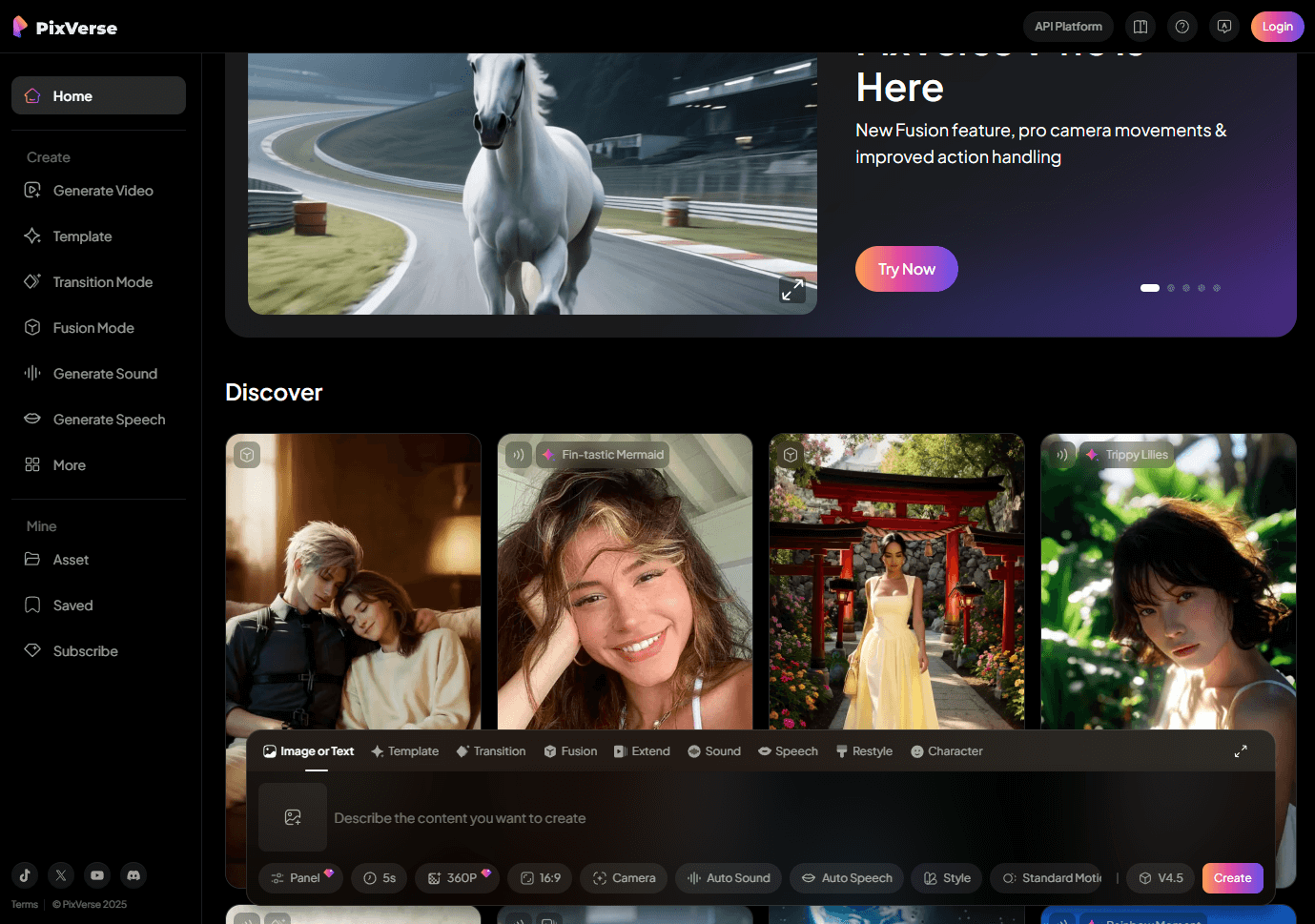
PixVerse AI is my pick for creators who those familiar with AI video generators.
Its advanced settings let me tweak video length, style, effects, and aspect ratios, giving me total control. It’s perfect for my more ambitious projects.
The interface is a bit overwhelming for beginners, and camera controls could be better, but for pros, it’s a treasure trove of creative possibilities.
Pros:
- Advanced customization for pro-level videos
- Ideal for experienced creators
- High-quality animations for complex projects
Cons:
- Not beginner-friendly
- The interface can feel crowded
My Final Verdict
Playing with these Luma AI alternatives has been such a thrill, and I’m excited to share my favorites with you. Each one offers something special, from beginner-friendly interfaces to pro-level customization.
My heart belongs to Pollo AI for its versatility and ease—it’s taken my video projects to new heights. Try these tools and find the one that lights up your creative spark!