



8 Best Canva Alternatives (Tested & Ranked)
The best Canva alternative depends on whether you need a layout tool or an image creation tool. I would use Pollo AI when I need new AI images or product visuals. I would use Adobe when I want a familiar design editor.
Canva is still useful. I use it for quick layouts, thumbnails, simple social posts, and basic branded graphics. But it starts to feel thin when the image I need does not exist yet. That is the real reason I tested these tools. I was not looking for a cheaper Canva clone. I wanted to know which tool I would actually open when I need a better image, cleaner product photo, or less generic design.
TL;DR: What Should You Use Instead of Canva?
Use Pollo AI if you need to create the image first, not just design around one. It is best for AI images, product photos, background changes, and visual concepts.
Use Adobe Express if you want the closest Canva-style editor. Use Fotor if your main problem is photo cleanup. In short, Canva-style tools help with layout. Pollo AI helps when the visual itself is missing or not good enough yet.
Why Look for Canva Alternatives?
Canva is easy to use, but it is not always enough when you need original AI images or more control over the final visual. The problem starts when the image itself needs to be generated, fixed, or made more specific. Canva’s AI tools can be helpful, but they may struggle with exact prompts, consistent details, readable text, or visuals that do not look template-made.
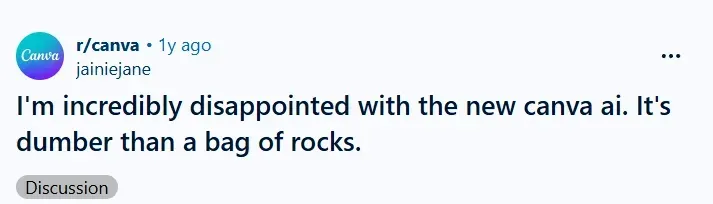
As I found in my Canva AI review, this becomes frustrating when you need product images, campaign visuals, or branded creative. A small mistake in a hand, background, logo, or product detail can make the whole asset unusable.
That is why I would look for a Canva alternative. I would want better AI image generation, stronger editing control, and visuals that feel more ready for social media, ecommerce, or commercial use.
Which Canva Alternatives Are Best at a Glance?
The best Canva alternatives split into image creation tools, Canva-style editors, and specialist design tools.
| Rank | Tool | Best For | Why I Picked It | Main Catch |
| 1 | Pollo AI | AI images and product visuals | Best when the asset does not exist yet | Not a full manual layout editor |
| 2 | Adobe Firefly | Canva-style design | Familiar editor with strong creative assets | Still feels template-led |
| 3 | VistaCreate | Fast social graphics | Simple for daily social content | Less deep for advanced image work |
| 4 | Fotor | Photo editing | Useful when the source image needs cleanup | Less useful as a campaign workspace |
| 5 | Microsoft Designer | Free AI graphics | Good for quick AI-generated visuals | Lighter brand workflow |
| 6 | Visme | Presentations and reports | Better for structured business content | Slower for casual posts |
| 7 | Piktochart | Infographics | Strong for turning information into visuals | Narrower than Canva |
| 8 | Kittl | Merch and typography | More personality for poster-style work | Not an all-purpose editor |
#1 Pollo AI
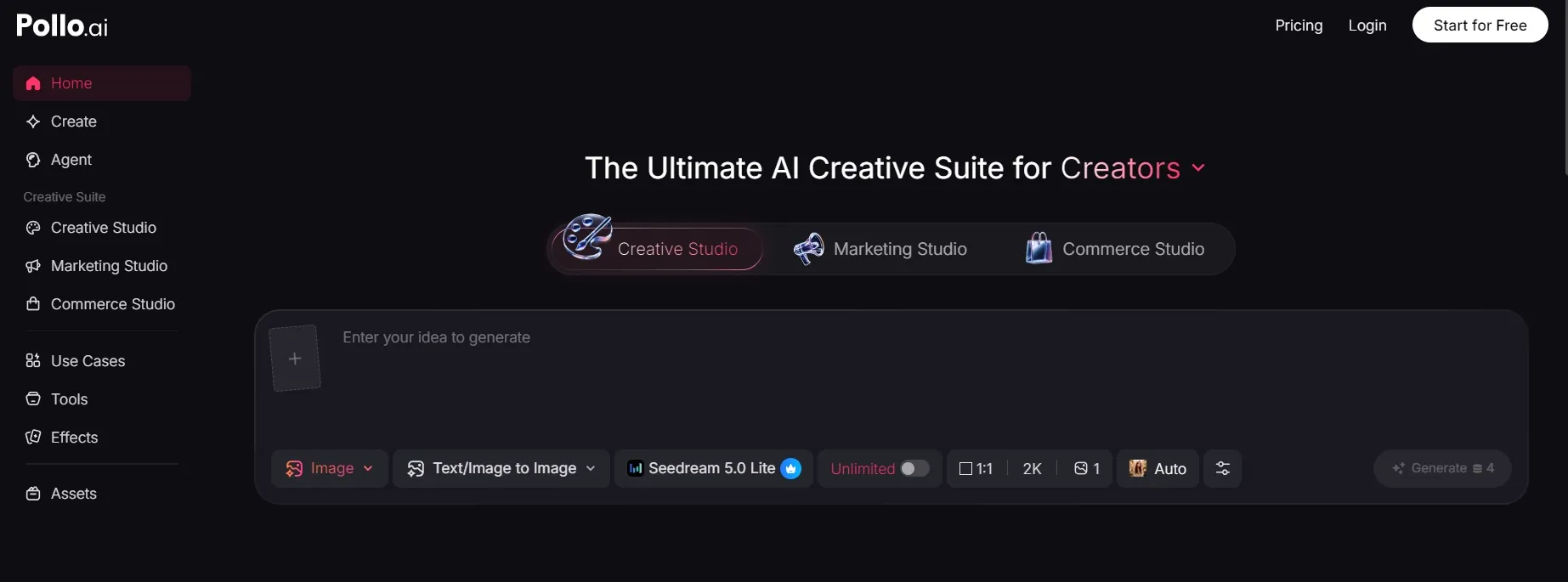
Pollo AI is the ultimate Canva alternative if your biggest bottleneck isn’t arranging a layout, but creating the actual visual asset from scratch. Pollo AI generates, rebuilds, and perfects the visuals that don’t. Instead of forcing you to bounce between separate generation and editing suites, Pollo AI delivers a commercial-grade production image.
- For Creators & Marketers: Delivers deep style control beyond static template libraries. Powered by elite models like GPT Image 2. Pollo AI features 100+ specialized generators alongside a sentence-driven AI photo editor. Marketers can utilize image to image AI to swap backgrounds, remove objects, and maintain character consistency—all upscaled to design-ready commercial quality.
- For Sellers & Brands: Turns flat, homemade product photos into high-end commercial graphics. With Commerce Studio, it automatically swaps settings and recreates studio lighting with zero traditional photography costs. Its AI virtual try-on capabilities dress hyper-realistic AI fashion models in your apparel with a single click, eliminating expensive studio shoots.
Pollo AI eliminates "blank canvas anxiety" by giving e-commerce sellers, creators, and performance marketers production-ready visual assets optimized for real-world workflows.
Pros:
- Strong fit for AI image generation and AI product shots.
- Useful when you only have a rough idea or basic product photo.
- Good mix of image generation, editing, and transformation tools.
- More flexible than a static template library.
- Natural fit for sellers, creators, and marketers who need original visuals.
Cons
- Not a Manual Layout Editor: Not a replacement for Canva’s multi-page document design or drag-and-drop template formatting.
- Credit-based access: Some advanced tools may require credits or a paid plan.
#2 Adobe Firefly
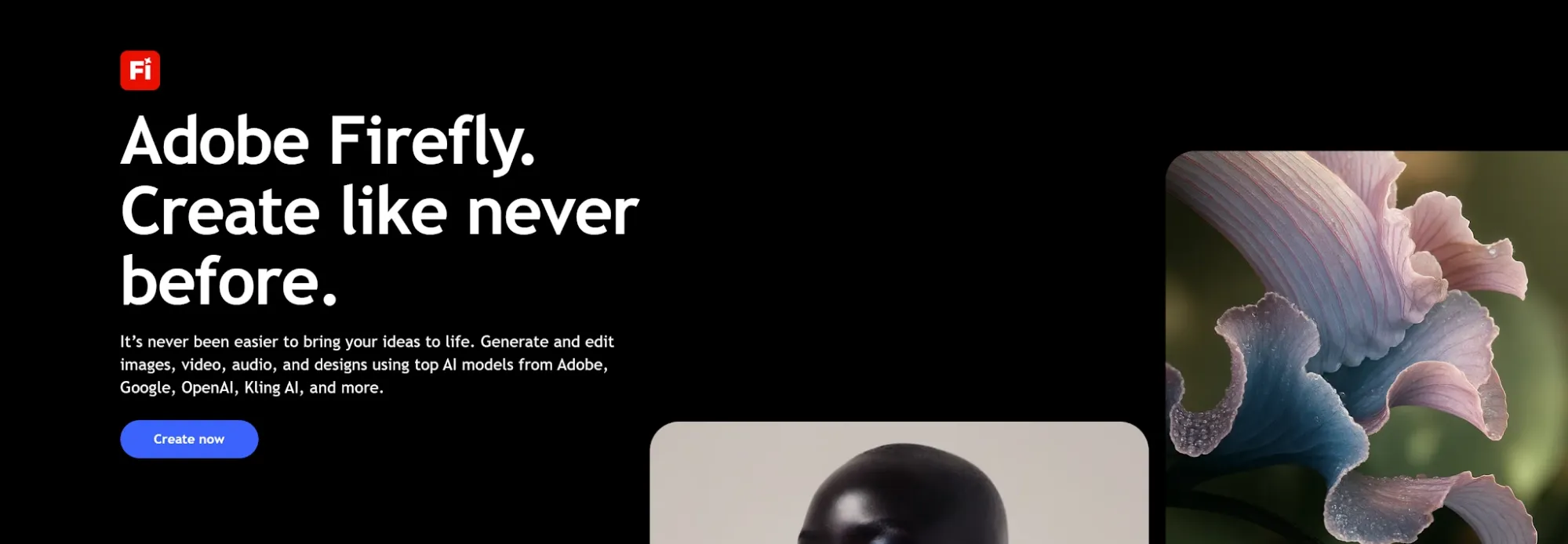
Adobe Firefly is a layout-first workspace built for users who want a familiar, Canva-like drag-and-drop experience but need a deeper connection to professional creative assets.
My Experience: If you like Canva but are tired of using the exact same generic templates as every other brand on Instagram, this is your direct upgrade. It doesn’t force a non-designer to master Photoshop, but it gives you access to Adobe Stock’s massive asset library and premium font kits. It feels highly polished, though its workflow still relies heavily on standard templates rather than true generative freedom.
Pros:
- Direct, zero-learning-curve transition for current Canva users.
- Access to high-quality Adobe Stock libraries and premium typography.
- Seamless integration with Photoshop or Illustrator assets if your team uses them.
Cons:
- Still bound by static template logic; hard to break out of predefined layouts.
- Generative AI features feel tacked-on rather than core to the workflow.
#3 VistaCreate
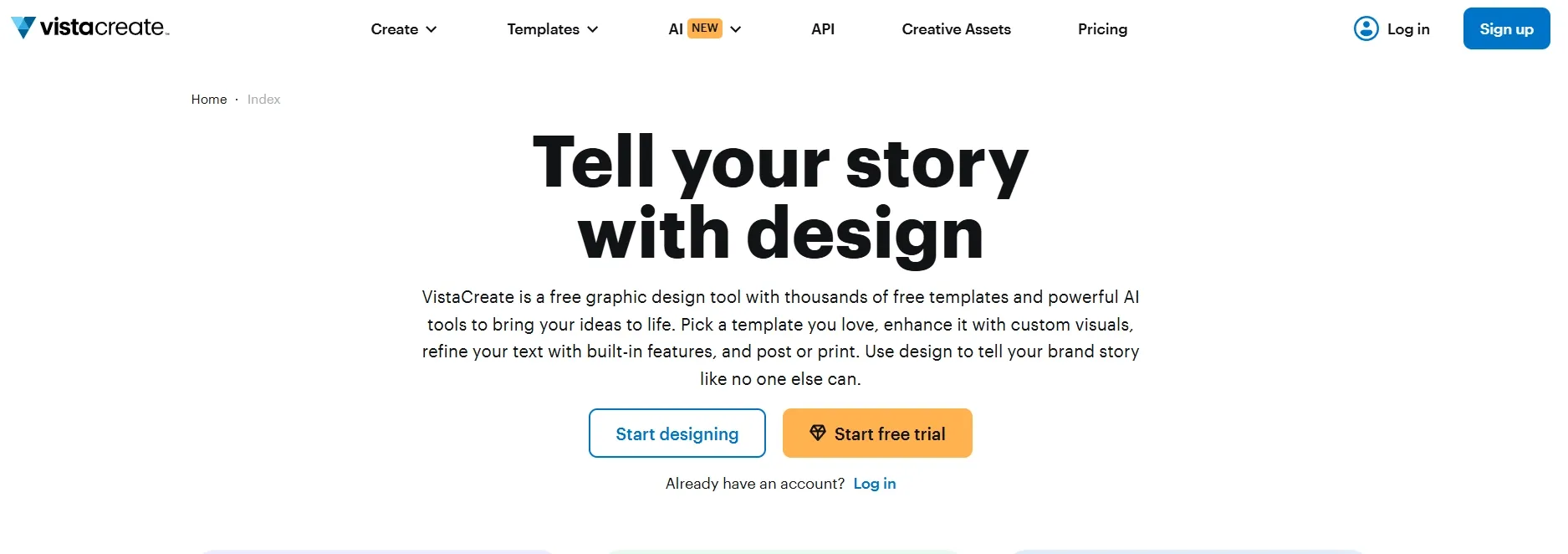
VistaCreate is a strong Canva alternative if you mainly need quick social media graphics.
My Experience: This is the tool I would hand to a busy marketing assistant who needs to push out five Pinterest headers, three Instagram stories, and a Facebook banner before lunch. You pick a format, swap the text, adjust the image, and publish. VistaCreate is built for low-risk, high-speed execution. Don't look here for advanced product staging or deep design control—it's a template factory, and it does that job well.
Pros:
- Massively speeds up high-volume social media asset creation.
- Excellent library of trending, ready-to-use formats for small businesses.
- Lightweight interface that loads and exports faster than heavier editors.
Cons:
- Highly superficial editing capabilities; useless for serious photo manipulation.
- Very narrow feature set outside of basic social media dimensions.
#4 Fotor
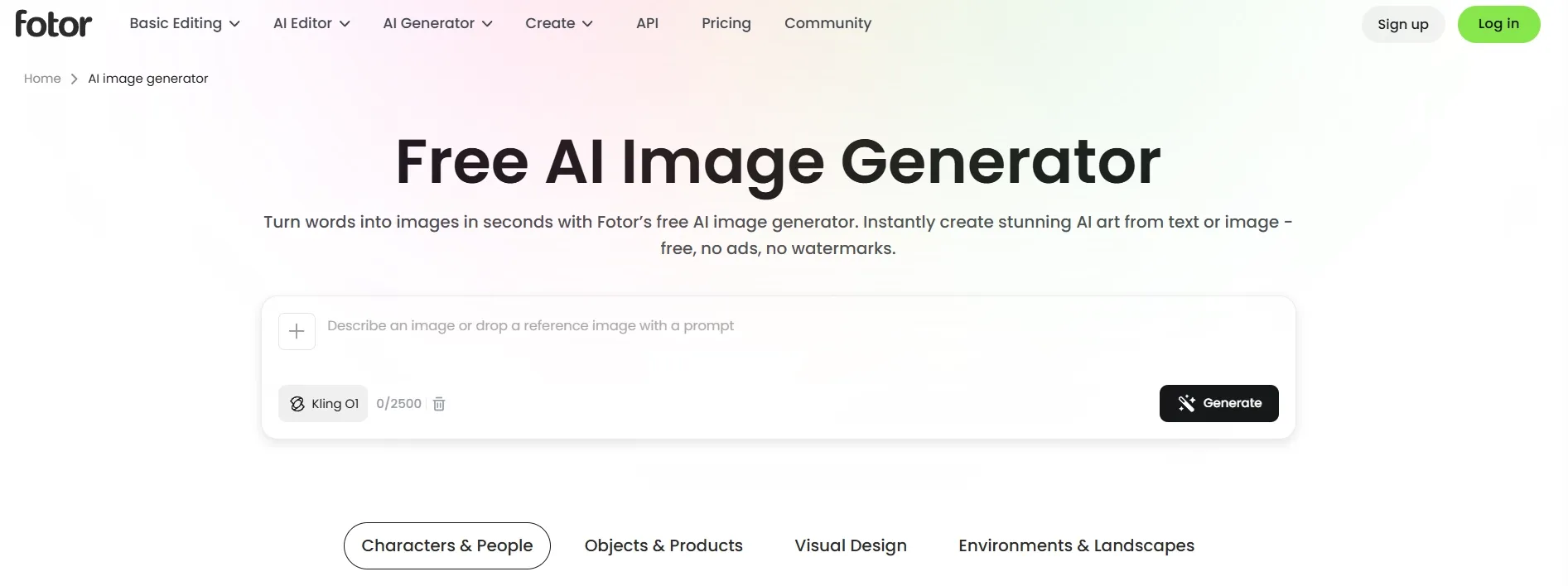
Fotor is an image-first correction suite best utilized for cleaning up and fixing source photos before you place them into a design layout.
My Experience: This is the tool I would hand to a busy marketing assistant who needs to push out five Pinterest headers, three Instagram stories, and a Facebook banner before lunch. You pick a format, swap the text, adjust the image, and publish. VistaCreate is built for low-risk, high-speed execution. Don't look here for advanced product staging or deep design control—it's a template factory, and it does that job well.
Pros:
- Exceptional, fast-acting tools for portrait retouching and image enhancement.
- Strong automated background removal and object cloning.
- Much cheaper and simpler than learning heavy desktop photo editors.
Cons:
- Clunky and frustrating when trying to arrange text, shapes, or branding layouts.
- Lacks a cohesive workspace for multi-channel marketing campaigns.
#5 Microsoft Designer
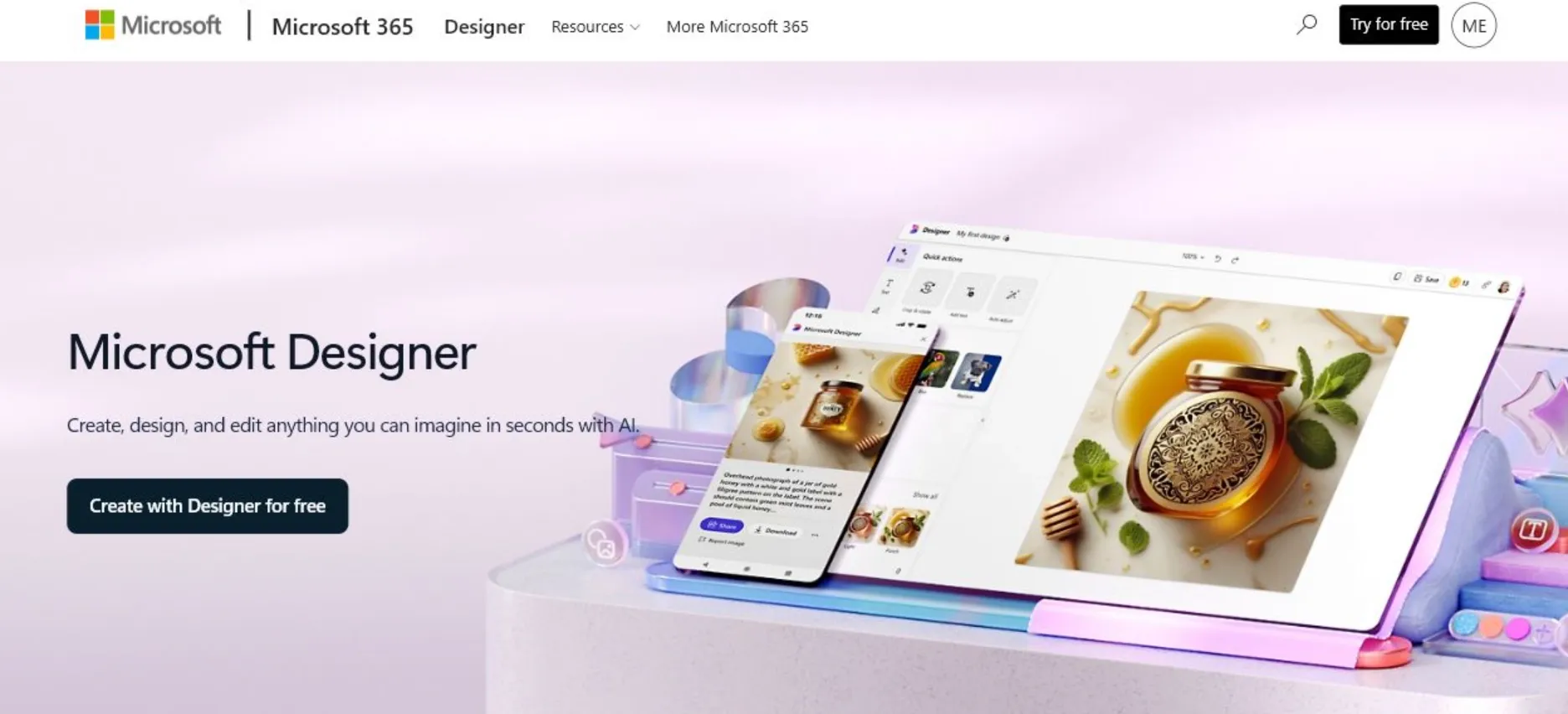
Microsoft Designer is a good Canva alternative if you want quick AI graphics tied to the Microsoft ecosystem.
My Experience: Microsoft is a pure "natural language to asset" experiment. You type what you want—like an invitation or a sticker concept—and it spits out automated design variations. It removes the entire initial layout phase, making it great for brainstorming or quick, low-stakes graphics. However, it lacks serious operational depth; you won't find advanced brand kit management, approval workflows, or rigorous multi-format scaling options here.
Pros:
- Free to use with direct, simple prompt-based design generation.
- Great for quickly turning a single thought into multiple layout options.
- Clean, unbloated interface that doesn't overwhelm beginners.
Cons:
- Lacks the technical depth required for scaling professional brand campaigns.
- Export options and precise manual editing controls feel highly restricted.
#6 Visme
Visme is a better Canva alternative for business presentations, reports, and branded visual documents.
My Experience: Visme feels corporate in the best way possible. If your output needs to look like a high-end client report, an internal training manual, or a data-heavy sales deck, this wins over Canva instantly. It forces structure onto your content, keeping elements aligned and professional. The workspace is undeniably heavier and slower than Canva, making it a bad choice for a quick meme, but an elite choice for serious business.
Pros:
- Superior tools for turning complex data tables into readable charts and graphs.
- Locks layouts into highly professional, rigid corporate presentation structures.
- Excellent for multi-page documents, annual reports, and interactive content.
Cons:
- Significantly steeper learning curve and a slower, heavier user interface.
- Overkill and inefficient for creating casual social media graphics.
#7 Piktochart
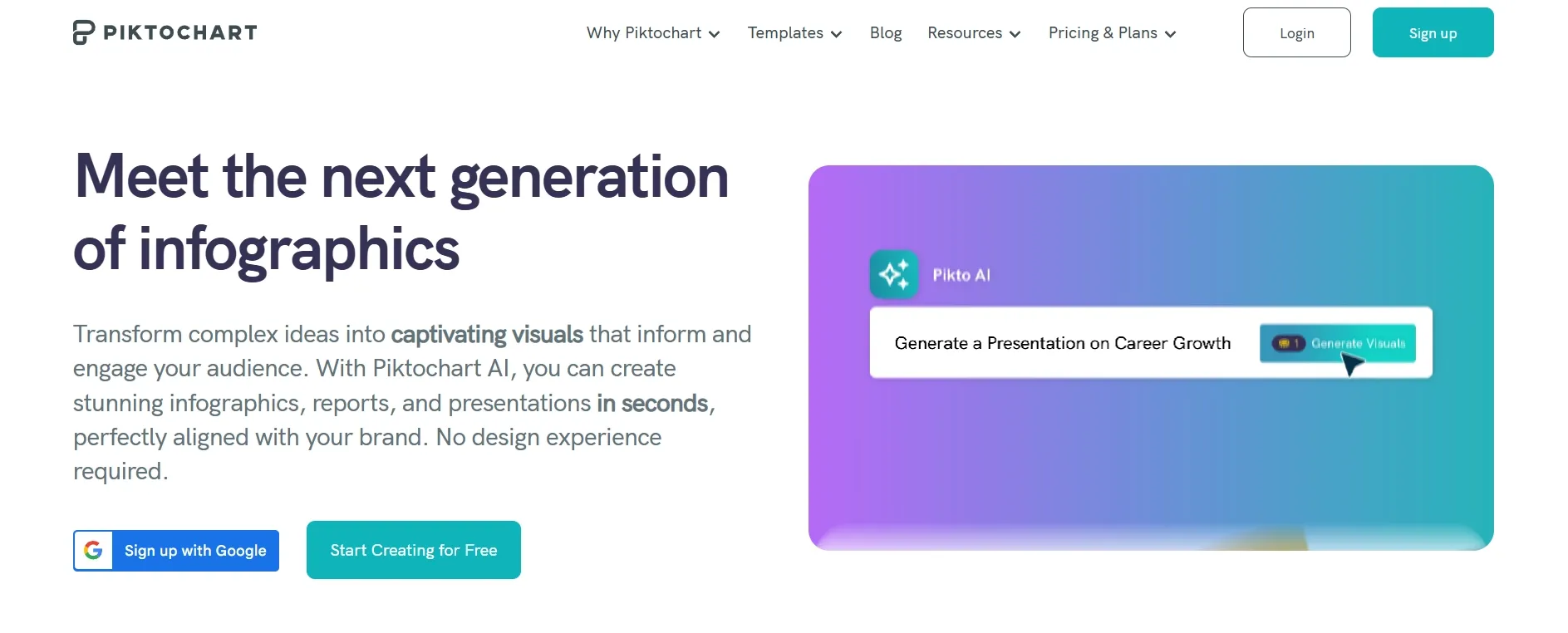
Piktochart is a highly specialized layout editor built exclusively for data storytelling, one-page explainers, and information hierarchy.
My Experience: Piktochart focuses entirely on readability. It takes the mess out of complex information by offering blocks designed specifically for step-by-step guides, nonprofit impacts, and educational summaries. I wouldn't open this tool for a product launch ad, but if you need to explain an intricate workflow or a set of survey statistics to an audience that hates reading walls of text, this is the cleanest solution on the market.
Pros:
- Pre-built blocks optimized specifically for information flow and reading retention.
- Simplifies data visualization for non-designers working in education or NGOs.
- Excellent export clarity for web and print-ready formats.
Cons:
- Highly rigid design layouts that do not translate well to standard marketing banners.
- Very narrow asset library outside of charts, icons, and informational elements.
#8 Kittl
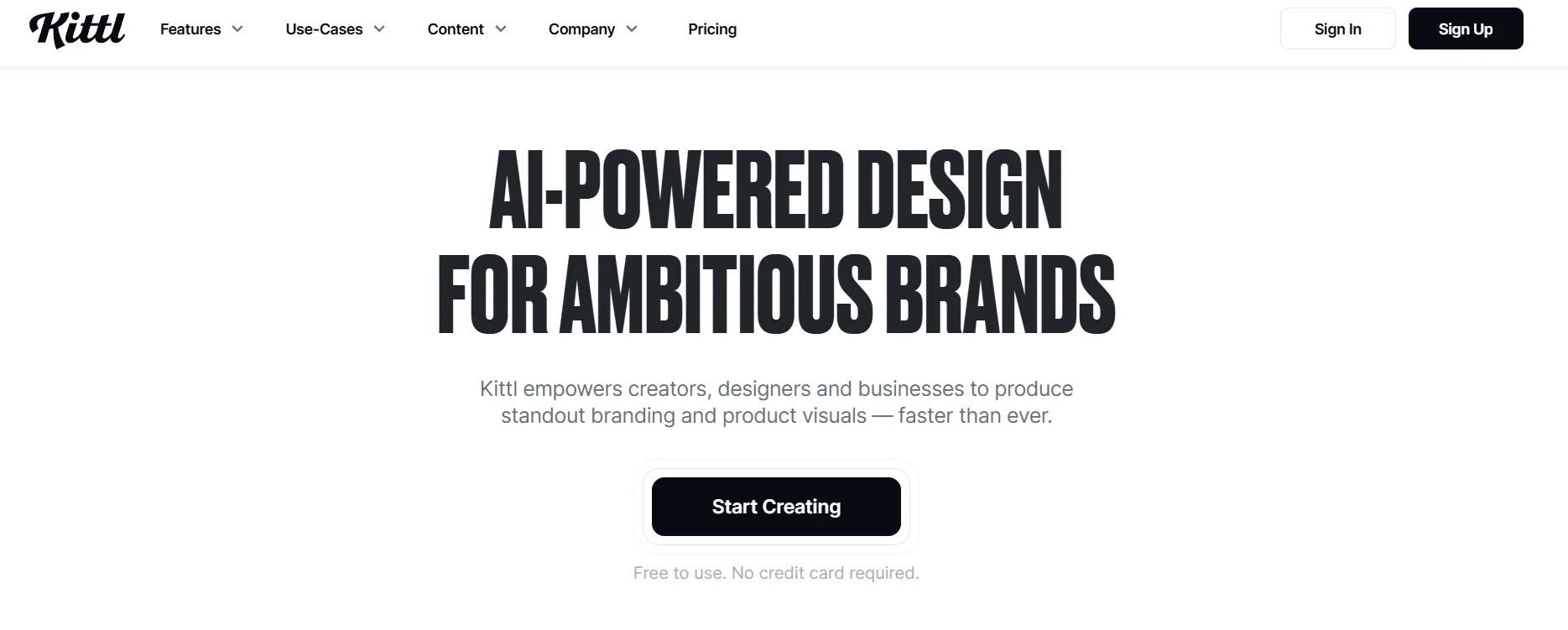
Kittl is a high-personality design suite built for apparel sellers, vector artists, and typography-led branding.
My Experience: Kittl is easily the coolest tool on this list. It throws away the corporate, sterile aesthetic of Canva to focus on raw design personality—vintage badge layouts, intricate t-shirt mockups, custom text warping, and high-end texture overlays. If you are launching an e-commerce merch brand or designing a poster that needs a distinct subculture edge, Kittl provides tools that Canva simply cannot replicate. It is an artist's sandbox, not an administrative dashboard.
Pros:
- Advanced typography engine with easy text warping, shading, and effects.
- Perfect for print-on-demand sellers creating t-shirts, stickers, and posters.
- Massive library of unique vector illustrations, textures, and premium badges.
Cons:
- Not built for corporate slide decks, document formatting, or standard web banners.
- Can be intimidating for users who just want to place simple text over a photo.
How Should You Choose the Right Canva Alternative?
Your choice comes down to whether you want to settle for generic layout templates, or move to an AI-driven production ecosystem.
- Choose traditional tools like Adobe Express if you have finalized images and only need a basic, standard template grid to slap text onto.
- Choose Pollo AI if you want to eliminate "blank canvas anxiety" entirely. Pollo AI is not a restrictive generator—it is a full-scale creative suite.
Unlike static editors, Pollo AI blends endless formatting flexibility with elite generative power. Through Creative Studio, you have access to an AI image generator, image upscaler and more. Pollo AI allow you to access 100+ specialized generators for everything from Manga and Chibi to CAD and Floor Plans.
Bring Every Image Idea To Life
Use Pollo AI to create campaign visuals, product images, social graphics, and custom artwork in seconds.
Try Pollo AI Free
My Personal Take
I would still use Canva for quick layouts. It is fast, familiar, and good enough when I already have the image I want.
But I would not rely on Canva as my main image creation tool. The moment I need a cleaner product photo, a more original campaign visual, or a graphic that does not feel template-made, I would move to something more flexible.
For most creators, marketers, and sellers, Pollo AI is the best first switch. It does not just help you decorate an existing image. It helps you create, improve, and repurpose the visual before the layout starts. That matters because the real job is not making one nice design. The real job is turning a rough idea into something you can actually publish, promote, or sell with.
Bottom Line
The best Canva alternative is Pollo AI for AI images and product visuals, and Adobe Express for the closest traditional design experience.
For me, the deciding question is simple. Do I already have the image I need, or do I still need to create it? If the image already exists, a Canva-style editor is enough. If the image still needs to be created, improved, or reimagined, Pollo AI is the better starting point.