



My Top 12 PixVerse AI Alternatives for Next-Level AI Video Creation
I’ve been diving deep into AI video tools lately, and while PixVerse AI is pretty cool, I couldn’t help but wonder what else is out there to level up my projects.
In this personal guide, I’m sharing my experience with ten standout PixVerse AI alternatives that have inspired me to push my storytelling further.
Each one has its own vibe and features, making it easier and more exciting to bring my ideas to life. Let’s jump into what makes these tools so awesome!
Pollo AI - My Top PixVerse AI Alternative Overall
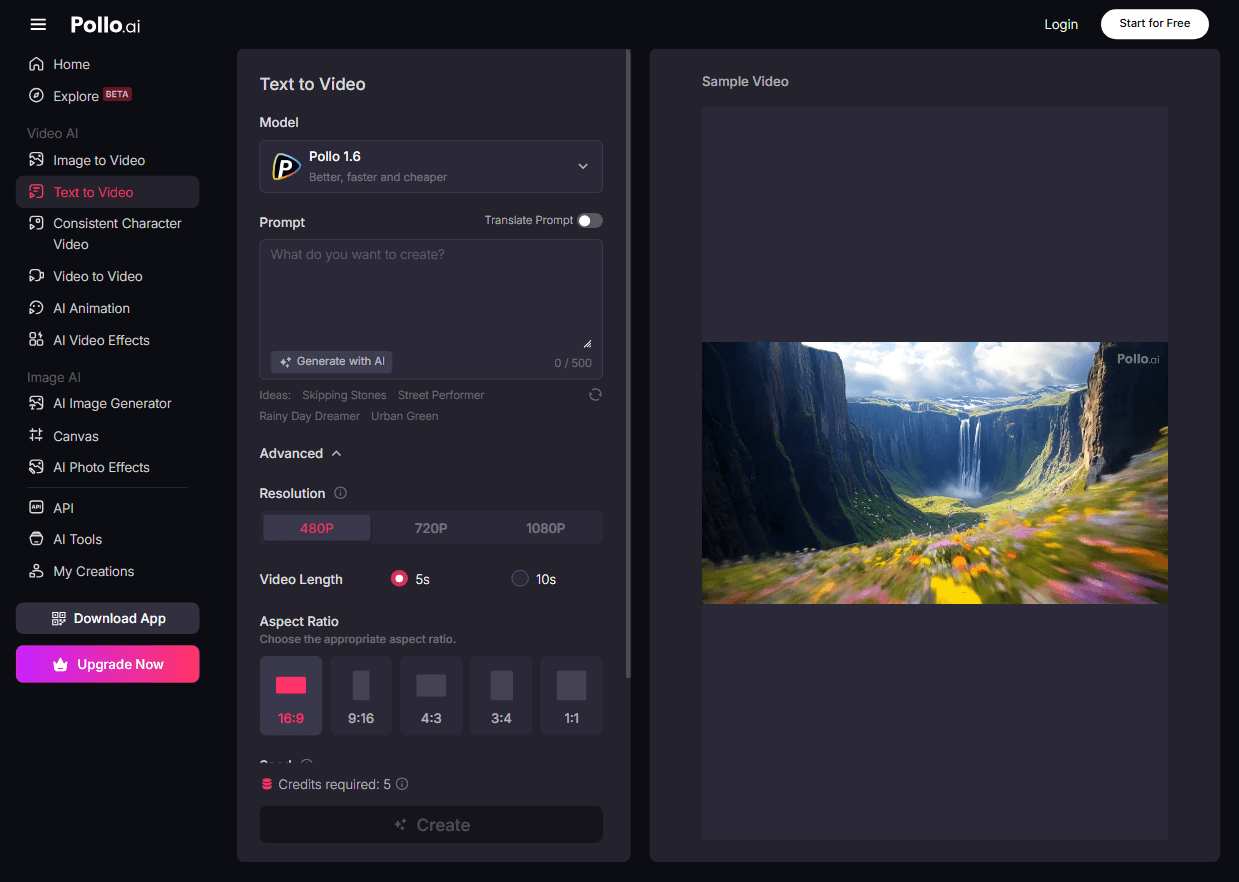
I was blown away by Pollo AI the moment I tried it. This AI video generator feels like a creative playground, turning my text and images into jaw-dropping visuals.
Whether I wanted cinematic HD scenes or detailed 3D graphics, Pollo AI nailed it with precision that matched my vision perfectly.
What got me hooked was the AI mimic motion tool. Upload a photo of your friend, and a video of a pop dance, and then you can make your friend do that dance!
Another cool feature of Pollo AI is its AI short video generator. It can help you create any AI short videos – anime, celebrity, pet videos, trending memes. And you'll get a perfect soundtrack for any short video you create.
Other unique templates—like AI kissing, hugging, or even twerking videos—can perfectly transform my images into super-engaging scenes.
I also loved tweaking settings like video length, camera angles, and movement to make everything just right.
For me, Pollo AI is hands-down the best alternative to PixVerse AI. I checked out two tutorial videos on how to convert text to video and create AI kiss and hug videos with Pollo AI, and they made the process so clear and fun!
Pros:
- Stunning high-definition visuals that pop
- Tons of customization options (camera movement, length, you name it!)
- Awesome templates for AI-generated videos
- Budget-friendly pricing that didn’t break the bank
Cons:
- The free version may have certain restrictions
Runway - My Go-To for Extensive Editing Features
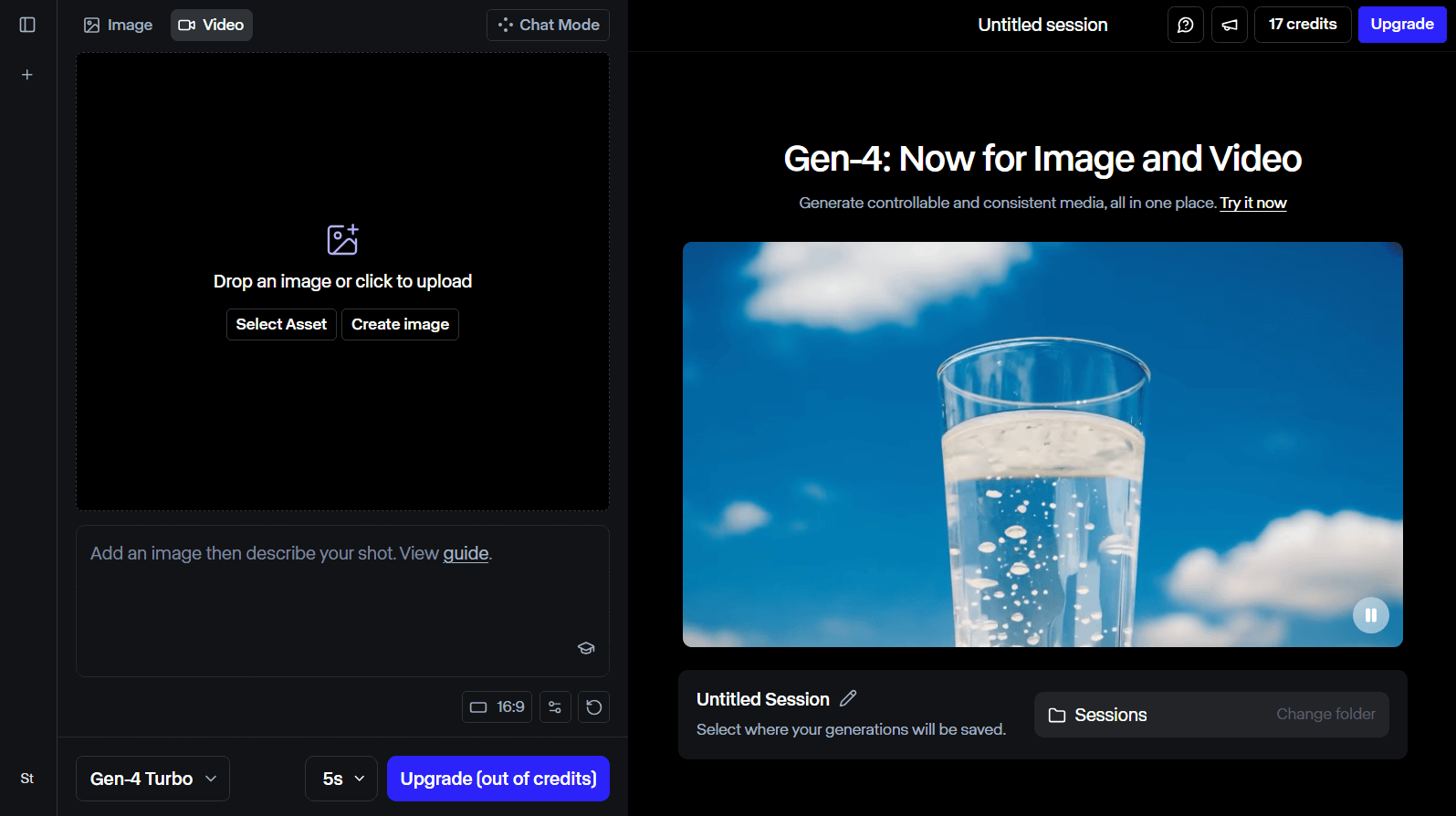
Runway felt like a creative powerhouse when I first explored it. It’s packed with editing tools that made my video production process feel professional yet approachable.
From image-to-video conversions to motion tracking, Runway gave me everything I needed to craft complex narratives.
I especially loved how it let me collaborate with friends on bigger projects, keeping everything organized.
Creating 3D textures from simple text prompts was a total game-changer for me—it opened up so many artistic possibilities. Runway’s ability to handle intricate characters and scenes made my stories come alive in ways I didn’t expect.
Pros:
- Perfect editing tools for social media content
- Seamless team collaboration for group projects
- Easy 3D texture creation from text
Cons:
- The interface took me a bit to get used to
Toki AI - My Best Choice for Creative AI Avatar Video Creation
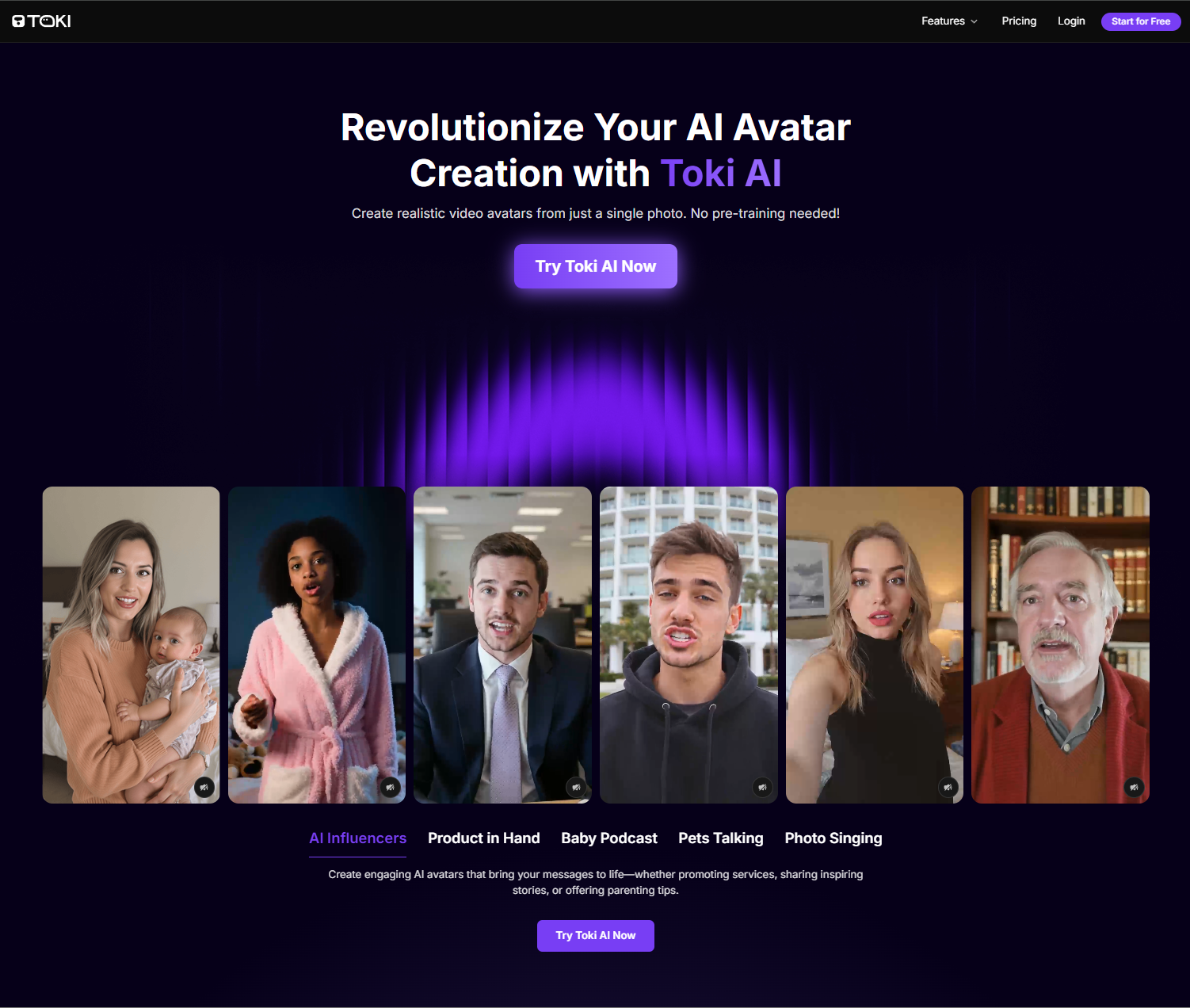
Toki AI is my top pick for creating lifelike AI avatar videos from a single photo.
What sets it apart is its ability to generate realistic, talking avatars with natural expressions, perfect lip-sync, and authentic emotions without any pre-training.
Powered by advanced AI models, Toki AI offers a seamless way to bring any face to life for ads, entertainment, or personal projects.
With Toki AI, you can transform photos into engaging videos for product demos, social media, or even fun pet and baby podcast videos.
Its vast voice library and customizable avatars make it a versatile tool for creators and marketers alike.
Pros:
- Creates lifelike avatars from a single photo with no pre-training
- Offers a rich voice library and customizable gestures
- Ideal for ads, social media, and entertainment videos
Cons:
- Free plan includes watermarks and basic features only
Kling AI - My Pick for Authentic Video Generation
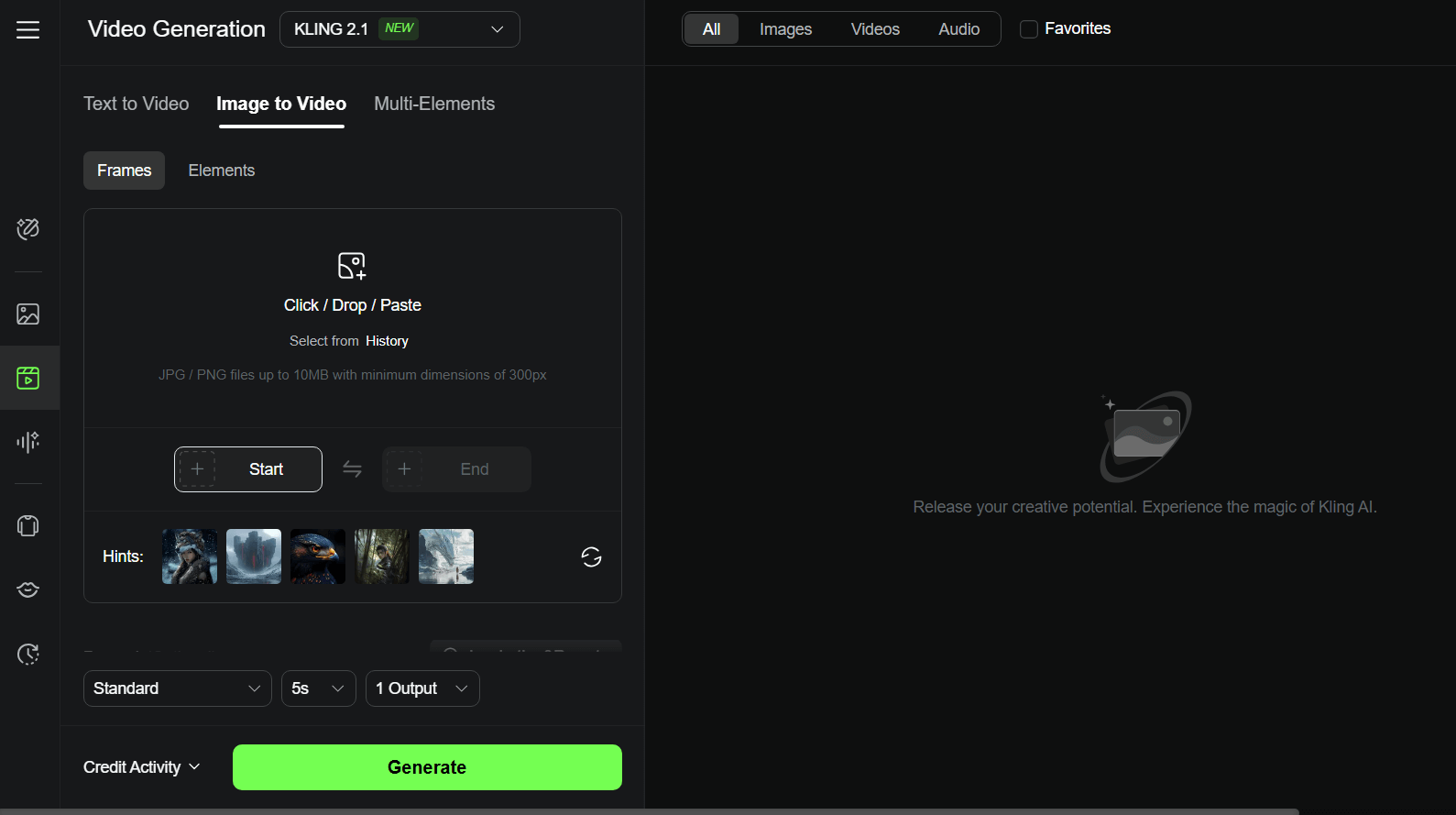
I came across Kling AI, created by Kuaishou, and it quickly became a favorite for making high-definition videos that feel so real.
I could generate 10-second clips and tweak aspect ratios to fit any social media platform, which was perfect for my Instagram Reels.
The cinematic quality of Kling AI’s visuals had me hooked—my subjects looked lifelike and natural.
Upgrading to a premium plan gave me longer video durations and extra features, which made my creative process even smoother. Kling AI’s ability to produce authentic, polished content made it a standout for me.
Pros:
- Cinematic-quality visuals that look professional
- Flexible aspect ratios for easy sharing
- Premium plans come with great discounts
Cons:
- The basic free version felt a bit limited for my needs
Luma AI - My Choice for Creating Dynamic Scenes
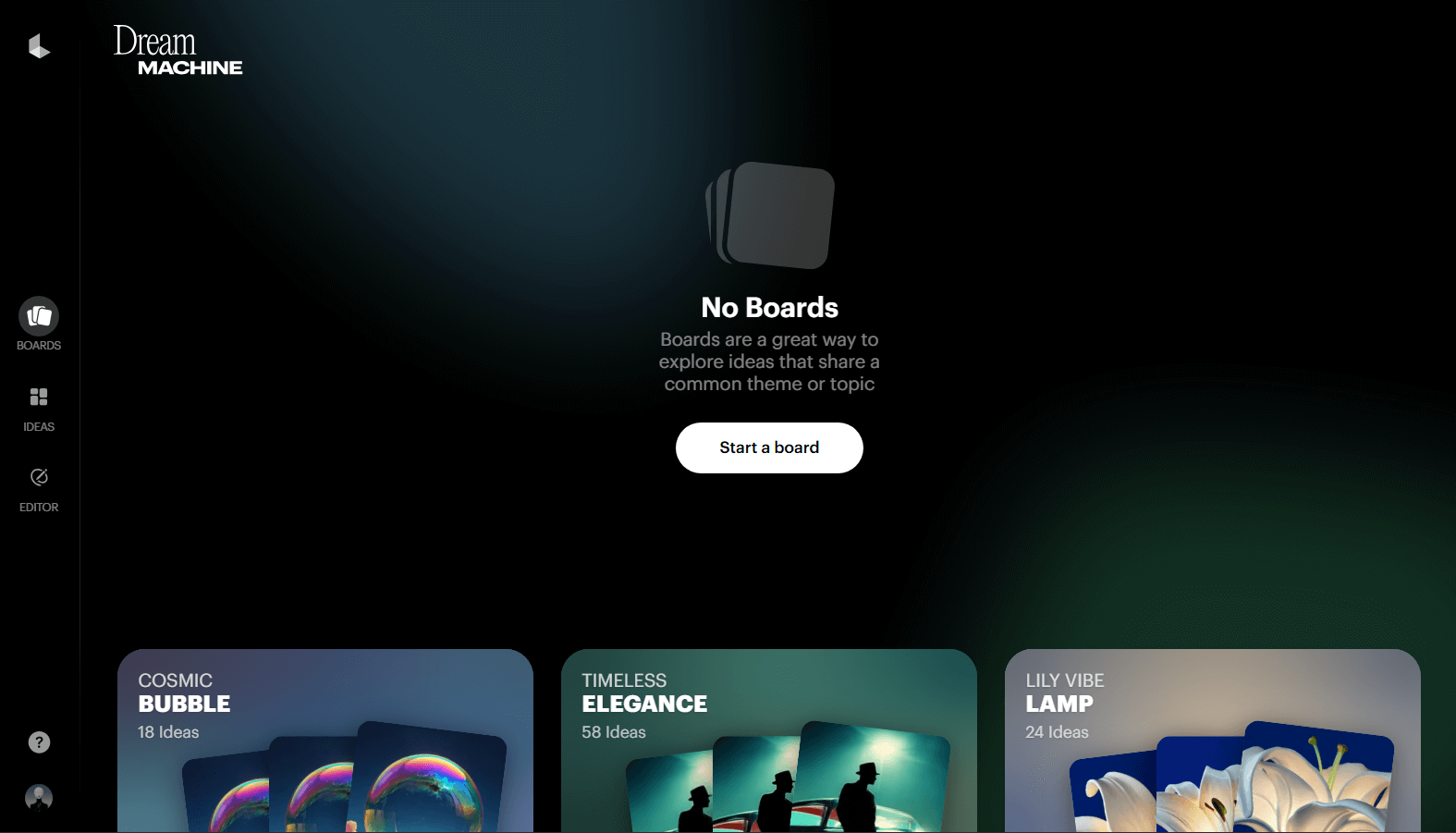
Luma AI impressed me with how fast it churned out dynamic video clips—120 frames in just two minutes! This was a lifesaver for my marketing projects.
I loved how Luma AI let me create everything from cinematic to hyper-realistic scenes, giving my videos a vibrant edge.
Uploading videos to build 3D environments was so much fun—it let me experiment with new storytelling ideas.
Plus, Luma AI kept my characters consistent across scenes, with smooth, lifelike motion that made my videos pop.
Pros:
- Super quick video production
- Fluid, consistent character animations
- Tons of dynamic camera movement options
Cons:
- Complex scenes were a bit tricky to manage
AdsDrive - My Recommendation for UGC Ads Avatar Video
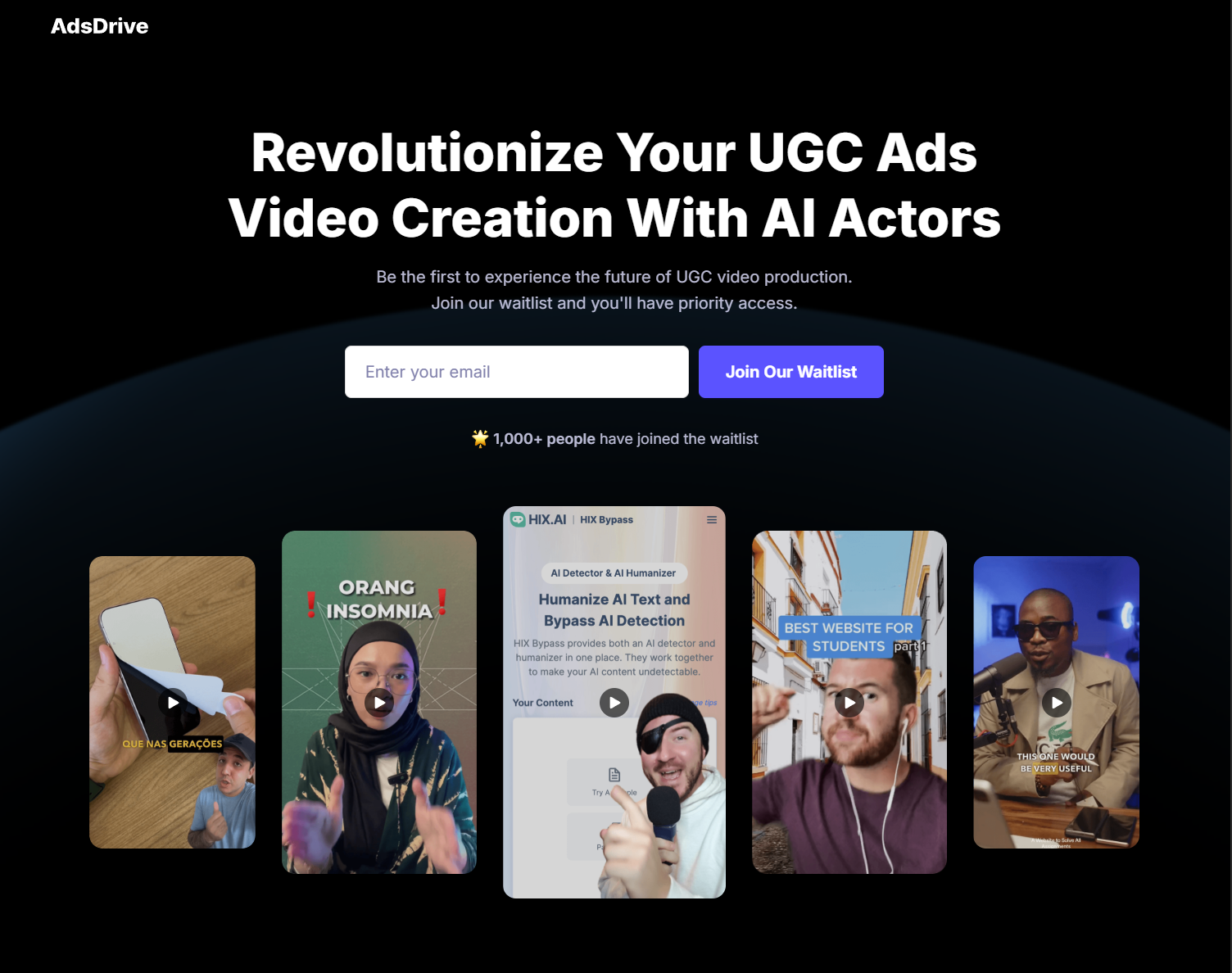
AdsDrive is my favorite tool for creating polished, high-converting UGC ads without breaking the bank.
It turns a single photo into a dynamic avatar with natural movements and voice-synced emotions—no pre-training needed, which makes it incredibly user-friendly. The prompt-based gesture control lets you tailor every ad to your brand’s vibe.
Whether you’re producing product showcase videos or localized ads for global markets, AdsDrive’s ability to generate 2-minute videos and support multilingual voices helps you scale campaigns effortlessly.
Pros:
- Multilingual support for reaching diverse audiences
- No pre-training needed, so anyone can create ads quickly
- Creates authentic avatars with gestures tailored for e-commerce
- Enables fast A/B testing to optimize ad performance
Cons:
- Advanced gesture customization may need some practice
Hailuo AI - My Go-To for High Visual Consistency
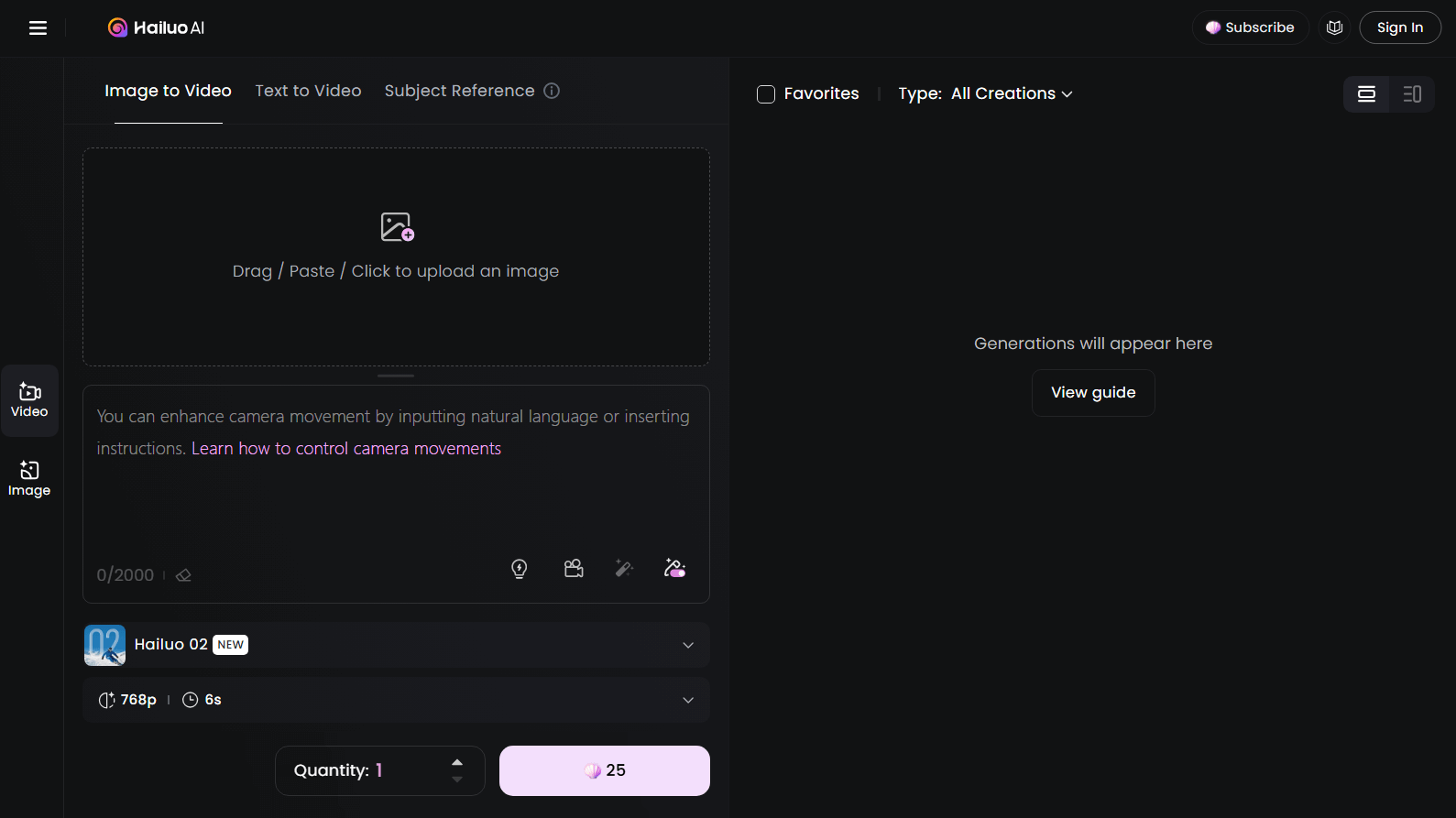
When I tried Hailuo AI, launched by MiniMax in September 2023, I was amazed by its ability to create 6-second videos with incredible consistency. From surreal landscapes to Disney-style animations, it delivered every time.
The advanced lip-sync tech made my animated characters’ dialogue feel seamless, and the close-up shots captured facial expressions perfectly.
I also loved the prompt optimization feature—it took my rough ideas and polished them into stunning visuals.
The split-screen option was a bonus, letting me play with different video combos for creative experiments.
Pros:
- Enhances text prompts for better results
- Lifelike, detailed visuals
- Free plan for testing it out
Cons:
- Limited customization options compared to others
Pika - My Favorite for Wide-Ranging Templates
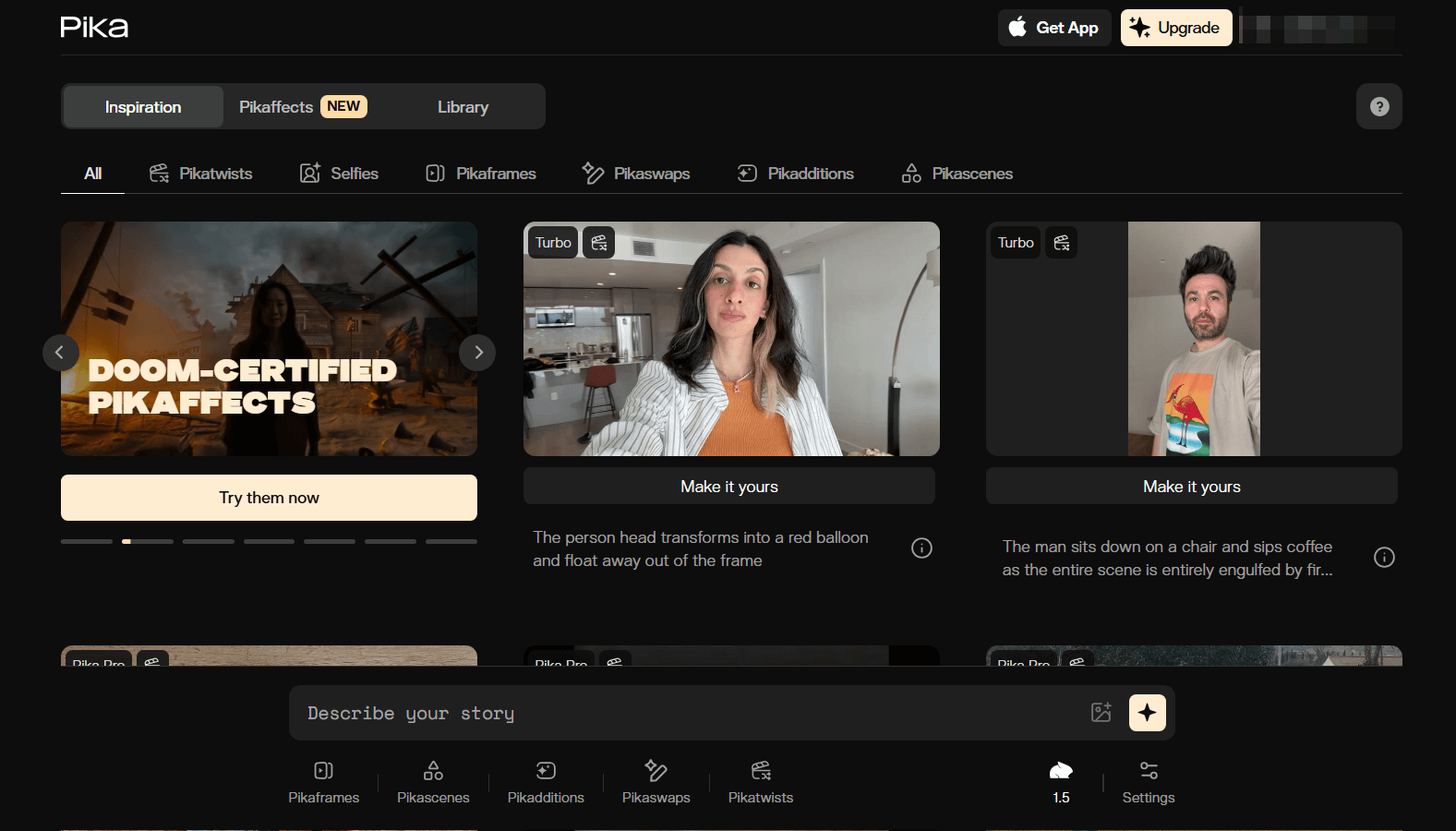
Pika, created by Pika Labs, won me over with its super simple interface.
I could generate high-quality videos from text, images, or even tweak existing clips, which gave me so much creative freedom.
The customizable templates were a lifesaver for tailoring videos to my specific needs.
The Modify Region feature and advanced lip-sync tech made my videos feel polished, with character movements syncing perfectly with voiceovers.
I also appreciated the option to extend video length for more detailed storytelling.
Pros:
- Free plan to try it out
- Easy-to-use, intuitive interface
- Tons of customizable video templates
Cons:
- Output quality varied a bit sometimes
Sora - My Pick for Text-Based Visual Output
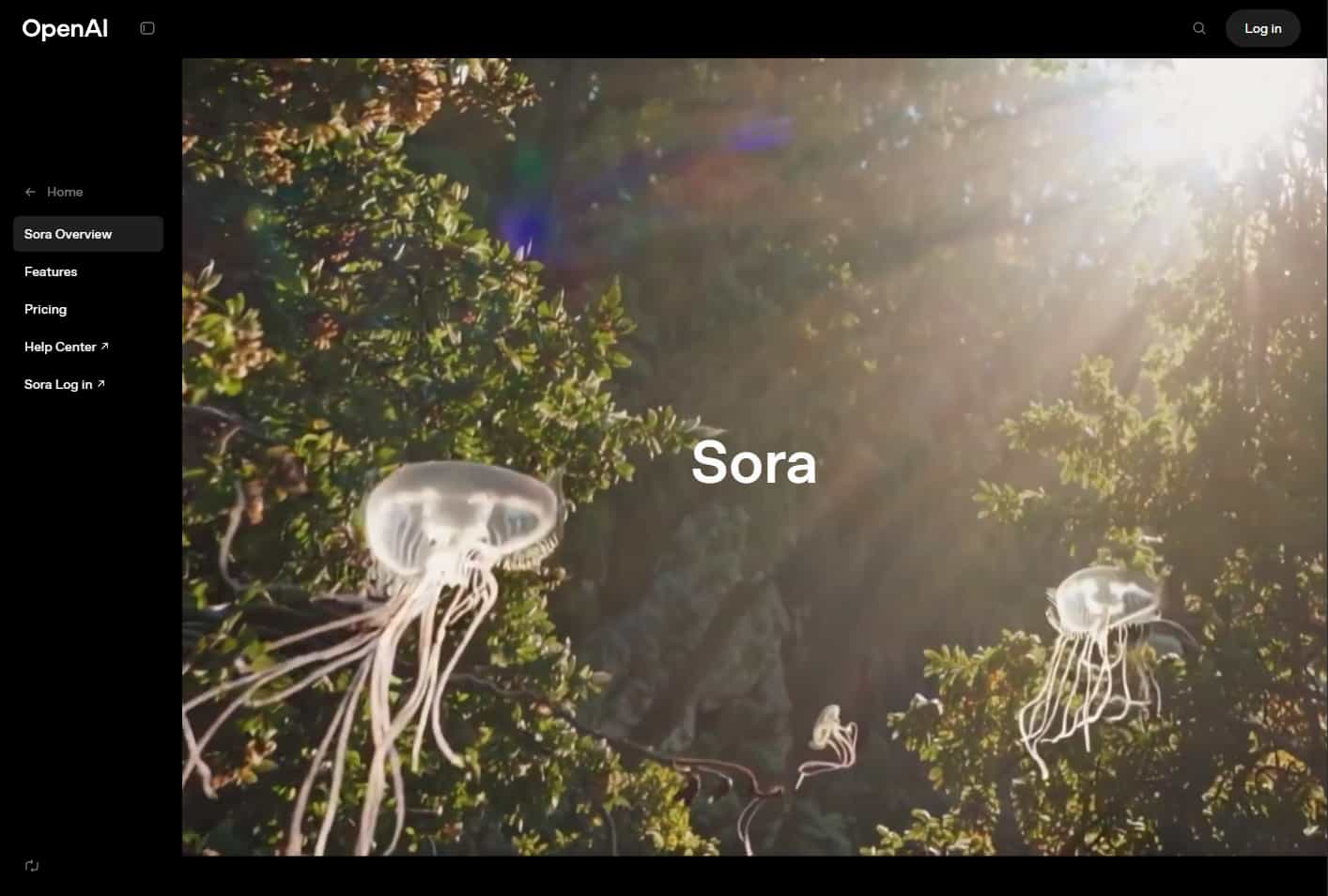
Sora, from OpenAI, was a dream for turning text prompts into 60-second HD videos.
I loved how it created diverse scenes with realistic character movements that matched my prompts perfectly.
The ability to play with multi-angle lenses gave me so much flexibility to get the exact look I wanted.
Sora’s knack for crafting concept-driven narratives packed with detail made it a go-to for my more imaginative projects.
However, the subscription fee is just too steep for what I'm getting: $20/month for ChatGPT Plus and $200/month for ChatGPT Pro – not really worth the price for me.
Pros:
- Multi-angle lens adjustments for flexibility
- Realistic character animations
- High-definition visuals
Cons:
- The pricing is too high compared to others
Haiper AI - My Choice for Quick and Accurate Response
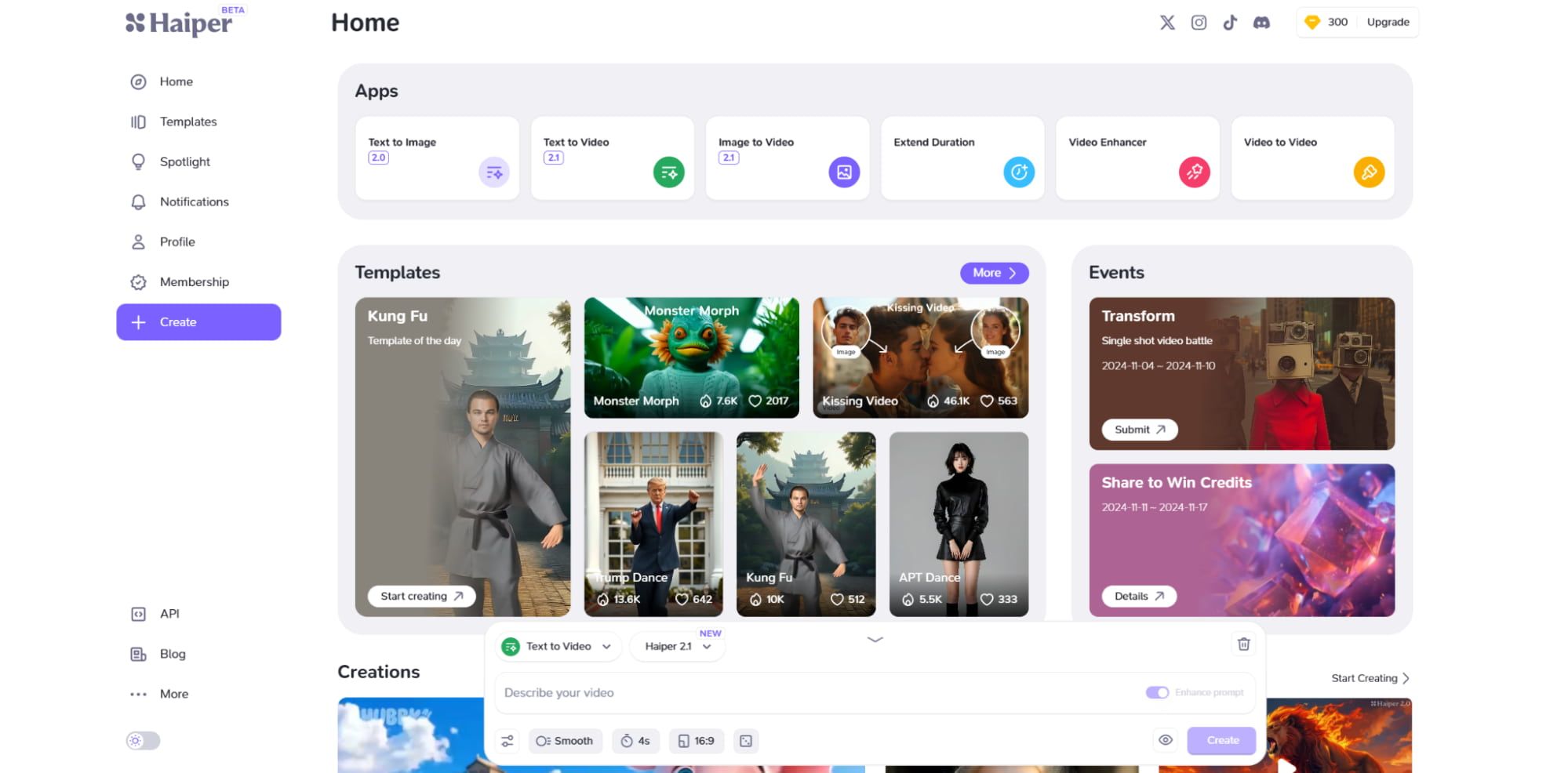
Haiper AI became my go-to for creating videos fast. Whether I was working on short films, music videos, or educational content, it delivered accurate visuals that matched my prompts perfectly.
The batch generation feature was a time-saver, letting me create multiple videos at once without any lag.
The active community caught my attention, too—browsing and downloading others’ videos sparked new ideas. Additionally, the social media integration made sharing my creations a breeze.
Pros:
- Handles a wide range of visual styles
- Batch video creation for efficiency
- Easy social media sharing
Cons:
- Struggles with consistent motion at times
KREA - My Favorite for Tailored Visual Content
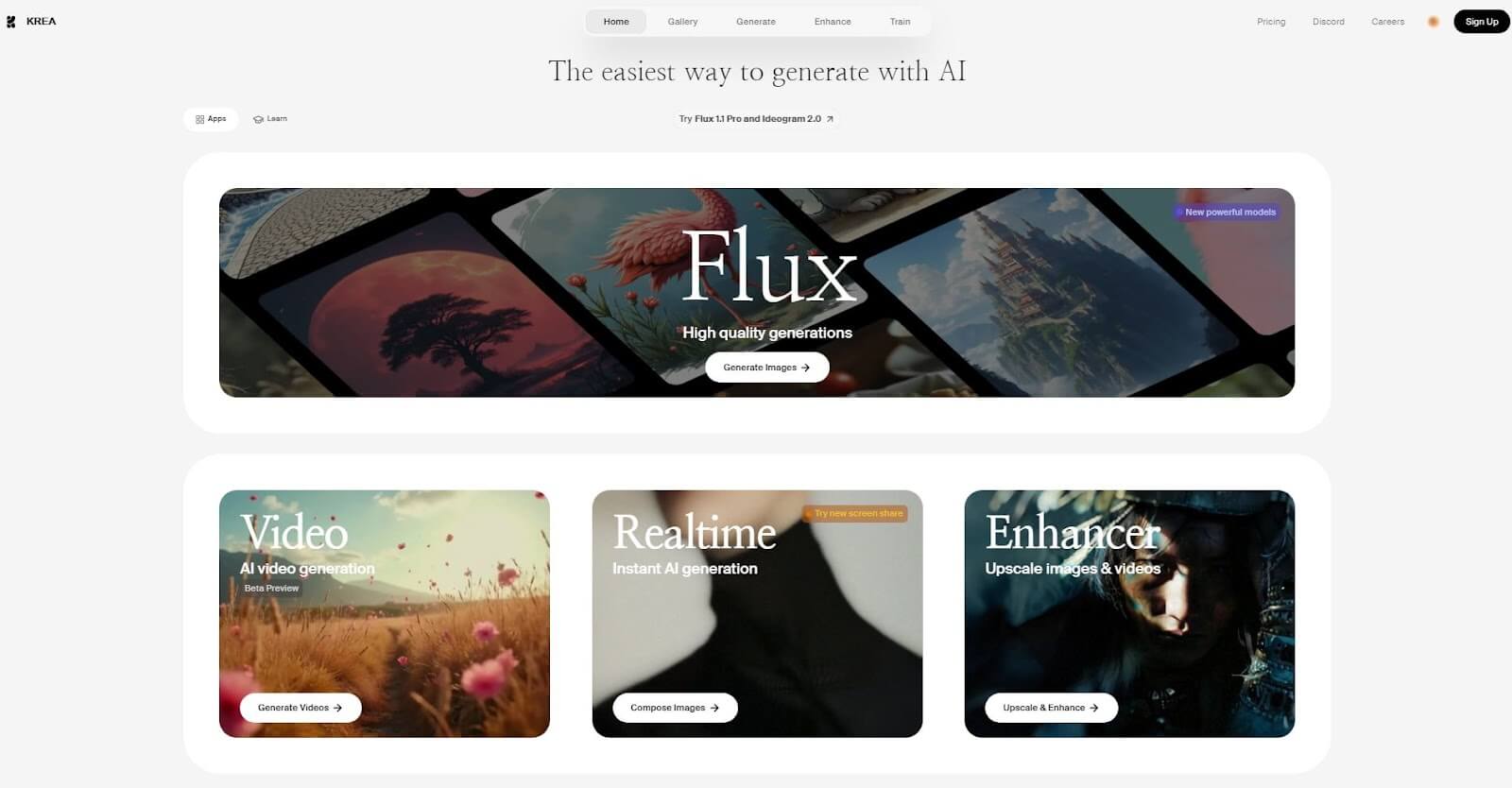
KREA felt like a creative haven for me. I could fine-tune settings like composition and color to create videos that felt uniquely mine. The platform’s templates and presets gave me a head start, while the image animation feature added cool visual effects to my projects.
The AI enhancement tool was a standout—it sharpened my existing videos and made them look so professional. KREA’s user-friendly interface meant I could jump right in without any steep learning curve.
Pros:
- Intuitive, user-friendly design
- Advanced video editing features
- AI-powered video enhancement
Cons:
- Outputs didn’t always match my prompts perfectly
Vidu AI - My Pick for Different Customization Options
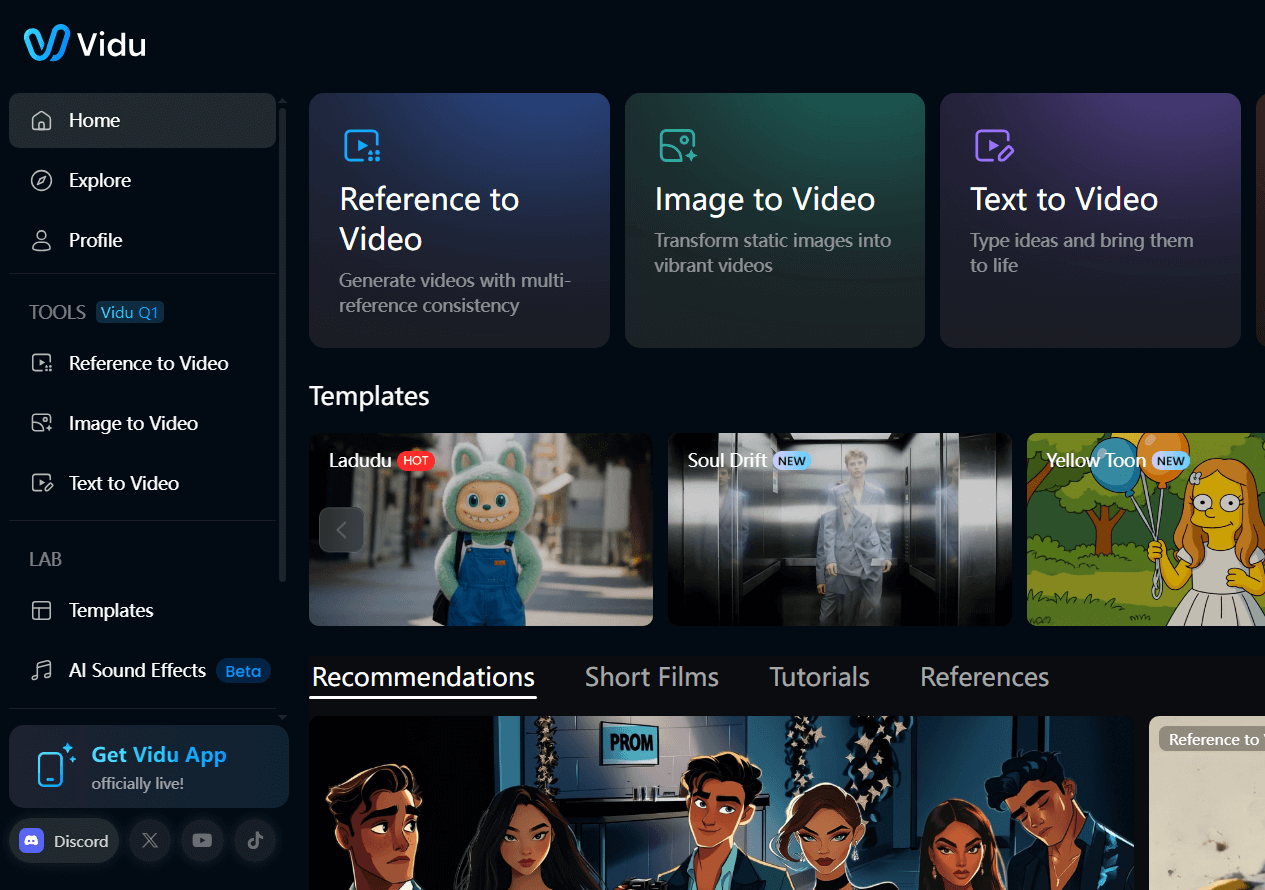
Vidu AI, from Shengshu Technology, was a joy to use for its speed and customization options.
I could create lifelike short videos for both personal and professional projects, tweaking everything from duration to resolution.
The merging feature, which let me blend multiple images into a cohesive video, was a total game-changer.
Vidu AI’s flexibility made it perfect for both my quick experiments and more polished creations, appealing to my inner novice and pro alike.
Pros:
- Fast video production
- Merges multiple images seamlessly
- Tons of customization options
Cons:
- Video resolution quality could be inconsistent
Conclusion
Exploring these ten PixVerse AI alternatives has been a game-changer for my video creation journey. Each tool brought something unique to the table, from intuitive designs to powerful features that let my creativity soar.
Still, Pollo AI stood out as my top pick, but every option here has the potential to make your video projects shine. I’m excited to keep playing with these tools and see where my next story takes me!