Step 1
Upload your document (PPT, PDF) or type your script.
AI Video
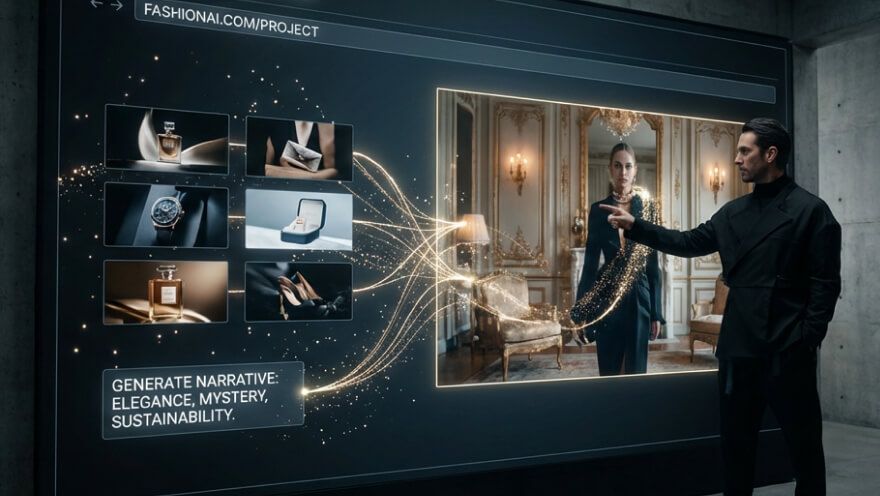
Transform text and images into cinematic videos with lifelike avatars and studio-quality SFX.

AI Image
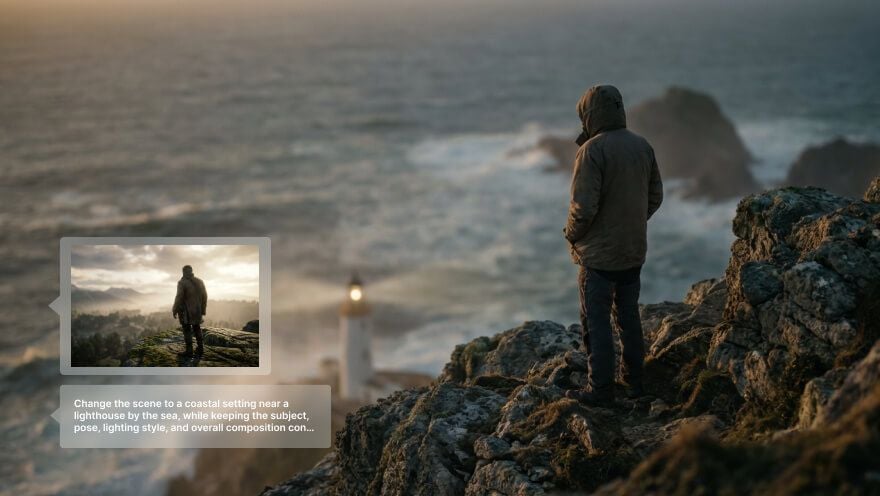
Turn ideas and images into stunning visuals, or perfect any photo with a complete suite of AI tools.

Agent
Create production-ready videos with SFX, consistent characters, and polished scenes. No Editing.

Marketing Studio
Built for marketers and sellers to create winning ads, UGC videos and product visuals faster.

Turn your expertise into high-impact lessons with online course video maker.
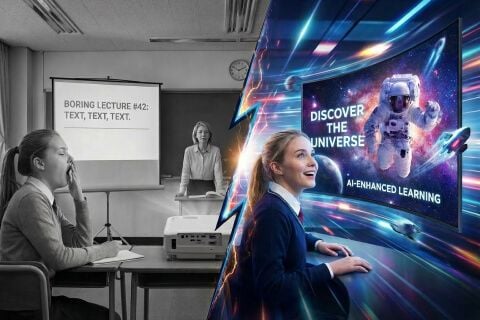
Transform your static slides and notes into a dynamic learning experience. Our online course video maker bridges the gap between raw information and captivating education. Save hundreds of hours on editing and focus on what you do best—teaching.
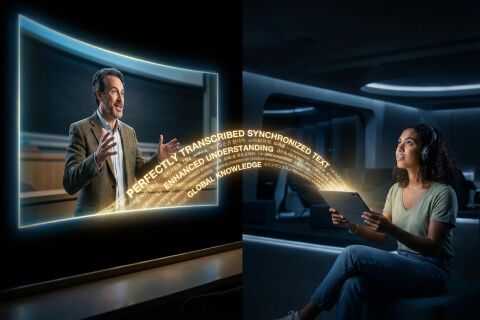
Every word is automatically captioned and timed to keep all students fully engaged.
Any educator can create polished course videos without touching a single editing timeline.
Upload your slides and watch them transform into a polished video lesson automatically.
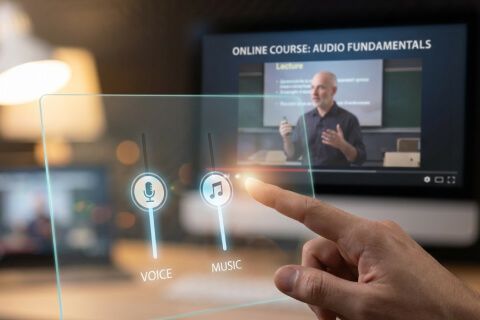


Upload your notes or slides and let AI turn them into sell-ready lesson videos.

Convert internal documents and SOPs into polished training videos your entire team will retain.

Transform static PowerPoints into accessible, subtitle-ready lessons for every type of learner.

Turn your scripts and ideas into professional course videos ready to sell on any platform.
Upload your document (PPT, PDF) or type your script.
Configure the customization options.
Click ‘Create’ to download the online course video.
Go from a single concept to a finished video. Combine generation, avatars, sound, and editing into one seamless production process.
Bring your static images to life with cinematic motion. Add lifelike camera pans and fluid transitions to maximize viewer engagement and visual impact.
Elevate your projects with studio-grade audio tracks. Layer realistic AI voices and dynamic sound effects to perfectly match the tone of your narrative.
Build professional video assets without a camera. Generate incredibly realistic scenes and smooth footage to elevate your brand's visual storytelling.
Put your entire creative workflow on autopilot. Go from a text prompt to a production-ready video with zero editing, delivering studio-grade results fast.
Master your post-production workflow. Apply video matting, enhance video quality, and seamlessly build sequences to turn raw clips into a flawless masterpiece.
Access a comprehensive suite of video tools. Easily apply video filters, clean up messy audio, and reframe videos for any platform.









Using Pollo AI to Create and Inspire
 Saif Taher
 carla beatriz carluxa
 KUREE
KUREE Murad Ramdane
 carla brazil
 Krish
Krish Adam
Adam Trevor Wisdom
 Lidio
Lidio Fake Paradise
 Elena Vassallo
 Jean-Paul Heyens
 Fatima Mahamud
 Katrina Naglo
 Jason, Michael, Higgins.
The Pollo AI online course video maker turns educational text or slides into video format. It uses AI to handle visuals and audio, making it easier for educators to produce professional lessons without filming.
Absolutely. Our AI video course creator automatically generates and syncs subtitles for every lesson. This improves retention and makes your content accessible to global students who might be watching in a second language or with the sound off.
Not at all. We designed this online course generator for educators, not film editors. If you can upload a file or paste a script, you can learn how to make an online video course. Pollo AI handles all the ‘heavy lifting’ for you.
Yes! All new users can access our online course generator with trial credits. This lets you see how your slides look as a video. It’s the perfect way to test your content for a video creation course.
Yes. The online course video maker produces HD-ready videos with smooth transitions, synced audio, and captions. Your video creation course will look like it cost thousands to produce—not just minutes of your time.