



10 Best Video to Video AI Generators (Full Test)
Some video to video AI generators promise to restyle footage fast, but real results can be unstable, generic, or hard to control. That’s why I tested 10 video to video AI tools.
In this review, I will show you what each one does best, where it falls short, and why Pollo AI is my top pick.
Quick Answer: What Is the Best Video to Video AI?
Pollo AI is the best video to video AI overall because it gives me more control over style, motion, and the work after generation. It is especially useful when I need more than a quick anime or cartoon-style effect.
What stood out to me is its full workflow. I can test different visual directions, refine the result with AI video editor, add voice with text to speech generator, and continue into video effects, scenario-focused video generators, and other AI tools.
For serious projects, Pollo AI feels stronger than single-purpose restyle tools because it covers both generation and post-generation needs.
10 Best Video to Video AI Tools at a Glance
| Tool | Best For | Pricing |
| Pollo AI | Creators, marketers and sellers that need flexible video restyling, model choice, and full workflow support. | Pricing starts at $10/month |
| Krea AI | Visual artists and designers that need creative video restyling and style exploration. | Pricing starts at $5/month |
| Artlist AI | Video creators that need AI generation with stock assets, music, and commercial workflow support. | Pricing starts at $19.99/month |
| Dreamina AI | Short-form creators that need multimodal video generation with cinematic motion and audio support. | Pricing starts at $20/month |
| DomoAI | Anime creators and social video makers that need stylized video transformation from real footage. | Pricing starts at $9.99/month |
| GoEnhance AI | Creators that need fast video-to-animation effects for anime, cartoon, or 3D-style clips. | Pricing starts at $9.99/month |
| LTX AI | Filmmakers and advanced creators that need structure-controlled AI video generation. | Pricing starts at $15/month |
| Magic Hour | Casual creators that need simple online video restyling and style transfer. | Pricing starts at $16/month |
| Media.io | Browser-based creators that need quick AI video effects from existing clips. | Pricing starts at $15.99/month |
| Akool | Brands and marketing teams that need AI video transformation inside a broader business video suite. | Pricing starts at $21/month |
Pollo AI: Best Video to Video AI Overall
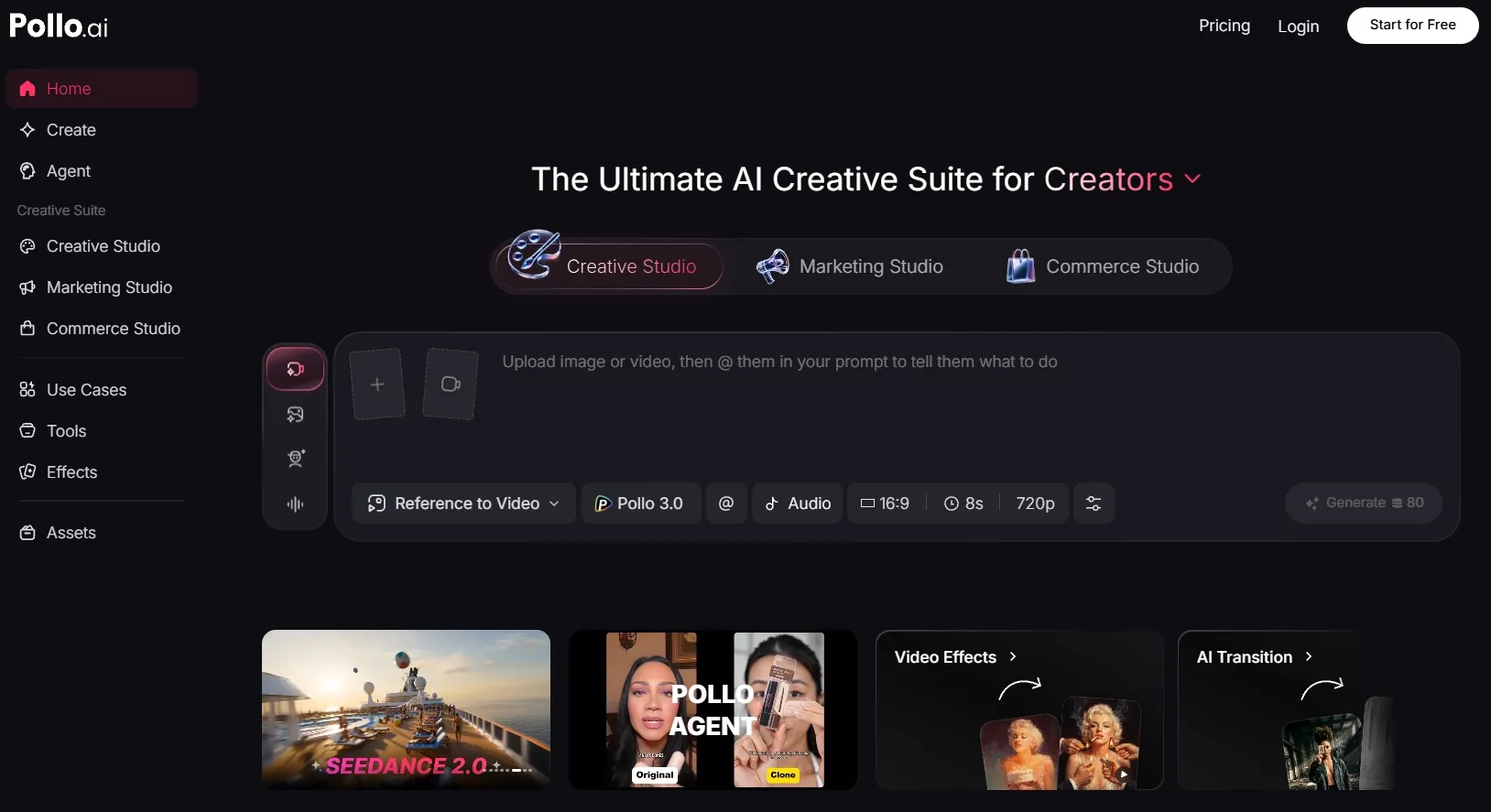
Pollo AI is the best AI overall because it balances control, flexibility, and workflow depth during video to video generation. I had more ways to guide my result after the first restyle. That matters when my clip needs more than a quick anime or cartoon effect.
I found its balance between motion preservation and style control especially useful. Pollo AI can apply a new visual style while keeping actions, gestures, and scene structure clearer. This makes my output feel less like a filter and more like a usable video transformation.
I also liked the larger creative environment around it. Pollo AI supports models like Sora 2 and Kling 3.0, so I can compare different visual directions.
After that first output, the workflow does not stop. I can use its editing, audio, video effects, and other AI tools to create polished videos such as product demo videos and movie trailer videos.
Key Features
- Video style transfer: Recreate existing clips in anime, cartoon, claymation, pixel art, pop art, and other visual styles.
- Motion-preserving transformation: Keep the original action and gestures more recognizable after the restyle.
- Flexible restyle control: Choose full-video restyling, subject-focused restyling, prompt direction, and background changes.
- Multi-model creative workflow: Test different video directions with broader AI model support.
- Scenario-Focused Studios: Pollo AI organizes video creation across Creative Studio, Marketing Studio, and Commerce Studio, helping me handle broad creative ideas, campaign content, and product videos with a clearer production direction.
- Post-generation tools: Use additional AI tools, effects, AI voiceovers, talking avatars, and apps to keep refining the result.
Best For
- Social creators: Turn dance clips, memes, and short videos into more eye-catching styles.
- Marketers: Create fast visual variations for product ads, campaign clips, and product-led content.
- E-commerce teams: Restyle product videos for different audiences or seasonal campaigns.
- Creative teams: Need more than one model or one effect before choosing a final direction.
Pros:
- Strongest overall workflow for both generating and refining video outputs.
- More creative control over style, subject, background, and visual direction.
- Broader AI toolset for a full video generation workflow.
- Better fit for serious projects than single-purpose video restyle tools.
Cons:
- Model choice can take some learning if you are new to AI video workflows.
- Some outputs may need multiple attempts when the source clip has fast motion or complex faces.
- Credit use can increase if you test several models, styles, or revisions.
Create Better Video-to-Video Results with Pollo AI
Pollo AI helps you go beyond simple video restyling with better flexibility, more workflow tools, and editing support.
Try Video to Video Generation Free
Krea AI: Best Video to Video AI for Creative Video Restyling
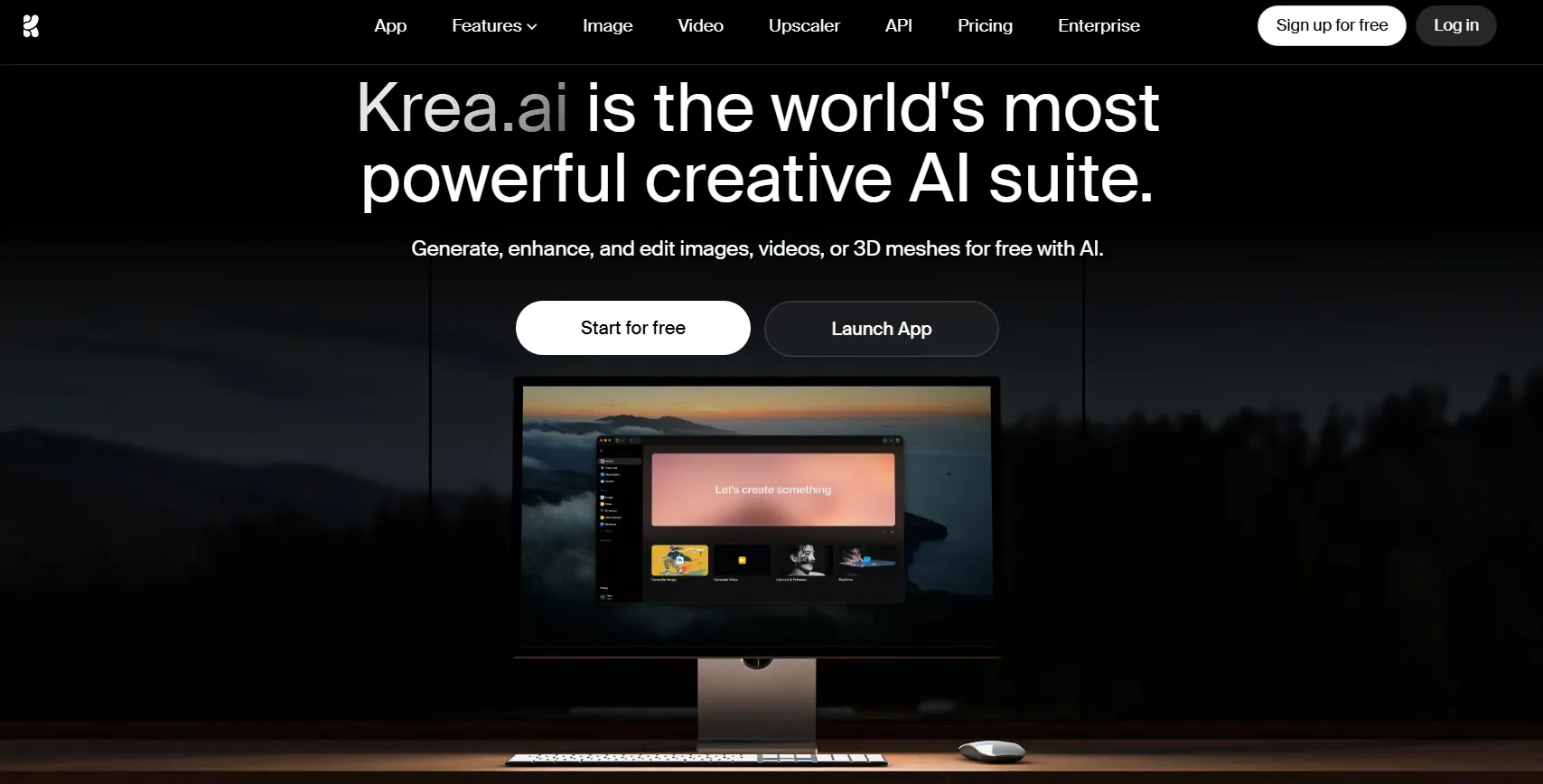
Krea AI is the best video to video AI if you want video restyling to feel more experimental and design-led. I would use it when I want not just to clean up my clip, but to push the footage into a more artistic or visually unusual direction.
I found Krea AI most useful for style exploration. Its Video Restyle tool can change the look of a video while using information like pose, motion, or depth. That makes it useful for concept videos, stylized b-roll, and music visuals.
But I would not choose Krea AI first when I need a direct marketing clip. It feels more like a creative studio for visual experiments, so I would only use it for concept work before final production.
Key Features
- Video Restyle: Change an existing video’s style for more artistic or experimental looks.
- Pose, motion, and depth extraction: Use structure from the source video to guide the new result.
- Creative AI suite: Generate, enhance, and edit images, videos, and 3D assets.
- Enhancement tools: Improve generated visuals when sharper presentation is needed.
- Model access: Explore different generation models inside one creative workspace.
Best For
- Designers: Test experimental restyles from existing footage.
- Visual artists: Create artistic motion tests and style studies.
- Creative directors: Compare different looks before production.
Pros:
- Great for artistic restyling and visual exploration.
- Useful structure controls through pose, motion, and depth guidance.
- Strong creative suite beyond basic video to video generation.
Cons:
- I would not use it first for fast ad production or e-commerce outputs.
- The workflow can feel advanced when I only need one quick restyle.
- Compute usage may take planning if I test many generations.
Read our Krea AI review to learn more.
Artlist AI: Best Video to Video AI for Creator Workflows
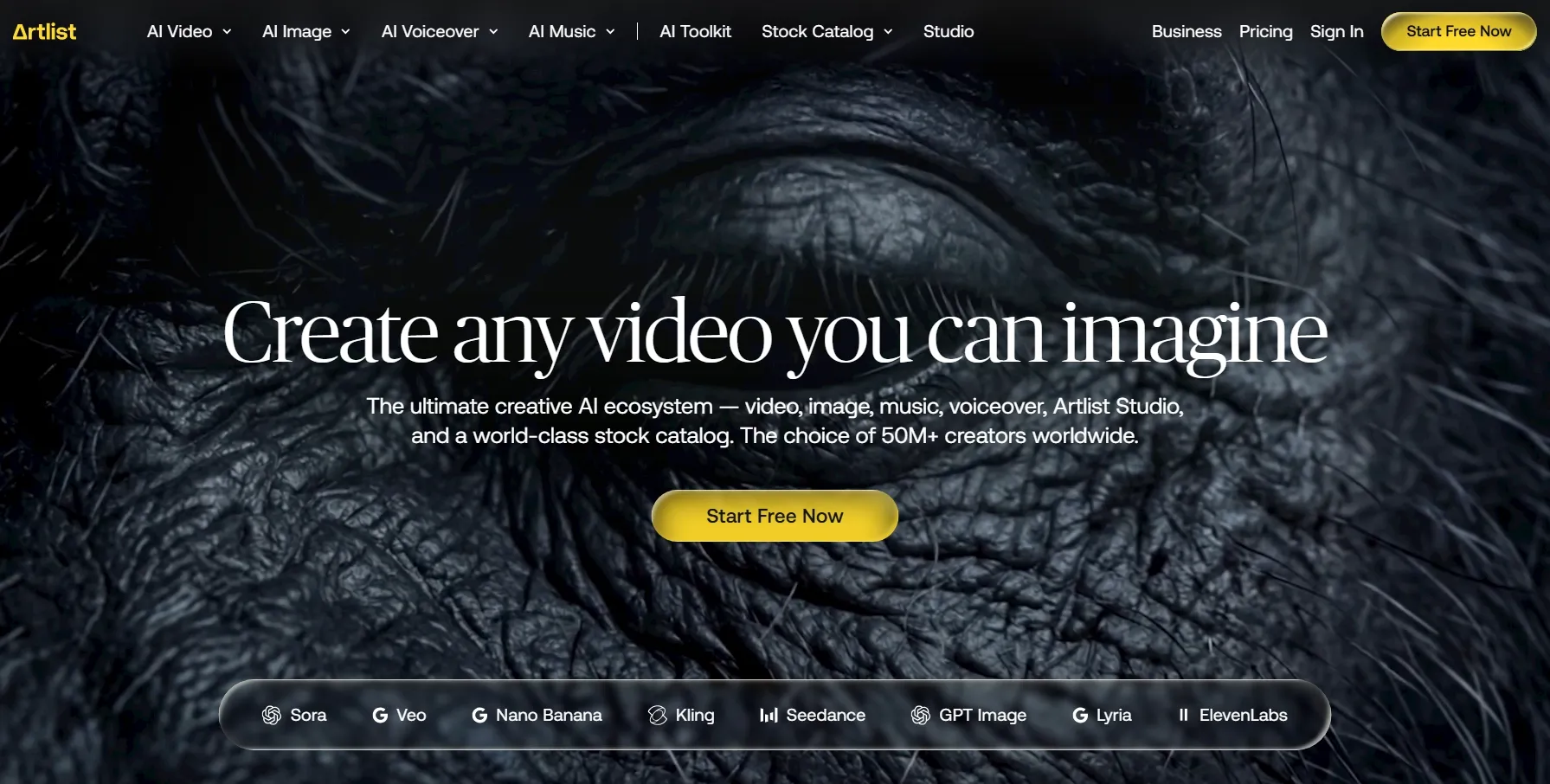
Artlist AI felt more useful when I treated the source clip as material for a more polished visual variation. In my video to video test, I focused on whether it could restyle existing footage without making the result feel disconnected from the original scene.
What I liked is that the transformed clip worked better when the source video already had a clear subject and simple movement.
It felt suitable for creator ads, YouTube intro variations, music-backed product teasers, and branded short videos where the new look matters more than strict frame-level control.
The weaker part is precision. Artlist AI did not feel as focused as dedicated video-to-video restyle tools when I wanted tight motion preservation or very specific style control.
Key Features
- AI Toolkit workspace: Generate video, image, music, and voiceover assets in one place.
- Artlist Studio: Build larger AI video productions with more creative structure.
- Stock asset ecosystem: Pair AI outputs with music, SFX, footage, templates, and LUTs.
- AI Agent and Auto-Prompt: Improve prompts and guide generation with less manual setup.
Best For
- Commercial creators: Build creator ads, product teasers, and branded video assets.
- Freelance video makers: Combine stock footage, templates, and AI-generated clips.
- Agencies: Support client content with broader creative resources.
Pros:
- Strong creator ecosystem beyond one video-to-video tool.
- Useful asset support for music, SFX, footage, and templates.
- Good fit for commercial workflows that need more than one generated clip.
Cons:
- I would not pick it for one quick restyle if I do not need the broader ecosystem.
- Pricing and credit limits need checking before recommending a plan.
- The platform may feel broad when I only want video-to-video style transfer.
Read our insightful Artlist review to know more information.
Dreamina AI: Best Video to Video AI for Cinematic Reference Videos
Dreamina AI is the best video to video AI when I want an uploaded clip to guide the motion, pacing, and overall visual direction of a new short video.
What I liked is that the result can feel more cinematic than a basic style filter. It works well for fashion teasers, anime-style moments, product launch videos, and short story clips where mood and camera movement matter.
The downside is that Dreamina AI is not the most precise tool for strict video restyling. It may change the original subject, motion, or scene more than expected. I would use it more for reference-led creation than for preserving one uploaded clip closely.
Key Features
- Camera movement control: Shape shots with more dynamic visual direction.
- Audio-supported generation: Use sound or music direction to make clips feel more complete.
- Variation generation: Test different visual routes before choosing the best result.
Best For
- Short-form creators: Create cinematic clips for various social platforms.
- Fashion marketers: Test mood-led product teasers and launch videos.
- Story creators: Explore anime shorts, character moments, and visual scenes.
- Creative teams: Build reference-led video concepts before final production.
Pros:
- Good for cinematic short videos with motion, mood, and camera direction.
- Flexible reference support for clips, images, prompts, and audio.
- Useful for early concept testing before committing to one visual route.
Cons:
- Less direct for strict clip restyling than focused video-to-video tools.
- Reference quality matters a lot when I need a clearer final result.
- Prompt control still takes effort when scenes include several subjects.
For more details, check our full Dreamina review.
DomoAI: Best Video to Video AI for Anime-Style Transformation
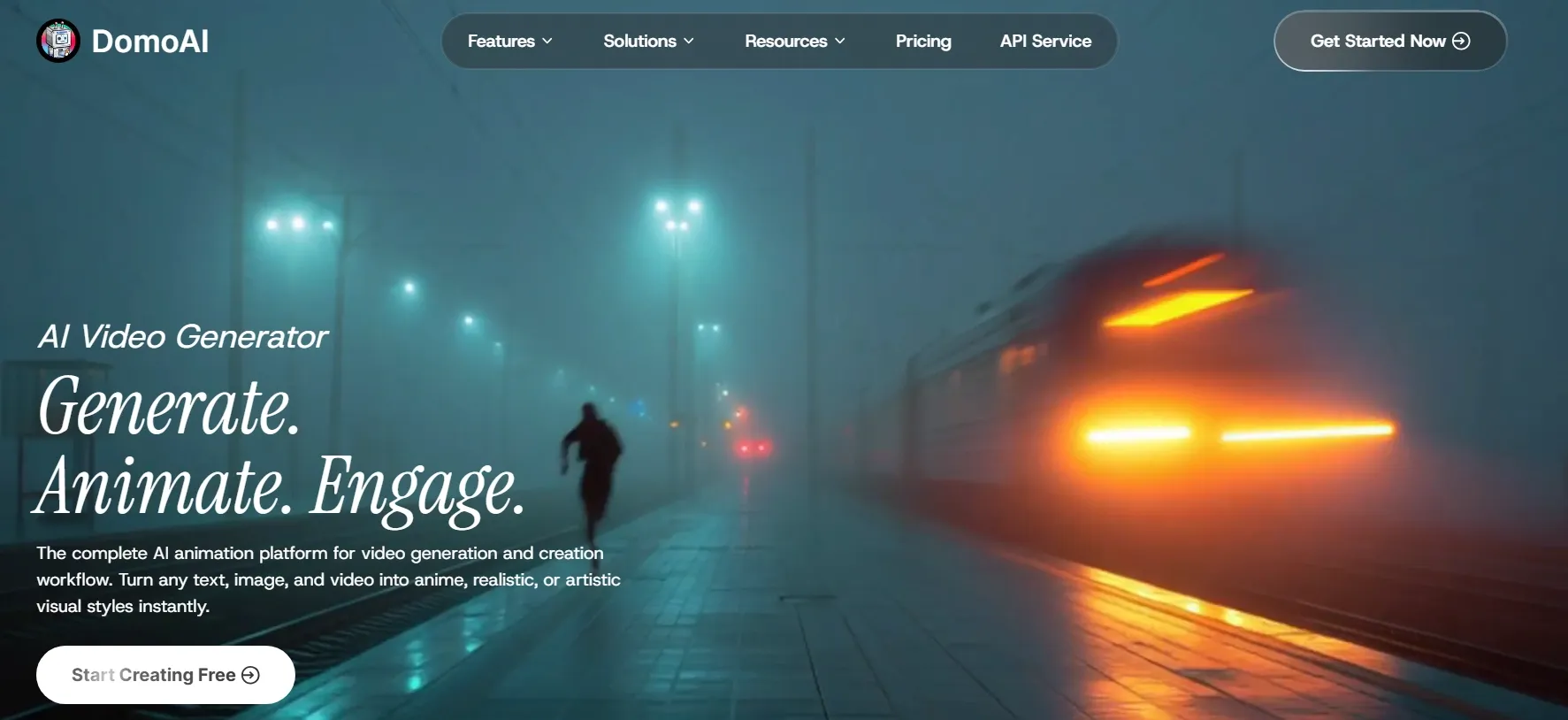
DomoAI is the best video to video AI if you want an existing video to become anime, cartoon, realistic, or artistic-style footage.
What I liked most was how clearly DomoAI handled stylized motion. In my test, it felt better for videos where the movement itself matters, such as anime dance videos, fan edits, character clips, meme videos, and stylized social content.
What I had to watch for was visual subtlety. The style can become very strong, so I would not use it first for restrained commercial videos, realistic product demos, or brand visuals that need a cleaner look.
Key Features
- Video-to-animation generation: Turn real footage into anime, cartoon, realistic, or artistic styles.
- Motion preservation: Keep the original movement readable after transformation.
- Character movement tools: Animate characters while keeping motion clear.
- Lip sync support: Add synced speech to stylized character videos.
- Commercial usage support: Use generated content for social, marketing, and client projects.
Best For
- Anime creators: Create stylized videos from real footage.
- Dance creators: Transform movement-heavy clips into anime or cartoon videos.
- Short-form creators: Make meme videos, fan edits, or character-driven clips.
- Fan editors: Create dramatic restyles without manual animation.
Pros:
- Very clear anime and animation focus for video transformation.
- Simple creative workflow for fast stylized outputs.
- Good fit for social content where bold style matters.
Cons:
- Less suitable for subtle commercial videos or realistic product demos.
- The style can overpower the source clip when I need a restrained look.
- It does not feel as complete as Pollo AI for post-generation workflows.
GoEnhance AI: Best Video to Video AI for Stylized Visual Effects
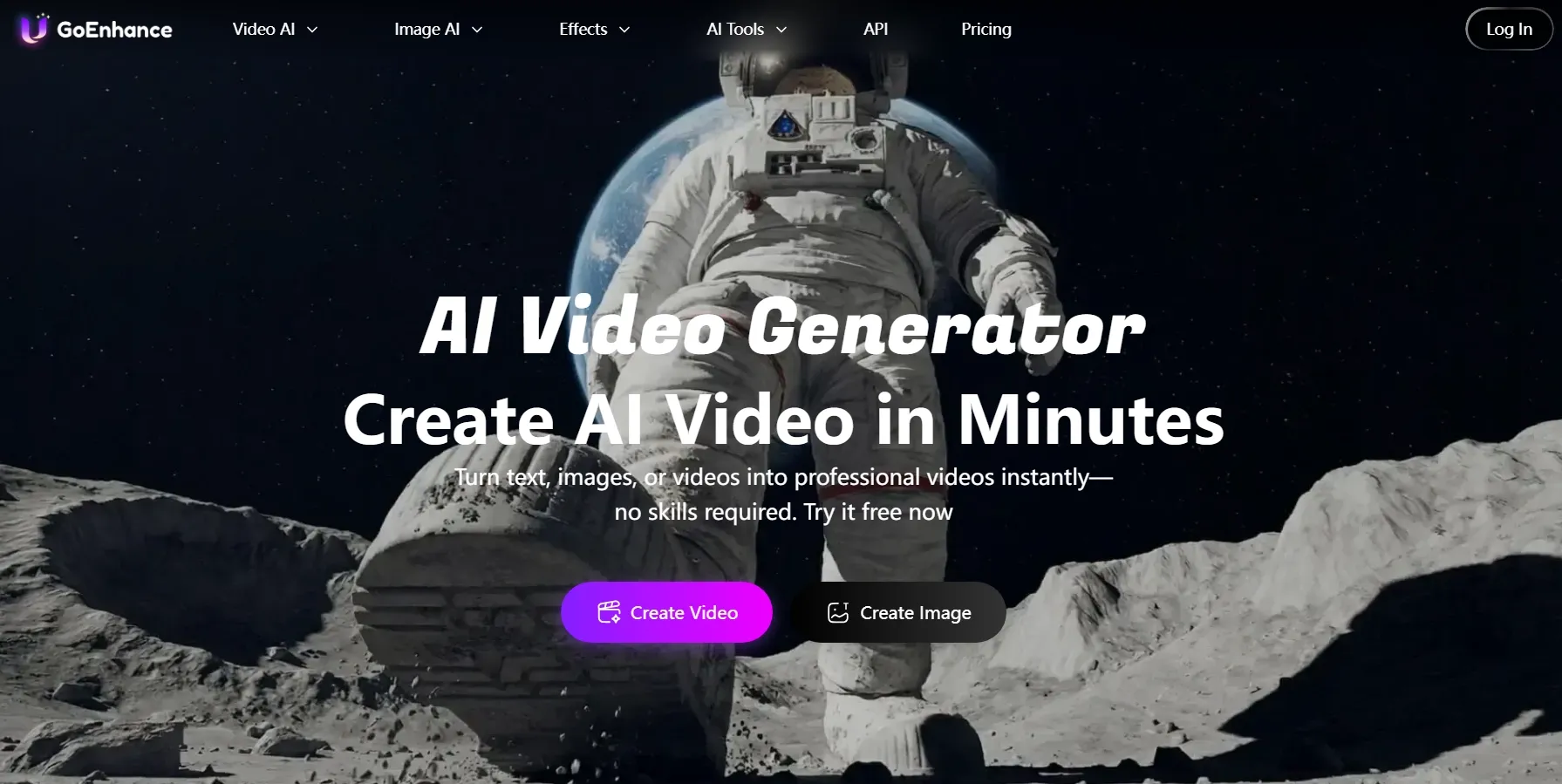
GoEnhance AI is the best video to video AI when I want an existing clip to take on a more playful, animated, or fantasy-like look.
I liked its broader style range. In my test, it felt useful for turning ordinary footage into cartoon clips, clay-style videos, 3D-inspired visuals, animal videos, classroom explainers, and lighthearted social posts.
The downside is control. GoEnhance AI works well for quick visual changes, but I would not rely on it first when I need subtle brand consistency, detailed scene control, or a highly polished campaign video.
Key Features
- Video style conversion: Transform existing footage with cartoon, anime, clay, 3D, and other visual styles.
- Stylized effect generation: Add a stronger creative look to ordinary clips without manual animation.
- Motion-aware transformation: Keep the source movement readable while applying a new style.
- Subject-focused restyling: Apply effects around the main subject for clearer visual focus.
- Extra AI video tools: Continue with related tools like lip sync and AI video generation.
Best For
- Social creators: Make playful clips, cartoon videos, and stylized short posts.
- Educators: Create classroom explainers or storybook-style videos.
- Pet creators: Turn pet footage into cute animated or fantasy-style clips.
- Casual creators: Test fun visual effects without a complex production workflow.
Pros:
- Good style variety for playful and animated video effects.
- Easy to use for quick transformations from ordinary footage.
- Useful for social, casual creative, and education clips.
Cons:
- Less reliable for subtle brand control or detailed creative direction.
- The output can feel effect-heavy when I need a cleaner visual style.
For a deeper breakdown, explore our GoEnhance AI review.
LTX AI: Best Video to Video AI for Structure-Controlled Generation
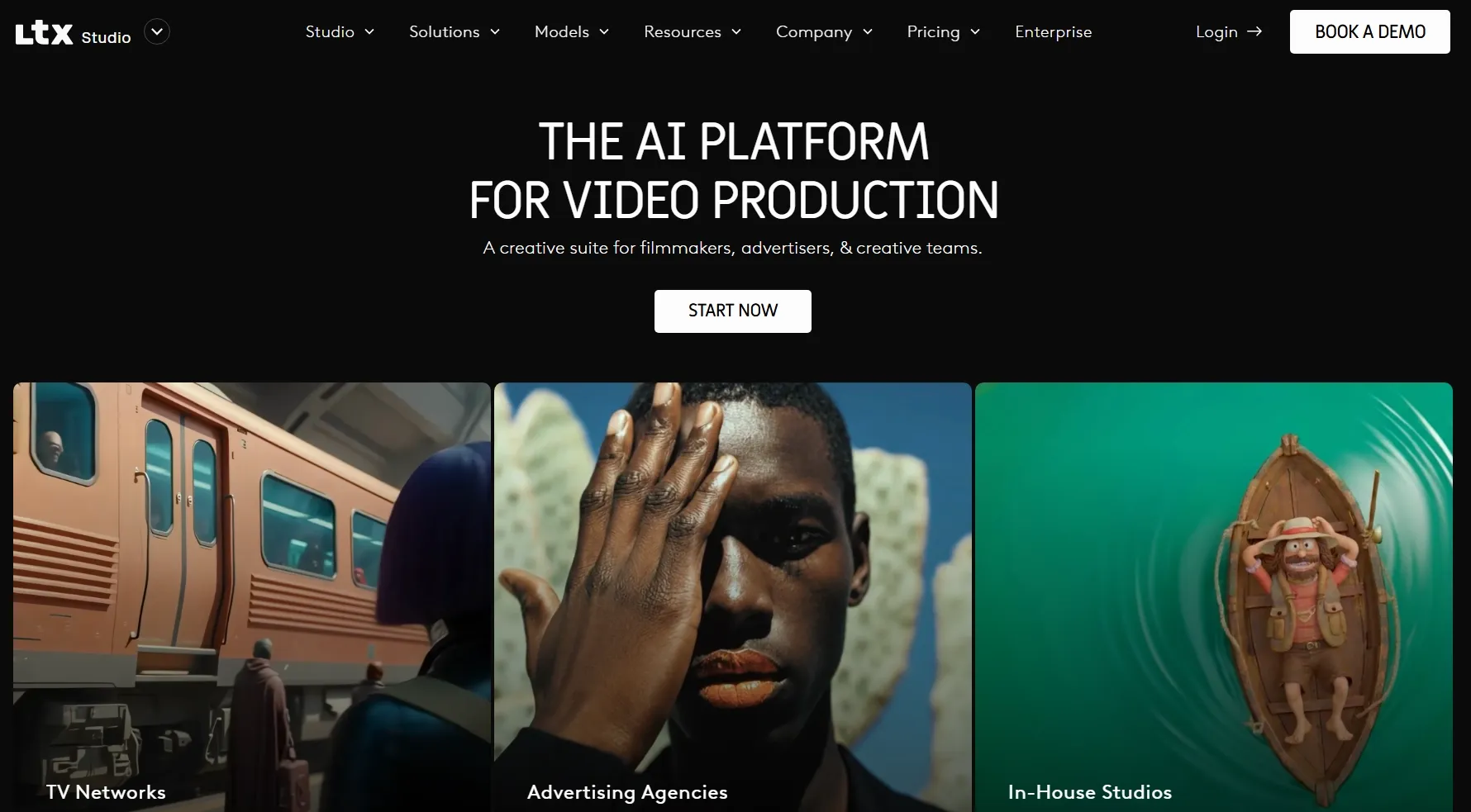
LTX AI is the best video to video AI when I need stronger control over how the source video guides the new result. I would use it when the original clip’s composition, motion, or scene structure matters.
What I liked is that LTX AI feels more controlled than a simple style filter. It can use the source video as a visual guide, making it useful for cinematic variations, scene restyles, character motion tests, and pre-production video concepts.
But it is not the fastest tool for casual restyling. The workflow feels more technical, so I would use it when I need control and structure instead of a quick visual effect.
Key Features
- AI video production workspace: Plan and generate video projects with more structure.
- Storyboarding support: Build clearer scenes before moving into final video generation.
- Shot-level direction: Shape visual flow, pacing, and scene structure more deliberately.
- Model access: Use different AI video models depending on speed and quality needs.
- Team workflow options: Support more serious creative projects and collaboration.
Best For
- Filmmakers: Develop teaser concepts, scene tests, and pitch visuals.
- Story teams: Create concept scenes, story clips, or storyboard videos.
- Creative directors: Plan shots with more structure.
- Advanced AI creators: Work through more detailed video workflows.
Pros:
- Strong for structured video projects instead of one-off effects.
- Useful storyboarding workflow for concept and pitch work.
- Good fit for filmmakers who need more control over scenes.
Cons:
- Too heavy for quick casual restyling of short clips.
- The workflow can feel complex when I only need a simple transformation.
Magic Hour: Best Video to Video AI for Simple Online Style Transfer
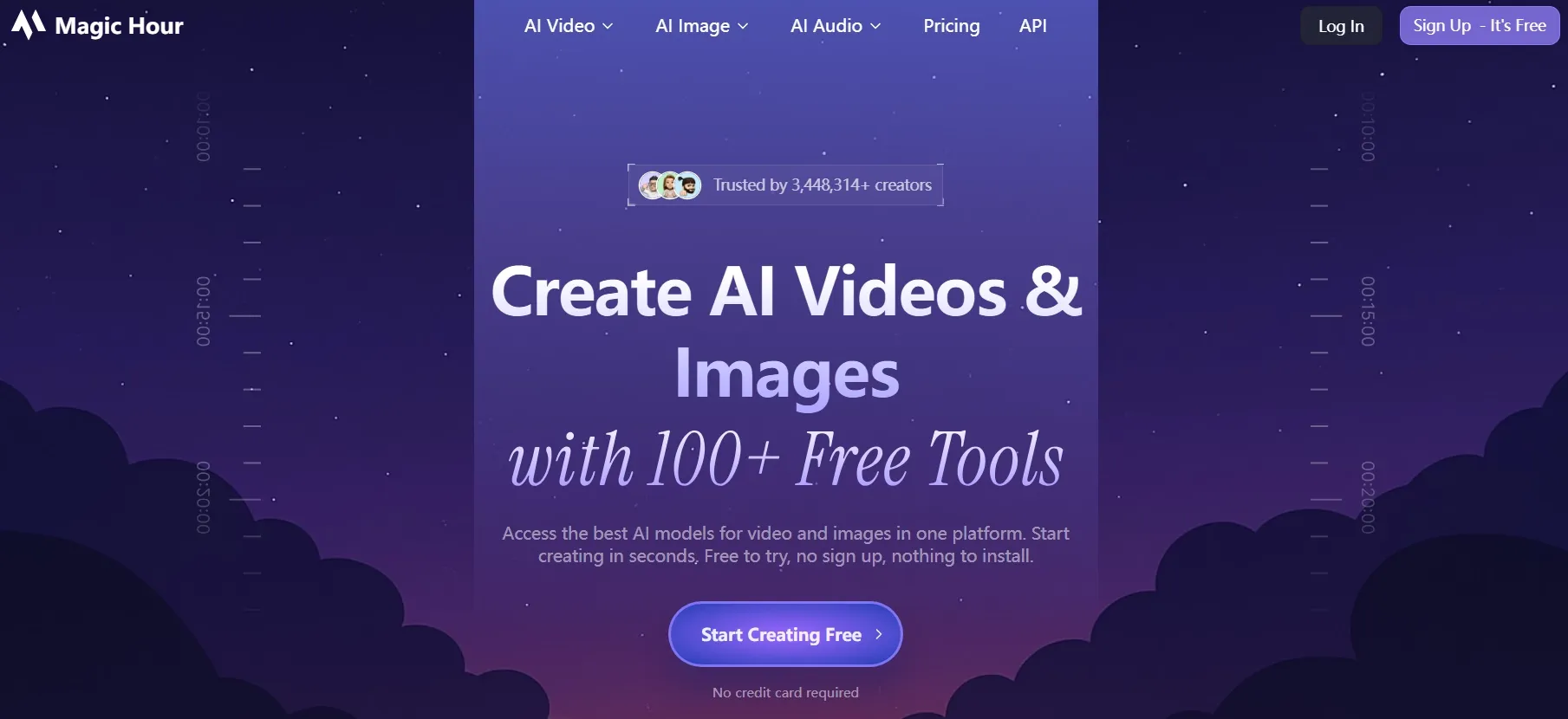
Magic Hour gave me the quickest path from an existing clip to a restyled result. It felt useful when I needed a simple visual transformation without building a larger production workflow.
I liked how direct the process felt in my test. It worked better for short clips where the goal was fast visual restyling, such as lyric videos, funny clips, animated reaction clips, and quick cinematic looks.
But I was not satisfied with its control depth. Because of this, Magic Hour feels more suitable for short, simple transformations than long-form or multi-shot projects.
Key Features
- Prompt-based restyling: Guide the result with written style direction.
- Motion preservation: Keep the original movement more recognizable.
Best For
- Casual creators: Make fast stylized videos for viral social content like ASMR glass fruits cutting videos.
- Meme creators: Test funny transformations from existing clips.
- Music video makers: Explore quick visual directions and style tests.
- Beginners: Start with a browser-based video restyle tool.
Pros:
- Very easy to start for basic video restyling.
- Good for quick experiments without a complex setup.
Cons:
- Less suitable for long-form production or multi-scene storytelling.
- It has fewer post-generation options than Pollo AI.
Media.io: Best Video to Video AI for Browser-Based Effects
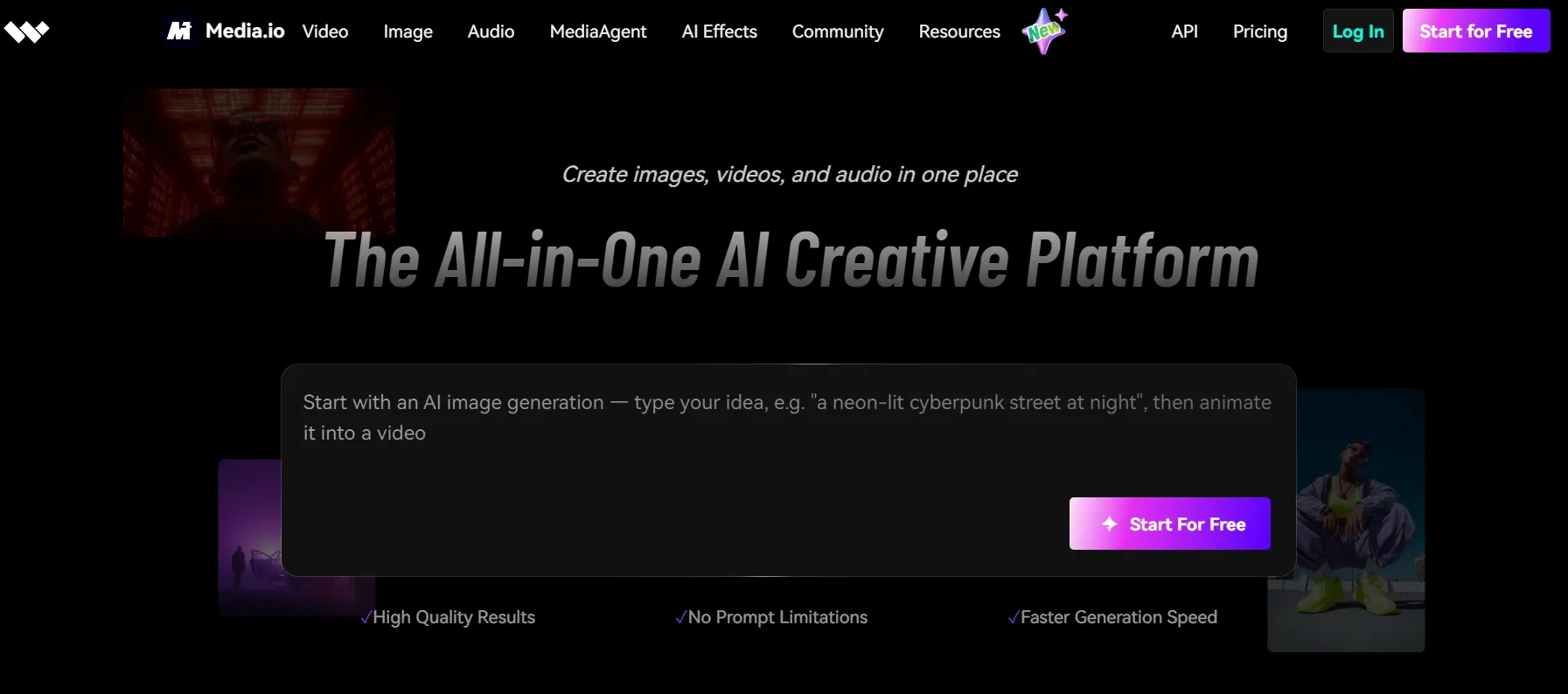
Media.io felt like a lightweight video to video AI tool for turning existing clips into stylized versions. I would recommend you use it when I need a fast visual change.
What I liked is that it works better for simple video transformations, such as cartoon-style clips, product teaser variations, family videos, and YouTube Shorts. The value is speed and accessibility, not advanced creative control.
But its video-to-video results can feel more like quick effects than detailed generation. So I would not depend on it when I need strict motion control, strong subject consistency, or a polished campaign-ready output.
Key Features
- Style and prompt input: Choose a visual style or describe your preferred look.
- Motion and scene preservation: Keep the original subject, movement, and structure recognizable.
- Effect library: Apply claymation, pixel art, watercolor, pop art, and other effects.
Best For
- Social media creators: Create quick effects from existing videos.
- Small business owners: Make playful promo clips or product teasers.
- Family video creators: Turn everyday clips into fun animated styles.
- Beginners: Use a simple browser-based tool.
Pros:
- Fast and accessible for simple video-to-video effects.
- Good effect variety for playful and stylized clips.
- Easy browser workflow for lightweight projects.
Cons:
- Not ideal for precise creative control or advanced production.
- Pricing should be carefully noticed before large generations.
To learn more, read our complete Media.io review.
Akool: Best Video to Video AI for Marketing-Style Transformation
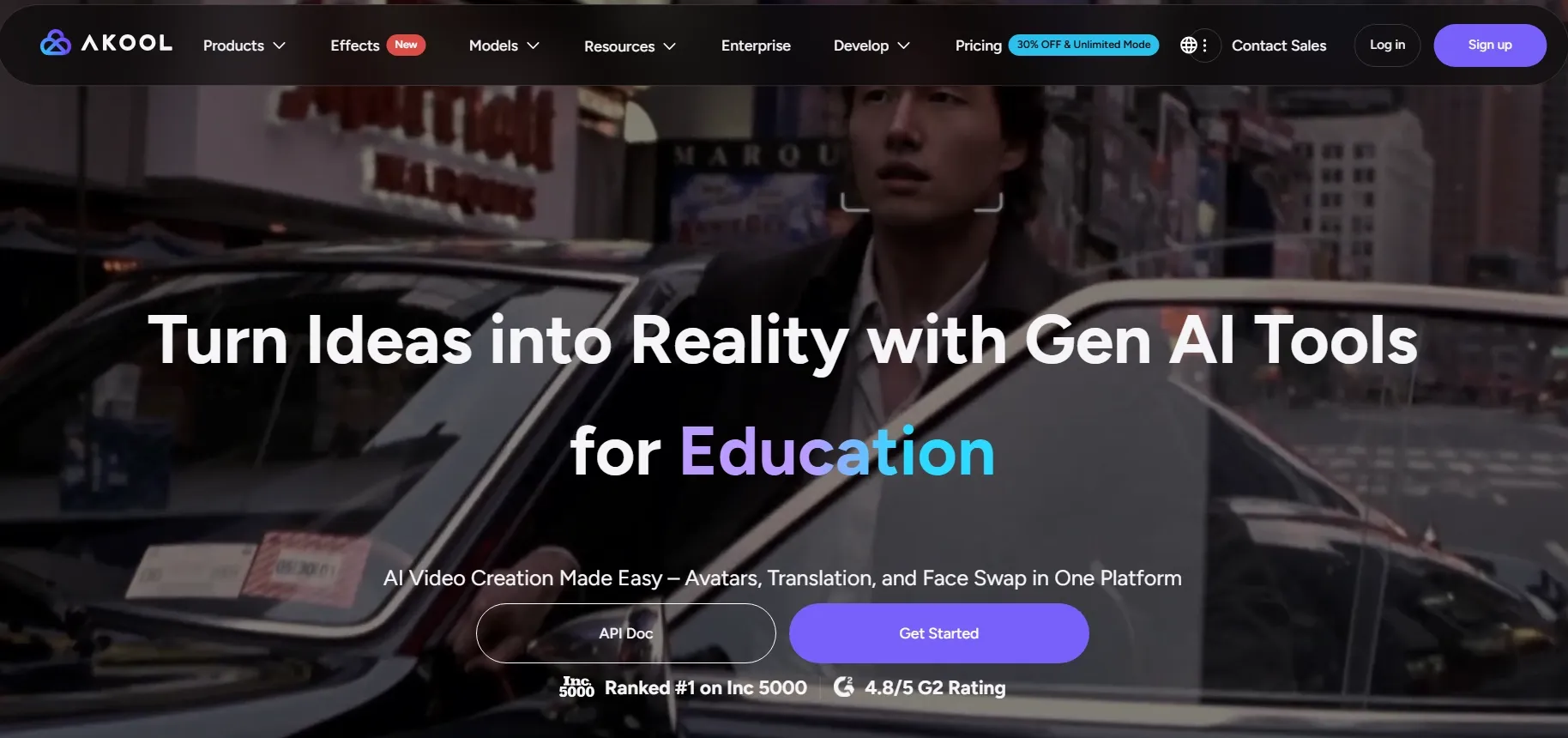
Akool felt more useful when I wanted to transform an existing video for business-facing content. I would use it when the source clip needs a new visual style for ads, SaaS demos, training clips, or localized campaign videos.
What I liked is that Akool’s video-to-video use case fits clips that already have a business purpose. It is more useful for refreshing presentation videos, product scenes, or campaign footage than for creating purely artistic restyles.
Where it feels weaker is creative restyling depth. Akool AI does not feel as focused on video-to-video generation as tools built mainly for restyling, so I would not use it first for anime-style effects, experimental visuals, or close motion-preserving transformations.
Key Features
- Avatar tools: Create presenter-style video content for business communication.
- Face swap: Replace faces in images and videos for personalized visual campaigns.
- Video translation: Localize video content for different languages and regions.
- Business-focused workflow: Support marketing, advertising, education, and brand communication.
Best For
- Marketing teams: Create localized campaign videos and branded visuals.
- Enterprise teams: Use avatars, translation, and scalable video production.
- Ad creators: Test personalized sales letter videos and digital ad concepts.
- Business content teams: Produce training clips, video banners, and customer-facing videos.
Pros:
- Strong business positioning for marketing and enterprise video workflows.
- Broad AI video suite beyond simple restyling.
- Useful for teams that need avatars, translation, and face swap together.
Cons:
- Less focused for pure artistic video restyling.
- The business suite may feel excessive when I only need one quick transformation.
Turn Existing Clips Into Polished AI Videos
Restyle your existing clips, test leading AI video models, and continue editing after generation in one complete workflow.
Try Video to Video Generation NowHow Did I Test These Video to Video AI Tools?
I focused on how well each tool could transform an existing video without losing what made the source clip useful. I checked whether the new result kept the original motion, subject, and scene readable while applying a clear new style.
I also looked at how much work the output needed after generation. For video to video AI, a result is only useful if I can refine, resize, add audio, improve consistency, or move it into another workflow without starting over.
Here are the main criteria I used:
- Source video understanding: I checked whether the tool recognized the original subject, action, scene, and motion structure.
- Motion preservation: I watched whether the new result kept the source movement smooth, readable, and close to the uploaded clip.
- Subject and scene consistency: I looked at whether faces, bodies, objects, and backgrounds stayed stable after transformation.
- Style transformation quality: I tested whether the new visual style looked intentional instead of random, messy, or filter-like.
- Visual polish: I compared sharpness, lighting, texture, composition, resolution, and overall output quality.
- Post-generation workflow: I looked at whether I could refine, resize, add audio, improve consistency, or continue with other tools.
My Final Verdict
Pollo AI is my top choice because it treats video to video generation as part of a real creative workflow, not just a one-step restyle. I could explore new looks while still keeping the source clip useful and recognizable.
What makes Pollo AI more practical is what happens after the first result. I can keep refining the video with editing tools, AI voiceovers, effects, and other creative features, which makes the output easier to shape for real projects.
For creators, marketers, and e-commerce teams, that extra workflow depth matters. It reduces the gap between a good-looking result and a usable final asset, making it easier to test ideas, fix weak outputs, and adapt one result for different needs.
If you want more than a quick restyle, Pollo AI is the tool I would start with. Use it to explore new video directions, refine rough outputs, and move closer to a polished final result.