



My 10 Best Text to Video AI Generators (Tried & Compared)
Some tools promise to turn a prompt into a polished video, but in real use, the results can be stiff, unstable, or hard to control. So I tested 10 text to video AI generators to see which ones can actually create usable videos.
In this review, I will share what I found from using these generators, including where each tool works well, where it falls short, and who should use it.
Quick Answer: What Is the Best Text to Video AI Generator?
Pollo AI is the best text to video AI generator overall because it gives you more control than a single-purpose generator.
Instead of relying on one model’s style, I have more flexibility by switching between leading AI models such as Veo 3.1 and Kling 3.0 for cinematic scenes, product videos, social clips, or marketing content.
What makes Pollo AI stronger for serious work is its complete AI video workflow. After generation, I can edit my video, generate sound effects, use creative AI tools, or move into specialized apps for ads, explainers, and other real content needs.
10 Best Text to Video AI Tools at a Glance
| Tool | Best For | Pricing |
| Pollo AI | Creators, marketers, and sellers that need a full text to video workflow. | Pricing starts at $10/month |
| Adobe Firefly | Designers and creative teams that need commercial-safe AI video clips. | Pricing starts at $13.39/month |
| Invideo AI | Marketers and small businesses creating prompt-based promotional videos. | Pricing starts at $17/month |
| Synthesia AI | Business teams creating avatar-led training and explainer videos. | Pricing starts at $18/month |
| Pictory AI | Content marketers repurposing scripts, blogs, and long-form content into videos. | Pricing starts at $25/month if billed annually |
| Krea AI | AI artists and creators testing different visual styles and models. | Pricing starts at $5/month |
| LTX AI | Storytellers and creative teams planning scene-based video projects. | Pricing starts at $15/month |
| DomoAI | AI artists and social creators making anime videos, stylized clips, and visual story ideas. | Pricing starts at $9.99/month |
| Media.io | Beginners and small teams making simple browser-based AI videos. | Pricing starts at $15.99/month |
| Vidnoz AI | Business users creating avatar videos, presentations, and template-based content. | Pricing starts at $26.99/month |
Pollo AI: Best Text to Video AI Overall
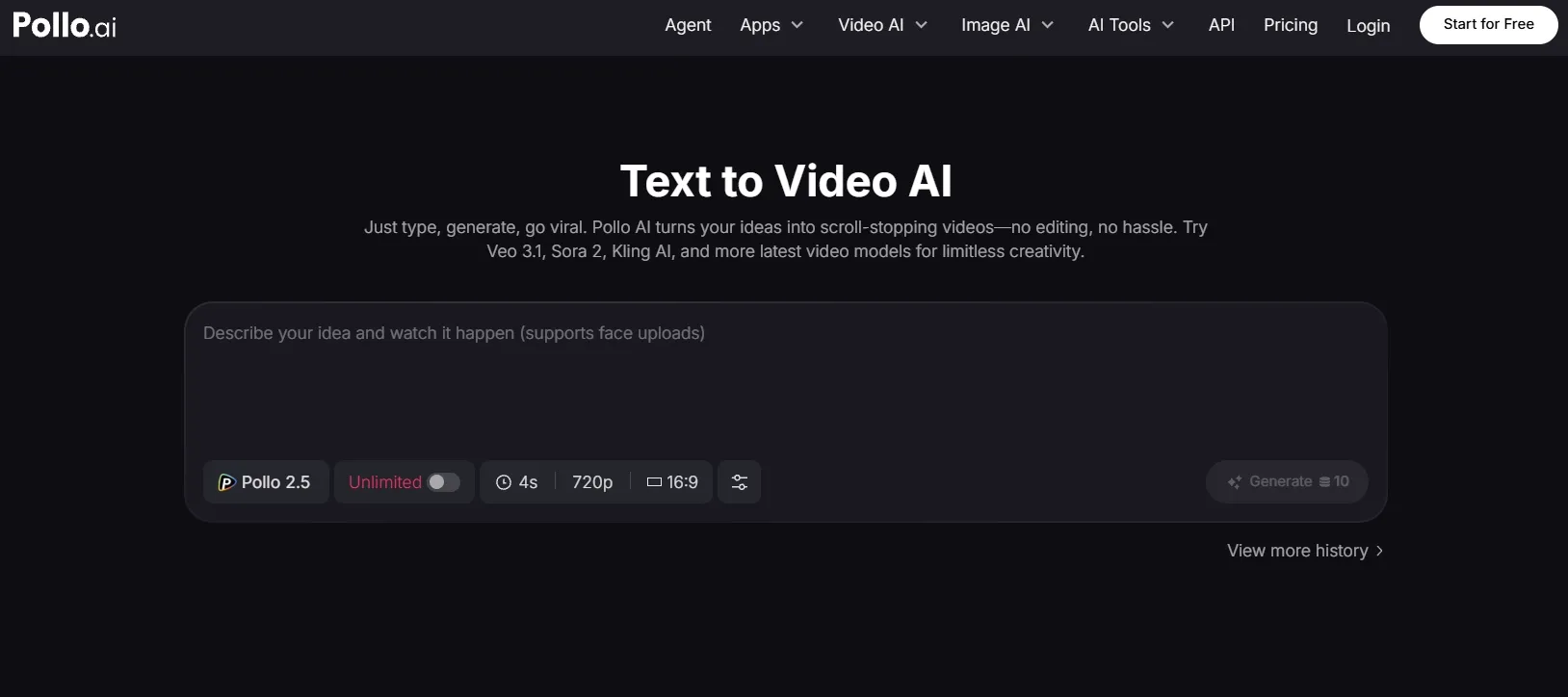
I picked Pollo AI as the best overall option because it gives me more room to control text to video generation. It is not just about creating one clip from one prompt, but about testing different visual directions and continuing the work after the first result.
What I liked most was the flexibility. Many tools lock me into one generation model or one visual style, but Pollo AI gives me more model choices, including Sora 2 and Seedance 2.0, so I can test different visual styles from the same idea, and choose the best result.
Pollo AI also gives me a more complete video generation workflow. Instead of leaving me with a raw clip, it lets me keep polishing the video with built-in editing, voiceovers, effects, and specialized workflow apps for real project needs.
I also want to highlight Pollo Agent here because it solves a common problem with text to video tools: the first generated clip often still needs structure. With Pollo Agent, I can move from a simple idea to a post-ready, edit-free video with clearer pacing, visuals, and sound.
Key Features
- Multi-model text to video generation: Test different AI video models such as Kling AI and Veo AI, from one prompt and choose the output that fits your scene best.
- AI avatar generation: Create presenter-led videos with talking avatars, voiceovers, and multilingual delivery for training, ads, and social content.
- Specialized studios: Create different types of content through Marketing Studio and Commerce Studio. I can choose the right workspace for UGC video ads or e-commerce visuals, so the process feels more focused from the start.
- AI video editor: Refine generated clips with editing tools instead of exporting raw results elsewhere.
Best For
- Marketers who need product ads, campaign clips, and short promotional videos.
- Creators who want to test different visual styles from one prompt.
- E-commerce teams that need product demos, launch videos, and social assets.
- Content teams that want generation, editing, and reuse in one platform.
Pros:
- Broader than a basic text to video generator.
- Multiple model choices make testing easier.
- Useful for both creative and business videos.
- Post-generation tools reduce tool-switching.
Cons:
- New users may need time to learn which model fits each scene.
- Some advanced workflows can feel more complex than single-purpose tools.
Bring Your Words to Life with Pollo AI!
Use Pollo AI to create text to video results with stronger control, smoother workflows, and post-ready polish.
Turn Your Text into Videos for Free
Adobe Firefly: Best Text to Video AI for Commercial Projects
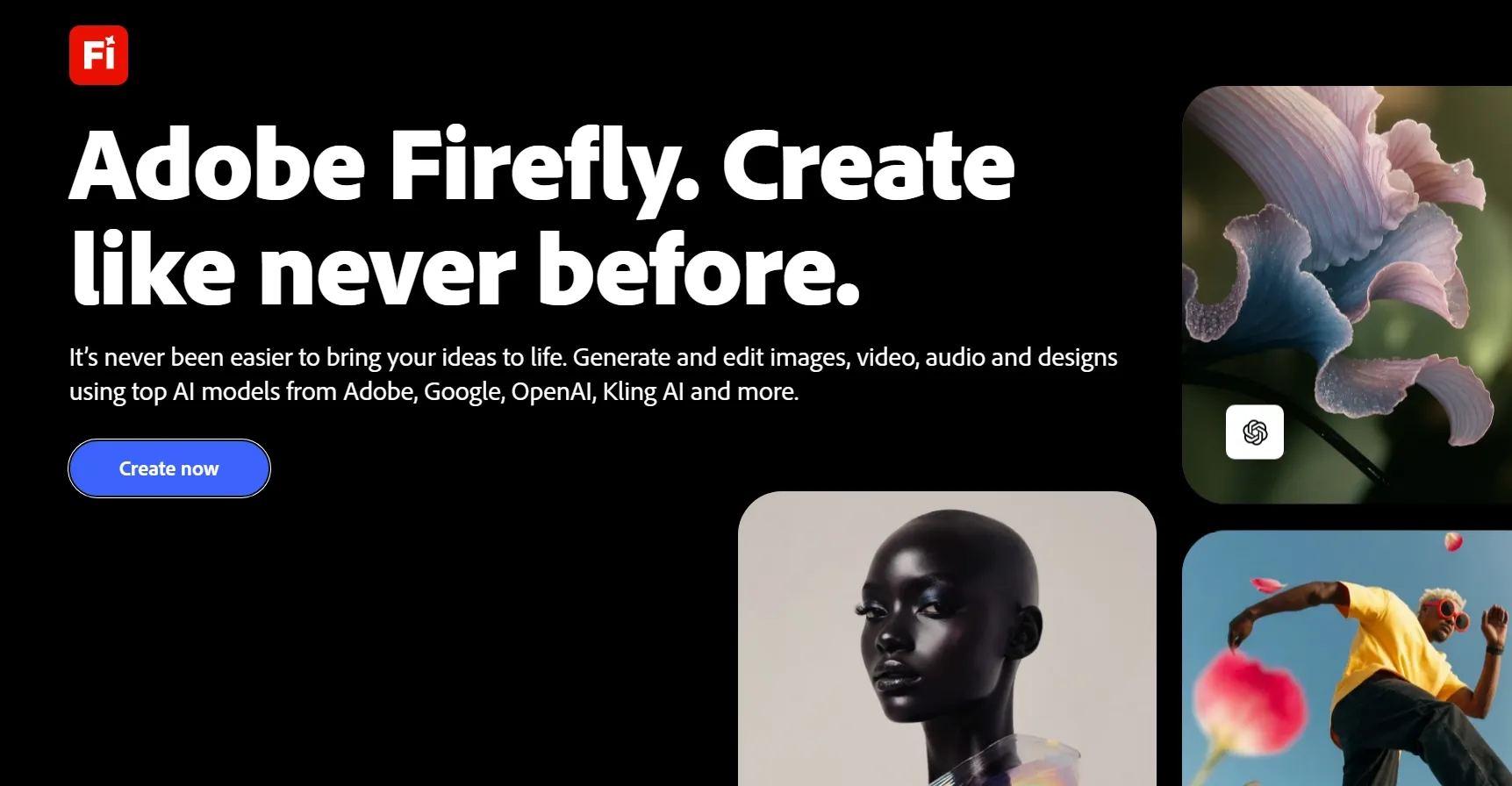
Adobe Firefly is best for users who care about brand safety, polished visuals, and Adobe’s creative ecosystem. I would use it when the video needs to feel clean, controlled, and suitable for professional creative work.
In my test, Adobe Firefly worked best for b-roll videos, product-style motion, and short cinematic clips. The results felt more controlled than many casual generators, especially when I wanted cleaner camera motion, polished lighting, and a more visual finish.
The trade-off is that it feels more like a short asset generator than a full video production tool. I would still need another workflow if I wanted longer scenes, more editing control, or a complete finished video.
Key Features
- Commercial-safe Firefly model: Generate content with Adobe’s commercially safer model positioning.
- Creative Cloud connection: Move generated assets into a broader Adobe editing workflow.
- Camera and motion controls: Guide shot style, angle, and movement more clearly than many simple generators.
Best For
- Creative teams that need brand-safe AI video assets.
- Marketers creating polished B-roll and campaign visuals.
- Designers already working inside Adobe tools.
- Filmmakers testing short concept shots.
Pros:
- Strong commercial-safe positioning.
- Clean and polished short clips.
- Useful camera and visual controls.
- Fits naturally into Adobe workflows.
Cons:
- Clip duration can feel restrictive.
- It is not the fastest option for casual experimentation.
- More advanced use may depend on Adobe’s credit system.
For more details, check out our insightful Adobe Firefly review.
Invideo AI: Best Text to Video AI for Marketing
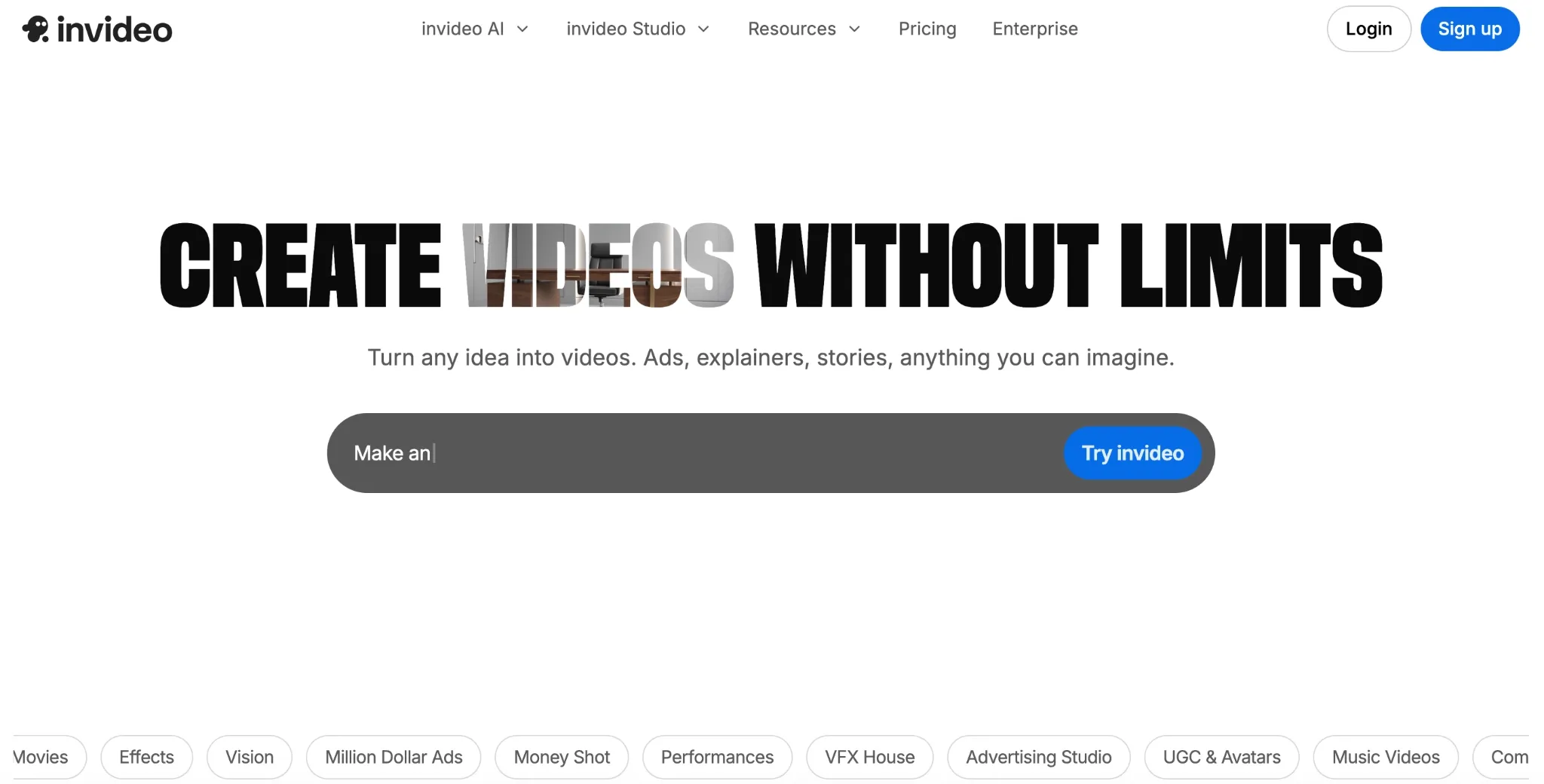
Invideo is best when you want a prompt to become a full marketing video draft, not just a short AI-generated clip. I would use it when I need a video with scenes, stock assets, voiceover, and a clear content flow.
In my test, I felt it was more reliable for practical content than for cinematic creativity. Explainer videos, ads, listicle videos, and social promos came together quickly.
But I would not use it for every visual idea. It felt weaker for original camera movement, dramatic realism, or a highly distinctive visual style.
Key Features
- Prompt-to-video workflow: Generate structured videos from a single idea or prompt.
- Stock asset integration: Build videos with stock clips, images, music, and voiceovers.
- Script and scene creation: Convert rough ideas into video scenes with narration.
- AI avatars and voices: Add presenter-style elements for business and marketing content.
- Editing tools: Adjust video structure, text, visuals, and pacing after generation.
Best For
- Marketers creating social videos and promo content.
- Small businesses that need quick video drafts.
- Content teams making explainers or list-style videos.
- Creators who prefer structure over cinematic control.
Pros:
- Fast for complete video drafts.
- Good for marketing and social content.
- Helpful stock and voice workflow.
- Less intimidating than advanced video generators.
Cons:
- The output can feel template-based.
- It is not ideal for cinematic prompt-to-video scenes.
- Visual originality depends heavily on asset selection.
Want a closer look? Read our full Invideo review.
Synthesia AI: Best Text to Video AI for Business Avatar Videos
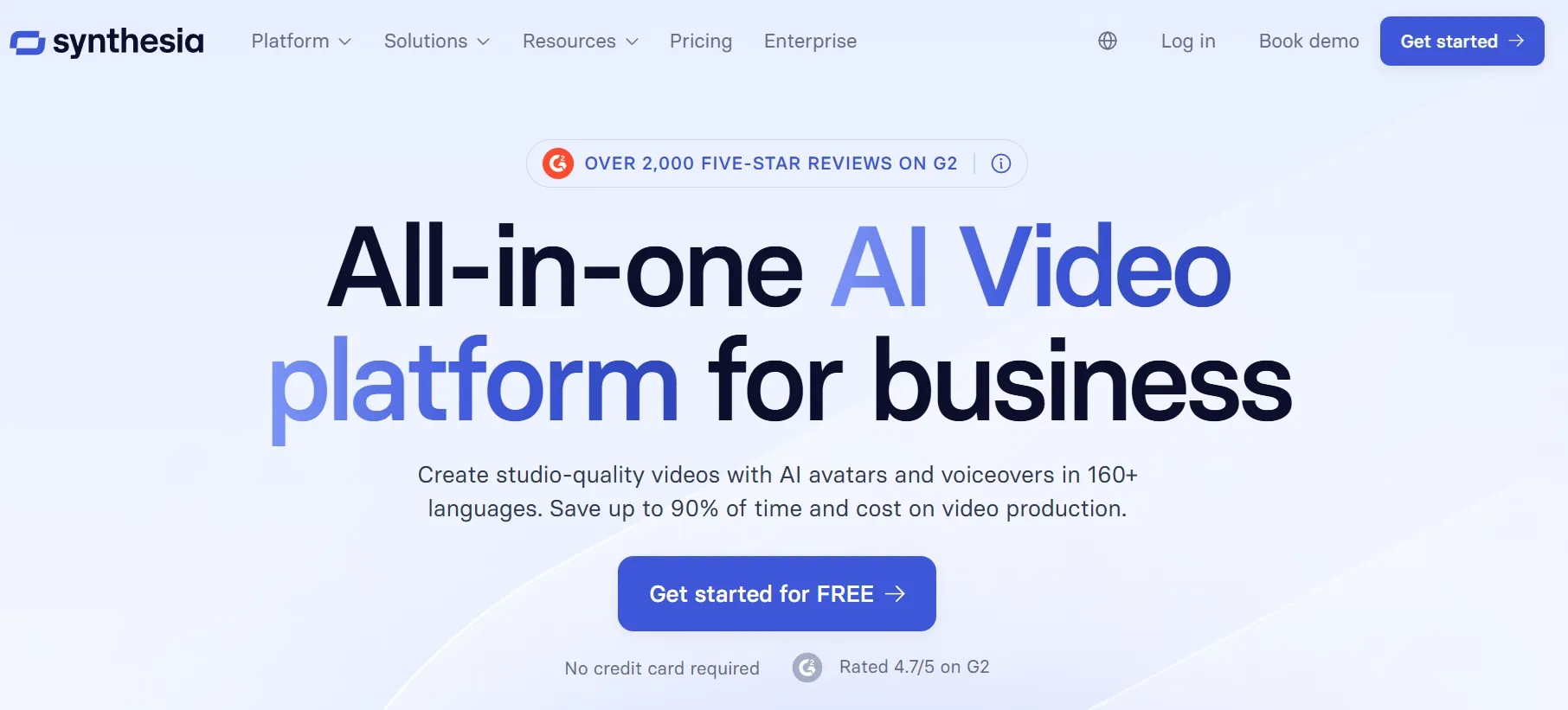
Synthesia AI works best for presenter-led business videos, not cinematic text to video generation. I found it most useful for training scripts, explainers, onboarding videos, and internal communication.
The avatar workflow felt clear and polished. I could move from script input to presenter-style output without dealing with complex editing, which makes it practical for business users.
The limitation is its narrow use case. If I need cinematic scenes, dynamic motion, or open-ended storytelling, Synthesia AI is not the tool I would choose.
Key Features
- Text to avatar video: Turn scripts into videos with AI presenters and voiceovers.
- Large avatar library: Choose from many stock avatars for business content.
- Multilingual voices: Create videos for global training, onboarding, and communication.
- Template-based workflow: Build structured videos faster with business-ready layouts.
- LMS-friendly output: Useful for training teams that need learning content at scale.
Best For
- Training teams creating learning videos.
- HR teams making onboarding content.
- Enterprises that need multilingual internal videos.
- Business users who prefer presenter-led communication.
Pros:
- Excellent for corporate video workflows.
- Strong avatar and voice support.
- Good for repeatable training content.
- More predictable than cinematic generators.
Cons:
- Not ideal for cinematic or creative scenes.
- Avatar videos can still feel artificial in emotional moments.
- Pricing may be high for casual creators.
You can learn more in our practical Synthesia AI review.
Pictory AI: Best Text to Video AI for Content Repurposing
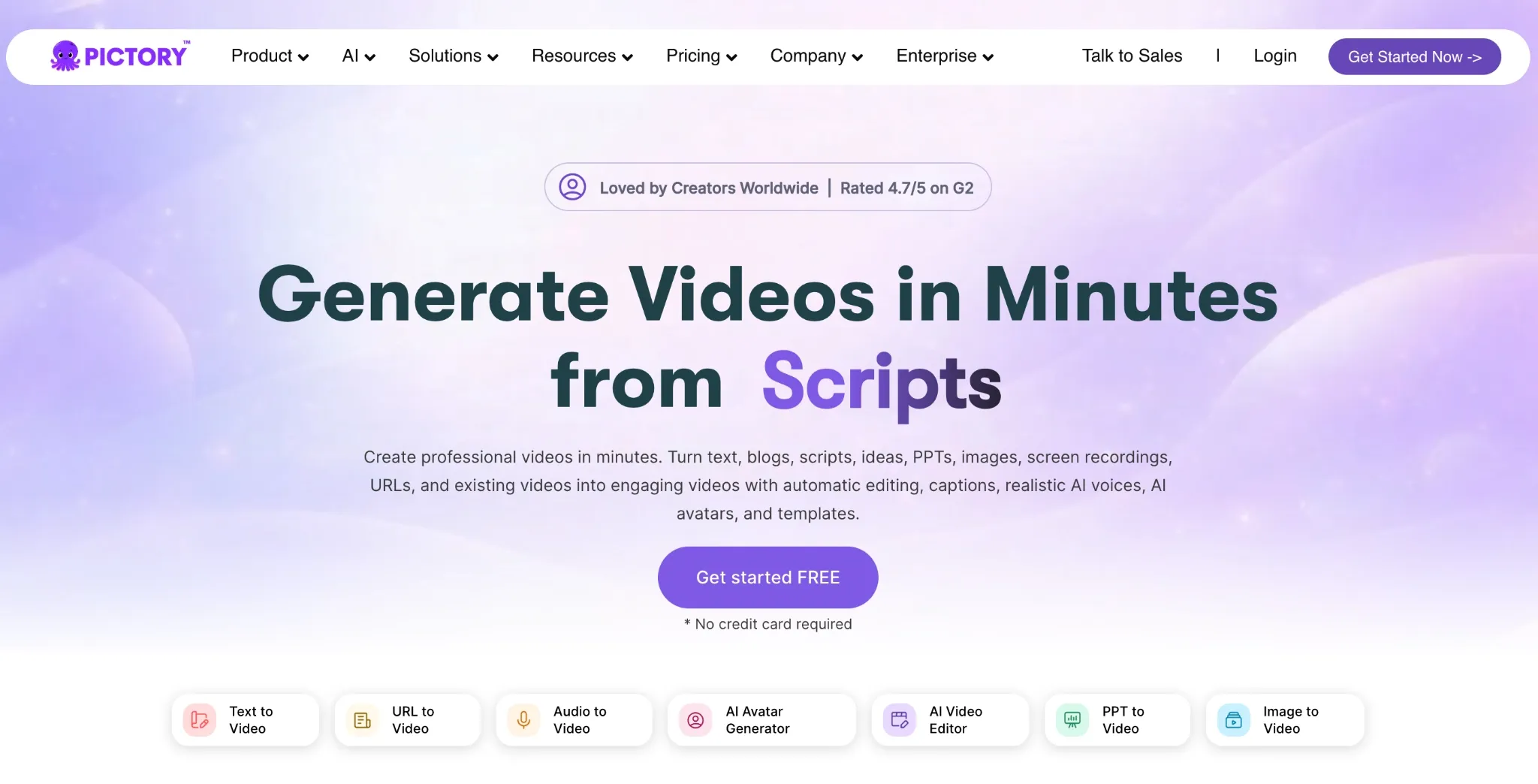
Pictory AI is best for turning scripts, blog posts, and long-form text into publishable videos. I would use it for content marketing rather than cinematic generation.
In my test, Pictory AI worked best when the input was already structured, such as a blog outline, article, or short educational script. It quickly matched the text with visuals, captions, narration, and templates, which made it useful for marketers, educators, and content teams.
Its limitation is creative motion. I would not pick Pictory AI for realistic action scenes, camera movement, fantasy visuals, or original cinematic generation, because this AI tool is not good for visual imagination.
Key Features
- Script to video: Turn written scripts, prompts, articles, and blog posts into videos.
- AI visuals and captions: Match content with visuals and subtitles for easier publishing.
- AI voiceovers: Add narration without recording your own audio.
- Templates and branding: Keep recurring content visually consistent.
- Text-based editing: Edit video content by changing text instead of working on a complex timeline.
Best For
- Content marketers repurposing blog posts.
- Educators creating short learning videos.
- YouTubers making list-style or explainer content.
- Teams that need repeatable content workflows.
Pros:
- Strong for script-based videos.
- Good for repurposing written content.
- Captions and voiceovers save time.
- Easy for non-editors to understand.
Cons:
- Not built for cinematic prompt-to-video output.
- Visuals can feel stock-like.
- Less useful when you need precise motion control.
For a deeper breakdown, explore our Pictory AI review.
Krea AI: Best Text to Video AI for Creative Concept Testing
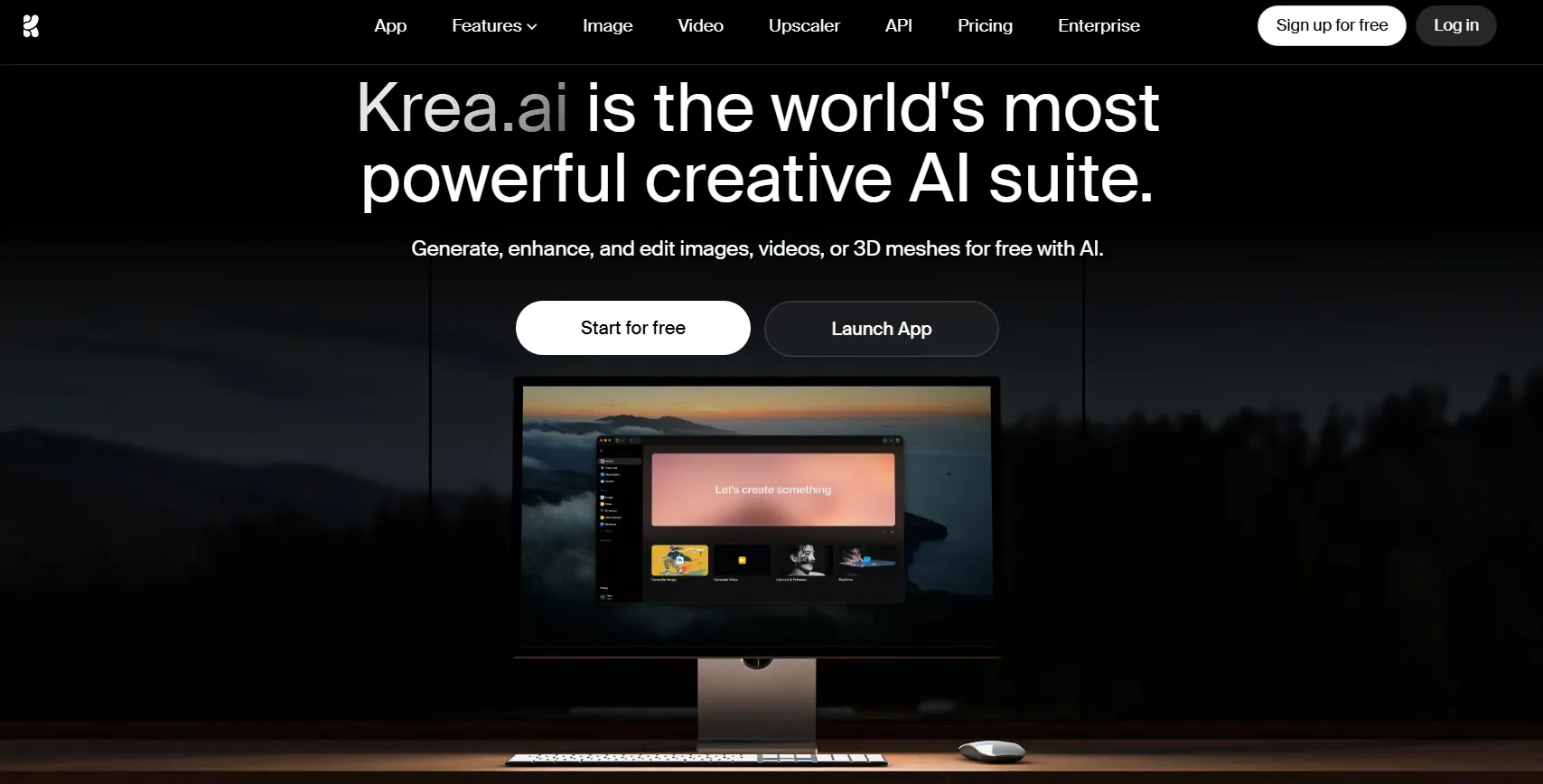
Krea AI is best for creators who want to test visual concepts before committing to a final video direction. It feels useful when I have a rough idea but still need to explore the mood, style, and visual language.
In my test, Krea AI helped me try different creative directions from the same prompt. I liked it most for mood clips, stylized motion ideas, and early-stage visual exploration where the goal was to see what could work.
I would use Krea AI during the concept stage rather than the final production stage. It gives me room to experiment with ideas, but I would still expect to refine, edit, or assemble the final video elsewhere for a more polished result.
Key Features
- Multiple inputs: Start from not only prompts but also visual references to finish your creative project.
- Video extension: Extend short clips when you need longer visual sequences.
- Video enhancer: Improve and upscale visual assets within the same ecosystem.
- Commercial license on paid plans: Use generated content for commercial projects on eligible plans.
Best For
- AI artists testing visual styles.
- Creators comparing different video models.
- Designers exploring motion ideas.
- Teams that want flexible creative generation.
Pros:
- Strong creative model variety.
- Good for visual experimentation.
- Flexible for advanced creators.
Cons:
- It can feel less structured for business videos.
- Pricing and compute usage may require attention.
- Beginners may need time to understand model differences.
See our hands-on Krea AI review for more context.
LTX AI: Best Text to Video AI for Storytelling
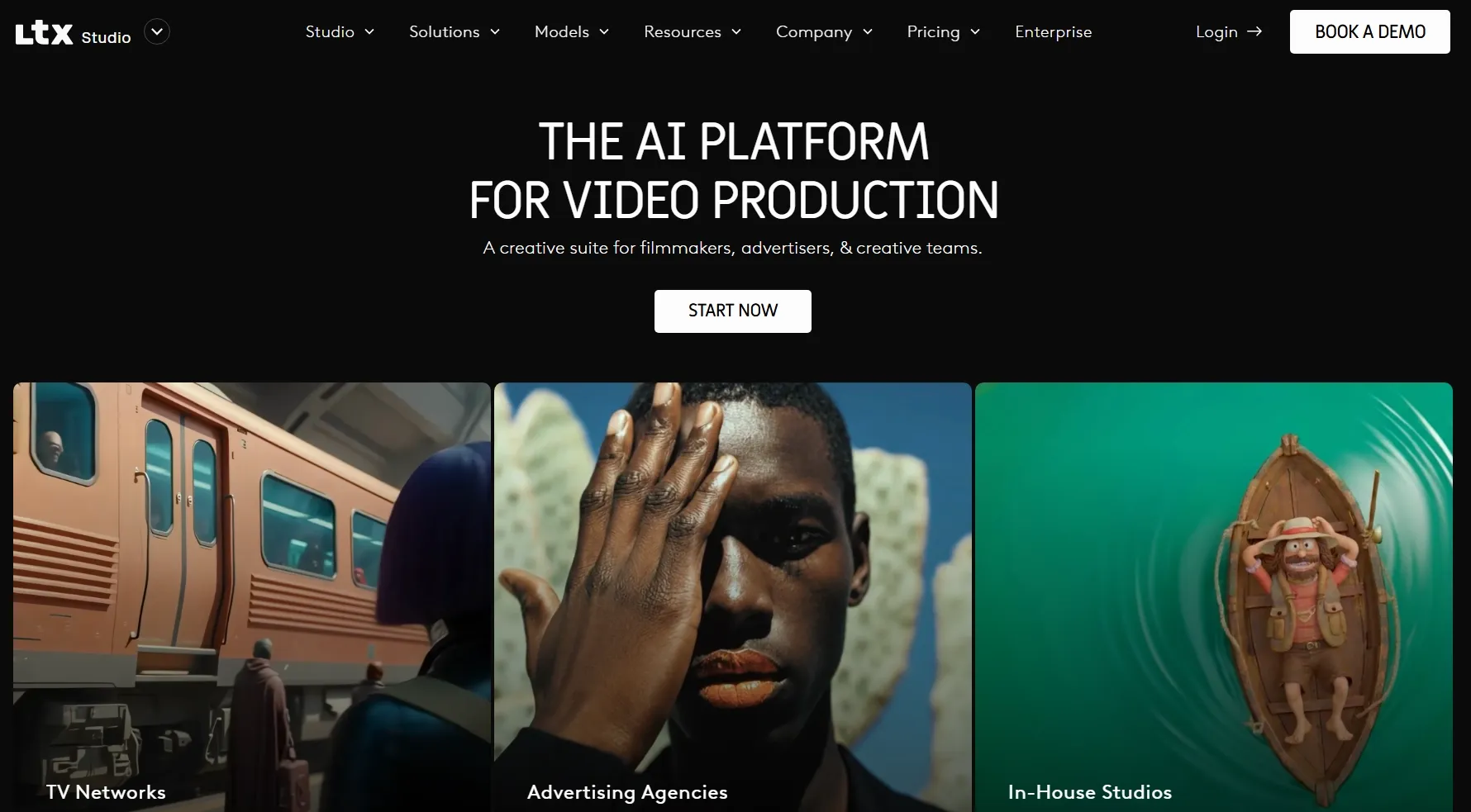
LTX AI is best if you want your AI videos to feel more story-driven. It works better when the prompt includes a clear scene, character, mood, and narrative direction instead of only a simple visual idea.
In my test, LTX AI felt useful for building short story videos, cinematic sequences, and multi-scene ideas. The result felt more coherent when I treated the prompt like a small narrative rather than a single isolated shot.
The downside is that this storytelling focus can feel unnecessary for quick social clips. If I only need a fast 5-second video from one simple prompt, LTX AI is not the first tool I would choose.
Key Features
- Idea to video workflow: Turn creative ideas into structured video projects.
- Storyboarding tools: Plan scenes before generating final clips.
- Script and scene control: Shape narrative flow instead of relying on one prompt.
- Timeline editing: Refine generated scenes in a more production-like workspace.
- Team-focused workflow: Support more organized creative production for advanced users.
Best For
- Filmmakers planning AI video sequences.
- Creative teams building story-driven videos.
- Marketers producing sales campaign visuals.
- Users who want more control before generation.
Pros:
- Strong for story planning.
- More structured than simple generators.
- Useful for multi-scene projects.
Cons:
- Overkill for simple social clips.
- Some users find the workflow slower.
- Commercial usage depends on plan level.
DomoAI: Best Text to Video AI for Stylized Animation
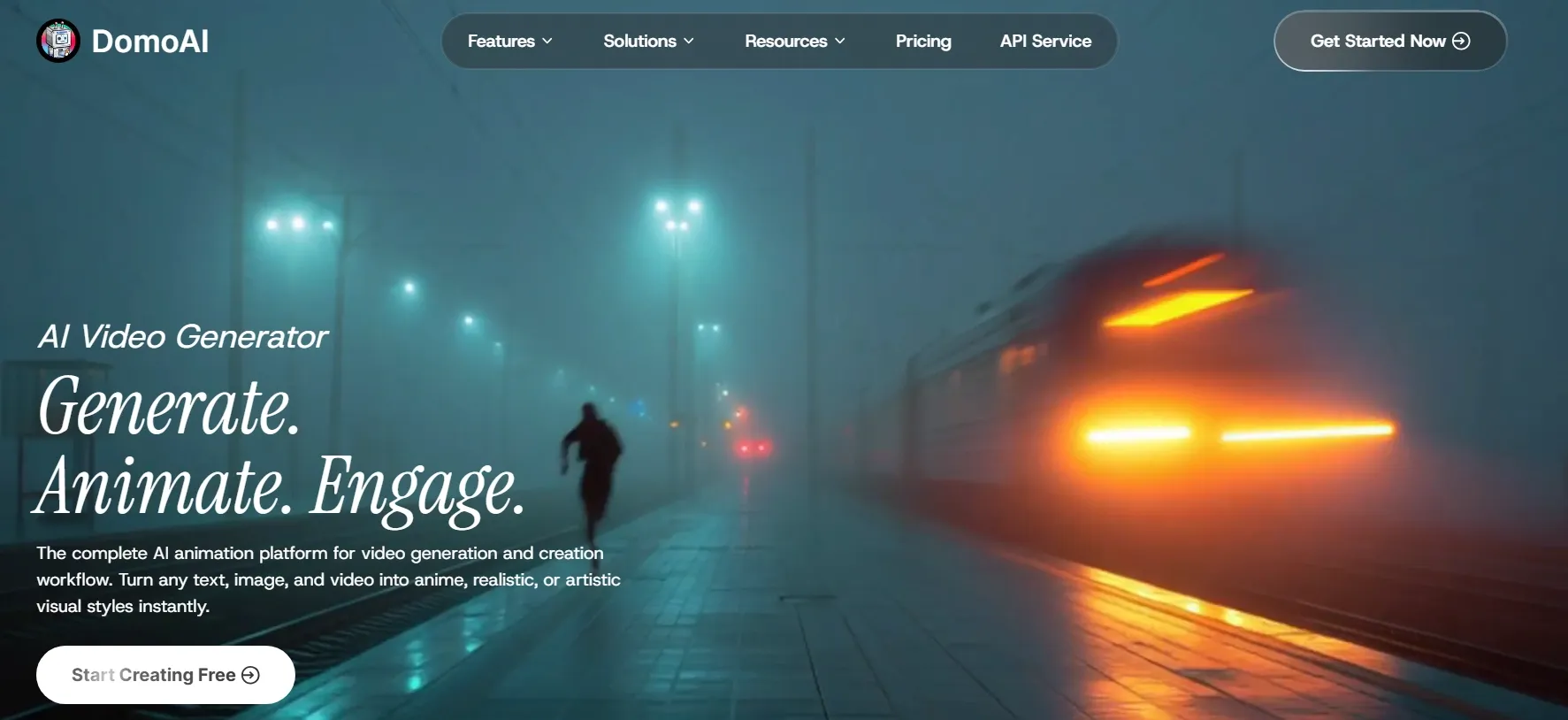
DomoAI is the best text to video AI if you want a stronger animation and anime-style look. I would use it for anime-style videos like cyberpunk anime videos, anime meme videos and other videos alike.
DomoAI felt strongest when I used prompts with clear visual style, character mood, or anime-inspired direction. I got better results when I treated it as a creative animation tool, especially for social-friendly clips, visual story ideas, and fantasy-style scenes.
What I had to watch for was control and realism. When I needed precise motion, consistent faces, realistic people, or exact product movement, DomoAI often required more attempts.
For polished commercial videos or brand-safe campaign output, I would choose a more production-focused tool.
Key Features
- Style-focused generation: Explore different visual looks for characters, scenes, and creative social content.
- Talking avatar support: Create avatar-style videos when a character-led format fits the idea.
- Creative workflow tools: Use related image, video, and enhancement tools to continue refining visual assets.
Best For
- AI artists creating anime-style or stylized video clips.
- Creators testing fantasy scenes, character moments, and visual story ideas.
- Social media users making creative short videos with a strong visual style.
- Small creative teams exploring animated concepts before production.
Pros:
- Strong for stylized animation and anime-inspired visuals.
- Useful for creative prompts that need a distinct visual identity.
- Good fit for social-friendly animated clips and visual experiments.
Cons:
- Not ideal for realistic business videos or corporate explainers.
- Precise motion and character consistency may need multiple attempts.
Media.io: Best Text to Video AI for Beginners
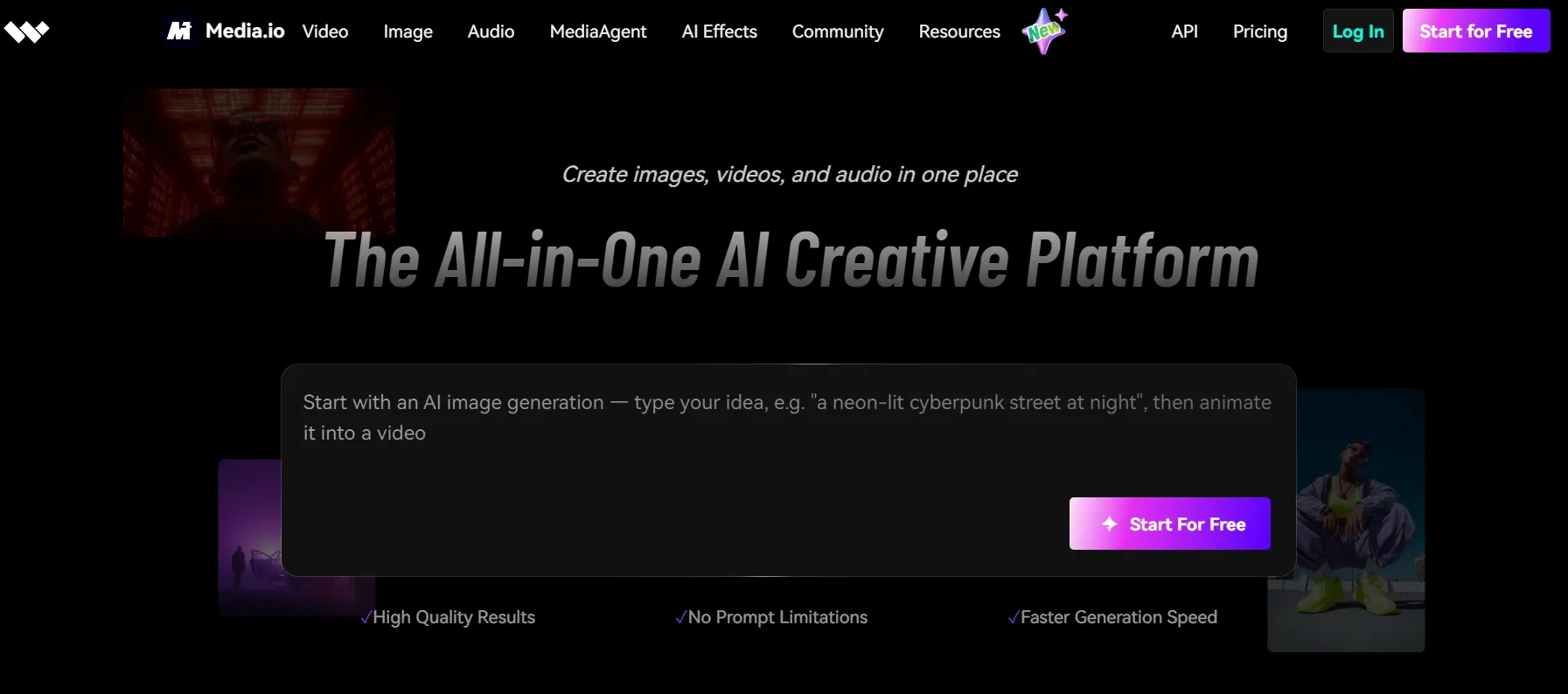
Media.io is best for beginners who want a simple browser-based text to video tool. It is easy to understand and does not require a heavy editing background.
In my test, Media.io worked best for simple prompt-based clips, quick social ideas, faceless videos, short promo videos, and basic tutorial videos. I liked the low learning curve, but the output quality depends heavily on the prompt and selected effect.
It is useful when speed matters more than deep control. I would use it for my daily vlogs, product teaser videos, and lightweight visual story drafts, but not as my first choice for precise brand videos or complex multi-scene storytelling.
Key Features
- Prompt suggestions: Use inspiration prompts when you are not sure what to write.
- AI creative suite: Access video, image, and audio tools in one platform.
- Editing support: Add basic edits, subtitles, and visual adjustments after generation.
- Trending effects: Create social-style videos with ready-made AI effects.
Best For
- Beginners trying text to video for the first time.
- Social creators making quick visual clips.
- Small teams that need simple AI video tools.
Pros:
- Very friendly for beginners.
- Good for quick prompt experiments.
- Includes related AI editing tools.
Cons:
- Not the strongest for advanced motion control.
- Some outputs can feel effect-driven.
- Professional polish may require extra editing.
Want a closer look? Read our full Media.io review.
Vidnoz AI: Best Text to Video AI for AI Presenter Videos
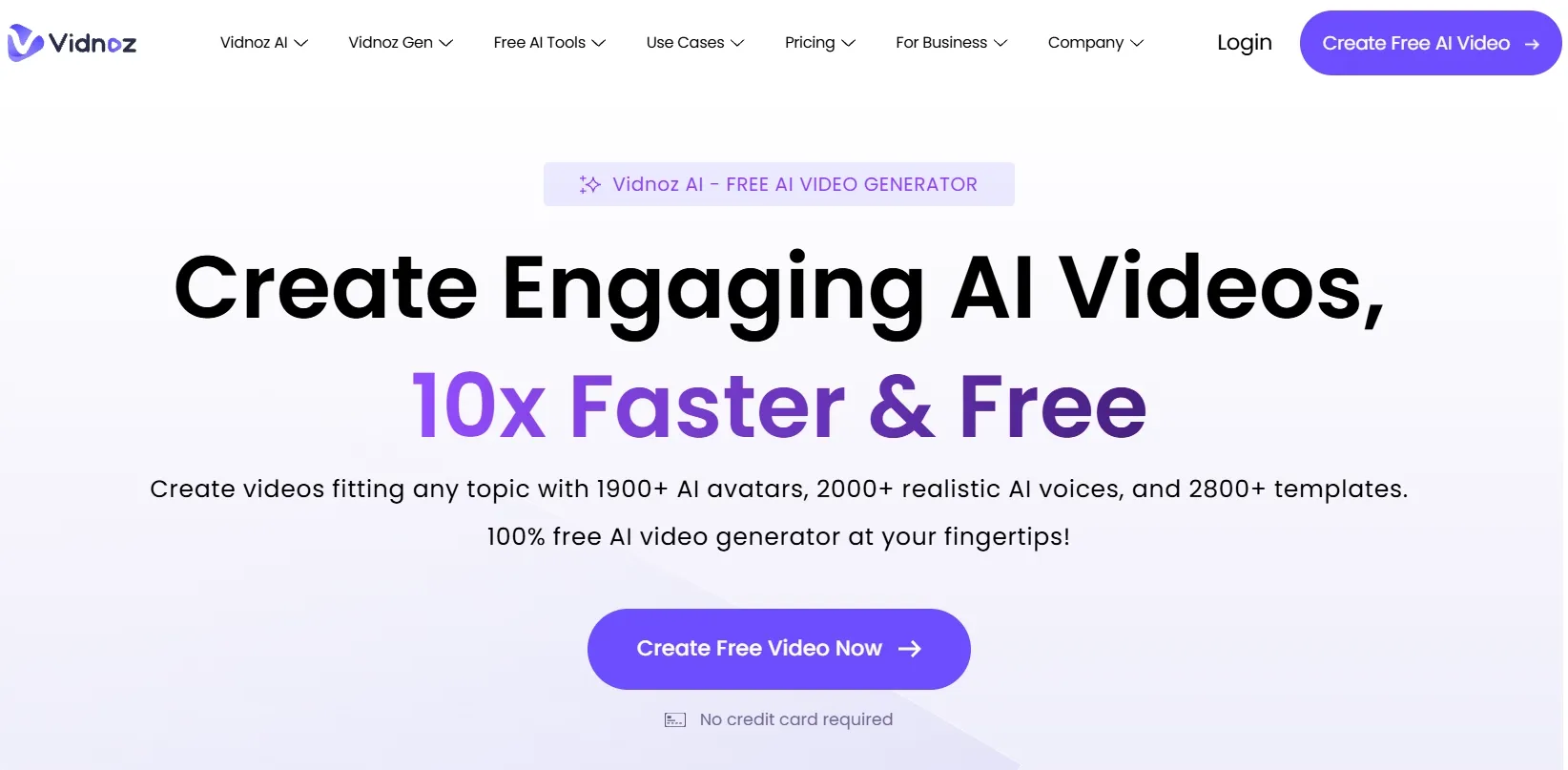
Vidnoz is best for those who want AI avatars, templates, and presentation-style content. It is more useful for business videos than cinematic generation.
In my test, Vidnoz AI felt practical for training, explainers, and simple promotional videos. The talking avatar and template library made the workflow fast, but the result can feel less custom if you rely too much on default layouts.
But I would not use Vidnoz AI for cinematic scenes, realistic action, or highly original visual storytelling. Its template-led workflow can make videos feel less custom, and the avatar output may not have enough motion range, atmosphere, or visual detail for more ambitious creative projects.
Key Features
- AI avatars: Use avatar presenters for business, training, and explainer content.
- Large template library: Build structured videos faster with ready-made layouts.
- Voice options: Add AI voices for narration and presenter-led videos.
Best For
- Business users making product explainer videos.
- Training teams creating template-based content.
- Marketers producing quick avatar-led videos.
- Beginners who want guided video creation.
Pros:
- Strong avatar and template library.
- Good for fast business videos.
- Useful voice and script tools.
Cons:
- Not ideal for cinematic video generation.
- Template-heavy videos can feel generic.
- Advanced customization may feel limited.
Go From Prompt to Polished Video with Pollo AI!
Pollo AI helps you generate, refine, and complete text to video projects without jumping between separate tools.
Try Text to Video AI FreeHow Did I Test These Text to Video AI Tools?
I focused on whether they could understand a prompt or script, create stable motion, and produce a video that felt usable beyond a demo.
I also checked what happened after generation. Most text to video outputs still need some cleanup, whether that means trimming, adding captions, adjusting audio, resizing for social platforms, or testing another model before publishing.
- Prompt understanding: I checked whether the tool followed the subject, action, scene, mood, style, and camera direction in the prompt.
- Motion quality: I watched whether the movement felt smooth, natural, and intentional instead of stiff or random.
- Scene stability: I looked for flicker, warping, identity drift, shaky objects, distorted faces, or broken hands.
- Visual quality: I compared sharpness, lighting, composition, resolution, and whether the result looked polished enough to use.
- Control options: I checked whether the tool let me guide duration, aspect ratio, visual style, camera movement, or output format.
- Workflow value: I looked at what happened after generation, including editing, captions, voiceovers, audio, effects, templates, and exports.
My Final Verdict
Pollo AI is the best text to video AI generator overall because it gives me the strongest balance of model choice, output flexibility, and workflow depth.
From the first prompt to the final deliverable, Pollo AI feels less like a simple text to video generator and more like a full AI creative suite. I can use the three specialized studios to generate different types of videos for my real project needs with leading models like Sora 2, Veo 3.1, and Kling 3.0.
This makes it especially useful for real creative and marketing work, where a video often needs to match a specific scene, platform, audience, or campaign goal.
If you want a flexible place to start, try Pollo AI today and turn your text prompt into a polished, share-ready video.