



10 Best Image to Video AI Generators I've Tested for 2 Weeks
Some tools claim they can turn any image into a polished video, but the actual results are not always that clean. So I tested 10 image to video AI generators to see which ones can really create stable motion, keep the original image consistent, and make clips worth using.
In this review, I’ll walk you through the 10 best image to video AI I found, where each one works best, where it falls short, and which tool is actually worth starting with.
Quick Answer: What Is the Best Image to Video AI?
Pollo AI is the best image to video AI overall because it gives me more control, a wider choice of models, including Sora AI and Veo AI, and a more complete workflow than most standalone tools.
I also like that Pollo AI does not stop at generation. After turning an image into a video, I can keep working with video editing, AI voiceovers, AI effects, and other tools, which makes it more useful for product videos, social content, ads, and creative clips.
If I only need a slideshow, I would use a lighter tool. But for serious image to video work, Pollo AI is the strongest place to start because it covers both generation and post-generation needs.
10 Best Image to Video AI Generators at a Glance
| Tool | Best For | Pricing |
| Pollo AI | Creators, marketers and sellers who want multi-model image-to-video generation, editing, audio, and broader AI video workflows. | Pricing starts at $15/month |
| Artlist | Creators, agencies, and commercial video teams that need AI clips plus licensed creative assets. | Pricing starts at $19.99/month |
| VidFly AI | Users who want to test different AI video models and styles quickly. | Pricing starts at $20/month |
| Dreamina | Creators making stylish, cinematic, character, or social image animations. | Pricing starts at $20/month |
| Fliki AI | Users making narrated videos, faceless content, explainers, or educational clips. | Pricing starts at $28/month |
| DeeVid AI | Creators who want quick image animation, AI effects, and short visual experiments. | Pricing starts at $14/month |
| VEED | Users who need captions, resizing, voiceovers, subtitles, and browser editing after generation. | Pricing starts at $10/month |
| GoEnhance AI | Users creating anime-style clips, stylized motion, creative effects, or video transformations. | Pricing starts at $9.99/month |
| FlexClip | Beginners, small businesses, and social teams making simple image videos with templates. | Pricing starts at $19.99/month |
| Steve AI | Users making explainers, training videos, animated clips, or simple marketing videos. | Pricing starts at $19/month |
Pollo AI: Best Image to Video AI Overall
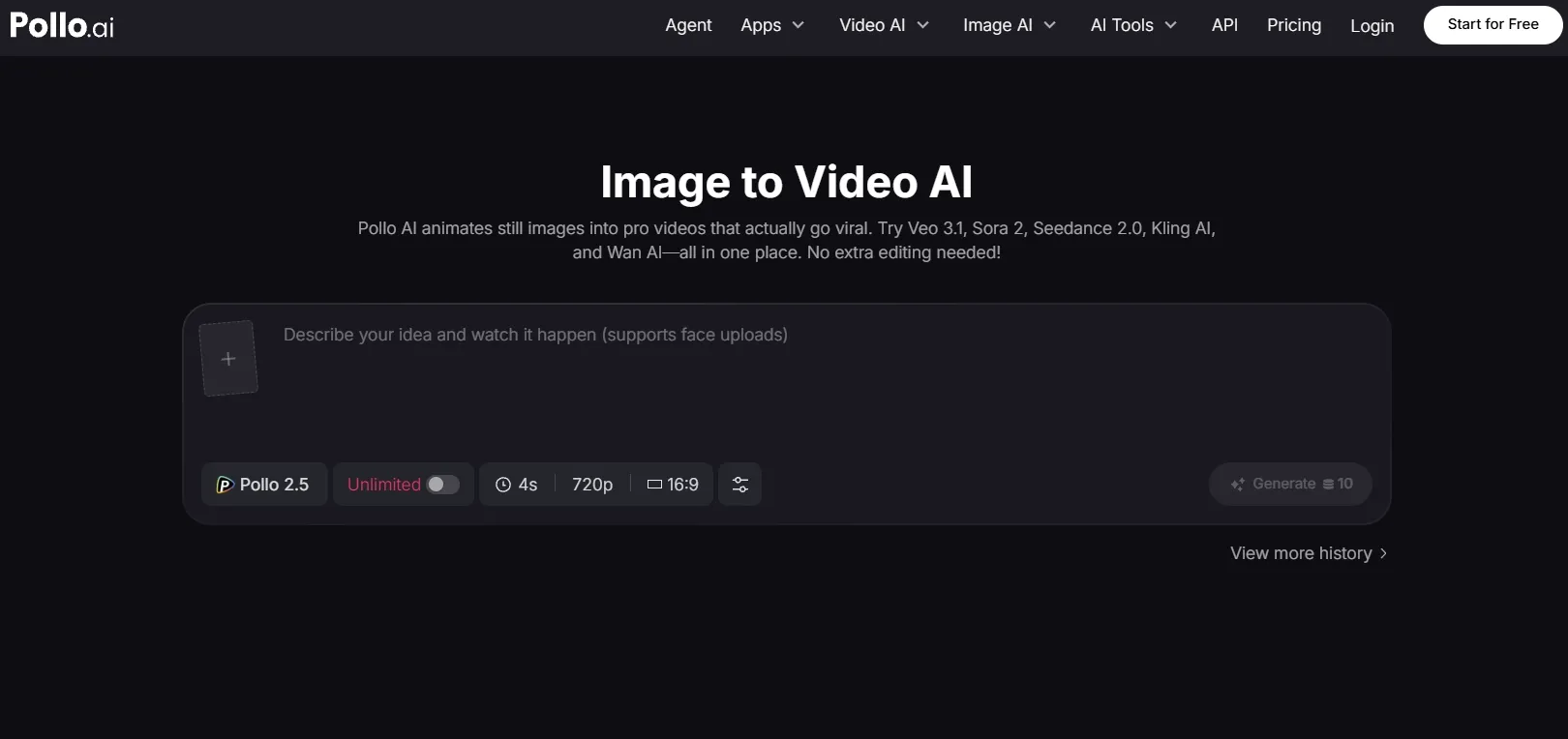
Pollo AI is the best overall pick because it treats image to video generation as part of a full AI video workflow, not a one-click novelty feature.
I like it most when I want to test different motion styles from the same image and still have room to edit my videos, add audio, or turn the output into a more finished asset.
The biggest advantage is flexibility. Many tools force you into one generation model or one visual style, but Pollo AI gives you more model choices, including newly launched Happy Horse 1.0, to continue after the first generation.
Key Features
- Multi-model image-to-video generation: Test different AI video models such as Veo 3.1 and Sora 2 from the same image and choose the strongest result.
- Complete video generation workflow: Create videos from text, images, references, or existing videos in one platform.
- Three focused creation studios: Create different content through Marketing Studio, Commerce Studio, and Creative Studio, from ad creatives to social clips and creative videos. I can match the workflow to each project more easily and produce more relevant content with less trial and error.
- AI video editor: Refine generated clips with editing tools instead of exporting unfinished results elsewhere.
- Specialized workflow apps: Create product video ads, social clips, cinematic scenes, and more with targeted workflows.
- Creative audio tools: Add sound effects, talking avatars, and other creative elements to make clips more complete.
Best for
- Marketers who want to turn product images and campaign visuals into short video assets.
- Creators who need to test different motion styles from one source image.
- E-commerce sellers who want to create product reveals, product motion, and ad visuals.
- Content teams that need generation, editing, and reuse in one platform.
Pros:
- The workflow is broader than basic image animation.
- Multiple AI video models give you more room to test results.
- You do not need to jump between separate tools for every step.
Cons:
- The best result may take a few model tests.
- New users may need time to understand which model fits which scene.
Use Pollo AI's Image to Video Generator Now!
Use Pollo AI to create smoother motion, stronger visuals, and better video results.
Try Pollo AI for Free
Artlist: Best Image to Video AI for Creator-Ready Production
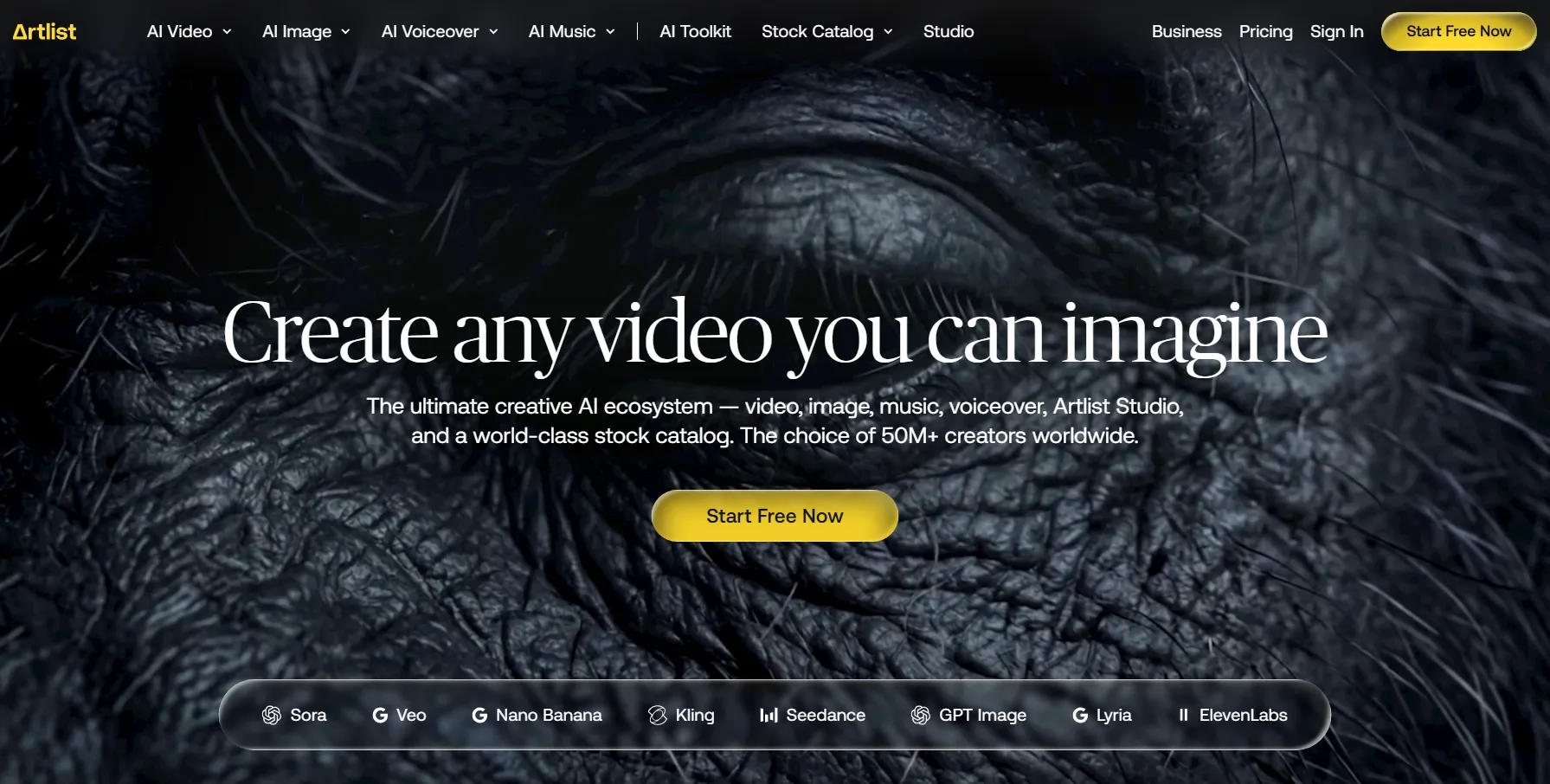
Artlist is the strongest choice here if your image to video clips are part of a broader creator production workflow. I would not call it the lightest tool, but it feels more production-minded than many simple AI image animators.
My Artlist test felt more like creating a usable production clip than playing with a quick AI effect. Its image-to-video result was solid enough to fit into a larger edit, especially when paired with music, stock footage, or other licensed assets from the same ecosystem.
What makes Artlist different is the surrounding creative ecosystem. You get AI video tools, image generation, music, sound effects, stock footage, templates, LUTs, and licensing support, which matters when you are producing content for clients or commercial channels.
Key Features
- Creator-focused AI tools: Use AI video, image, music, and voiceover tools inside one creative workspace.
- Licensed asset ecosystem: Access stock footage, music, sound effects, LUTs, and templates for commercial production.
- Production-ready workflow: Build AI clips that can fit into larger creator, agency, or brand projects.
- Commercial licensing support: Create with a stronger licensing framework than many lightweight AI generators.
Best For
- YouTube creators who need AI clips plus stock assets, music, and sound effects.
- Agencies producing commercial videos for clients.
- Commercial editors who need AI video, footage, music, SFX, and licensing together.
- Creative teams building planned production workflows instead of quick one-off tests.
Pros:
- The creator ecosystem is stronger than most pure AI generators.
- The licensing and stock asset angle is useful for commercial projects.
- It supports real image to video generation rather than only template animation.
Cons:
- It can feel heavier than a simple image to video tool.
- Credit usage may require careful planning if you generate often.
- It is less ideal if all you want is quick social motion from one photo.
Read our insightful Artlist review to know more.
VidFly AI: Best Image to Video AI for Multi-Model Generation
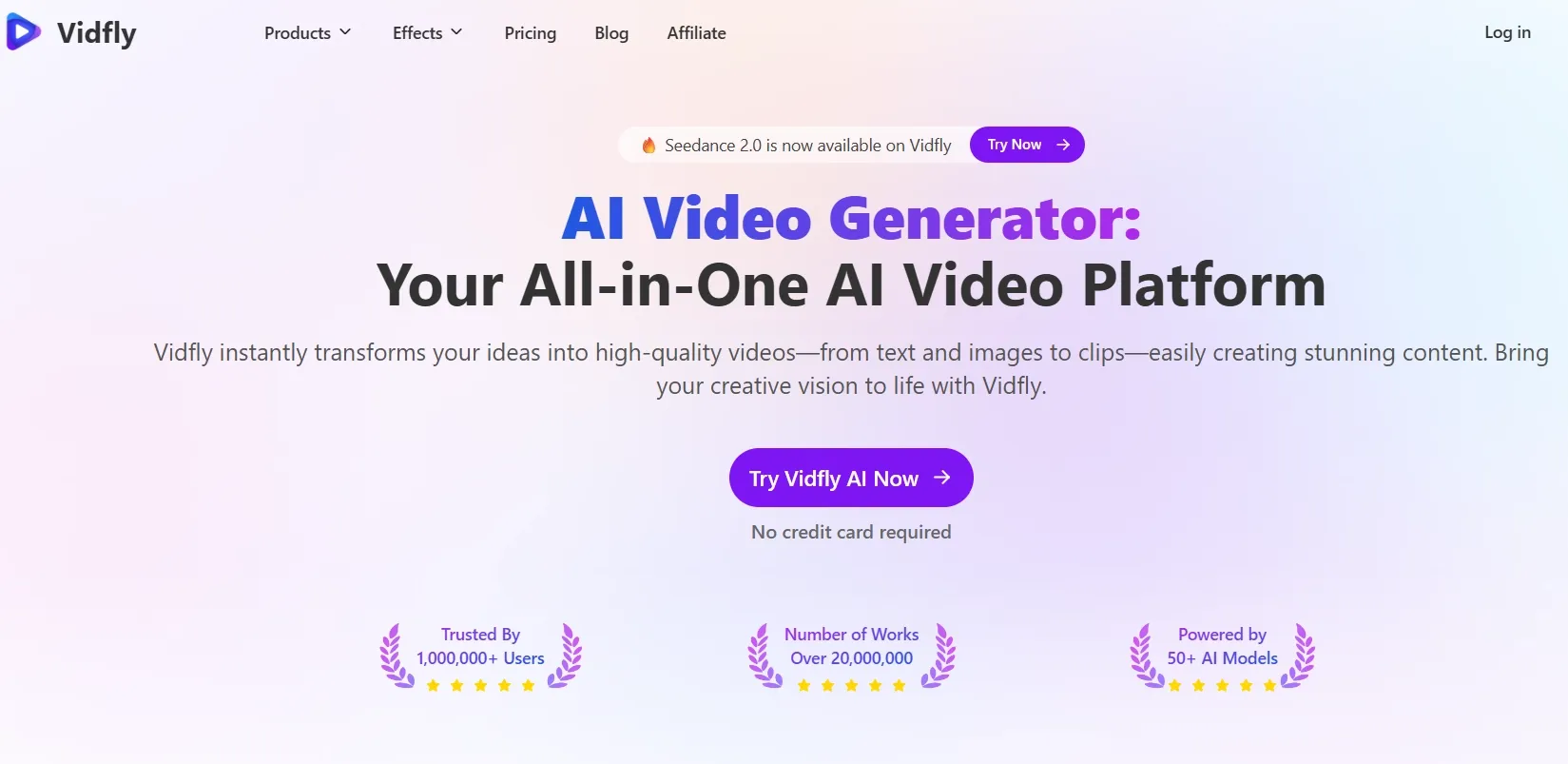
VidFly AI is a strong choice if you want quick access to multiple AI video styles without a complicated production setup. I think it’s more generation-focused than editor-focused, which is both its strength and its weakness.
I like VidFly AI for fast tests. If you want to try several looks from the same source image and see which style works, it makes sense.
The trade-off is that it feels less complete after generation, so I would still need another workspace for deeper editing, audio, captions, and final video cleanup.
Key Features
- Multi-model video generation: Test different AI video styles and models without switching platforms.
- Image and text input support: Create videos from still images, prompts, or creative scene descriptions.
- Fast generation workflow: Produce quick concept clips for social posts, campaigns, or visual tests.
- Flexible style testing: Compare different motion directions before choosing the most usable result.
Best For
- AI creators testing multiple visual styles quickly.
- Marketers creating fast sales campaign videos.
- Social content makers producing short visual experiments.
- Users who want to compare different AI video models without switching platforms.
Pros:
- It is focused on fast AI video generation.
- The entry-level workflow makes it easy to test before paying seriously.
- The multi-model angle gives it more flexibility than single-purpose tools.
Cons:
- The editing workflow is not as complete as VEED or Pollo AI.
- It feels better for generation tests than finished video production.
Know more in our Vidfly AI review.
Dreamina: Best Image to Video AI for Cinematic Animation
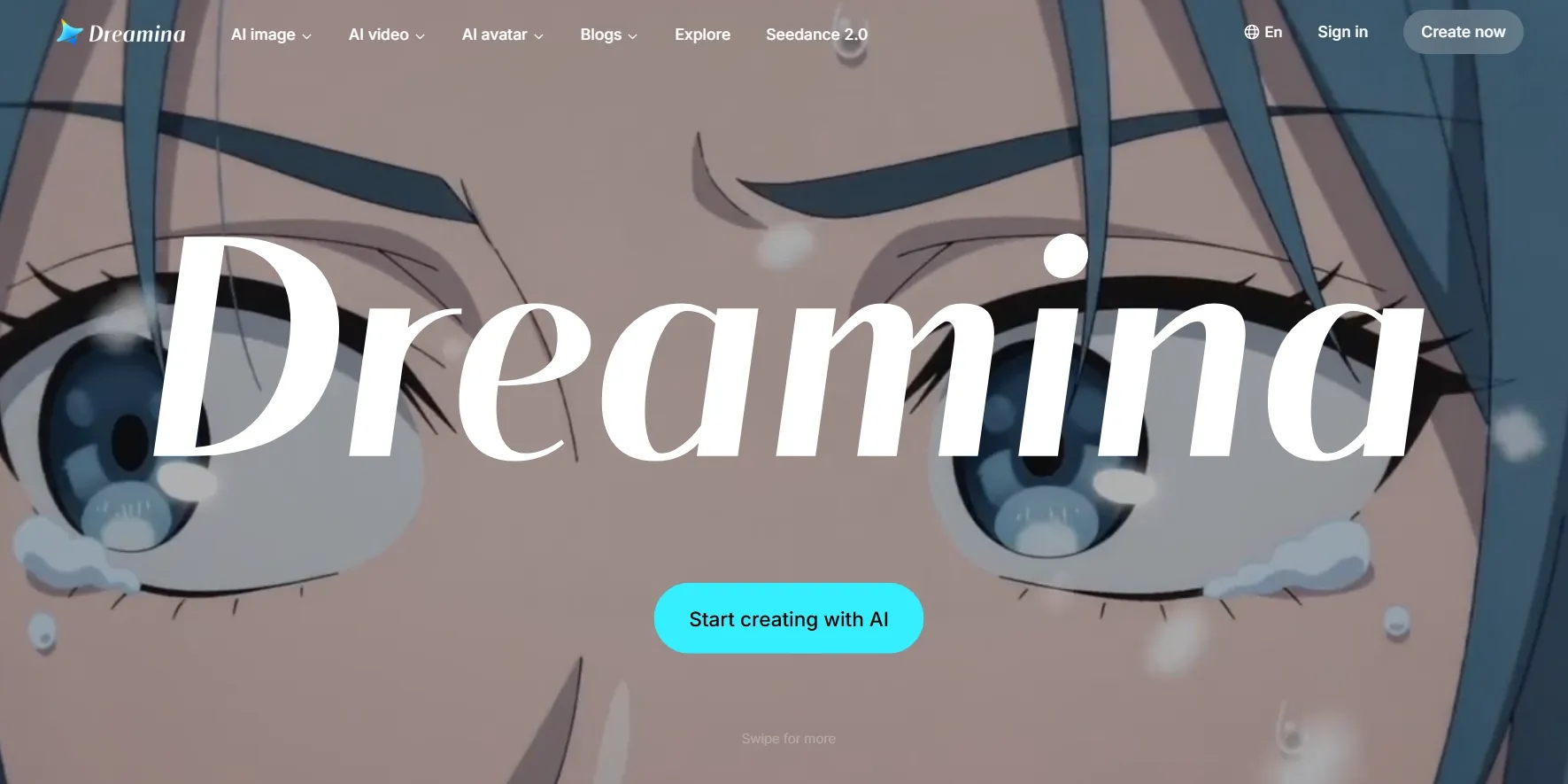
If you like stylish, prompt-led visual generation, Dreamina is a good option. I found it more interesting for creative scenes than for strict business output.
In my Dreamina test, the image-to-video result had a stronger cinematic feel than many lightweight tools. I liked the mood, camera movement, and visual energy, especially when the source image already had a clear subject and strong visual direction.
That makes it ideal for character moments, atmospheric clips, or social videos with more visual personality.
But its output still depends heavily on the prompt. If the image is too vague or the motion instruction is too broad, the result may feel less controlled.
Key Features
- Cinematic image animation: Animate still images into stylish, visually expressive video clips.
- Multi-image video generation: Use multiple visual inputs to support more connected or story videos.
- CapCut ecosystem fit: Work naturally with users already creating videos inside the CapCut creative environment.
Best For
- Creators making cinematic image animations and stylish short clips.
- Character-focused users who want expressive motion from still visuals.
- Social creators building eye-catching AI videos.
- CapCut users who want a familiar creative ecosystem.
Pros:
- The cinematic output can look stylish when the prompt is clear.
- It fits creative users who want visual expression more than business templates.
- The CapCut connection makes it familiar for many social creators.
Cons:
- Output control can vary between generations.
- It is not always the most predictable tool for product or brand consistency.
- Complex prompts may need multiple retries.
For more details, check our full Dreamina review.
Fliki AI: Best Image to Video AI for Voiceover Videos
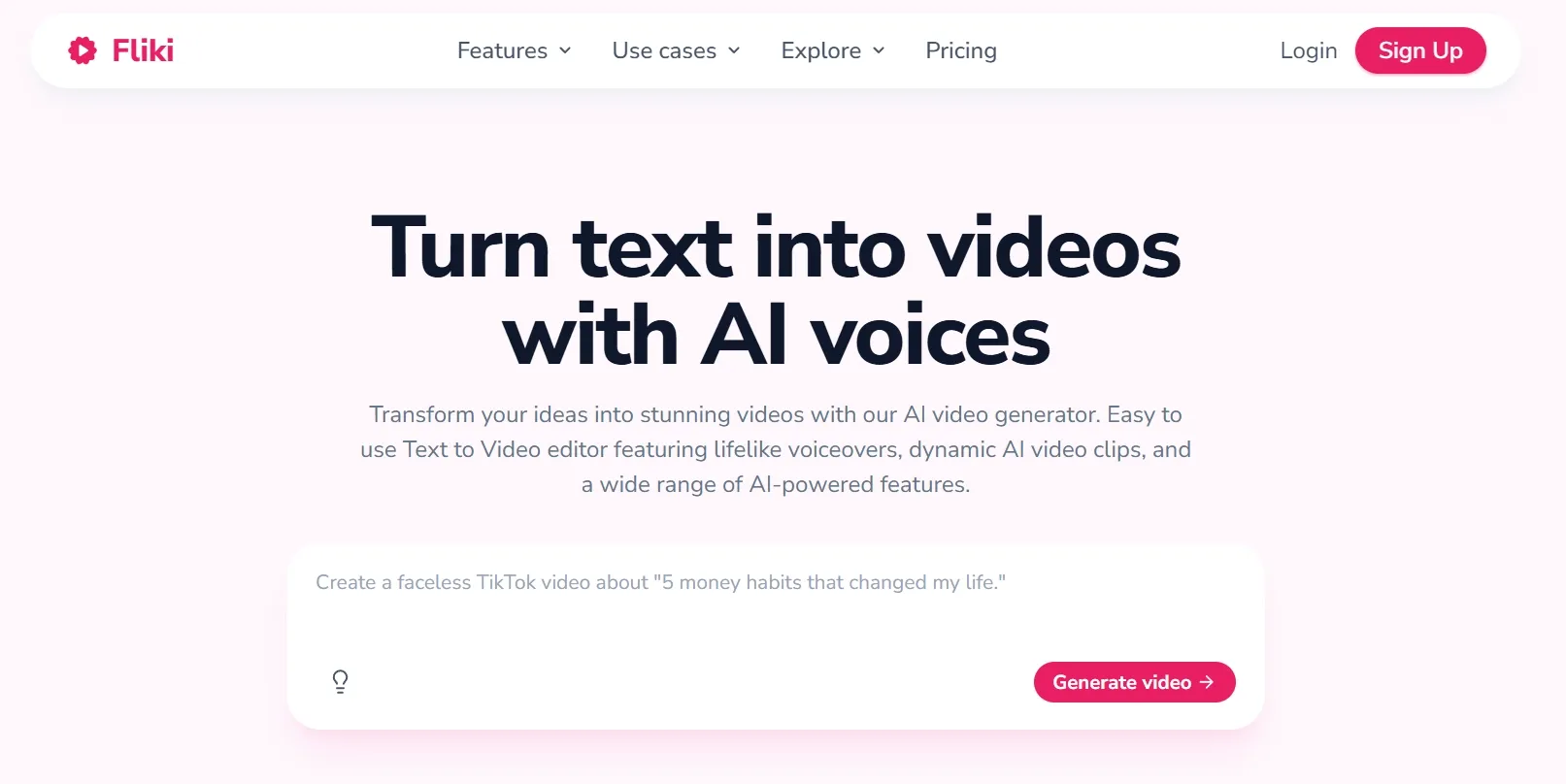
Fliki AI is good for narration, voices, avatars, captions, or music. It is not the purest image animation tool, but it is very useful for explained content.
When I tested its image to video generator, I found the output worked better for structured, narration-led videos than for cinematic image animation.
The motion felt more practical than dramatic, so I would use it for faceless videos, product explainers, or narrated social clips rather than highly visual image to video scenes.
Key Features
- Voiceover-led video creation: Build narrated videos with AI voices, scripts, visuals, and captions.
- Multilingual video support: Create videos in 80+ languages for global content needs.
- Avatar and caption tools: Add avatars, captions, and music to make explainers easier to publish.
Best For
- Faceless video creators who need script, visuals, voiceover, and captions.
- Educators making narrated explainer videos.
- Product teams creating simple voiceover-led product explainers.
- Global creators who need multilingual voice support.
Pros:
- It is useful when the final video needs narration, not just motion.
- Captions, music and avatars make it more complete for explainers.
Cons:
- It is not as focused on pure visual motion as Pollo AI, VidFly AI, or Dreamina.
- If you only want cinematic image animation, Fliki may feel too script-first.
To learn more, read our complete Fliki AI review.
DeeVid AI: Best Image to Video AI for Fast Effects
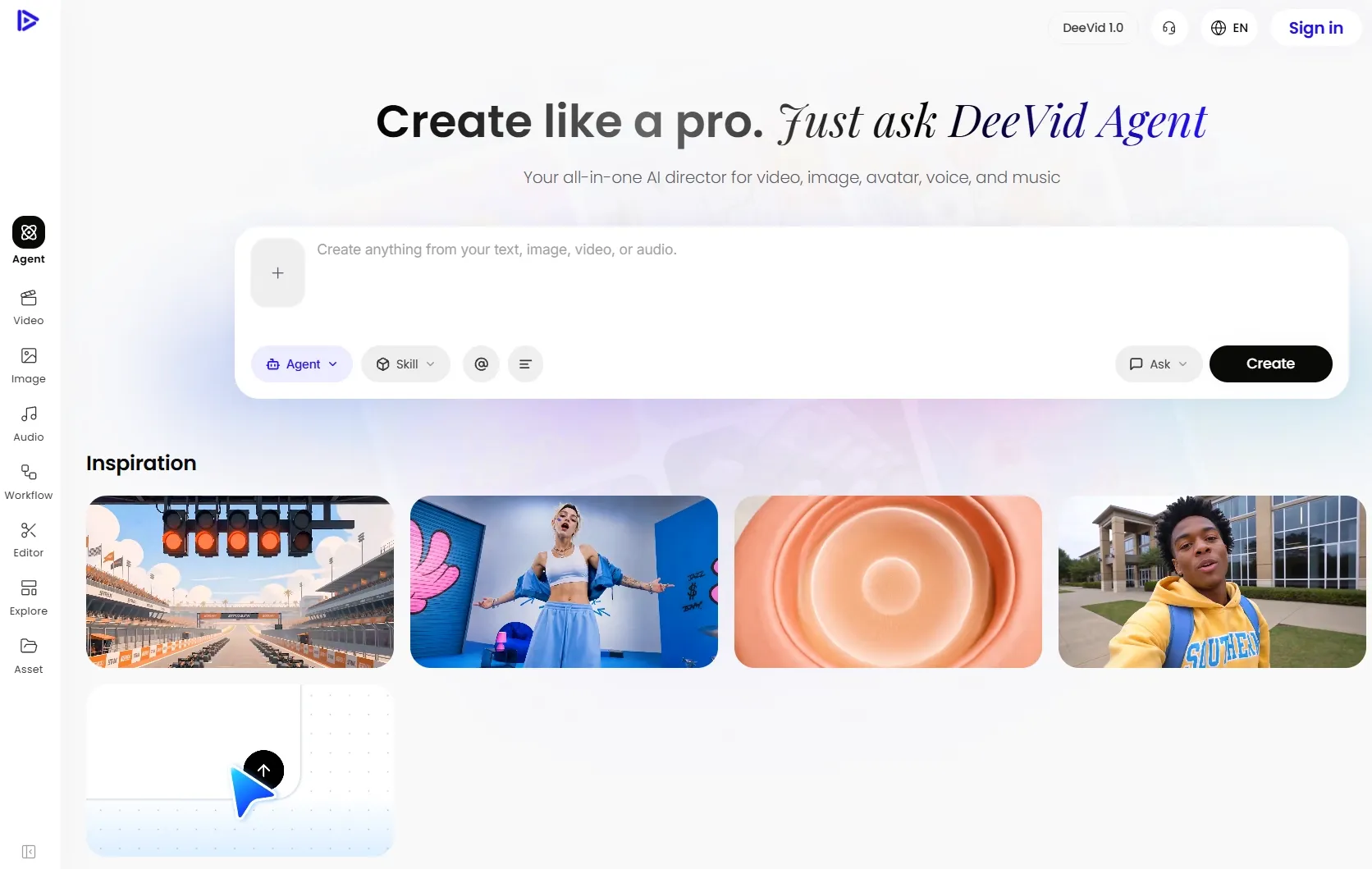
DeeVid AI is strong for fast image-to-video effects and model-based generation. It feels like a fast creative lab: upload something, test a model, generate, and move on.
When I tested its image to video generator, I liked how quickly it helped me explore different motion ideas from one image.
The results felt useful for short visual tests, social hooks, and creative effects, but I would not call it the most controlled tool for precise camera movement or polished brand videos.
Key Features
- Fast image-to-video effects: Animate images quickly for short clips, social tests, and creative experiments.
- Multiple AI model options: Generate with different video and image models for more visual variety.
- Text and image generation: Create videos from prompts, still images, or other creative inputs.
- AI templates and effects: Use preset effects and templates to speed up visual experimentation.
Best For
- Creators who want fast image animation and AI effects.
- Social video makers producing short, attention-grabbing clips.
- Casual creators who want quick results without a heavy editing workflow.
Pros:
- It is fast and easy to experiment with.
- The model selection is broad for a lightweight platform.
- Paid plans include more generation capacity and commercial use.
Cons:
- It is less mature as a serious editing platform.
- The experience feels more generation-first than production-first.
- Output quality still depends heavily on the selected model.
See our hands-on DeeVid AI review for more information.
VEED: Best Image to Video AI for Post-Generation Editing
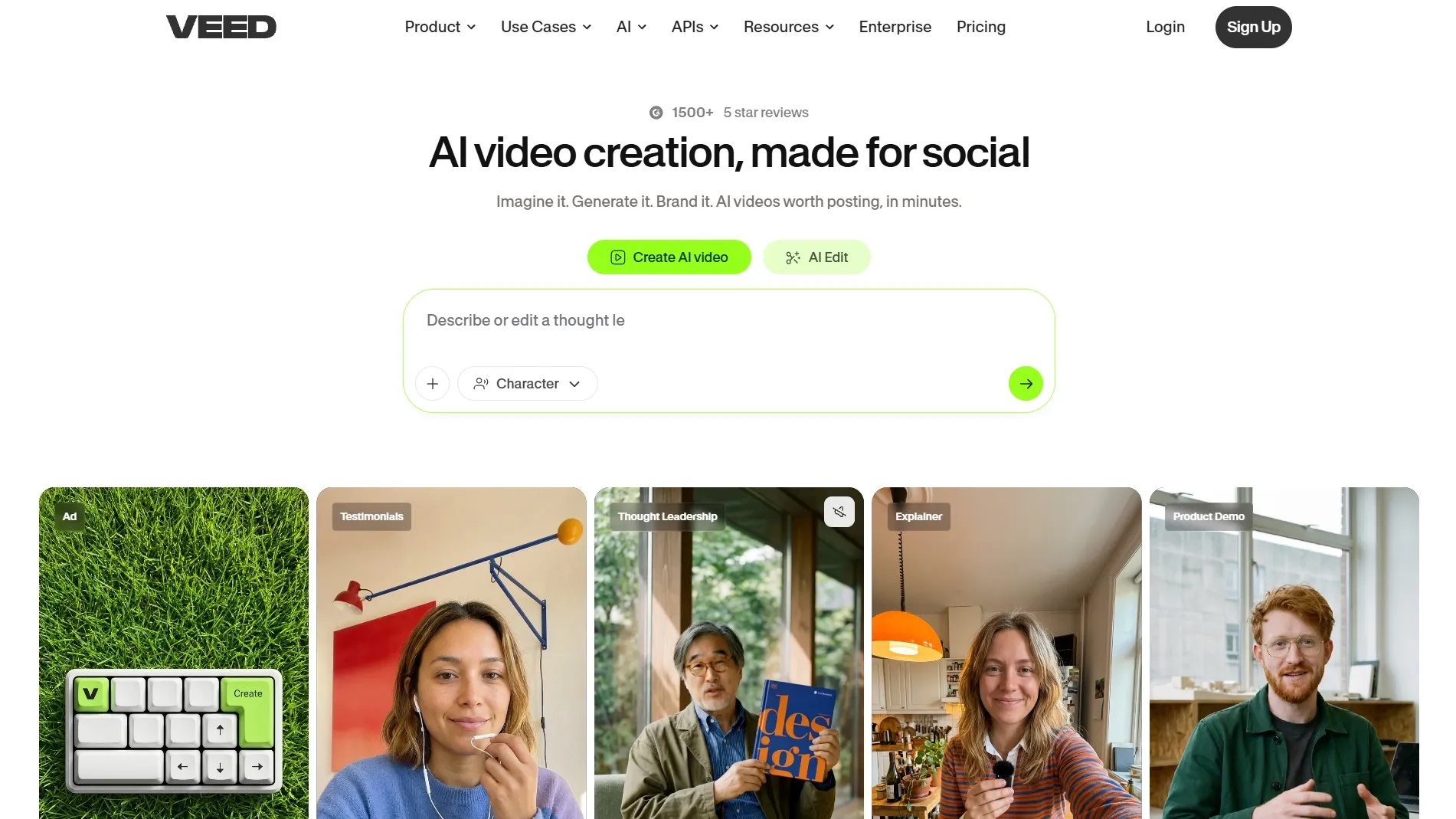
VEED is good if you want to generate an image-to-video clip and then edit it in the browser. I would not put it above the stronger generation-first tools, but I do like it for finishing work.
When I tested its image to video AI generator, the result felt more practical than cinematic. I think its real value came after generation, when I could add captions, resize the clip, adjust the format, and prepare it for publishing.
The weak point is its generation depth. If I mainly wanted cinematic motion, stronger camera control, or more advanced image animation, VEED would feel limited.
Key Features
- Online video editing: Trim, resize, caption, and polish videos after generation without desktop software.
- Subtitle and caption tools: Add captions quickly for social videos, explainers, and education videos.
- Voice and avatar features: Use voiceovers, avatars, dubbing, and other AI tools around the generated clip.
- Social export workflow: Prepare videos for platforms that need different formats, aspect ratios, or captions.
Best For
- Social media teams that need captions, resizing, and quick exports.
- Educators creating narrated or subtitled videos.
- Marketers turning generated clips into publishable content.
- Solo creators who want browser-based editing after generation.
Pros:
- The editing tools are more useful than many pure generators.
- It is strong for subtitles, voiceovers, and social formats.
Cons:
- AI motion generation is not its main identity.
- If you care most about image animation quality, stronger generation tools may be better.
- Advanced creators may outgrow the browser editor.
Need more details? Read our VEED review.
GoEnhance AI: Best Image to Video AI for Stylized Motion
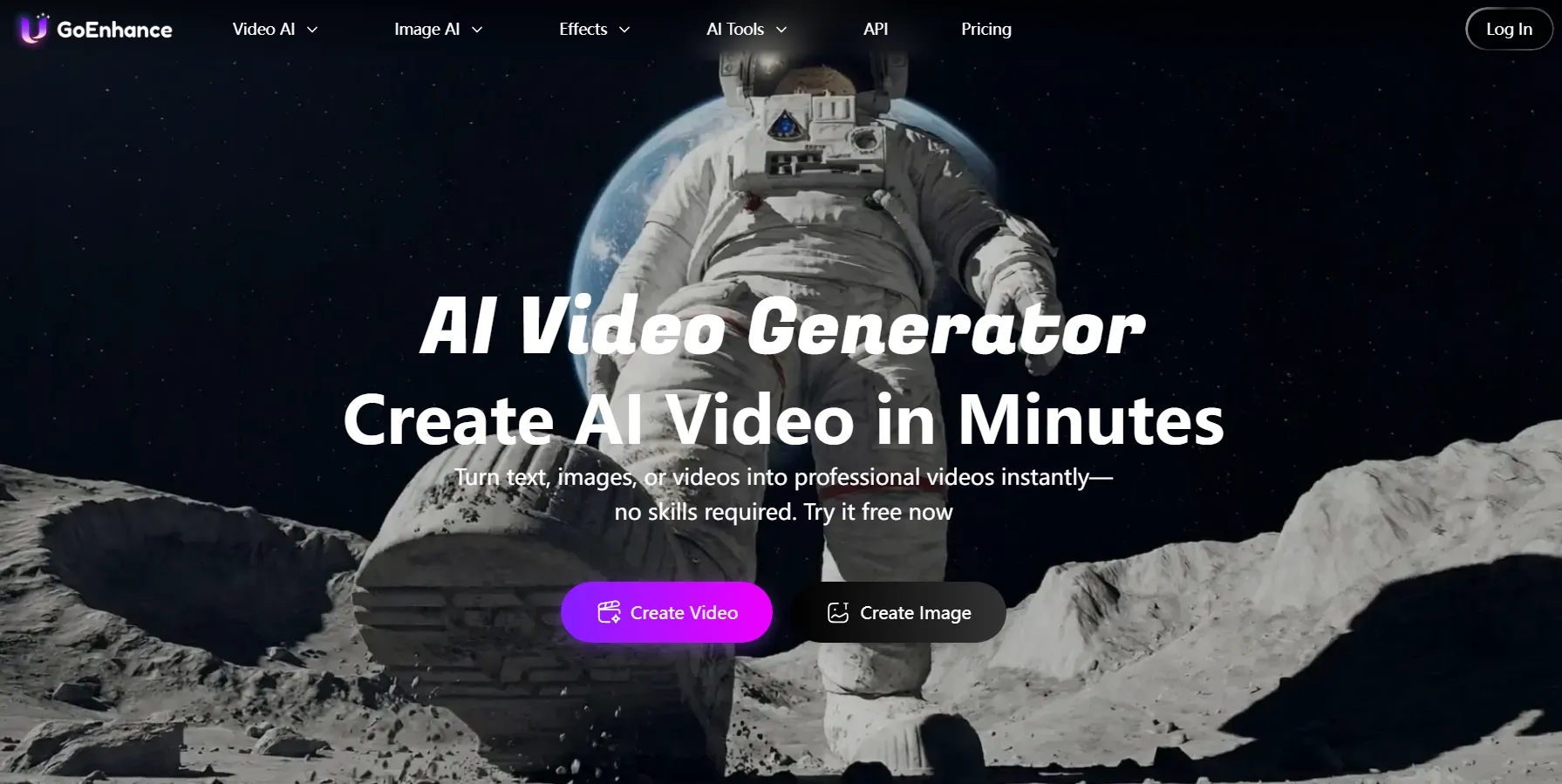
GoEnhance AI is useful for stylized image animation, especially when you want anime, cartoon, or creative transformation effects. It is not the tool I would pick first for clean product videos, but it can be fun and visually bold.
When I tested GoEnhance, I found that the style change was more impressive than the motion control. It worked well for eye-catching visuals, but the movement could feel less stable when the scene had too many details or fast actions.
GoEnhance AI works best when your goal is style. Its AI video generators and enhancement tools make it useful for creative transformations. But your stylized output can also become unstable, especially when the scene has too much motion.
Key Features
- Stylized image animation: Turn images into anime-style, cartoon-like, or visually transformed video clips.
- Video-to-video styling: Transform existing videos into new visual styles for more experimental content.
- Creative enhancement tools: Improve or restyle images and videos inside a broader AI creative workflow.
- Effect-driven creation: Build bold social clips, anime videos, and stylized motion tests.
Best For
- Anime-style video creators who want stylized motion.
- Social creators making bold visual effects and transformations.
- Users testing video-to-video styling and creative animation.
- Experimental creators who care more about style than brand consistency.
Pros:
- It is stronger for stylized animation than business polish.
- It supports multiple creative modes beyond image-to-video.
- It is useful for anime-style and transformation-heavy content.
Cons:
- Generated motion can feel shaky or unstable.
- The creative style can overpower the original image.
For a deeper breakdown, explore our GoEnhance AI review.
FlexClip: Best Image to Video AI for Beginners
FlexClip is a good beginner tool with video generation, templates, music, and editing in one place. It is not the most advanced image-to-video AI generator, but it is easy to understand.
I tested FlexClip and I thought it worked best only for creating a simple video. The motion was not as cinematic or detailed as stronger AI video tools, but the workflow was easy, and I could quickly add text, music, templates, and other edits around the generated clip.
In my opinion, FlexClip feels more like an online video maker with AI support than a hardcore AI motion platform. That is not a bad thing. If you are making simple social posts, promos, slideshows, or quick business videos, it may be enough.
Key Features
- Beginner-friendly image videos: Create simple videos from prompts or uploaded images with a low learning curve.
- Template-based workflow: Use thousands of templates to speed up social, business, and promotional videos.
- Online editing tools: Add music, text, subtitles, effects, and media elements after generation.
- Social content support: Create quick clips for social posts, ads, presentations, and simple brand videos.
- Team-friendly creation: Collaborate and edit online without needing advanced video editing skills.
Best For
- Beginners who want a simple image to video AI generation workflow.
- Small businesses making quick promotional videos.
- Social media teams creating simple clips with templates.
- Non-editors who need music, text, subtitles, and exports in one place.
Pros:
- It is one of the easiest tools in this list.
- Templates make the workflow faster for beginners.
- Music and editing tools help finish simple videos.
Cons:
- Motion control is not as advanced as stronger AI generators.
- It can feel more template-based than truly generative.
- Not ideal for cinematic or high-end image animation.
Steve AI: Best Image to Video AI for Template-Based Videos
Steve AI is useful for template-based image videos, animated explainers, and simple marketing content. I would not rank it high for pure generative image-to-video quality, but it has a clear place for structured content.
Steve AI gave me a more structured result than a truly dynamic image animation. The output was easy to build, but it felt closer to a guided explainer or template-based marketing video than a cinematic clip generated from the image itself.
I liked it when I needed structure, text, avatars, and a simple story around the image. But if I wanted realistic motion, stronger camera control, or a more visually dynamic image-to-video result, Steve AI would not be my first choice.
Key Features
- Template-based video creation: Turn images, prompts, or scripts into structured videos with guided templates.
- Explainer video formats: Create animated explainers, training videos, and business content with less manual work.
- AI avatars and voices: Add characters or narration to make simple videos feel more complete.
Best For
- Users making explainer videos with guided templates.
- Training teams creating animated or narrated content.
- Small businesses producing simple marketing videos.
- Users who prefer structured video creation over open-ended generation.
Pros:
- The template workflow is beginner-friendly.
- It works well for explainers and simple business videos.
- The guided workflow makes it easy to test.
Cons:
- It is more template-driven than generative.
- Image animation can feel less natural than stronger AI video tools.
- It is not my pick for cinematic or product-realistic motion.
You can learn more in our practical Steve AI review.
From Still Image to Share-Ready Video with Pollo AI!
Bring still visuals to life with smoother generation and a complete video workflow.
Try Image to Video AI Generator FreeHow Did I Rank These Image to Video AI Tools?
I judged these tools by whether they can create usable motion from a still image, not just by how many features they list.
A tool can have avatars, subtitles, templates, and stock assets, but if the image-to-video result feels stiff or unstable, it should not rank high in this list.
I also cared about what happens after the clip is generated. A short AI video often still needs captions, trimming, audio, resizing, or another model test before it becomes publishable.
- Motion quality: I checked whether the movement felt smooth, natural, and intentional.
- Image fidelity: I looked at whether faces, products, outfits, logos, and key visual details stayed consistent.
- Prompt control: I tested whether the tool understood camera moves, subject action, mood, and visual style.
- Scene stability: I watched for flicker, warping, identity drift, shaky objects, and distorted hands or faces.
- Output quality: I compared sharpness, lighting, resolution, polish, and whether the result felt publishable.
- Ease of use: I gave extra credit to tools that made image-to-video generation easy without hiding too much control.
- Editing and workflow value: I checked whether the tool helped after generation, with editing, captions, audio, templates, or exports.
Final Verdict
Pollo AI is the best image to video AI generator because it gives you the strongest balance of model choice, output flexibility, and workflow depth.
It does not just animate a still image and leave you with a raw clip. It helps you keep working with editing, audio, effects, and other AI video tools after generation.
That matters because most image to video projects need more than one attempt. You may need to test different motion styles, compare outputs, add sound, adjust the clip, or prepare it for social posts, product videos, or storytelling. Pollo AI satisfies all these needs.
If you want a flexible place to start, try Pollo AI today and turn your still image into a polished, share-ready video.