



10 Best AI Video Generators Free I’ve Tried and Compared
Some AI video generators promise finished content, but real results can still feel stiff, unfinished, or hard to reuse. So I tested 10 AI video generators to see which ones actually help with real video creation.
In this article, I’ll compare their strengths, user fit, workflow value, creative control, and where each tool feels useful in a practical production process.
Quick Answer: What Is the Best AI Video Generator?
Pollo AI is my top pick because it works as an ultimate AI creative suite built to make video ideas easier to use in real projects.
Instead of leaving me with a raw clip, it helps shape the output around the purpose of the video, whether I need to sell, explain, promote, or create.
That makes Pollo AI more practical when I need videos that are closer to publish-ready, not just visually interesting.
10 Best AI Video Generators at a Glance
| Tools | Most Suitable Users | Pricing |
| Pollo AI | Marketers, creators, sellers, and brands needing an full AI video generation workflow | Pricing starts at $10/month |
| Adobe Firefly | Designers and Adobe users testing polished visual ideas | Pricing starts at $9.99/month |
| VEED | Social creators and small teams needing simple online video creation | Pricing starts at $12/month |
| Invideo AI | Marketers and content teams turning ideas into campaign-style videos | Pricing starts at $20/month |
| HeyGen AI | Businesses, trainers, and sales teams creating avatar-led videos | Pricing starts at $29/month |
| Fliki AI | Educators, bloggers, and marketers creating narrated videos from text | Pricing starts at $21/month |
| DomoAI | Anime creators, artists, and social users creating stylized videos | Pricing starts at $6.99/month |
| Magic Hour | Creators and social teams making quick AI effects videos | Pricing starts at $10/month |
| Steve AI | Educators, HR teams, and small businesses making animated explainers | Pricing starts at $19/month |
| Kaiber AI | Musicians, artists, and visual creators making music-driven videos | Pricing starts at $10/month |
Pollo AI: Best AI Video Generator Overall
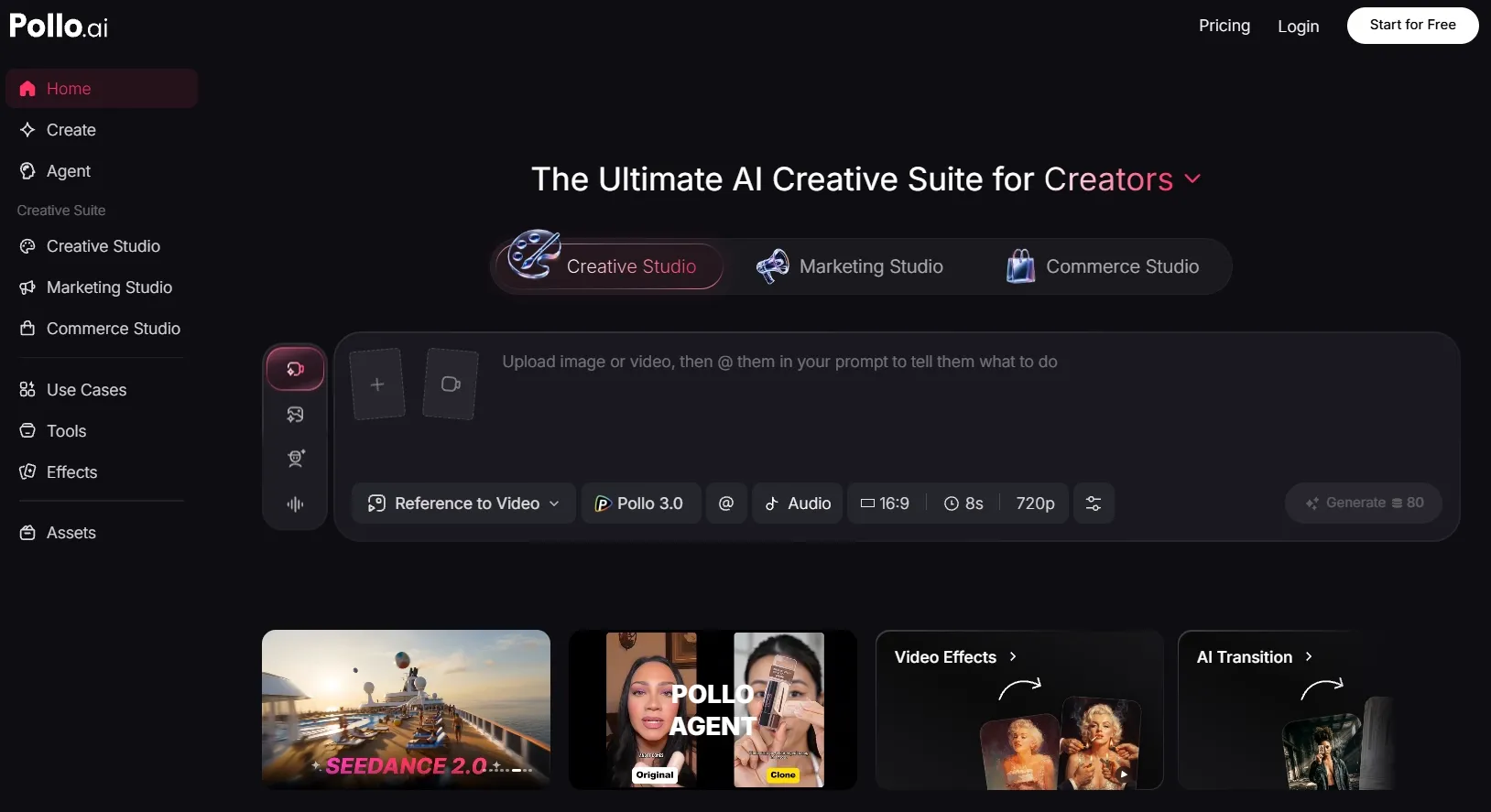
Pollo AI ranks first because it treats AI video generation as part of a complete creative workflow, not a single prompt box.
During my testing, Pollo AI felt more flexible than most tools on this list. I could start with a prompt, image, video, or product idea, then continue refining the result inside the same platform.
The biggest difference is that Pollo AI is built around real content tasks. I could use Marketing Studio for ad creation and Commerce Studio for e-commerce content.
What makes Pollo AI especially useful is when the first AI output is not enough. Instead of downloading a rough clip and fixing it somewhere else, I can make my video richer and cleaner by adding AI voiceovers and sound effects or editing the video.
Key Features
- Specialized studios: Use Marketing Studio and Commerce Studio for different content goals.
- Pollo Agent: Generate production-ready videos from ideas, scripts, images, videos, or URLs without manual editing.
- Style flexibility: Access models such as Sora 2 and Veo 3.1 to test different visual styles, scene looks, and visual directions for different video tasks.
- AI video editor: Edit videos with simple text prompts, from changing backgrounds and removing objects to adjusting scenes and polishing clips.
Best For
- Marketers: Create UGC ads, viral-style ads, product promos, and campaign videos faster.
- E-commerce sellers: Generate stunning product visuals, product showcase videos, and model-style commercial assets.
- Content creators: Make viral social videos, creative clips, talking avatars, audio, and stylized visuals in one place.
- Brands and agencies: Scale video creation without switching between many disconnected tools.
Pros:
- It supports multiple video generation forms and video editing that help turn ideas into more complete clips.
- Switch between leading AI models like Kling AI and Runway AI based on speed, realism, style, or quality needs.
- Pollo Agent is built around finished videos, not only raw clip generation.
Cons:
- New users may need a few tests to understand which model fits each project.
- Pollo AI has a richer feature set than simple one-click tools, so first-time users may need time to explore the full workflow.
Build Better AI Videos Faster
Use Pollo AI to turn your simple ideas into videos that are clearer, stronger, and ready to share.
Try Pollo AI Video Generator Free
Adobe Firefly: Best AI Video Generator for Polished Visual Experiments
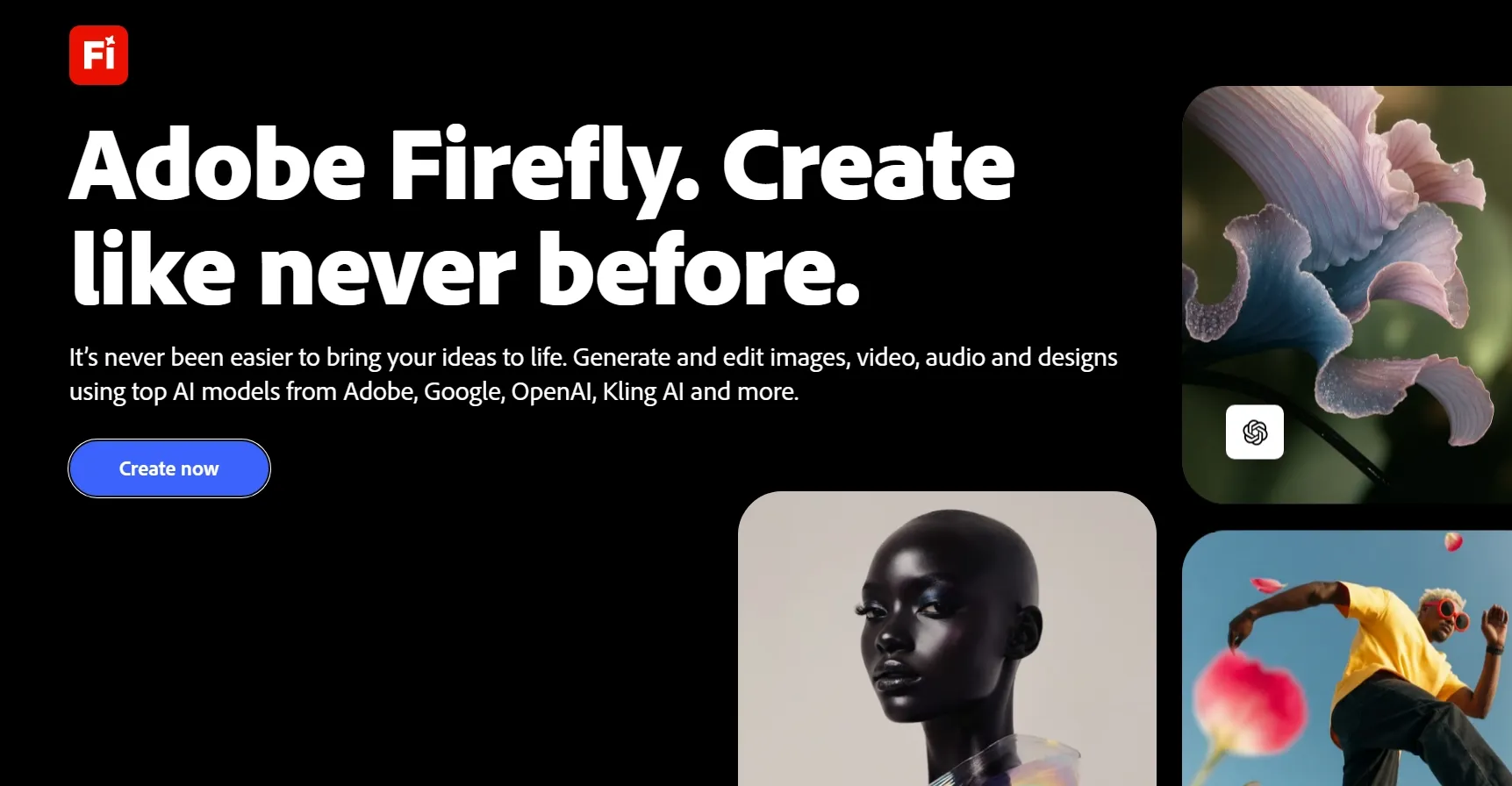
Adobe Firefly gave me the cleanest experience for short, polished visual tests inside the Adobe ecosystem.
I would use Adobe Firefly for visual direction testing, especially when I want to test atmosphere, lighting, camera feel, or a clean b-roll video before committing to a larger project. It feels polished and design-friendly, especially if you already work with Adobe tools.
But Adobe Firefly feels less complete once the project moves beyond a short visual test. I still need stronger scene assembly, narration support, editing depth, and workflow guidance before it can handle a full video project from concept to final export.
Key Features
- Text to video: Generate short visual clips from written prompts.
- Image to video: Use an image as a visual reference for motion.
- Firefly Boards: Organize visual directions, mood references, and scene ideas before generating short video tests.
- Adobe ecosystem connection: Move generated video concepts into other Adobe tools for deeper editing, design, and campaign production.
- Professional visual testing: Create cleaner short video concepts that can support brand, design, or campaign planning.
Best For
- Adobe users: Test short video ideas before continuing in other Adobe tools.
- Designers: Explore visual moods, b-roll concepts, and polished motion tests.
- Creative teams: Build early visual references for campaigns or storyboards.
- Brand teams: Create clean concept clips for internal review.
Pros:
- Adobe Firefly often creates polished short clips.
- It works naturally for users already in the Adobe ecosystem.
- Adobe Firefly Boards can help organize mood, style, and scene direction before creating short visual tests.
- It handles quick visual tests better than full production workflows.
Cons:
- It does not cover as many post-generation needs as broader platforms.
- Longer or more complex video projects may feel restricted.
- Need other tools when the project requires deeper editing, narration, or multi-scene production.
Want a closer look? Read our full Adobe Firefly review.
VEED: Best AI Video Generator for Simple Online Video Creation
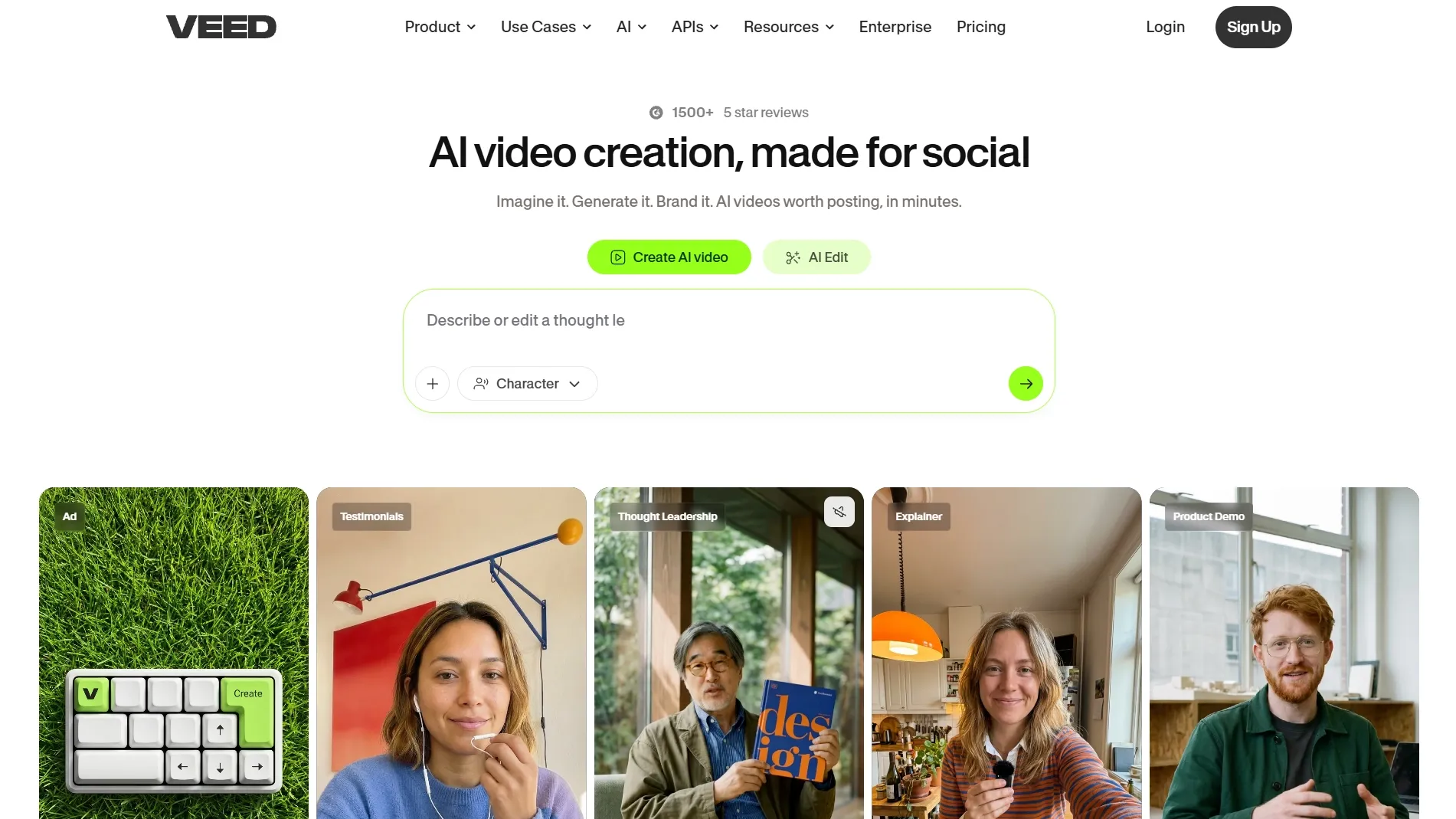
VEED is a practical choice when you want AI generation with simple browser-based editing.
What stood out to me was that it could move from a simple idea to an editable video draft quickly. Its AI video generator can help you create basic scenes, add voiceovers, build presenter-style content, and prepare short videos without starting from a blank timeline.
Its editing environment makes that first draft easier to finish. You can add subtitles, resize videos, trim clips, adjust layouts, and prepare content for social platforms without dealing with heavy editing software.
But VEED’s AI video generation still feels lighter than its editing tools. If I need detailed control over motion, camera movement, scene style, or visual continuity, the generation side does not give me enough precision.
Key Features
- AI video creation: Generate videos from different inputs and formats.
- Automatic subtitles: Add captions for social media, training, and explainer content.
- Video voiceovers: Add narration to AI-generated videos without recording your own voice.
- Presenter-style video tools: Create avatar-led videos for simple business, educational, or explainer content.
Best For
- Social creators: Make captioned videos, short explainers, and platform-ready clips.
- Small teams: Create and edit videos without advanced editing software.
- Educators: Prepare simple instructional videos with captions and voiceovers.
- Marketers: Produce lightweight branded videos for quick campaigns.
Pros:
- The browser editor is simple and approachable.
- Captions make videos easier to watch, understand, and repurpose for social or educational use.
- Trimming, resizing, and formatting turn drafts into platform-ready videos.
Cons:
- Complex motion and scene direction can feel limited.
- AI-generated clips often benefit from extra editing.
- It feels more editing-led than generation-led.
For more details, check out our insightful VEED review.
Invideo AI: Best AI Video Generator for Campaign Creation
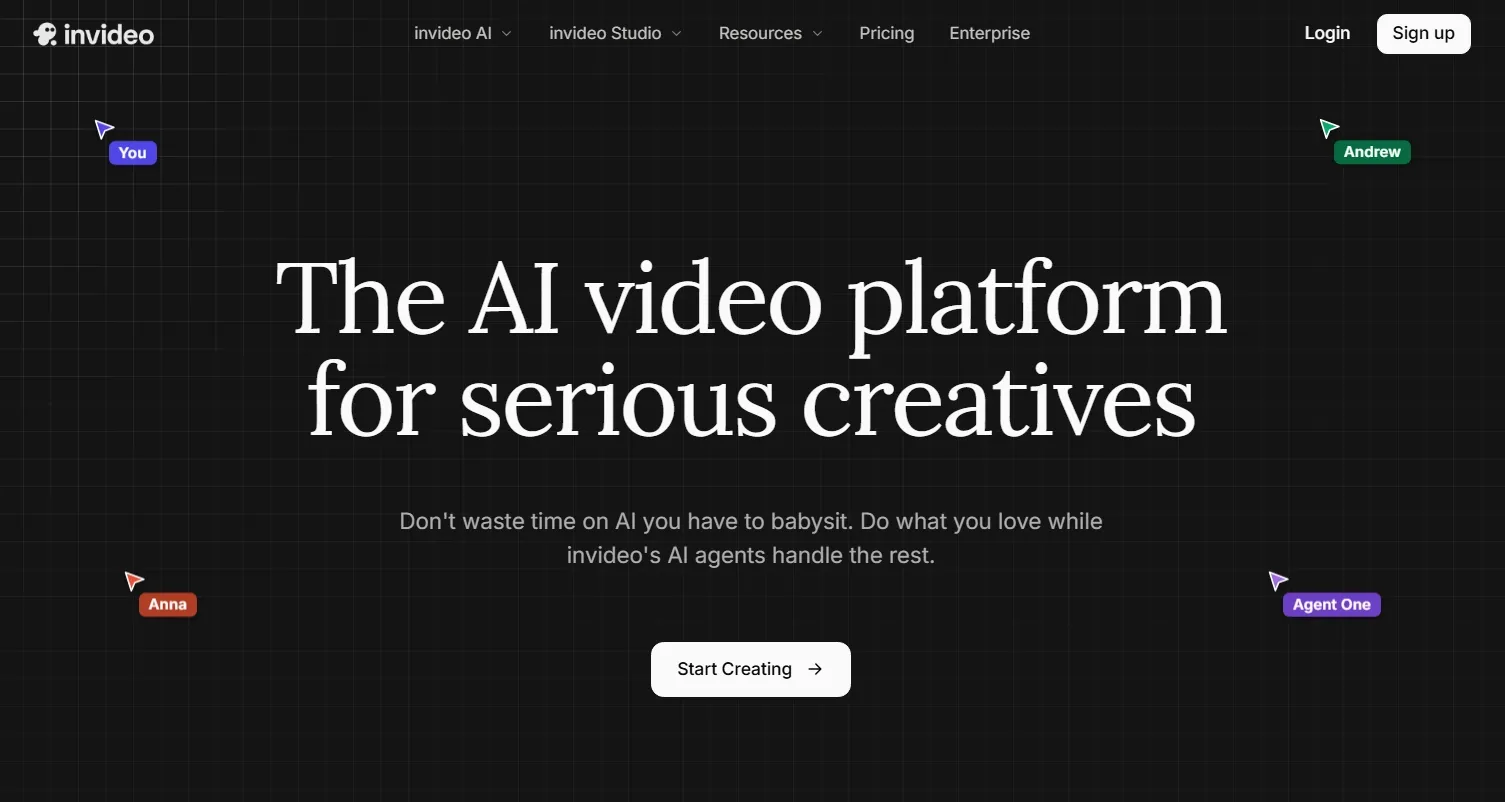
Invideo AI helped me move from a rough marketing idea to a structured video draft quickly.
I found it useful when the video needed a clear message and a fast first draft. It can turn a loose idea into scenes, narration, stock footage, and editable directions without making me plan every part manually.
The text-based revision process also helped when I wanted to adjust the message or pacing. I could request changes more easily than rebuilding the whole video from scratch.
Yet, visual originality is where I felt less convinced. Because Invideo AI often builds videos through scripts, stock assets, and assembled scenes, the output can look more like a polished content draft than a truly original AI-generated video.
Key Features
- Idea to video: Turn rough prompts into structured video drafts.
- Script support: Build videos from scripts, topics, or campaign messages.
- Stock media library: Use footage, images, and background music to fill out AI video drafts.
- AI video narration: Add voiceovers to generated videos without recording manually.
- Conversational editing: Request scene, pacing, or narration changes through simple text instructions.
Best For
- Marketing teams: Create promotional videos and campaign drafts faster.
- YouTubers: Turn topic ideas into structured video content.
- Small businesses: Make product explainer videos or product ad clips without a full editor.
- Content teams: Repurpose ideas into repeatable video formats.
Pros:
- Invideo AI helps shape ideas into organized videos.
- It works well for promo videos and explainers.
- Built-in media fills scenes and makes campaign-style video drafts more complete.
- Simple revision requests reduce manual editing work.
Cons:
- Some videos may lack a distinct original look.
- It is not my first choice for precise visual storytelling.
- The structure is helpful, but it can also make some videos feel less custom if you want deeper creative control.
You can learn more in our practical Invideo AI review.
HeyGen AI: Best AI Video Generator for AI Avatar and Presenter Videos
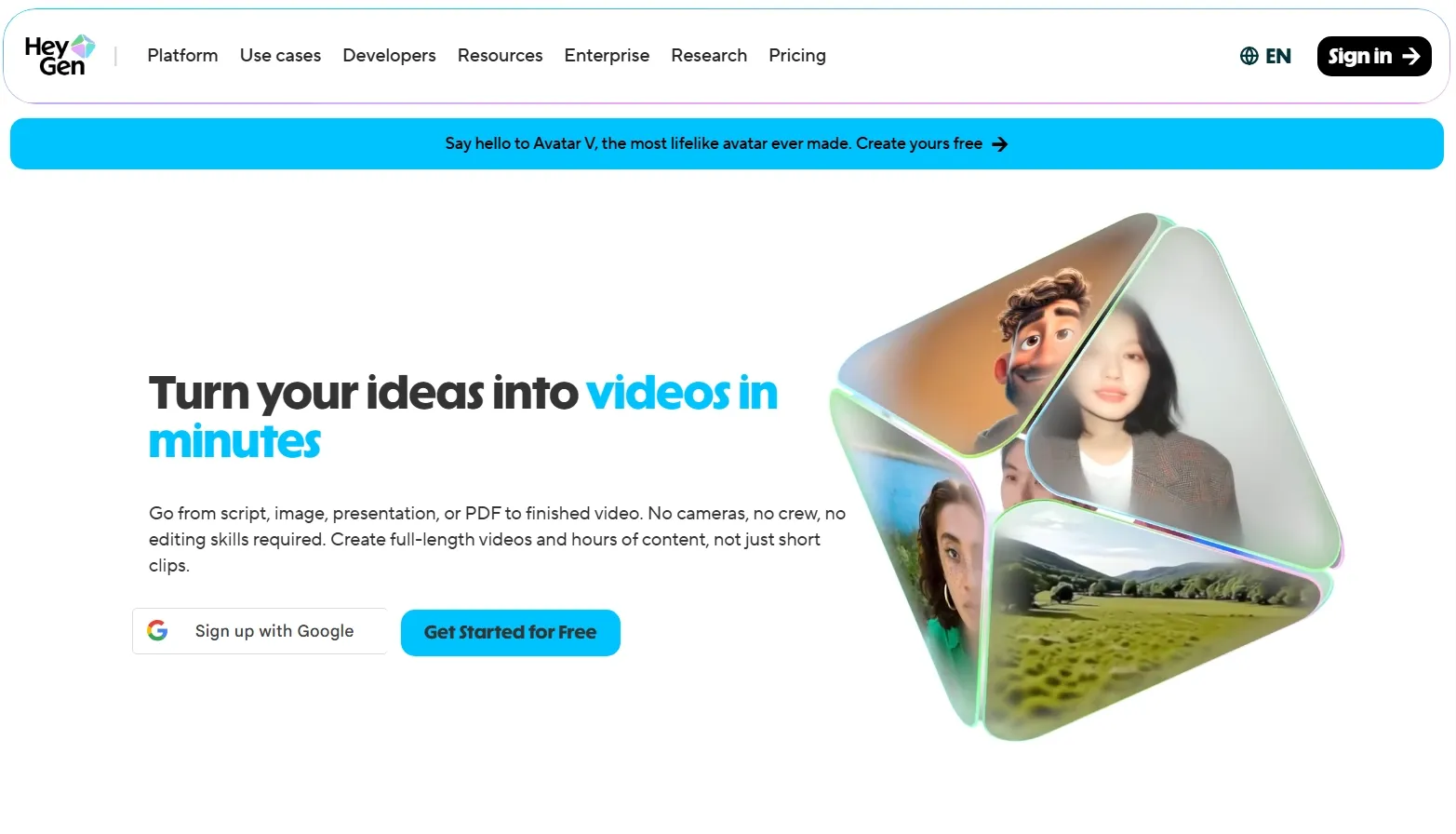
HeyGen AI stood out most when the video needed a clear speaker, message, and business-friendly delivery.
I would use HeyGen for training videos, onboarding, product explainers, sales outreach, and multilingual business communication. Its avatar workflow feels more mature than many general-purpose video tools.
For me, the main drawback is creative range. HeyGen is not where I would go for abstract visuals, product motion, stylized clips, or cinematic scenes because the workflow is mainly built around digital presenters.
Key Features
- AI avatars: Create presenter videos with digital speakers.
- Text to video: Turn written scripts into avatar-led videos.
- Video translation: Localize videos for different languages and markets.
- Voiceovers and lip sync: Match narration with avatar mouth movement to make presenter videos more natural.
- Business video templates: Create training, sales, and communication videos faster.
Best For
- Training teams: Create internal learning and onboarding videos.
- Sales teams: Produce personalized outreach or product explanation videos.
- Global teams: Translate and localize presenter-led content.
- Marketing teams: Make spokesperson-style product videos without filming.
Pros:
- HeyGen handles presenter-led videos well.
- Translation and lip sync support global content needs.
- Teams can create speaker videos without booking a shoot.
Cons:
- It focuses more on presenters than full visual generation.
- Some avatar videos may look corporate or staged.
For a deeper breakdown, explore our HeyGen review.
Fliki AI: Best AI Video Generator for Narrated Videos
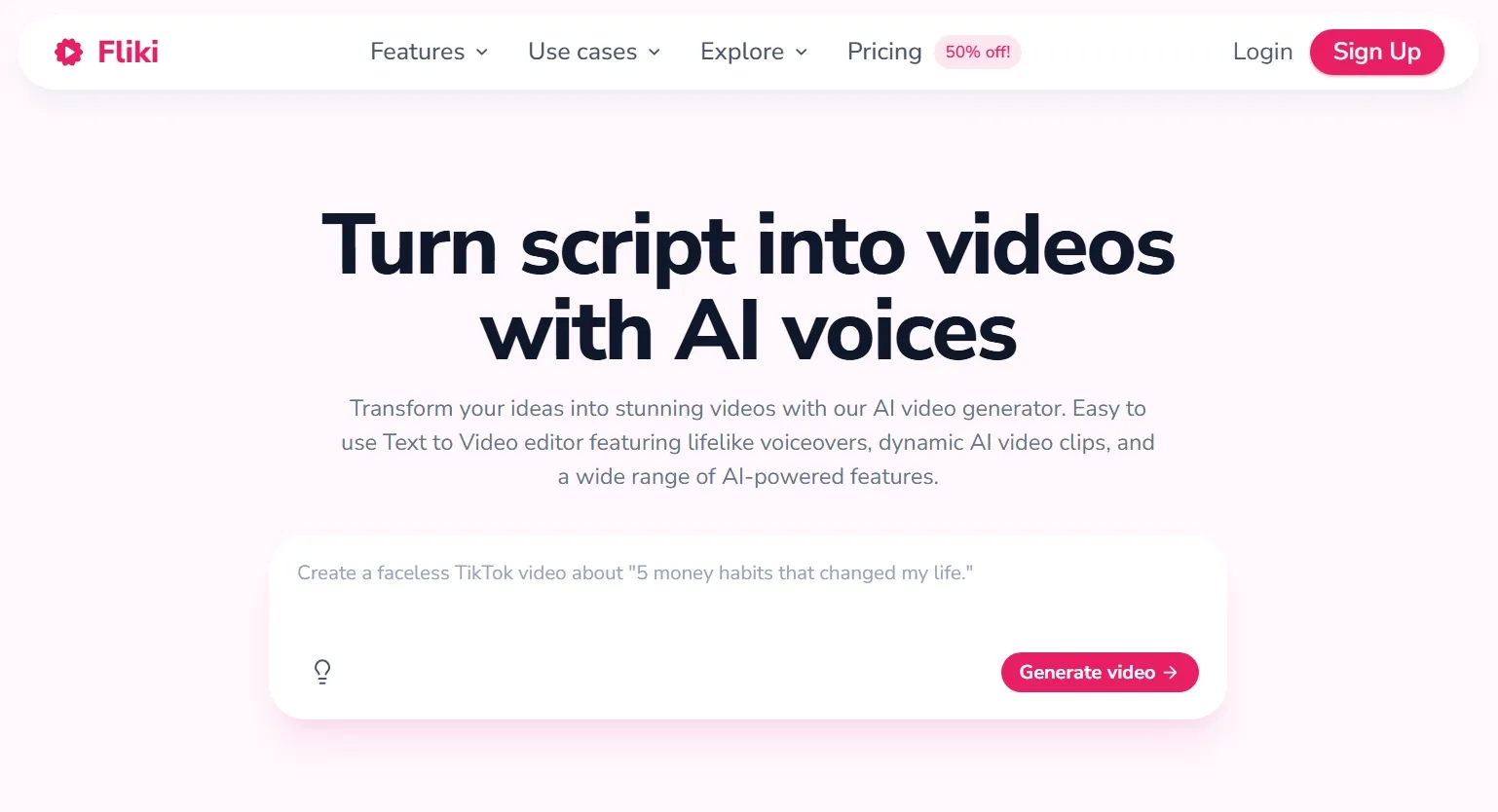
Fliki AI made the most sense for videos where the script and voiceover carry the experience.
I would use Fliki AI when the starting point is a script, article, lesson, or product explanation that needs clear narration. The workflow keeps the message easy to follow because the voiceover drives the structure.
The voice library is a clear advantage. With 2,000+ AI voices across 80+ languages, it gives you more room to create narrated videos for different audiences.
But its visual layer felt weaker than the audio workflow. So I would not rely on Fliki AI for videos that need expressive motion, detailed scene control, or a strong original visual identity.
Key Features
- Text to video: Turn scripts, ideas, blogs, or presentations into videos.
- AI voice library: Access 2,000+ voices across 80+ languages to create narrated videos for different audiences.
- Voice cloning: Create reusable voice styles to keep narrated videos consistent across a content series.
- Stock media: Add images, clips, and background music to support the narrated video structure.
- Avatar support: Use talking avatars to make selected narrated videos feel more visual and presenter-driven.
Best For
- Educators: Turn lesson scripts into narrated explainer videos.
- Bloggers: Repurpose articles into video content.
- Marketers: Create voice-led explainers and social videos.
- Global teams: Produce narrated content in multiple languages.
Pros:
- The language and voice range create videos for different regions.
- Blogs, scripts, and presentations are easy starting points.
- Users do not need advanced video editing skills.
Cons:
- It may not satisfy users who need highly original video scenes.
- It is not built for complex generative movement.
See our hands-on Fliki review for more context.
DomoAI: Best AI Video Generator for Anime and Stylized Video Generation
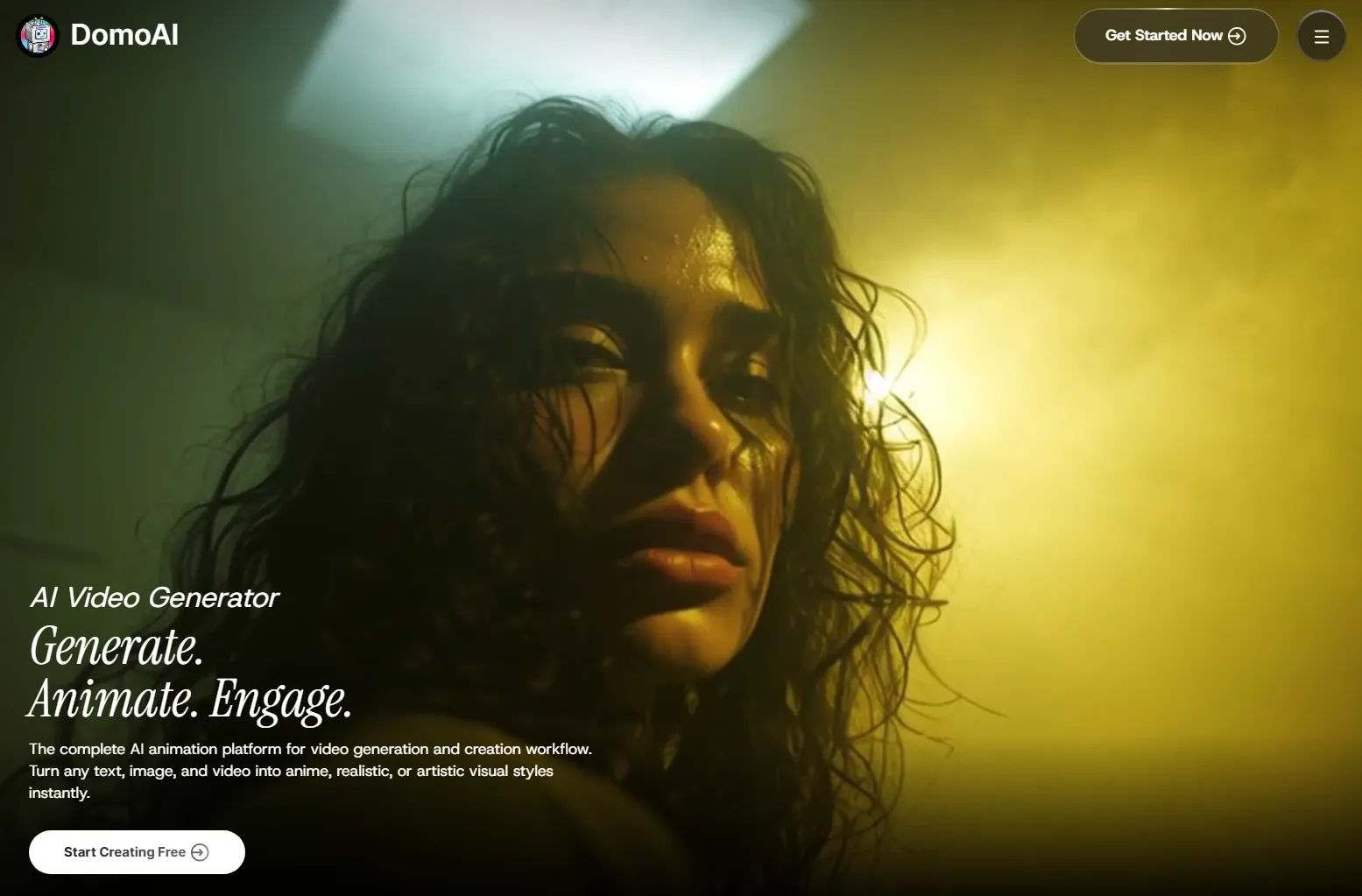
DomoAI felt more expressive than most tools I tested, especially for anime-style and artistic transformations.
DomoAI felt playful and visually distinctive when I tried it. You can turn images, prompts, and existing videos into anime, realistic, or artistic styles, which makes it useful for character concepts, stylized reels, and quick creative experiments. It gives creators an easy way to explore looks that feel more expressive than standard template videos.
But for commercial projects, I would be more careful with DomoAI. Because during my test, I got less control over brand consistency, product accuracy, editing polish, and the kind of structured workflow that marketing videos usually need.
Key Features
- Text to video: Generate stylized clips from prompts.
- Image to video: Animate still images into short videos.
- Video to video: Transform existing footage into new visual styles.
- Anime styles: Create anime-inspired visuals and character-led clips.
- Creative model options: Test different visual looks for playful content.
Best For
- Anime creators: Generate attention-grabing clips like stylized Instagram anime Reels and test different animation ideas.
- Artists: Explore different video styles from images or footage.
- Social creators: Make eye-catching short videos for feeds.
- Hobbyists: Try AI animation without a complex production setup.
Pros:
- Anime and artistic transformations are the main appeal.
- Text, image, and video inputs support creative testing.
- It encourages fast visual exploration.
- The starting paid plan is relatively low.
Cons:
- It is not built around ads, product videos, or brand campaigns.
- Multiple generations may be needed for stable results.
- After generation, I still need other tools for more detailed polishing, layout control, or campaign-ready finishing.
Magic Hour: Best AI Video Generator for Creative Video Effects
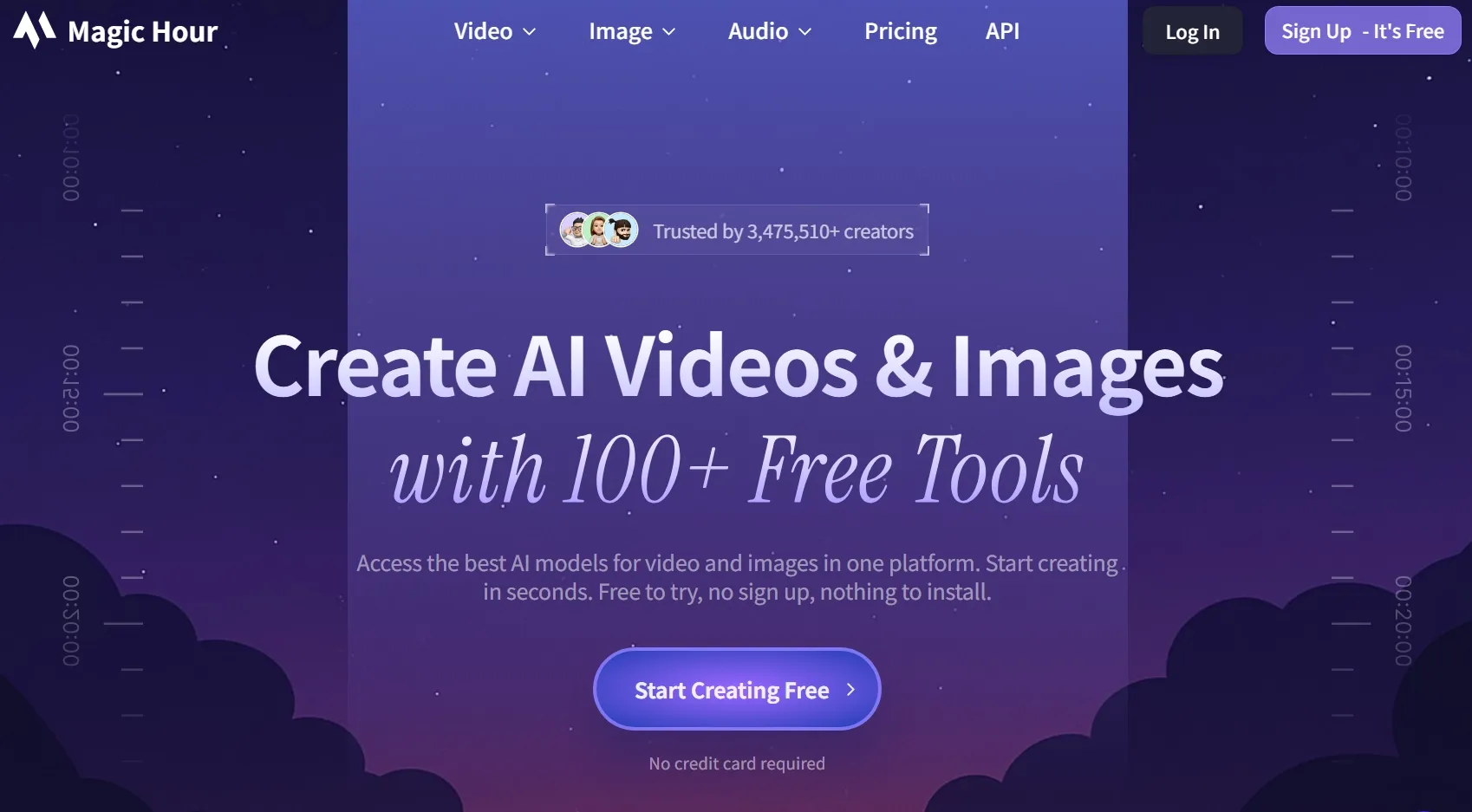
Magic Hour felt like a quick effects lab for testing playful AI video ideas for social hooks, talking photos, and face swaps.
Its variety makes it easy to move between different effect-based ideas. So I would use it when I want to make a quick social visual, or create something fun without building a full video from scratch.
But Magic Hour can feel fragmented when the project needs a finished structure. I still need more support for pacing, scene order, brand consistency, and final video assembly before the output feels polished.
Key Features
- Image to video: Animate still images into short moving clips.
- Face swap: Create face replacement video clips for playful social content or visual experiments.
- Lip sync: Match audio to facial movement to create talking photo or presenter-style video clips.
- Talking photo: Animate portraits for simple talking videos.
- Multi-format video tools: Use image, video, and audio inputs to create social-ready clips.
Best For
- Social creators: Make short, fun, and shareable AI videos.
- Meme creators: Create talking photos and face swap clips.
- Marketing teams: Test playful visual hooks for social campaigns such as YouTube shopping ads and Facebook ads.
- Small teams: Access several AI media tools from one platform.
Pros:
- The toolset supports many quick experiments for different types of videos.
- Casual creators can test effects without a steep learning curve.
- Face swap, lip sync, and talking photo tools are attention-friendly.
Cons:
- The workflow can feel like separate effects rather than one complete process.
- Social-ready results may still require editing.
- The tools feel separated, so I need more manual decisions when building a full story or campaign flow.
Steve AI: Best AI Video Generator for Animated Explainer Videos
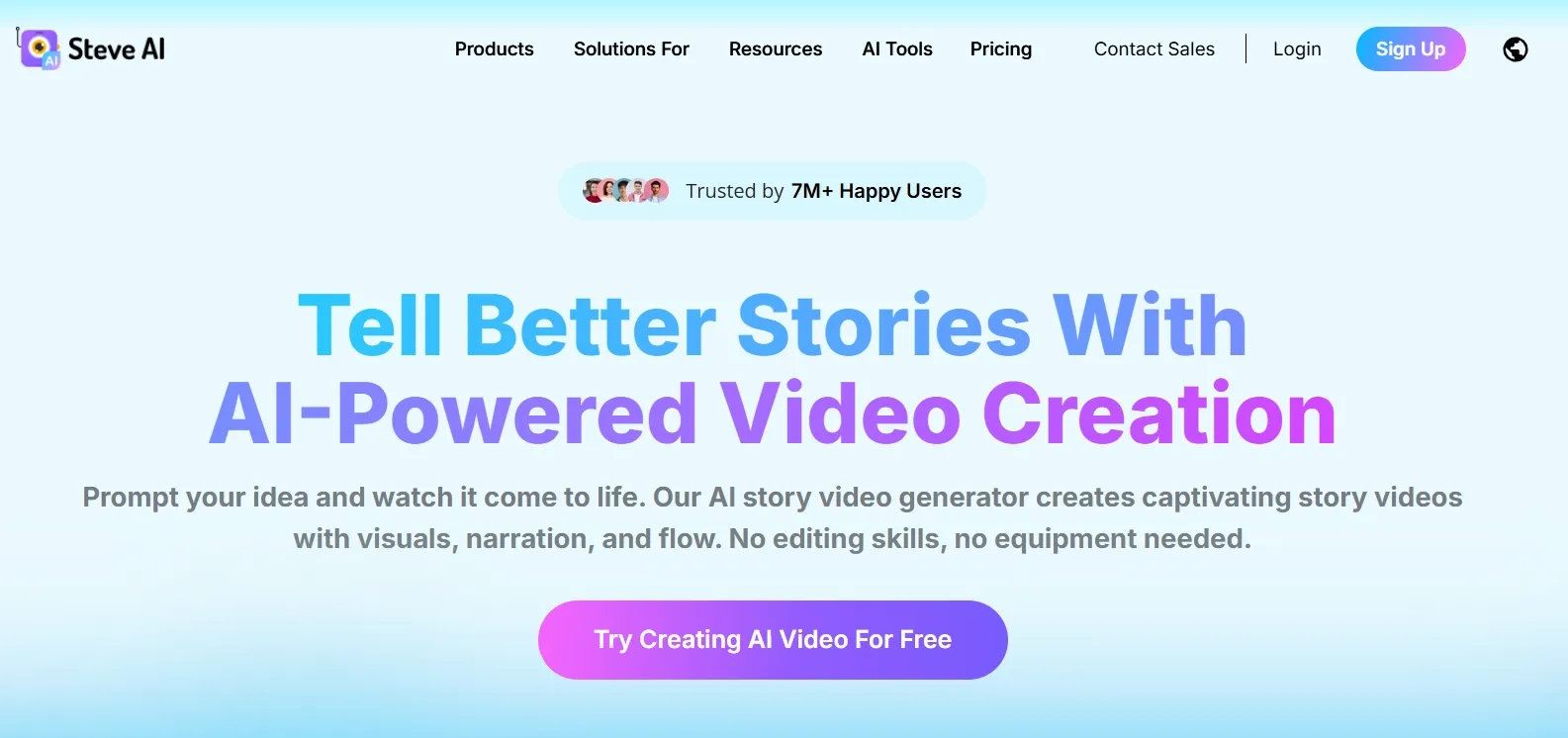
Steve AI worked better as a script-to-explainer tool which helps create a structured video without building every scene yourself. So I would use it for training videos, educational content, and small business promos.
The tool also feels practical when the goal is to make information easier to understand. Its animated scenes, simple visuals, and guided workflow can help you explain a topic clearly.
But Steve AI can feel too template-led for more distinctive work. That means the scene design, visual style, and motion choices do not feel flexible enough for videos that need a stronger creative identity.
Key Features
- Text to video: Convert written content into video drafts.
- Prompt to video: Create videos from rough ideas.
- Animated explainers: Build educational and business-friendly animated videos.
- Live-action style videos: Use stock-style scenes for simple video formats.
- Beginner-friendly workflow: Make videos without complex editing skills.
Best For
- Educators: Create online course videos and instructional explainers.
- HR teams: Make onboarding and training videos.
- Small businesses: Produce simple product or service promos.
- Content marketers: Turn scripts into basic animated videos faster.
Pros:
- Scripts can become structured videos quickly.
- Beginners can create videos without editing experience.
- Animated and live-action-style outputs add flexibility.
Cons:
- Some results may look less original.
- It is not designed for advanced AI scene generation.
- Final videos still need review before publishing.
For more details, check out our insightful Steve AI review.
Kaiber AI: Best AI Video Generator for Music-Driven Creative Videos
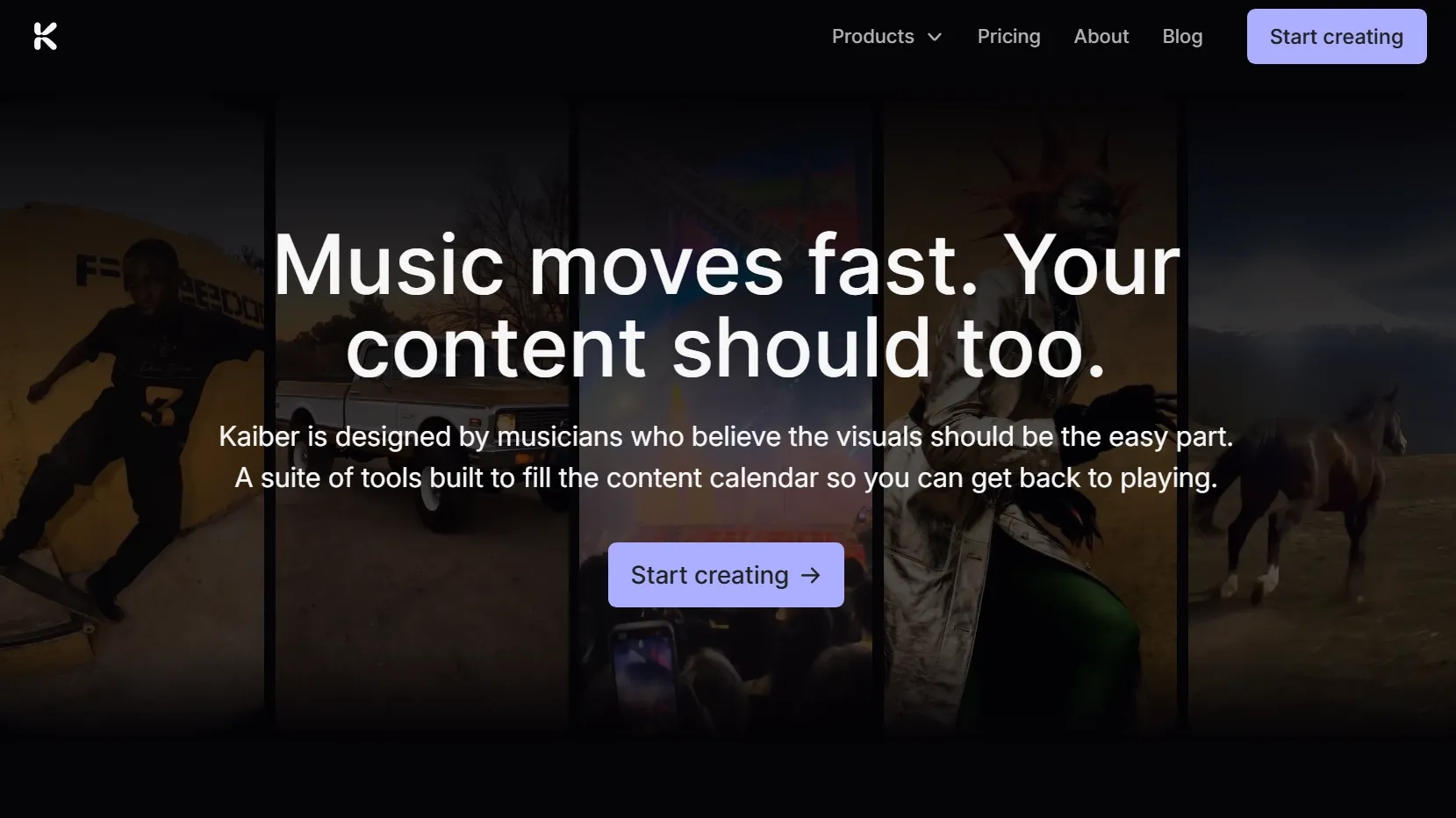
Kaiber AI stood apart because its workflow starts from rhythm, music, and visual movement rather than the standard business video structure.
I would use Kaiber AI for music videos, performance visuals, loops, and abstract creative motion. Its Beat Sync feature gives it a clearer identity than many general AI video tools.
The platform feels especially useful when audio drives the creative direction. I can see it working well for musicians, visual artists, and creators who want motion graphics that respond to rhythm.
Yet Kaiber AI feels less practical when the video needs a clear business message. It gives me fewer tools for product explanation, script structure, audience guidance, and publish-ready campaign formatting.
Key Features
- Canvas: Arrange and shape generative visual ideas for music videos, loops, and abstract motion projects.
- Beat Sync: Match generated visuals to music rhythm for audio-reactive video creation.
- Video editor: Refine generated visuals and motion ideas inside the platform before export.
- Text to video: Generate stylized clips from written prompts.
- Image and video inputs: Build motion from uploaded visuals or clips.
Best For
- Musicians: Create visuals and music videos without a full production team.
- Artists: Generate experimental motion graphics and loops.
- Event creators: Make screen visuals for performances or shows.
- Creative directors: Test abstract visual directions for music-led projects.
Pros:
- It works well for art, performance, and abstract video.
- Canvas and editor tools help shape abstract motion, loops, and music-led video ideas.
Cons:
- Some projects may still need another editor.
- It is more art-focused than fuller video generation platform like Pollo AI.
From Idea to Post-Ready Video
Start with your idea and create polished, publish-ready videos with Pollo AI for free.
Try Pollo AI Video Generator FreeHow Did I Rank These AI Video Generators?
I judged these AI video generators from various aspects. For me, a good AI video generator should support the real work around video creation. That means it should help with different starting points, keep the visuals stable, give enough control, and make the output easier to edit, polish, and publish.
I ranked tools higher when they helped me move from an idea to a more finished video with less extra work outside the platform.
Here is what I checked:
- Motion quality: I checked whether movement felt smooth, natural, and intentional.
- Input flexibility: I tested whether the tool supported useful inputs like text, images, videos, scripts, URLs, avatars, or audio.
- Image fidelity: I checked whether faces, products, outfits, logos, and key visual details stayed consistent in videos.
- Prompt control: I tested whether each tool understood camera moves, subject action, mood, pacing, and style.
- Scene stability: I watched for flicker, warping, identity drift, shaky objects, and distorted hands or faces.
- Output quality: I compared sharpness, lighting, resolution, polish, and publishability.
- Ease of use: I gave extra credit to tools that stayed easy without hiding too much control.
- Editing and workflow value: I checked whether each tool helped after generation with editing, captions, audio, avatars, effects, templates, or exports.
These checks helped me separate impressive demos from tools I would actually trust in a project. And the higher-ranking tools felt more dependable when the video had to serve a real purpose, not just look interesting for a few seconds.
My Final Thought
Pollo AI is the best AI video generator overall because it goes beyond raw clip generation and supports a full video workflow.
What impressed me most is that Pollo AI does not treat video creation as a single prompt-and-download step. With Pollo Agent, I can start from an idea, script, image, video, or URL and move toward a more structured, publish-ready result without handling every edit manually.
Its Studio setup also fits the way real projects start. If I am making ads, product visuals, or broader creative content, I can work from a more focused space instead of forcing every task into the same blank generator.
Pollo AI also gives me the flexibility to create with leading models like Veo AI and Sora AI, then keep editing, enhancing, voicing, and refining the video in one place. That is why it feels more useful than tools that only generate short clips and leave the rest of the work to me.
Try Pollo AI today and create publish-ready AI videos with fewer tools, fewer edits, and a clearer path from idea to final content.