



11 Best GoEnhance AI Alternatives for AI Video Generation: Pros & Cons
GoEnhance AI is useful for stylized video generation, video-to-video restyling, character animation, face swap, and video upscaling. But it can feel limited when you need steadier motion, more editing control, broader model choice, or videos that are ready for real social and marketing use.
So I tested 11 GoEnhance AI alternatives across video-to-video, image-to-video, animation, avatar videos, social clips, video enhancement, and AI editing workflows. These are the tools I’d actually use.
Best GoEnhance Alternatives: TL;DR
The best GoEnhance alternative is Pollo AI because it gives you more than video restyling. It combines AI video generation, video editing, image-to-video, video-to-video, avatars, model access, and creative use cases in one workflow.
GoEnhance AI is still useful for anime-style videos, face swaps, character animation, and quick stylized clips. But if you want more reliable motion, stronger editing support, better social output, or a smoother path from idea to finished video, the tools below give you more room to work.
11 Best GoEnhance Alternatives At a Glance
| Tool | Best For | Why I’d Use It Instead Of GoEnhance AI |
|---|---|---|
| Pollo AI | Best overall AI video workflow | Better for AI video generation, editing, restyling, avatars, enhancement, and social or marketing videos |
| BasedLabs AI | Best for casual AI video and face swap tools | Better for quick AI videos, image generation, face swaps, and casual creative experiments |
| Dzine AI | Best for stylized video transformation | Better for design-led restyling, face swap, inpainting, character consistency, and visual control |
| EaseMate AI | Best for video enhancement and restoration | Better for upscaling, frame interpolation, object removal, face swap, and improving existing videos |
| VEED.io | Best for online video editing | Better for subtitles, browser editing, social videos, avatars, and team-friendly content |
| Kapwing | Best for collaborative browser editing | Better for shared workspaces, subtitles, resizing, templates, and team video production |
| Media.io | Best for utility-style video editing | Better for enhancement, conversion, compression, background removal, subtitles, and file preparation |
| Pippit AI | Best for avatar product videos | Better for presenter-style product demos, multilingual voices, custom avatars, and e-commerce clips |
| Revid AI | Best for short-form social videos | Better for scripts, links, articles, captions, avatars, music videos, and social publishing |
| Hedra | Best for talking avatar videos | Better for character speech, facial animation, lip sync, and avatar-led storytelling |
| Descript | Best for transcript-based video editing | Better for spoken videos, voice cleanup, filler removal, podcast clips, and script-based edits |
Why Look For A GoEnhance Alternative?
GoEnhance is useful, but it is not always the best fit when video transformation needs more stability, more editing control, or a clearer path from styled clip to publishable content.
In my review process, GoEnhance worked great when the goal was visual style. However, there are some issues, as I found in my GoEnhance AI review: after several test rounds, the output quality was not always good. The video could look shaky, and backgrounds or visual elements could become unstable.
That is why I would look for a GoEnhance alternative. If I am creating social videos, e-commerce clips, product demos, avatar content, brand videos, or campaign assets, I want a tool that helps me finish the video, not just restyle it.
1. Pollo AI: Best Overall GoEnhance Alternative
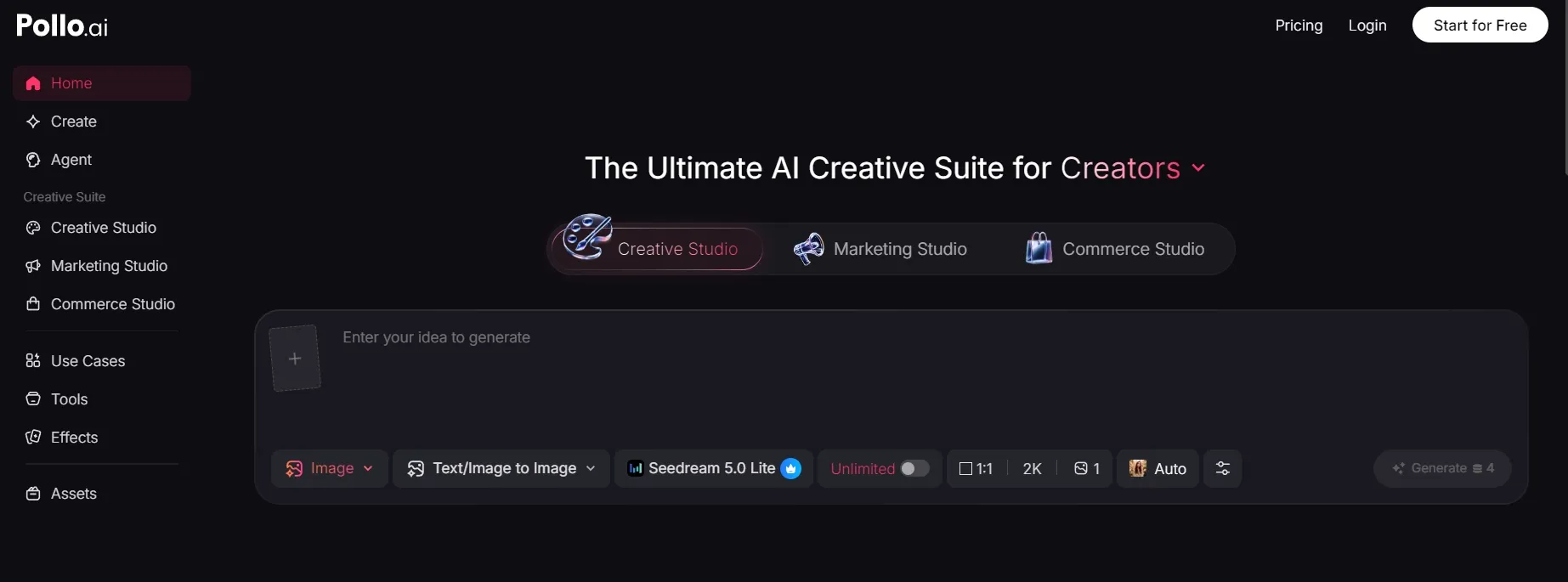
Pollo AI is the best overall GoEnhance alternative because it gives you a fuller AI video workflow, not just video restyling.
The biggest difference between GoEnhance AI and Pollo AI is workflow depth. Pollo AI also gives creators broader model access like Sora 2 and Kling 3.0 inside one workspace. That matters when one output style does not fit the scene, motion, or use case. Instead of staying locked into one result path, you can test different visual directions and choose the one that works best.
The matching Studio here is Creative Studio by Pollo AI. It is the right fit for creators who want AI video, image, avatar, audio, editing, and multi-model generation in one place. If the styled clip is part of an ad or social campaign, Marketing Studio by Pollo AI also makes sense as the more campaign-focused path.
Pros:
- Fuller video workflow: Supports generation, editing, restyling, animation, avatars, and video adaptation.
- More creative range: Useful for social clips, ads, product videos, avatar content, and e-commerce campaigns.
- AI editing support: Better when a result needs adjustment after generation.
- Flexible model access: Gives creators more ways to test different motion and visual styles.
Cons:
- More depth than a simple restyling tool: Helpful for serious video work, but casual users may only need one quick transformation.
- Creative choices take testing: Some projects need a few prompt, model, or tool choices to get the best result.
Best For: Creators, marketers, sellers, and brands that want more than quick video restyling.
Bottom Line: Pollo AI is the strongest GoEnhance alternative if you want to generate, edit, restyle, and finish AI videos in one place.
2. BasedLabs AI: Best For Casual AI Video And Face Swap Tools
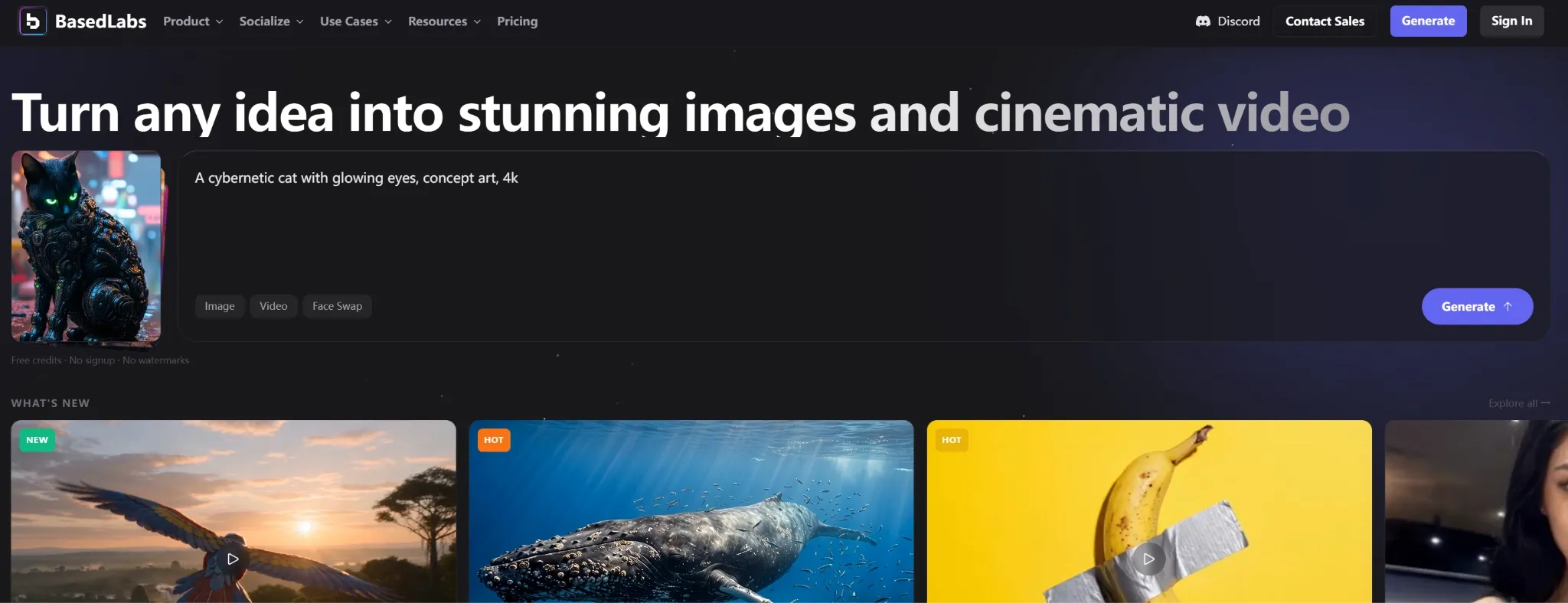
BasedLabs AI is a closer GoEnhance alternative for users who want simple AI video tools without a heavy production workflow.
GoEnhance AI focuses on video restyling, character animation, face swap, and enhancement. BasedLabs AI is more casual. It is useful for quick AI images, short videos, face swaps, and creator experiments when the goal is fast output rather than detailed editing control.
I would use BasedLabs AI for memes, profile-style videos, quick face swaps tests, and simple social clips. It is not the most advanced option here, but it is easy to understand.
Pros:
- Casual creative tools: Good for fast AI videos and image experiments.
- Face swap use cases: Useful for quick social or entertainment content.
- Simple workflow: Easier for users who do not need a full editor.
Cons:
- Limited production depth: Not ideal for polished brand or campaign videos.
- Output may need review: Fast experiments do not always become final assets.
Best For: Casual creators, meme makers, and users testing simple AI video ideas.
Bottom Line: Use BasedLabs AI when GoEnhance feels too focused on stylized restyling and you want simpler creator tools.
3. Dzine AI: Best For Stylized Video Transformation
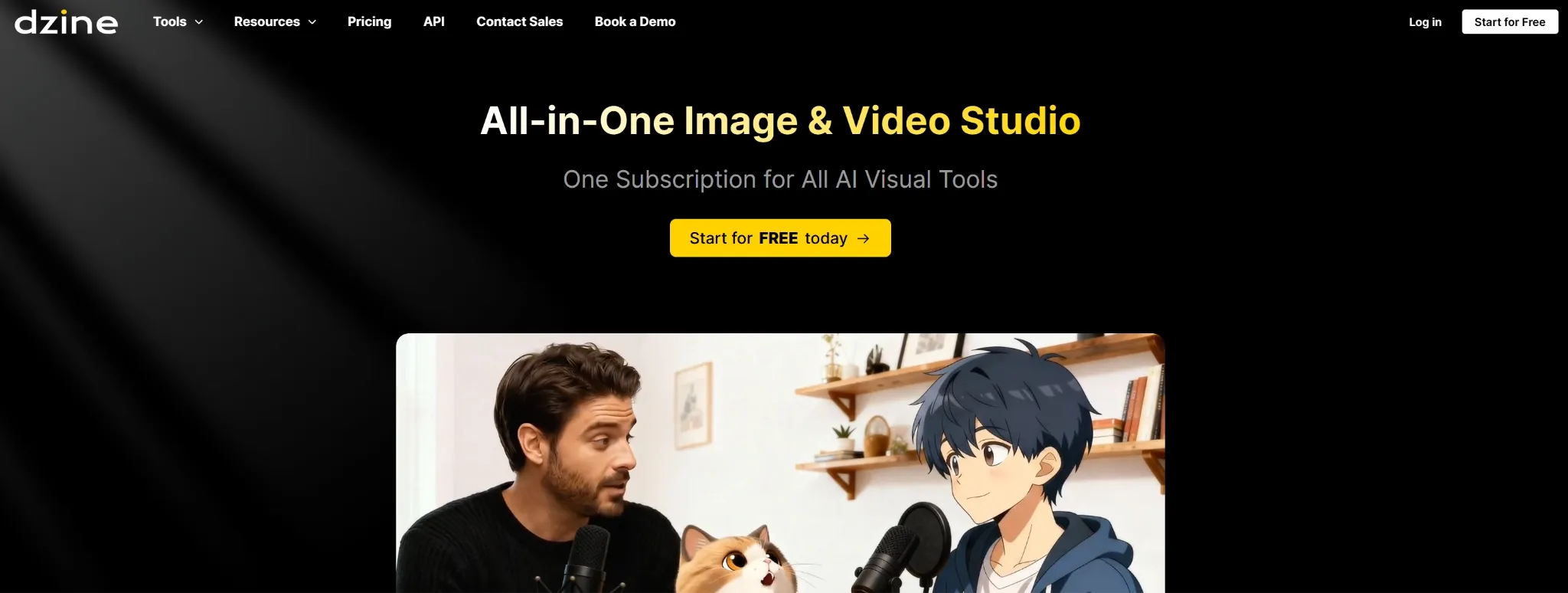
Dzine AI is a strong GoEnhance alternative when visual control matters more than speed.
GoEnhance AI can restyle clips quickly, but Dzine AI is more design-led. It is useful for style transfer, face swap, inpainting, background changes, canvas work, and character consistency. That makes it better when the final look needs to match a specific visual direction.
I would use Dzine AI for agency concepts, anime-style campaign tests, product mockups, creator branding, and style-heavy video ideas. It is not just about changing the look. It gives you more control over how the look is shaped.
Pros:
- Design-led restyling: Better for controlled visual transformation.
- Face swap and inpainting: Useful for creator content and campaign edits.
- Character consistency: Helpful when the same subject needs to stay recognizable.
Cons:
- More setup than GoEnhance: It may take time to use the design tools well.
- Not only a video tool: Some workflows may move between image and video steps.
Best For: Designers, agencies, creators, and brands that need controlled stylized videos.
Bottom Line: Use Dzine AI when GoEnhance AI’s style results feel too fixed or unpredictable.
4. EaseMate AI: Best For Video Enhancement And Restoration
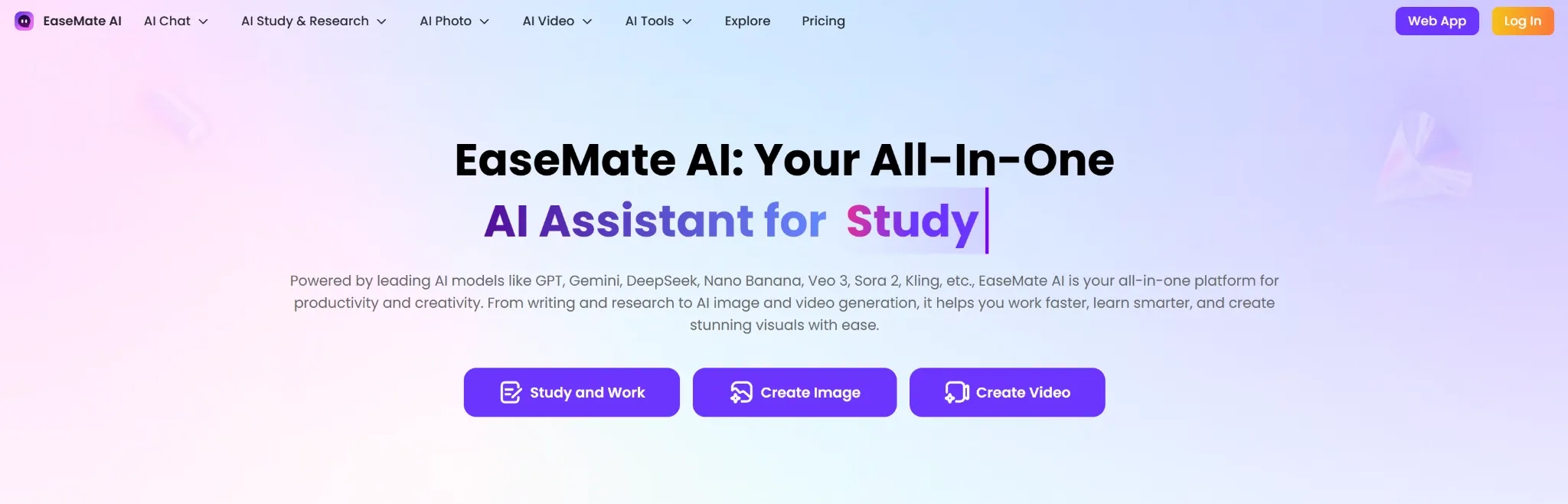
EaseMate AI is the GoEnhance alternative. I would choose when the video already exists and needs to look better.
GoEnhance AI includes upscaling and enhancement, but its main appeal is visual transformation. EaseMate AI feels more like a practical video utility hub. It is useful for upscaling, frame interpolation, object removal, restoration, and smoother footage.
I would use EaseMate AI for old clips, low-resolution videos, product launch videos, social videos, and content that needs cleaner quality before posting.
Pros:
- Video enhancement: Useful for improving low-quality footage.
- Frame interpolation: Helps make motion smoother.
- Restoration tools: Good for older or rougher clips.
Cons:
- Less creative generation: Better for improvement than original video creation.
- Toolbox workflow: Works best for specific upgrades, not full storytelling.
Best For: Creators and teams improving existing videos before publishing.
Bottom Line: Use EaseMate AI when GoEnhance AI is not enough for clean enhancement and restoration work.
5. VEED.io: Best For Online Video Editing
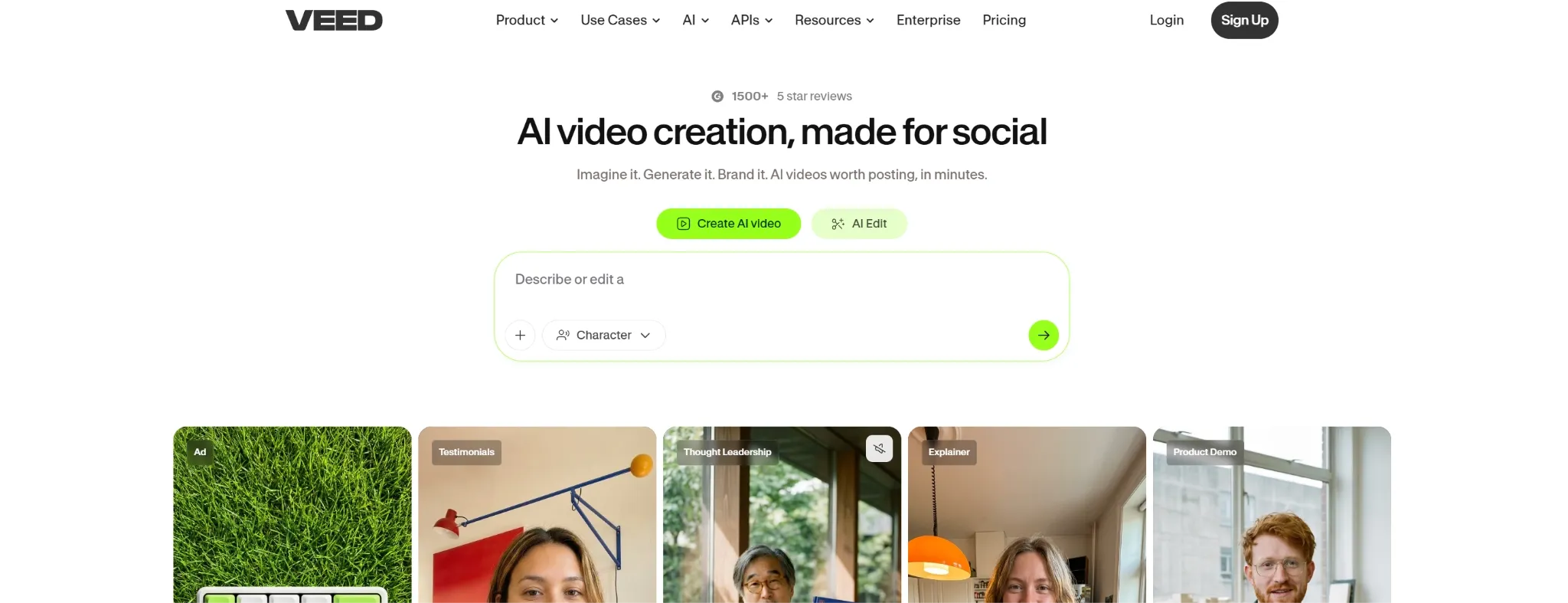
VEED.io is a better GoEnhance alternative when the video needs editing, subtitles, and formatting after the AI effect.
GoEnhance AI is focused on transformation. VEED.io is focused on finishing the video. It gives you a browser-based editor for captions, subtitles, resizing, social clips, avatars, stock media, and team-friendly content.
I would use VEED.io after generating or restyling a clip, especially when I need to add subtitles, adjust the format, create a social version, or prepare the video for a team workflow.
Pros:
- Browser editor: Useful for editing without installing software.
- Subtitle tools: Good for social and marketing videos.
- Team-friendly workflow: Better for review and collaboration.
Cons:
- Less focused on restyling: Not built mainly for anime or cartoon transformation.
- Advanced edits still need checking: Complex projects may require manual review.
Best For: Creators, marketers, and teams that need online video editing after generation.
Bottom Line: Use VEED.io when GoEnhance AI can create the look, but you still need to finish the video.
6. Kapwing: Best For Collaborative Browser Editing
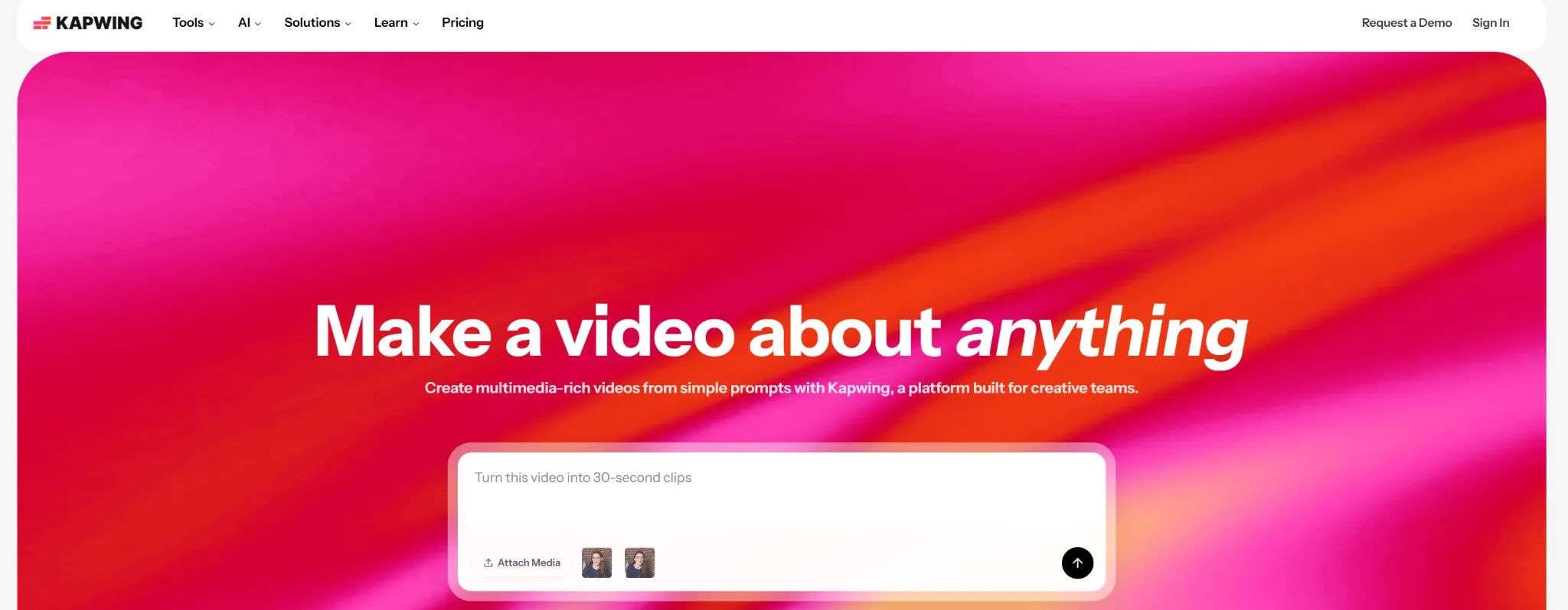
Kapwing makes more sense than GoEnhance AI when video production is a team task.
GoEnhance AI is useful for quick individual transformations. Kapwing is more practical when multiple people need to subtitle, resize, review, revise, and export videos from the same browser workspace.
I would use Kapwing for social campaigns, educational content, internal videos, and brand clips that need feedback before publishing. It is not a direct restyling tool, but it helps finish and manage videos better.
Pros:
- Collaborative editing: Good for teams working in the browser.
- Subtitles and resizing: Useful for social content and platform-specific exports.
- Shared workspace: Easier for reviews and revisions.
Cons:
- Less transformation-focused: It is not mainly for video-to-video style changes.
- Large edits can feel heavier: Complex projects may need more patience.
Best For: Remote teams, marketers, educators, and social content teams.
Bottom Line: Use Kapwing when GoEnhance AI feels too solo-focused and you need shared video editing.
7. Media.io: Best For Utility-Style Video Editing
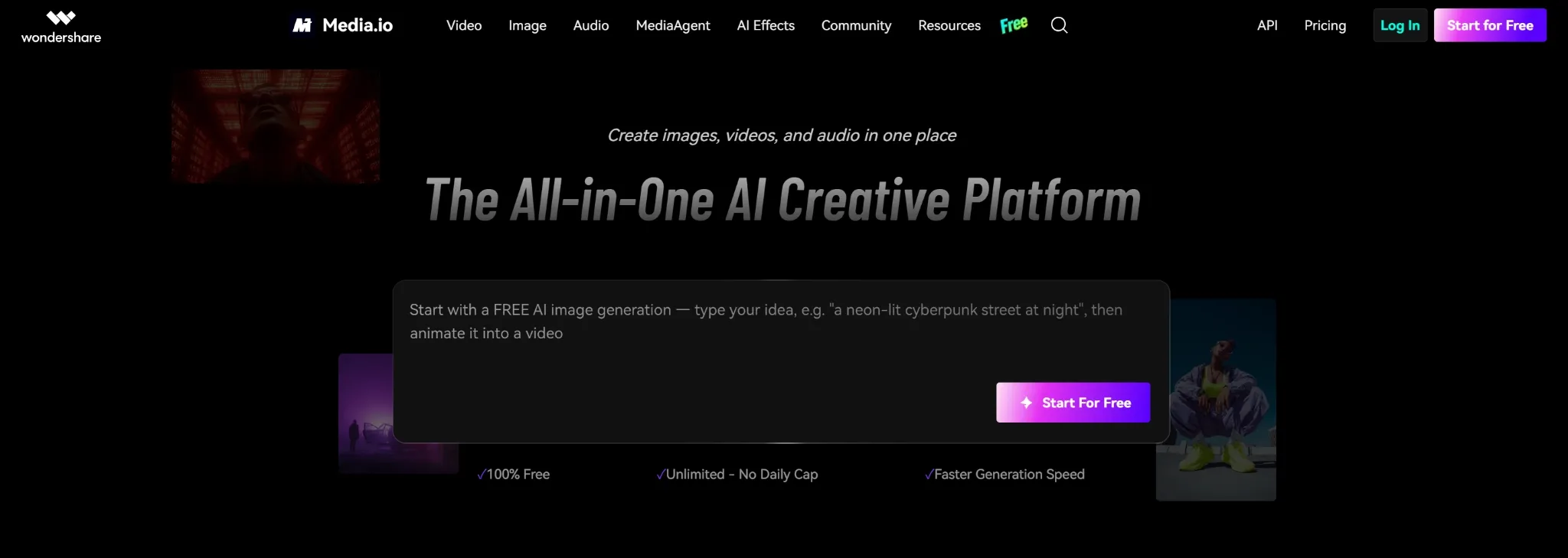
Media.io is useful when your main problem is not style, but video preparation.
GoEnhance AI helps transform and upscale videos. Media.io is better for practical utility tasks like converting formats, compressing files, enhancing footage, removing backgrounds, generating subtitles, and preparing videos for different platforms.
I would use Media.io when a clip needs to be cleaned, resized, compressed, or converted before upload. It is less exciting than a restyling tool, but often more useful near the end of production.
Pros:
- Video utility tools: Useful for conversion, compression, enhancement, and subtitles.
- Existing footage support: Good when you already have a clip.
- Platform preparation: Helps prepare files for upload or delivery.
Cons:
- Less creative direction: Not ideal for original video concepts.
- Task-based workflow: Better for specific fixes than full production.
Best For: Creators and teams preparing videos for publishing or delivery.
Bottom Line: Use Media.io when GoEnhance AI feels too creative-effect focused and you need practical video tools.
8. Pippit AI: Best For Avatar Product Videos
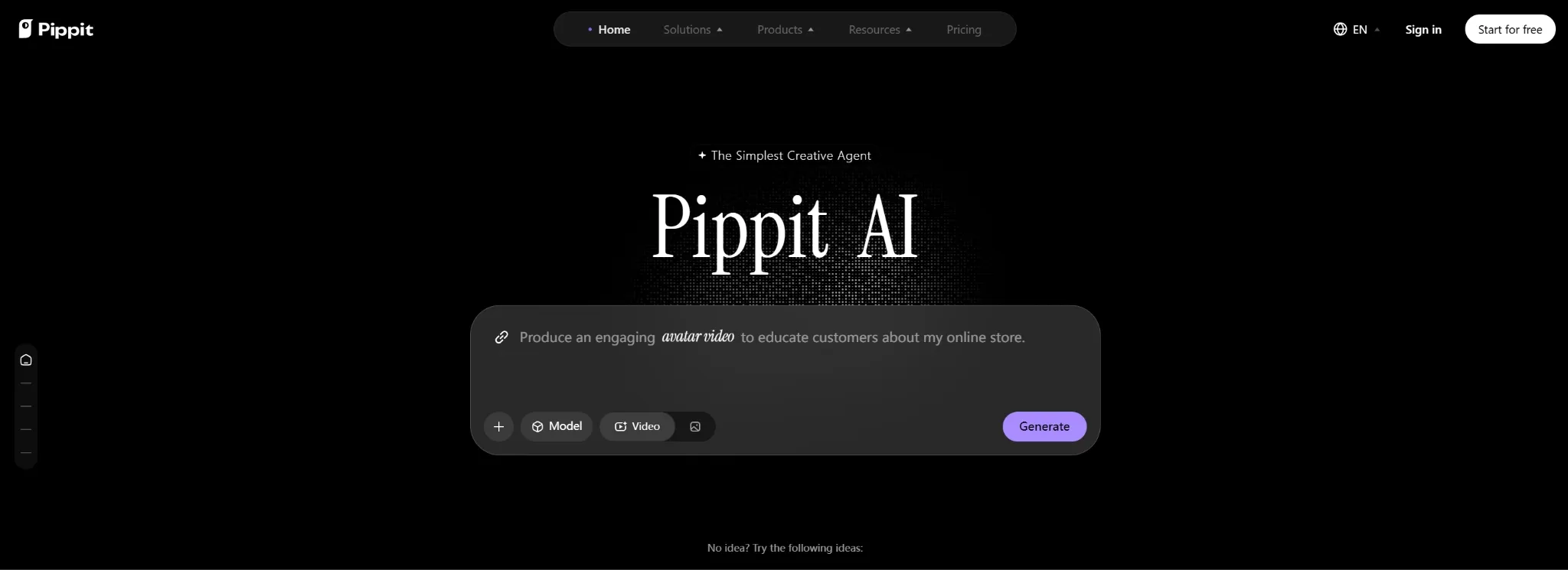
Pippit AI is a stronger GoEnhance alternative when the video needs a presenter or product demo.
GoEnhance AI can animate characters and swap faces, but Pippit AI is more focused on avatar-led marketing videos, product showcases, multilingual voices, custom avatars, and e-commerce clips. It is built more for sellers and brands than for casual visual effects.
I would use Pippit AI for product introductions, short demos, e-commerce videos, tutorials, and localized marketing content. It is useful when a product needs someone to explain it without filming a real presenter.
Pros:
- Avatar product videos: Good for presenter-style product demos.
- Multilingual voices: Useful for global marketing.
- E-commerce fit: Helps sellers create product-focused videos quickly.
Cons:
- Less broad for restyling: It is stronger for presenter videos than visual transformation.
- Avatar style may not fit every brand: Some products need a different visual approach.
Best For: E-commerce sellers, product marketers, and brands using avatar-led videos.
Bottom Line: Use Pippit AI when GoEnhance AI’s effects are less useful than product-focused avatar videos.
9. Revid AI: Best For Short-Form Social Videos
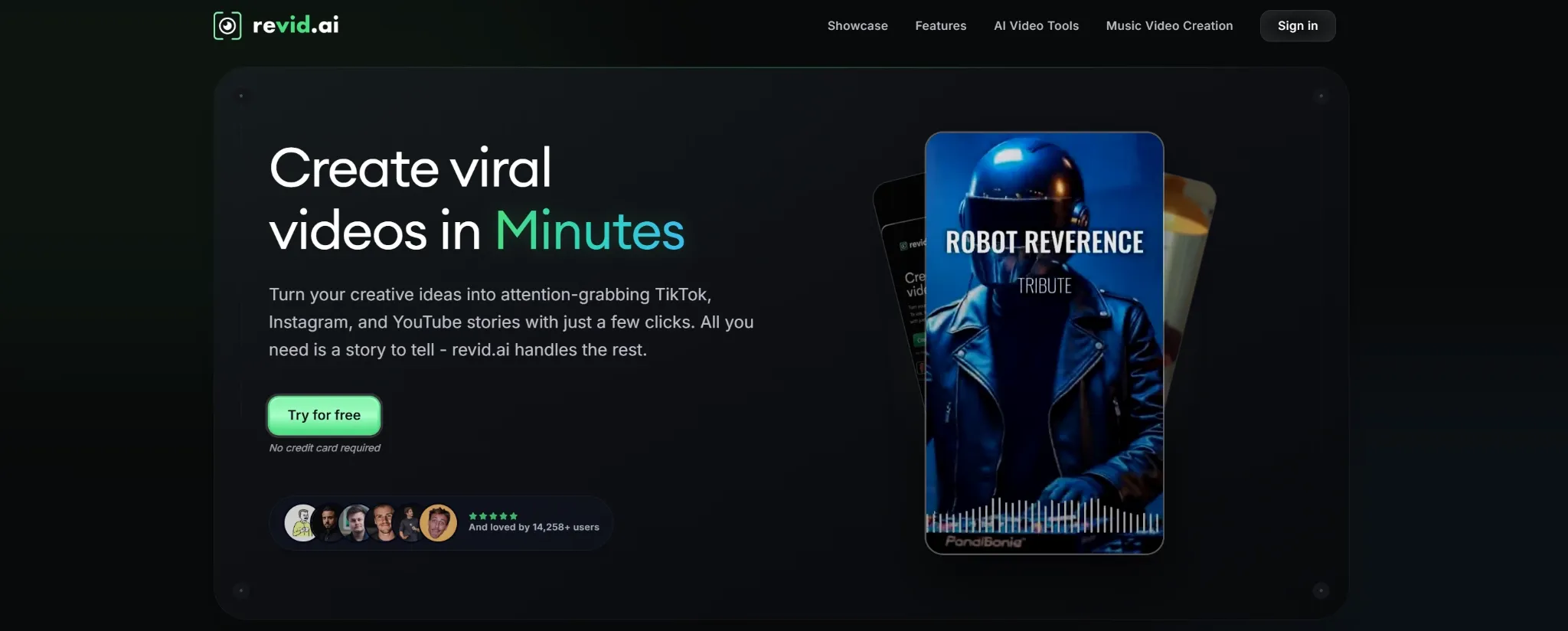
Revid AI is the GoEnhance alternative I would use when the goal is fast social publishing.
GoEnhance AI is useful for restyling a clip. Revid AI is more useful when you want to turn scripts, links, articles, PDFs, or music into short videos with captions, visuals, avatars, and social pacing.
I would use Revid AI for TikTok, Instagram, YouTube Shorts, music clips, educational posts, and campaign ideas. It is not as focused on video-to-video restyling, but it is better when the final goal is a short social video.
Pros:
- Short-form workflow: Good for TikTok, Reels, and Shorts.
- Multiple input types: Works with scripts, links, articles, PDFs, and music.
- Social publishing support: Useful for fast content output.
Cons:
- Less precise restyling: Not built mainly for changing an existing clip’s style.
- Trend-focused output: Some brands may want a calmer production style.
Best For: Social creators, marketers, music creators, and short-form content teams.
Bottom Line: Use Revid AI when GoEnhance AI feels too effect-focused and you need full short-form video creation.
10. Hedra: Best For Talking Avatar Videos
Hedra is a better GoEnhance alternative when the main goal is character speech.
GoEnhance AI can animate static characters, but Hedra focuses more on talking avatars, facial animation, lip sync, and image-to-speaking-video workflows. It is useful when a character needs to talk, present, or tell a story.
I would use Hedra for spokesperson clips, avatar storytelling, UGC-style ideas, explainer characters, and simple presenter videos. It is narrower than GoEnhance AI, but stronger in this one direction.
Pros:
- Talking avatar focus: Strong for presenter-style videos.
- Facial animation: Useful for expressive character clips.
- Image-to-video speech: Good when a still image needs to talk.
Cons:
- Narrower use case: Better for avatar speech than broad video restyling.
- Motion range can feel limited: Talking-head formats often work best.
Best For: Marketers, creators, educators, and teams making avatar-led videos.
Bottom Line: Use Hedra when GoEnhance AI’s character animation is not focused enough on talking avatars.
11. Descript: Best For Transcript-Based Video Editing
Descript is the GoEnhance alternative I would use when the video is built around speech.
GoEnhance AI is visual-first. Descript is script-first. It lets you edit podcasts, interviews, tutorials, and talking-head videos through the transcript, which is much faster when the main problem is structure and speech.
I would use Descript to clean audio, remove filler words, cut sections, correct speech, and prepare spoken videos for publishing. It does not replace GoEnhance AI’s style effects, but it is much better for editing voice-led videos.
Pros:
- Text-based editing: Edit video by editing the transcript.
- Audio cleanup: Useful for podcasts, interviews, and tutorials.
- Filler removal: Helps tighten spoken content.
Cons:
- Less visual-first: Not ideal for anime restyling or cinematic effects.
- Best for spoken content: Less useful when visuals matter more than dialogue.
Best For: Podcasters, educators, interviewers, tutorial makers, and talking-head video teams.
Bottom Line: Use Descript when GoEnhance AI is too visual-focused and your real need is script-based editing.
How I Tested These GoEnhance Alternatives
I tested each tool by looking at where GoEnhance AI can feel limited for real video work.
Video Restyling: Can it transform, adapt, or reshape existing videos in a useful way?
Editing Support: Can it help finish the video after the first AI output?
Enhancement: Can it improve resolution, motion, clarity, or overall video quality?
Avatar and Character Use: Can it support face swap, talking avatars, character animation, or presenter-style clips?
Marketing Fit: Can the output work for social clips, ads, product videos, avatar content, or e-commerce campaigns?
How I’d Choose the Right GoEnhance Alternative
If I were replacing GoEnhance AI, I would start with the type of video work I need to finish.
For most creators, marketers, and sellers, I would start with Pollo AI. It gives you the broadest workflow: generate videos, restyle footage, edit clips, animate images, create avatars, and build social or marketing videos from one workspace.
If you want a tool close to GoEnhance’s casual creative feel, BasedLabs AI is a simple option. If the visual style needs more control, Dzine AI is better. If the footage already exists and needs quality improvement, EaseMate AI and Media.io make more sense.
If your video needs to be edited, subtitled, resized, reviewed, or finished for publishing, VEED.io and Kapwing are stronger choices. VEED.io is better for online editing, while Kapwing is better for team collaboration.
For more specific video needs, Pippit AI is stronger for avatar product videos, Revid AI is better for short-form social clips, Hedra is better for talking avatars, and Descript is better for speech-heavy editing.
My Personal Take
I would still use GoEnhance AI for fast restyling, anime-style videos. It is useful when I already have footage and want to transform it quickly.
But I would not use it as my main AI video workflow. The moment I need editing support, subtitles, product videos, avatar clips, e-commerce content, or a more complete viral video process, I would switch to Pollo AI first.
GoEnhance AI feels like a fast video restyling tool. Pollo AI feels like a fuller AI video creation and editing workflow.
Best GoEnhance Alternative For AI Video Workflows
Pollo AI is the best GoEnhance alternative if you want more than a quick visual transformation.
If I want to animate motion from a reference, Mimic Motion gives me another route. If I need to make the final clip more usable, AI video editor helps with prompt-based edits around the output.
The matching Studio is Creative Studio by Pollo AI because it brings video generation, editing, avatars, image tools, audio, and model choice into one workspace. For ad-style videos or social campaigns, Marketing Studio by Pollo AI is the more campaign-focused extension.
That is why I would choose Pollo AI over GoEnhance for serious video transformation work. It lets me restyle a clip, refine the result, and move toward a finished creative asset without treating style transfer as the whole workflow.
Turn Ideas Into Publish-Ready Videos
Generate videos, animate images, create avatars, add audio, and explore multiple models without switching platforms.
Try Pollo AI Free
Final Verdict
The best GoEnhance alternative is Pollo AI because it gives you broader video creation depth, stronger editing support, and a more flexible path from prompt, image, or clip to finished video.
Start with Pollo AI if you want the strongest all-around replacement. Use BasedLabs AI for casual AI videos, Dzine AI for stylized transformation, EaseMate AI for enhancement, and VEED.io for online editing, Kapwing for team workflows, Media.io for utility editing, Pippit AI for avatar product videos, Revid AI for short-form social videos, Hedra for talking avatars, and Descript for transcript-based editing.